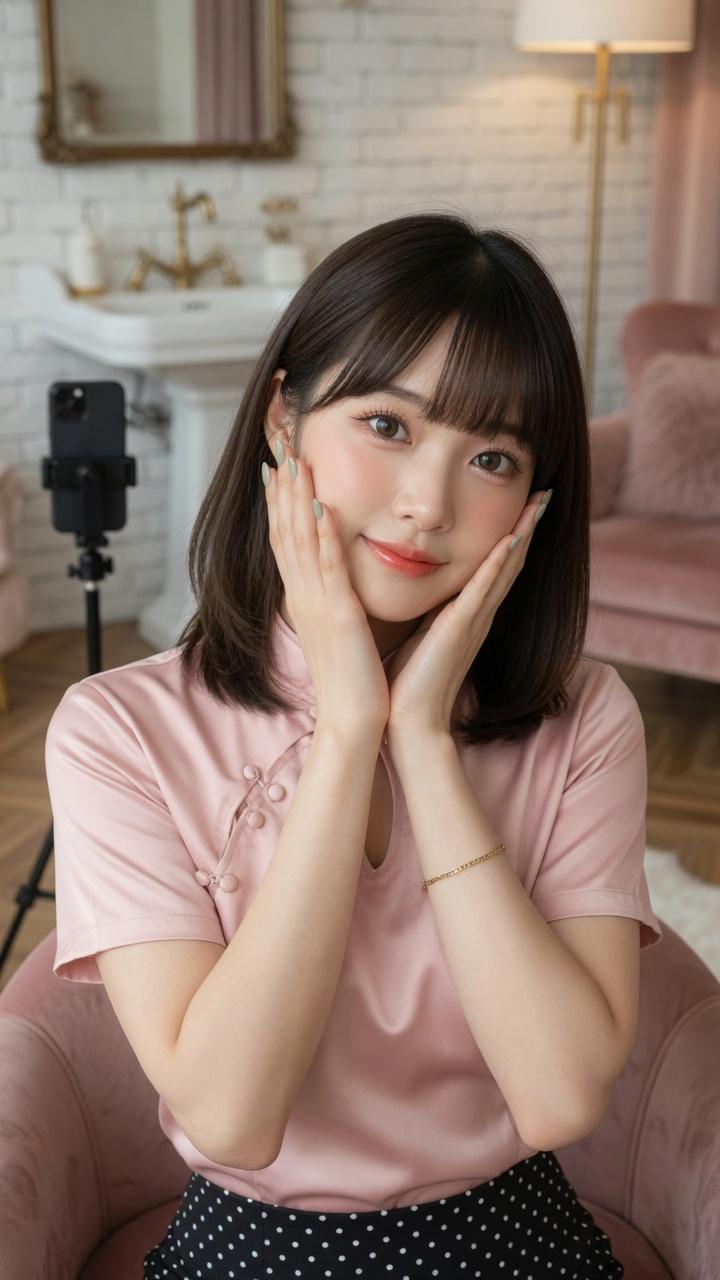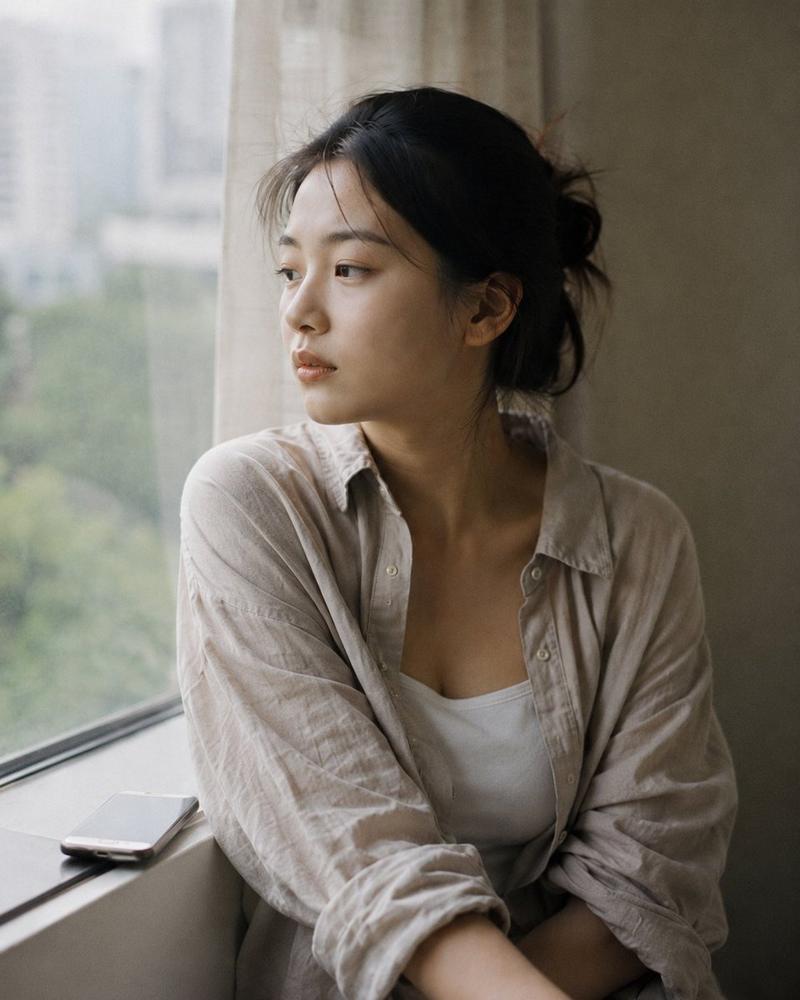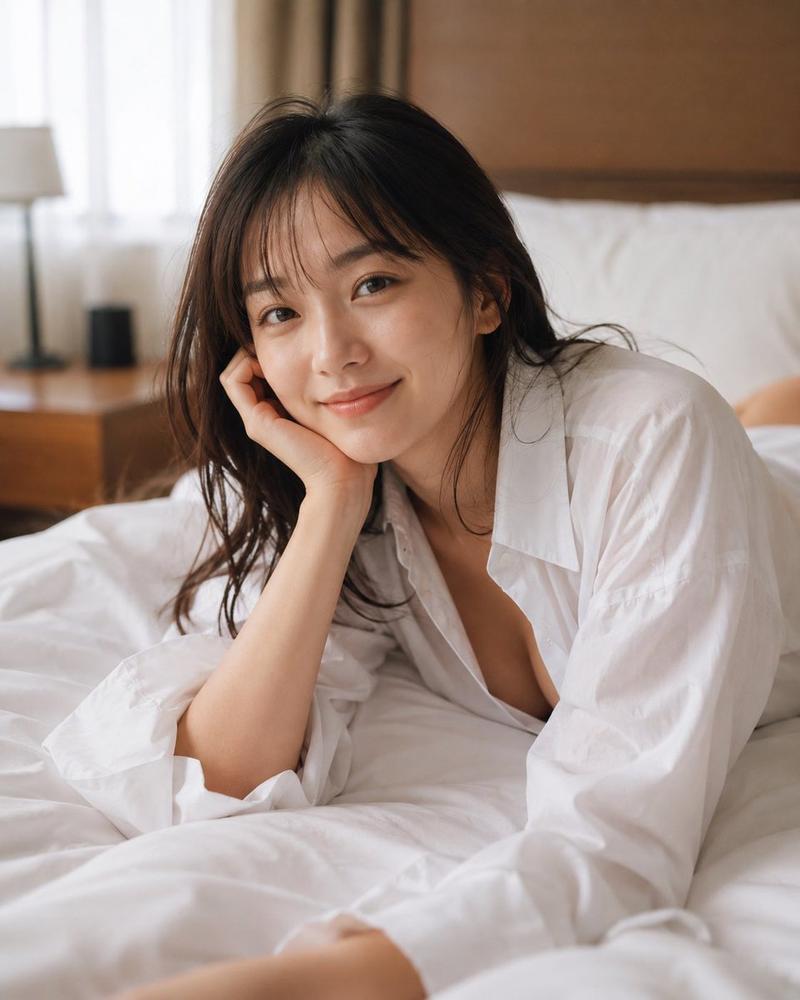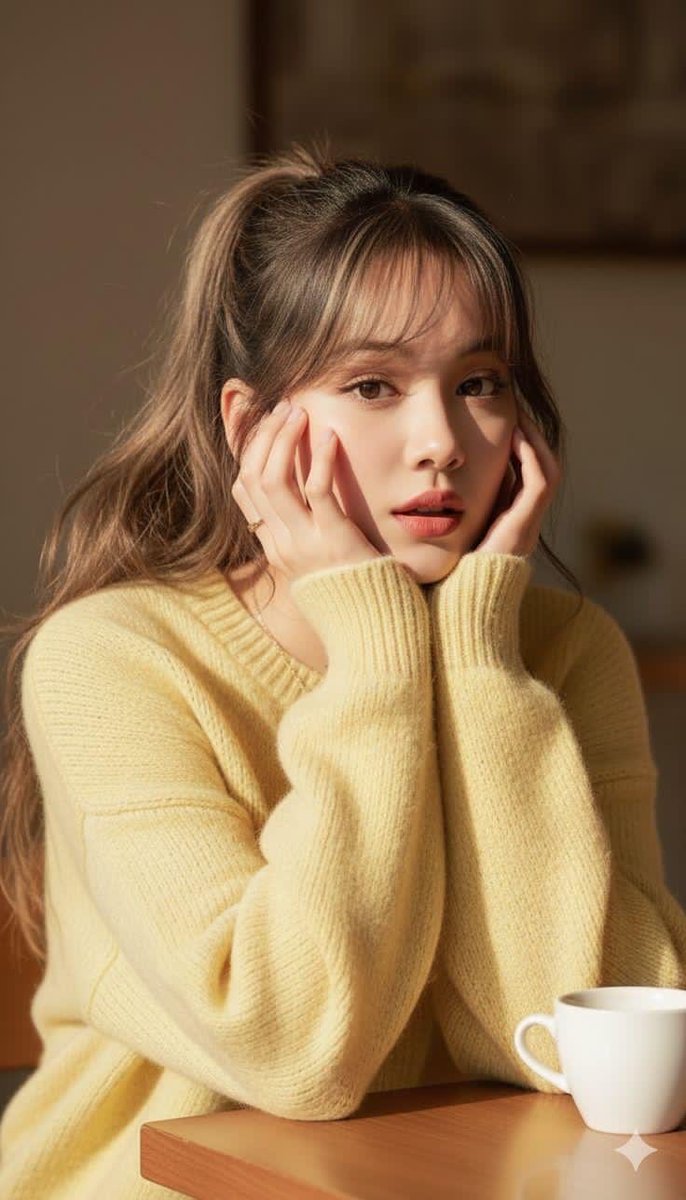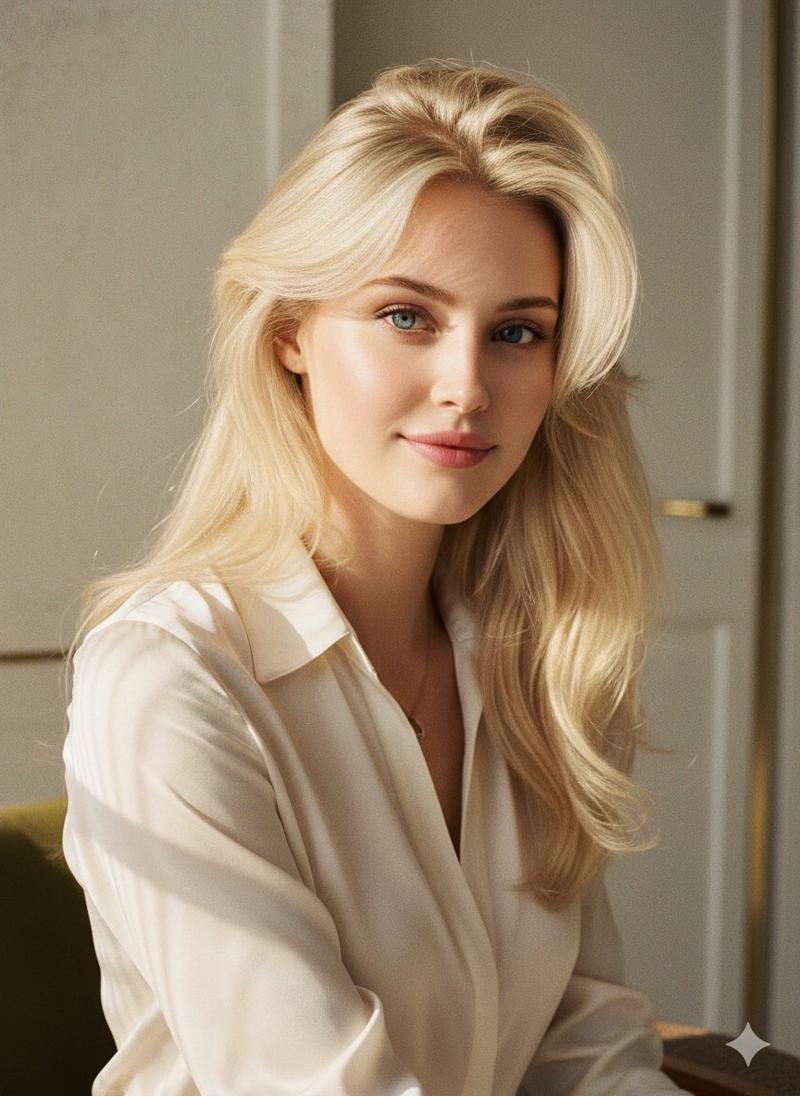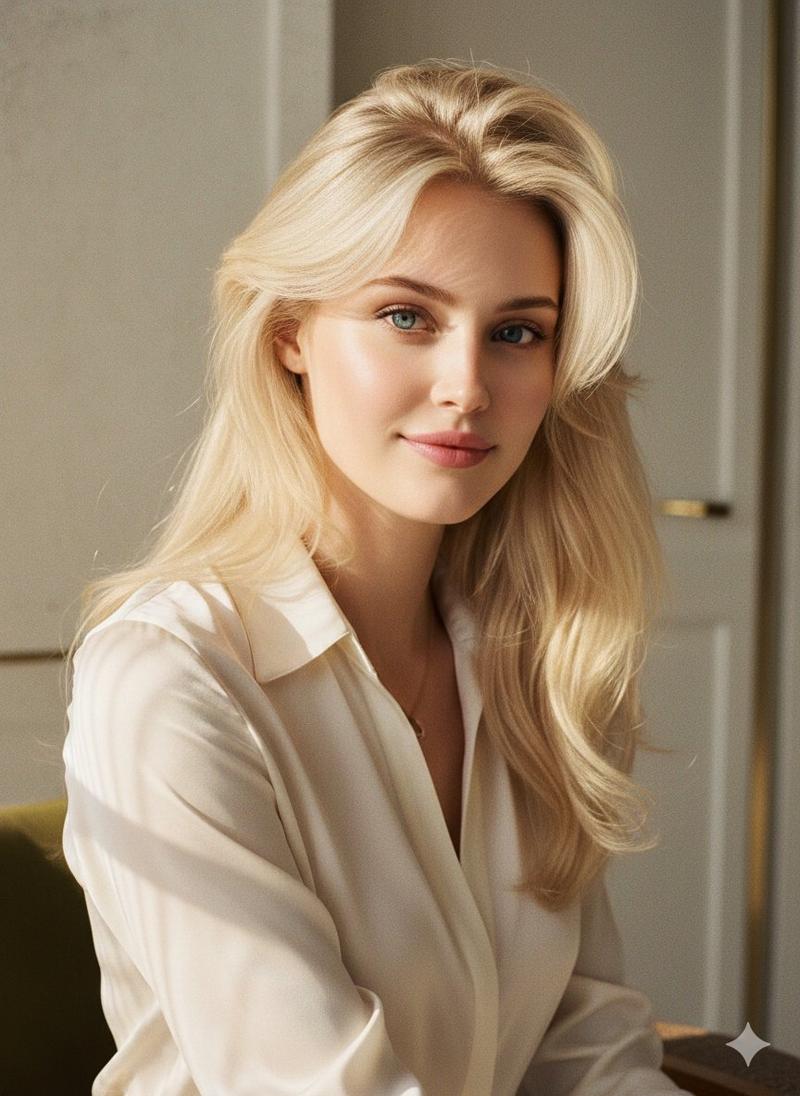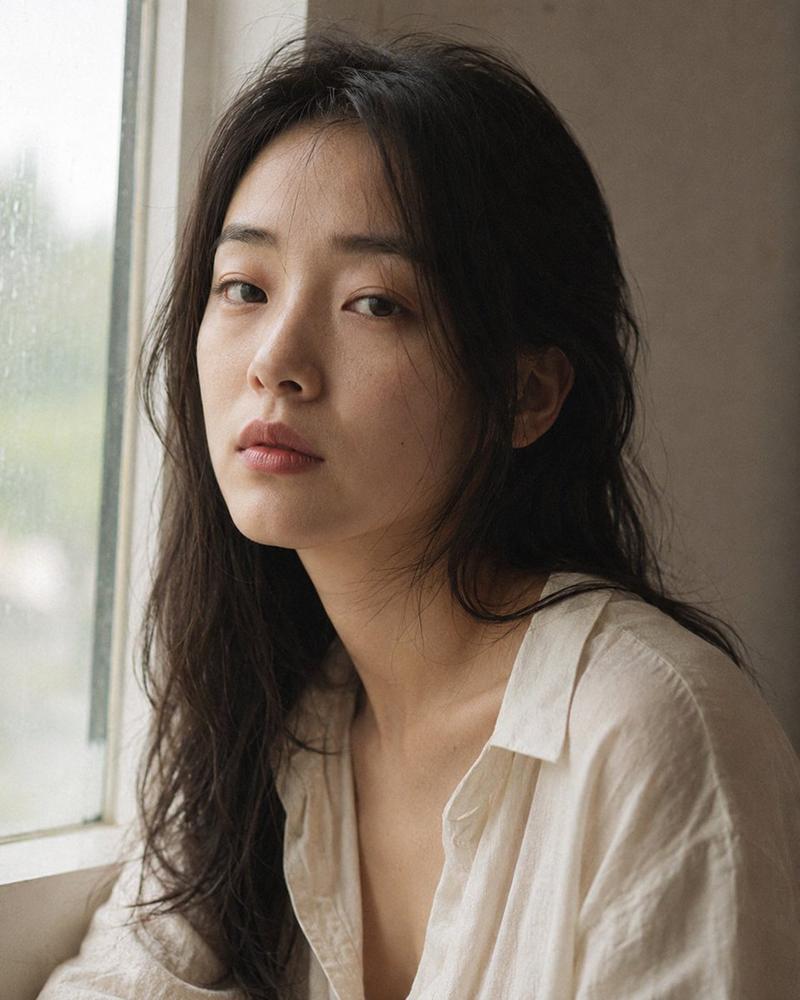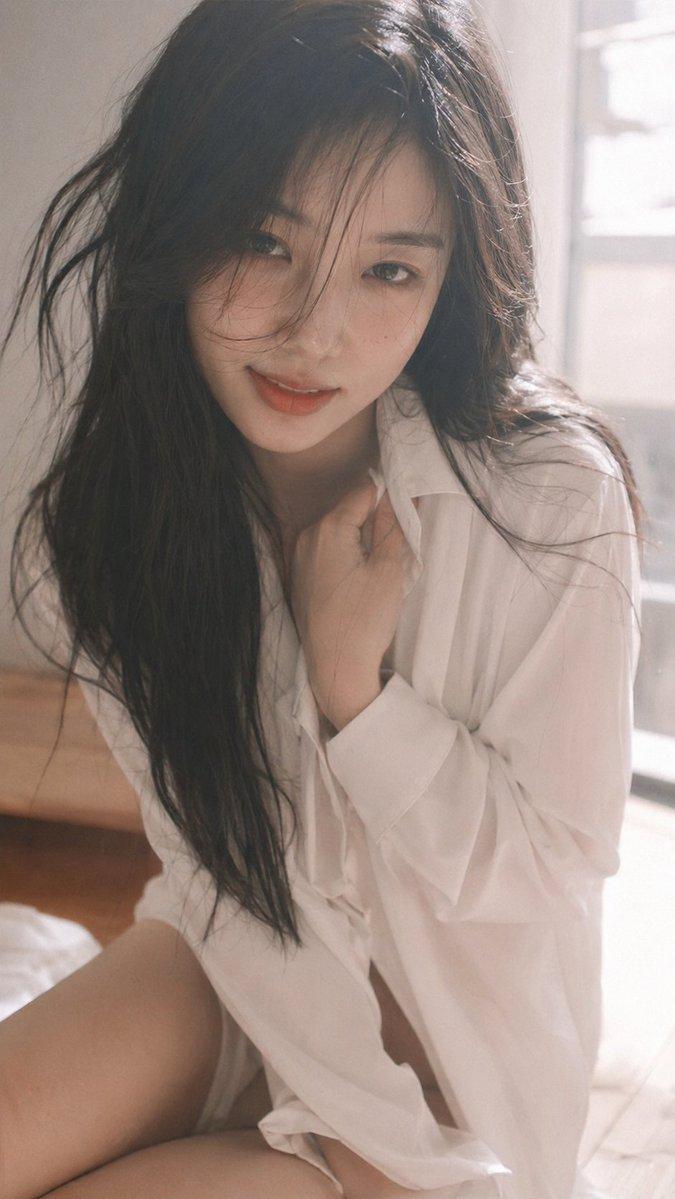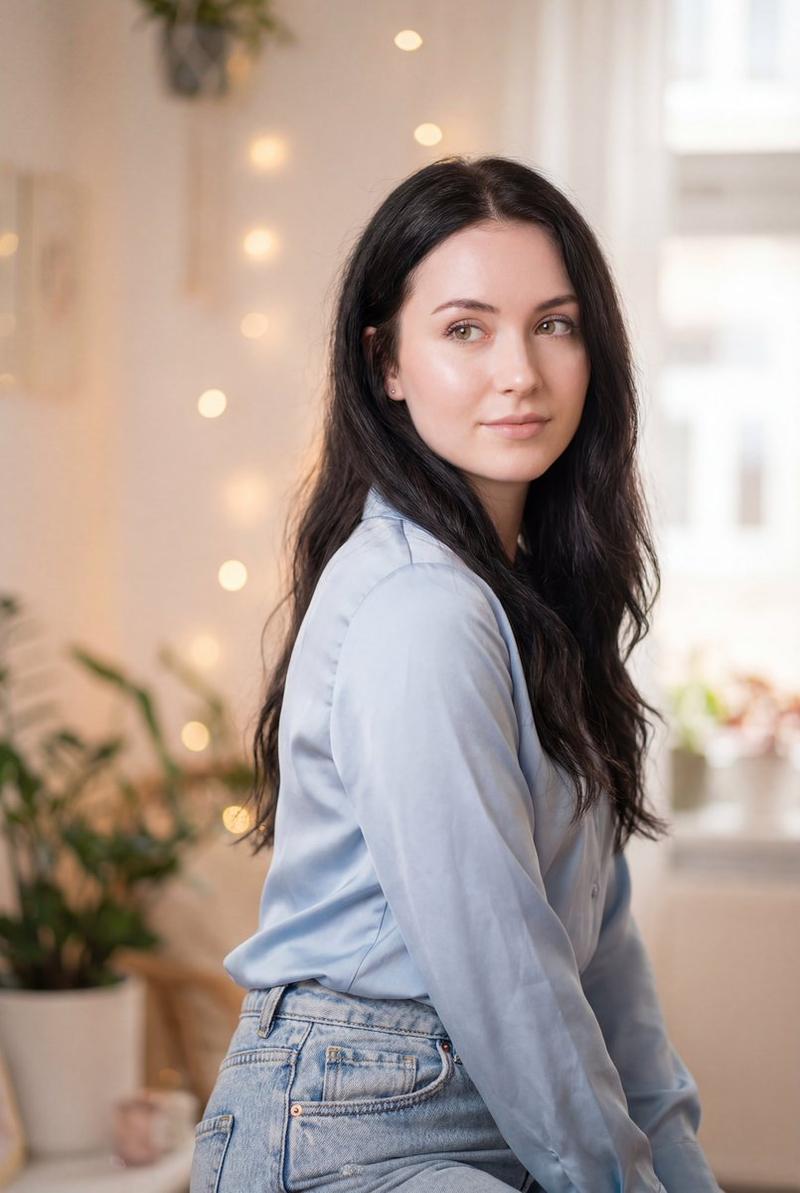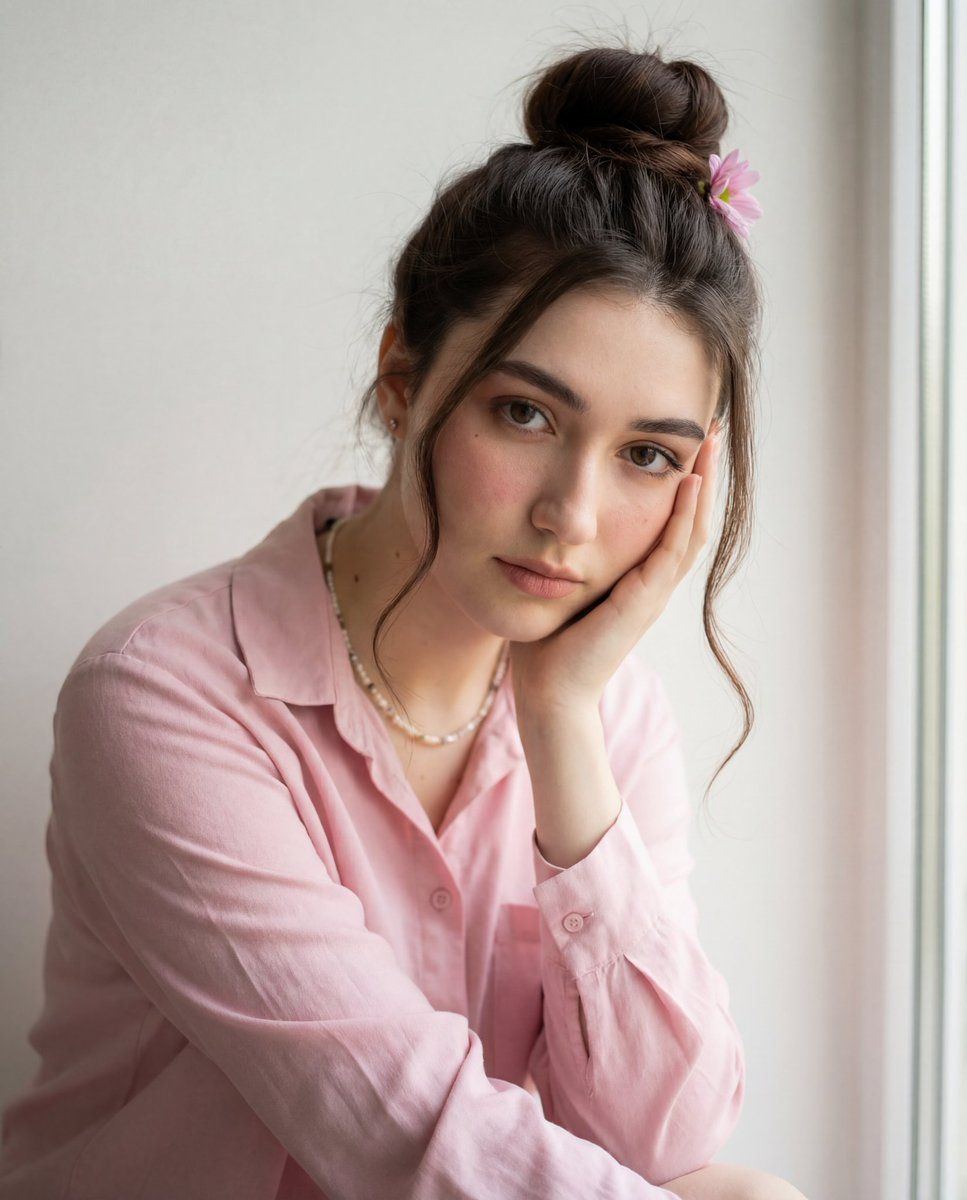
亲密、逼真的肖像,具有严格的面部一致性
Prompt
{
  "reference_face": {
    "consistency": "use the exact same facial structure, proportions, and features as the provided reference image",
    "face_integrity": "no changes to facial features, bone structure, eye shape, nose, lips, or skin tone"
  },
  "subject": {
    "gender": "female",
    "age_range": "early to mid 20s",
    "pose": {
      "position": "seated",
      "hand_position": "one hand gently resting against her cheek",
      "posture": "relaxed, slightly leaning forward"
    },
    "expression": {
      "facial": "soft, calm, slightly introspective",
      "eyes": "direct gaze toward camera",
      "mouth": "neutral, relaxed lips"
    }
  },
  "appearance": {
    "hair": {
      "color": "dark brown",
      "style": "messy high bun",
      "details": "loose face-framing strands",
      "accessory": "single {argument name="flower color" default="pink"} flower tucked into the bun"
    },
    "skin": {
      "texture": "natural, realistic",
      "details": "soft blush on cheeks, visible pores and subtle freckles"
    },
    "makeup": {
      "style": "minimal, natural",
      "focus": "soft blush, natural brows, subtle lip color"
    }
  },
  "clothing": {
    "top": {
      "type": "button-up shirt",
      "color": "soft pastel pink",
      "fit": "relaxed, casual",
      "fabric": "lightweight cotton"
    },
    "accessories": {
      "necklace": "delicate beaded necklace",
      "earrings": "minimal or none"
    }
  },
  "scene": {
    "setting": "minimal indoor space",
    "mood": "soft, intimate, serene",
    "lighting": {
      "type": "natural daylight",
      "direction": "side-lit from a nearby window",
      "quality": "soft and diffused",
      "shadows": "gentle, natural falloff"
    }
  },
  "background": {
    "wall": {
      "color": "off-white / light neutral",
      "texture": "smooth, clean"
    },
    "environment": "simple, uncluttered interior"
  },
  "composition": {
    "framing": "medium close-up portrait",
    "camera_angle": "eye-level",
    "depth_of_field": "shallow, subject in sharp focus with softly blurred background",
    "focus_point": "face and eyes"
  },
  "color_palette": {
    "dominant_colors": [
      "soft pink",
      "warm skin tones",
      "neutral beige"
    ],
    "overall_tone": "warm, gentle, natural"
  },
  "image_quality": {
    "resolution": "high detail",
    "style": "photorealistic",
    "sharpness": "clear facial and fabric textures",
    "noise": "minimal"
  },
  "post_processing": {
    "color_grading": "soft warm grading",
    "contrast": "low to medium",
    "highlights": "natural",
    "saturation": "subtle, realistic"
  }
}- Category
- 创意图片
- Model
- Nano Banana Pro
- Creator
- Zara
- Source ID
- a7b1d5da-4e48-4c18-a97c-04a13ae75c84
- Published
- Mar 8, 2026
Views0