15

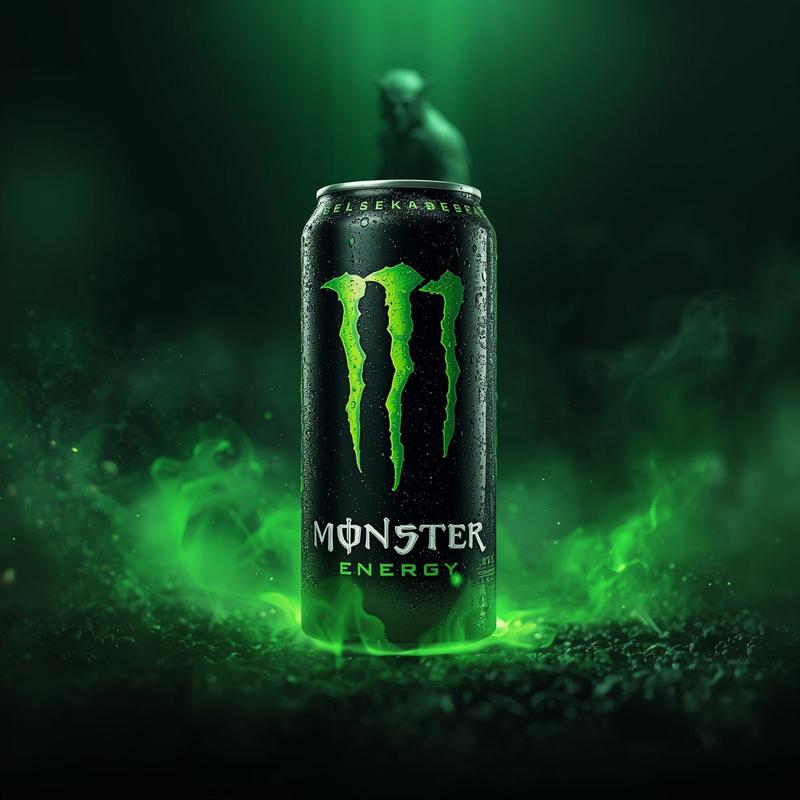
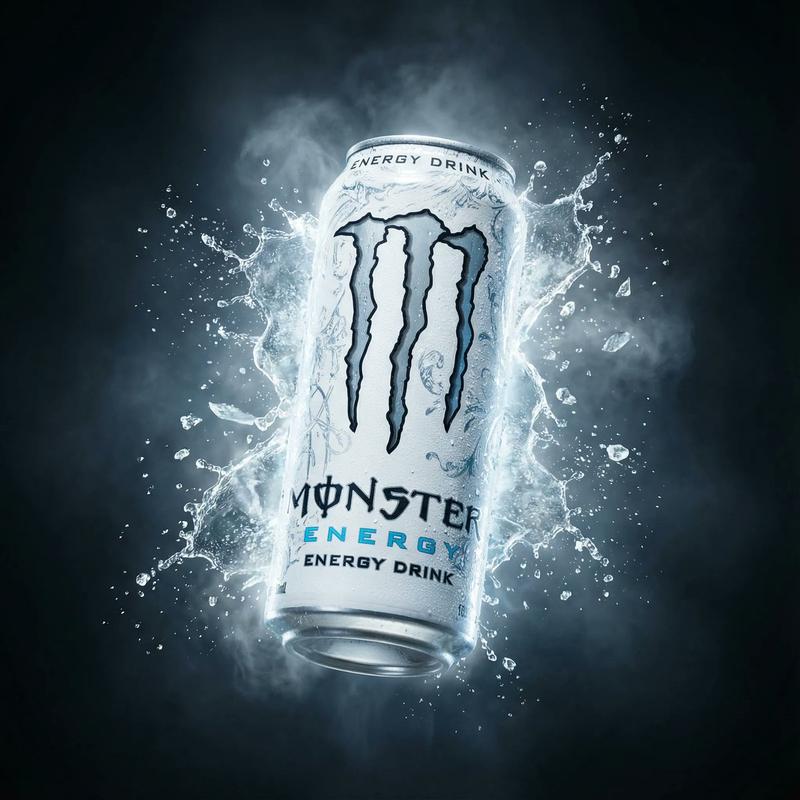
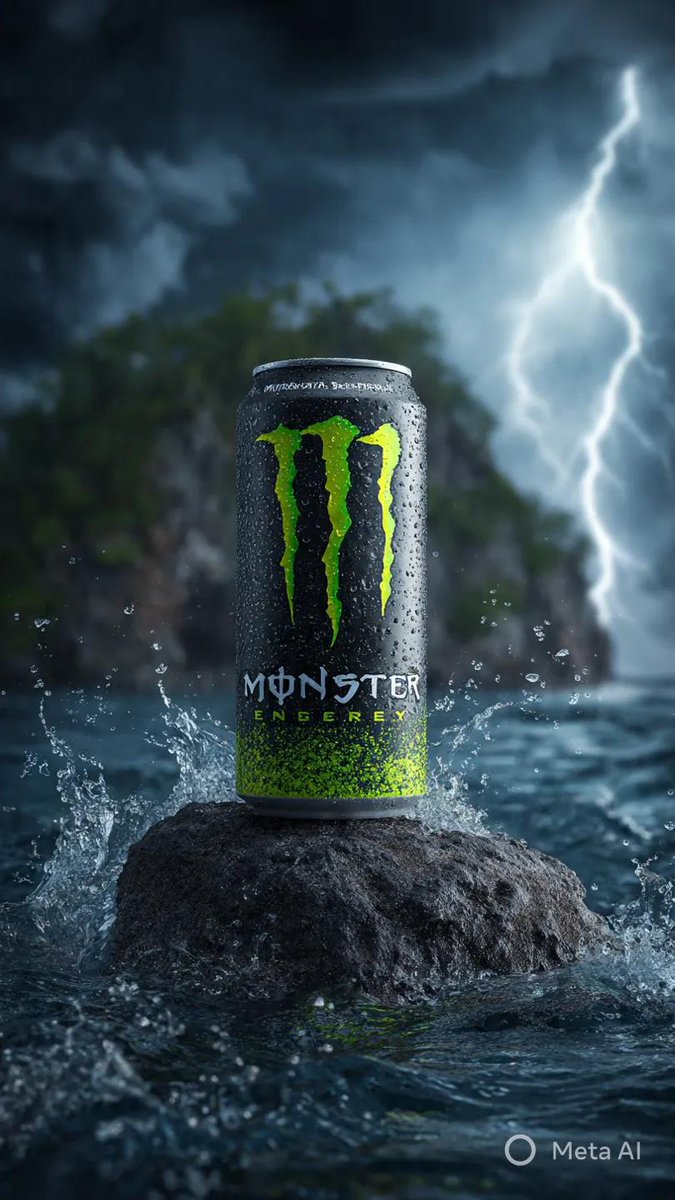
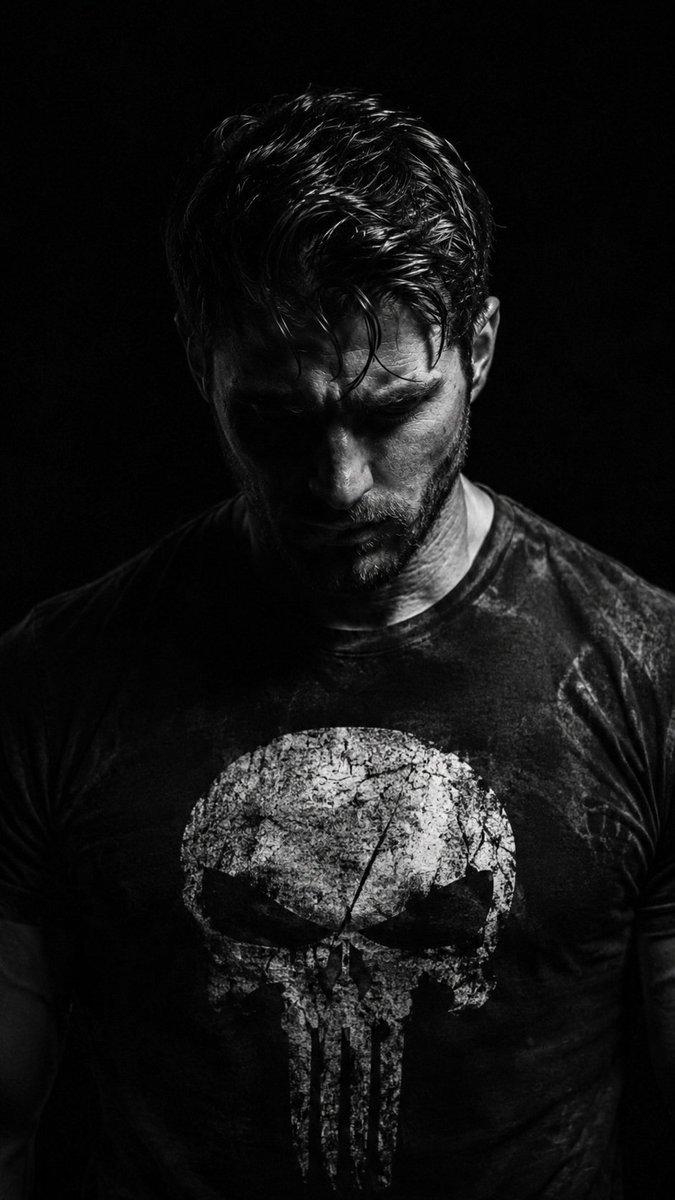
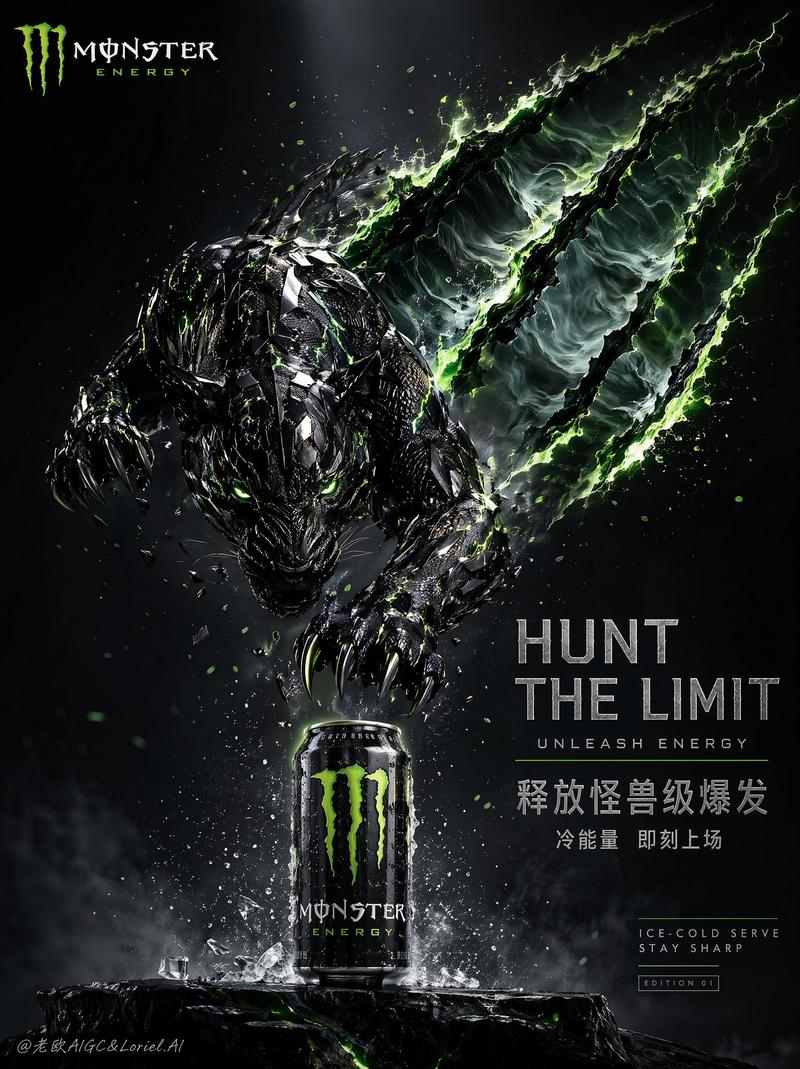
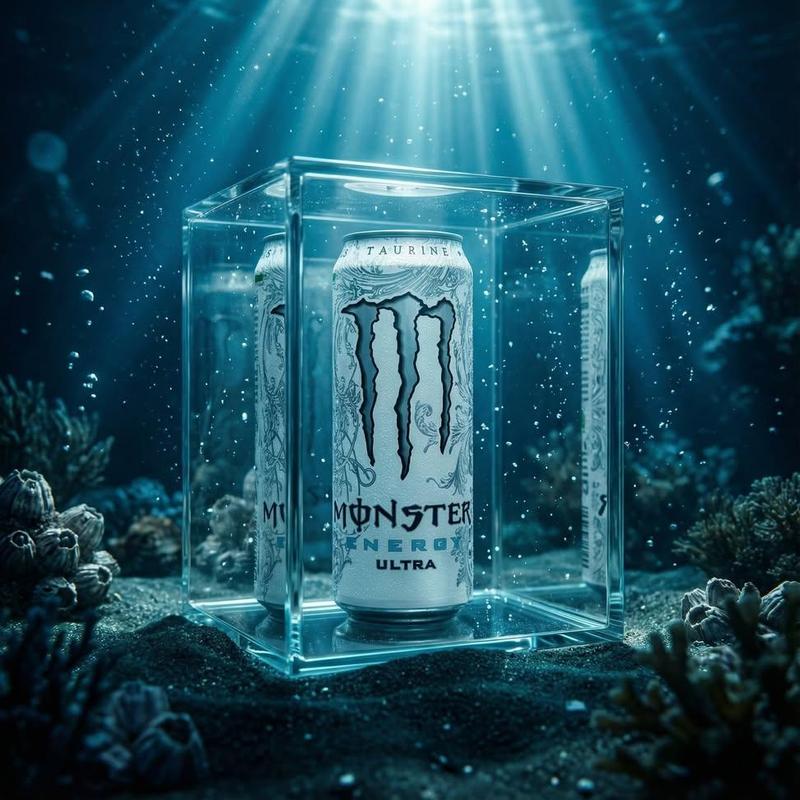
魔爪能量饮料的超逼真商业肖像
Enlarge

魔爪能量饮料的超逼真商业肖像

Prompt
{
  "prompt": "A hyper-realistic commercial portrait of a rugged, handsome man with a beard and dark hair, standing confidently. He is holding a {argument name="product" default="white Monster Energy drink can"} forward toward the camera with his right hand. He wears a black t-shirt featuring the large neon green Monster Energy 'M' claw logo. The background is dramatic and cinematic, featuring an explosion of shattering ice crystals, glass shards, and swirling cold blue smoke/mist. High contrast lighting, studio quality, 8k resolution, sharp focus, energetic atmosphere, dark blue and black color palette.",
  "negative_prompt": "cartoon, illustration, drawing, low quality, blurry, distorted face, bad anatomy, extra fingers, text errors, warm lighting, dull colors",
  "subject": "Man with Monster Energy Drink",
  "style": "Cinematic Commercial Photography",
  "aspect_ratio": "3:4"
}
Category
创意图片
Model
Nano Banana Pro
Creator
𝐌
Views0
Source ID
a05ae759-4ad9-40f6-9a11-c10749545c5f
Published
Mar 8, 2026

Guide

About "魔爪能量饮料的超逼真商业肖像"

What is this prompt for?

"魔爪能量饮料的超逼真商业肖像" AI image prompt for Nano Banana Pro (创意图片). 一个旨在为魔爪(Monster Energy)饮料广告创作超现实商业肖像的提示,画面中一名粗犷男子手持产品,置身于冰块破碎和蓝色烟雾缭绕的戏剧性电影背景中。 --- ```json { "prom…

The full copyable prompt and example visuals above are ready for AI image generation or one-click recreate in Picva.

How to use this prompt

  1. Step 1

    Open the prompt detail

    Review the example visuals, category, and full prompt text for "魔爪能量饮料的超逼真商业肖像".

  2. Step 2

    Copy the prompt

    Copy the prompt body from this page, or load it directly in Studio.

  3. Step 3

    Pick a model (Nano Banana Pro)

    Prefer Nano Banana Pro. If you switch models, keep subject and composition and tweak style terms.

  4. Step 4

    Generate and export

    Recreate the look in Picva, or export into your workflow for editing and publishing.

FAQ

What is the "魔爪能量饮料的超逼真商业肖像" prompt?
It is an AI image-generation prompt for Nano Banana Pro in the 创意图片 category. This page includes the full prompt text, example visuals, and a one-click recreate path in Picva.
How do I use this prompt to generate an image?
Copy the prompt from this page, or use Generate / Studio. Paste it into a compatible image model, or recreate the look in Picva with optional reference images.
Which model is this prompt for?
This page lists Nano Banana Pro. Most descriptive prompts also transfer to nearby image models such as GPT Image, Flux, or Midjourney with light style tweaks.
Can I use the result commercially?
You can usually copy the prompt for creation, but commercial use of the final image depends on the model terms, reference-image rights, and the generated content. Follow the source author and platform rules.