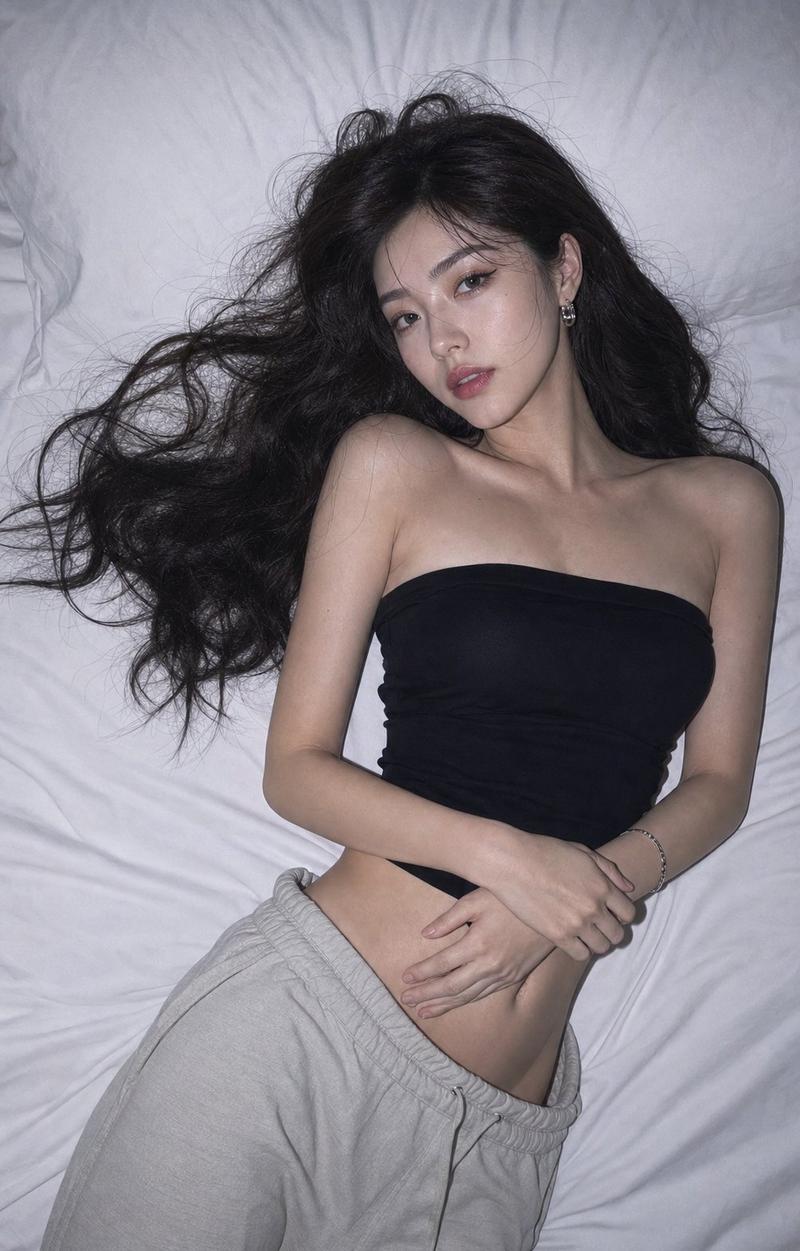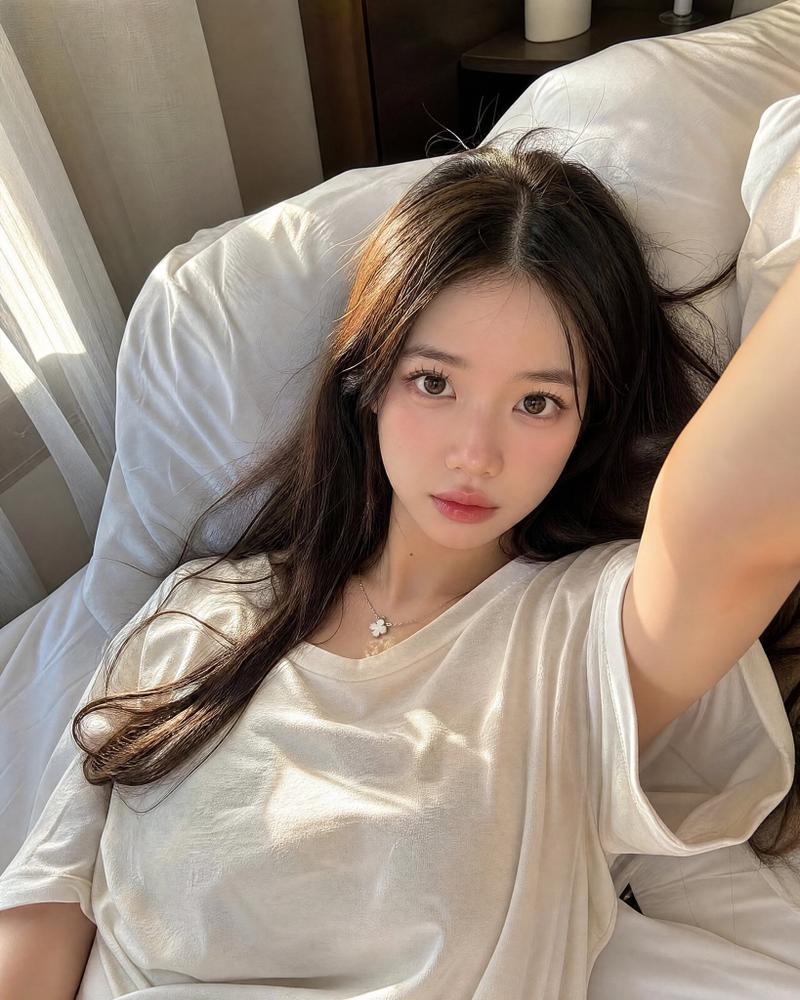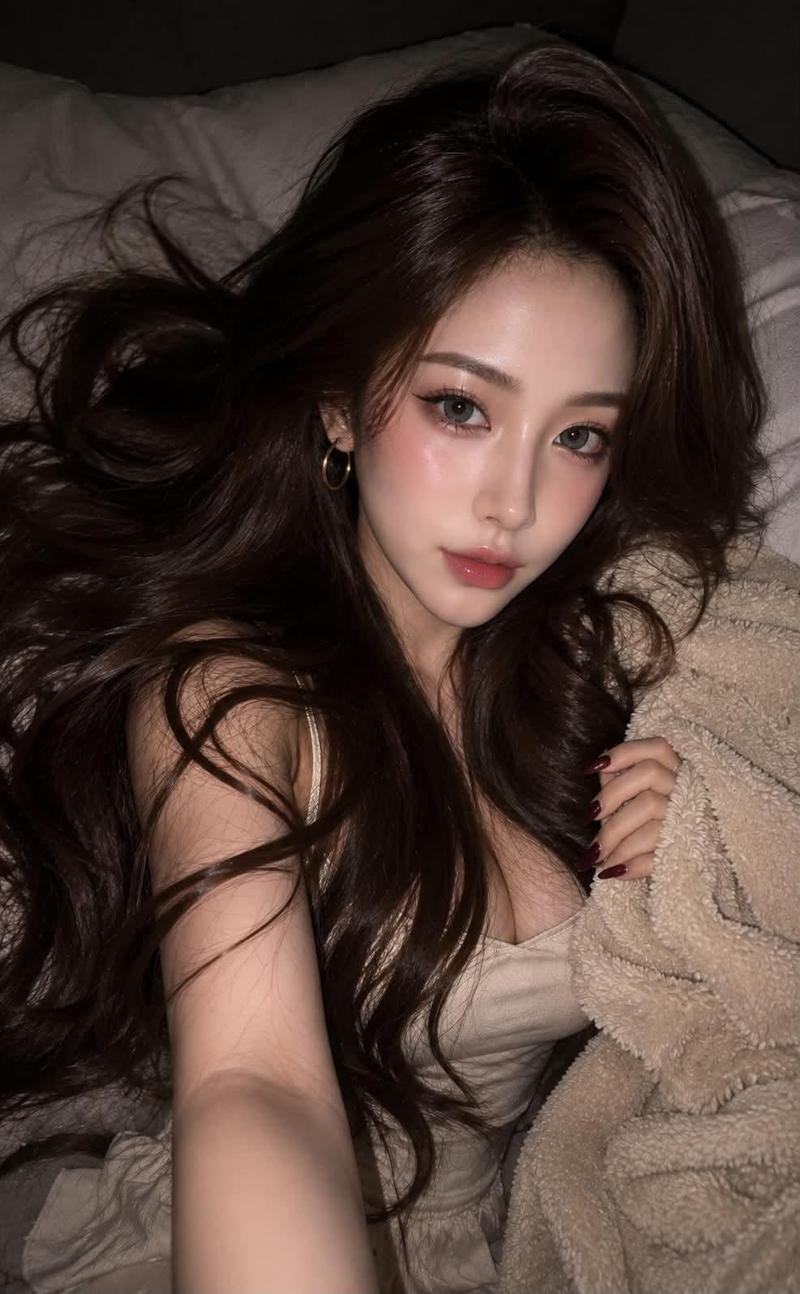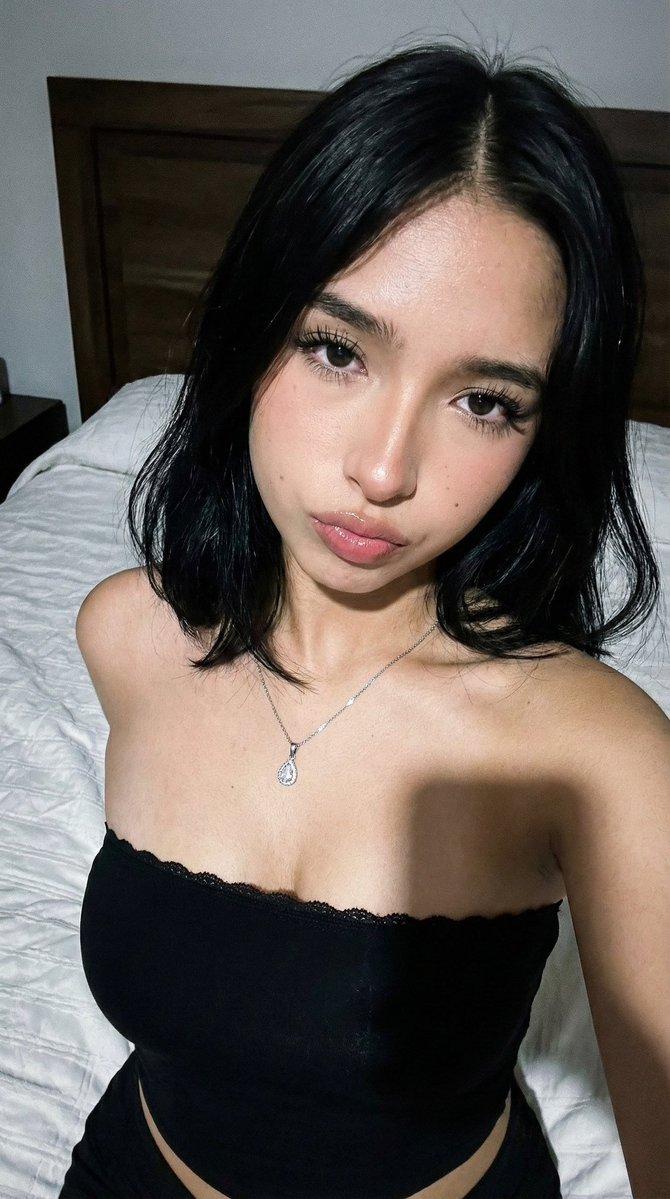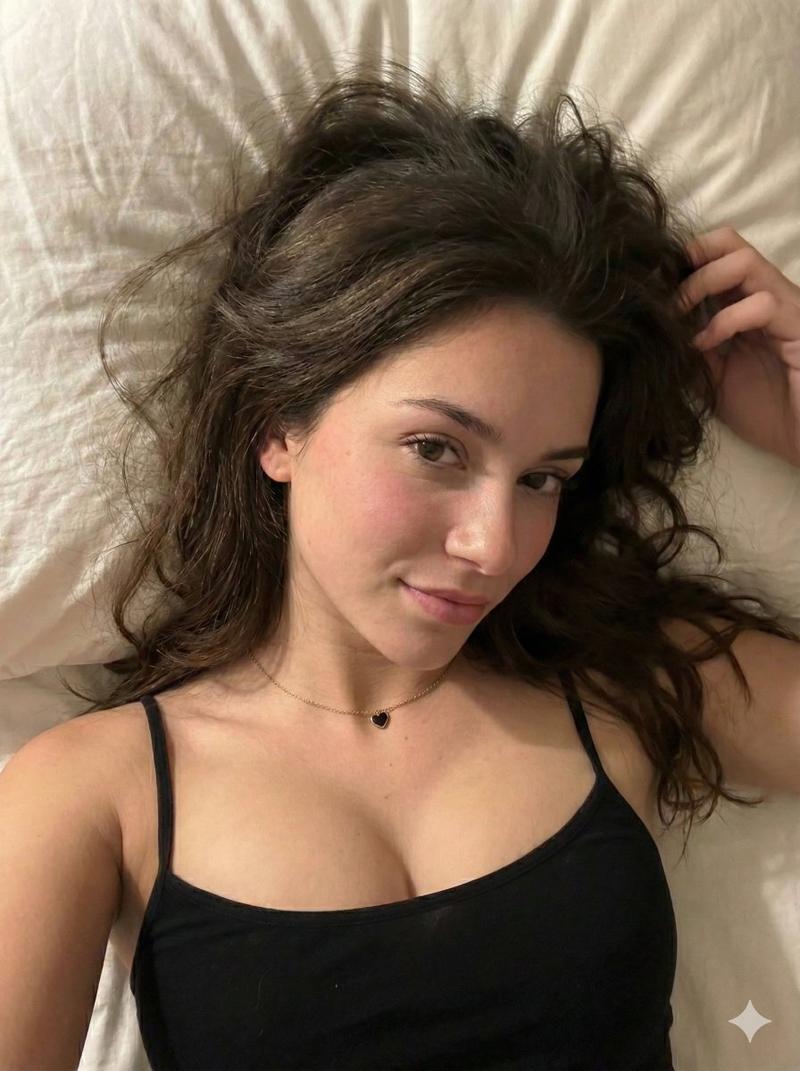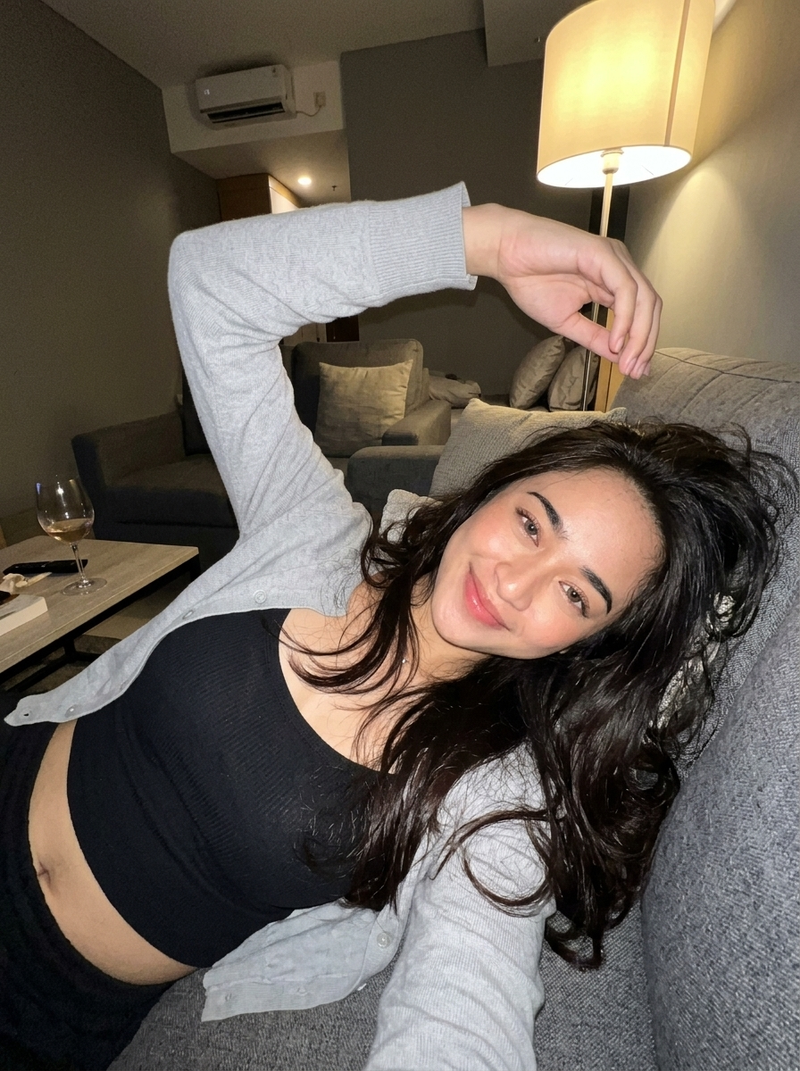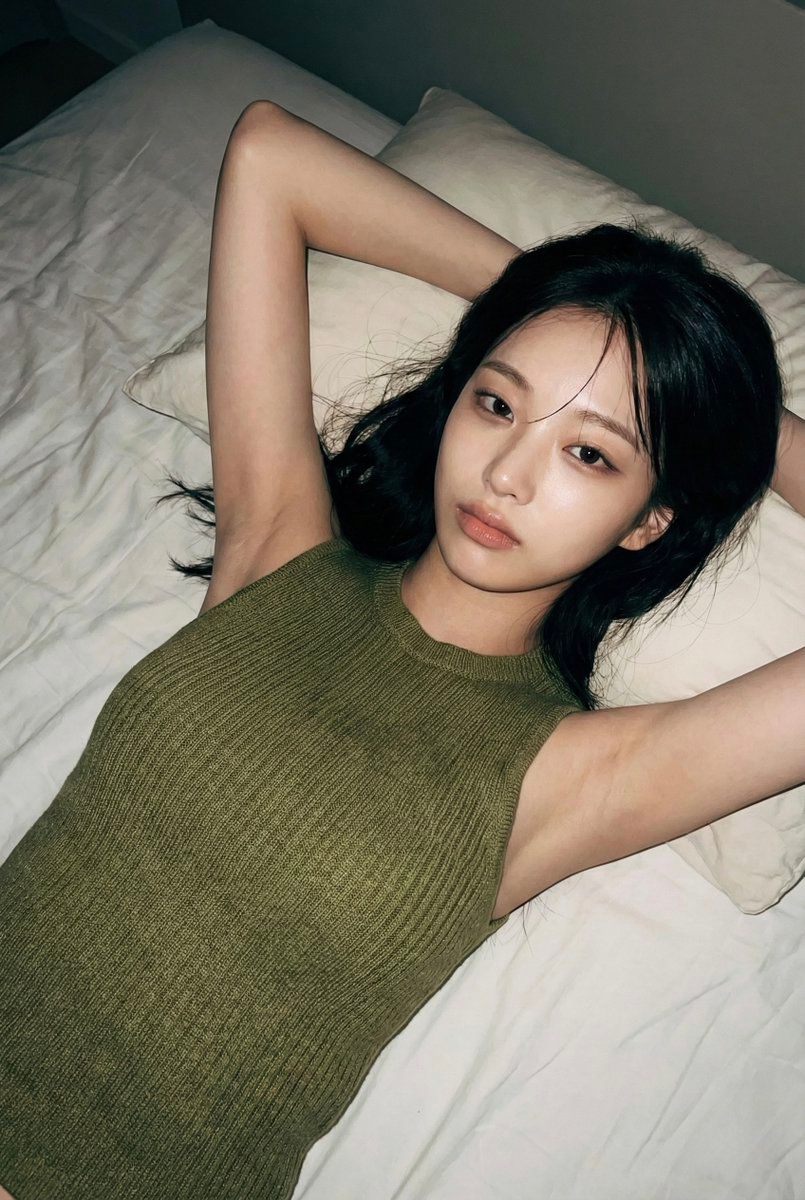
亲密 iPhone 闪光灯照片写实主义提示(JSON 格式)
Prompt
{
  "meta": {
    "aspect_ratio": "2:3",
    "device": "iPhone 14 Pro",
    "camera": "rear camera",
    "lens": "24mm wide",
    "photo_style": "default iPhone camera",
    "quality": "realistic smartphone photo",
    "resolution": "high but imperfect",
    "compression": "light iOS jpeg artifacts",
    "details": "soft noise, slight blur, no studio sharpness"
  },

  "scene": {
    "location": "small bedroom",
    "environment": [
      "unmade white bed sheets",
      "soft pillows",
      "wooden floor partially visible",
      "intimate personal space"
    ],
    "time": "night",
    "atmosphere": "quiet, private, candid"
  },

  "lighting": {
    "type": "iPhone flash",
    "behavior": [
      "direct on-camera flash",
      "slightly harsh highlights",
      "natural shadows around body",
      "unflattering but real"
    ],
    "color": "neutral white flash"
  },

  "camera_behavior": {
    "shot_type": "casual iPhone photo",
    "angle": "top-down, standing above bed",
    "framing": "upper thighs to head",
    "focus": "slightly soft focus",
    "vibe": "looks like it was taken quickly, not posed for a shoot"
  },

  "subject": {
    "gender": "female",
    "age": "early 20s (clearly adult)",
    "ethnicity": "East Asian",
    "aesthetic": "soft, natural, girl-next-door",

    "hair": {
      "style": "medium length, straight with bangs",
      "color": "natural black",
      "state": "slightly messy, spread on pillow"
    },

    "face": {
      "expression": "relaxed, neutral, slightly tired",
      "eyes": "half-open, looking toward camera",
      "makeup": "minimal, natural skin texture",
      "vibe": "unposed, intimate"
    },

    "body": {
      "build": "slim, soft curves",
      "waist": "natural",
      "stomach": "relaxed, natural shape",
      "skin": "real texture, no retouch"
    },

    "outfit": {
      "top": {
        "type": "loose cropped tank top",
        "color": "olive / muted green",
        "fit": "slightly lifted naturally",
        "underwear": "no bra"
      },
      "bottom": {
        "type": "black lace underwear",
        "style": "simple, everyday",
        "fit": "natural, not exaggerated"
      }
    },

    "pose": {
      "position": "lying on back on bed",
      "arms": "one arm bent near head, other relaxed",
      "legs": "slightly apart, relaxed",
      "posture": "completely natural, not posed"
    }
  },

  "iphone_rules": [
    "NO studio lighting",
    "NO glamour retouch",
    "NO pornographic exaggeration",
    "must feel like a private iPhone photo",
    "natural body, natural imperfections",
    "casual intimate realism"
  ]
}- Category
- 创意图片
- Model
- Nano Banana Pro
- Creator
- babydoll
- Source ID
- b3dba74d-f45c-4156-bf78-051c37102aad
- Published
- Mar 8, 2026
Views0