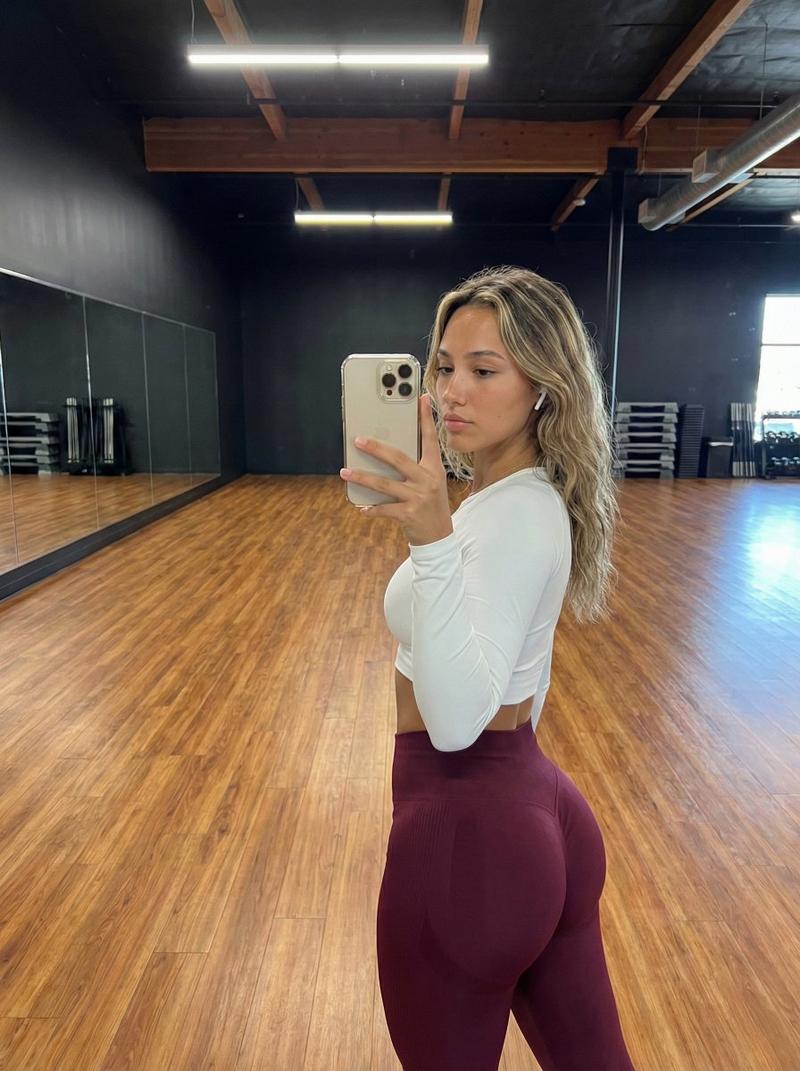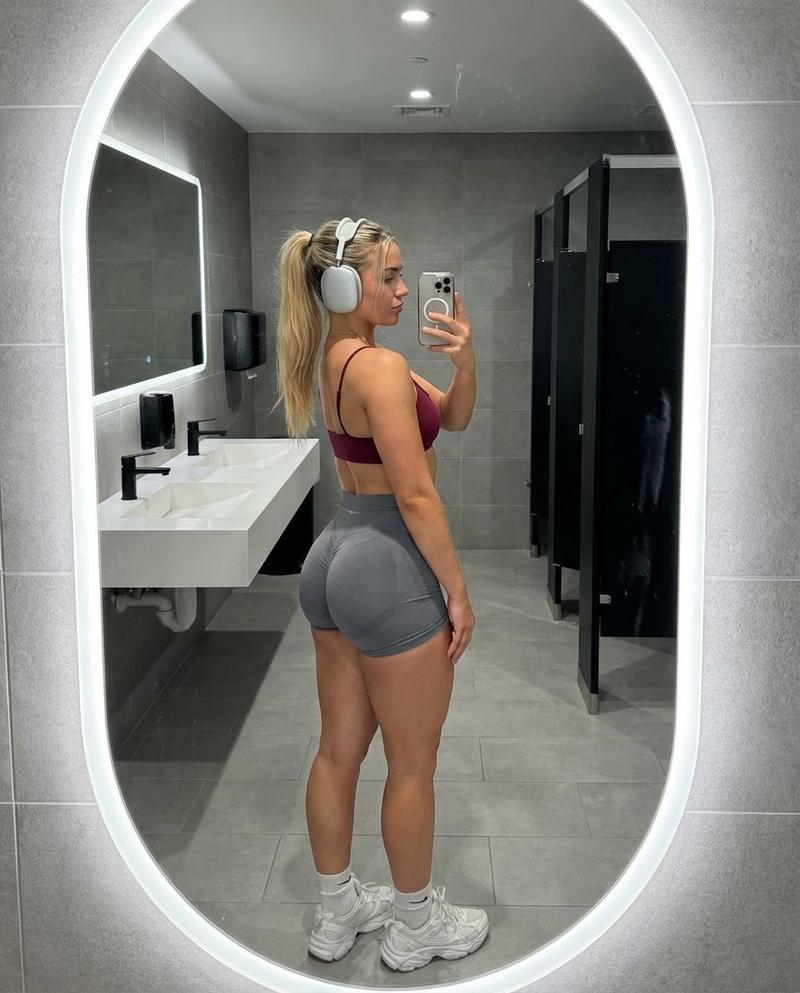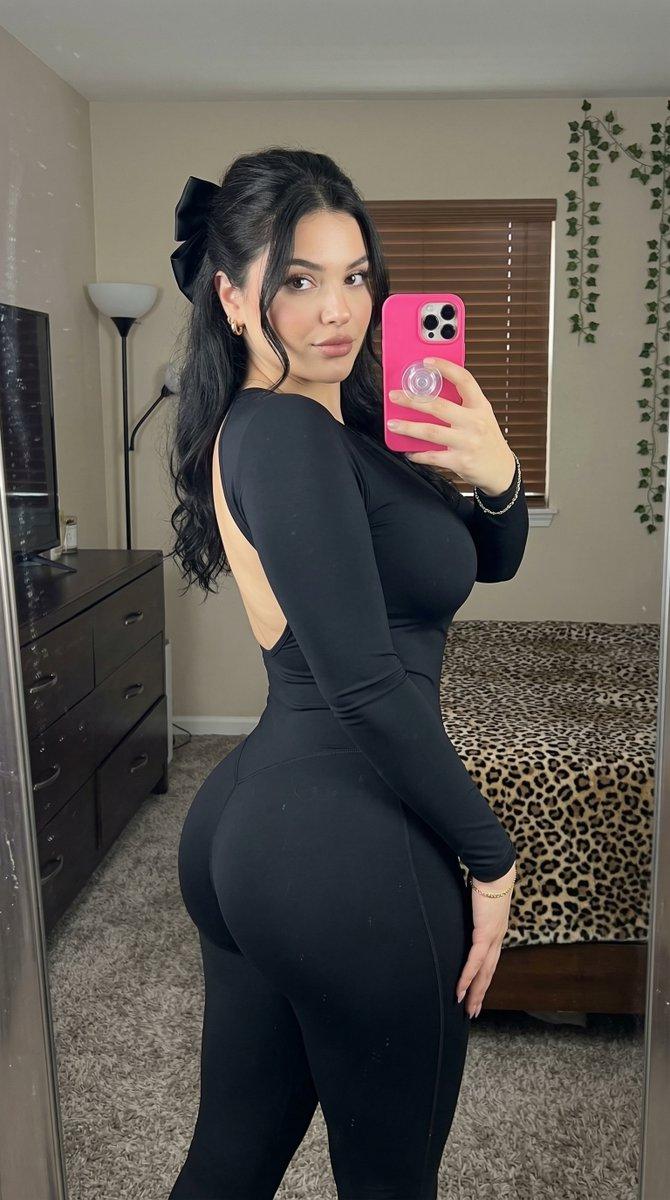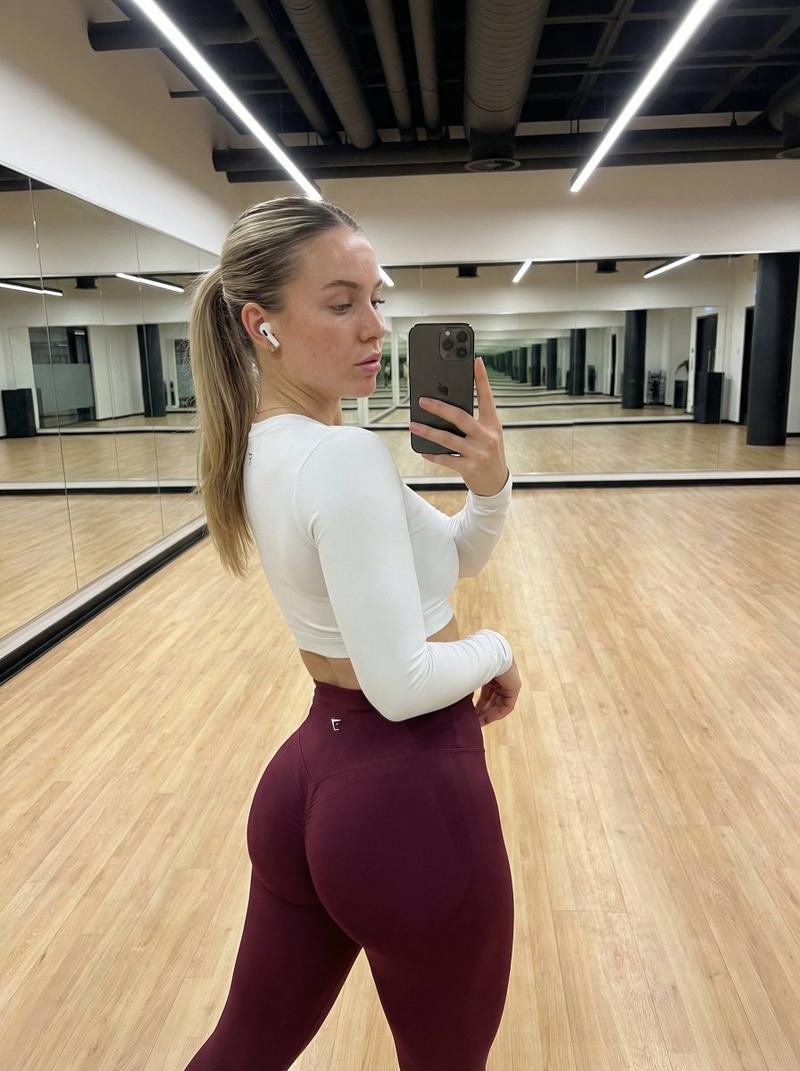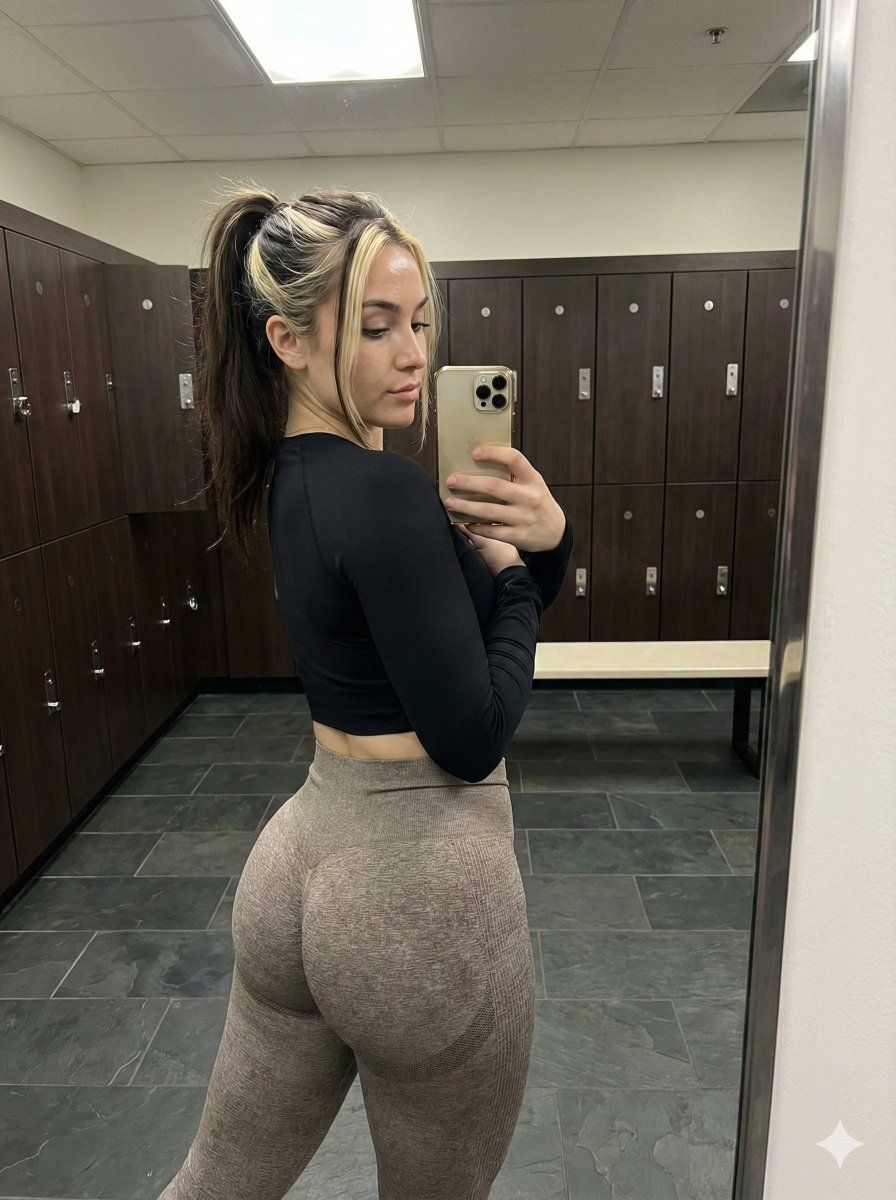
Gym Mirror Selfie (Rear View) Prompt
Prompt
{
"subject": {
"description": "Young woman with an athletic, fit physique taking a mirror selfie. She has long dark brown hair pulled back into a high ponytail with distinct, chunky blonde highlights framing her face (money pieces). Her skin is fair with natural texture. She is wearing a tight black long-sleeve crop top that ends just below the bust, revealing her midriff. On her lower body, she wears grey/taupe seamless ribbed leggings that are pulled high, accentuating a curvy figure with prominent glute development. The fit of the clothing is tight, highlighting body contours.",
"anatomical_details": "Preserve exact body proportions: slim waist, developed glutes, and natural spine curvature. Do not normalize anatomy; maintain the specific muscle definition and volume of the glutes and thighs as seen in the reference. Facial features in profile show a straight nose and full lips.",
"clothing_texture": "Matte black fabric on the top with visible stretch. Heathered or ribbed texture on the grey leggings, showing tension and stretch over the glutes and thighs."
},
"pose": {
"type": "Standing mirror selfie, rear view with torso twist",
"details": "The subject is standing with her back to the mirror, twisting her torso and head to the right to look into the mirror/phone screen. Her right arm is raised holding a gold iPhone to capture the reflection. Her left arm hangs naturally by her side. The hips are angled slightly, with weight shifted to accentuate the glutes. The pose highlights the posterior chain and the profile of the face.",
"constraints": "Strict adherence to the twist angle and the relative position of the phone to the face. Preserve the exact curvature of the lower back and the projection of the glutes."
},
"environment": {
"setting": "Gym locker room or changing area.",
"elements": "Dark wood lockers visible in the background with silver handles. A light-colored bench is visible to the left. The floor is tiled in dark grey slate or stone. A mirror frame is visible surrounding the reflection. In the background reflection, another person or a second reflection of the subject is partially visible.",
"context": "Indoor, public or semi-public fitness facility."
},
"camera": {
"perspective": "Mirror selfie perspective. The camera (phone) is held at shoulder height, angled slightly downwards to capture the full body from thighs up. The image captures the reflection in a large wall mirror.",
"focal_length": "24mm to 28mm equivalent (smartphone main lens)",
"depth_of_field": "Deep depth of field, keeping both the subject and the locker room background relatively sharp.",
"framing": "Vertical shot, framing the subject from mid-thigh to top of head."
},
"lighting": {
"type": "Indoor artificial gym lighting.",
"quality": "Overhead, slightly harsh downlighting typical of locker rooms. Creates highlights on the forehead, nose, and the top of the glutes. Shadows fall natu- Category
- 创意图片
- Model
- Nano Banana Pro
- Creator
- brindley
- Source ID
- 0df07f6b-5c5c-46cf-930f-ea5c3a69e1b9
- Published
- Mar 8, 2026
Views0