16

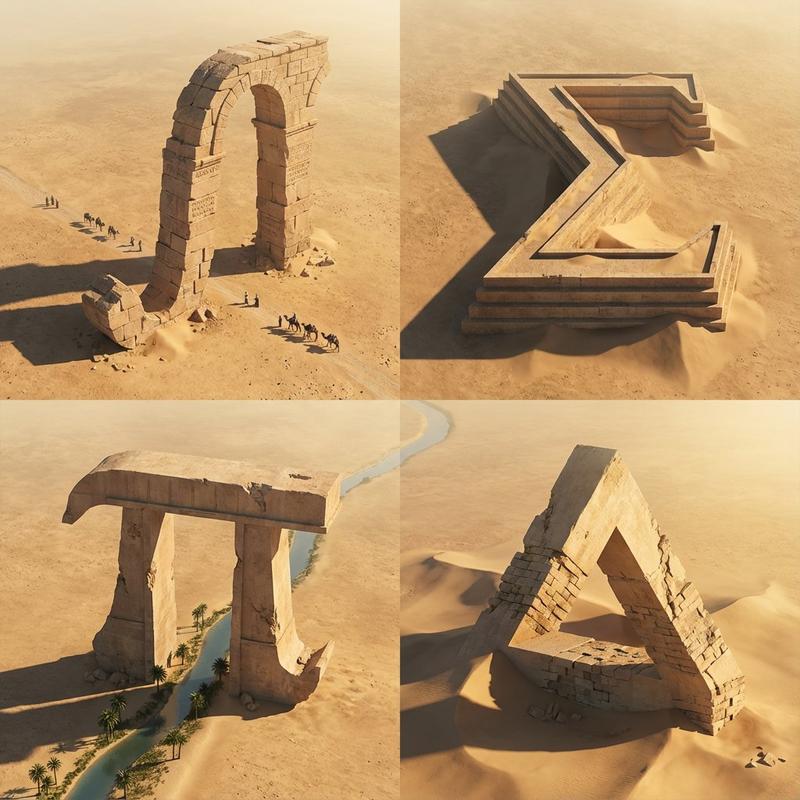
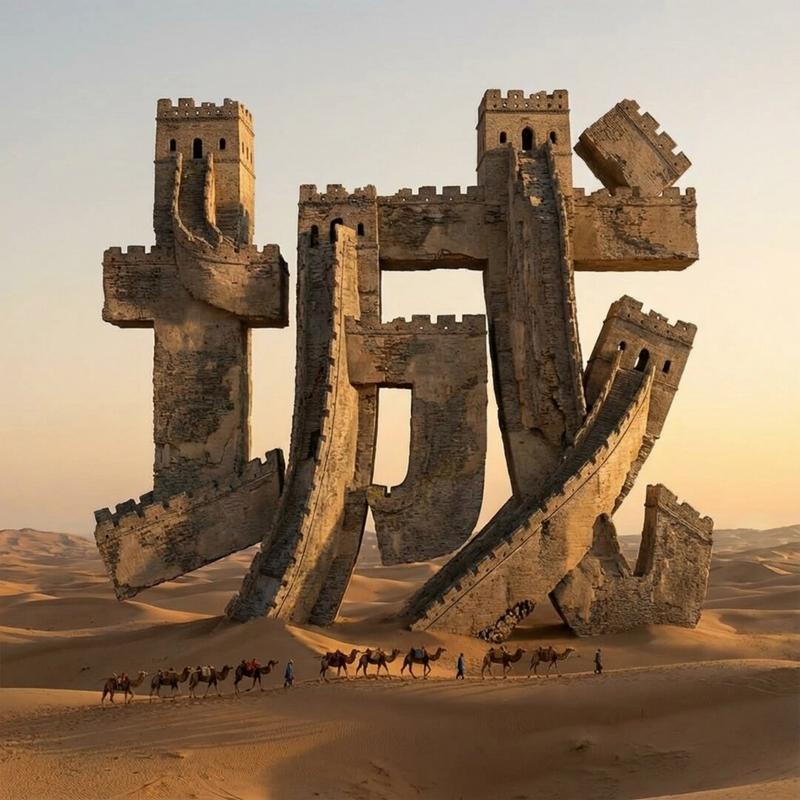
作为地形排版的纪念性数学符号
Enlarge

作为地形排版的纪念性数学符号

Prompt
A 2x2 grid of 4 monumental mathematical symbols carved as colossal terrain typography in an arid landscape

 [Top Left: “∫” as a canyon-cut arch in sandstone, a thin aqueduct stream following the curve, tiny caravans casting long shadows] [Top Right: “Σ” as a stepped fortress carved into a mesa, sharp terraces, windblown sand pooling in corners, micro equations chiseled in] [Bottom Left: “π” as massive stone pylons connected by a lintel bridge, ruined blocks scattered like proof fragments] [Bottom Right: Penrose Triangle as impossible ruins half-buried, forced perspective illusion, harsh sunlight slicing edges]

Aerial oblique shot, golden hour desert light, crisp dramatic shadows, photoreal erosion detail, minimal haze, swiss 2x2 grid composition.
Category
创意图片
Model
Nano Banana Pro
Creator
Gadgetify
Views0
Source ID
3e1bee82-536e-4ba0-835a-52887a38c5eb
Published
Mar 8, 2026

Guide

About "作为地形排版的纪念性数学符号"

What is this prompt for?

"作为地形排版的纪念性数学符号" AI image prompt for Nano Banana Pro (创意图片). 一个用于 Nano Banana Pro 的创意图像生成提示,指示它将四个巨大的数学符号(积分号、西格玛、圆周率、彭罗斯三角形)渲染成干旱景观中巨大的地形文字。该提示详细说明了视觉元素、光照和构图…

The full copyable prompt and example visuals above are ready for AI image generation or one-click recreate in Picva.

How to use this prompt

  1. Step 1

    Open the prompt detail

    Review the example visuals, category, and full prompt text for "作为地形排版的纪念性数学符号".

  2. Step 2

    Copy the prompt

    Copy the prompt body from this page, or load it directly in Studio.

  3. Step 3

    Pick a model (Nano Banana Pro)

    Prefer Nano Banana Pro. If you switch models, keep subject and composition and tweak style terms.

  4. Step 4

    Generate and export

    Recreate the look in Picva, or export into your workflow for editing and publishing.

FAQ

What is the "作为地形排版的纪念性数学符号" prompt?
It is an AI image-generation prompt for Nano Banana Pro in the 创意图片 category. This page includes the full prompt text, example visuals, and a one-click recreate path in Picva.
How do I use this prompt to generate an image?
Copy the prompt from this page, or use Generate / Studio. Paste it into a compatible image model, or recreate the look in Picva with optional reference images.
Which model is this prompt for?
This page lists Nano Banana Pro. Most descriptive prompts also transfer to nearby image models such as GPT Image, Flux, or Midjourney with light style tweaks.
Can I use the result commercially?
You can usually copy the prompt for creation, but commercial use of the final image depends on the model terms, reference-image rights, and the generated content. Follow the source author and platform rules.