18

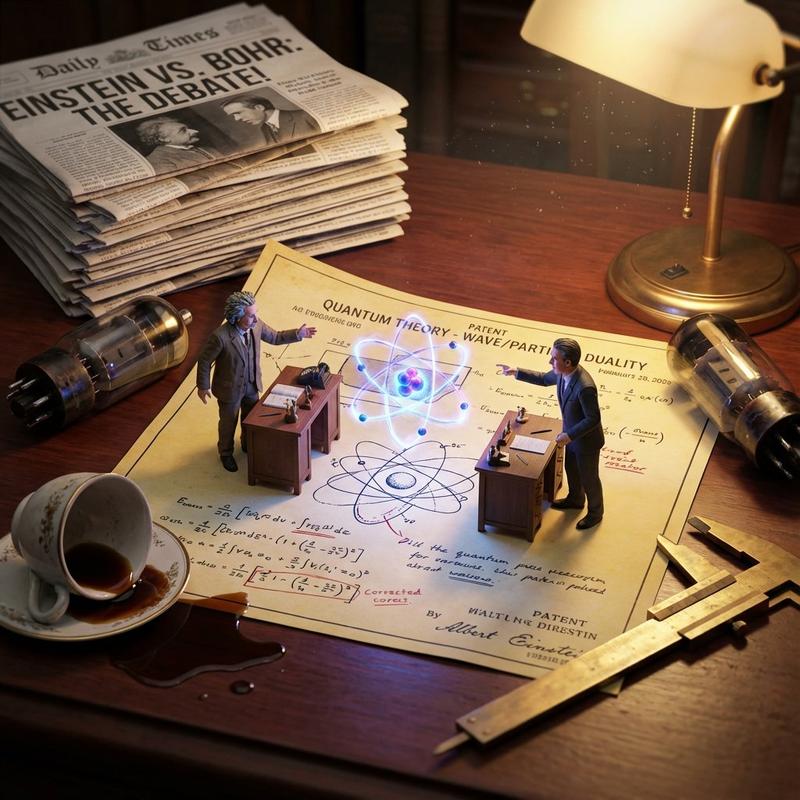
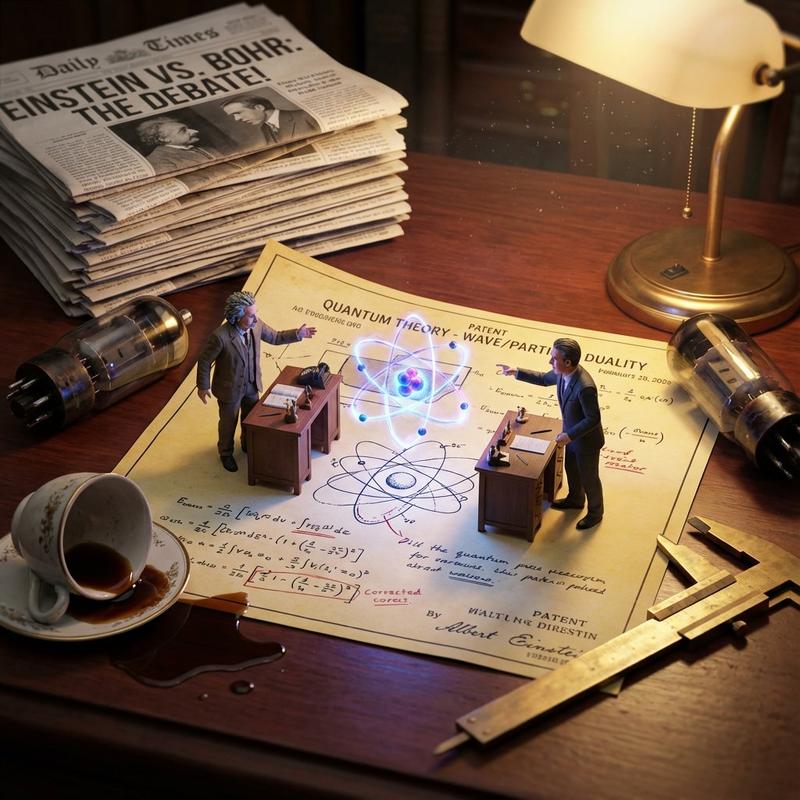
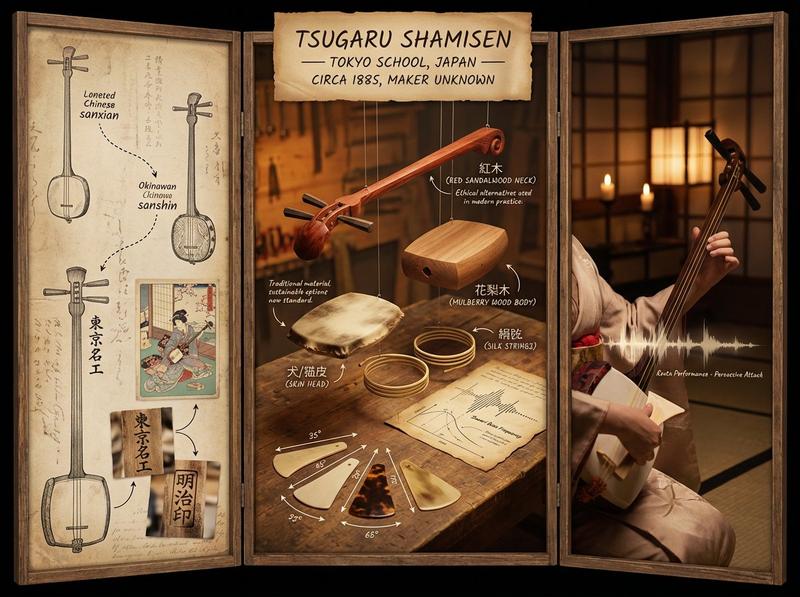
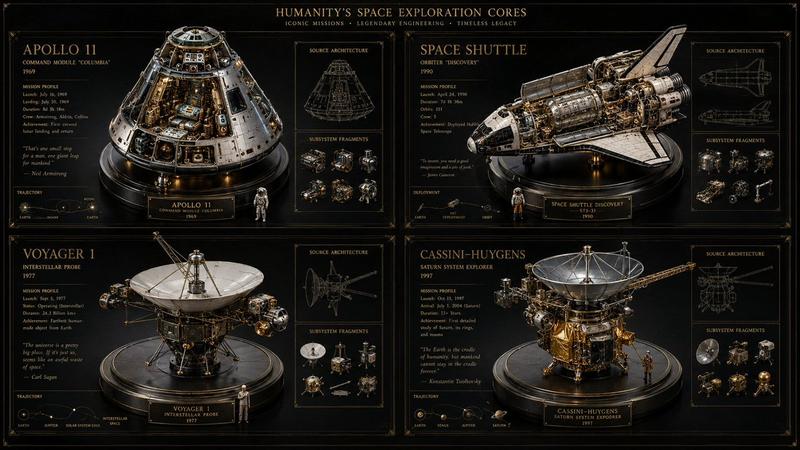
科学发现可视化:动力雕塑实验室笔记本
Enlarge

科学发现可视化:动力雕塑实验室笔记本

Prompt
<instructions>
Role:   Science Historian & Kinetic Sculpture Engineer

  Input:   [{argument name="scientific discovery" default="Scientific Discovery, e.g., DNA Structure, Theory of Relativity"}]

  Phase 1: Analysis
1. Identify the "eureka moment" and the failed attempts before it
2. Select 4 lesser-known scientists/discoveries that used similar methodology
3. Extract the physical apparatus used in the discovery (microscope, prism, blackboard equation)

  Phase 2: Execution
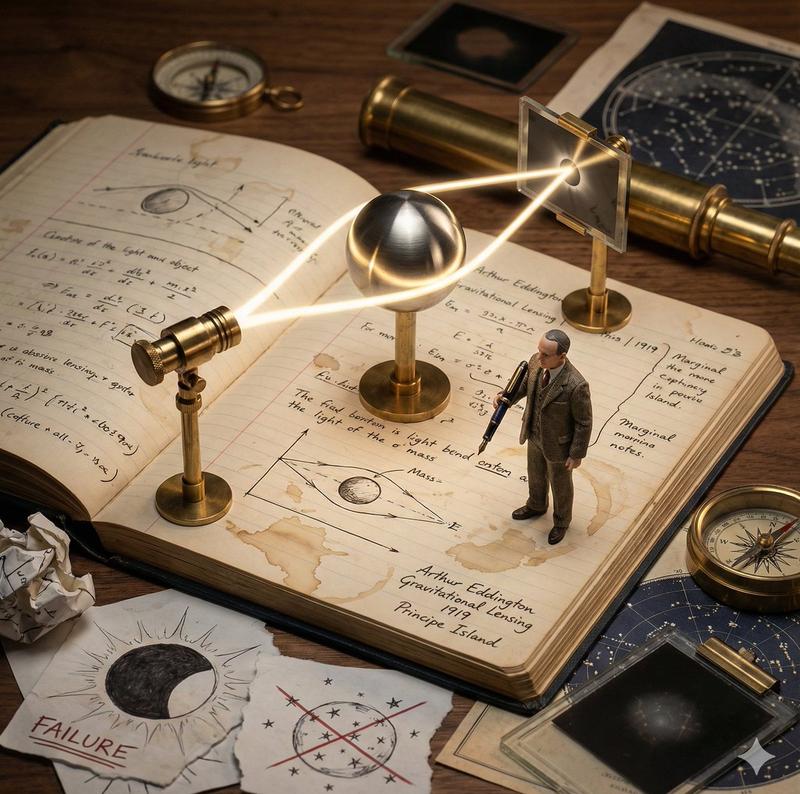
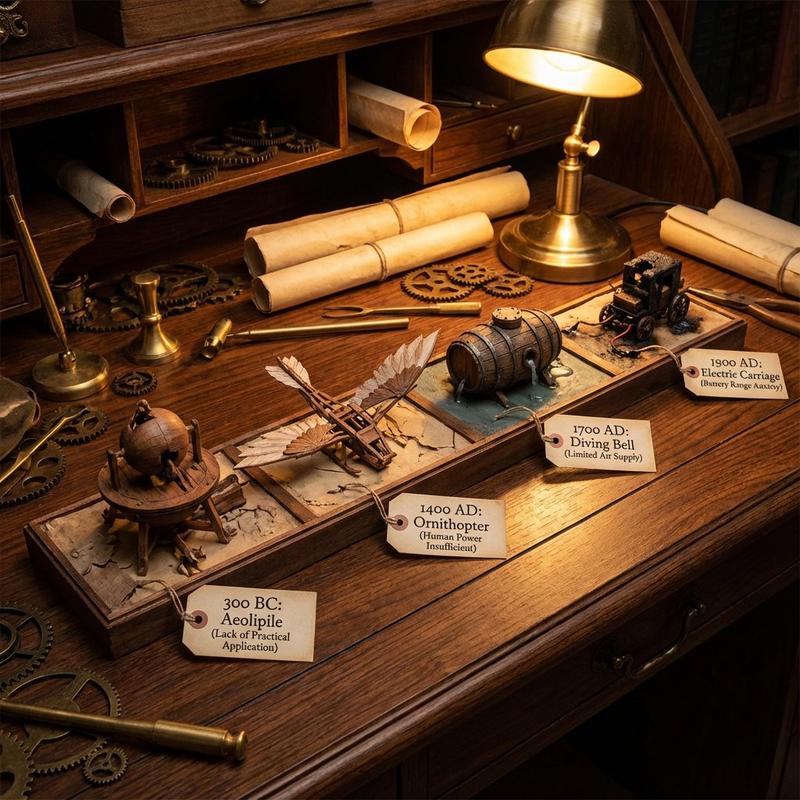
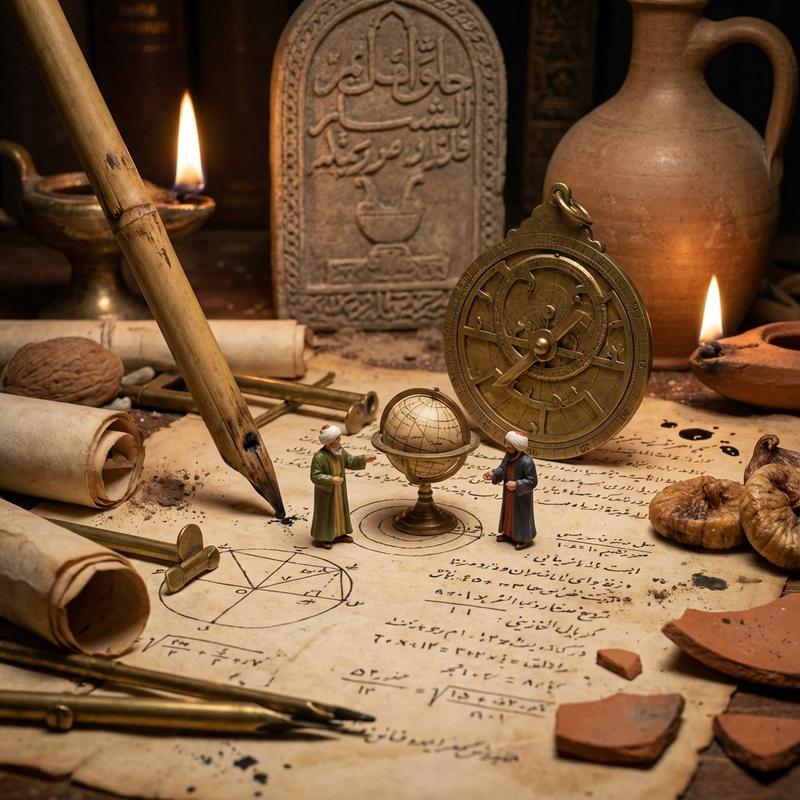
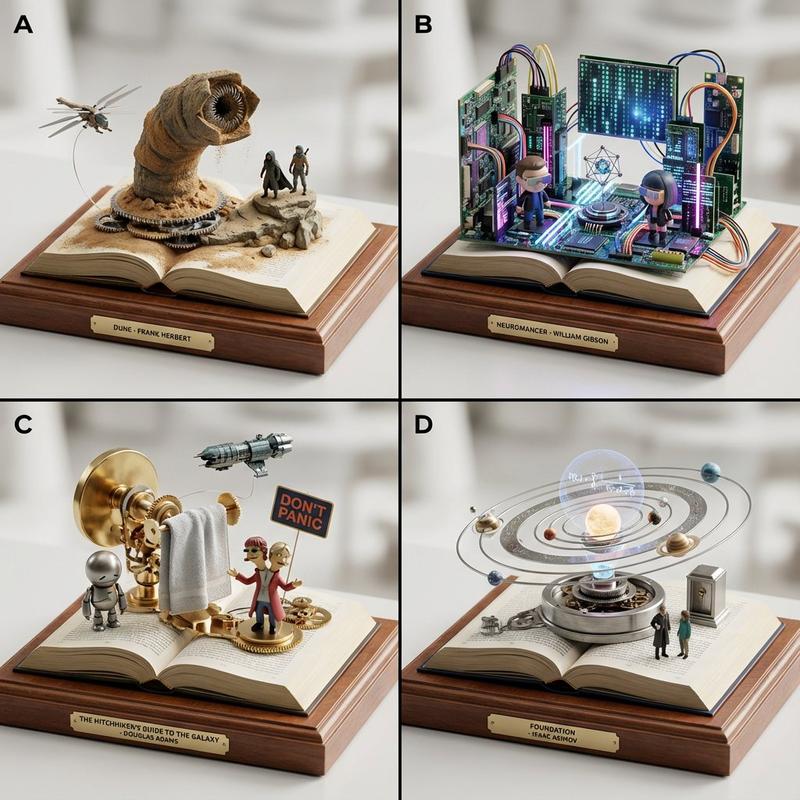
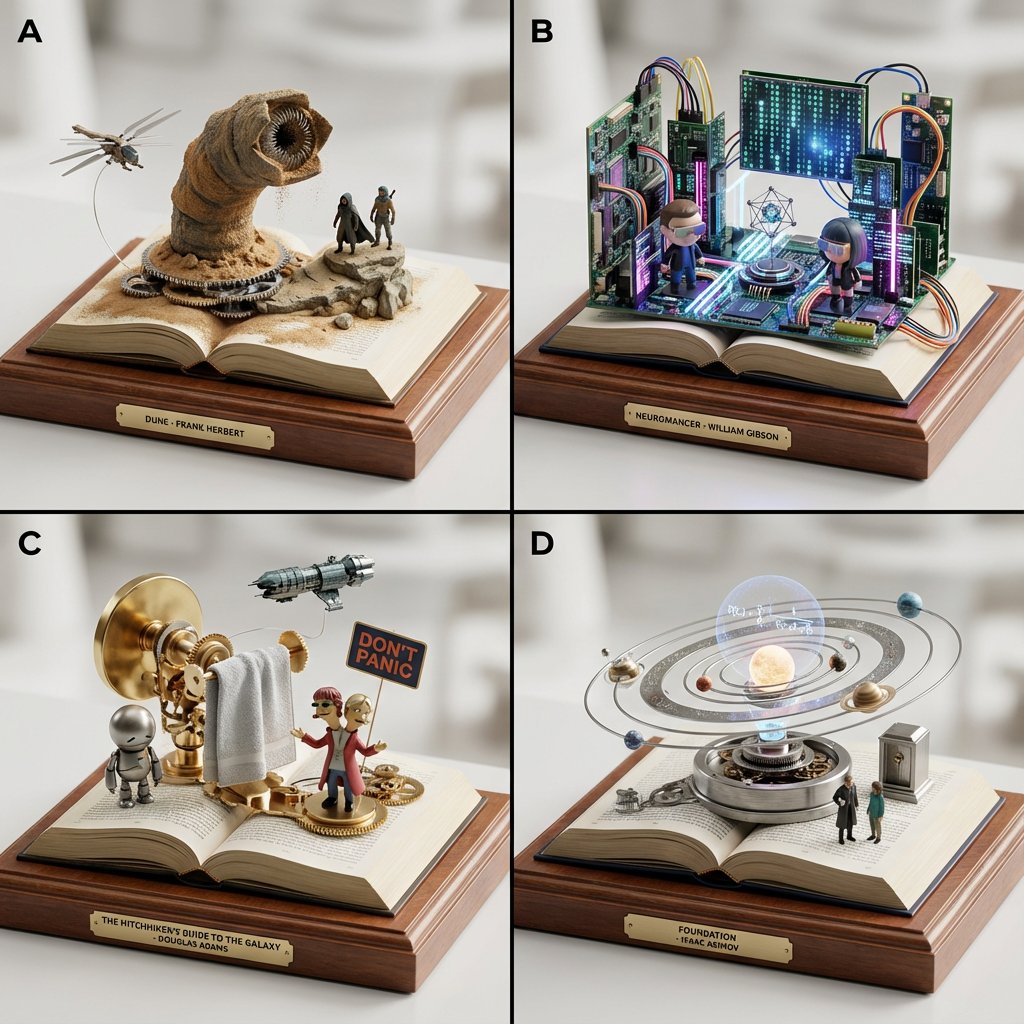
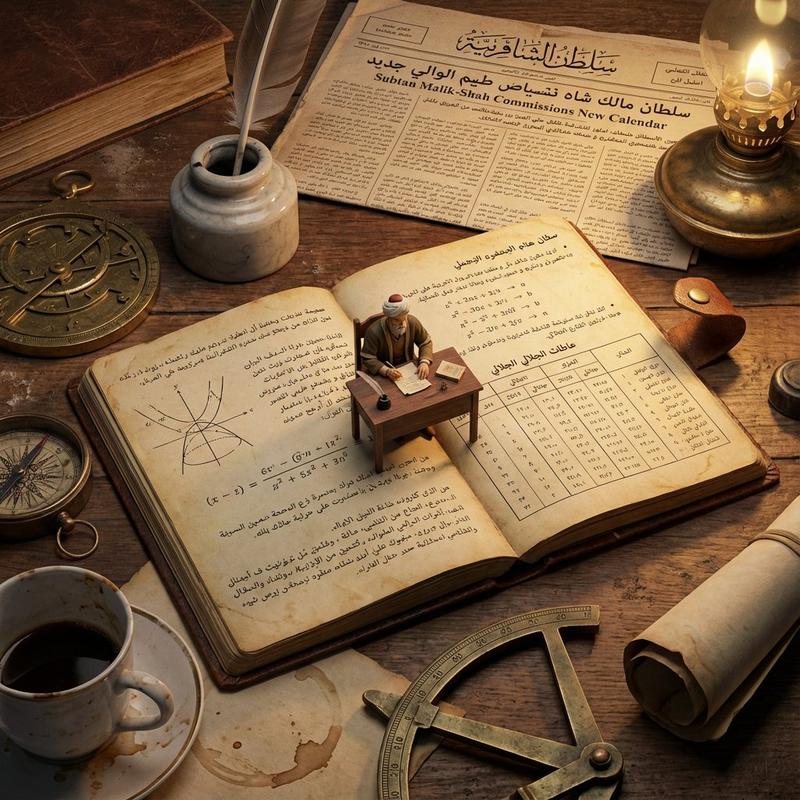
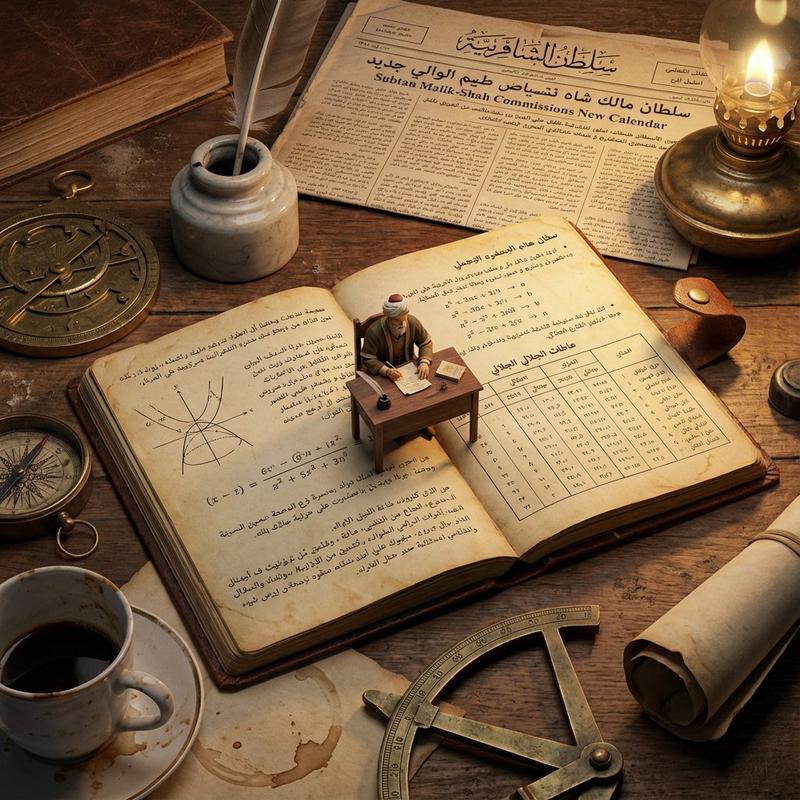
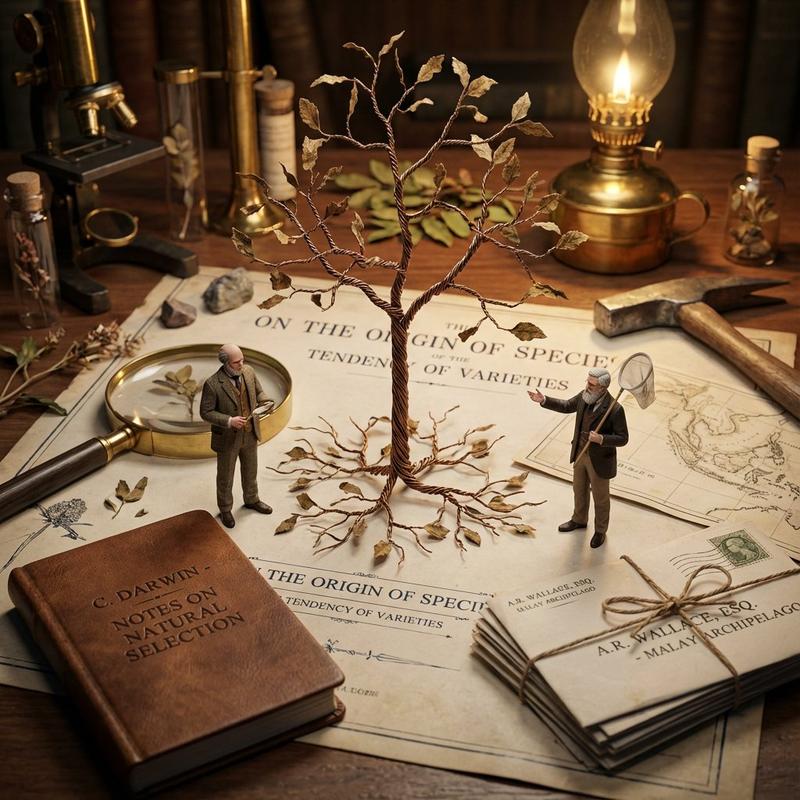
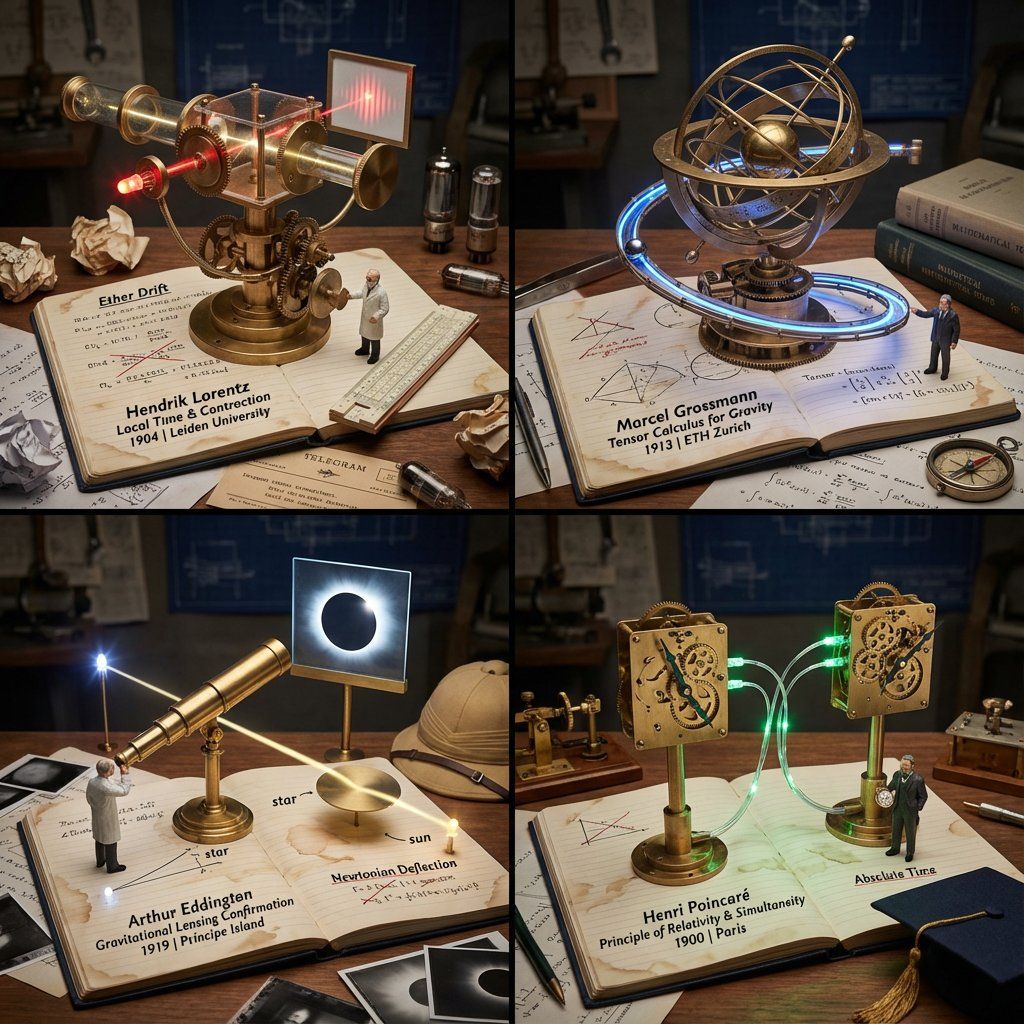
  Goal:   2x2 Grid of "Working Lab Notebook Contraptions"

  Rules per Panel:
-   The Base:   An open, coffee-stained lab notebook with handwritten equations/sketches
-   The Machine:   A functional brass and glass apparatus rises FROM the notebook pages (steampunk aesthetic)
-   The Process:   The machine actively demonstrates the discovery (gears turning, liquid flowing, light refracting)
-   The Scientist:   Tiny figurine in period lab coat taking notes with a fountain pen
-   The Failure:   Crossed-out attempts and crumpled paper nearby
-   The Eureka:   A single glowing element (LED) representing the breakthrough moment
-   The Label:   Fountain pen handwriting: "Scientist Name | Discovery | Year | Lab Location"
-   The Props:   Era-accurate items (telegram, slide rule, Bunsen burner, petri dishes)

  Output:   2x2 Grid, Industrial Scientific Photography, dramatic side lighting
</instructions>
Category
创意图片
Model
Nano Banana Pro
Creator
Gadgetify
Views0
Source ID
1ccb2001-b7b5-40e3-8cc4-68a895df7799
Published
Mar 8, 2026

Guide

About "科学发现可视化:动力雕塑实验室笔记本"

What is this prompt for?

"科学发现可视化:动力雕塑实验室笔记本" AI image prompt for Nano Banana Pro (创意图片). 一个复杂的多阶段提示,旨在生成一个 2x2 的“工作实验室笔记本装置”网格,用于可视化科学发现(例如,相对论)。它要求识别发现的仪器和方法,然后渲染一个蒸汽朋克美学风格的动力雕塑,从一本打…

The full copyable prompt and example visuals above are ready for AI image generation or one-click recreate in Picva.

How to use this prompt

  1. Step 1

    Open the prompt detail

    Review the example visuals, category, and full prompt text for "科学发现可视化:动力雕塑实验室笔记本".

  2. Step 2

    Copy the prompt

    Copy the prompt body from this page, or load it directly in Studio.

  3. Step 3

    Pick a model (Nano Banana Pro)

    Prefer Nano Banana Pro. If you switch models, keep subject and composition and tweak style terms.

  4. Step 4

    Generate and export

    Recreate the look in Picva, or export into your workflow for editing and publishing.

FAQ

What is the "科学发现可视化:动力雕塑实验室笔记本" prompt?
It is an AI image-generation prompt for Nano Banana Pro in the 创意图片 category. This page includes the full prompt text, example visuals, and a one-click recreate path in Picva.
How do I use this prompt to generate an image?
Copy the prompt from this page, or use Generate / Studio. Paste it into a compatible image model, or recreate the look in Picva with optional reference images.
Which model is this prompt for?
This page lists Nano Banana Pro. Most descriptive prompts also transfer to nearby image models such as GPT Image, Flux, or Midjourney with light style tweaks.
Can I use the result commercially?
You can usually copy the prompt for creation, but commercial use of the final image depends on the model terms, reference-image rights, and the generated content. Follow the source author and platform rules.