13

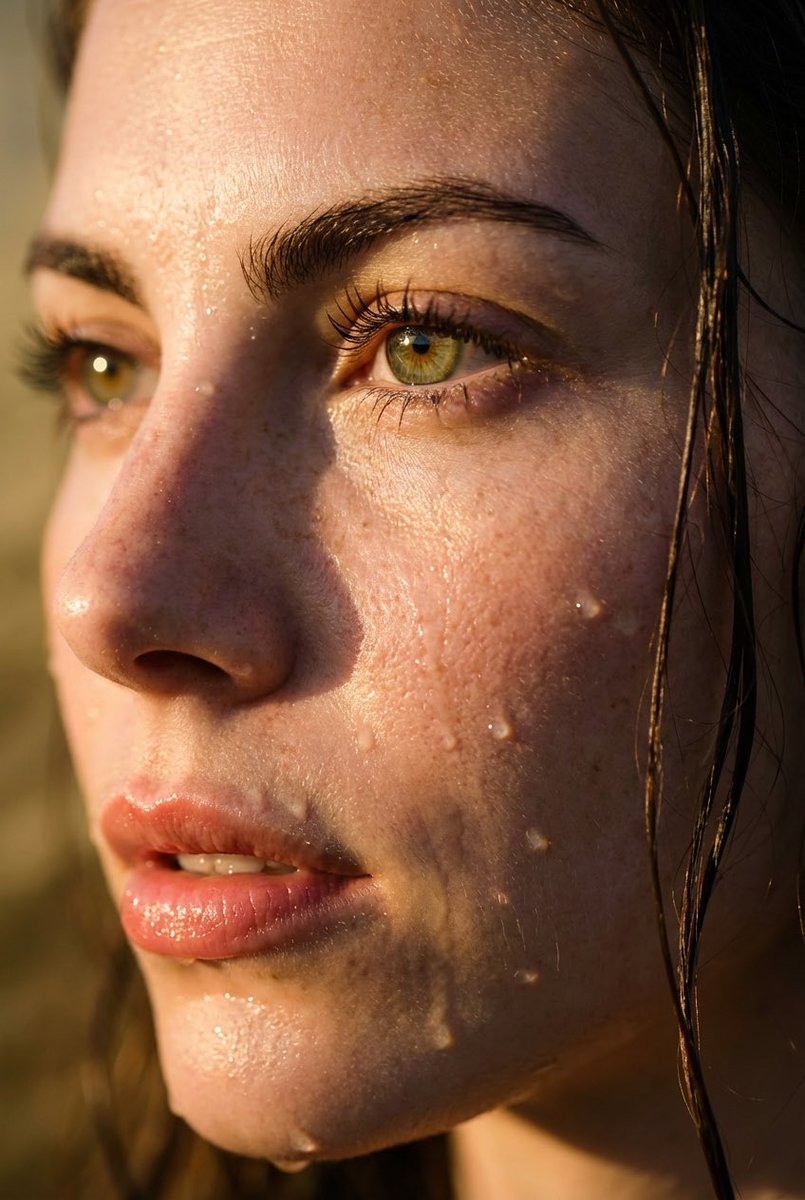
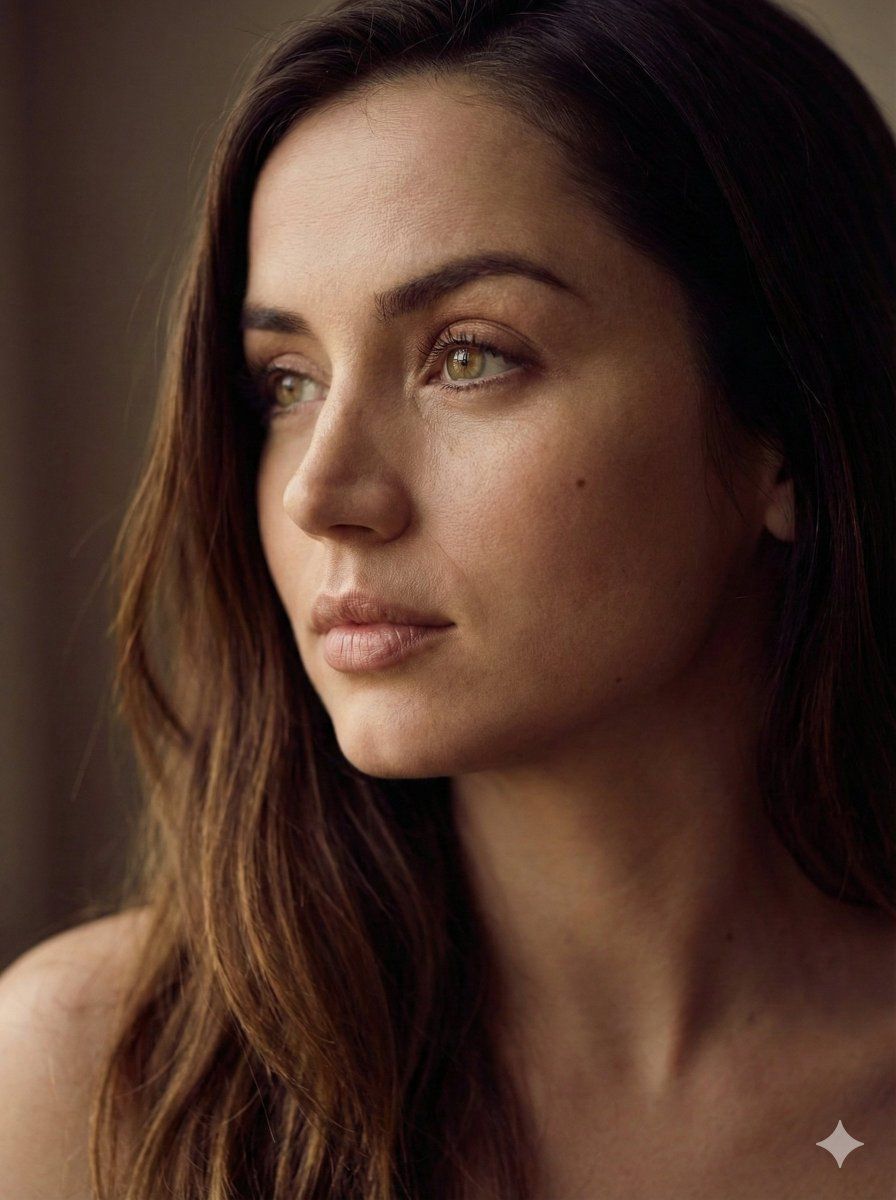
美学侧脸肖像生成器
Enlarge

美学侧脸肖像生成器

Prompt
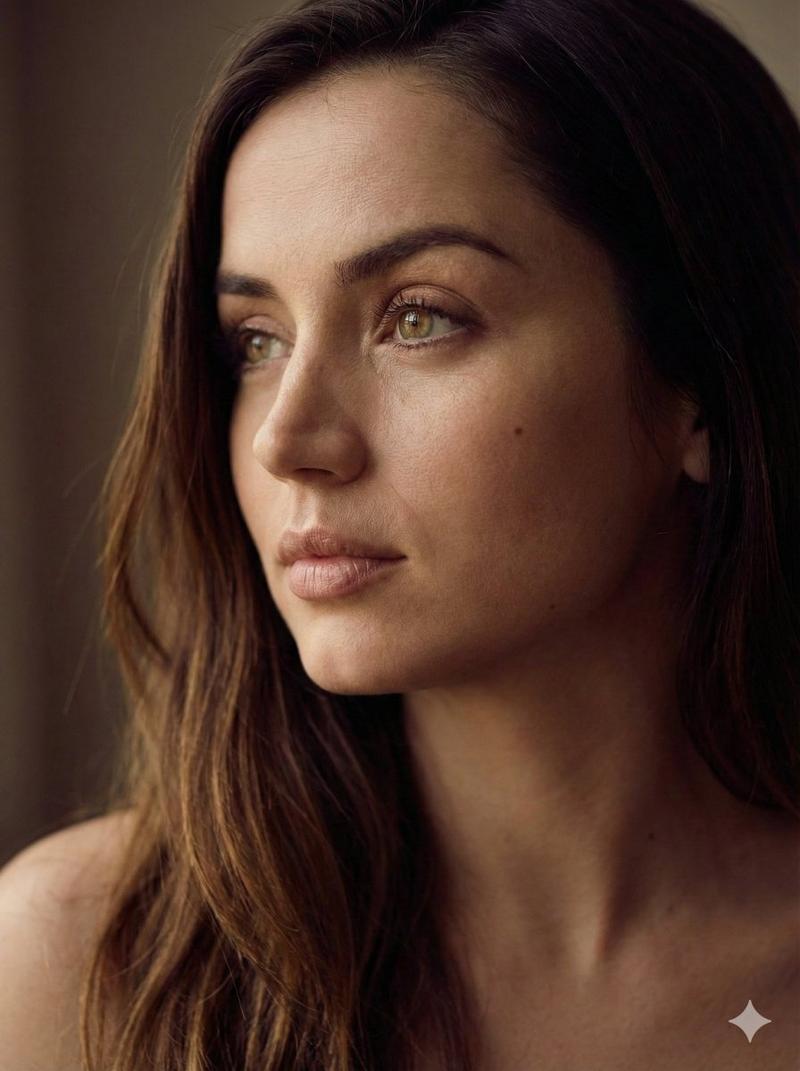
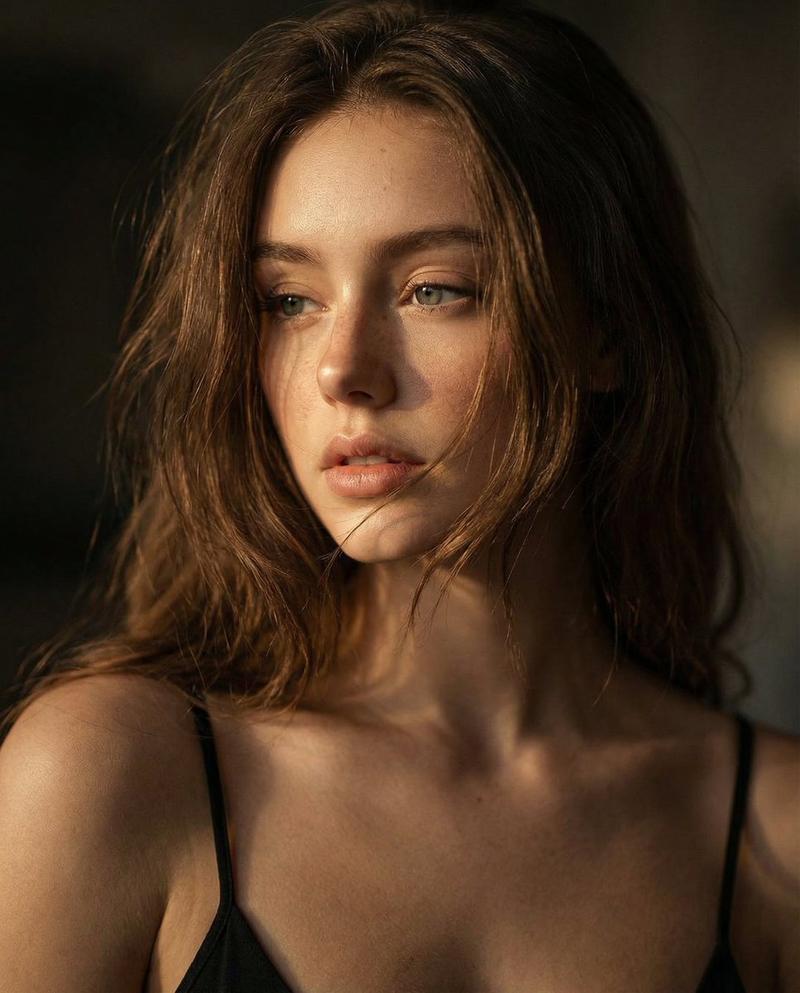
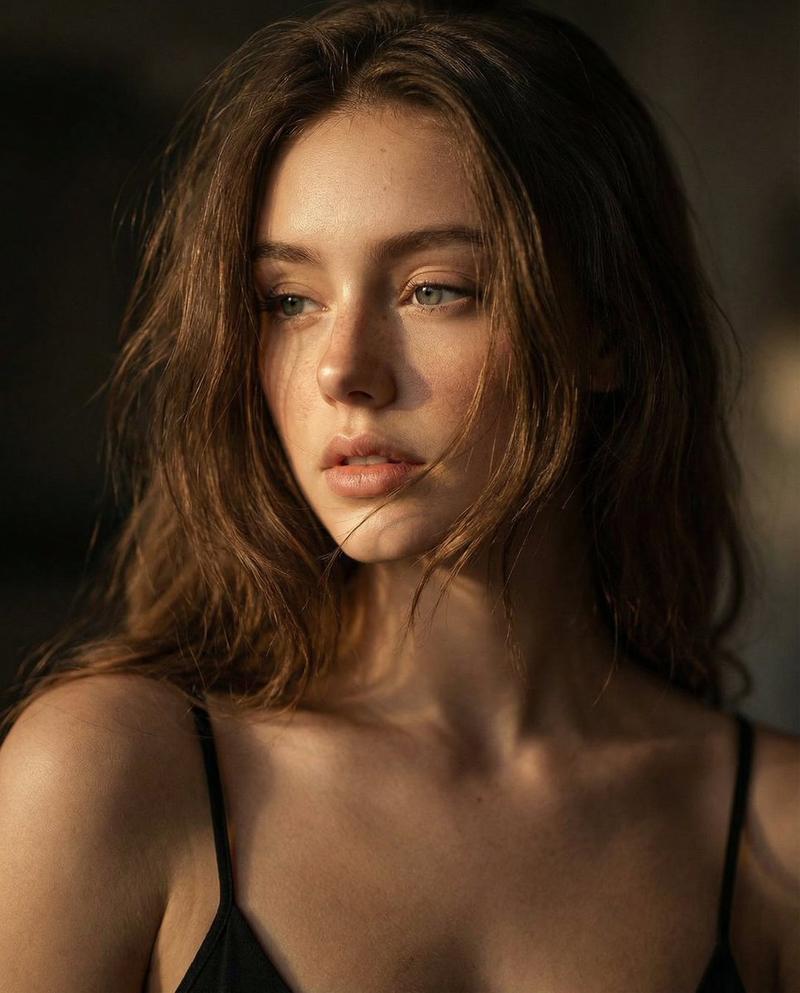
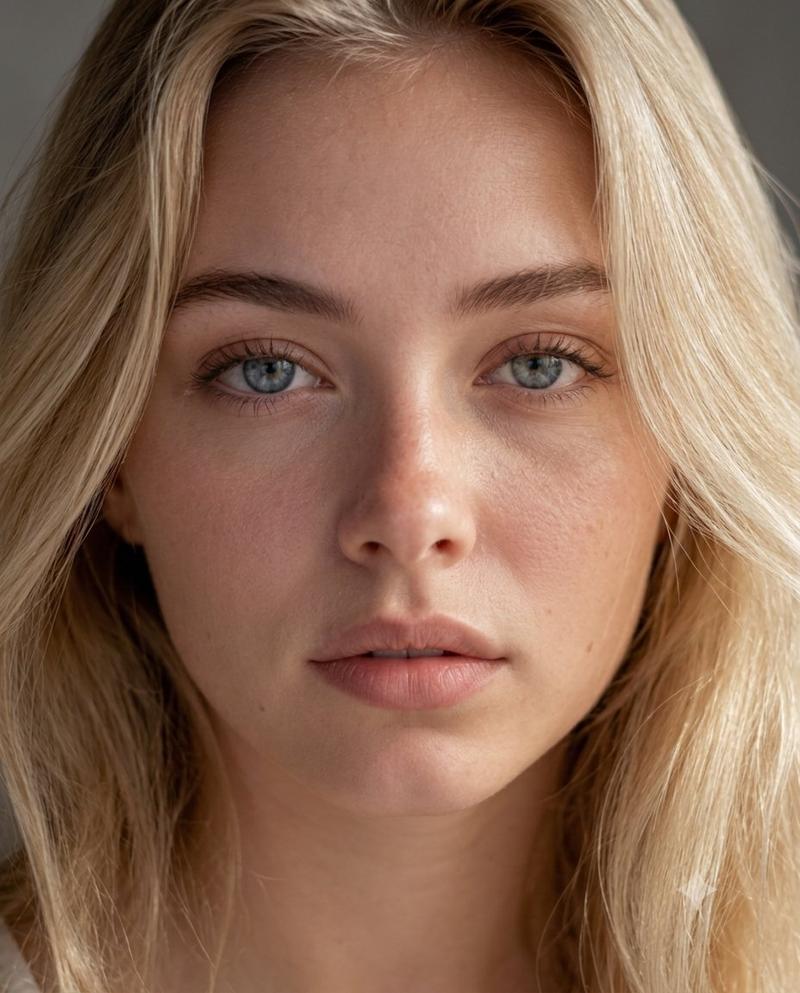
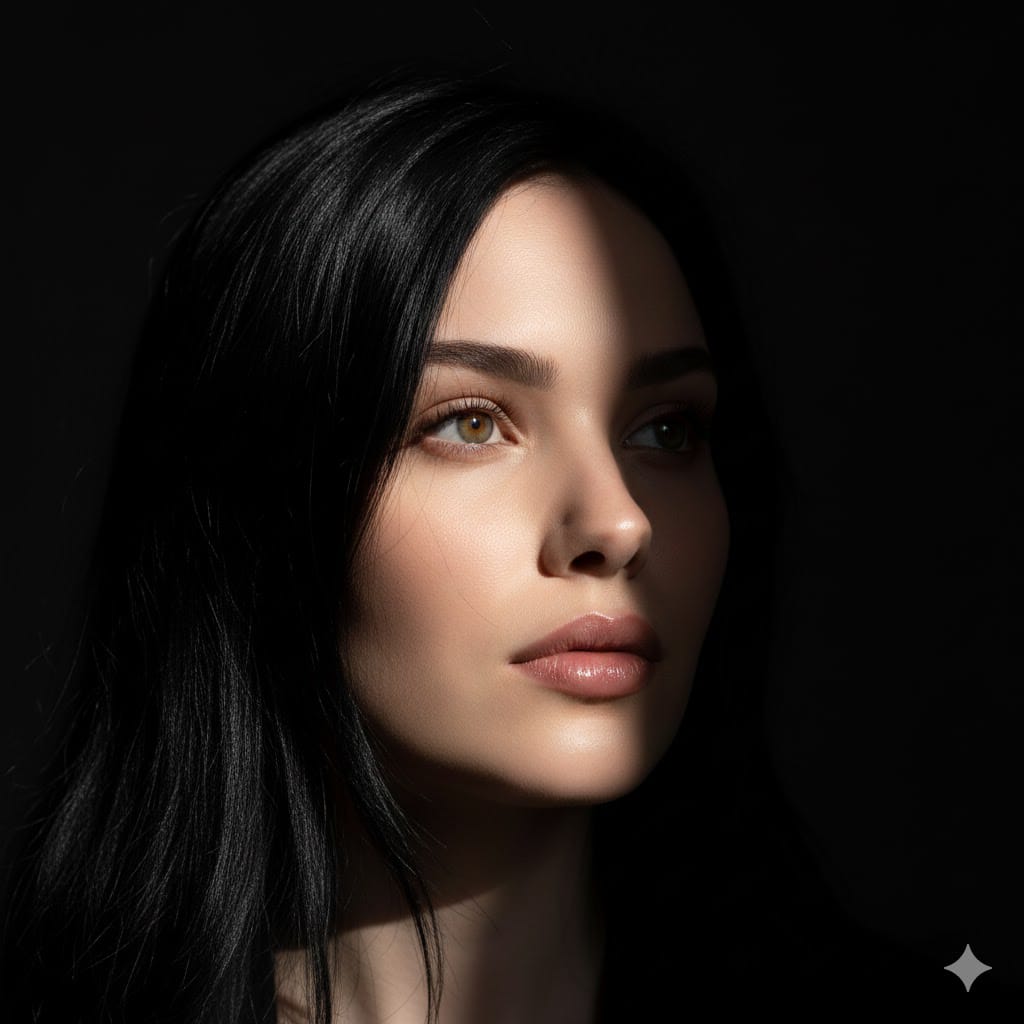
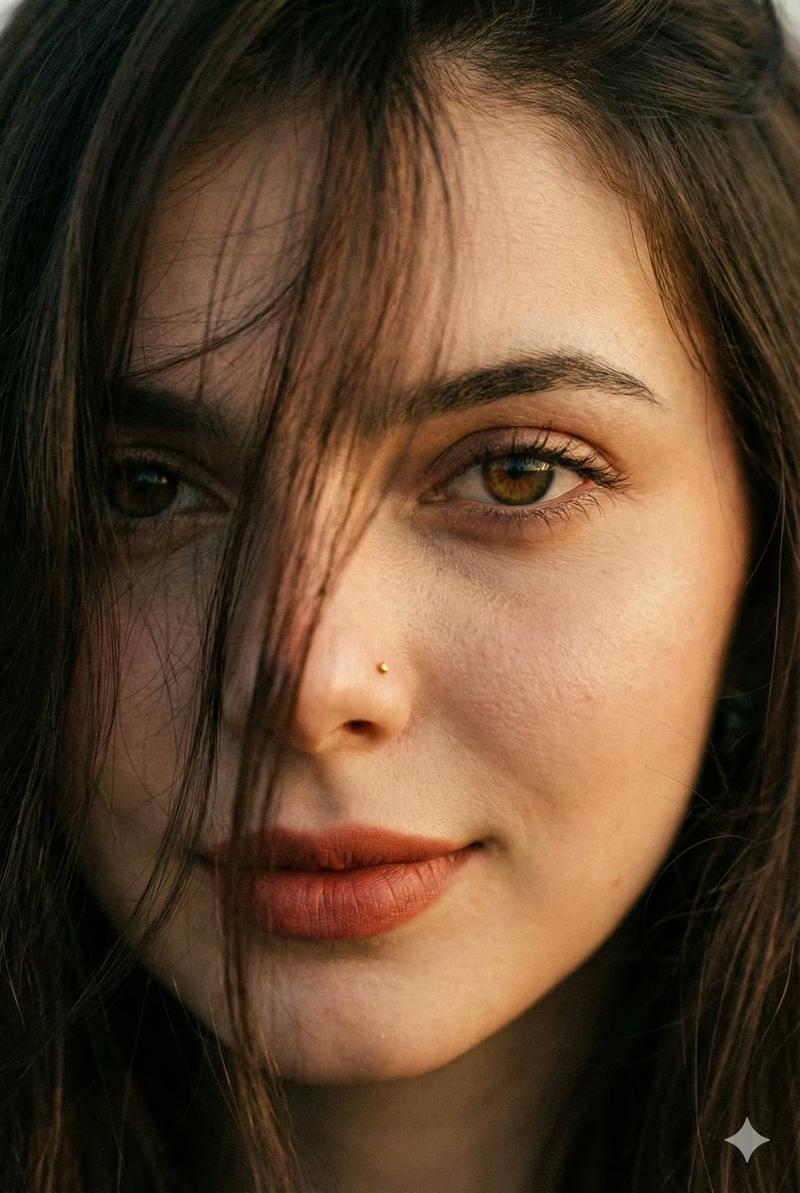
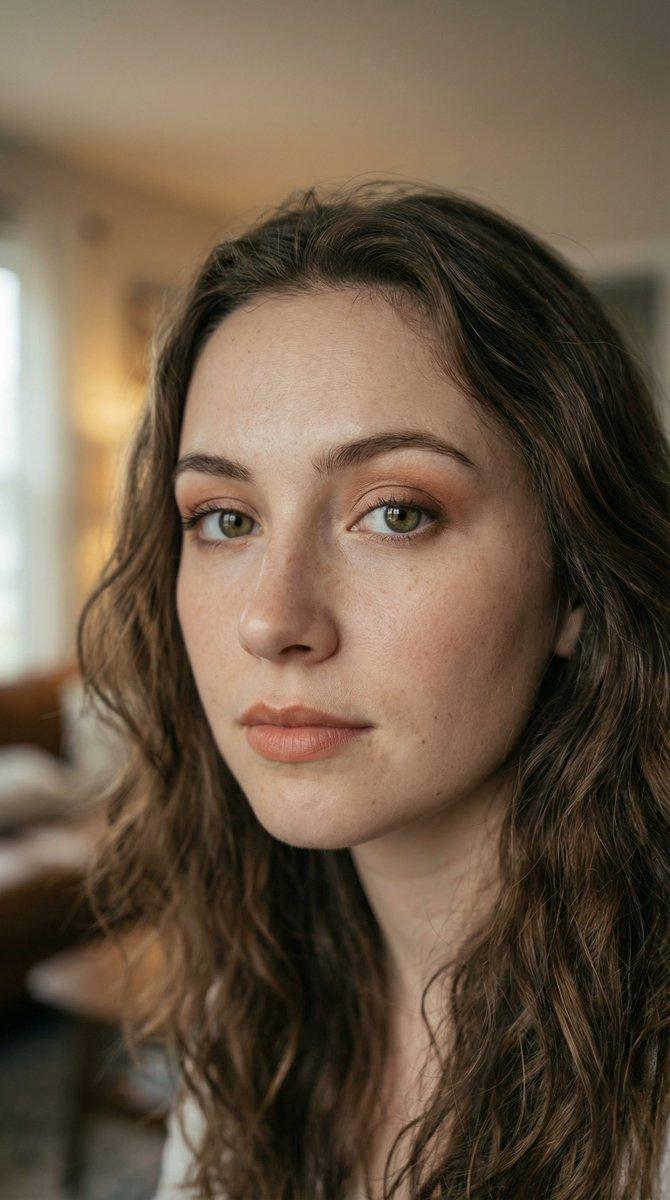
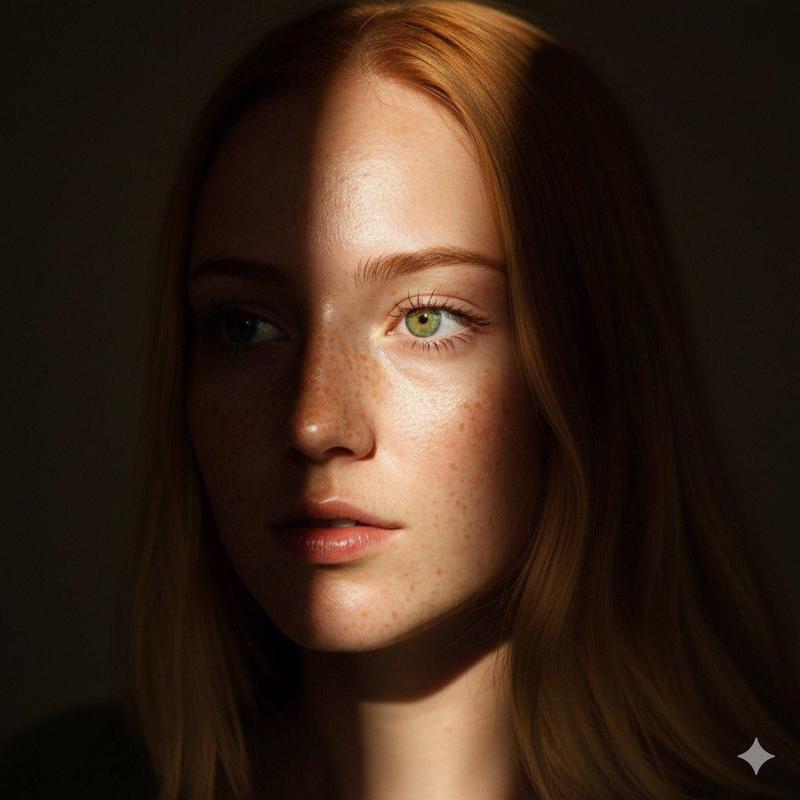
Create a side-profile aesthetic portrait of the same person from the reference photo, looking slightly away from the camera. Soft cinematic lighting with gentle shadows highlighting the jawline and facial contours. Calm, confident mood. Minimal background with smooth bokeh blur. Natural skin texture, realistic details, sharp focus on face. Subtle color grading with warm and moody tones. Stylish, modern aesthetic portrait photography. Ultra-high quality, professional DSLR look.
Aspect ratio: 3:4
Category
创意图片
Model
Nano Banana Pro
Creator
Nikhil
Views0
Source ID
d91b758c-9130-43ea-a518-7a955f4b0d1d
Published
Mar 8, 2026

Guide

About "美学侧脸肖像生成器"

What is this prompt for?

"美学侧脸肖像生成器" AI image prompt for Nano Banana Pro (创意图片). 一个用于根据参考照片生成现代、唯美侧面肖像的提示。它指定了柔和的电影级光线以突出面部轮廓,营造平静的氛围,背景极简并带有柔和的焦外虚化效果,以及微妙的暖色调、情绪化的色彩分级,以呈现专业的单反相机效果。 -…

The full copyable prompt and example visuals above are ready for AI image generation or one-click recreate in Picva.

How to use this prompt

  1. Step 1

    Open the prompt detail

    Review the example visuals, category, and full prompt text for "美学侧脸肖像生成器".

  2. Step 2

    Copy the prompt

    Copy the prompt body from this page, or load it directly in Studio.

  3. Step 3

    Pick a model (Nano Banana Pro)

    Prefer Nano Banana Pro. If you switch models, keep subject and composition and tweak style terms.

  4. Step 4

    Generate and export

    Recreate the look in Picva, or export into your workflow for editing and publishing.

FAQ

What is the "美学侧脸肖像生成器" prompt?
It is an AI image-generation prompt for Nano Banana Pro in the 创意图片 category. This page includes the full prompt text, example visuals, and a one-click recreate path in Picva.
How do I use this prompt to generate an image?
Copy the prompt from this page, or use Generate / Studio. Paste it into a compatible image model, or recreate the look in Picva with optional reference images.
Which model is this prompt for?
This page lists Nano Banana Pro. Most descriptive prompts also transfer to nearby image models such as GPT Image, Flux, or Midjourney with light style tweaks.
Can I use the result commercially?
You can usually copy the prompt for creation, but commercial use of the final image depends on the model terms, reference-image rights, and the generated content. Follow the source author and platform rules.