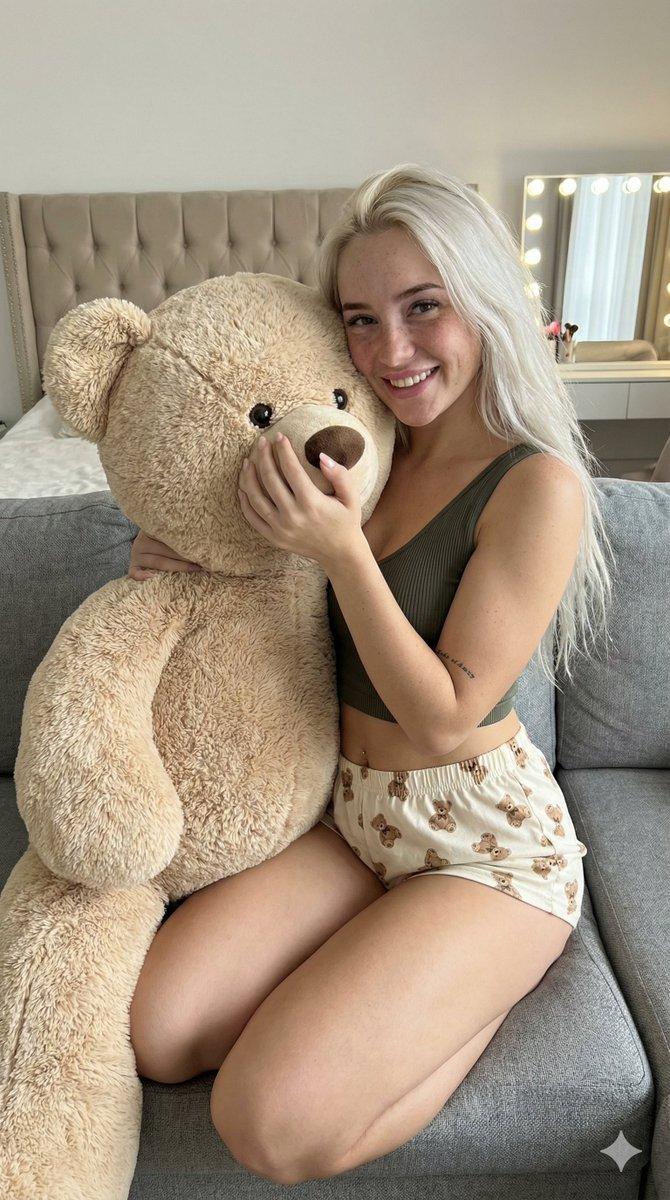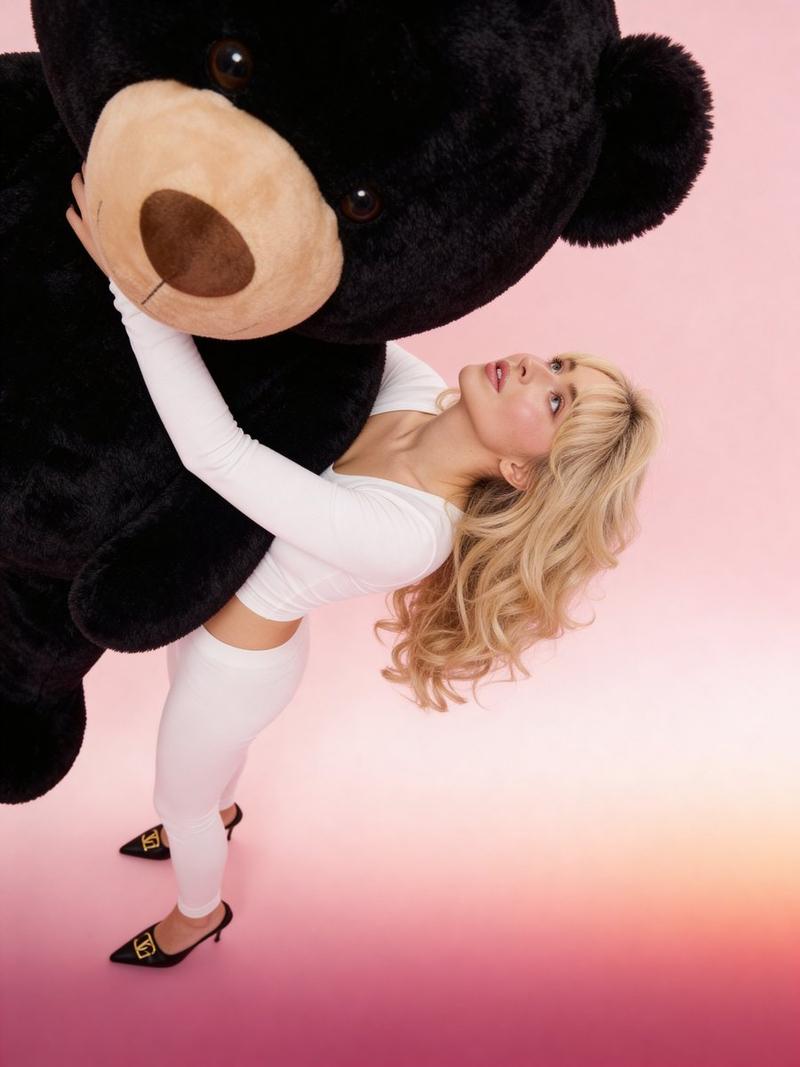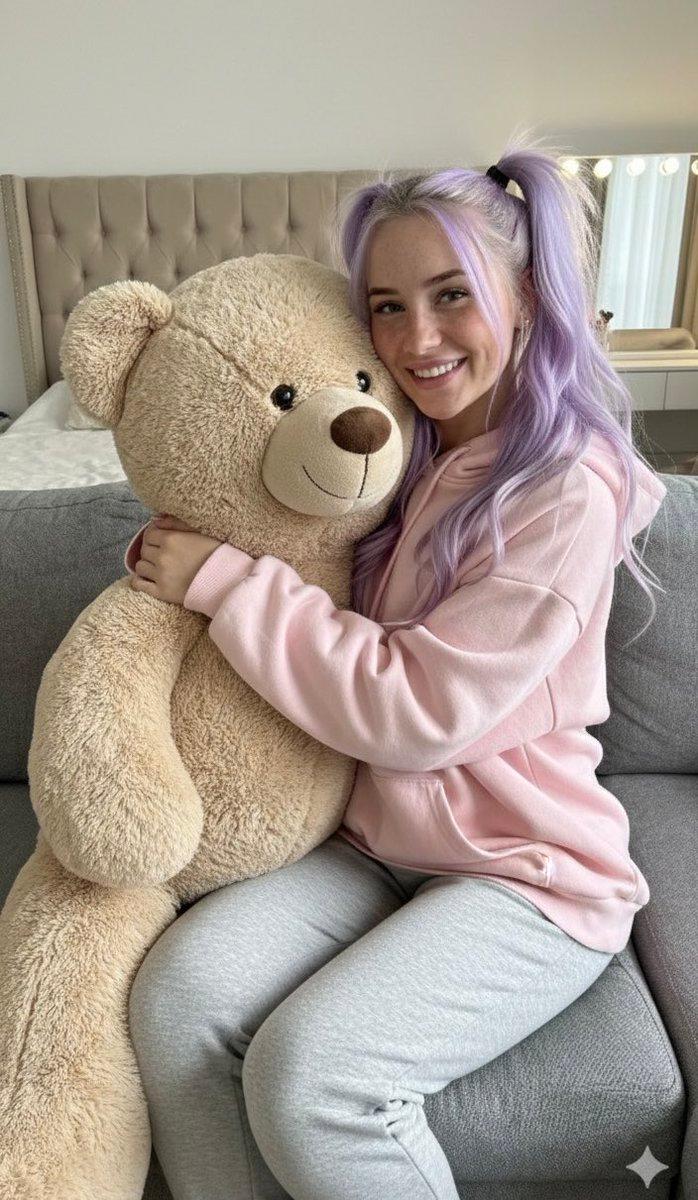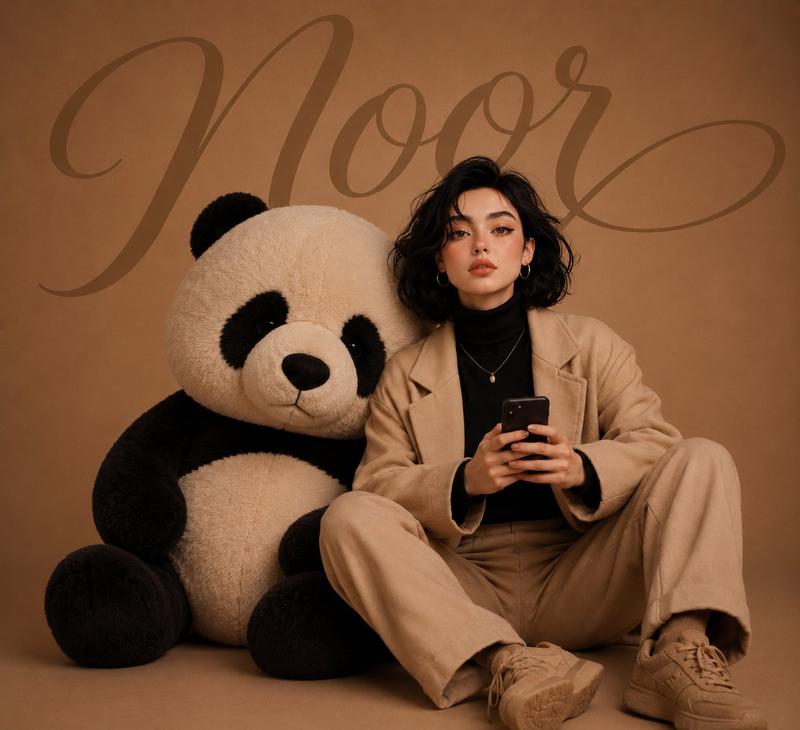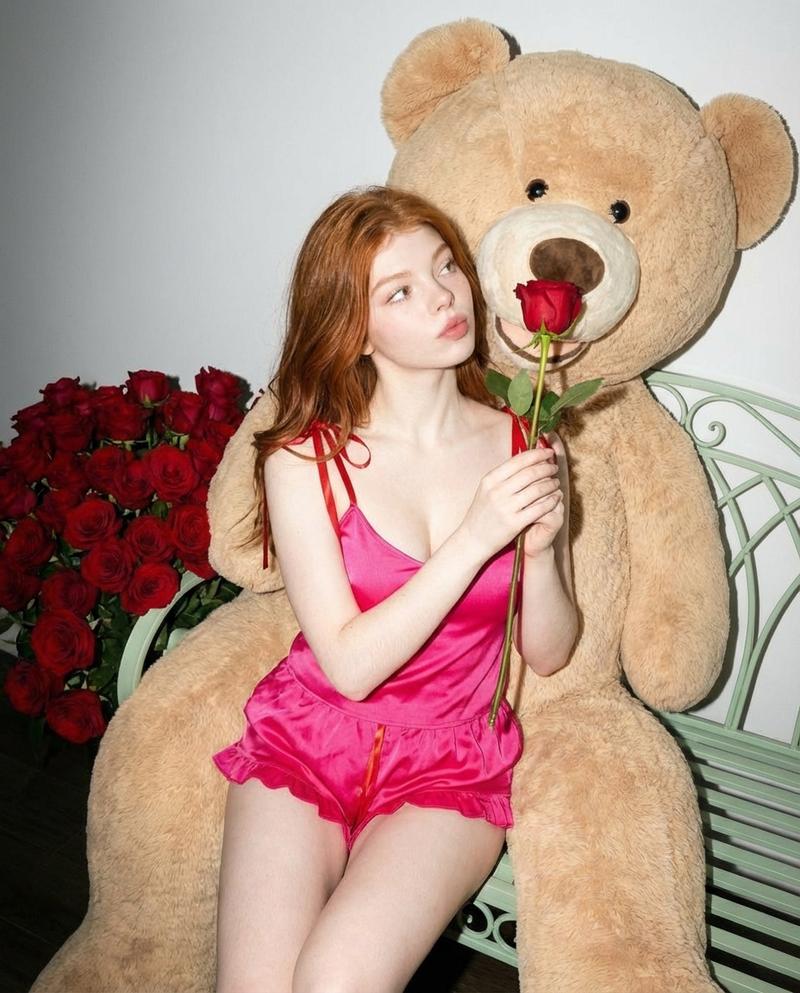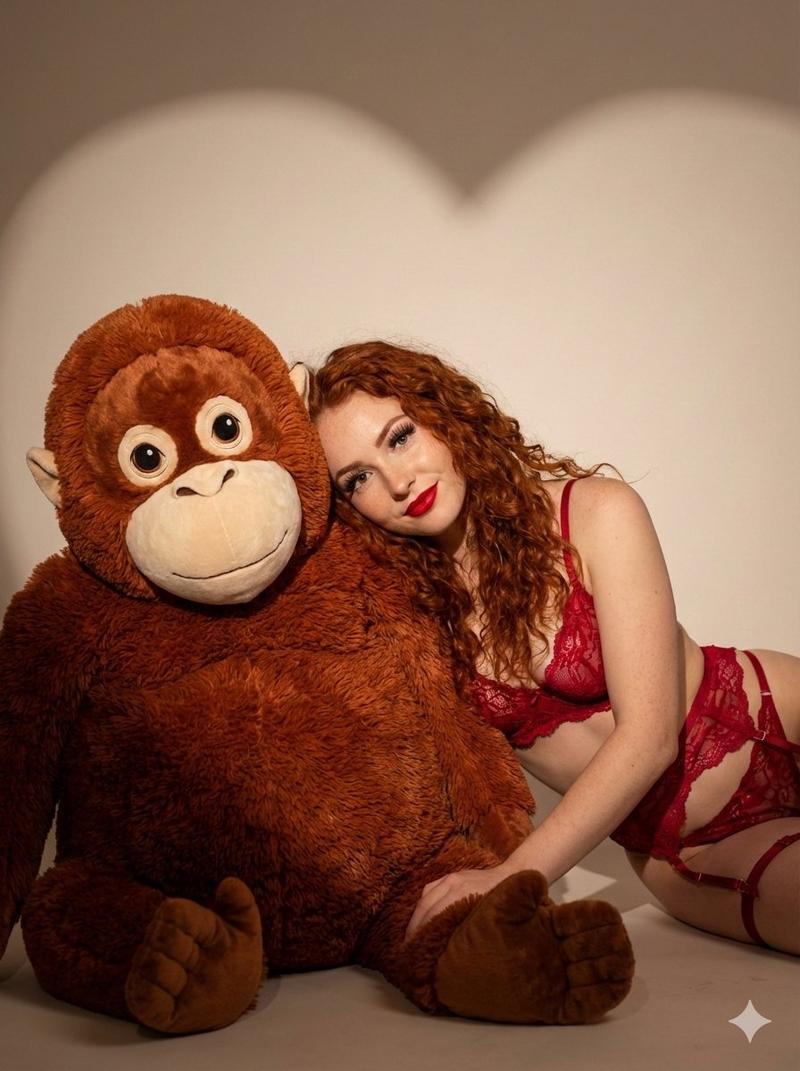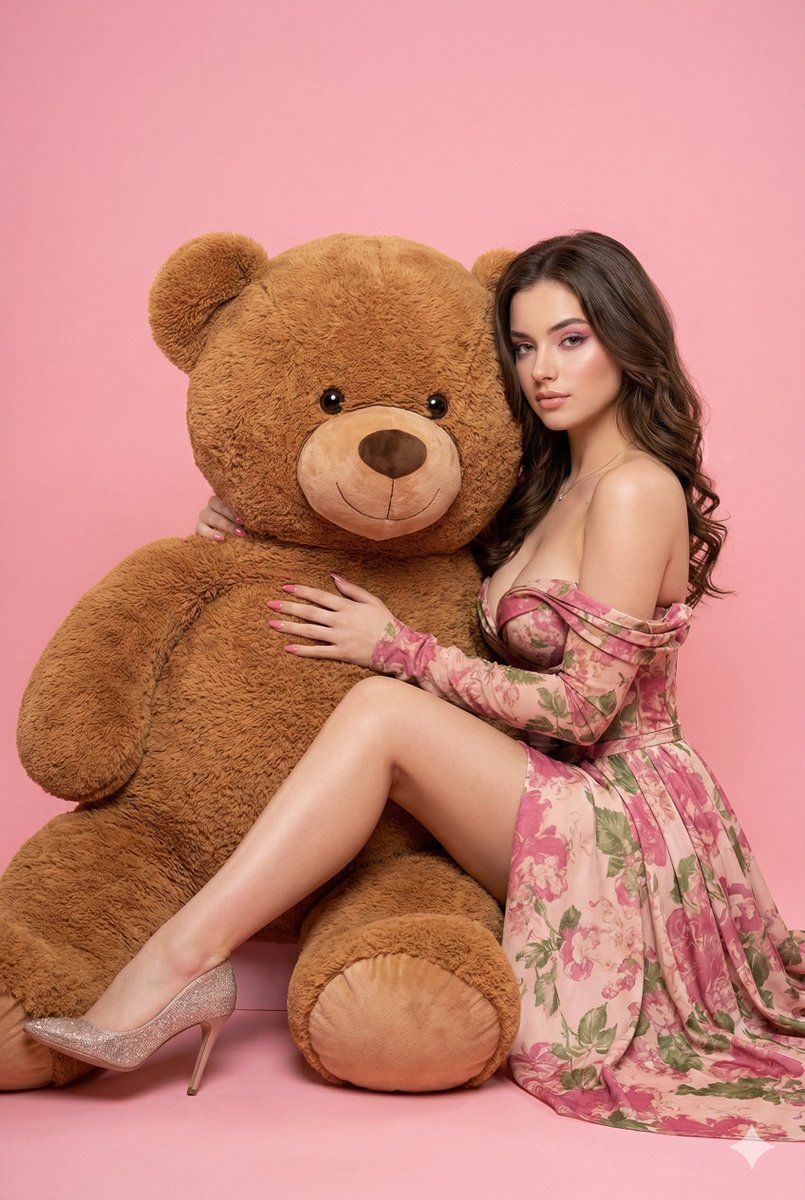
巨型泰迪熊时尚大片提示
Prompt
{
  "prompt_type": "image_generation",
  "image_style": "realistic fashion editorial, DSLR studio photography",
  "camera": {
    "type": "professional full-frame DSLR",
    "lens": "85mm prime",
    "aperture": "f/5.6",
    "iso": 100,
    "shutter_speed": "1/160s",
    "white_balance": "5000-5200K (warm studio tone)"
  },
  "framing": {
    "shot_type": "full body",
    "camera_angle": "eye-level, neutral perspective"
  },
  "subject": {
    "identity": {
      "use_reference_image": true,
      "preserve_facial_identity": true
    },
    "expression": "calm, confident, relaxed facial muscles",
    "face_angle": "three-quarter view toward the camera",
    "gaze": "direct eye contact with the camera",
    "pose": {
      "body_position": "seated sideways",
      "torso_rotation": "approximately 45 degrees toward the camera",
      "legs": {
        "front_leg": "extended forward",
        "back_leg": "bent and slightly elevated"
      },
      "weight_distribution": "resting on the hip"
    },
    "hands": {
      "right_arm": "wrapped around a large object at chest height",
      "left_hand": "resting gently on the object"
    }
  },
  "wardrobe": {
    "outfit": "exact outfit from the second provided reference image",
    "shoes": "closed-toe high heels with glossy finish and thin stiletto heel"
  },
  "hair": {
    "style": "loose hair with soft, controlled waves",
    "finish": "clean, smooth, no frizz"
  },
  "makeup": {
    "style": "editorial glamorous makeup, medium-to-high visual impact",
    "skin": "even tone with natural glow",
    "eyebrows": "defined",
    "eyes": {
      "eyeshadow": "pink eyeshadow extended above the crease",
      "eyeliner": "subtle",
      "mascara": "defined lashes"
    },
    "contour": "soft contouring",
    "lips": "satin finish, natural pink tone"
  },
  "manicure": {
    "nails": "almond-shaped, medium length",
    "finish": "glossy pink"
  },
  "environment": {
    "background": "seamless solid {argument name="background color" default="pink"} studio backdrop",
    "floor_to_background_transition": "smooth and continuous"
  },
  "lighting": {
    "style": "high-key studio lighting",
    "key_light": {
      "position": "front, slightly above eye level",
      "quality": "large, diffused"
    },
    "fill_light": "uniform frontal fill",
    "shadows": "extremely soft"
  },
  "props": {
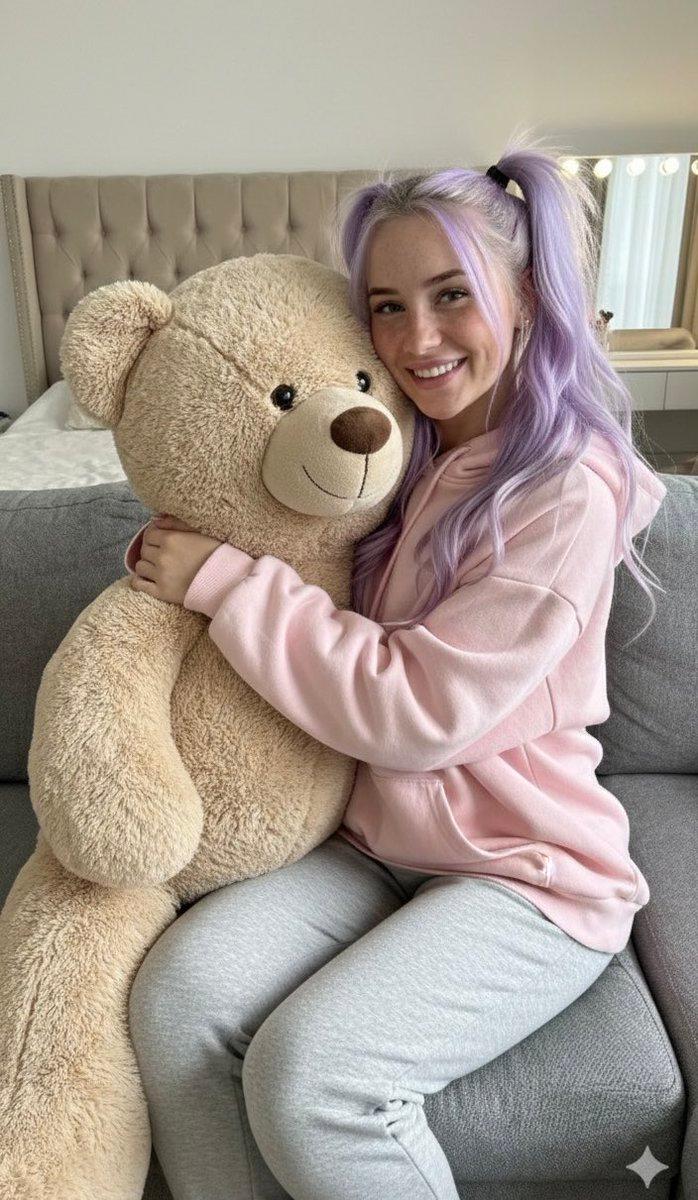
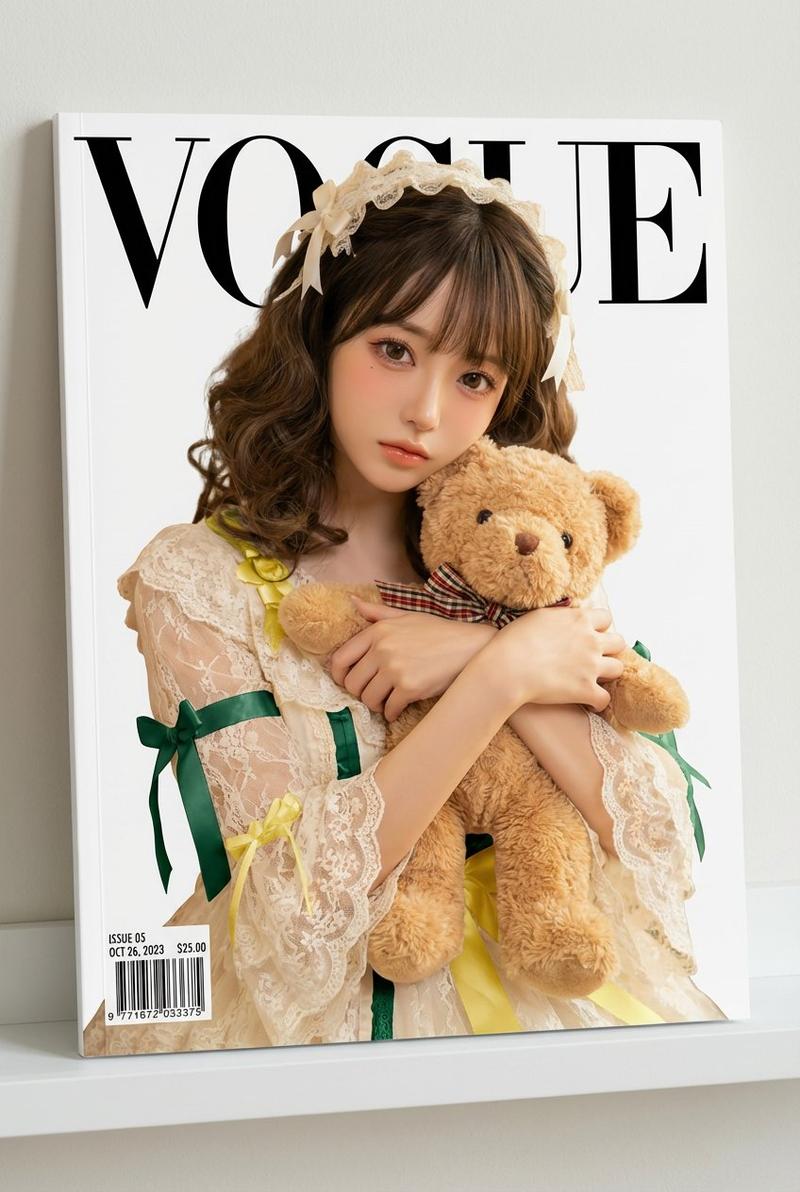
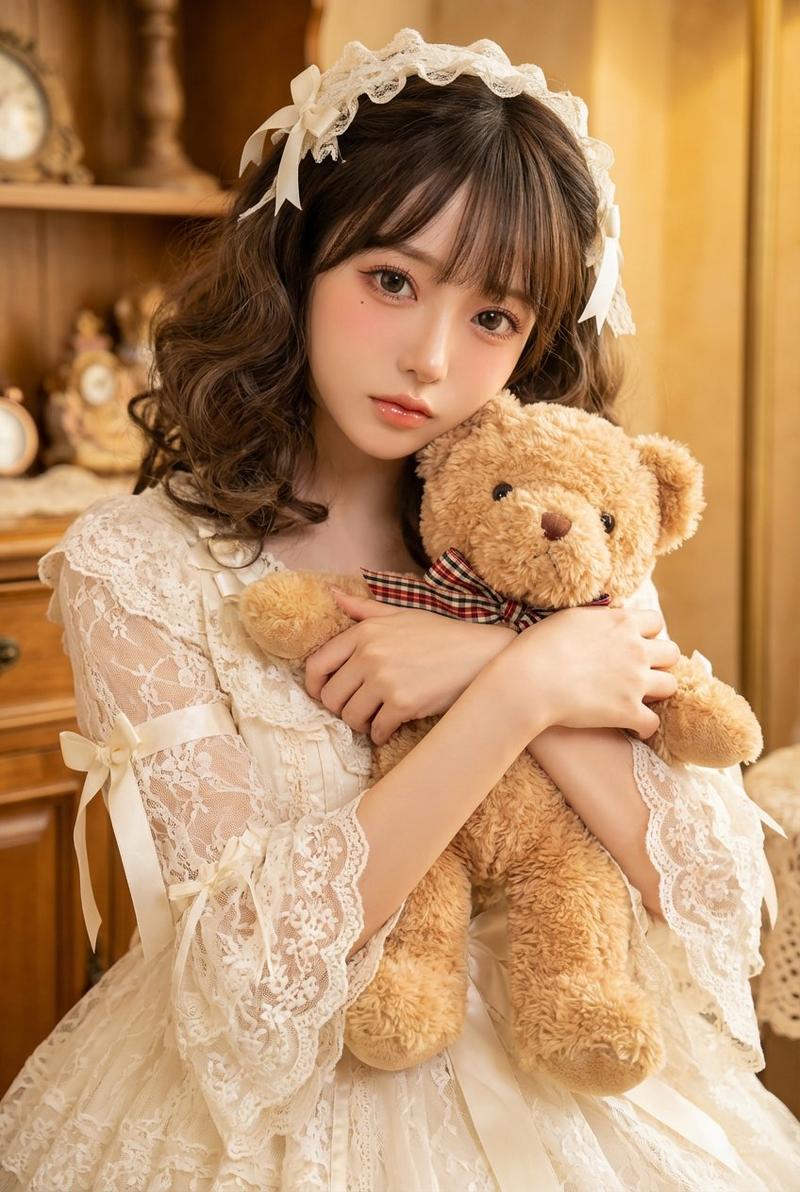
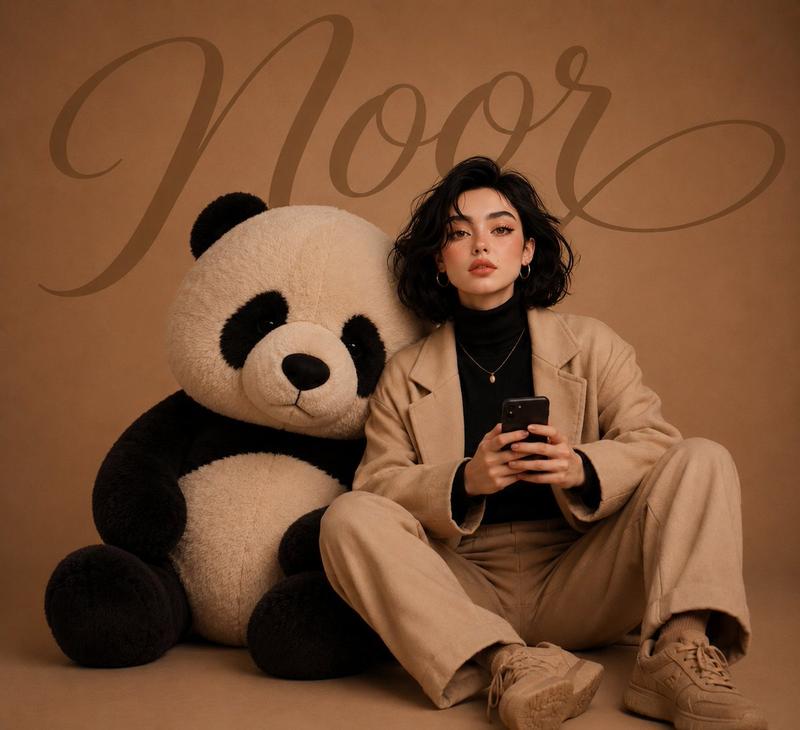
    "object": "giant seated teddy bear",
    "scale": {
      "height": "approximately 150 cm",
      "width": "approximately 110 cm",
      "comparison": "similar in size to a large single-seat sofa"
    }
  },
  "effects": {
    "filters": "none",
    "post_processing": "none"
  },
  "output_quality": {
    "resolution": "high resolution",
    "realism": "photorealistic",
    "genre": "fashion editorial studio photography"
  }
}- Category
- 创意图片
- Model
- Nano Banana Pro
- Creator
- Shanvi
- Source ID
- 226468b4-7547-412f-8c70-03d7bb5cbfbe
- Published
- Mar 8, 2026
Views0