16

高对比度黑白肖像提示
Enlarge

高对比度黑白肖像提示

Prompt
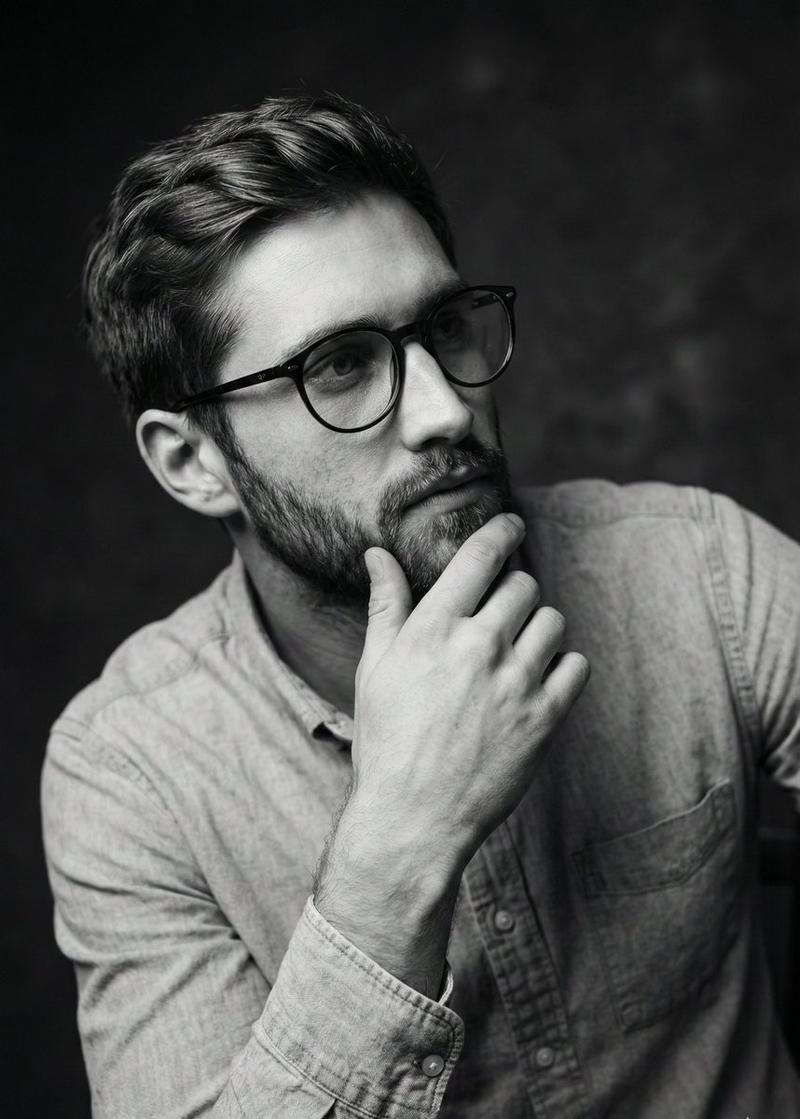
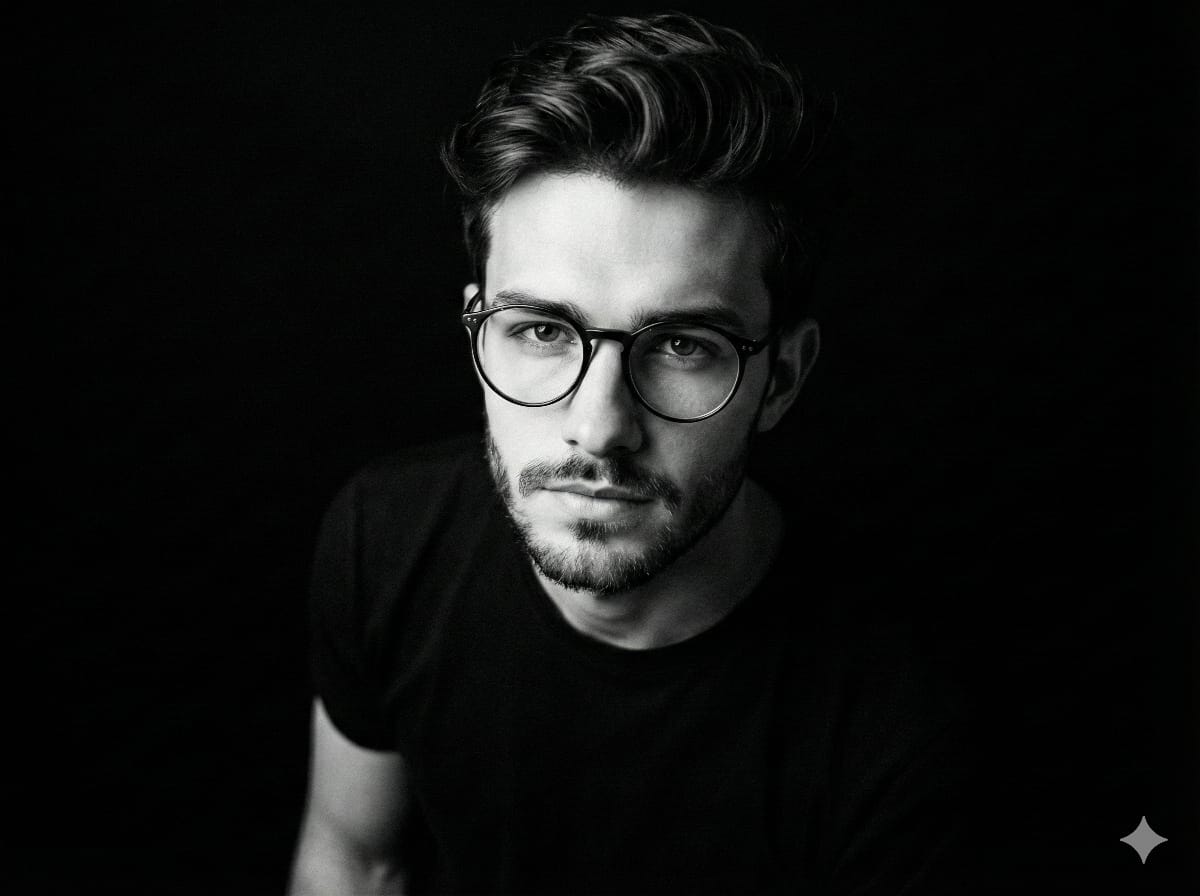
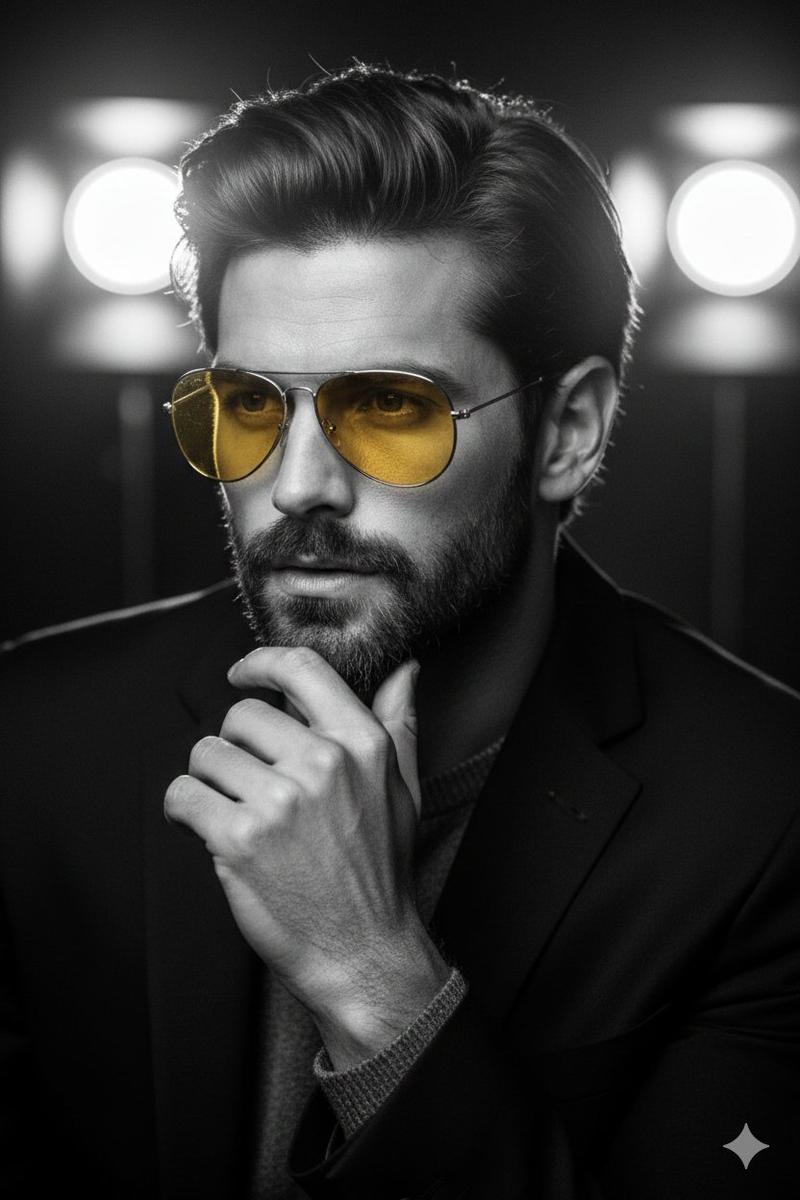
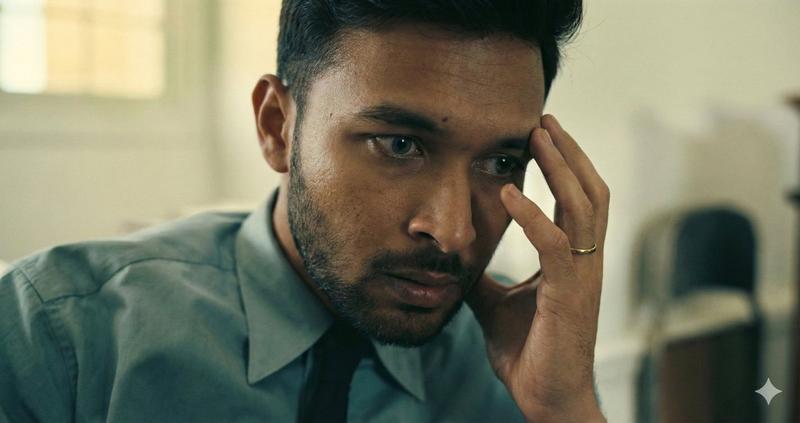
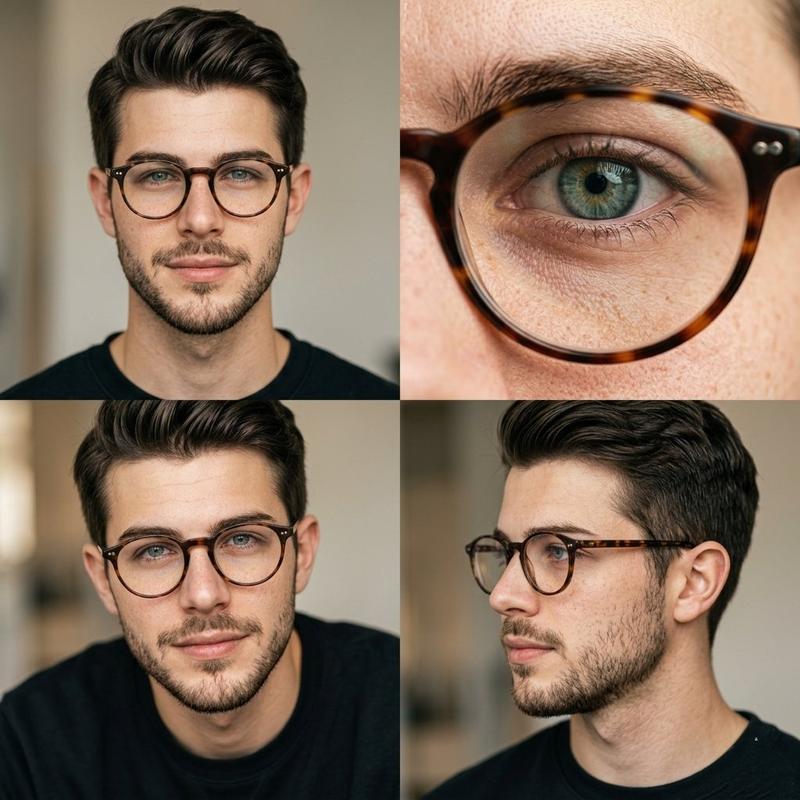
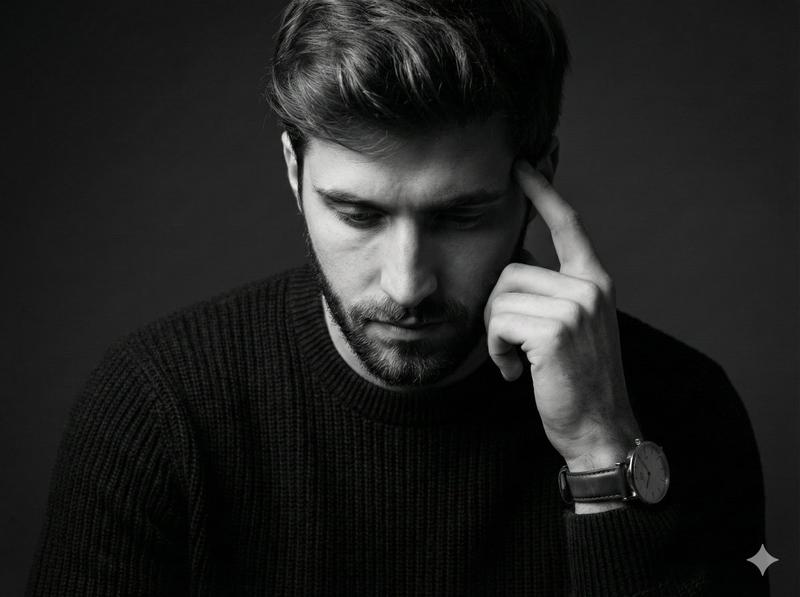
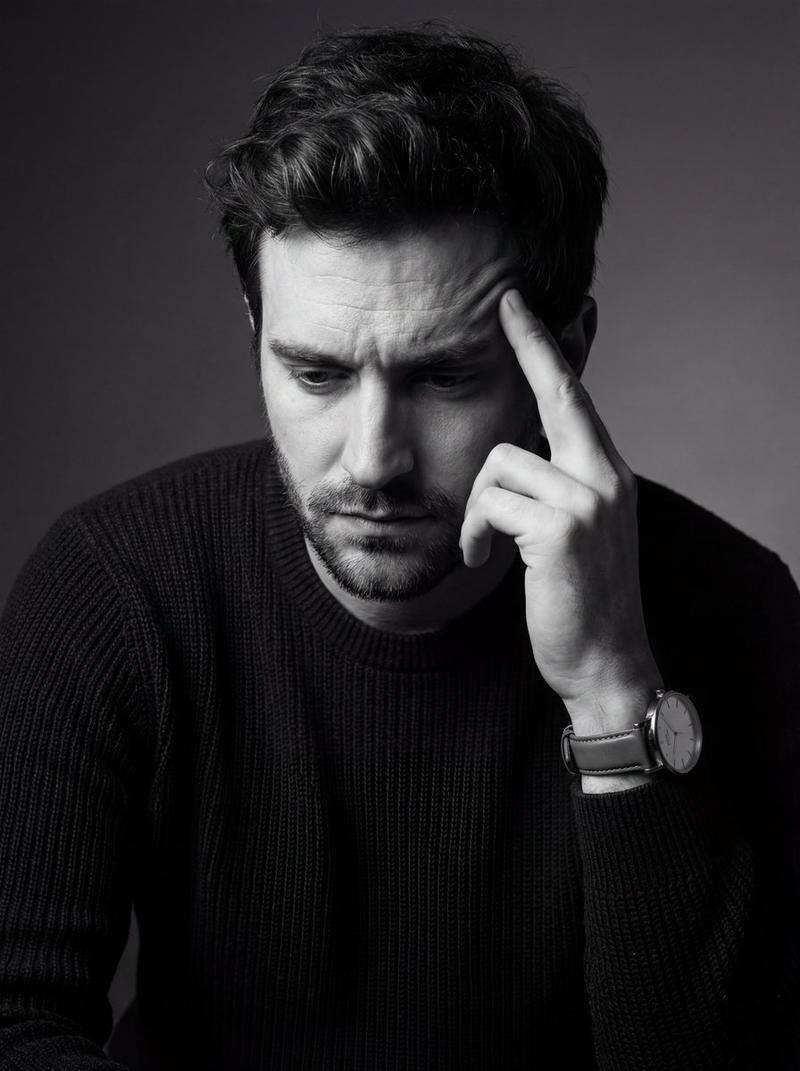
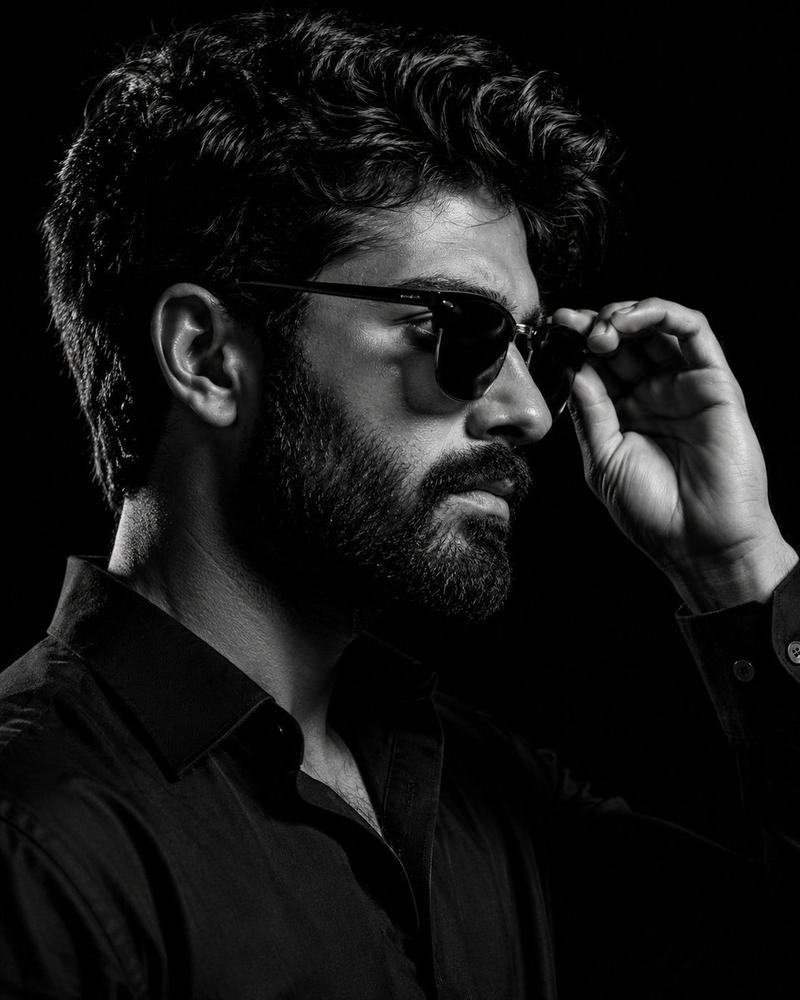
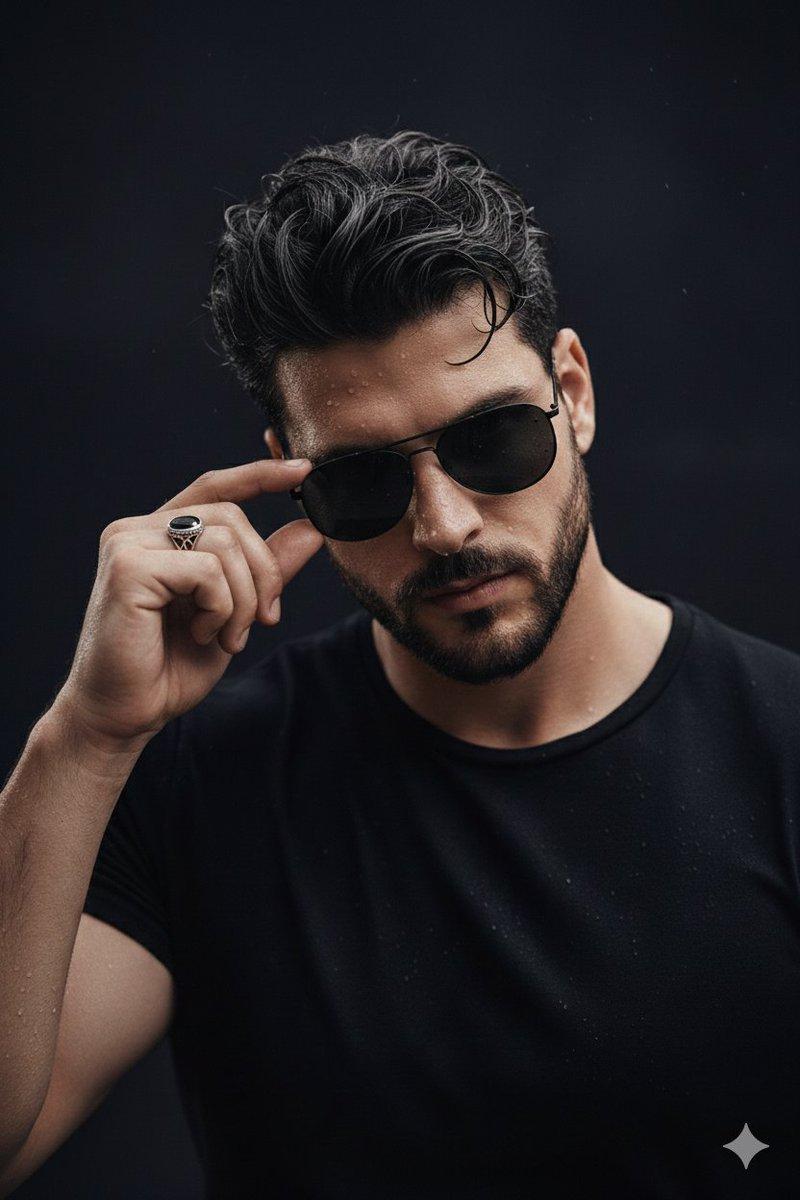
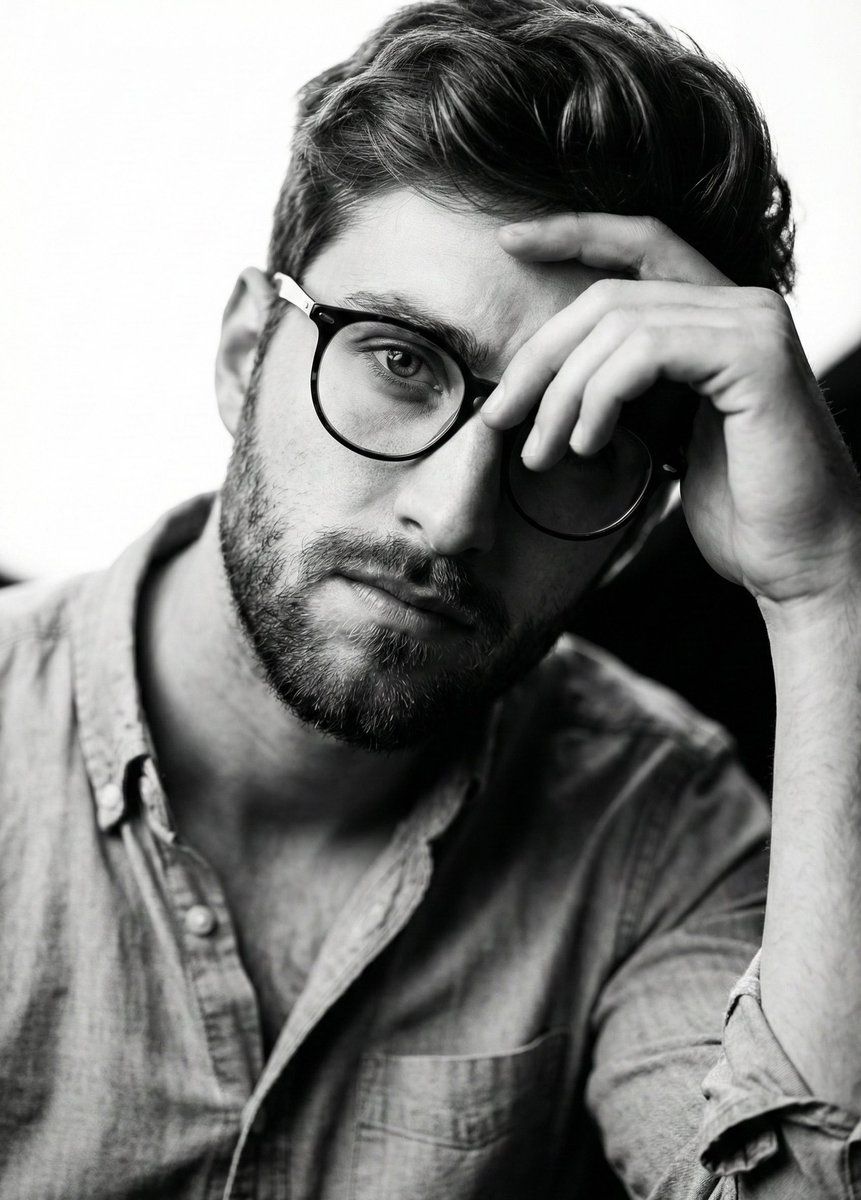
A hyper-realistic, 8k black and white portrait, captured with a shallow depth of field using an 85mm lens. The composition is an extreme close-up, portrait orientation, focusing on the upper body of a person with uploaded face as reference. The subject's head is tilted slightly to the right, looking directly at the viewer with an intense, thoughtful gaze. Their left hand is raised, fingers gently curled, resting on their forehead, partially obscuring the left eye and brow. The subject has dark, textured hair swept back from the forehead and well-groomed short stubble. They are wearing a light-colored, possibly denim or chambray, collared shirt, unbuttoned at the top, with a rolled-up sleeve visible on the right side of the frame, revealing highly detailed fabric texture and buttons. Dramatic cinematic lighting from the upper left creates strong highlights on the forehead, nose, and cheekbone, emphasizing facial contours, with subtle rim lighting on the hair and ear. The background is a soft, blown-out bright white on the upper left, transitioning to a deep, dark, out-of-focus area on the right, creating high contrast and isolating the subject. The image features highly detailed skin texture, individual hair strands, and fabric wrinkles, rendered with a professional, editorial quality.
Category
创意图片
Model
Nano Banana Pro
Creator
Duet | AI
Views0
Source ID
0ebdc818-b9b4-420c-bc6e-56f552c831be
Published
Mar 8, 2026

Guide

About "高对比度黑白肖像提示"

What is this prompt for?

"高对比度黑白肖像提示" AI image prompt for Nano Banana Pro (创意图片). 一个用于生成超现实、高对比度黑白肖像的提示,具有戏剧性的电影照明效果。它指定使用 85mm 镜头进行特写,聚焦于皮肤、头发和织物等细节纹理,并要求上传面部参考图以锁定身份。 --- 一张超写实、8k 黑白…

The full copyable prompt and example visuals above are ready for AI image generation or one-click recreate in Picva.

How to use this prompt

  1. Step 1

    Open the prompt detail

    Review the example visuals, category, and full prompt text for "高对比度黑白肖像提示".

  2. Step 2

    Copy the prompt

    Copy the prompt body from this page, or load it directly in Studio.

  3. Step 3

    Pick a model (Nano Banana Pro)

    Prefer Nano Banana Pro. If you switch models, keep subject and composition and tweak style terms.

  4. Step 4

    Generate and export

    Recreate the look in Picva, or export into your workflow for editing and publishing.

FAQ

What is the "高对比度黑白肖像提示" prompt?
It is an AI image-generation prompt for Nano Banana Pro in the 创意图片 category. This page includes the full prompt text, example visuals, and a one-click recreate path in Picva.
How do I use this prompt to generate an image?
Copy the prompt from this page, or use Generate / Studio. Paste it into a compatible image model, or recreate the look in Picva with optional reference images.
Which model is this prompt for?
This page lists Nano Banana Pro. Most descriptive prompts also transfer to nearby image models such as GPT Image, Flux, or Midjourney with light style tweaks.
Can I use the result commercially?
You can usually copy the prompt for creation, but commercial use of the final image depends on the model terms, reference-image rights, and the generated content. Follow the source author and platform rules.