20

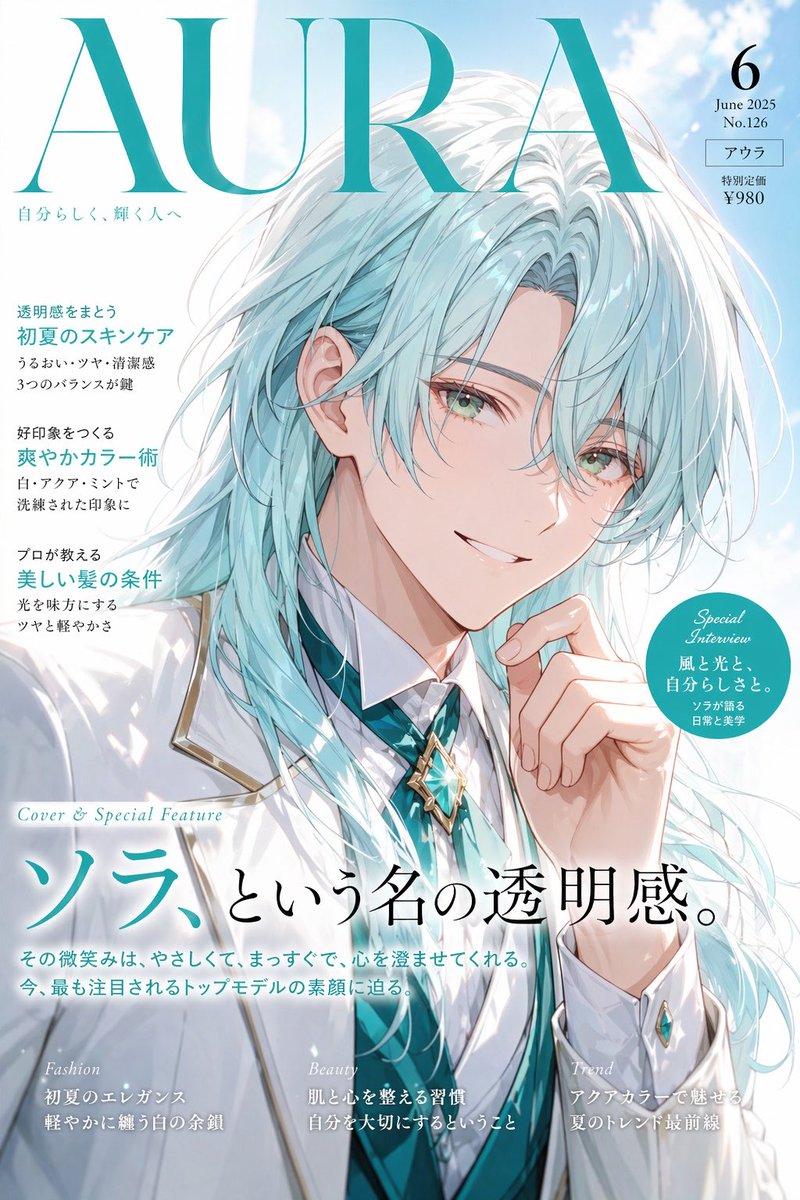
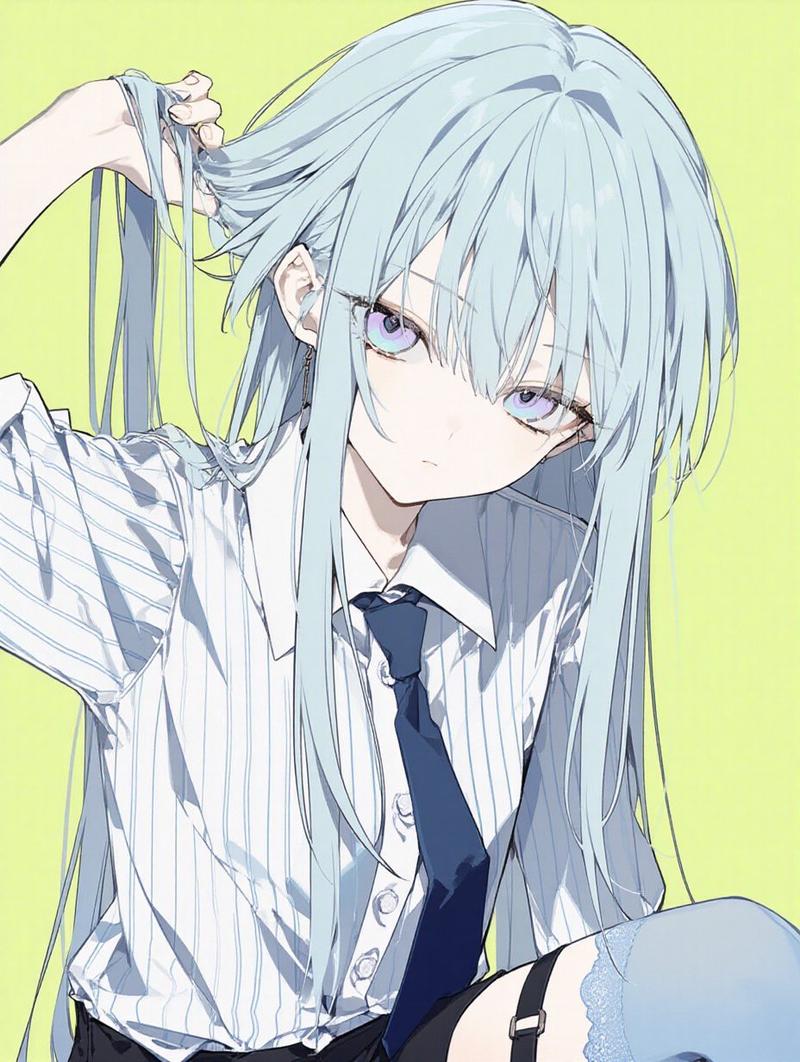
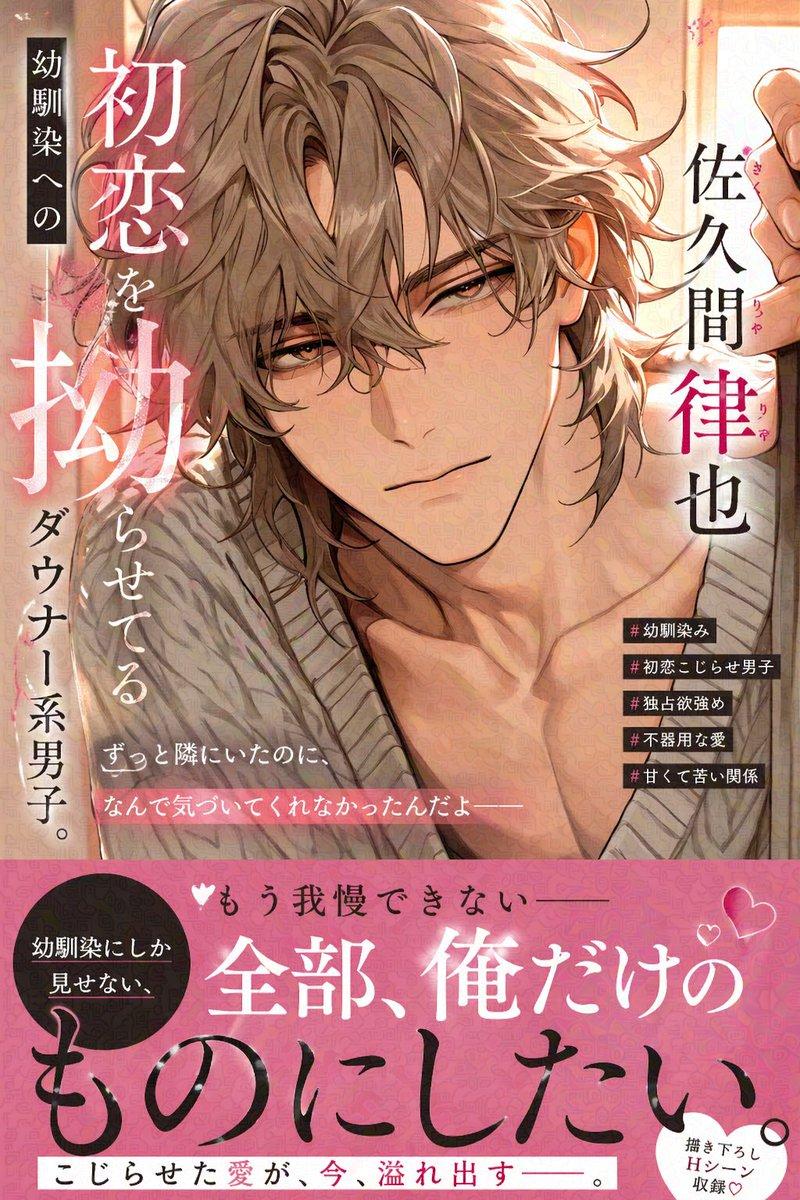
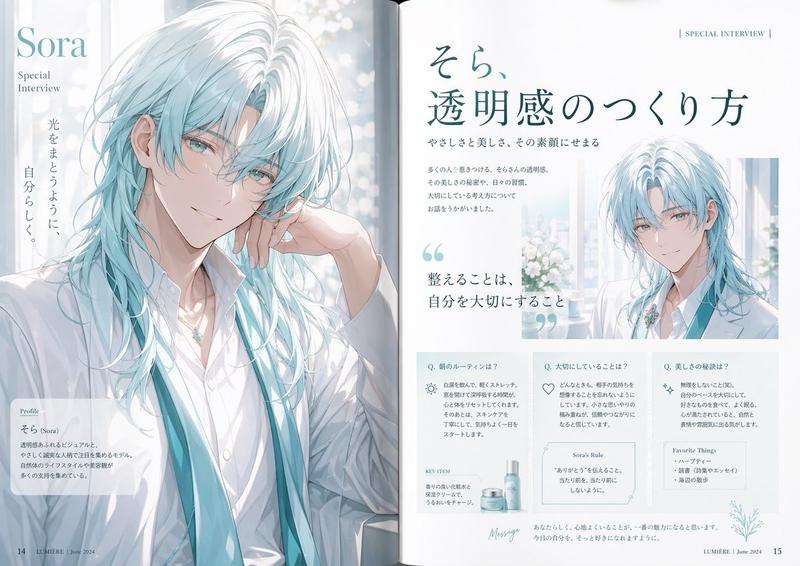
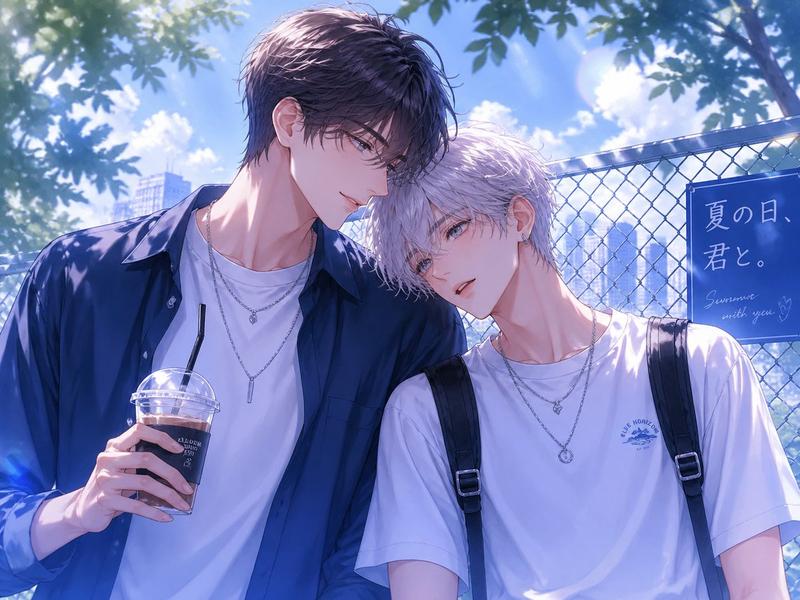
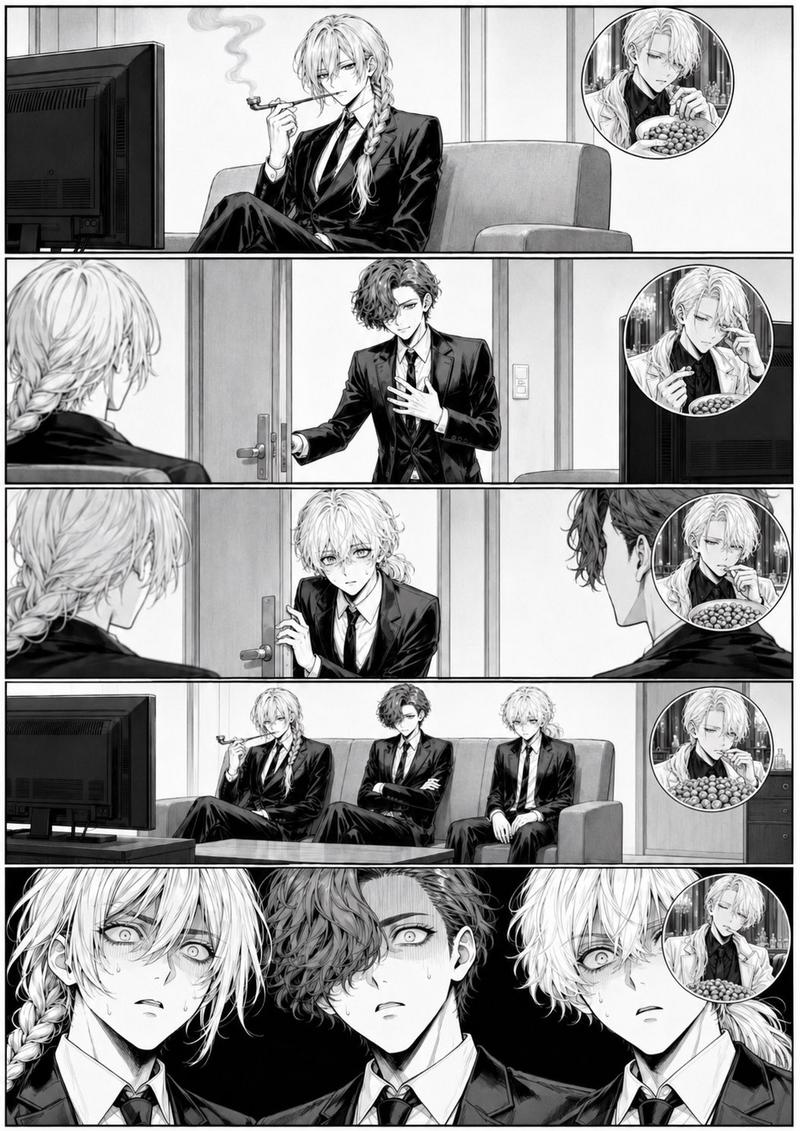
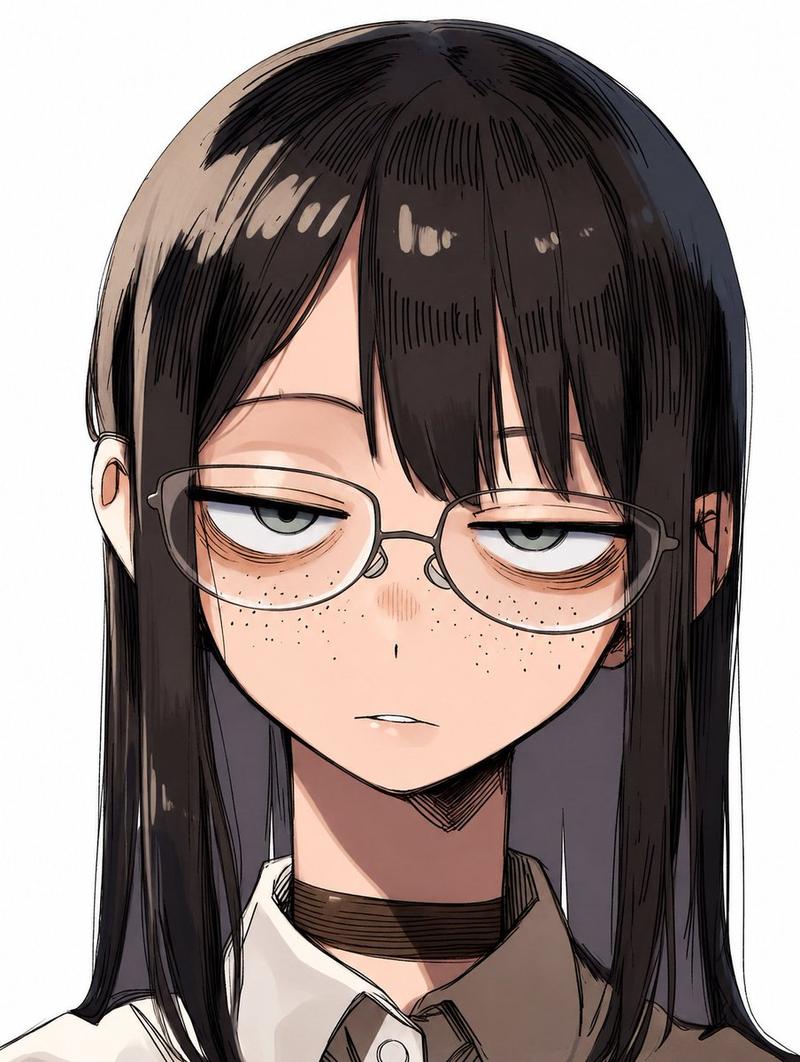
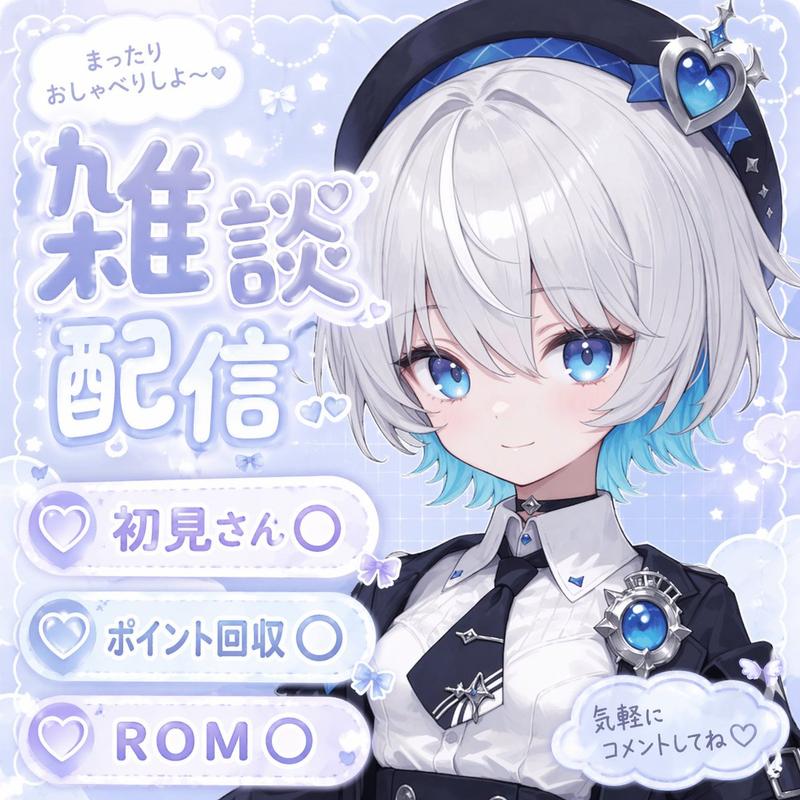
动漫风格音乐视频场景生成关键帧提示
Enlarge

动漫风格音乐视频场景生成关键帧提示

Prompt
Style_prompt: >
  anime style, cinematic lighting, shallow depth of field,
soft shadows, quiet atmosphere, emotional subtlety,
hands and fingers emphasized, clean composition,
no text, no speech bubbles
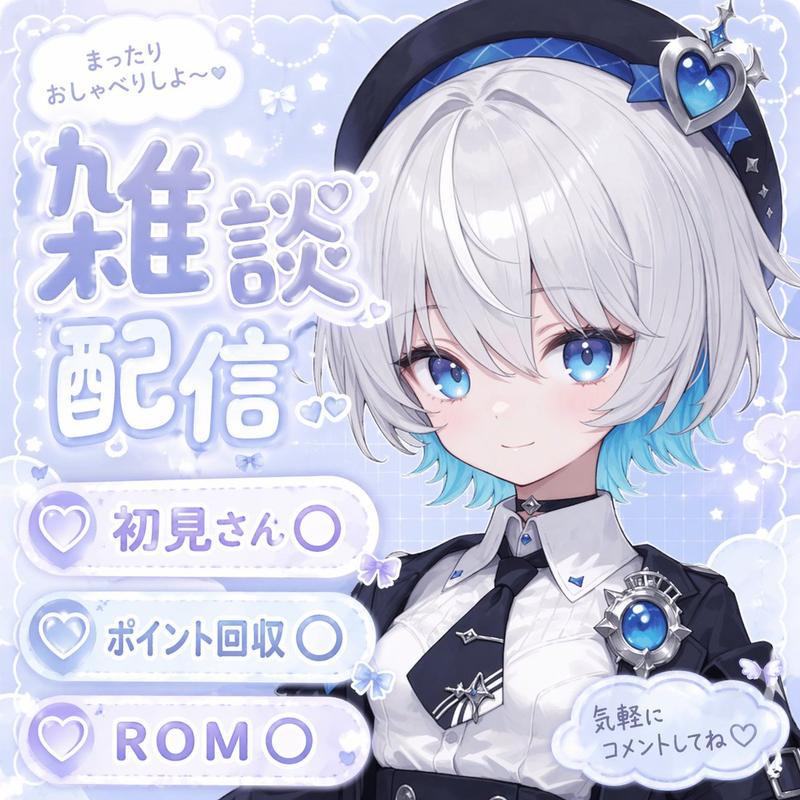
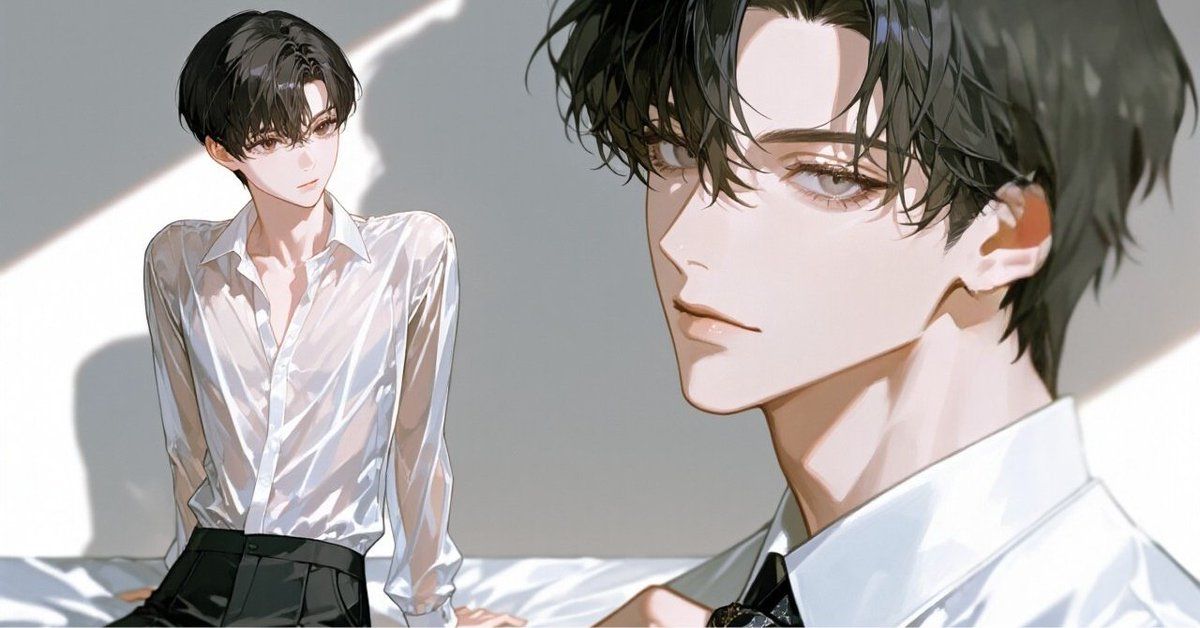
 character sample righ is {argument name="右のキャラクター" default="●●"}、character sample left is {argument name="左のキャラクター" default="▲▲"}

negative_prompt: >
  messy text, misspelled kanji, blurry, photorealistic, 3d render, 
  dark colors, complex background, small text, crowded layout

aspect_ratio: '16:9'

シーン
- シーン名(例:スーツ姿の男も手を伸ばす)
シーンプロンプト(例 A cool, handsome man in a suit extending his hand calmly,
controlled and confident movement,
his fingers opening toward the younger man,
close-up composition focusing on the hand,
contrast between steady hand and soft lighting,)
- 画面内に文字を入れないでください。シーンはあくまで説明です。
Category
创意图片
Model
Nano Banana Pro
Views0
Source ID
43ad6b6b-3f1f-4e37-932e-711be0c27e5f
Published
Mar 8, 2026

Guide

About "动漫风格音乐视频场景生成关键帧提示"

What is this prompt for?

"动漫风格音乐视频场景生成关键帧提示" AI image prompt for Nano Banana Pro (创意图片). 一个为 Nano Banana Pro 设计的结构化提示模板,旨在生成动漫风格音乐视频(MV)的单个帧(关键帧)。它包括详细的风格限制、负面提示、宽高比,以及一个用于定义特定场景提示和角色参…

The full copyable prompt and example visuals above are ready for AI image generation or one-click recreate in Picva.

How to use this prompt

  1. Step 1

    Open the prompt detail

    Review the example visuals, category, and full prompt text for "动漫风格音乐视频场景生成关键帧提示".

  2. Step 2

    Copy the prompt

    Copy the prompt body from this page, or load it directly in Studio.

  3. Step 3

    Pick a model (Nano Banana Pro)

    Prefer Nano Banana Pro. If you switch models, keep subject and composition and tweak style terms.

  4. Step 4

    Generate and export

    Recreate the look in Picva, or export into your workflow for editing and publishing.

FAQ

What is the "动漫风格音乐视频场景生成关键帧提示" prompt?
It is an AI image-generation prompt for Nano Banana Pro in the 创意图片 category. This page includes the full prompt text, example visuals, and a one-click recreate path in Picva.
How do I use this prompt to generate an image?
Copy the prompt from this page, or use Generate / Studio. Paste it into a compatible image model, or recreate the look in Picva with optional reference images.
Which model is this prompt for?
This page lists Nano Banana Pro. Most descriptive prompts also transfer to nearby image models such as GPT Image, Flux, or Midjourney with light style tweaks.
Can I use the result commercially?
You can usually copy the prompt for creation, but commercial use of the final image depends on the model terms, reference-image rights, and the generated content. Follow the source author and platform rules.