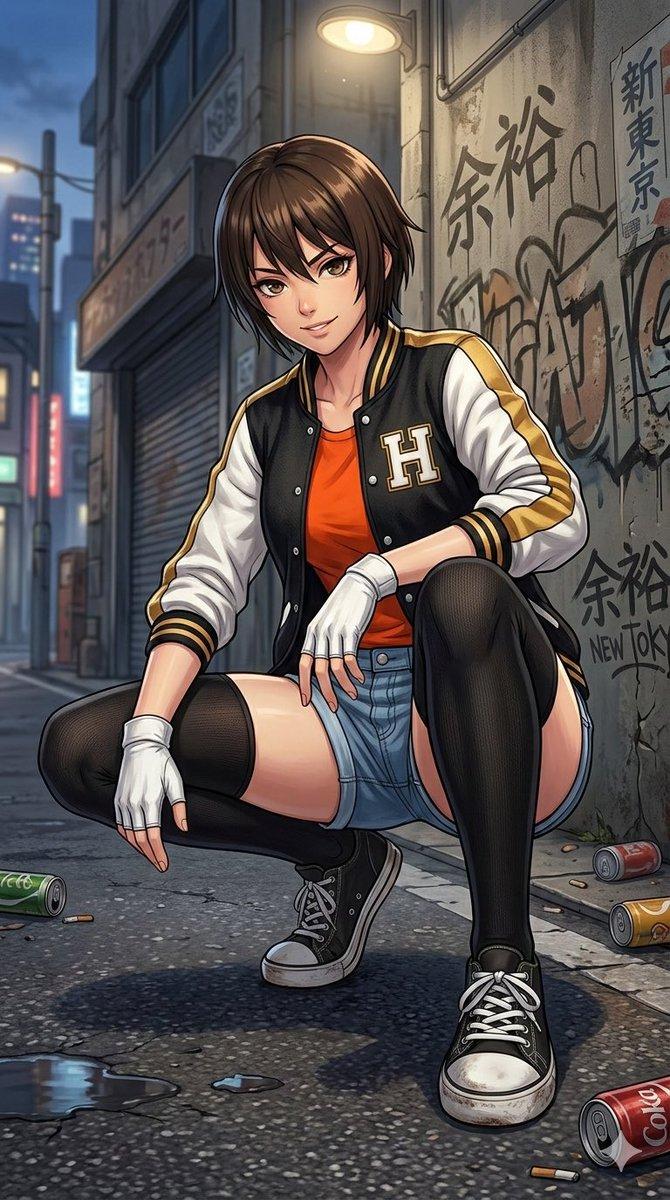
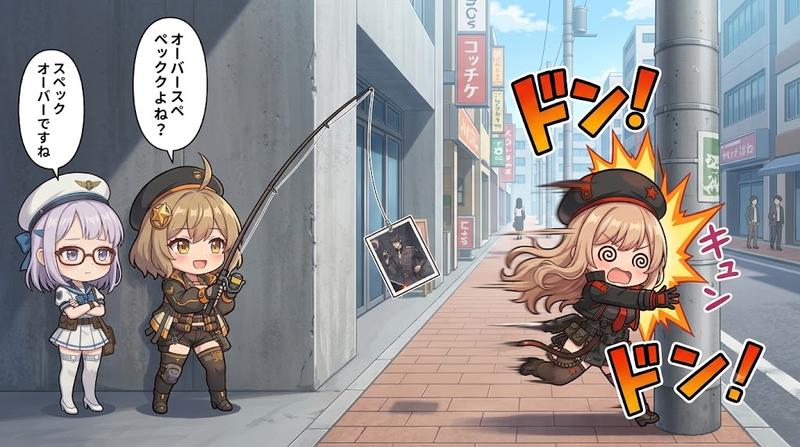
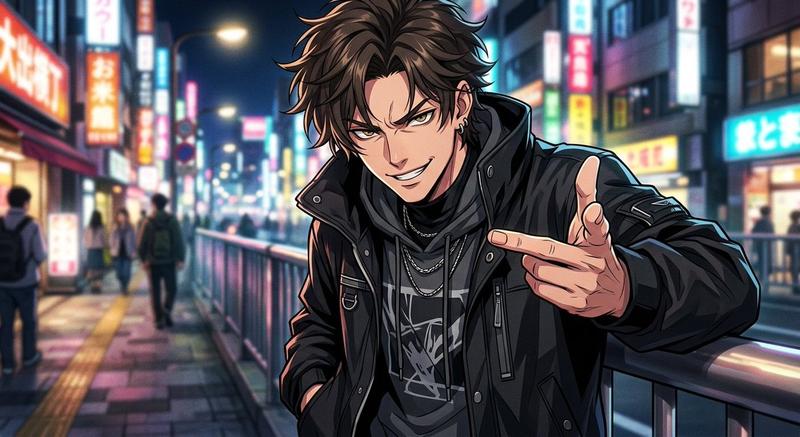
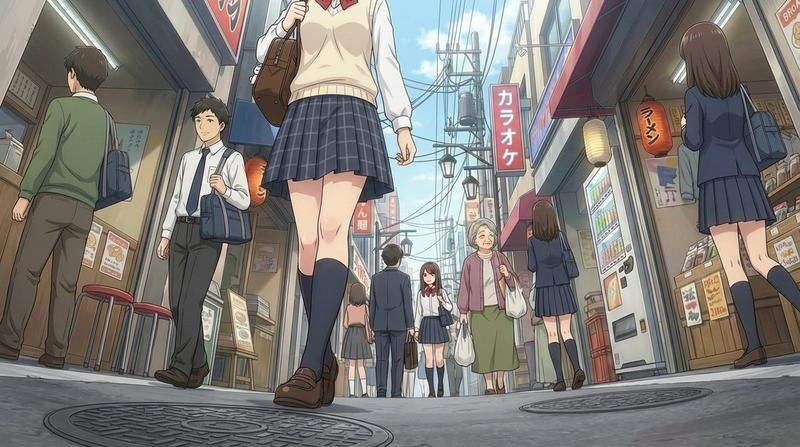
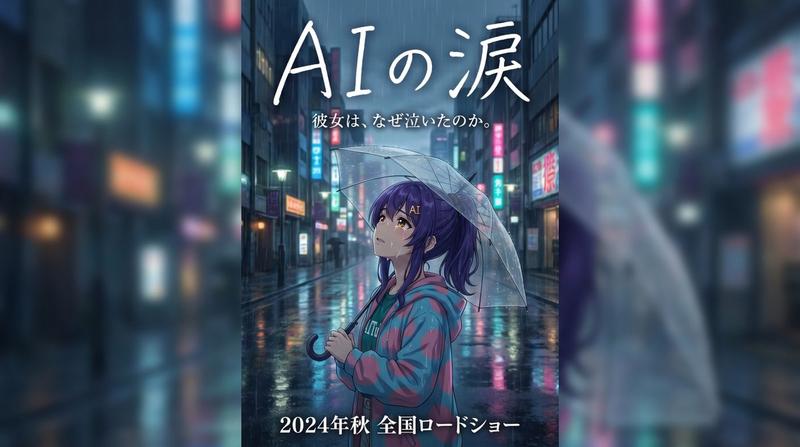
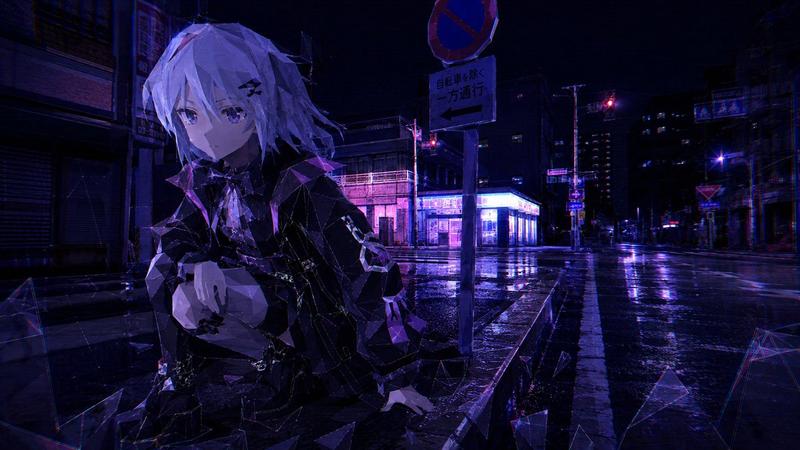
动画制作的多工具工作流程
Prompt
Midjouneyで気に入ったポーズをNano banana proに落とし込む!
- Category
- 创意图片
- Model
- Nano Banana Pro
- Creator
- ゆんゆん。。
- Source ID
- a0150363-1026-42e0-a6d7-425f62db65cb
- Published
- Mar 8, 2026
Views0
18
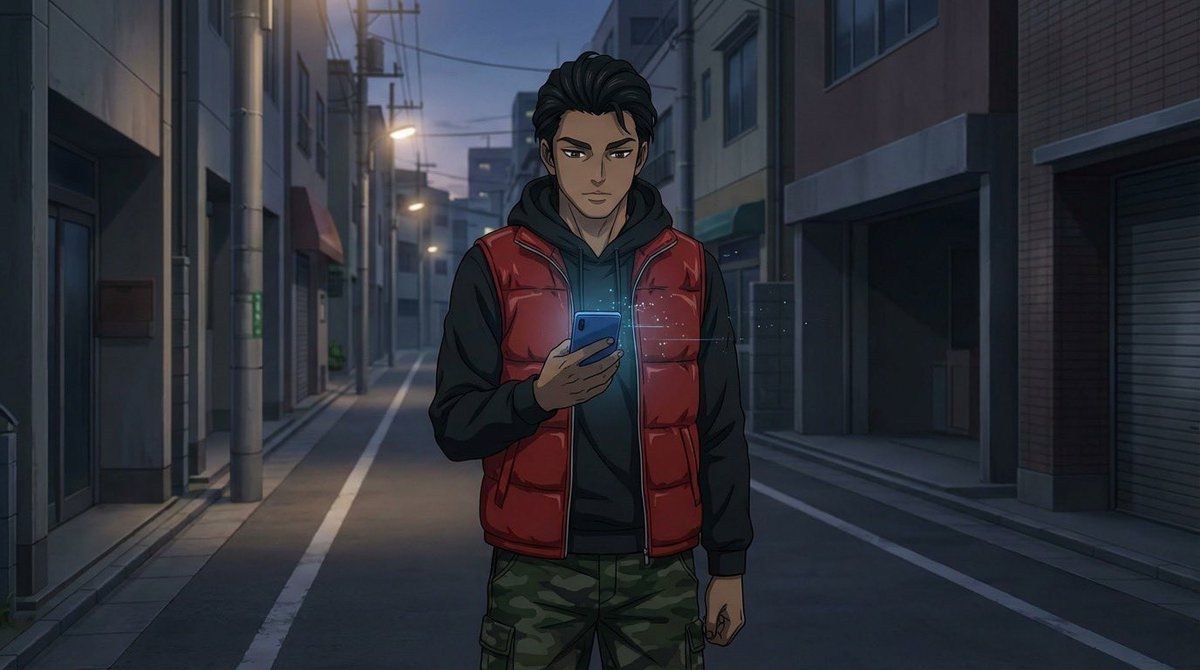
Midjouneyで気に入ったポーズをNano banana proに落とし込む!
Guide
"动画制作的多工具工作流程" AI image prompt for Nano Banana Pro (创意图片). 这条推文详细介绍了一个复杂的动画制作流程,首先是咨询 ChatGPT,然后使用多种工具(Nano banana pro、Flux2、Midjourney)生成源图像,最后使用 Grok imagine…
The full copyable prompt and example visuals above are ready for AI image generation or one-click recreate in Picva.
Step 1
Review the example visuals, category, and full prompt text for "动画制作的多工具工作流程".
Step 2
Copy the prompt body from this page, or load it directly in Studio.
Step 3
Prefer Nano Banana Pro. If you switch models, keep subject and composition and tweak style terms.
Step 4
Recreate the look in Picva, or export into your workflow for editing and publishing.