18

超逼真商业饮料摄影提示
Enlarge

超逼真商业饮料摄影提示

Prompt
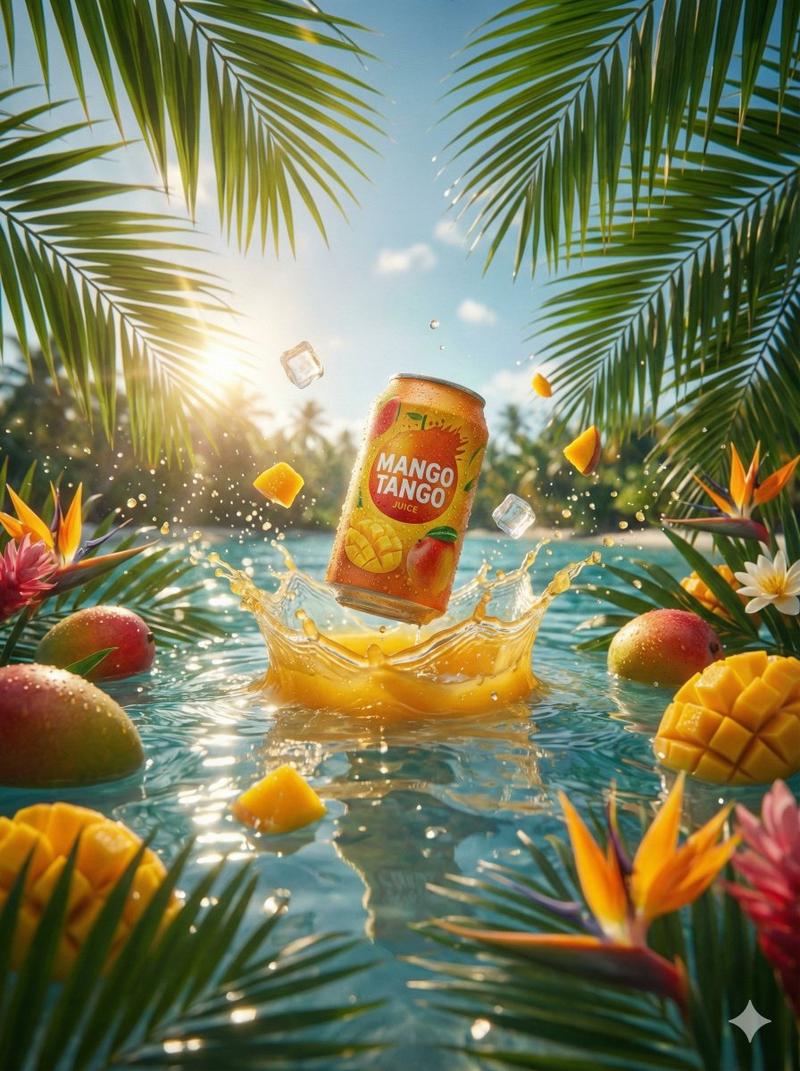
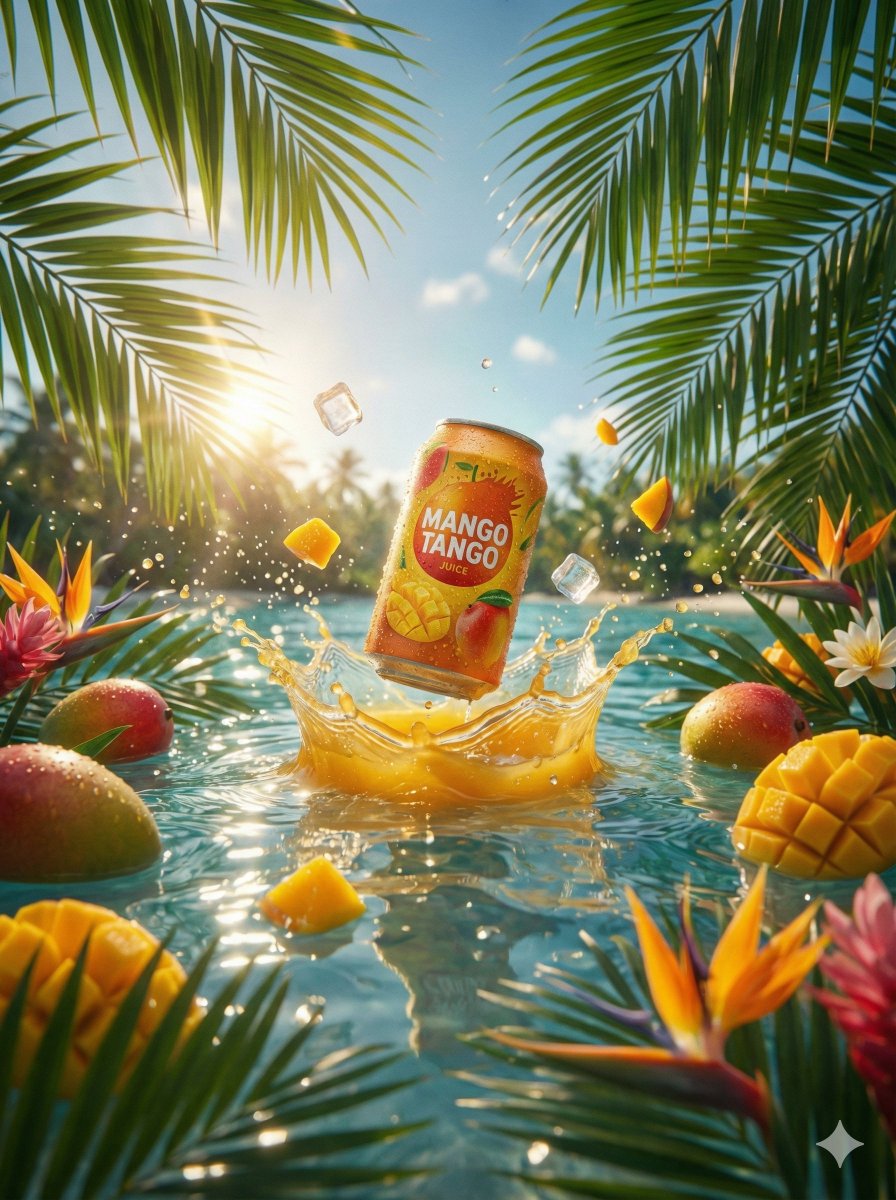
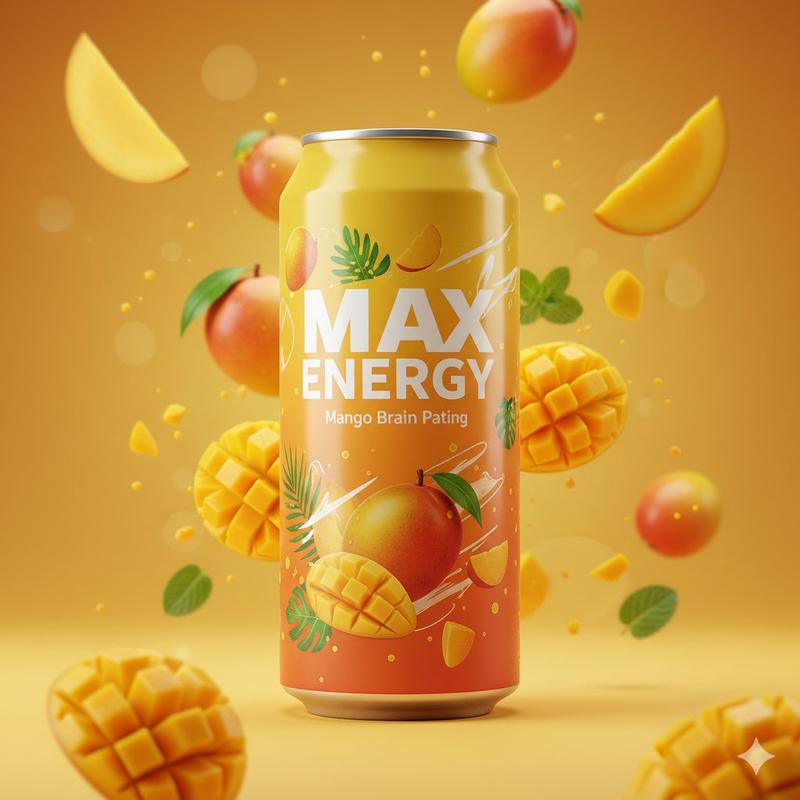
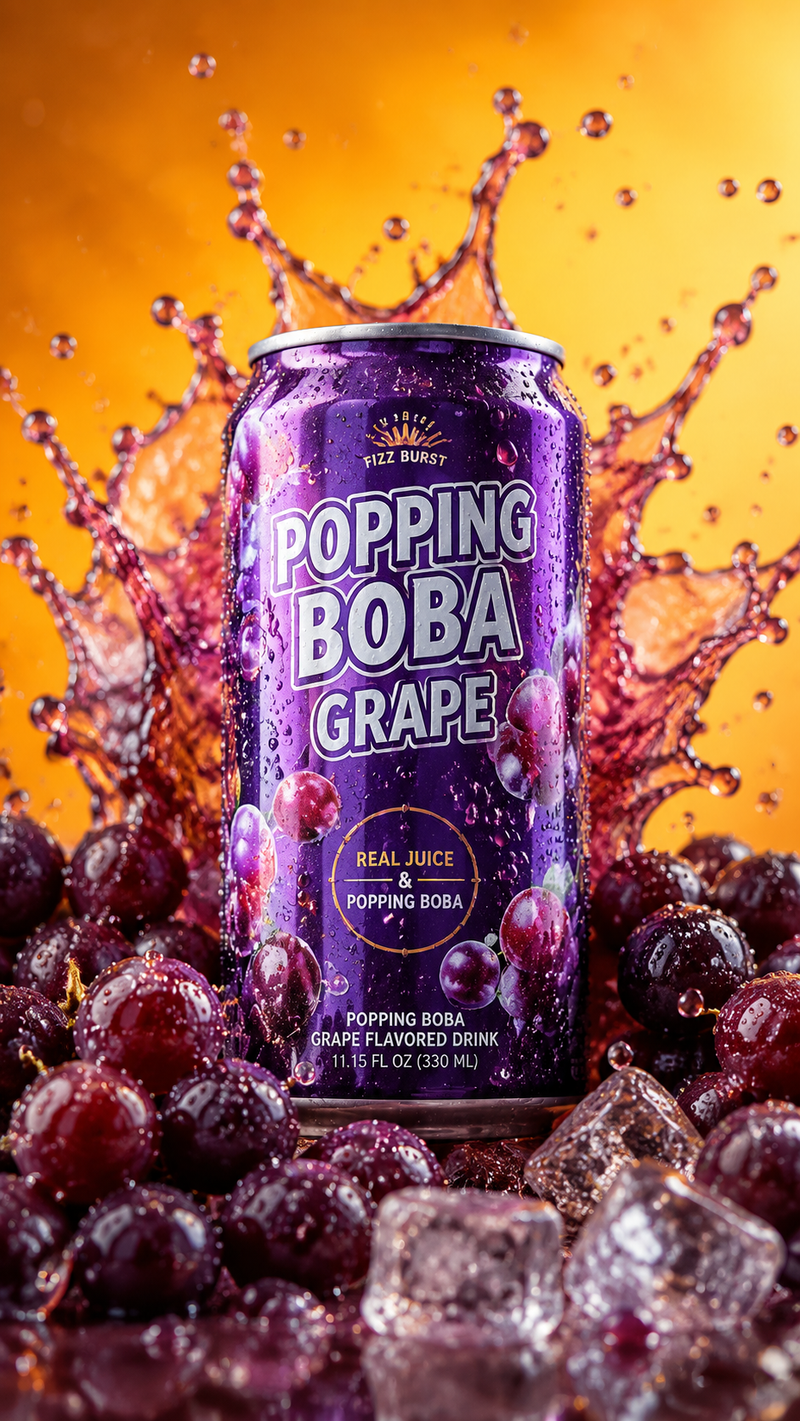
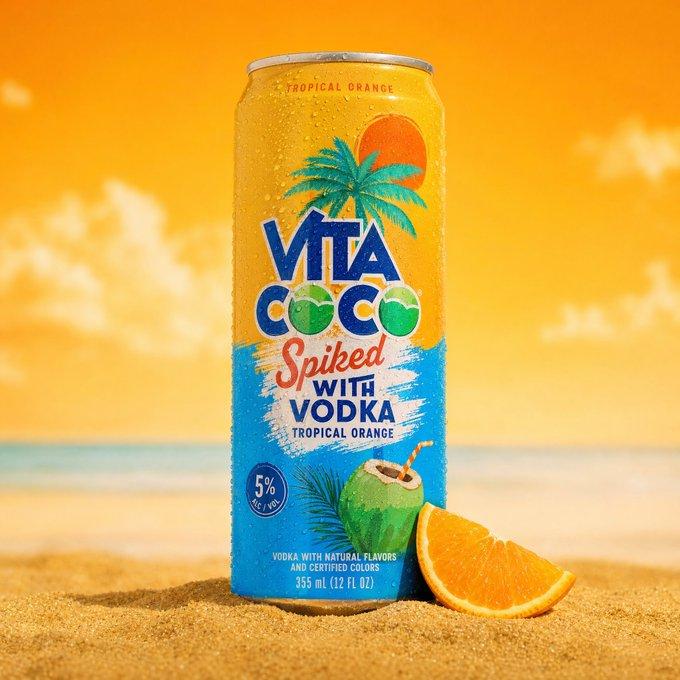
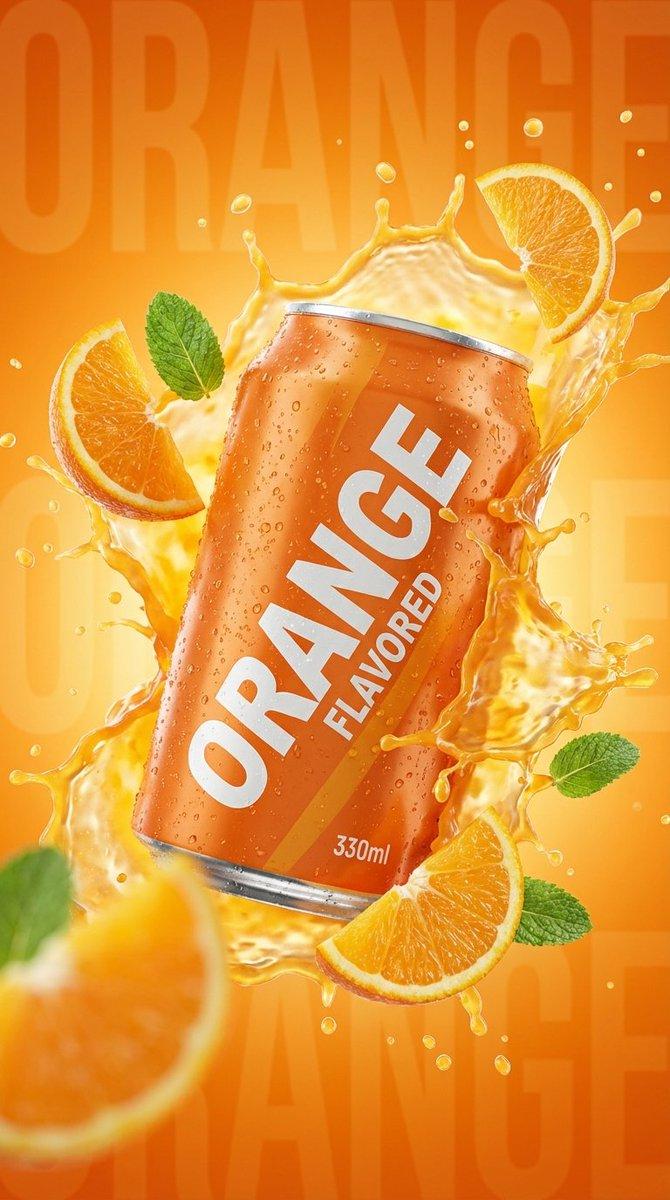
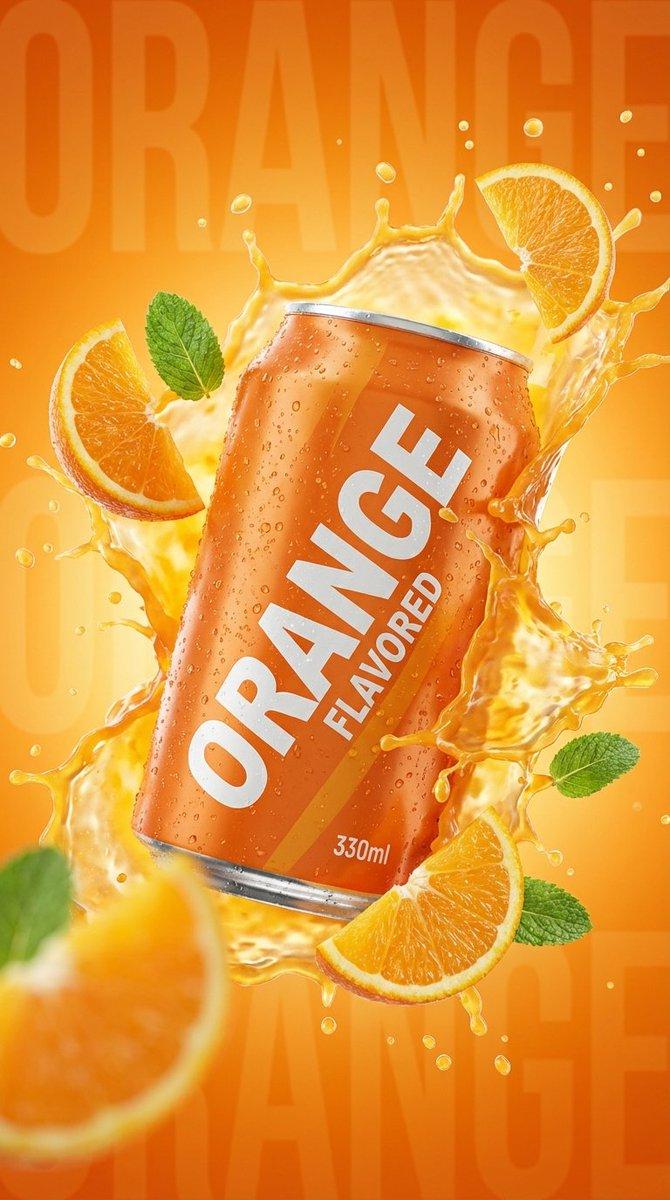
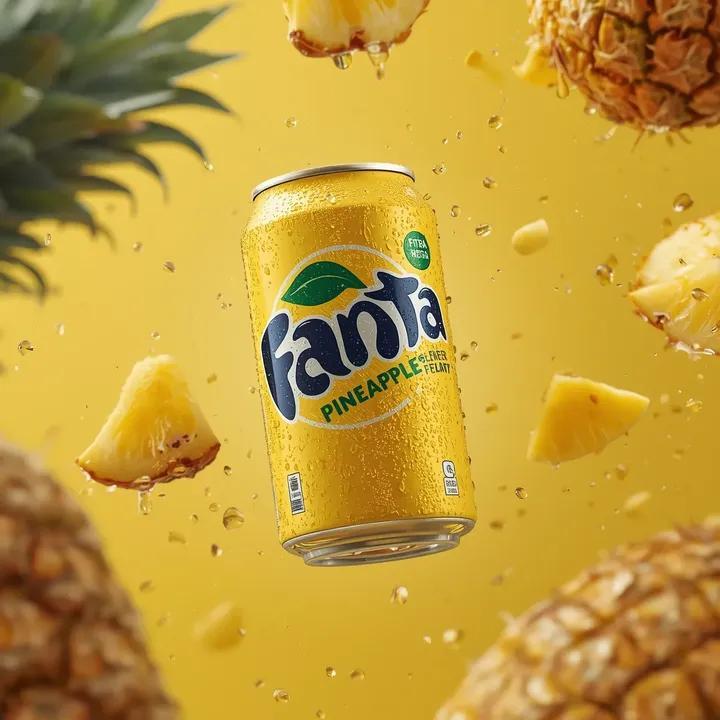
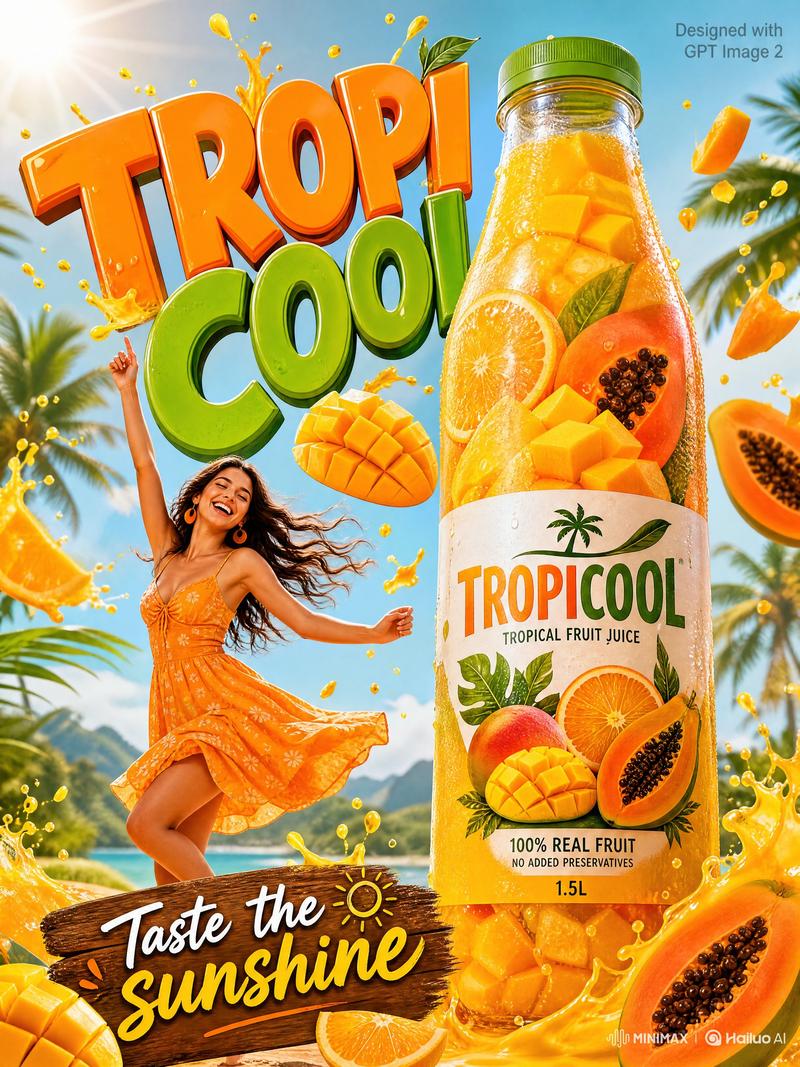
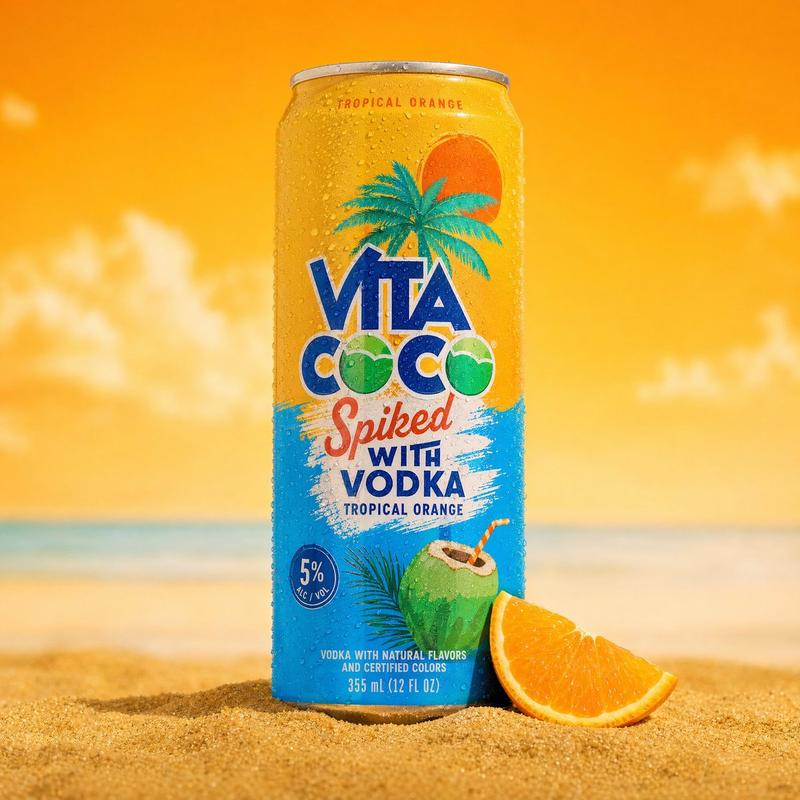
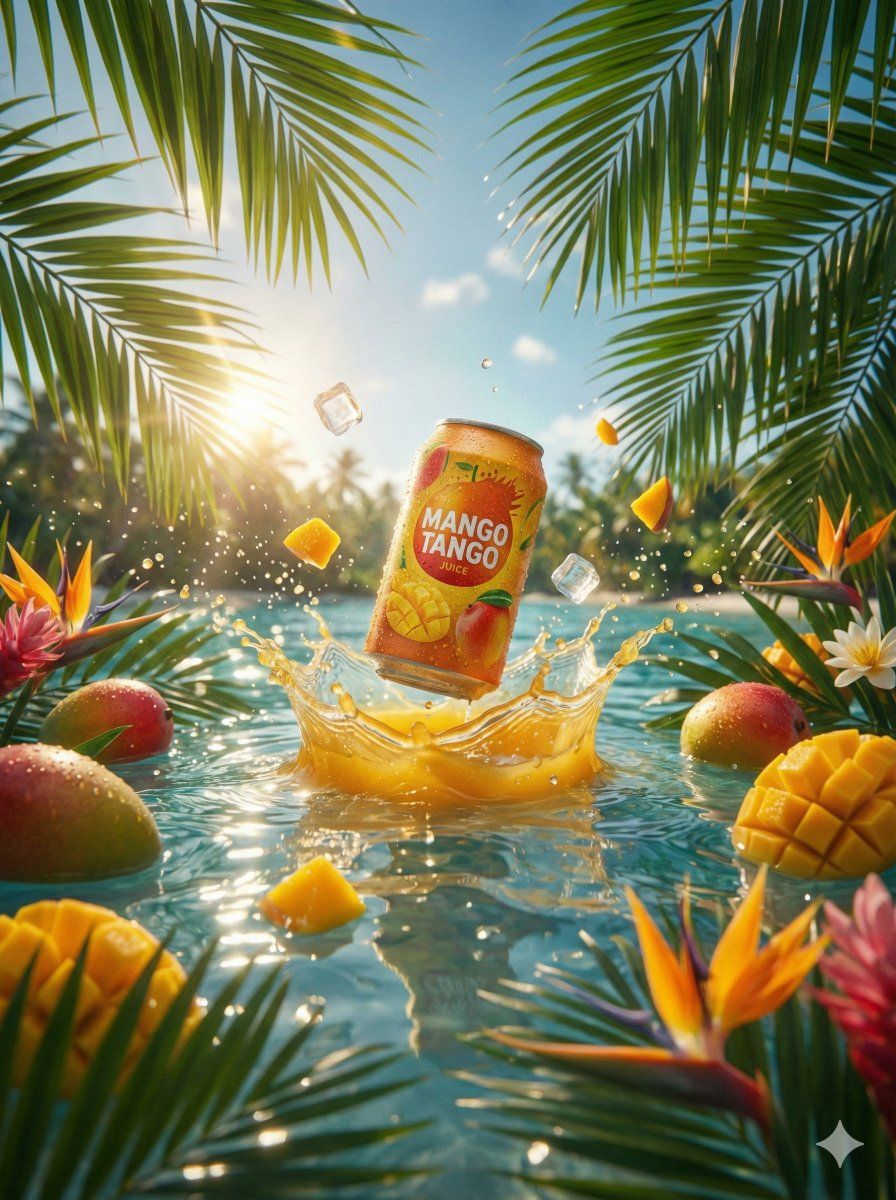
A hyper-realistic commercial product photography shot of a condensation-covered beverage can labeled "{argument name="beverage label" default="MANGO TANGO JUICE"}" bursting dynamically out of crystal clear turquoise ocean water. The can is surrounded by a splash of golden {argument name="juice color" default="mango"} juice and water. Levitating around the can are fresh whole mangoes, diced mango cubes, and crystal clear ice cubes. The foreground includes vibrant tropical flowers and green palm leaves framing the shot. The background features a blurred sunny tropical beach with palm trees. Bright cinematic backlighting with a sun flare, sparkling water reflections, high contrast, 8k resolution, vibrant colors.
Category
创意图片
Model
Nano Banana Pro
Creator
𝐌
Views0
Source ID
887c8437-e2d2-4774-ad67-00b1fcf7fed1
Published
Mar 8, 2026

Guide

About "超逼真商业饮料摄影提示"

What is this prompt for?

"超逼真商业饮料摄影提示" AI image prompt for Nano Banana Pro (创意图片). 一个详细的提示,用于生成一张超逼真的商业产品摄影照片,内容是一罐布满冷凝水、充满活力的热带饮料,强调动感、鲜艳的热带元素和高对比度的电影级布光,以呈现 8k 分辨率的图像。 --- 一幅超逼真的商业产品…

The full copyable prompt and example visuals above are ready for AI image generation or one-click recreate in Picva.

How to use this prompt

  1. Step 1

    Open the prompt detail

    Review the example visuals, category, and full prompt text for "超逼真商业饮料摄影提示".

  2. Step 2

    Copy the prompt

    Copy the prompt body from this page, or load it directly in Studio.

  3. Step 3

    Pick a model (Nano Banana Pro)

    Prefer Nano Banana Pro. If you switch models, keep subject and composition and tweak style terms.

  4. Step 4

    Generate and export

    Recreate the look in Picva, or export into your workflow for editing and publishing.

FAQ

What is the "超逼真商业饮料摄影提示" prompt?
It is an AI image-generation prompt for Nano Banana Pro in the 创意图片 category. This page includes the full prompt text, example visuals, and a one-click recreate path in Picva.
How do I use this prompt to generate an image?
Copy the prompt from this page, or use Generate / Studio. Paste it into a compatible image model, or recreate the look in Picva with optional reference images.
Which model is this prompt for?
This page lists Nano Banana Pro. Most descriptive prompts also transfer to nearby image models such as GPT Image, Flux, or Midjourney with light style tweaks.
Can I use the result commercially?
You can usually copy the prompt for creation, but commercial use of the final image depends on the model terms, reference-image rights, and the generated content. Follow the source author and platform rules.