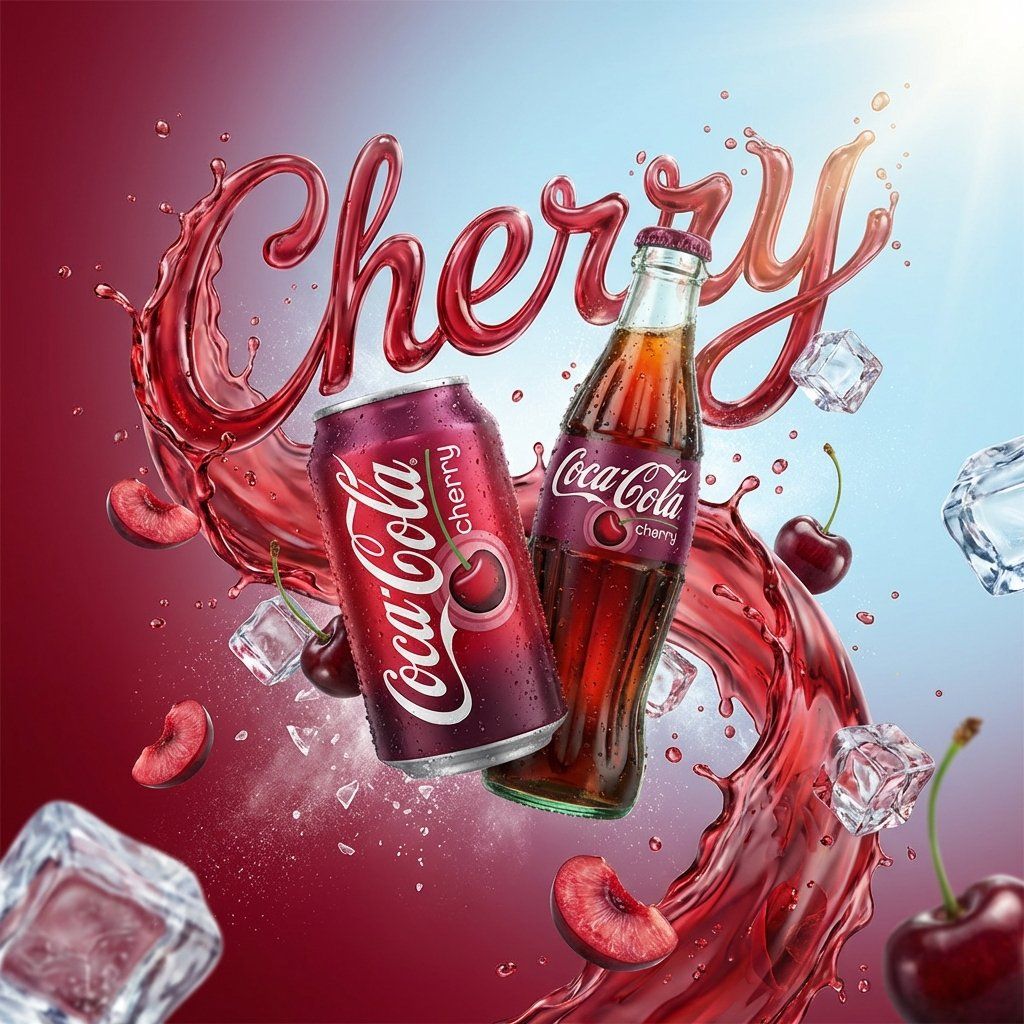
动态流体排版汽水广告提示
Prompt
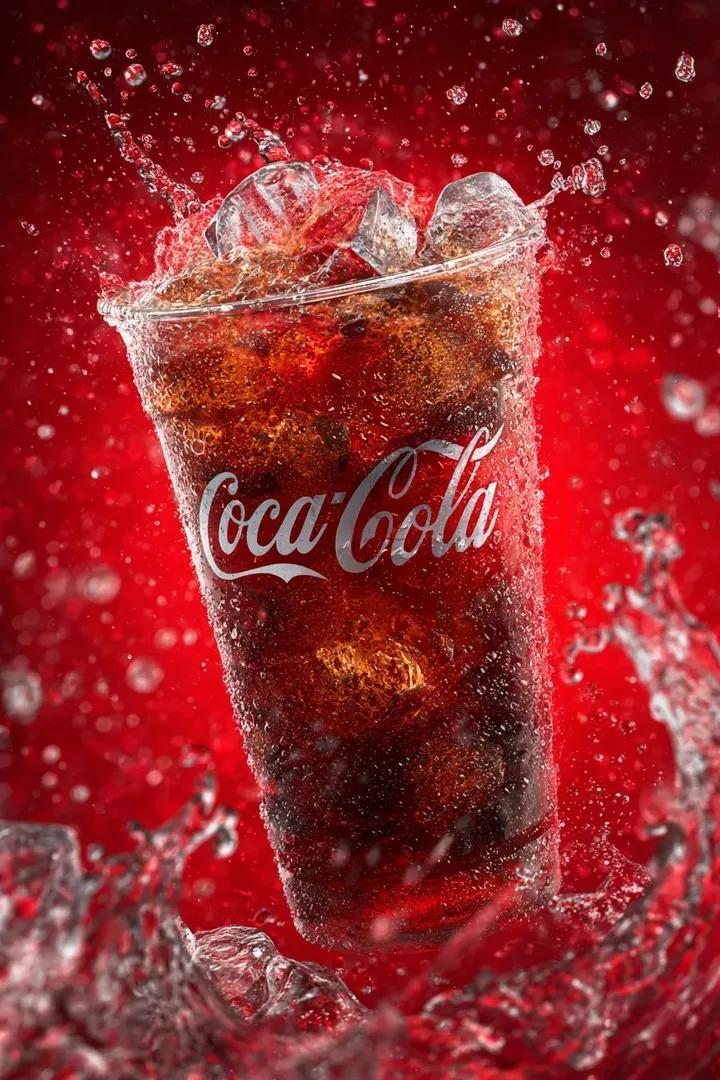
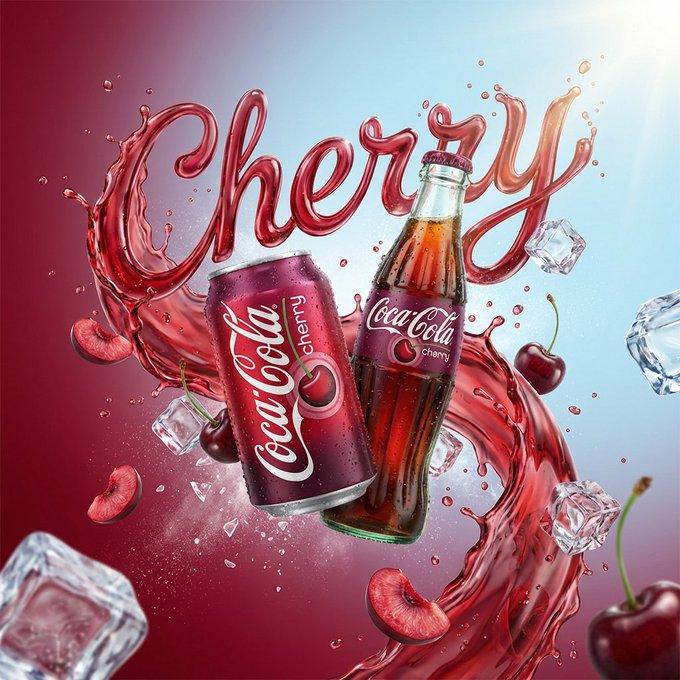
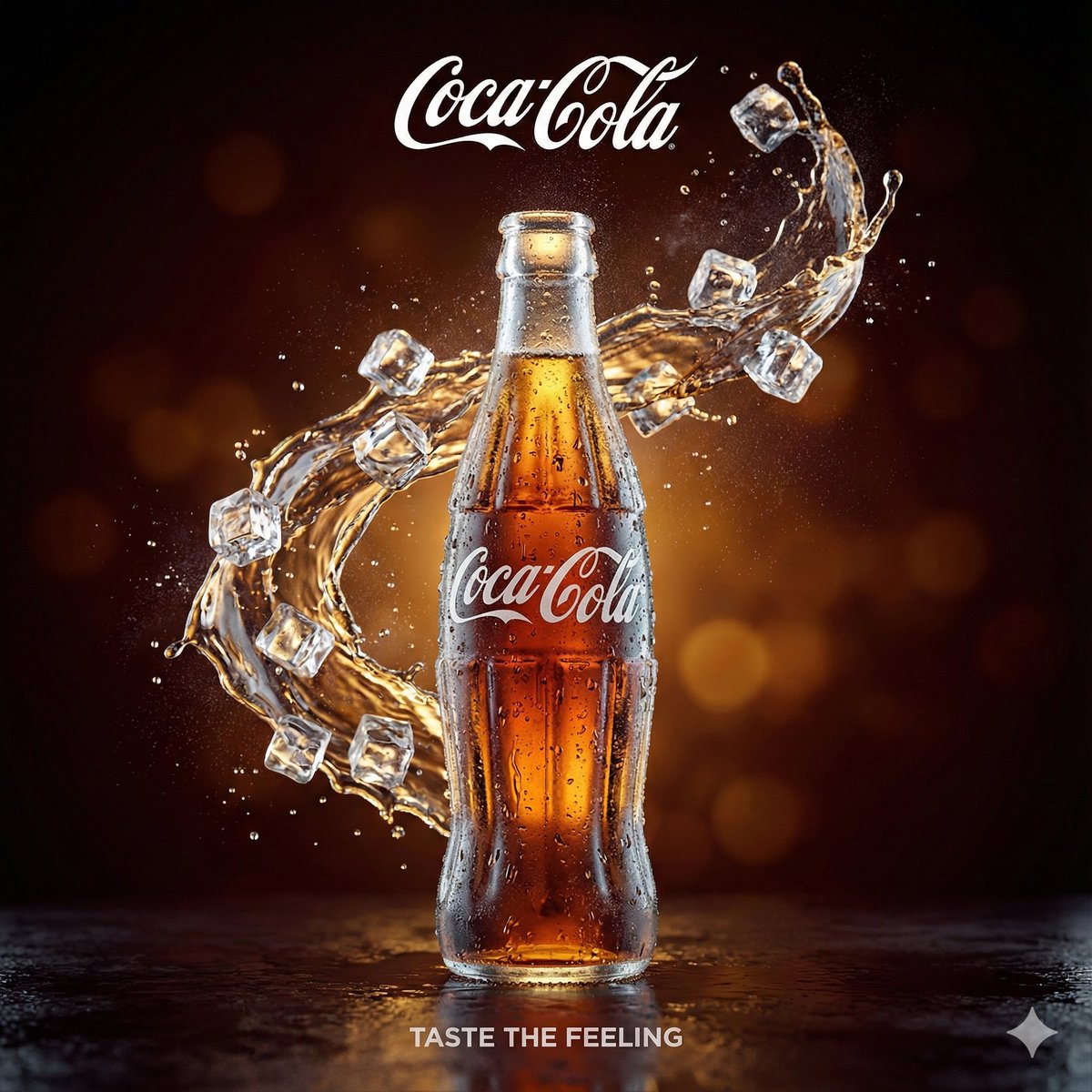
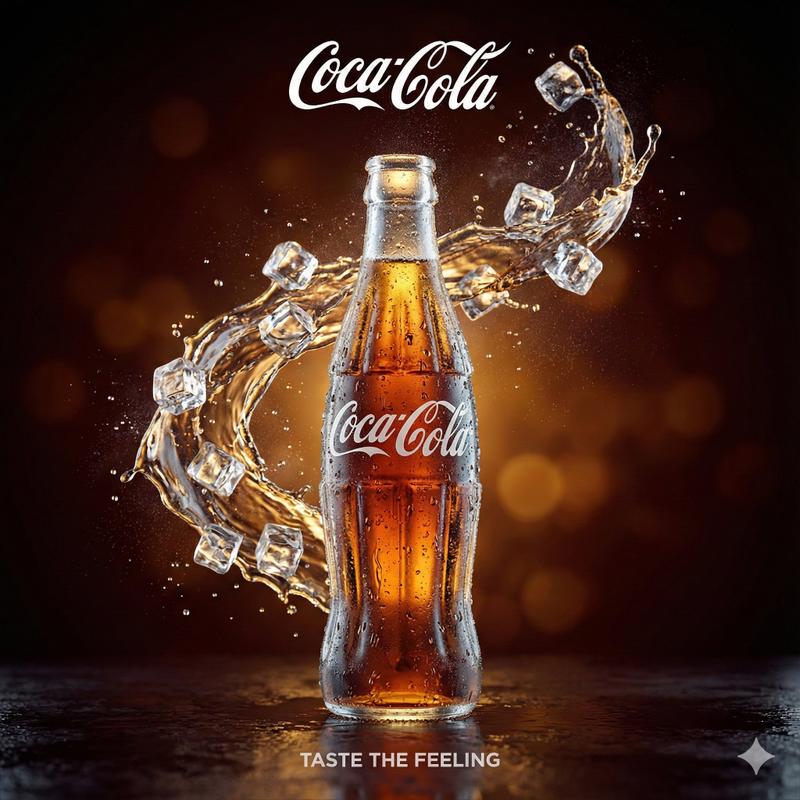
A vibrant, high-end advertising visual of a {argument name="product name" default="PRODUCT NAME"} can/bottle floating dynamically in the center. The background is a soft gradient inspired by the drink’s color, blending into fresh sky-blue tones for a refreshing summer feel. A powerful splash of {argument name="liquid type" default="LIQUID TYPE"} explodes around the product, forming the word ”{argument name="word" default="WORD"}” in smooth, fluid, organic liquid typography. Crystal-clear ice cubes burst around the composition, with fresh [FRUITS RELATED TO THE DRINK] (whole and sliced) flying in the air. Juicy splashes, droplets, light mist, and condensation create an intense refreshing atmosphere. Bright sunlight, glossy highlights, commercial lighting, premium brand look, dynamic motion, hyper-detailed, semi-realistic illustration style, ultra-clean, 4k, sharp focus.- Category
- 创意图片
- Model
- Nano Banana Pro
- Creator
- Mo
- Source ID
- 63b9bc5c-7450-47ae-b2c8-4ccc5236ca2b
- Published
- Mar 8, 2026
Views0

![Create a premium advertising poster for [BRAND] featuring [PRODUCT]](https://whqgdndlpxjbwosvipip.supabase.co/storage/v1/render/image/public/prompt-source-media/promptsref/work-36804/image-1-0c6d3610d10b0191.png?width=800&quality=75&resize=contain)

![[BRAND NAME] Act as a Zine Art Director recreating the aesthetic of a 1990s stre](https://whqgdndlpxjbwosvipip.supabase.co/storage/v1/render/image/public/prompt-source-media/promptsref/work-21205/image-1-26f0980a5a8feef6.png?width=800&quality=75&resize=contain)