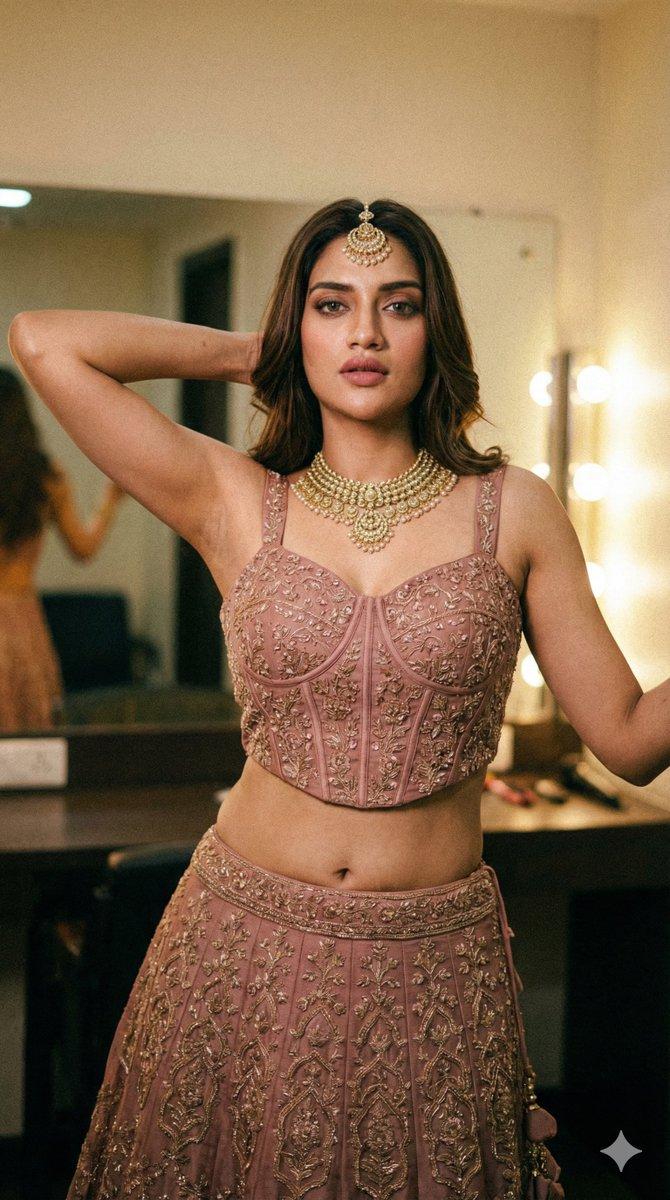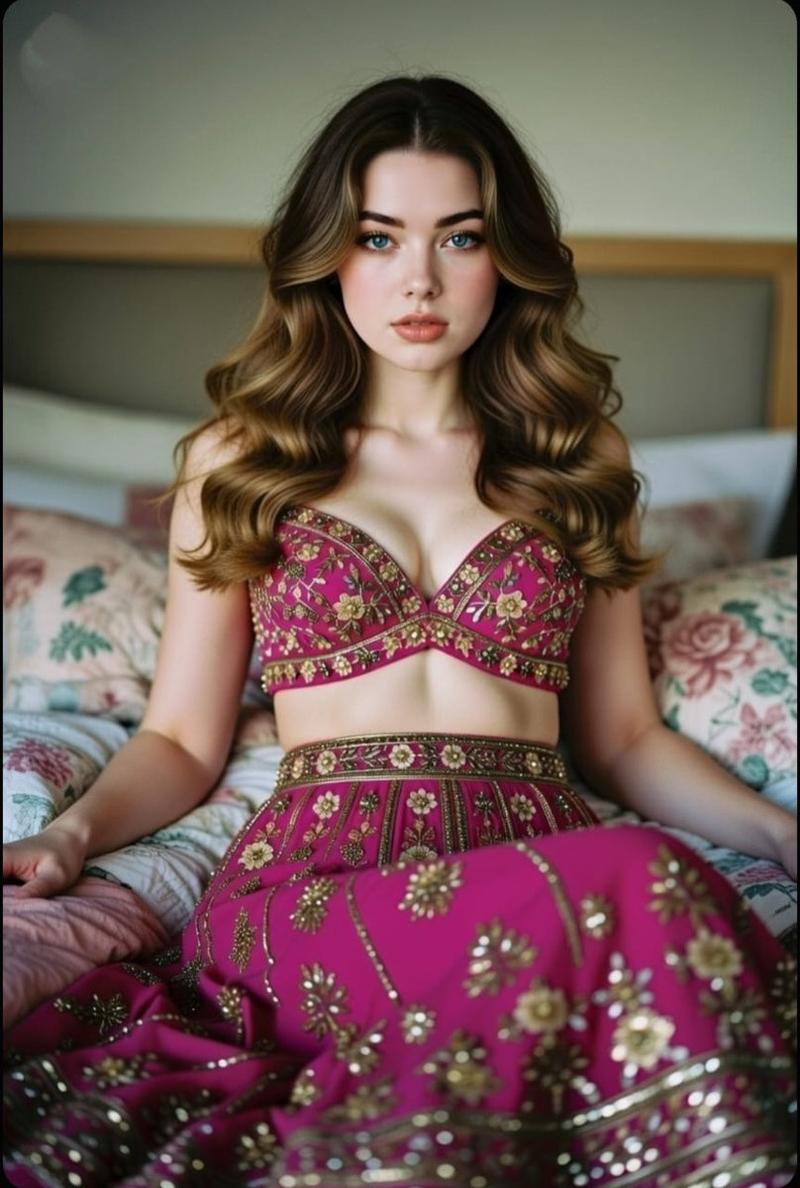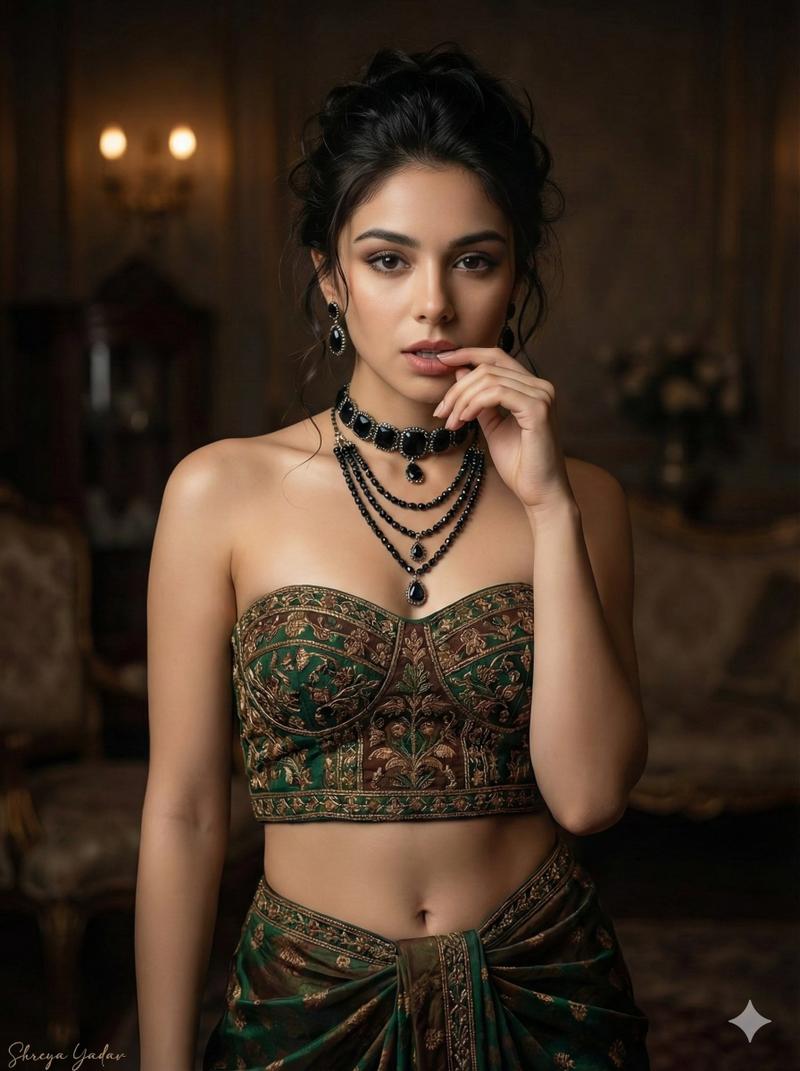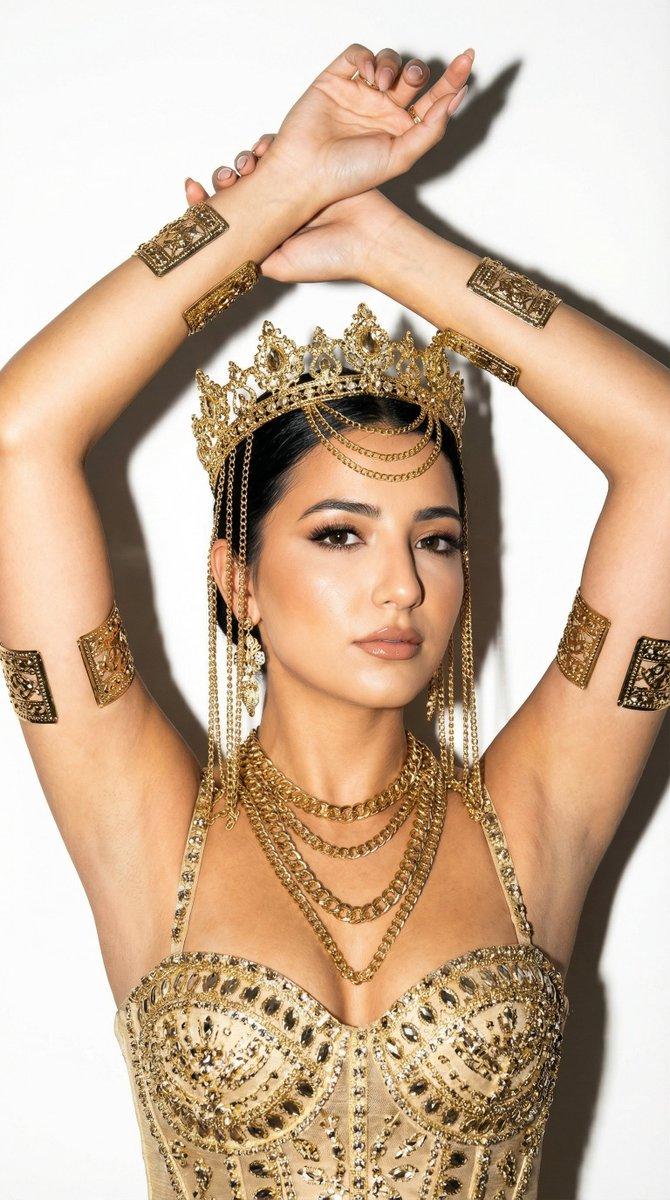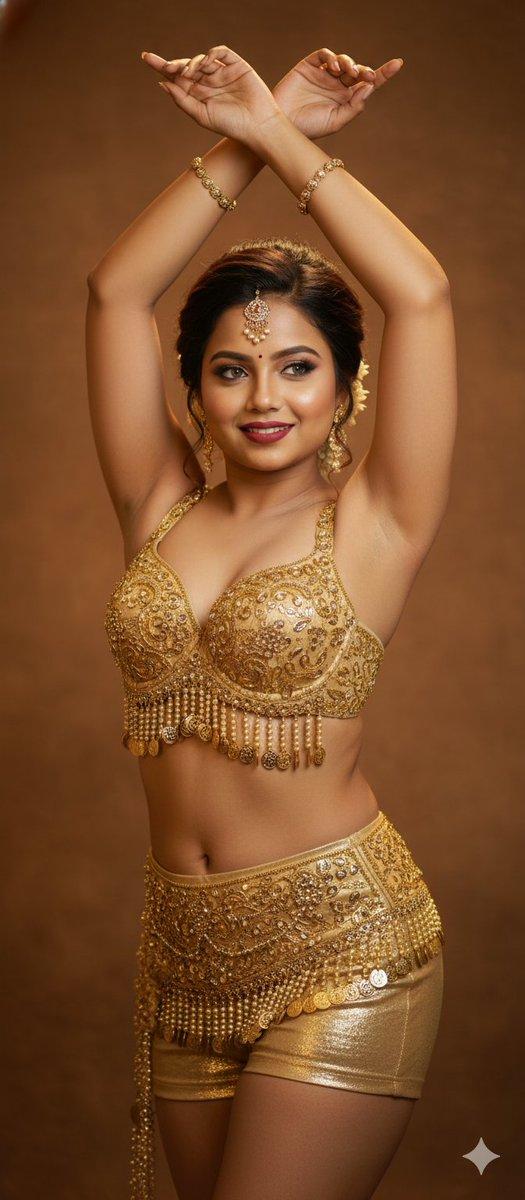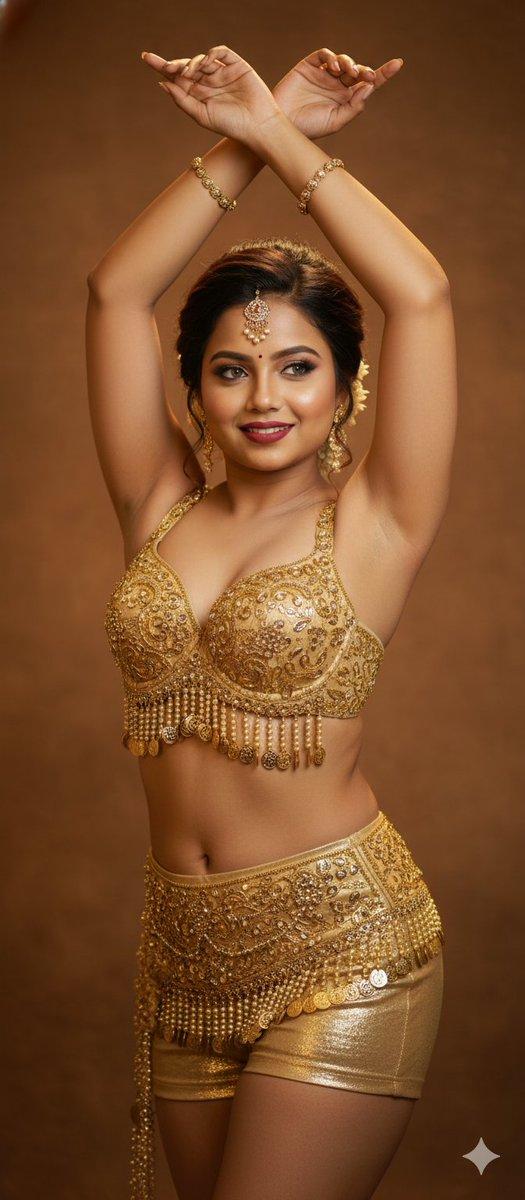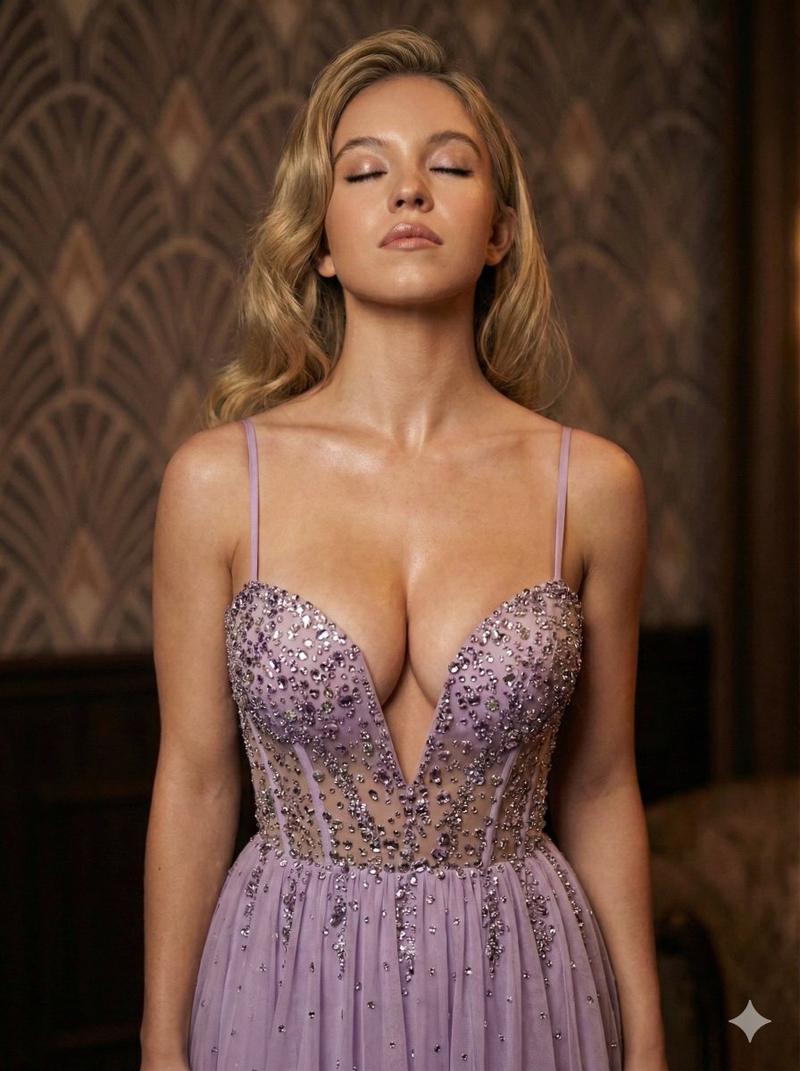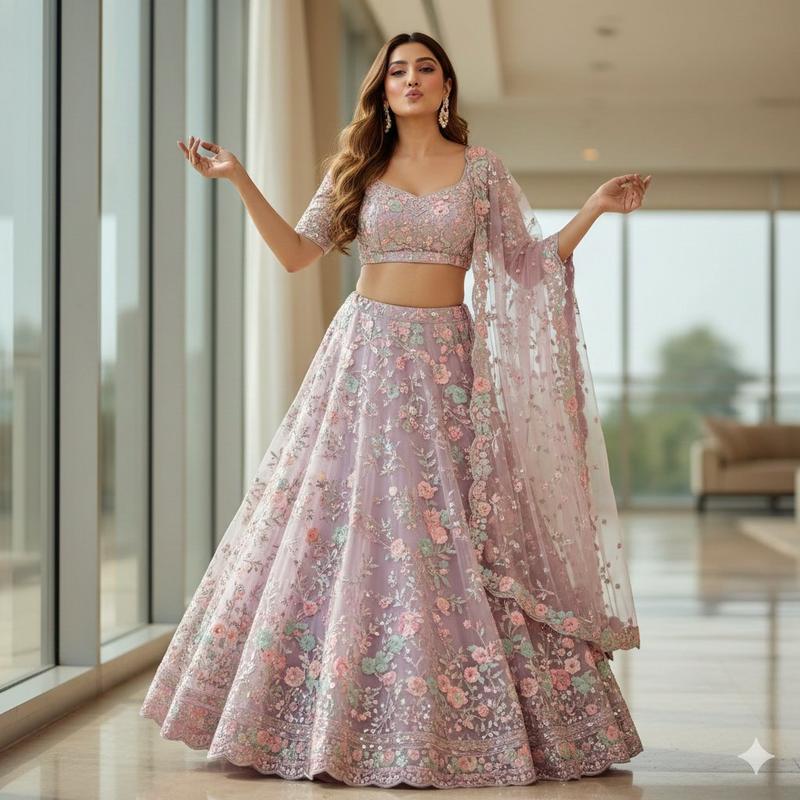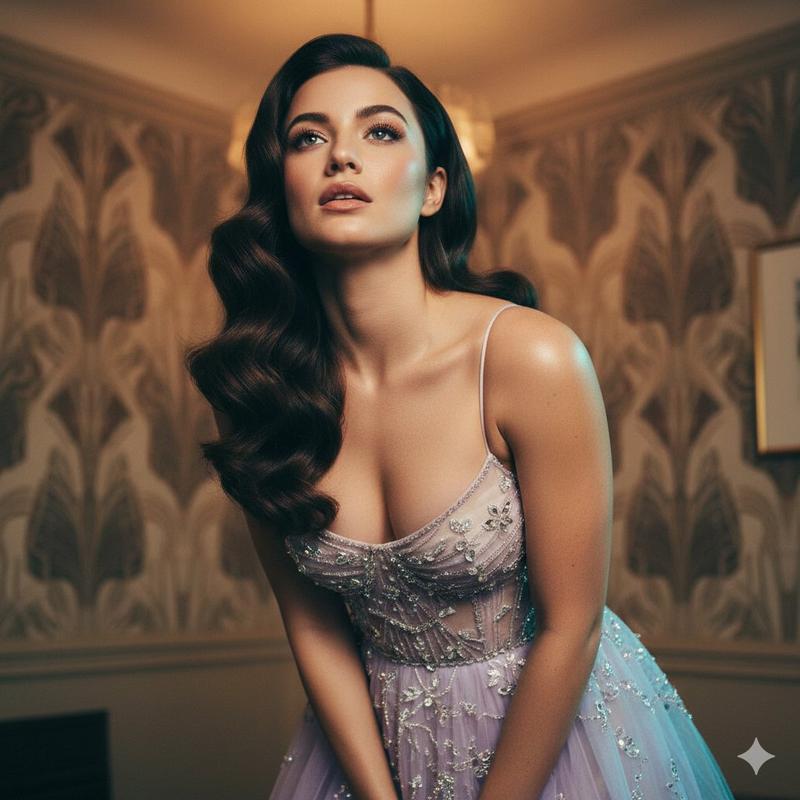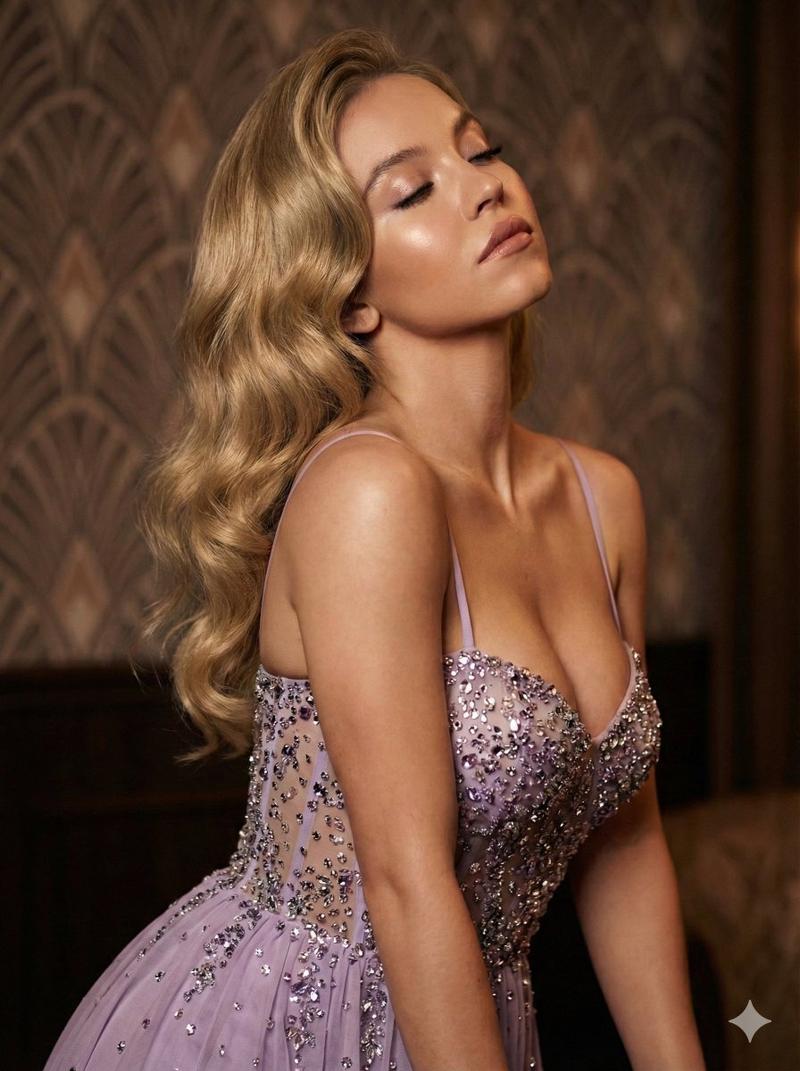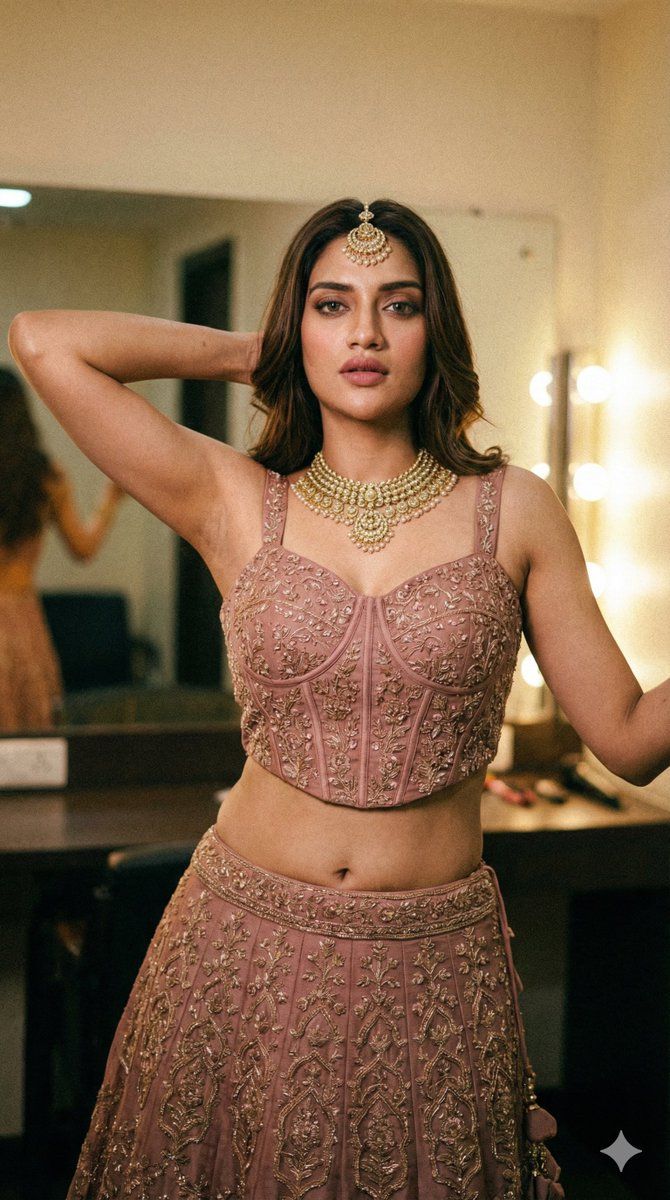
Nusrat Jahan 的华丽肖像,附带详细技术规格
Prompt
{ "output_schema": { "metadata": { "camera_simulation": { "brand_model": "Sony A7R IV style", "type": "mirrorless", "focal_length_mm": "50", "aperture_f": "1.8", "shutter_speed": "1/100", "ISO": "640", "distance_estimate": "2.5 m" }, "lighting_summary": { "direction": "Soft warm key light from upper right, ambient fill from behind", "color_temperature_k": 3400, "white_balance_k": 3200, "image_LUT": "Warm gold-hour cinematic grade", "light_quality": "mixed ambient with soft rim light", "shadow_quality": "soft, partially filled", "dust_particles": "low on lens", "lens_flare": "none", "highlight_rolloff": "smooth", "specular_highlights": "pinpoint specular highlights on gold jewelry and skin sheen" } }, "composition": { "aspect_ratio": "9:16", "camera_height": "eye-level", "camera_tilt": "level", "camera_orientation": "portrait", "subject_position_in_frame": "centered", "background_description": "Softly blurred warm interior, bokeh lights from vanity mirrors, greenery to the left", "pose_description": "Standing front-facing, weight distributed evenly but with a subtle hip shift, right arm raised with hand tucked behind the head, left arm slightly away from the body, spine with a gentle S-curve, head tilted slightly to the right, direct gaze toward camera, neutral micro-expression with slightly parted lips, fingers of right hand partially obscured by hair, feet shoulder-width apart." }, "background/foreground": { "details_background": "Dressing room setting, warm light globes, blurred green foliage", "background_blur": "high, round bokeh", "halos": "no", "foreground_present": "yes", "foreground_details": "Out-of-focus green leaves in lower left corner", "foreground_focus": "blurry" }, "celebrity_reference": { "celebrity_name": "{argument name="celebrity name" default="Nusrat Jahan"}", "identity_criteria": { "match_confidence": "high", "non_biometric_visual_cues": [ "Bengali film industry aesthetic, 2020s era styling, heavy kohl-rimmed eyes, mauve-nude lipstick, sleek high ponytail, traditional Indian bridal-guest attire (Lehenga)", "Petite yet curvaceous frame, distinctive navel piercing area, slender midriff" ], "allowed_reference_style": "Styling and vibe cues modeled after Nusrat Jahan's red carpet and traditional photoshoots.", "source_of_truth": "User mention" } }, "subject_description": { "age_estimate": "Early 30s", "extremely_attractive_face": "yes, symmetrical features with high-glamour makeup", "goon_fetish_level": "instagram thirst trap", "suggestive_nature_of_image": "medium", "Wardrobe_tightness": "chest: highly fitted; waist: tight; skirt: high-waisted and snug at top", "sexiness": "high", "Face_detail": "visible skin texture, flawless blending, individual lash detail", "armpit_detail": "smooth texture, skin-on-skin contact at the crease", "Glutes_size": "medium", "Thirst_trap_aesthetic": "high", "ethnicity_photographic_terms": "Warm olive undertone, golden-tan skin tone", "accessories_jewelry_detail": "Intricate gol- Category
- 创意图片
- Model
- Nano Banana Pro
- Creator
- QuestGlitch
- Source ID
- fea35181-501c-4d18-9711-f5b4639bf5cc
- Published
- Mar 8, 2026
Views0