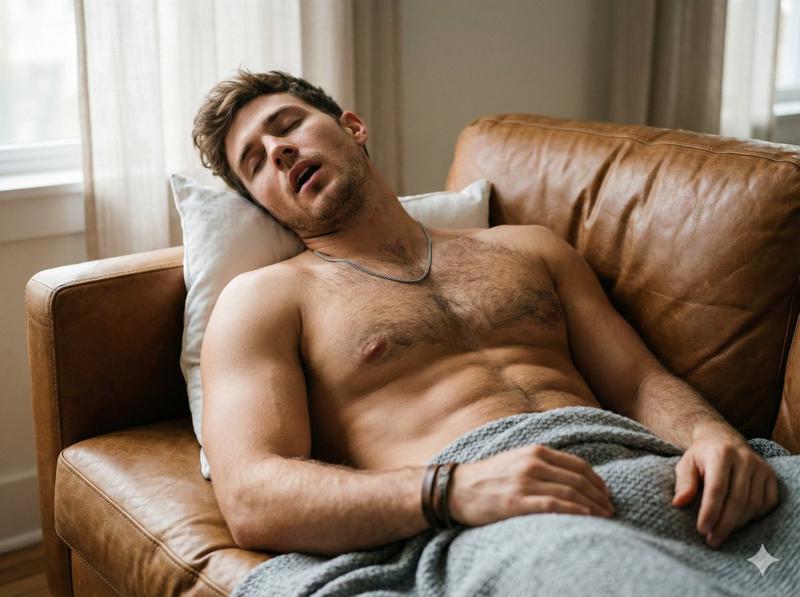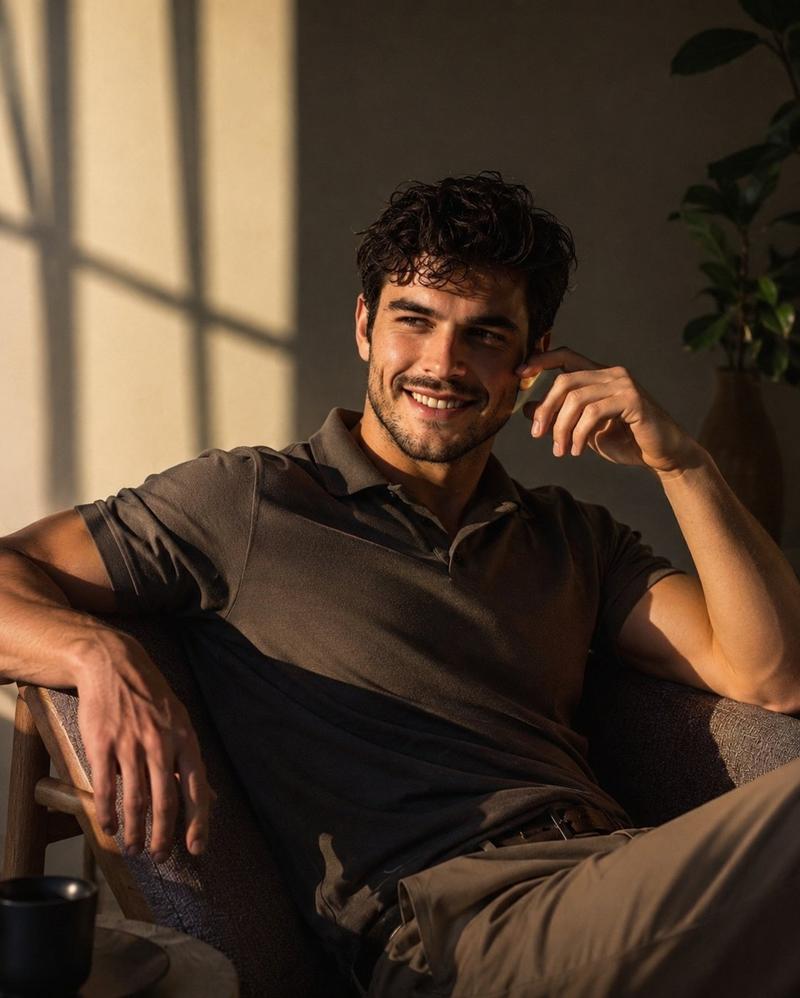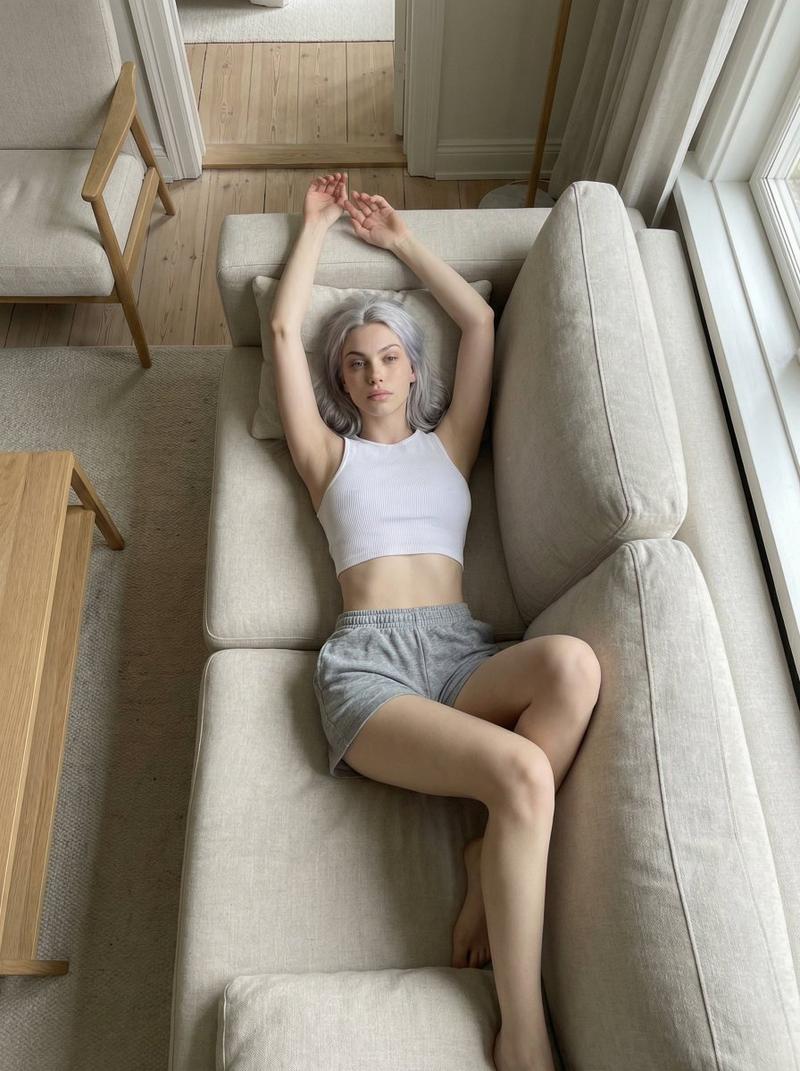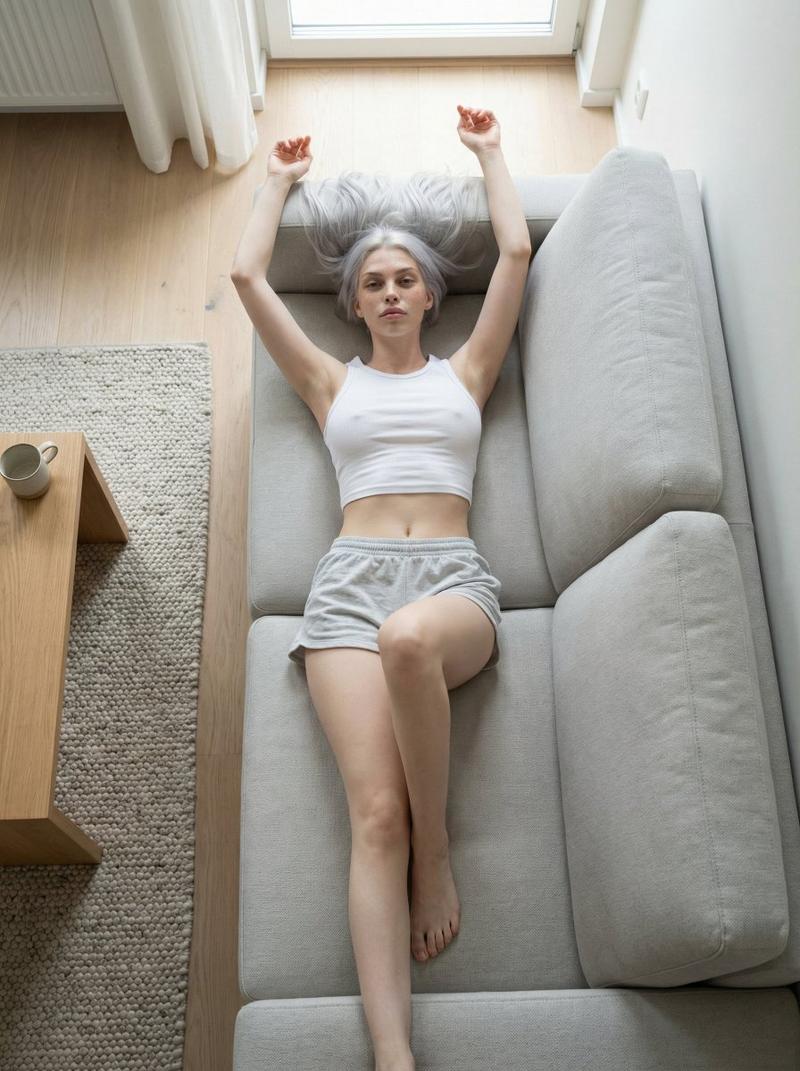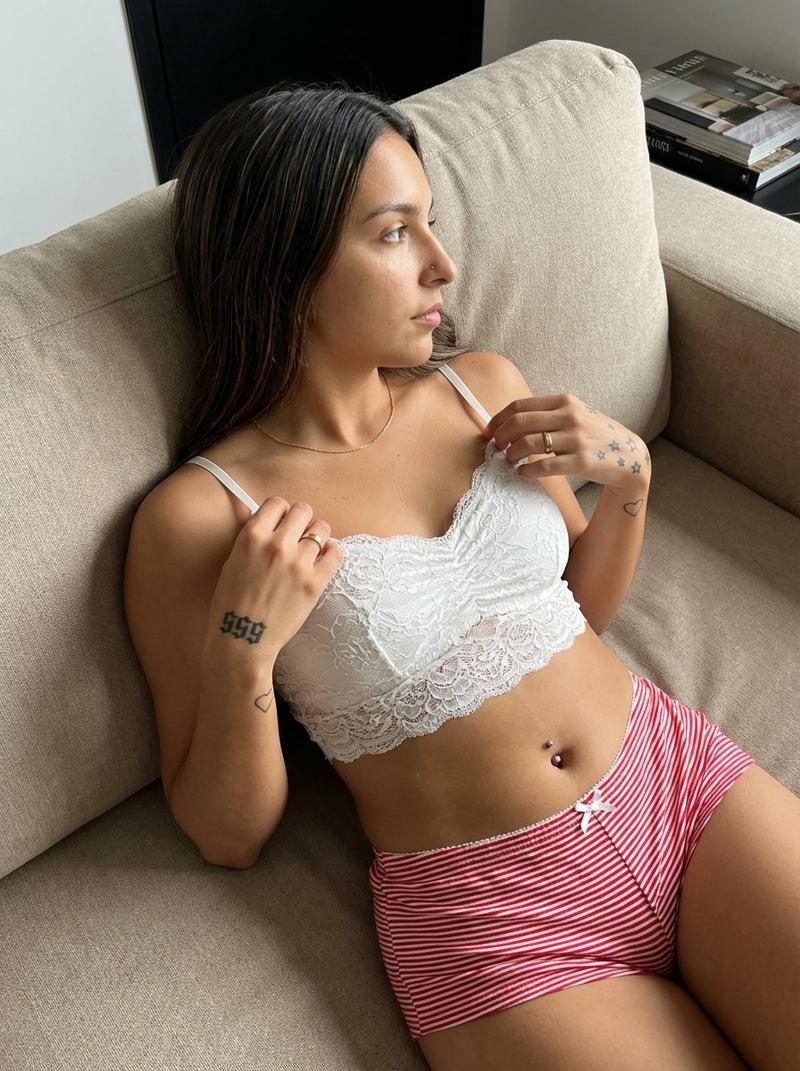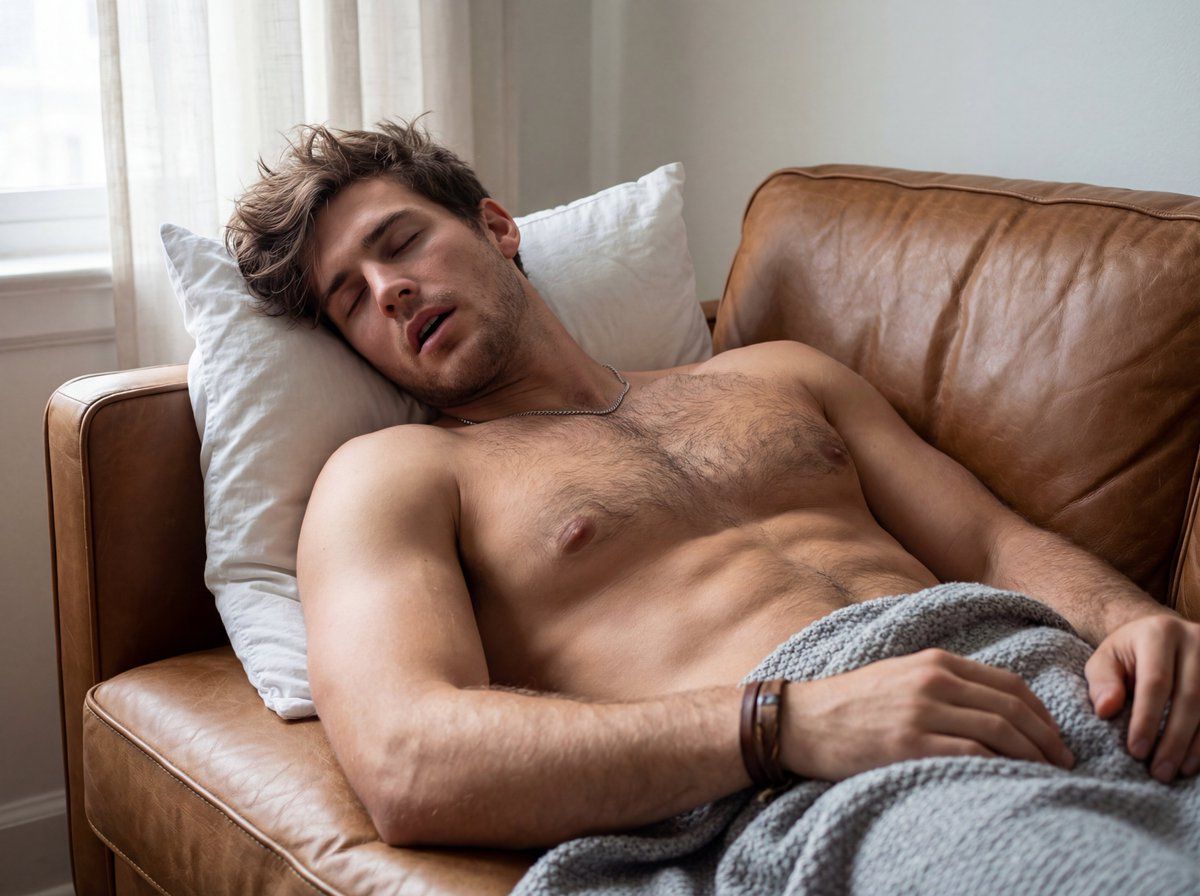
男子在沙发上熟睡的特写镜头
Prompt
{
  "image_generation_prompt": {
    "subject": {
      "demographics": "Handsome male, mid-20s, highly muscular body, 'messy handsome' aesthetic.",
      "hair": "Short-length, messy bedhead style, chestnut brown, tousled strands falling naturally over the forehead in an effortlessly-handsome way.",
      "face": "Deeply relaxed sleeping expression, jaw relaxed and open indicating deep sleep and audible snoring, light stubble (5 o'clock shadow).",
      "body_details": "Topless, Hairy muscular chest and stomach trail with defined muscle tone (pecs and abs visible), Thick muscular arms, hands resting naturally; Veins slightly visible on the forearms due to relaxation.",
      "clothing": "Soft, heather-grey knitted blanket loosely draped from the waist down, creating soft folds that hug the hip line.",
      "accessories": {
        "wrist": "Simple, worn leather bracelet."
        "neck": "Simple, understated silver chain necklace with a matte finish (not overly shiny or reflective), resting naturally against his chest hair and skin."
      }
    },
    "pose": {
      "type": "Candid / Intimate Close-up.",
      "action": "Deep, heavy sleep on a couch, body sunk deep into the cushions, head tilted back slightly on a plain white pillow propped firmly against the armrest, one hand rests loosely on his abdomen, while the other arm is resting beside his body.",
      "framing": "Close-up from the waist up, 4:3 aspect ratio, focusing on the torso, neck, and open-mouthed expression to fill the frame."
    },
    "camera_specifications": {
      "camera": "High-end Full-frame Mirrorless (e.g., Sony A7R V or Canon R5).",
      "angle": "Low-angle, shooting slightly upwards from chest-level to emphasize the neck and jawline.",
      "view": "Frontal view, eye-level with the torso, creating an intimate and immersive perspective.",
      "lens": "35mm prime lens, f/1.8 aperture for a natural field of view with a soft, shallow depth-of-field blur."
    },
    "environment": {
      "location": "Bachelor's living room, morning.",
      "foreground": "A distressed cognac-colored leather couch (looks worn but expensive/vintage), a flattened white pillow with a simple cotton texture.",
      "background": "Softly blurred background showing a window with sheer white curtains.",
      "atmosphere": "Lazy Sunday morning, peaceful."
    },
    "lighting": {
      "source": "Soft, diffused natural morning light coming from the side (window).",
      "characteristics": "Soft shadows accentuating the muscle definition on the chest and abs, warm color temperature, no harsh contrast."
    },
    "technical_quality": {
      "resolution": "4K Ultra HD.",
      "style": "Cinematic lifestyle photography, soft focus background (bokeh), high texture detail on skin and fabric.",
      "film_stock": "Kodak Portra 400 vibe (warm, natural skin tones)."
    }
}- Category
- 创意图片
- Model
- Nano Banana Pro
- Creator
- Hendry Lim
- Source ID
- 5c898c37-40dd-4b37-bdb6-1d1291372a70
- Published
- Mar 8, 2026
Views0