16

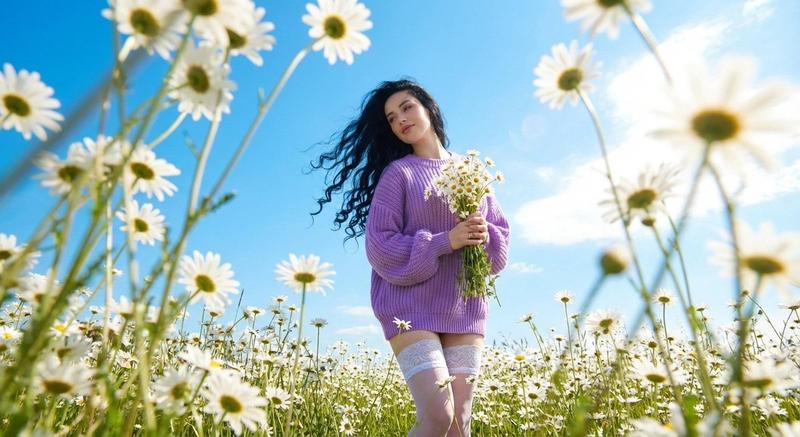
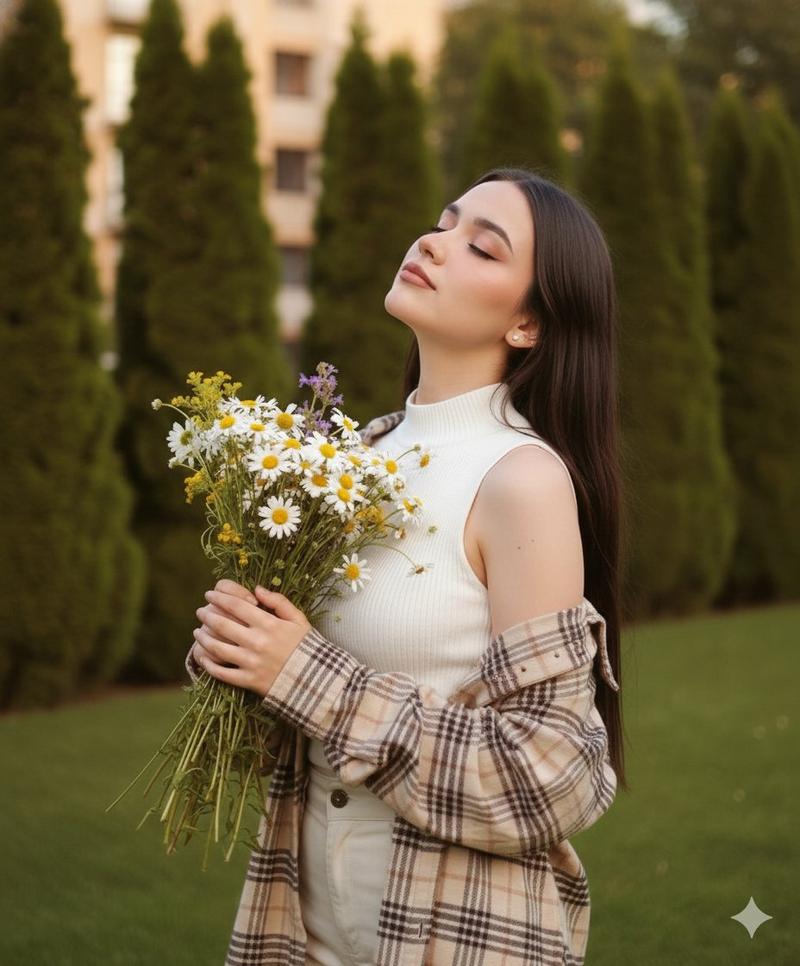
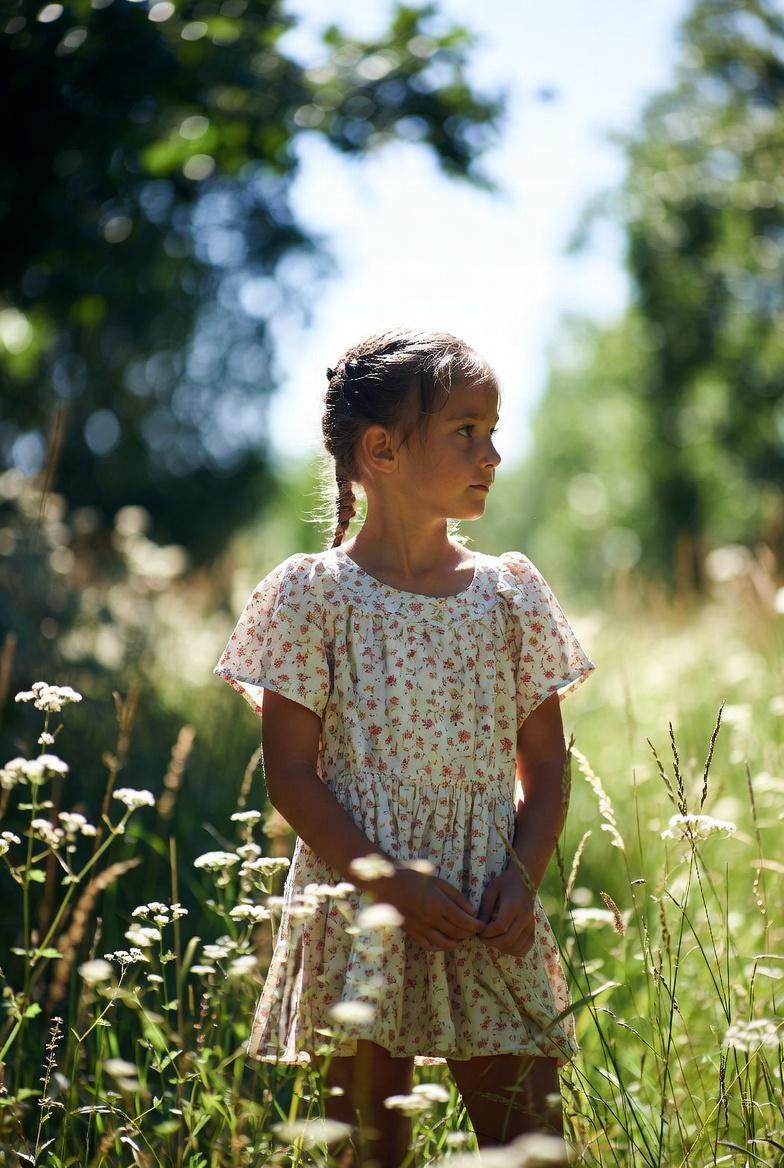
野花草甸中的浪漫俯视肖像
Enlarge

野花草甸中的浪漫俯视肖像

Prompt
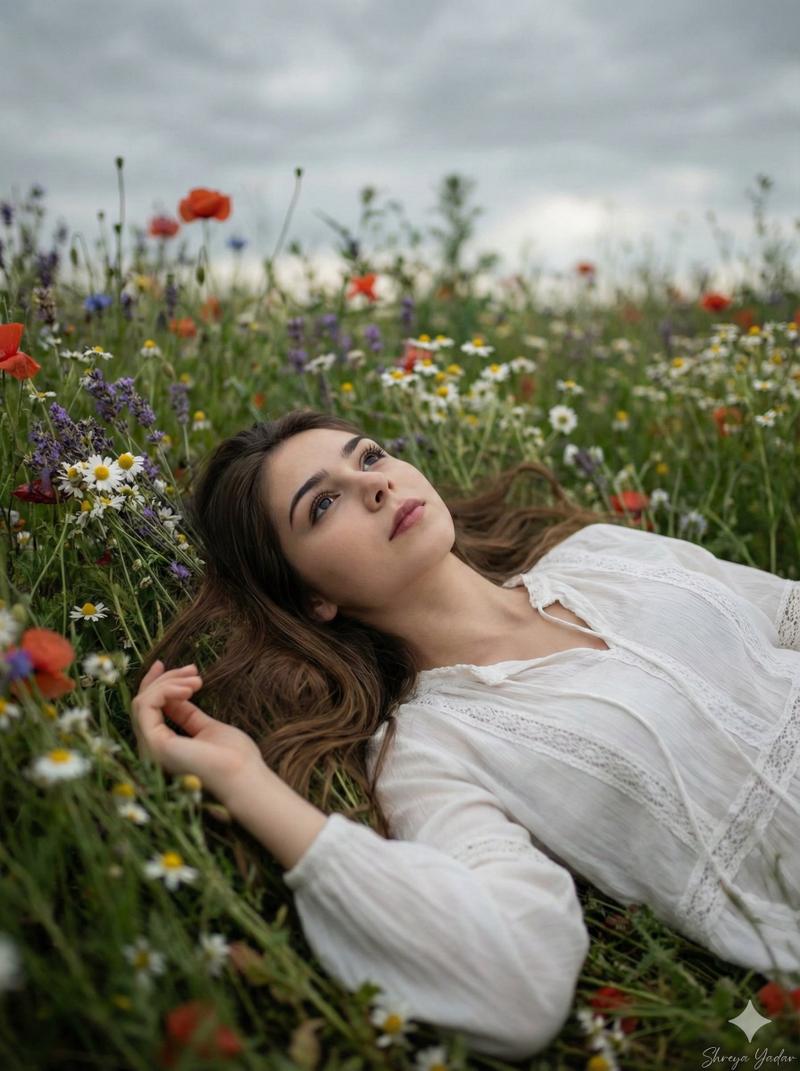
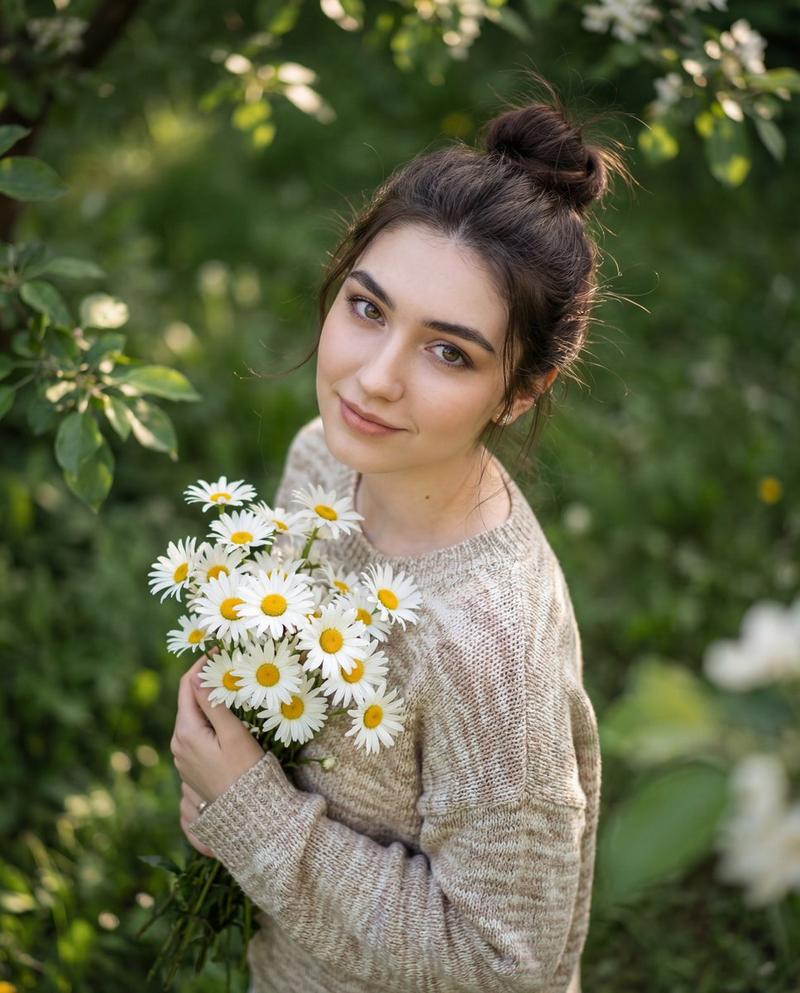
Create a serene, top-down portrait of a young man lying peacefully in a lush meadow filled with wildflowers. He rests on his back among tall green grass, white daisies, and scattered pink blossoms, completely immersed in nature. One arm is bent behind his head in a relaxed pose, while the other gently holds a small bouquet of freshly picked daisies against his chest. He has soft, natural facial features, light stubble, and slightly tousled dark hair. His eyes are closed with a faint, content smile, conveying calmness, tenderness, and quiet joy. His expression feels intimate and emotionally warm, as if caught in a private moment of rest and reflection. He wears a textured {argument name="sweater color" default="mauve or dusty-rose"} knit sweater paired with clean white trousers, creating a gentle contrast against the vibrant greens and florals. The outfit feels cozy, romantic, and timeless. The scene is bathed in warm, natural daylight, soft afternoon, sunlight filtering through leaves and petals. Highlights gently kiss the skin and flowers, while shadows remain soft and organic. Foreground leaves and flowers partially frame the subject, adding depth and a dreamy, cinematic feel. Colors are rich yet natural: lush greens, creamy whites, soft yellows, and muted pinks, with a harmonious, film-like color grade. Use aspect ratio 4:5.
Category
创意图片
Model
Nano Banana Pro
Views0
Source ID
919fc38e-6f7e-4652-ab7e-52ef64f9fc1d
Published
Mar 8, 2026

Guide

About "野花草甸中的浪漫俯视肖像"

What is this prompt for?

"野花草甸中的浪漫俯视肖像" AI image prompt for Nano Banana Pro (创意图片). 一个描述性的提示,用于生成一张宁静的、俯视视角的年轻男子肖像,他躺在郁郁葱葱的草地上。该提示强调自然元素、柔和的午后光线、放松的姿势以及特定的调色板(淡紫色/灰粉色毛衣衬托绿色),以实现梦幻、情感温暖…

The full copyable prompt and example visuals above are ready for AI image generation or one-click recreate in Picva.

How to use this prompt

  1. Step 1

    Open the prompt detail

    Review the example visuals, category, and full prompt text for "野花草甸中的浪漫俯视肖像".

  2. Step 2

    Copy the prompt

    Copy the prompt body from this page, or load it directly in Studio.

  3. Step 3

    Pick a model (Nano Banana Pro)

    Prefer Nano Banana Pro. If you switch models, keep subject and composition and tweak style terms.

  4. Step 4

    Generate and export

    Recreate the look in Picva, or export into your workflow for editing and publishing.

FAQ

What is the "野花草甸中的浪漫俯视肖像" prompt?
It is an AI image-generation prompt for Nano Banana Pro in the 创意图片 category. This page includes the full prompt text, example visuals, and a one-click recreate path in Picva.
How do I use this prompt to generate an image?
Copy the prompt from this page, or use Generate / Studio. Paste it into a compatible image model, or recreate the look in Picva with optional reference images.
Which model is this prompt for?
This page lists Nano Banana Pro. Most descriptive prompts also transfer to nearby image models such as GPT Image, Flux, or Midjourney with light style tweaks.
Can I use the result commercially?
You can usually copy the prompt for creation, but commercial use of the final image depends on the model terms, reference-image rights, and the generated content. Follow the source author and platform rules.