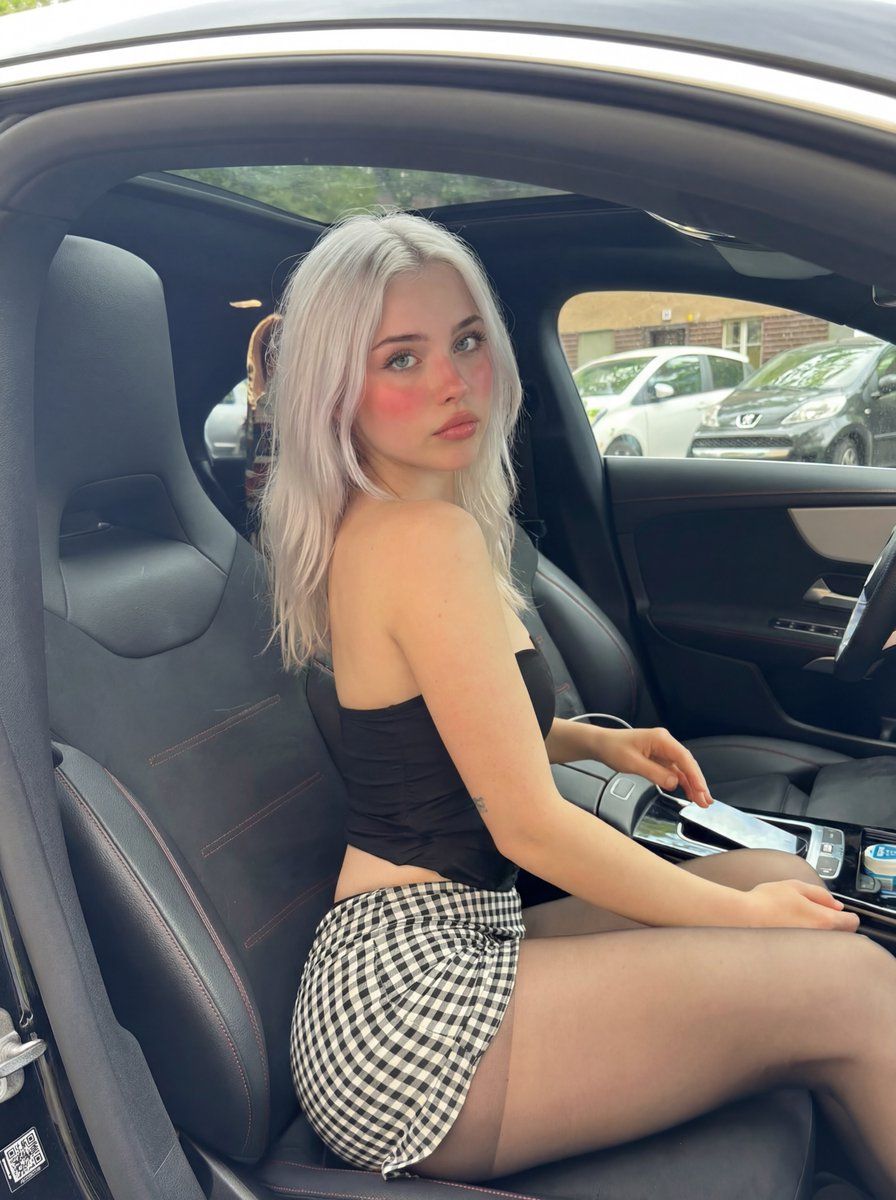
病毒式豪华车内饰幻灯片姿势提示
Prompt
{
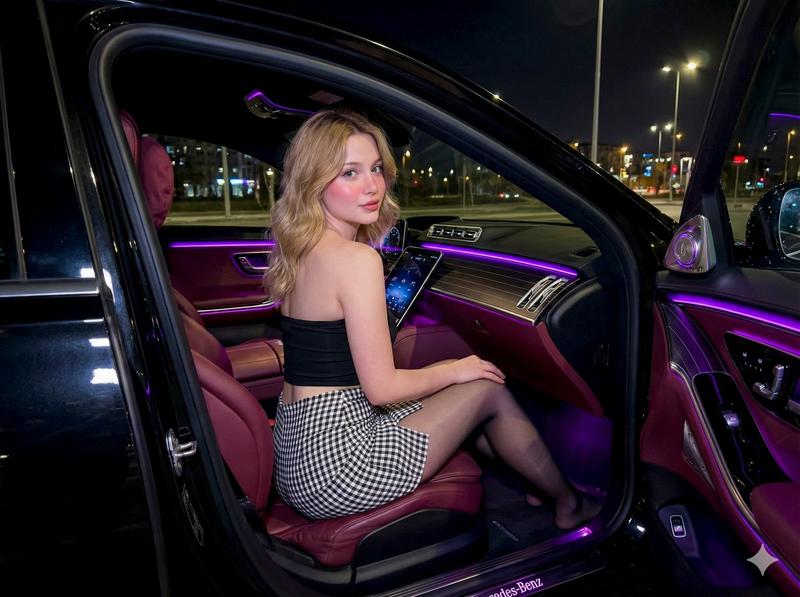
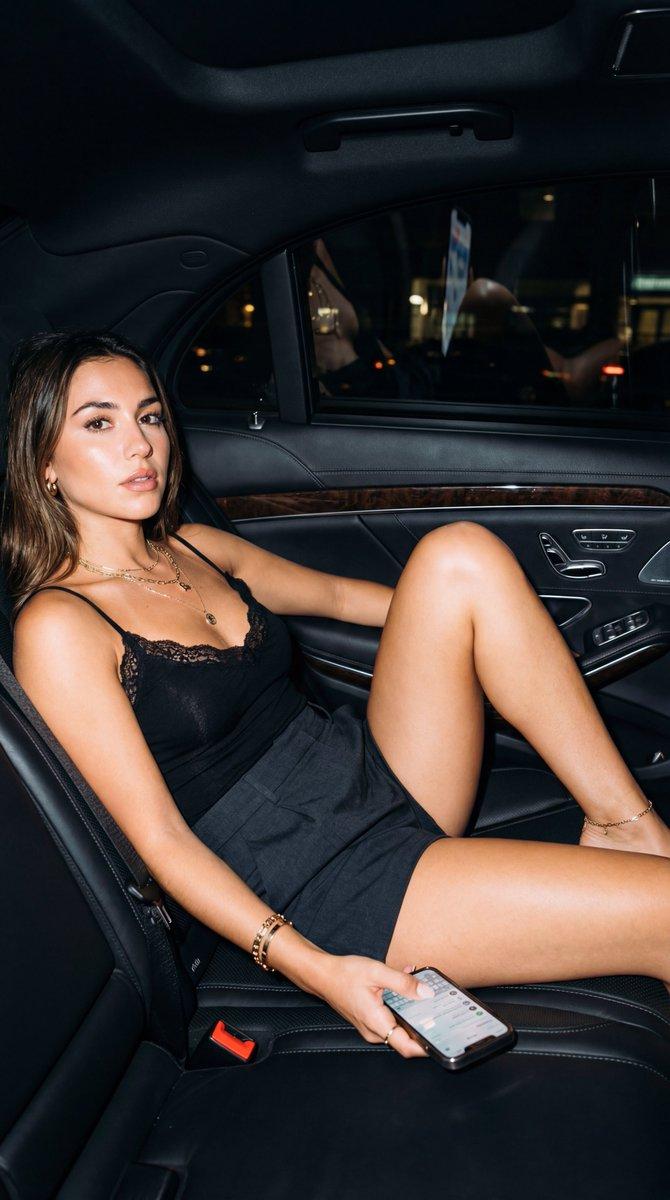
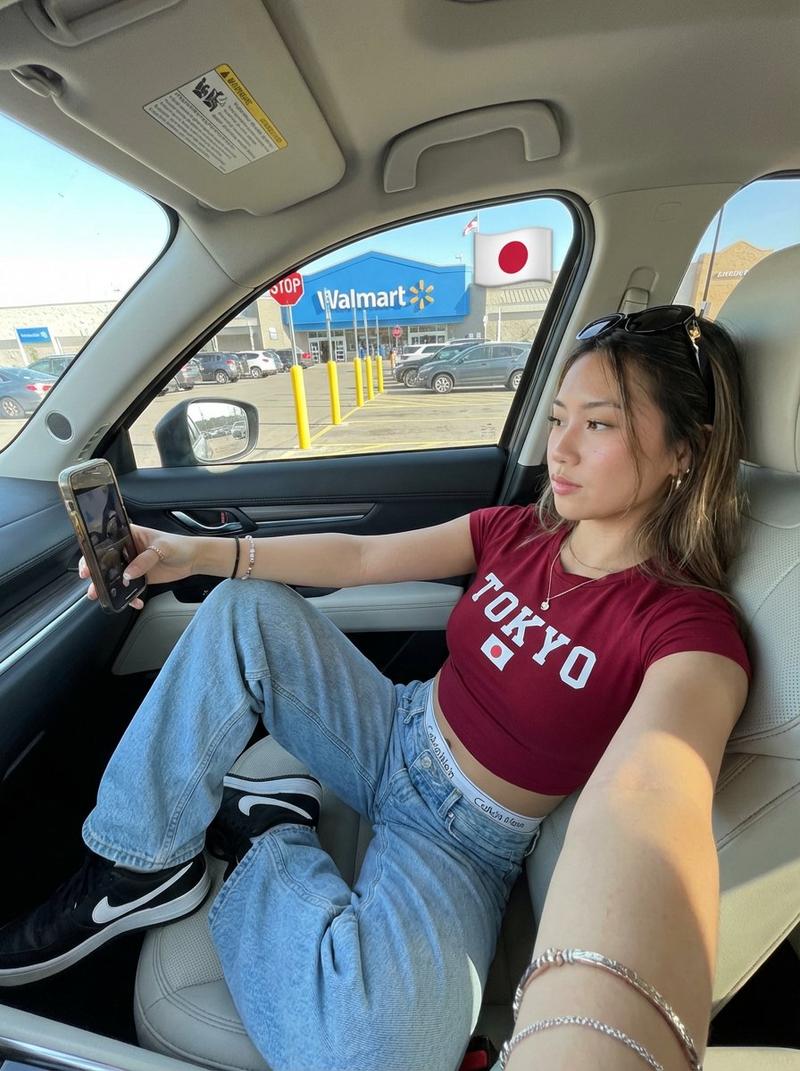
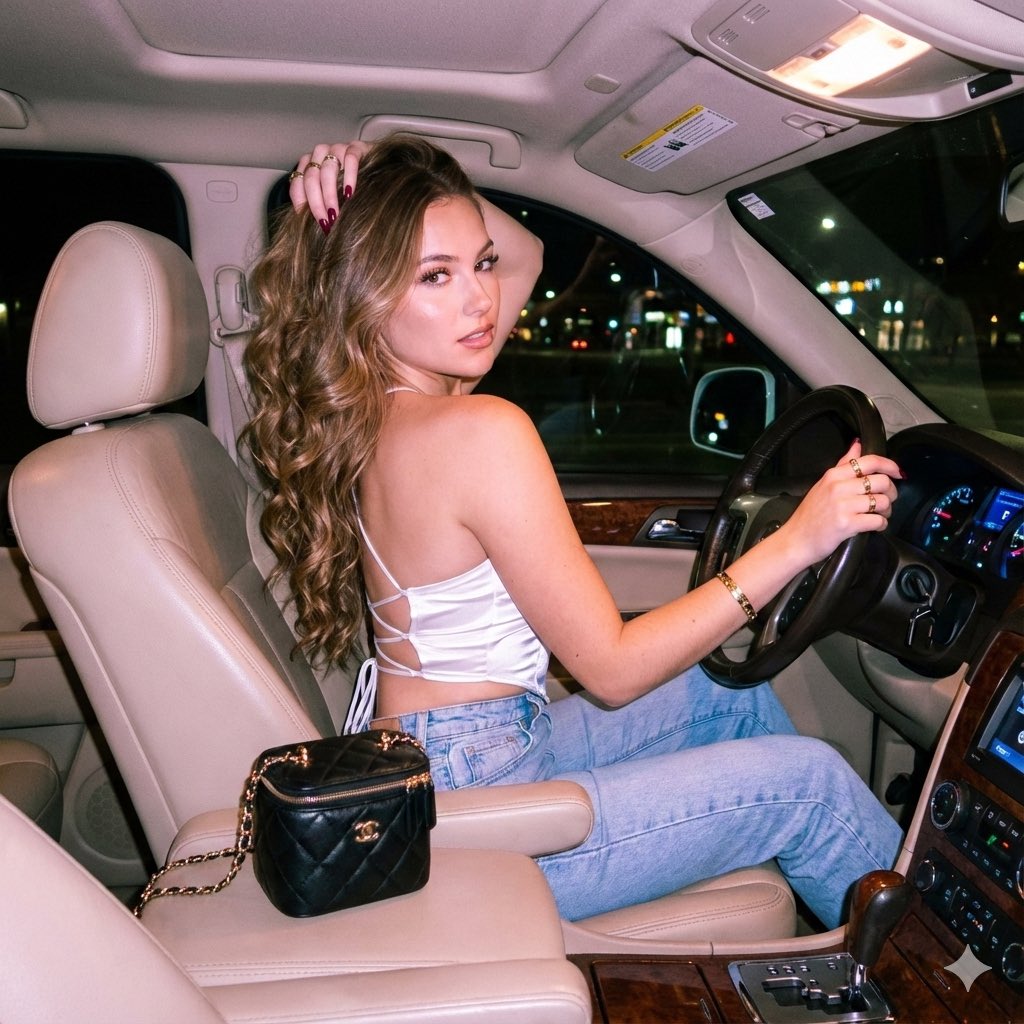
  "scene": "luxury car interior, driver seat, looking back over shoulder",

  "subject": {
    "character": "PLATINUM BLONDE GIRL, early 20s, petite slim frame",

    "face": {
      "structure": "soft delicate features, rounded cheeks, doll-like",
      "skin": "porcelain pale with heavy pink-red blush on cheeks",
      "eyes": {
        "shape": "large round doe eyes",
        "color": "light green-grey",
        "expression": "looking back at camera, soft innocent gaze"
      },
      "mouth": {
        "lips": "full, natural pink, slight pout"
      },
      "makeup": "natural base with intense pink blush, subtle eye makeup"
    },

    "hair": {
      "color": "PLATINUM BLONDE white-silver",
      "length": "medium, past shoulders",
      "texture": "straight with slight wave, soft",
      "style": "middle part, loose and natural, tucked behind one ear",
      "shine": "healthy soft shine"
    }
  },

  "pose": {
    "overall": "sitting in car driver seat, twisted to look back over shoulder",

    "position": {
      "base": "seated in luxury car driver seat",
      "orientation": "body facing forward, torso twisted back toward camera"
    },

    "torso": {
      "direction": "twisted to look behind",
      "curve": "back slightly arched from twist",
      "exposure": "small of back visible, midriff gap showing"
    },

    "arms": {
      "right": "resting on center console gear area",
      "left": "resting on lap or console",
      "hands": "near gear shift and phone"
    },

    "legs": {
      "position": "seated, crossed or together",
      "visible": "thighs visible in short skirt"
    },

    "head": {
      "turn": "looking back OVER SHOULDER at camera",
      "expression": "soft, slightly surprised, innocent"
    }
  },

  "outfit": {
    "top": {
      "type": "black strapless tube top or corset top",
      "fit": "tight, form fitting",
      "neckline": "straig{argument name="top neckline" default="ht across strapless"}",
      "length": "cropped, exposing lower back and midriff"
    },

    "bottom": {
      "type": "black and white gingham check mini skirt",
      "pattern": "small gingham checkered pattern",
      "colors": "black and white",
      "length": "very short mini",
      "fit": "fitted, riding up while seated"
    },

    "legwear": {
      "type": "sheer black tights or stockings",
      "opacity": "semi-sheer, skin visible through"
    }
  },

  "body": {
    "type": "slim, petite, feminine",
    "back": "lower back exposed in gap between top and skirt",
    "skin": "pale porcelain, smooth"
  },

  "environment": {
    "location": "inside luxury car, driver seat",

    "car_interior": {
      "seats": "black leather sport seats with contrast stitching",
      "style": "luxury sports car, possibly BMW or Mercedes",
      "console": "modern center console with gear shift",
      "steering": "sport steering wheel visible"
    },

"view_through- Category
- 创意图片
- Model
- Nano Banana Pro
- Source ID
- bd71b6de-f554-4f32-afc0-87ef95428968
- Published
- Mar 8, 2026
Views0