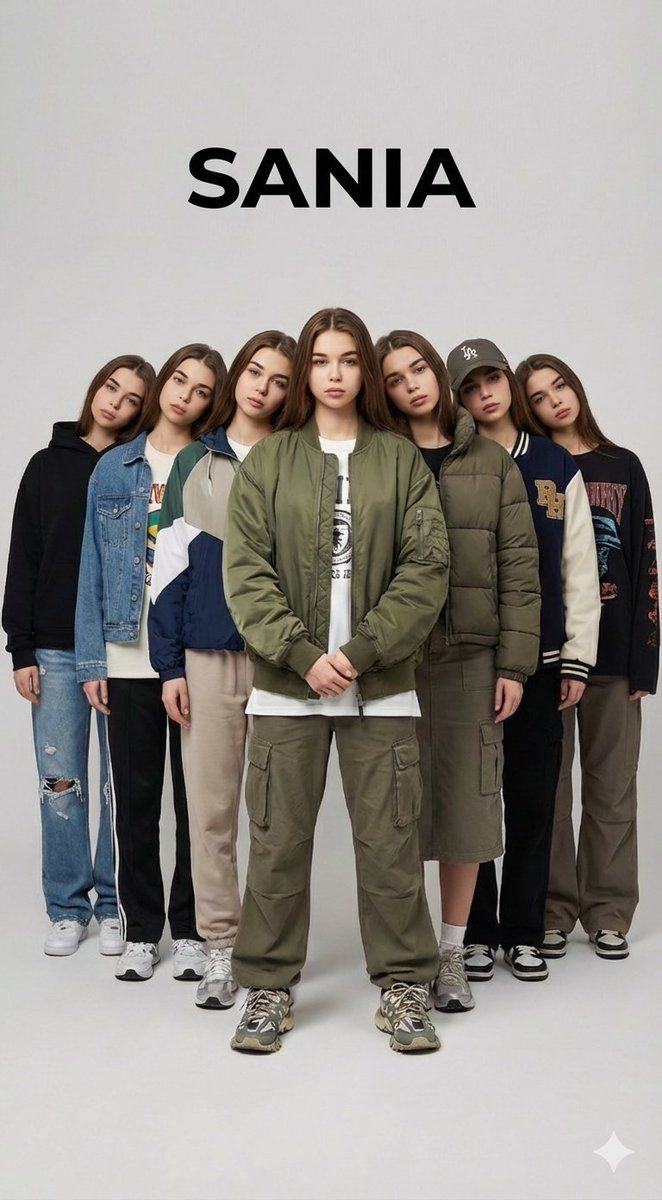
超现实多重时尚专题
Prompt
{
  "type": "image_generation_prompt",
  "aspect_ratio": "3:2",
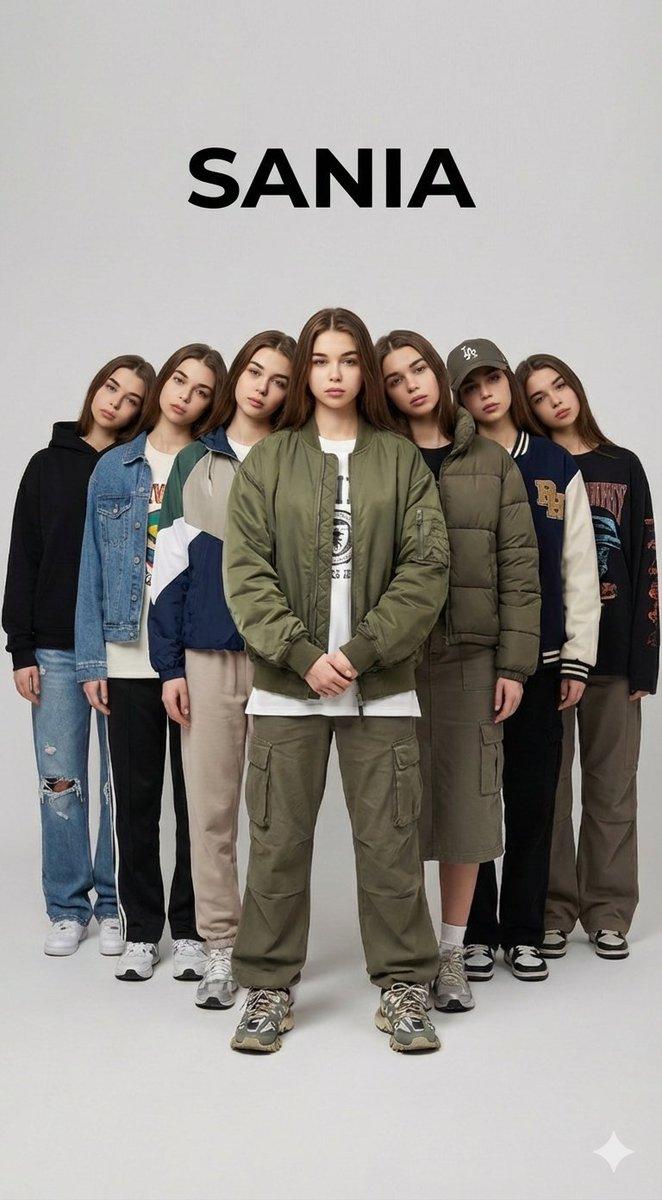
  "style": "photorealistic, cinematic fashion editorial, surreal multiplicity",
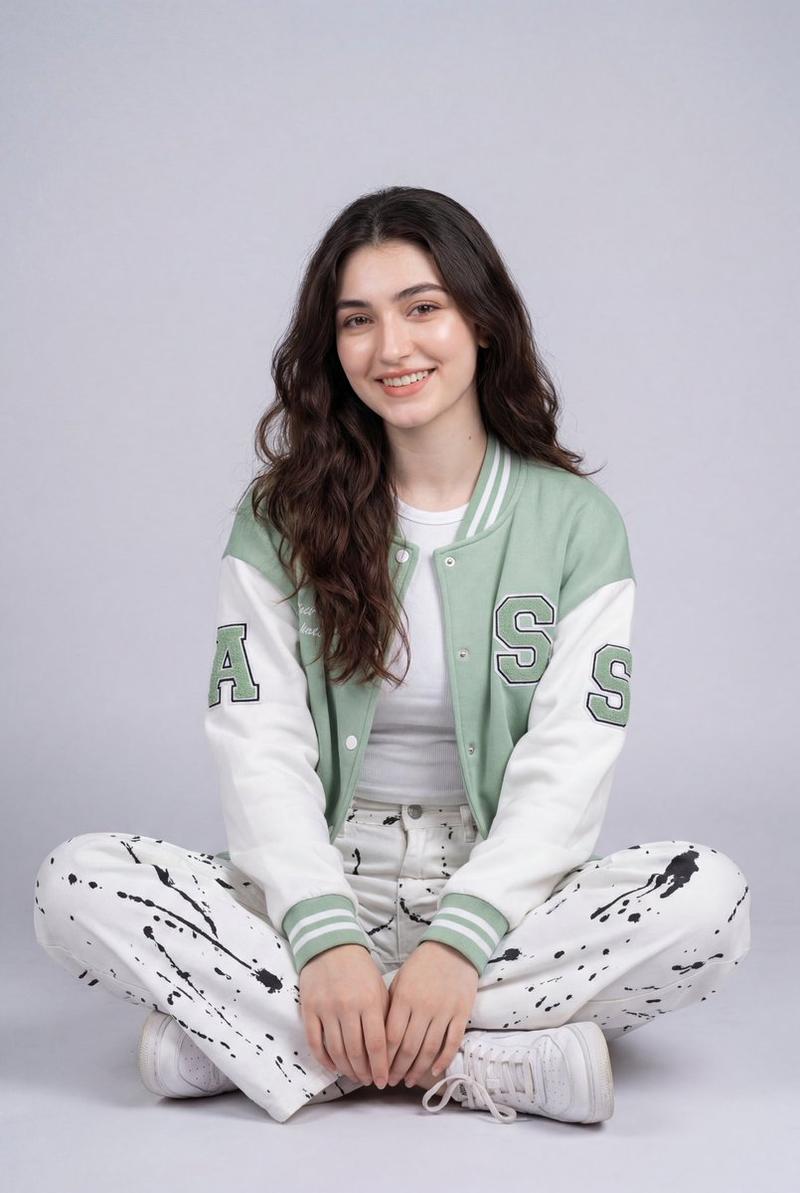
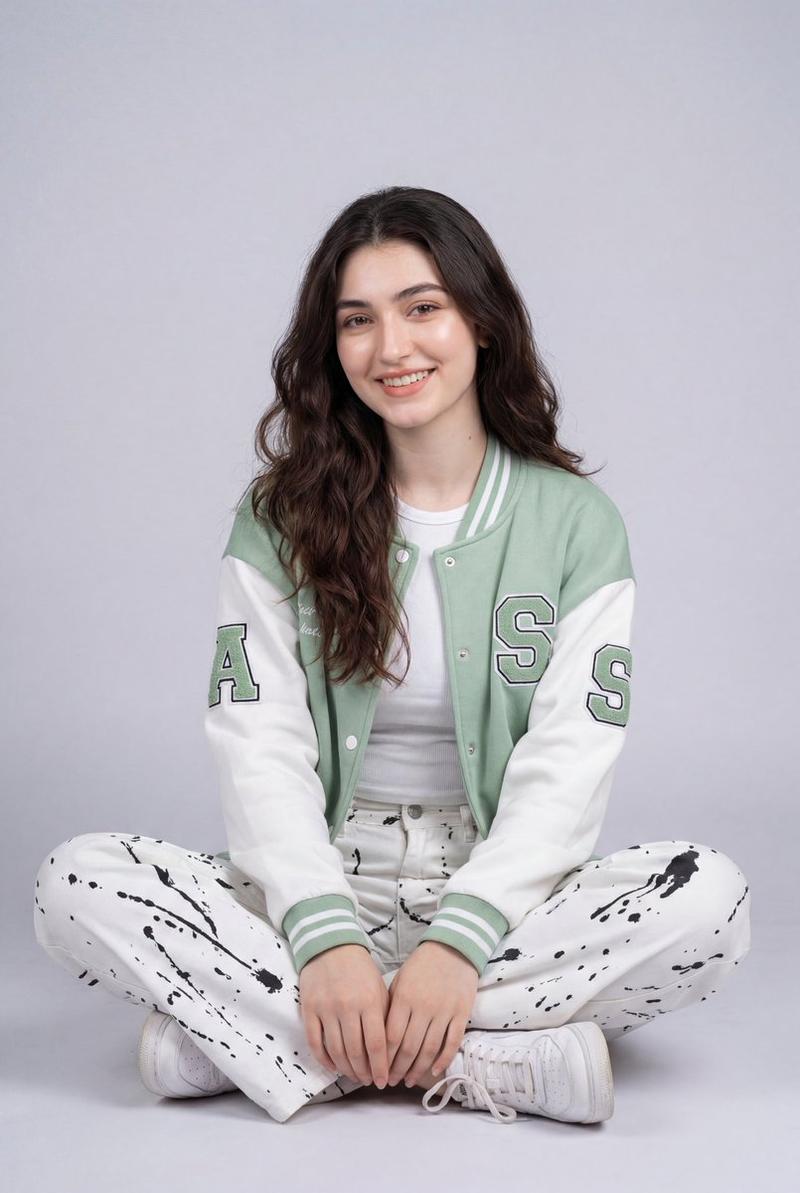
  "identity_preservation": {
    "use_reference_image": true,
    "strict_identity_lock": true,
    "alter_face": false,
    "alter_expression": false,
    "alter_hairstyle": false,
    "notes": "The central woman’s face, hair, skin tone, proportions, and expression must match the reference image exactly. Do not modify or beautify the face."
  },
  "subject": {
    "gender": "female",
    "central_figure": {
      "pose": "front-facing camera, stoic expression, hands clasped calmly in front",
      "body_language": "confident, grounded, composed"
    },
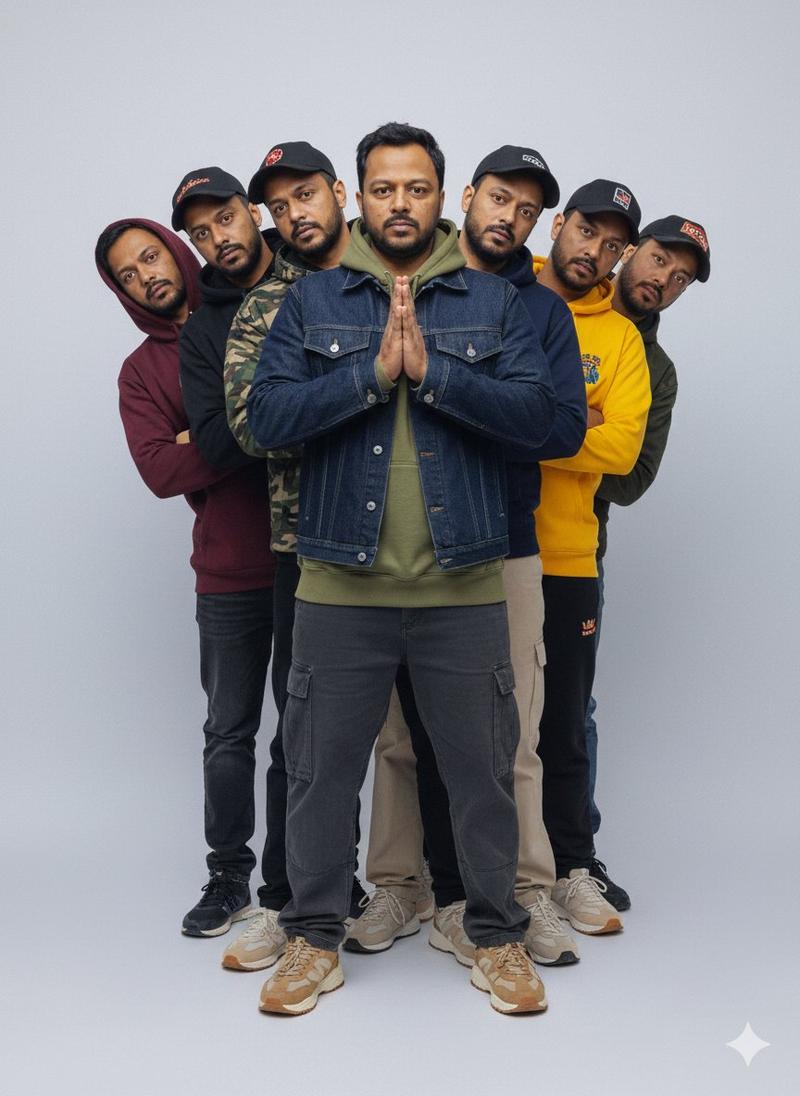
    "clones": {
      "count": 6,
      "description": "Six identical female clones of the central woman",
      "arrangement": "single-file line behind the central figure",
      "head_positions": "clones lean heads out symmetrically left and right in a cascading fan pattern",
      "visibility": "all seven faces fully visible",
      "identity": "each clone has the exact same face and hairstyle as the central woman"
    }
  },
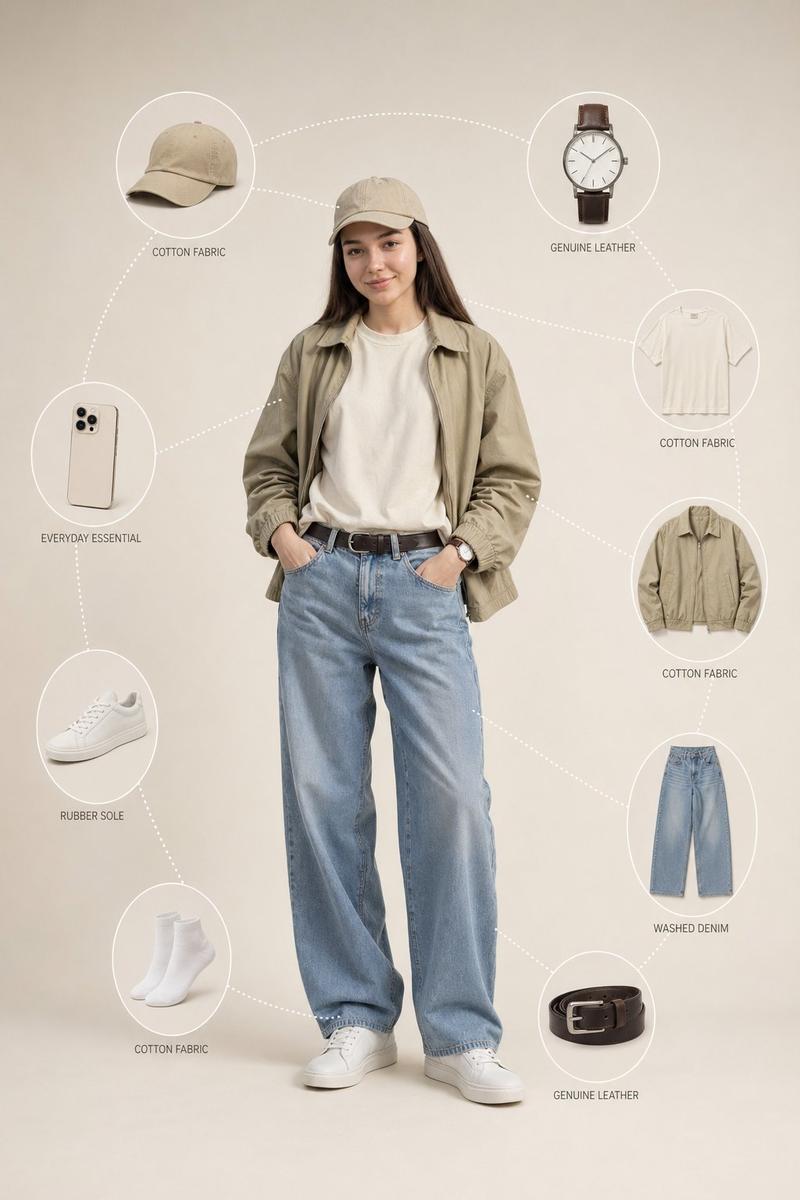
  "wardrobe": {
    "style": "women’s streetwear",
    "variation": "each figure wears different casual outfits",
    "items": [
      "hoodies",
      "graphic t-shirts",
      "oversized jackets",
      "baggy pants",
      "sneakers",
      "caps"
    ],
    "colors": "mixed, random streetwear colors and styles",
    "rule": "clothing may vary, but faces must remain identical"
  },
  "environment": {
    "background": "plain light grey seamless studio backdrop",
    "text_element": {
      "content": "{argument name="Text Overlay" default="OMER J"}",
      "placement": "centered in the composition",
      "style": "clean, bold, fashion-editorial typography"
    }
  },
  "lighting": {
    "type": "soft professional studio lighting",
    "effects": [
      "even illumination across all faces",
      "subtle shadows for depth",
      "high contrast without harsh highlights"
    ]
  },
  "composition": {
    "symmetry": "highly symmetrical layout",
    "focus": "sharp focus on all faces",
    "visual_effect": "surreal multiplicity with mirrored balance"
  },
  "camera": {
    "resolution": "8K",
    "sharpness": "ultra-sharp",
    "details": "extreme clarity in fabric textures, skin texture, and facial detail"
  },
  "quality": {
    "realism": "pure photorealism",
    "editorial_vibe": "high-end fashion magazine aesthetic",
    "no_ai_artifacts": true
  },
  "constraints": [
    "Do not change the woman’s face",
    "Do not stylize or distort facial features",
    "No cartoon or CGI look",
    "No facial duplication errors",
    "No watermarks or logos"
  ],
  "output_goal": "Create a photorealistic, surreal fashion editorial image featuring one woman and six identical female clones in a symmetrical studio composition, preserving the exact facial identity while showcasing varied streetwear styles."
}- Category
- 创意图片
- Model
- Nano Banana Pro
- Creator
- 𝗦𝗮𝗻𝗶𝗮
- Source ID
- 12f4750b-ba25-4e91-bff4-f42982117870
- Published
- Mar 8, 2026
Views0