20

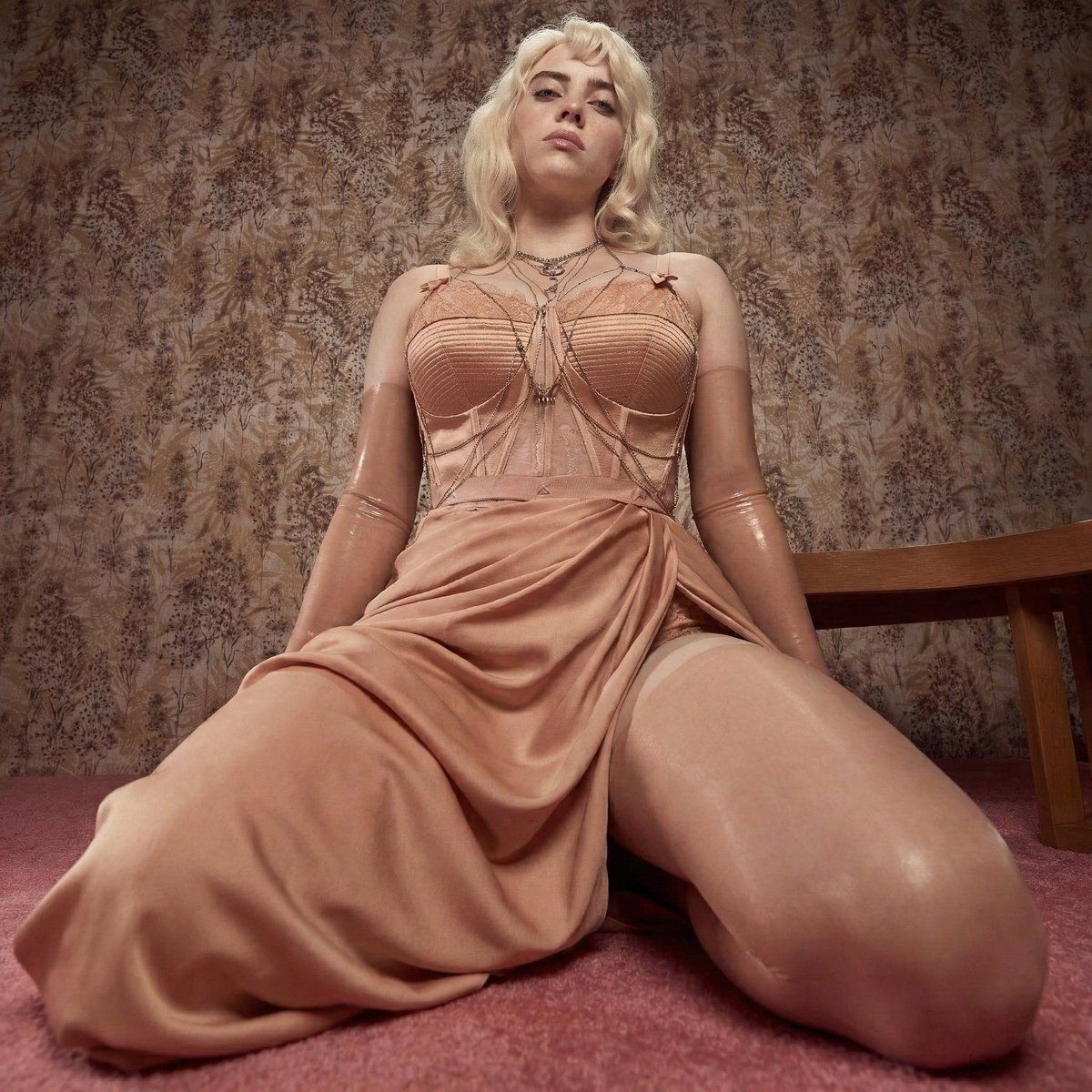
Billie Eilish 《Vogue》杂志编辑特辑拍摄
Enlarge

Billie Eilish 《Vogue》杂志编辑特辑拍摄

Prompt
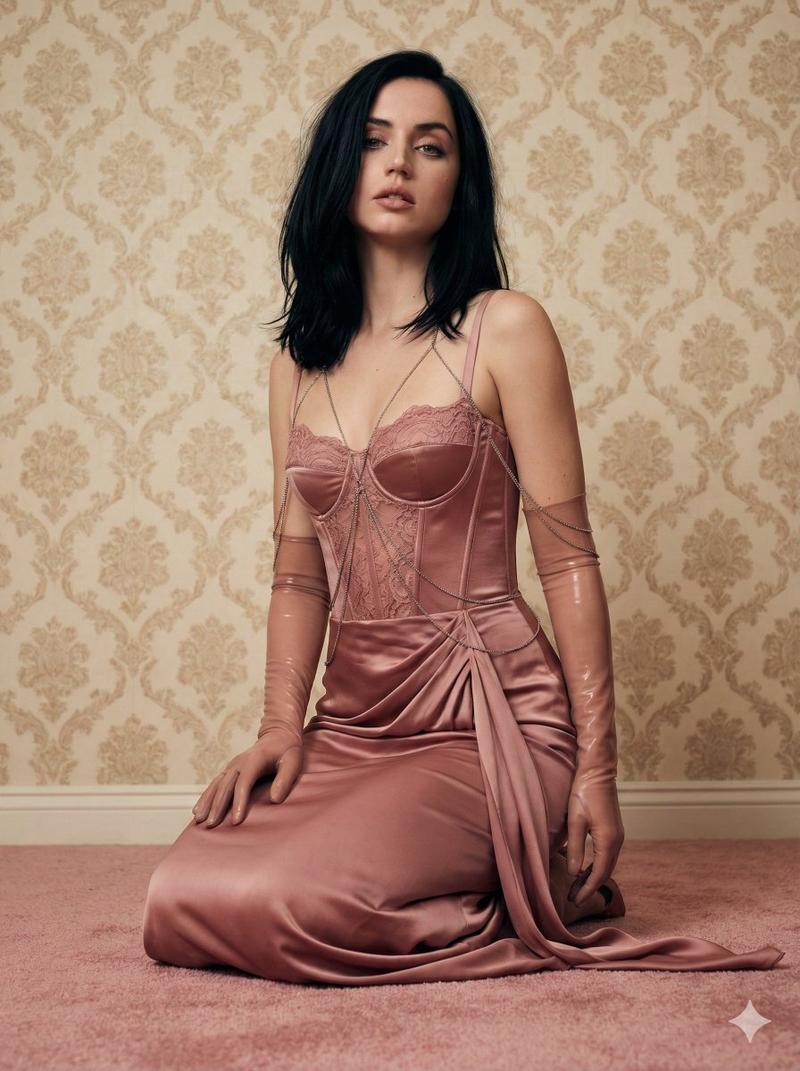
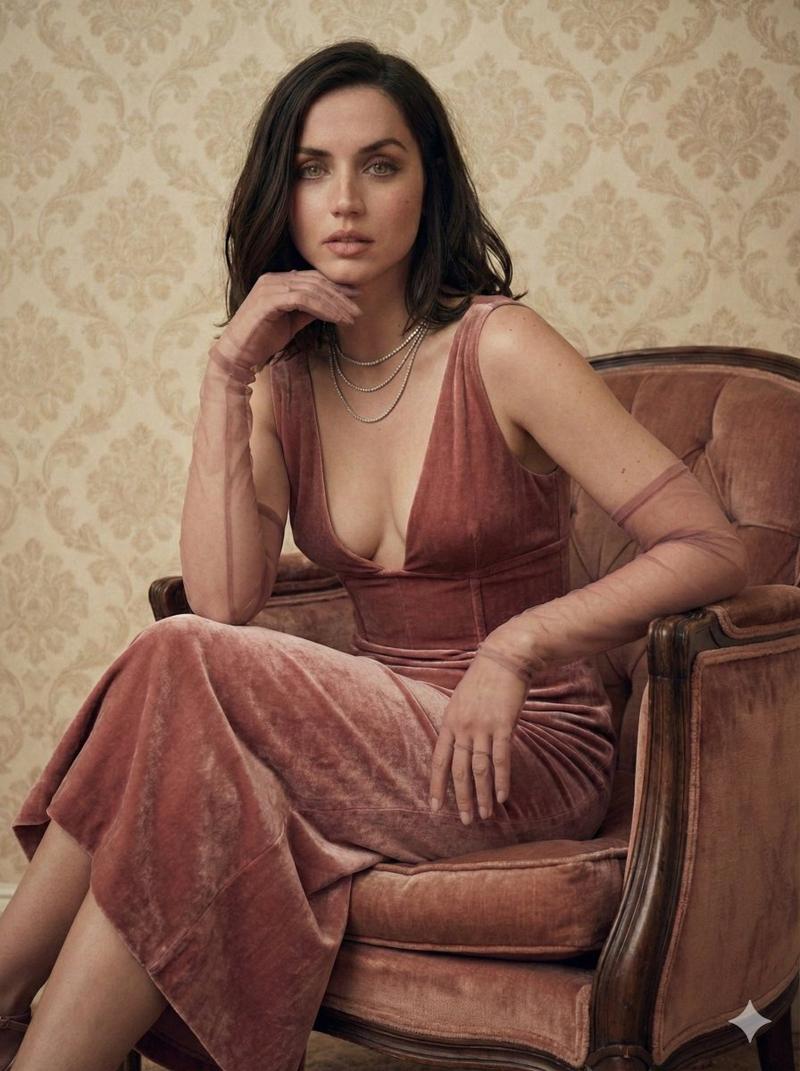
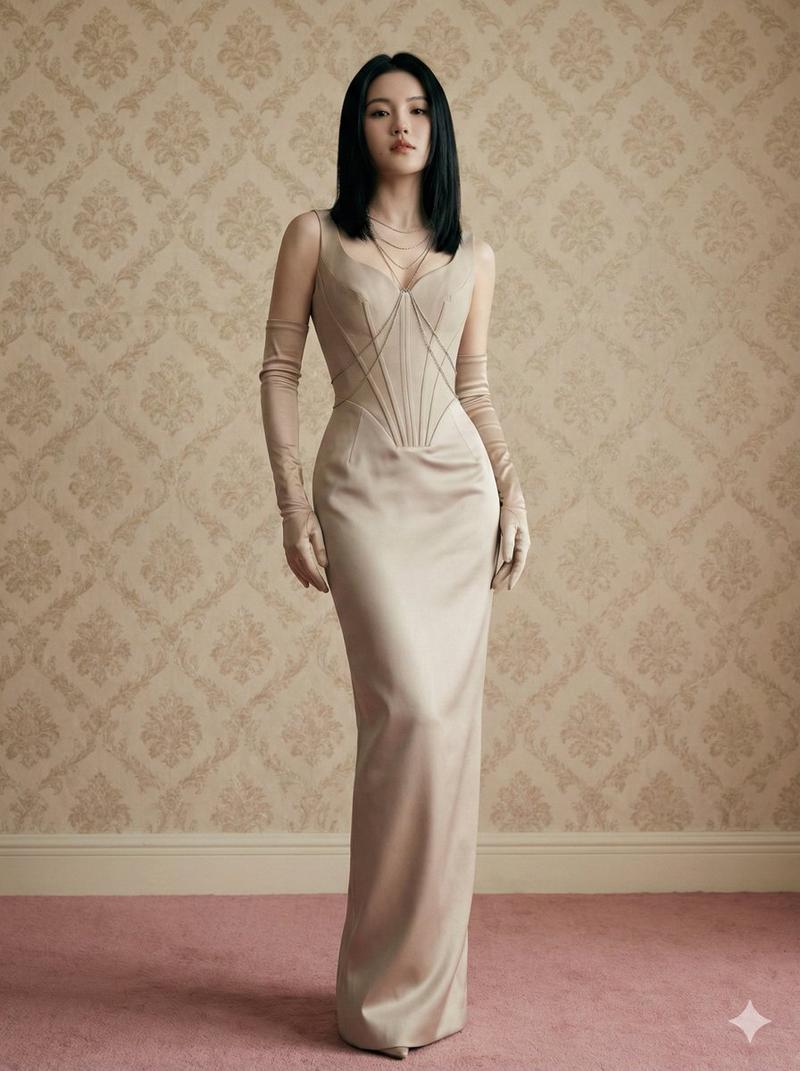
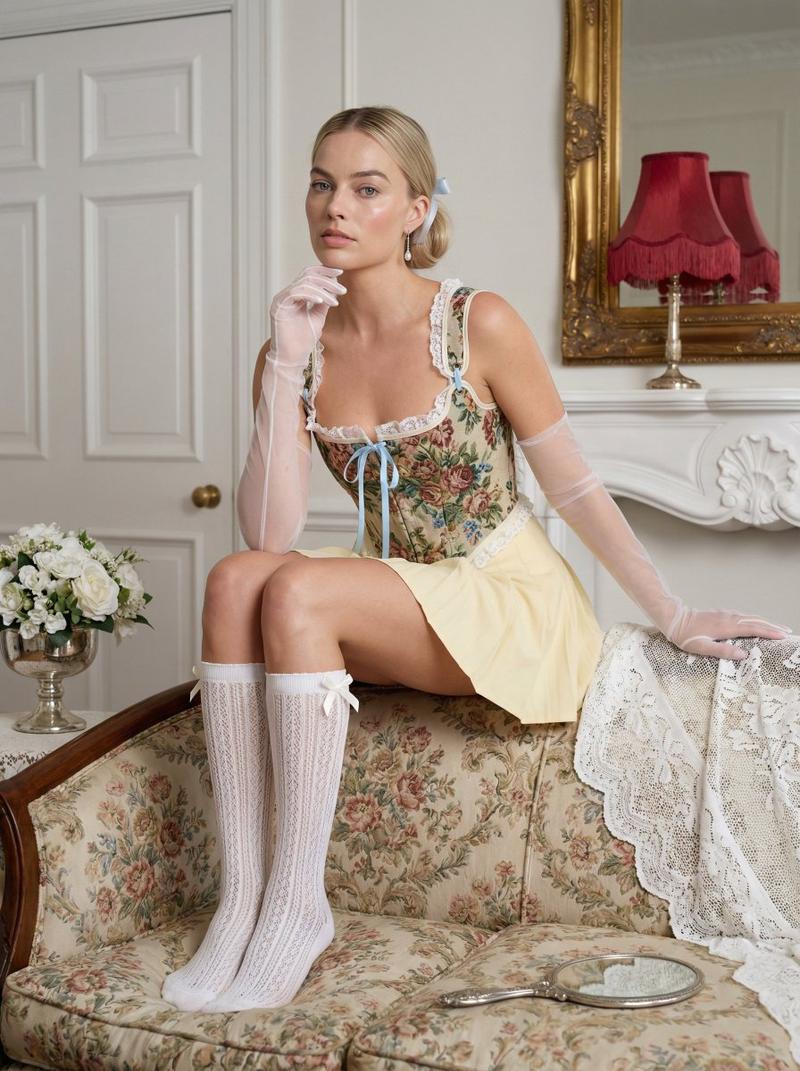
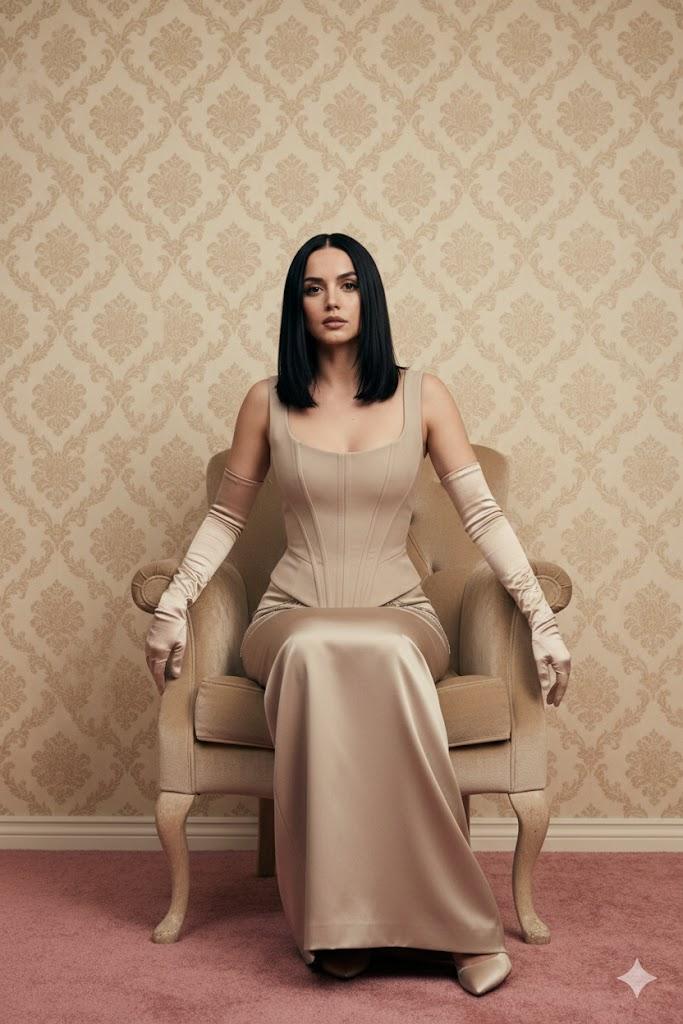
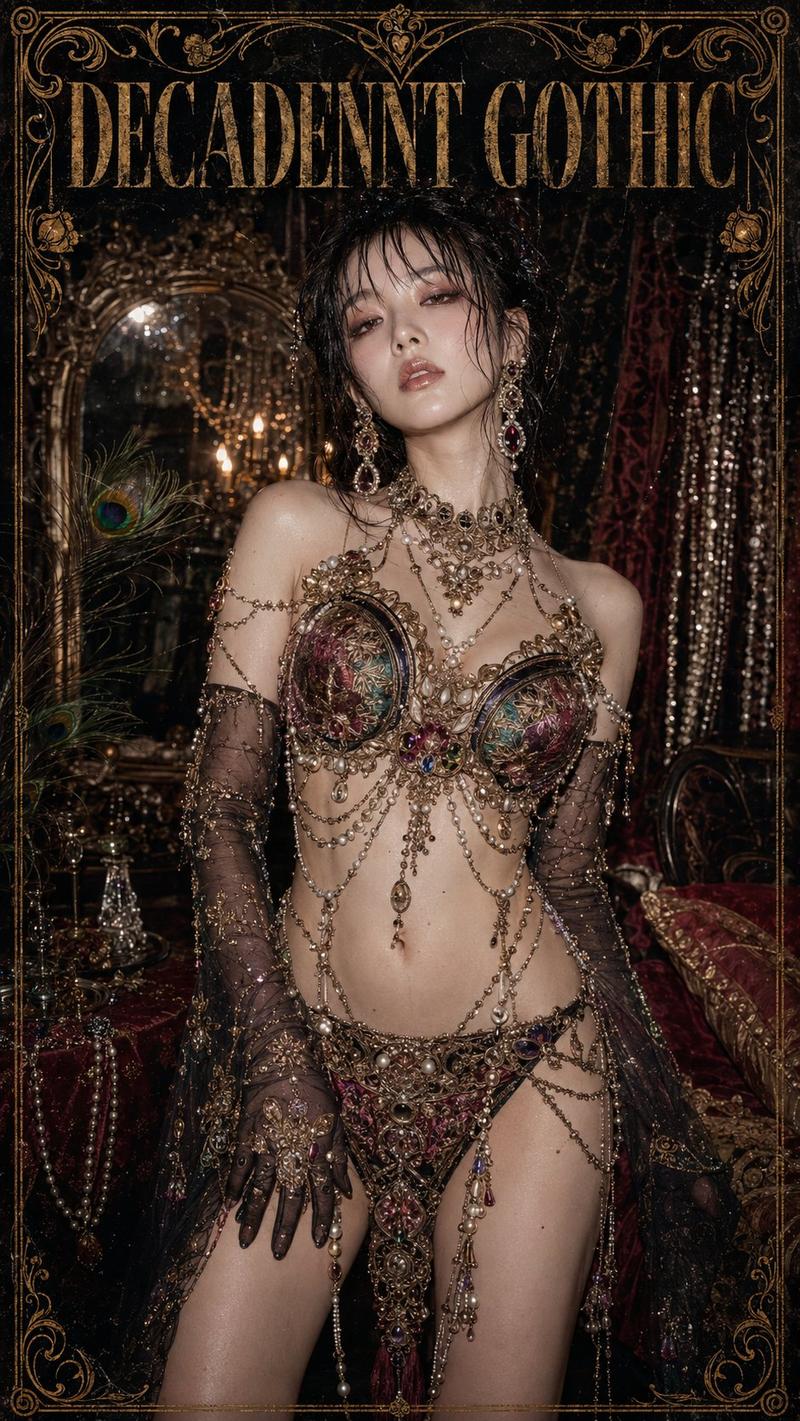
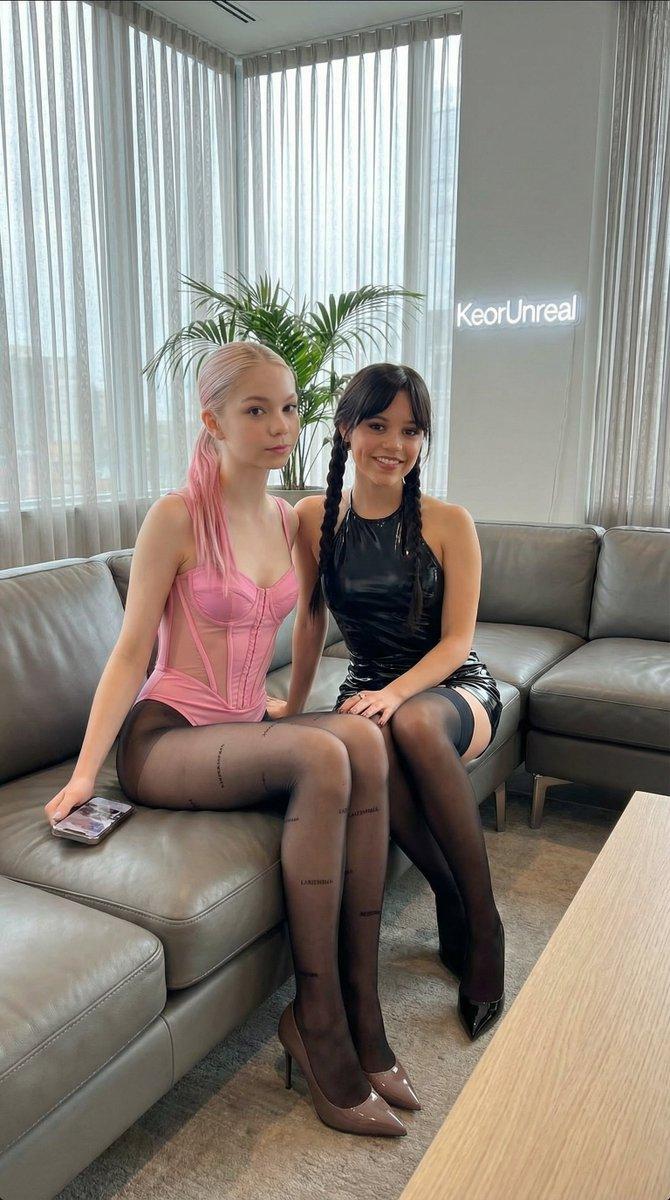
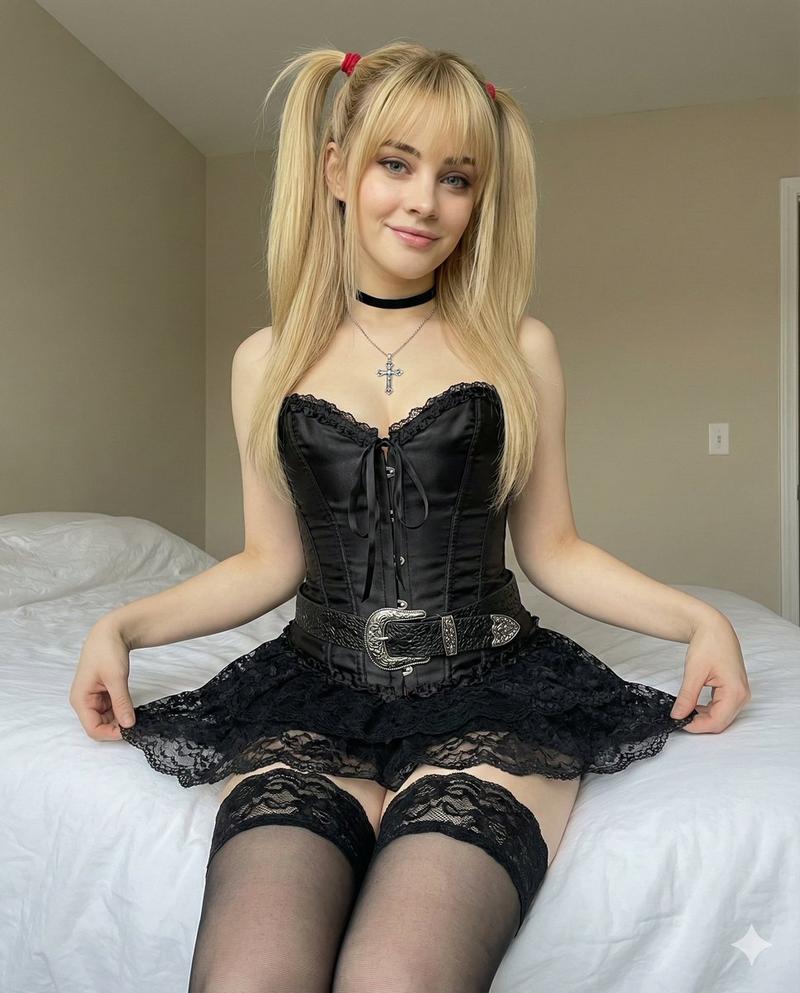
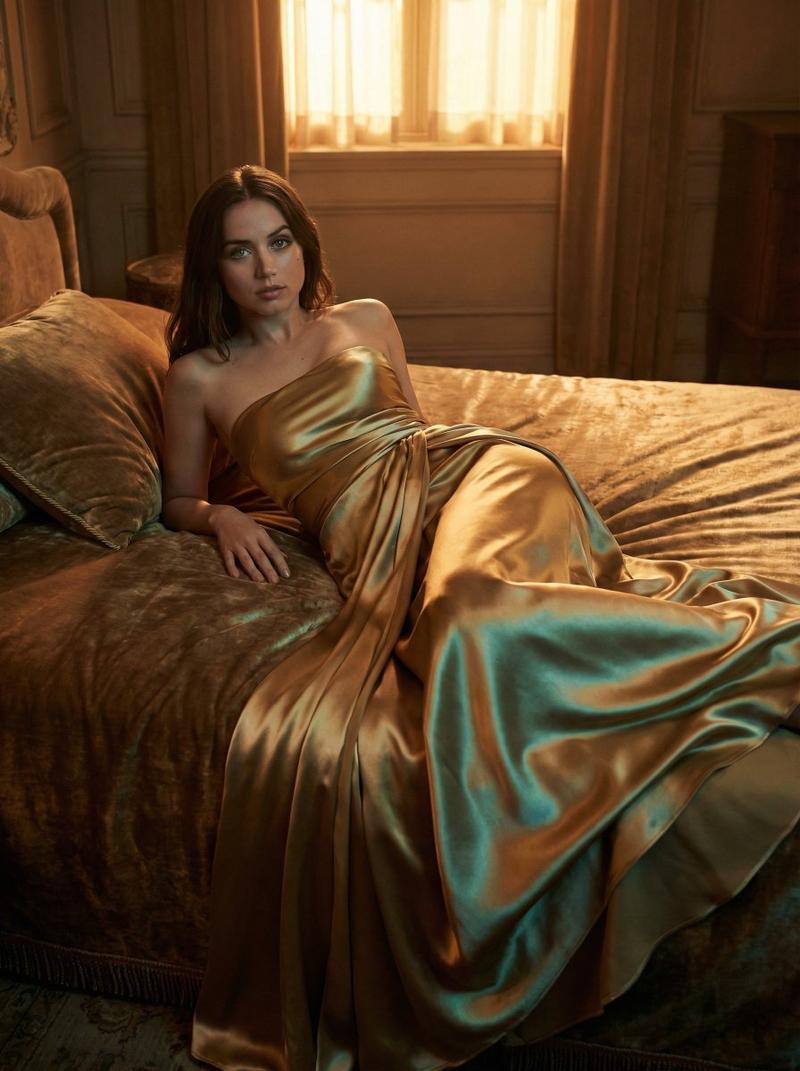
A hyper-realistic, low-angle full body shot of {argument name="celebrity name" default="Billie Eilish"} with platinum blonde shoulder-length hair, kneeling on a pink carpet and looking down at the camera. She is wearing a monochromatic {argument name="outfit color" default="dusty-rose"} outfit consisting of a structured satin corset with lace detailing, a draped silk skirt, and sheer latex opera gloves. She is wearing layered delicate silver body chains. The background is a retro wall with vintage beige floral damask wallpaper. The lighting is soft and cinematic, editorial fashion photography style, high detail, 8k resolution.
Category
创意图片
Model
Nano Banana Pro
Creator
jennieee:3
Views0
Source ID
8d228fb9-7b9b-4ecb-a089-fc60e6e2eee2
Published
Mar 8, 2026

Guide

About "Billie Eilish 《Vogue》杂志编辑特辑拍摄"

What is this prompt for?

"Billie Eilish 《Vogue》杂志编辑特辑拍摄" AI image prompt for Nano Banana Pro (创意图片). 一个超写实的提示,用于生成一张 Billie Eilish 的低角度全身时尚杂志照片。照片详细描述了她铂金色的头发、单色的灰玫瑰色服装(缎面紧身胸衣、丝绸裙子、乳胶手…

The full copyable prompt and example visuals above are ready for AI image generation or one-click recreate in Picva.

How to use this prompt

  1. Step 1

    Open the prompt detail

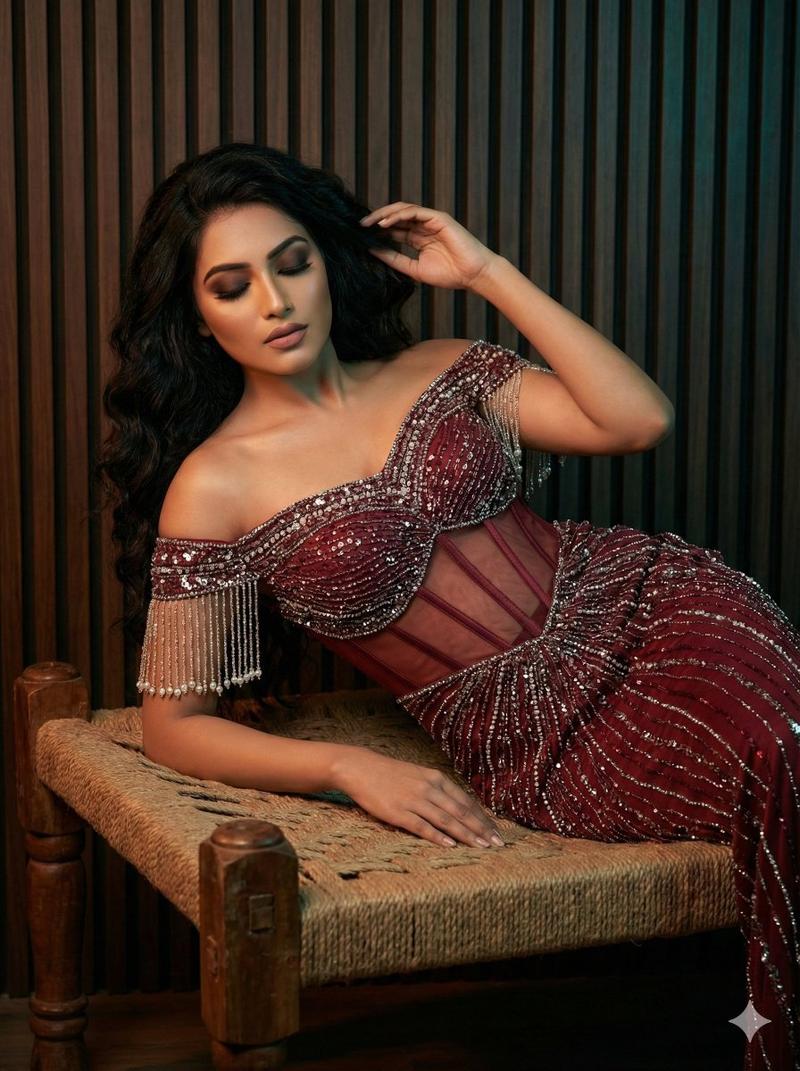
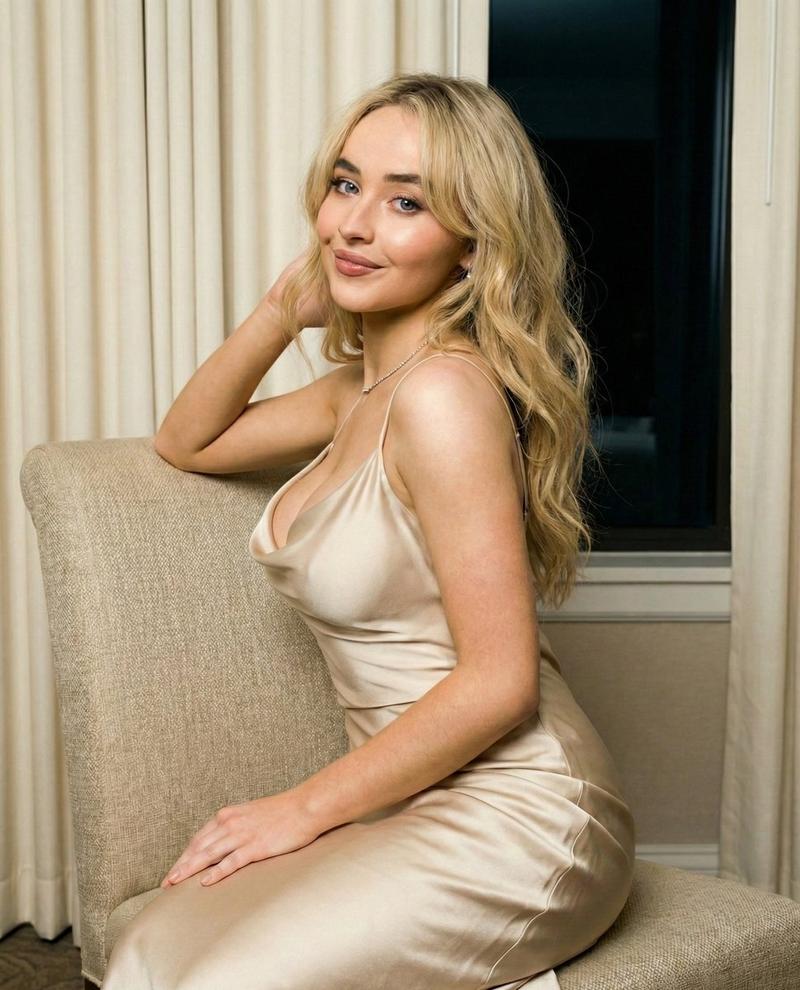
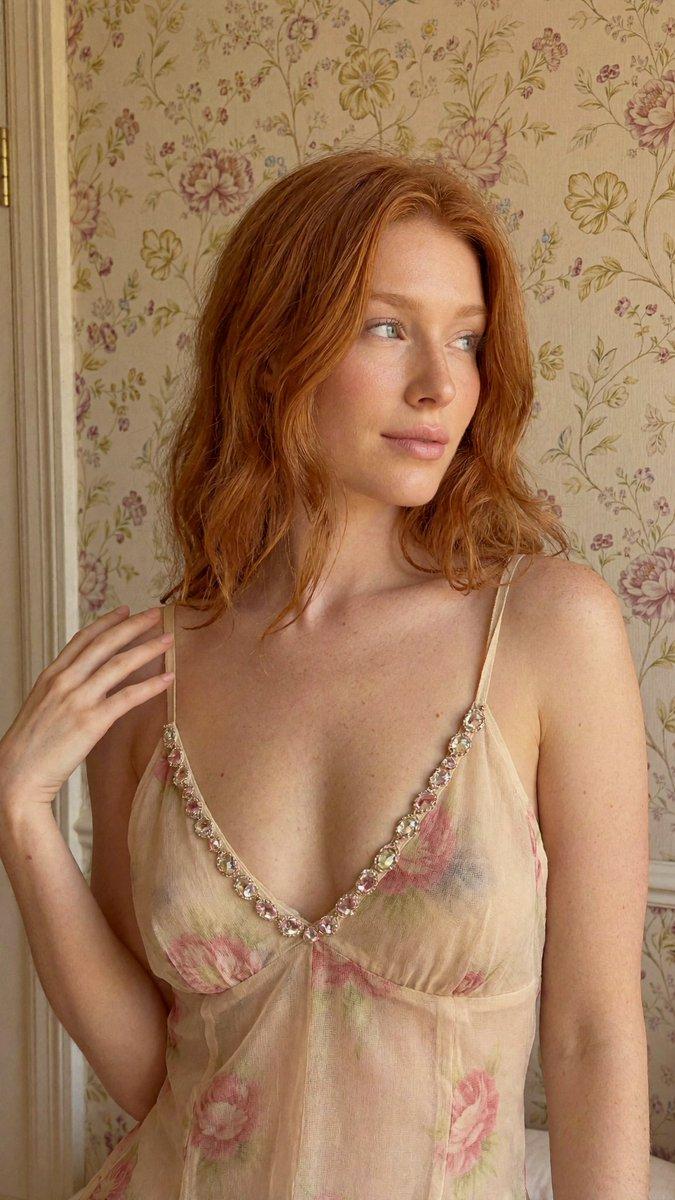
    Review the example visuals, category, and full prompt text for "Billie Eilish 《Vogue》杂志编辑特辑拍摄".

  2. Step 2

    Copy the prompt

    Copy the prompt body from this page, or load it directly in Studio.

  3. Step 3

    Pick a model (Nano Banana Pro)

    Prefer Nano Banana Pro. If you switch models, keep subject and composition and tweak style terms.

  4. Step 4

    Generate and export

    Recreate the look in Picva, or export into your workflow for editing and publishing.

FAQ

What is the "Billie Eilish 《Vogue》杂志编辑特辑拍摄" prompt?
It is an AI image-generation prompt for Nano Banana Pro in the 创意图片 category. This page includes the full prompt text, example visuals, and a one-click recreate path in Picva.
How do I use this prompt to generate an image?
Copy the prompt from this page, or use Generate / Studio. Paste it into a compatible image model, or recreate the look in Picva with optional reference images.
Which model is this prompt for?
This page lists Nano Banana Pro. Most descriptive prompts also transfer to nearby image models such as GPT Image, Flux, or Midjourney with light style tweaks.
Can I use the result commercially?
You can usually copy the prompt for creation, but commercial use of the final image depends on the model terms, reference-image rights, and the generated content. Follow the source author and platform rules.