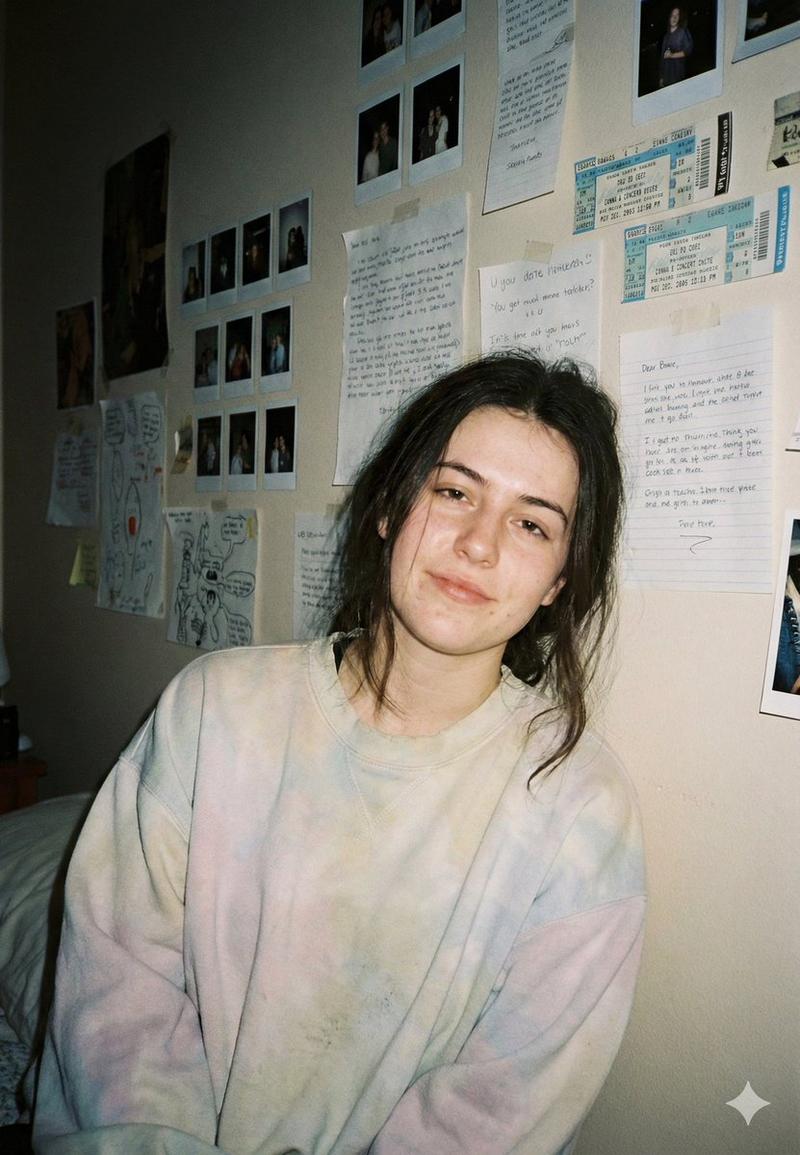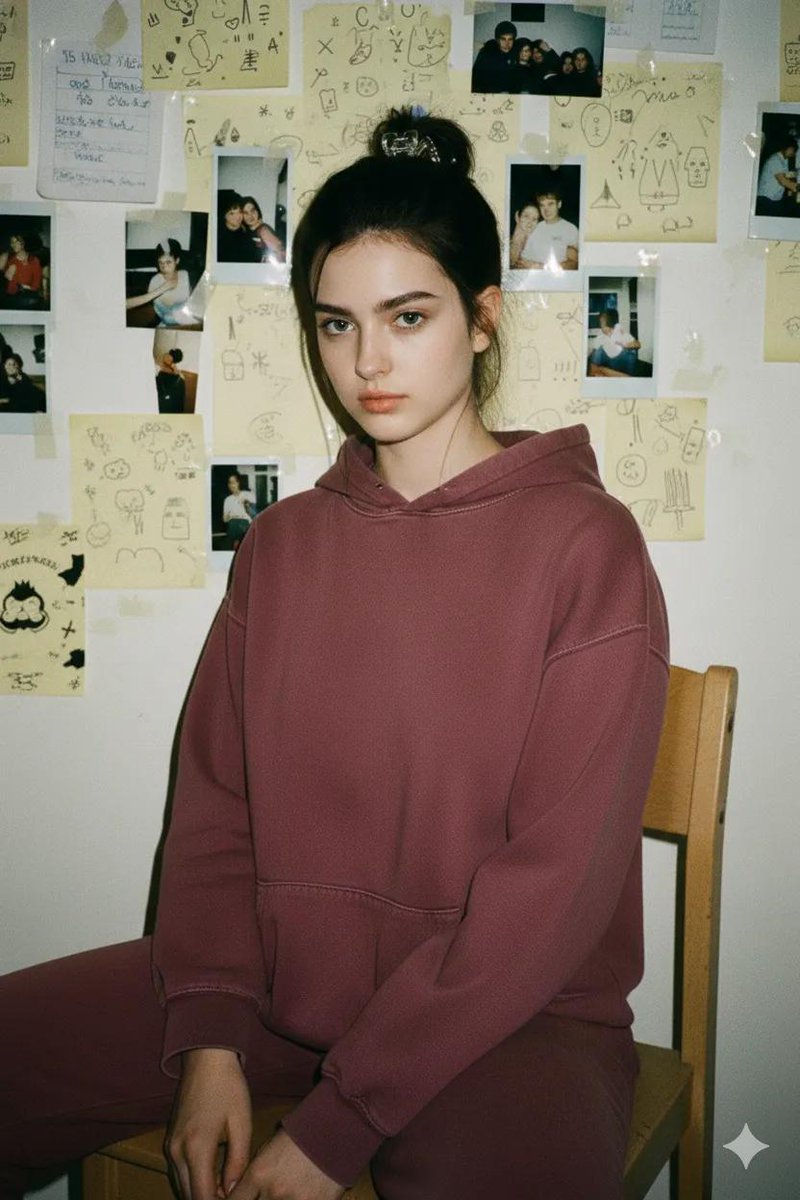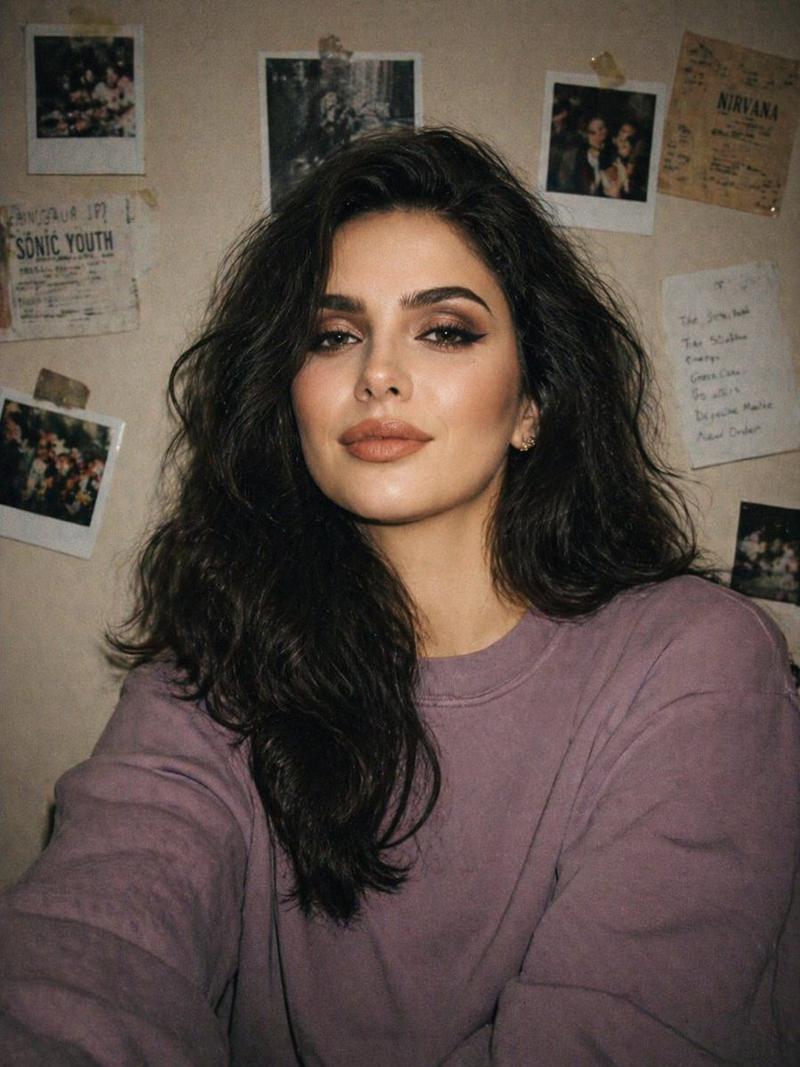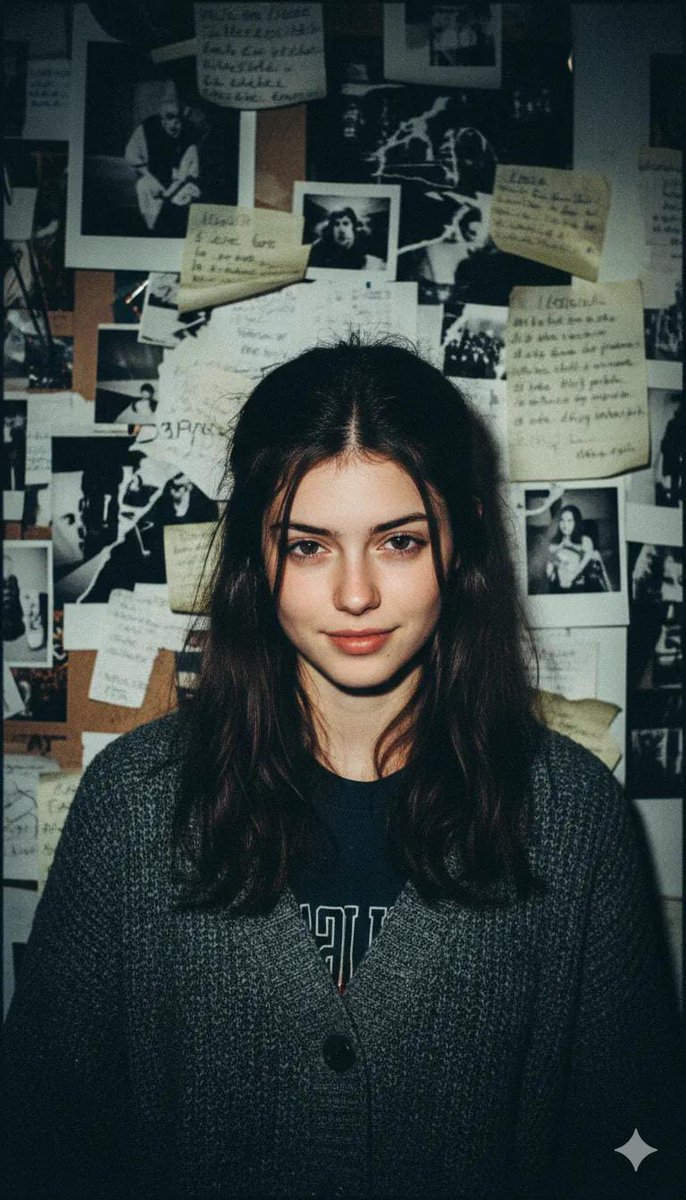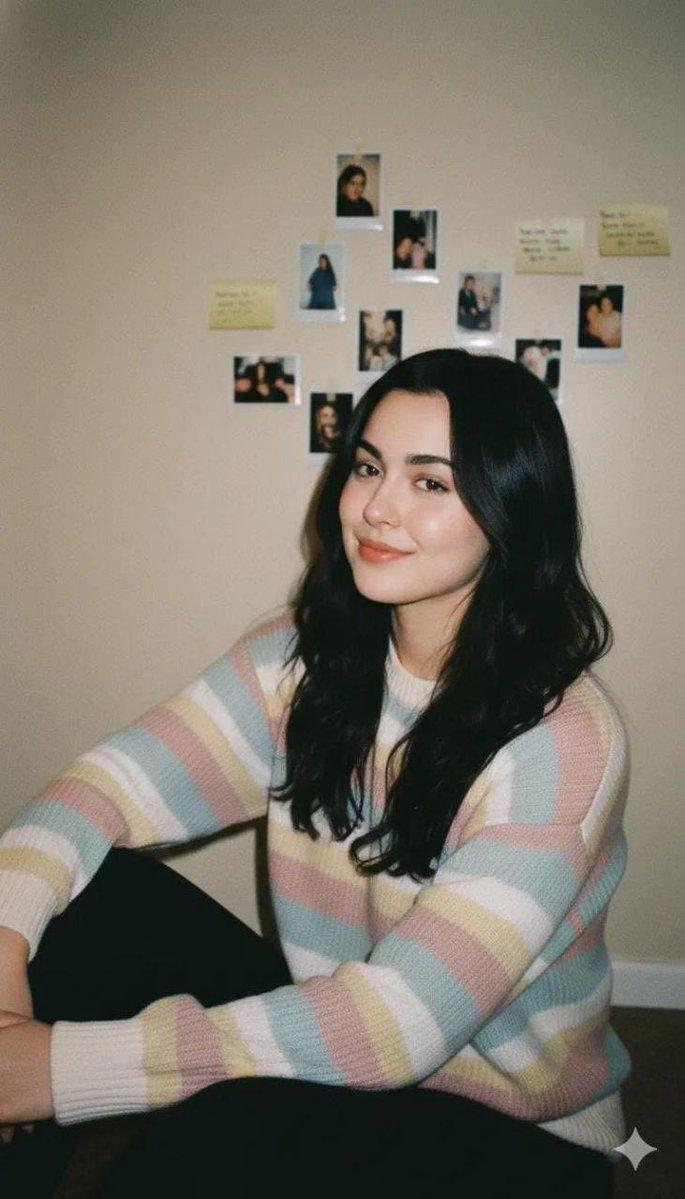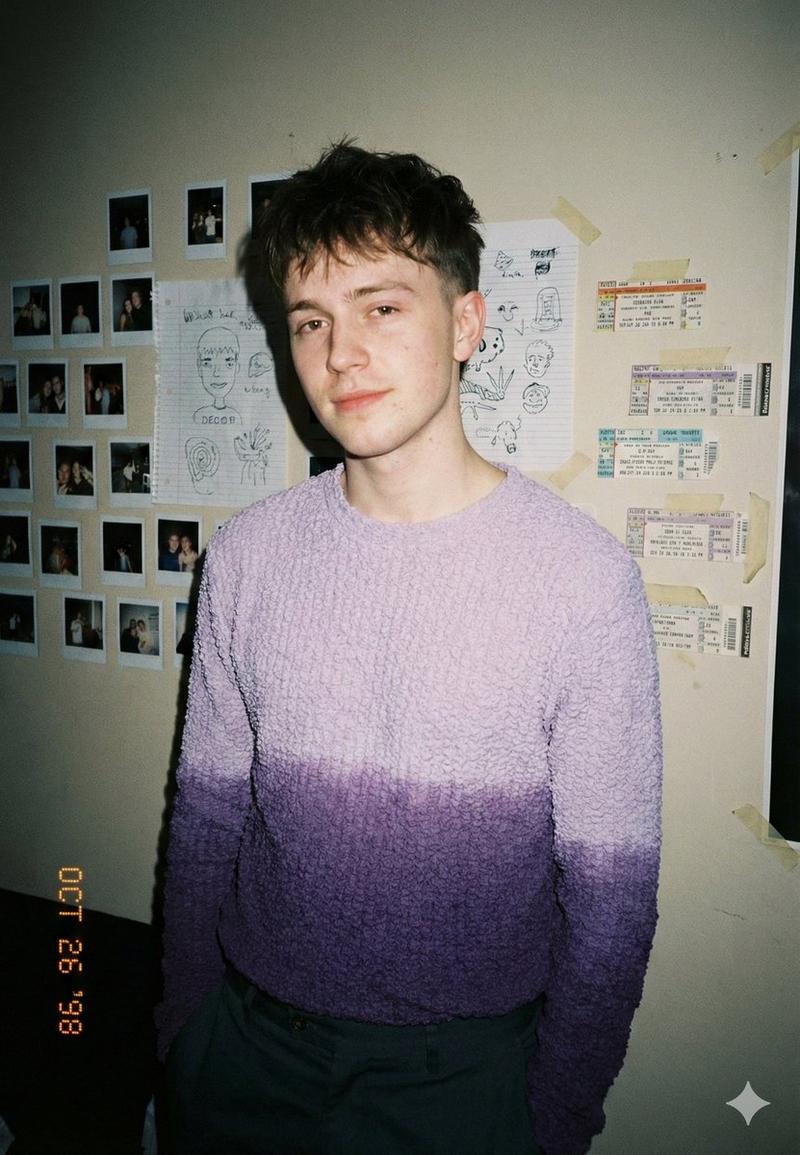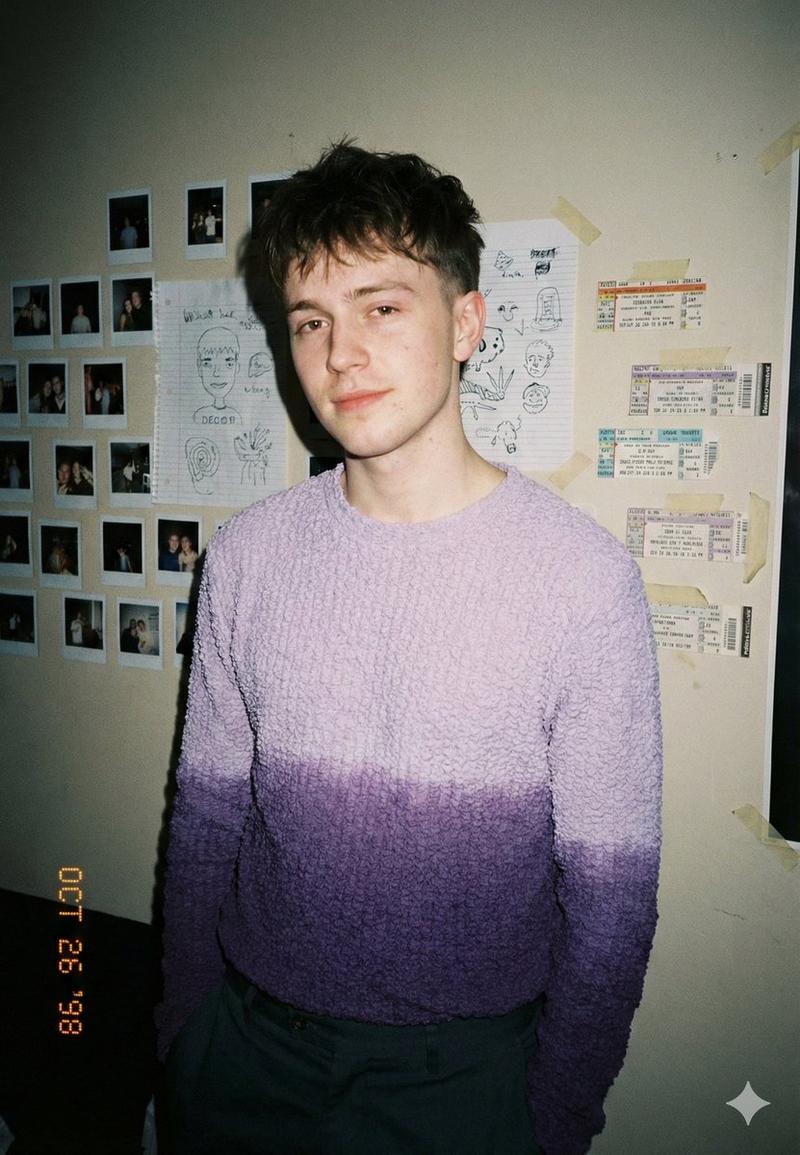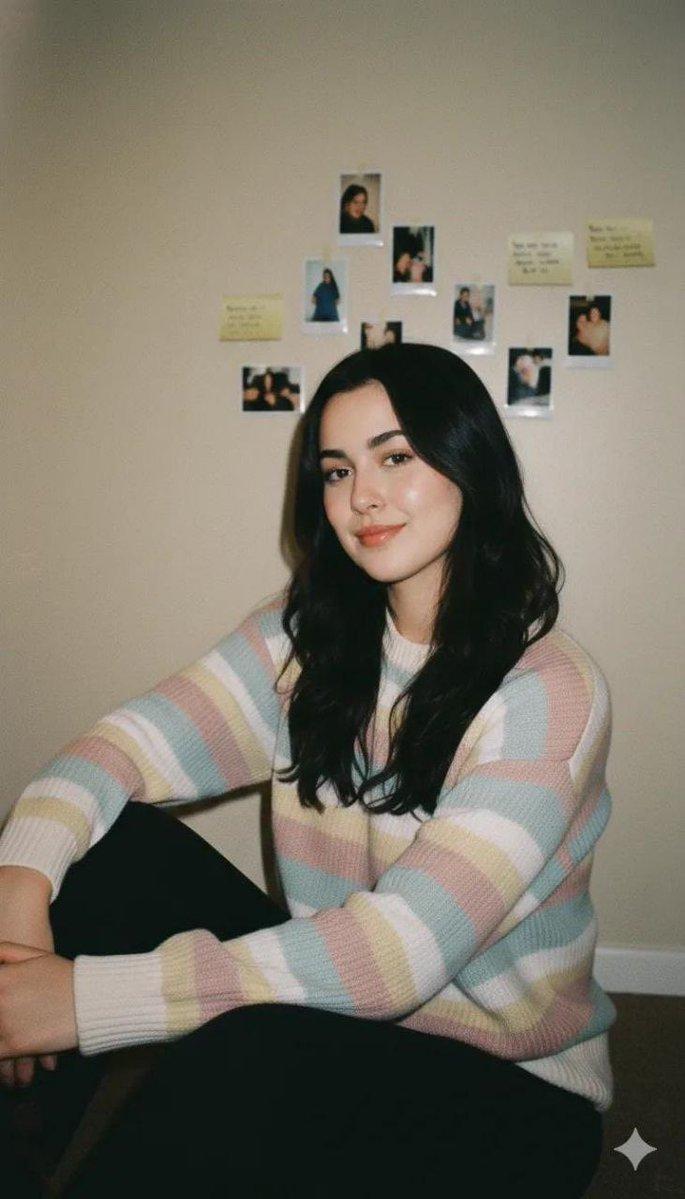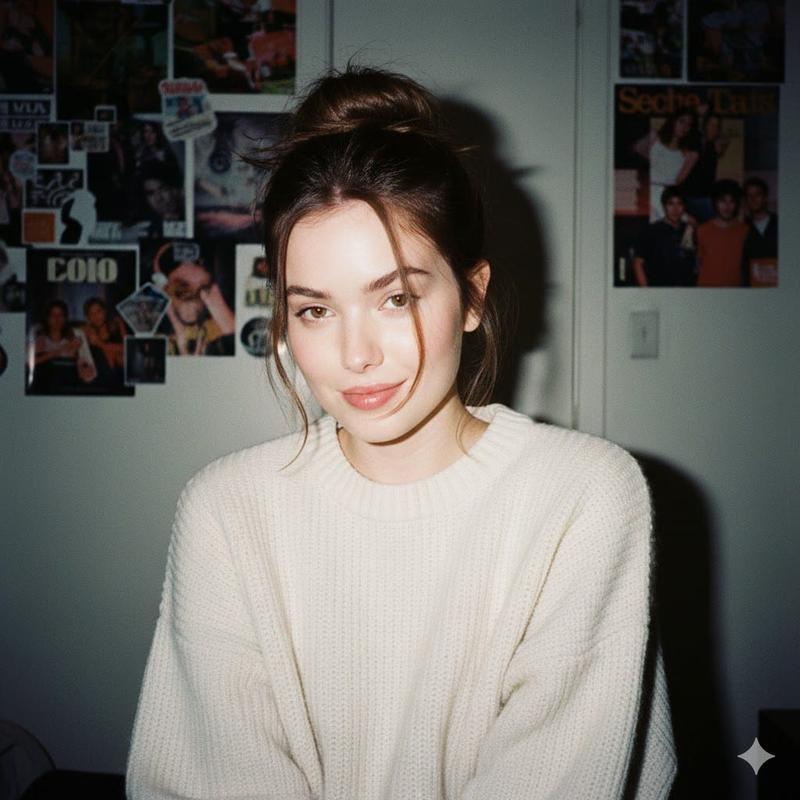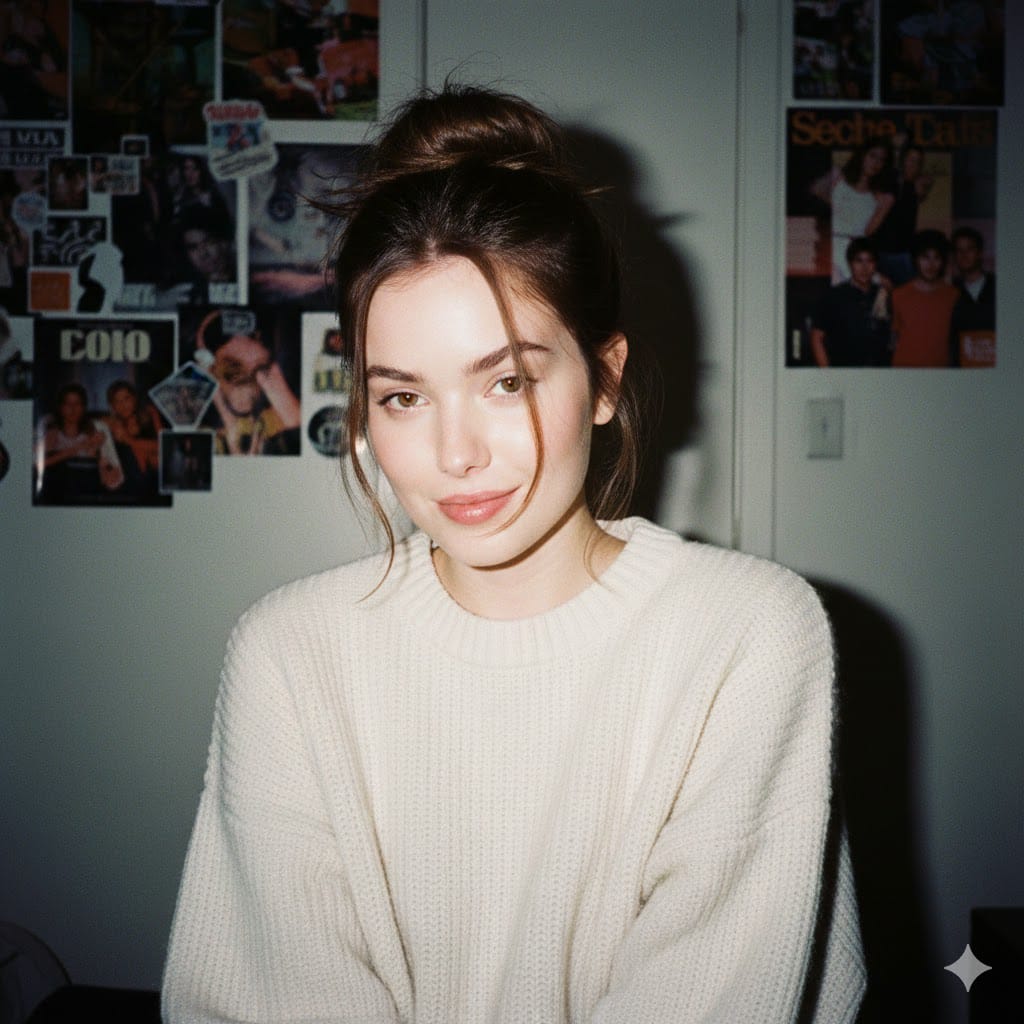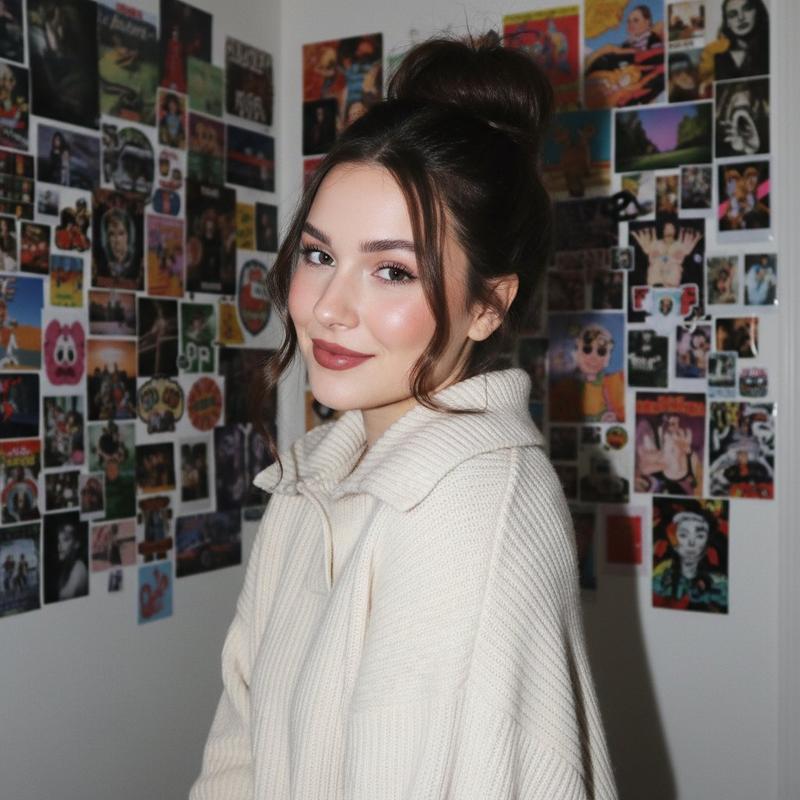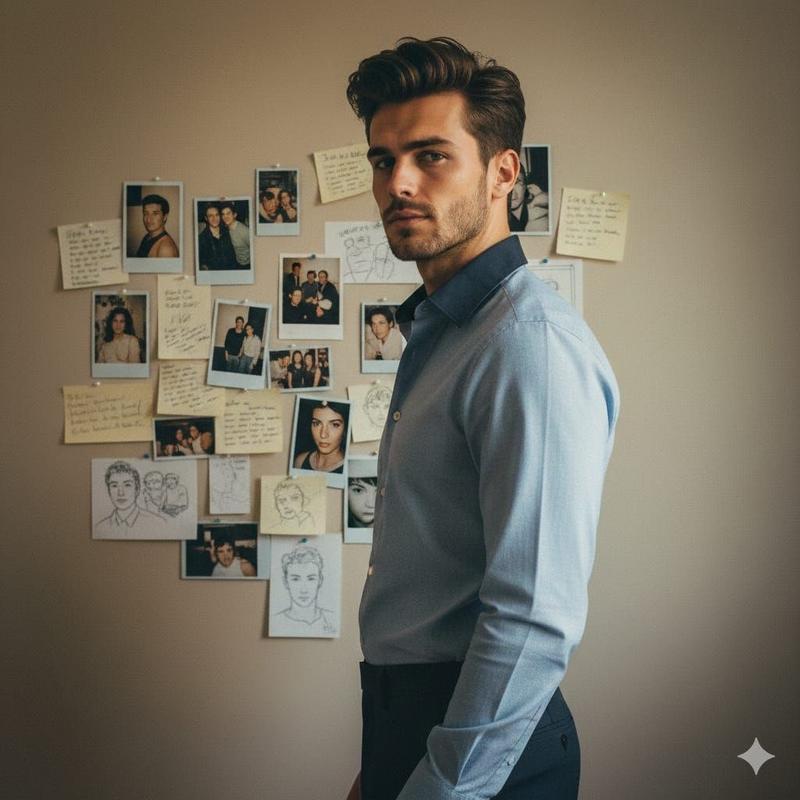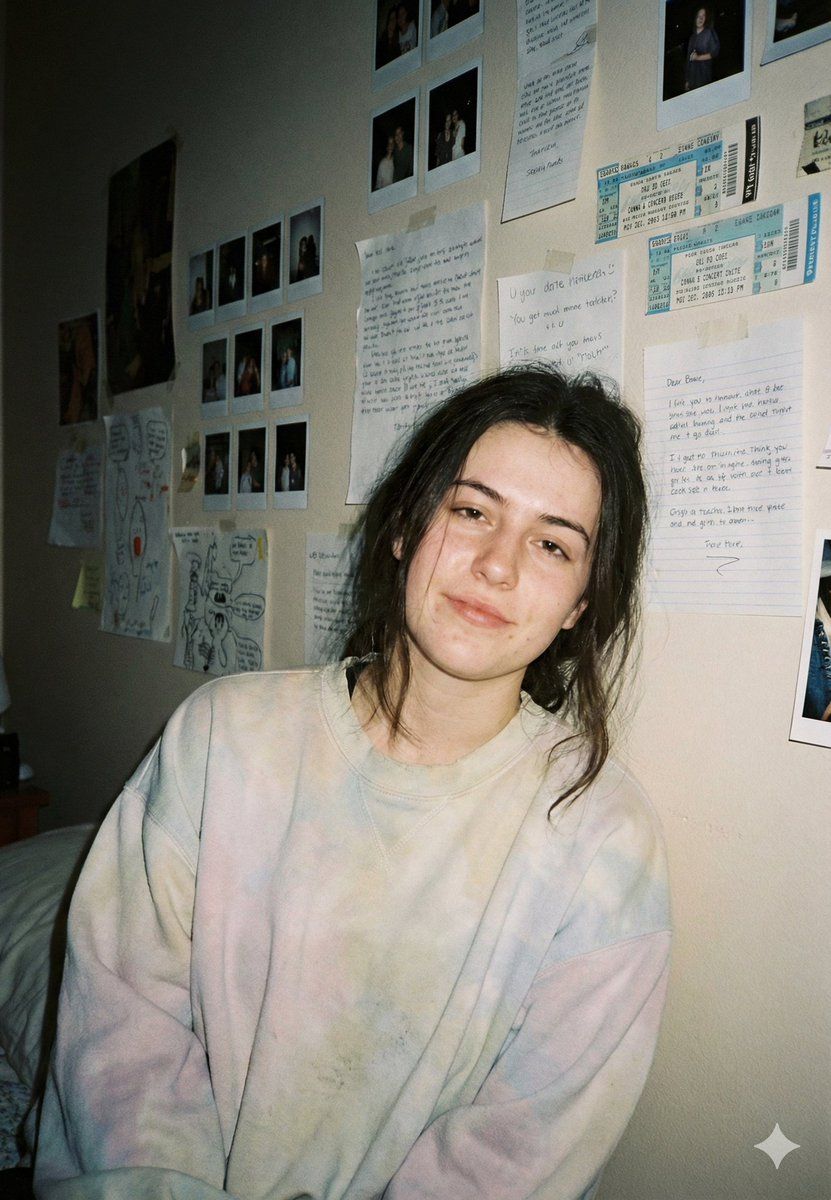
怀旧胶片傻瓜相机人像
Prompt
{
  "model": "gemini-nano-banana-pro",
  "task": "image_generation",
  "style": "cinematic_realism",
  "scene": {
    "setting": "small bedroom with an intimate, lived-in feel",
    "background": "wall covered with polaroid photos, handwritten notes, sketches, and taped memories arranged like a personal collage",
    "time_of_day": "night",
    "mood": "nostalgic, quiet, emotionally warm, slightly messy in a real way"
  },
  "subject": {
    "type": "young woman",
    "pose": "slight lean forward with relaxed shoulders, casual slouch, hands loosely folded near the lap",
    "expression": "soft half-smile, tired but comfortable, natural and unforced",
    "hair": "messy dark hair loosely tied back with strands falling around the face",
    "wardrobe": "oversized {argument name="sweatshirt style" default="pastel tie-dye sweatshirt"}, relaxed and cozy fit"
  },
  "composition": {
    "framing": "medium close-up portrait",
    "camera_angle": "eye-level",
    "focus": "sharp focus on face with subtle falloff into background",
    "background_detail_level": "visible but gently softened",
    "rule_of_thirds": true,
    "depth_of_field": "shallow depth of field"
  },
  "lighting": {
    "primary_light": "direct on-camera flash",
    "flash_style": "film point-and-shoot look with slightly harsh highlights and realistic shadows",
    "ambient_light": "dim warm room lighting",
    "contrast": "moderate contrast with soft midtones",
    "skin_tone": "natural with slight texture, no smoothing"
  },
  "camera": {
    "camera_type": "35mm film point-and-shoot",
    "lens": "35mm",
    "aperture": "f/2.8",
    "shutter_speed": "1/60",
    "iso": 800,
    "film_stock_emulation": "Kodak Portra 400",
    "grain": "fine-to-medium natural film grain",
    "vignette": "subtle"
  },
  "color_grading": {
    "palette": "muted pastels, warm beige walls, soft neutral shadows",
    "tone": "slightly desaturated, nostalgic",
    "highlights": "slightly warm",
    "shadows": "cool-neutral"
  },
  "texture_and_realism": {
    "skin_detail": "real pores, slight redness, tiny imperfections preserved",
    "fabric_detail": "visible sweatshirt texture and natural wrinkles",
    "wall_texture": "paper edges, tape marks, slight wall grain"
  },
  "post_processing": {
    "sharpness": "natural",
    "clarity": "medium-low",
    "bloom": "none",
    "hdr": "off",
    "retouching": "none"
  },
  "negative_prompt": [
    "plastic skin",
    "over-smooth face",
    "ai beauty filter",
    "oversaturated colors",
    "studio lighting",
    "perfect symmetrical face",
    "hyper sharp digital look",
    "anime style",
    "cartoon style",
    "overly glossy lips",
    "fake pores texture"
  ],
  "output": {
    "aspect_ratio": "9:16",
    "resolution": "high",
    "quality": "photorealistic",
    "export_look": "raw film scan aesthetic"
  }
}- Category
- 创意图片
- Model
- Nano Banana Pro
- Creator
- Maercih
- Source ID
- 4186abeb-d730-437f-8020-a0814cdfd18f
- Published
- Mar 8, 2026
Views0