19

超逼真滑雪坡肖像
Enlarge

超逼真滑雪坡肖像

Prompt
{
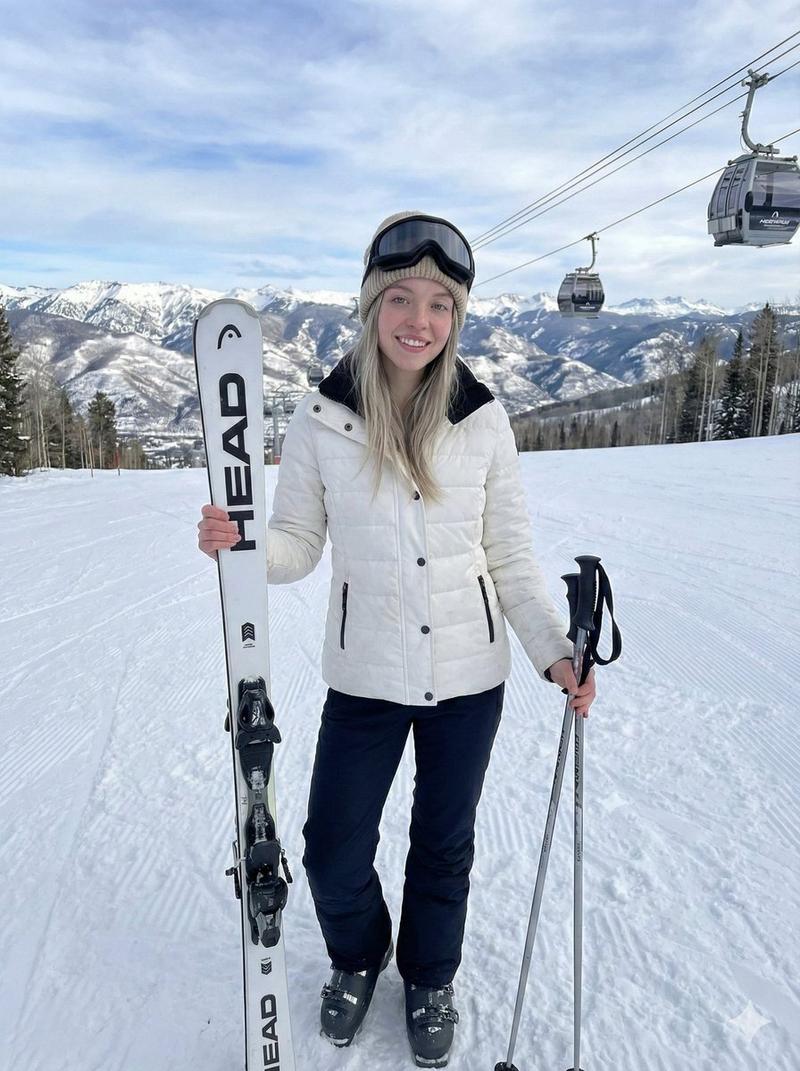
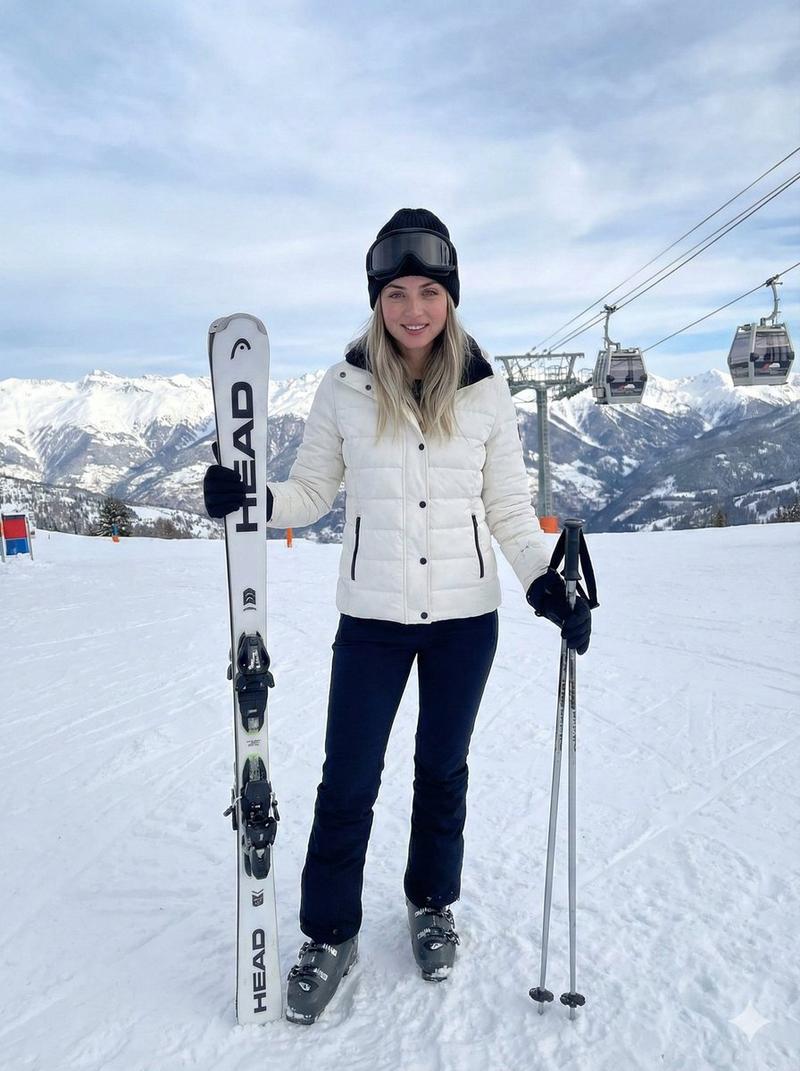
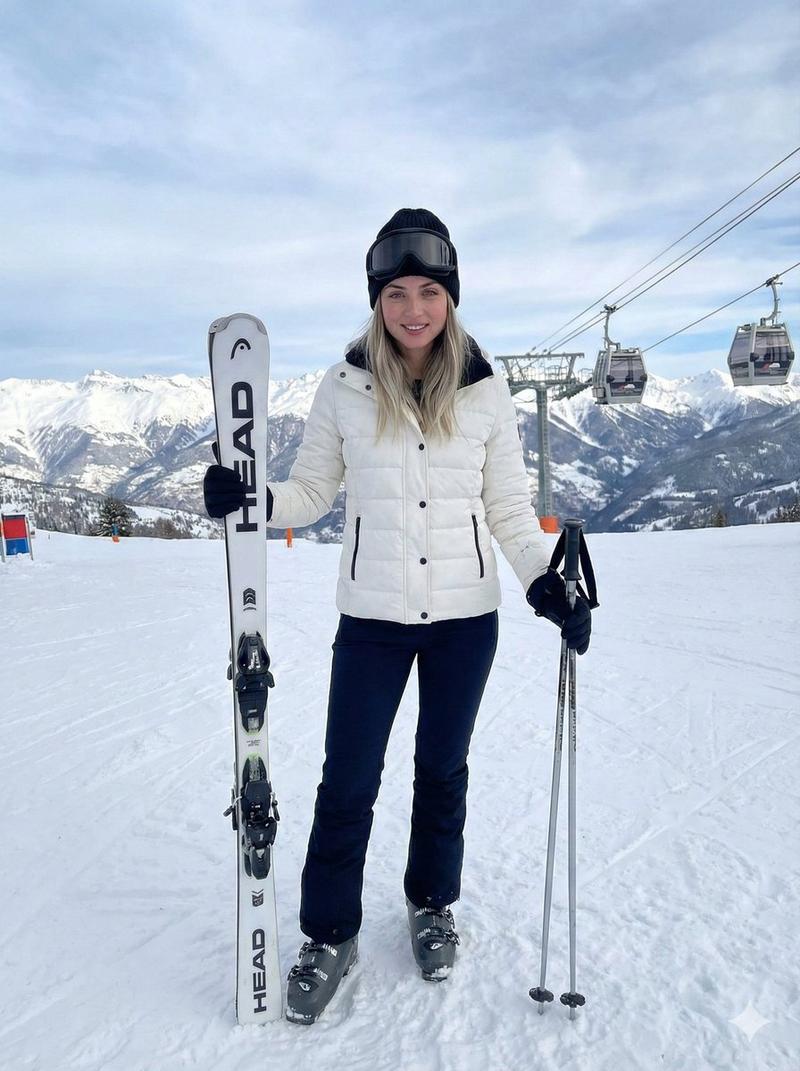
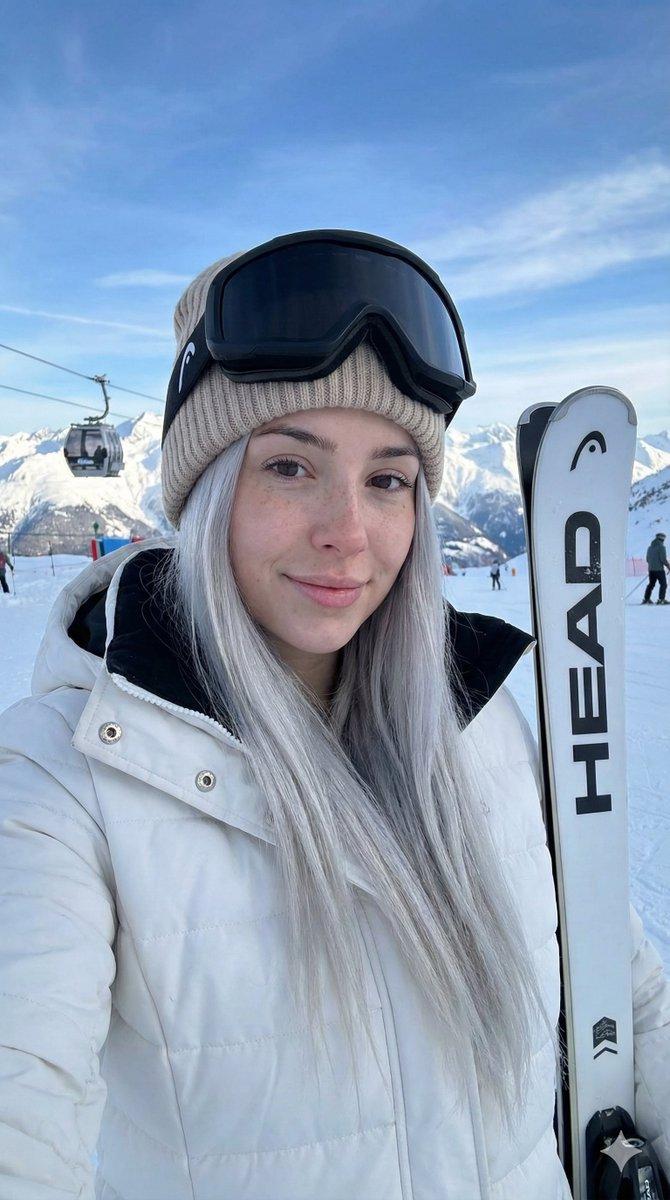
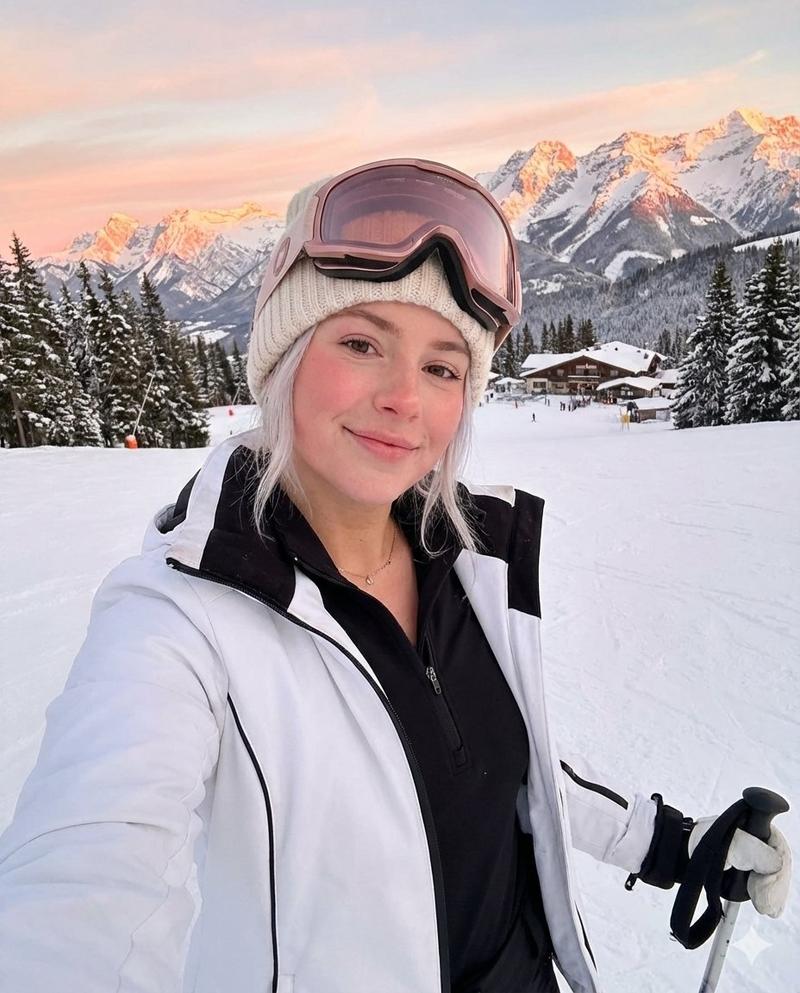
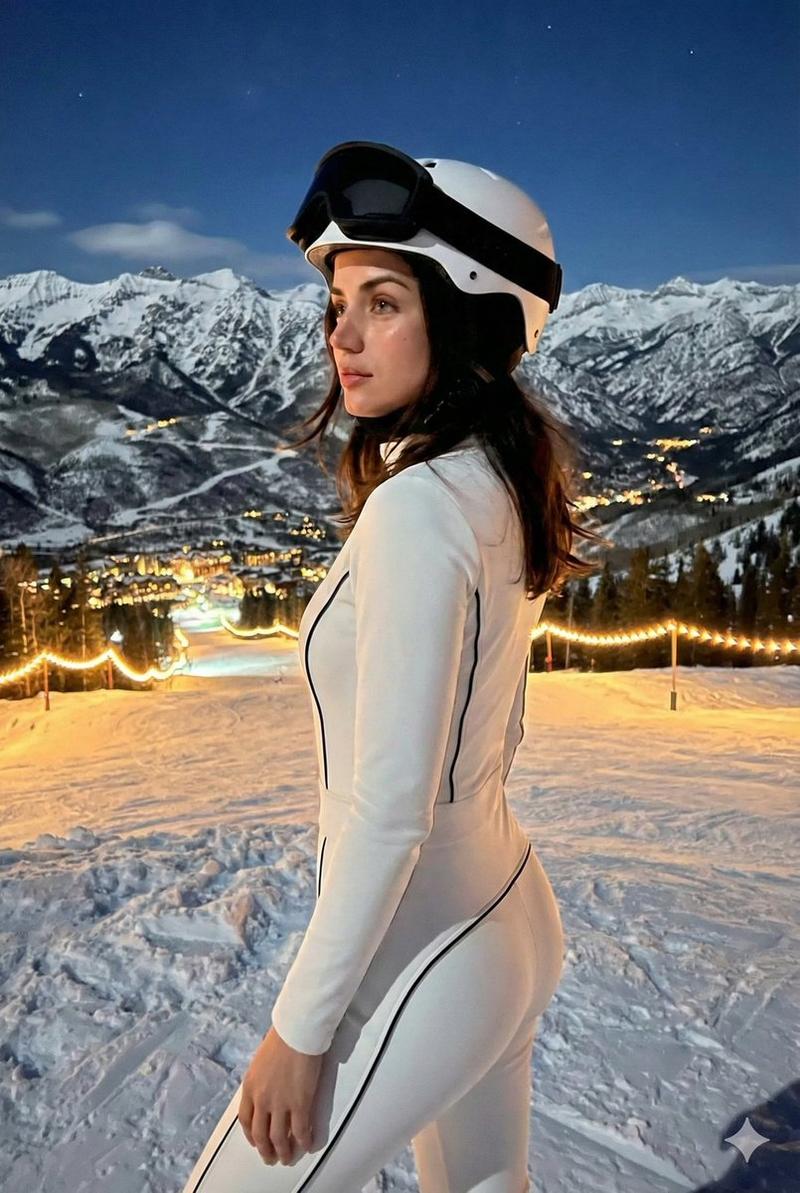
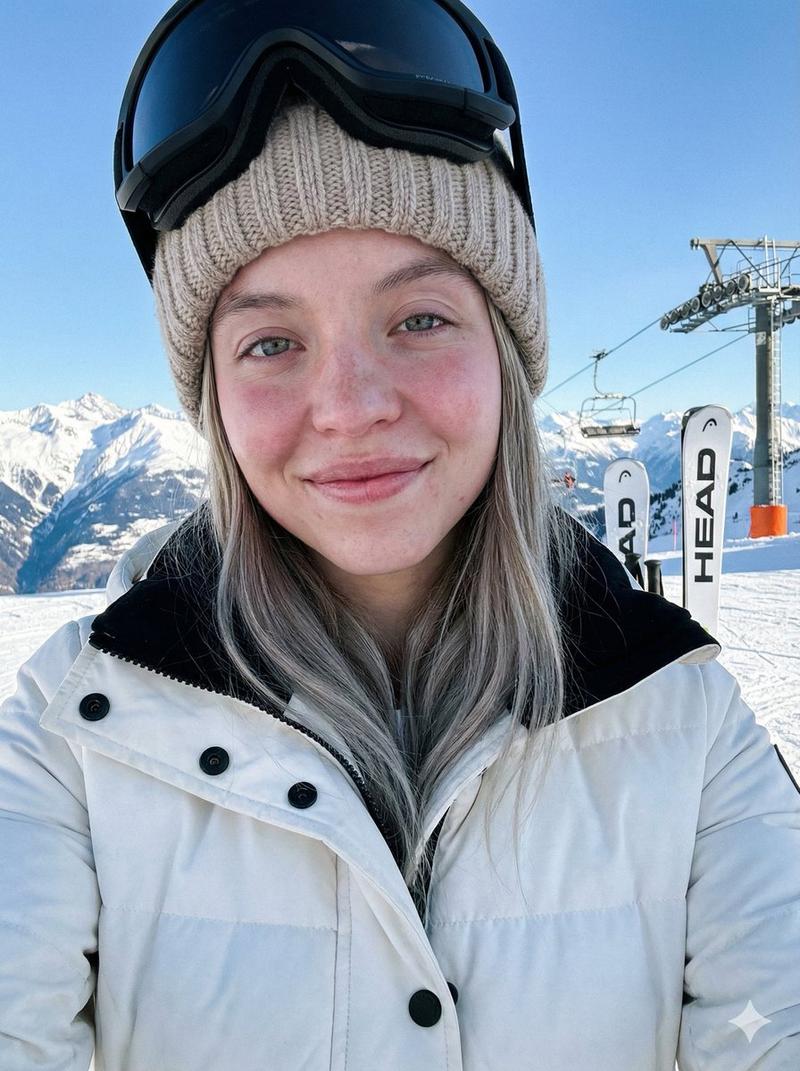
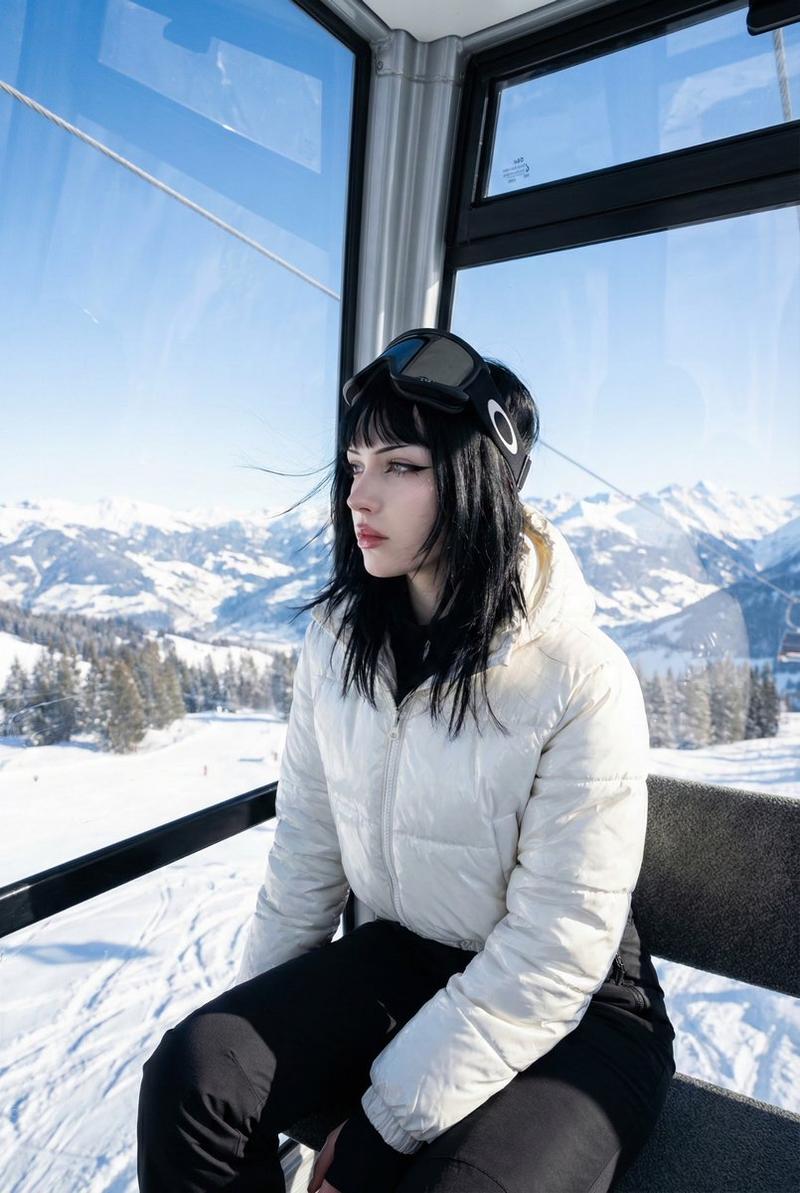
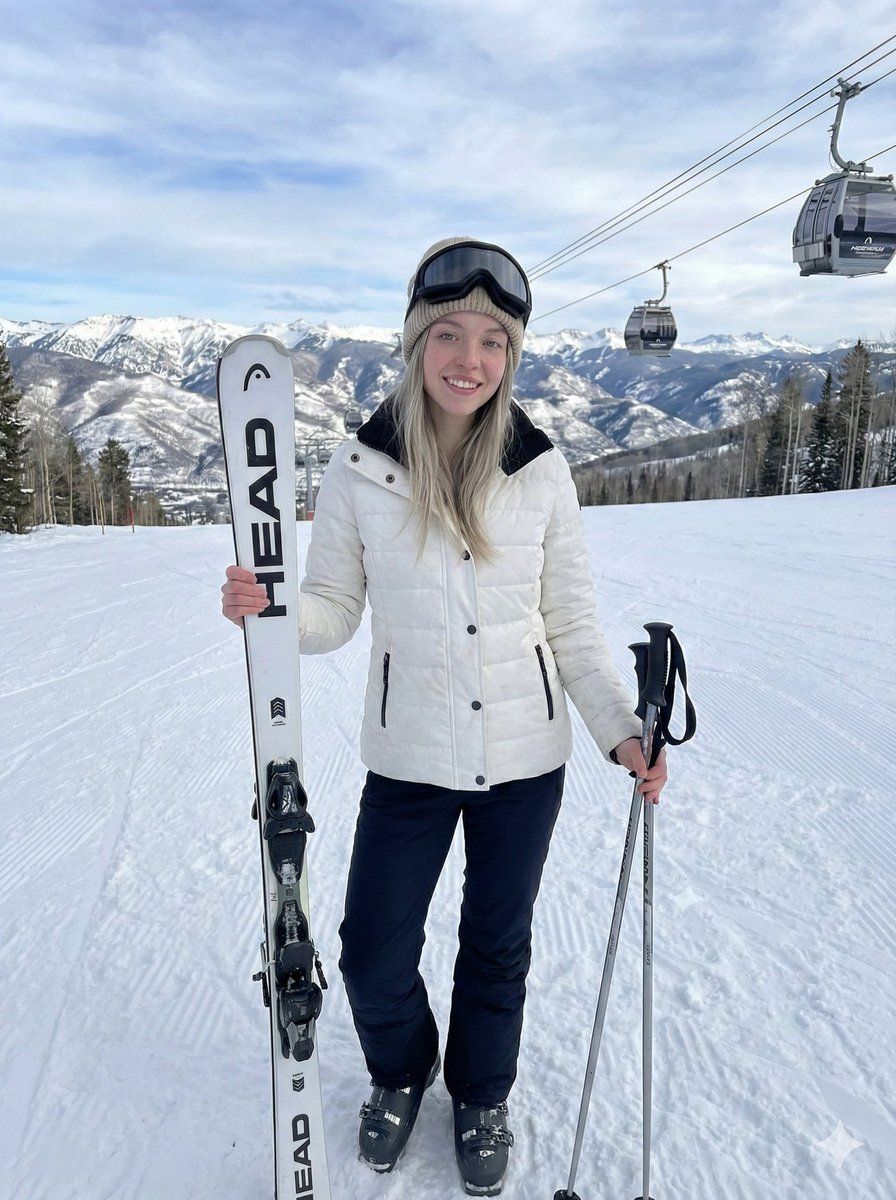
  "prompt": "A hyper-realistic full-body shot of a beautiful young woman with blonde hair standing on a snowy ski slope. She is wearing a {argument name="jacket color" default="white puffer ski jacket"} with black accents, fitted black ski pants, and ski boots. She is holding a pair of white '{argument name="ski brand" default="HEAD"}' branded skis vertically in one hand and ski poles in the other. She is smiling at the camera with ski goggles resting on her forehead over a beige knitted beanie. The background features a majestic snow-covered mountain range and ski lift gondolas moving in the distance under a bright cloudy sky. High quality, 8k, cinematic lighting, natural winter daylight.",
  "aspect_ratio": "9:16",
  "style": "Photorealistic"
}
Category
创意图片
Model
Nano Banana Pro
Views0
Source ID
12508790-333a-44c3-a230-abcef6778ed1
Published
Mar 8, 2026

Guide

About "超逼真滑雪坡肖像"

What is this prompt for?

"超逼真滑雪坡肖像" AI image prompt for Nano Banana Pro (创意图片). 生成一张超逼真的年轻女性全身肖像的提示词,背景是白雪皑皑的滑雪坡。提示词详细描述了她的着装(白色羽绒服、黑色裤子、米色毛线帽)、配饰(HEAD 品牌的滑雪板、雪杖)以及电影般的冬季场景(雪山、多云的天空)。…

The full copyable prompt and example visuals above are ready for AI image generation or one-click recreate in Picva.

How to use this prompt

  1. Step 1

    Open the prompt detail

    Review the example visuals, category, and full prompt text for "超逼真滑雪坡肖像".

  2. Step 2

    Copy the prompt

    Copy the prompt body from this page, or load it directly in Studio.

  3. Step 3

    Pick a model (Nano Banana Pro)

    Prefer Nano Banana Pro. If you switch models, keep subject and composition and tweak style terms.

  4. Step 4

    Generate and export

    Recreate the look in Picva, or export into your workflow for editing and publishing.

FAQ

What is the "超逼真滑雪坡肖像" prompt?
It is an AI image-generation prompt for Nano Banana Pro in the 创意图片 category. This page includes the full prompt text, example visuals, and a one-click recreate path in Picva.
How do I use this prompt to generate an image?
Copy the prompt from this page, or use Generate / Studio. Paste it into a compatible image model, or recreate the look in Picva with optional reference images.
Which model is this prompt for?
This page lists Nano Banana Pro. Most descriptive prompts also transfer to nearby image models such as GPT Image, Flux, or Midjourney with light style tweaks.
Can I use the result commercially?
You can usually copy the prompt for creation, but commercial use of the final image depends on the model terms, reference-image rights, and the generated content. Follow the source author and platform rules.