20

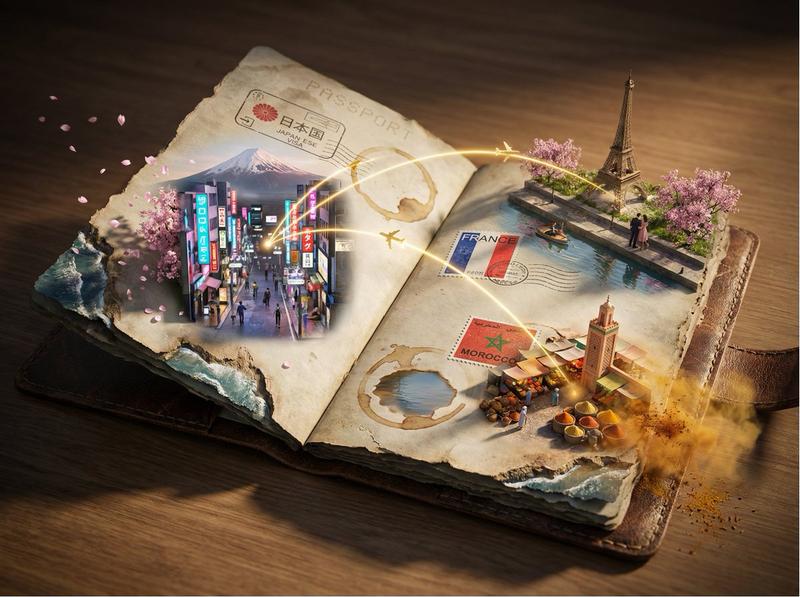
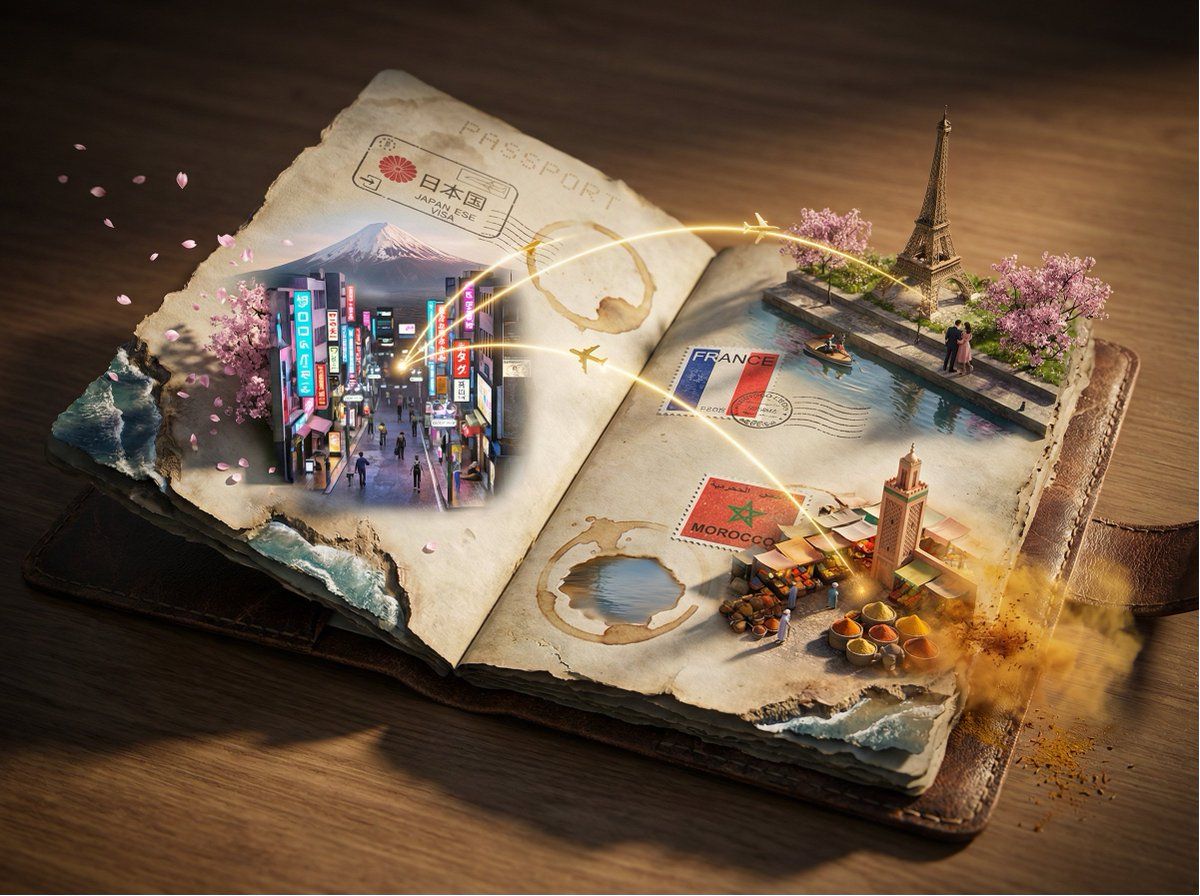
Epic 3D 护照奥德赛场景
Enlarge

Epic 3D 护照奥德赛场景

Prompt
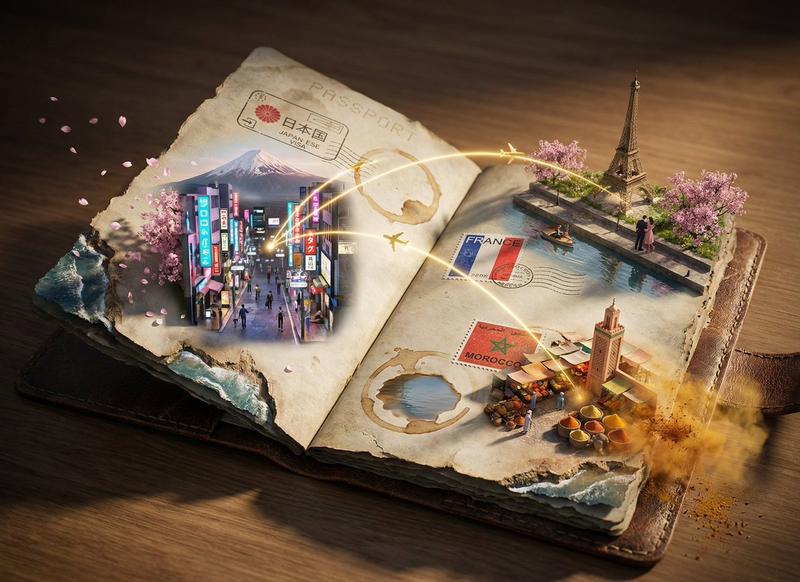
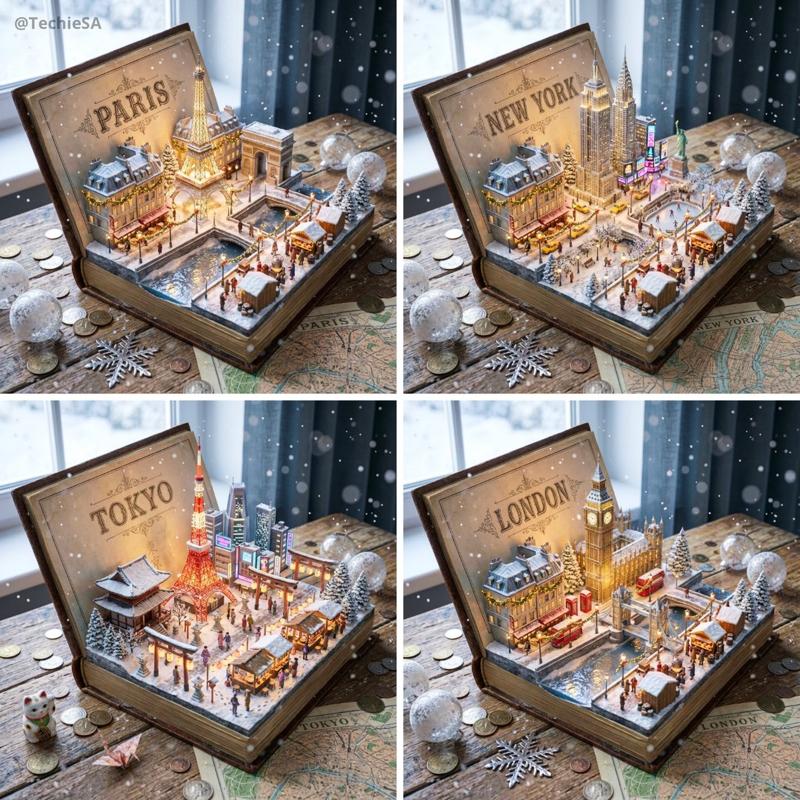
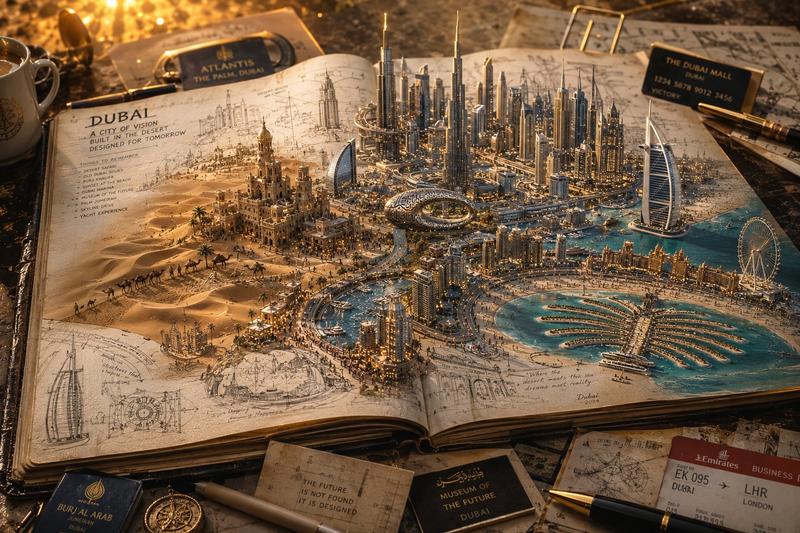
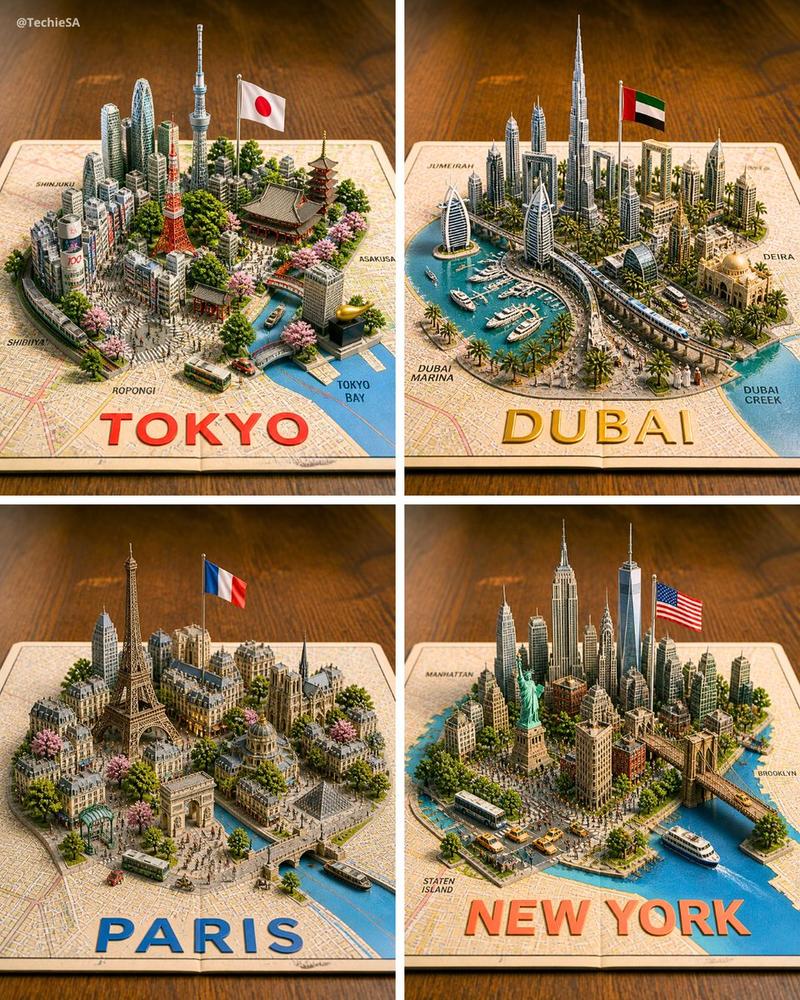
Epic 3D scene: a weathered passport lies open, its visa stamps erupting into the destinations they represent. Each ink impression becomes a portal—[{argument name="city 1" default="CITY 1"}] rises in miniature from one stamp with [{argument name="detail 1" default="DETAIL 1"}], [CITY 2] pushes through another with [DETAIL 2], [CITY 3] manifests with [DETAIL 3]. [LANDMARK 1], [LANDMARK 2], and [LANDMARK 3] stand at different scales across the pages. Flight paths arc overhead as glowing golden trajectories weaving between all the worlds.
Coffee stains become lakes. Worn edges erode into coastlines. [ATMOSPHERIC ELEMENT 1] drifts from one destination while [ATMOSPHERIC ELEMENT 2] swirls near another.
Dramatic raking light, tilt-shift depth of field, 8K, UE5, cinematic lighting. The bureaucratic document transformed into a living archive of adventures.
Category
创意图片
Model
Nano Banana Pro
Views0
Source ID
6049b0b1-fa43-47d5-952c-3520f8128afb
Published
Mar 8, 2026

Guide

About "Epic 3D 护照奥德赛场景"

What is this prompt for?

"Epic 3D 护照奥德赛场景" AI image prompt for Nano Banana Pro (创意图片). 一个极富创意的提示,用于生成一个史诗般的 3D 场景:一本饱经风霜的护照打开,其签证印章物理性地“喷发”成微缩、细节丰富的城市景观(例如 [CITY 1] 和 [CITY 2])。它运用移轴摄影…

The full copyable prompt and example visuals above are ready for AI image generation or one-click recreate in Picva.

How to use this prompt

  1. Step 1

    Open the prompt detail

    Review the example visuals, category, and full prompt text for "Epic 3D 护照奥德赛场景".

  2. Step 2

    Copy the prompt

    Copy the prompt body from this page, or load it directly in Studio.

  3. Step 3

    Pick a model (Nano Banana Pro)

    Prefer Nano Banana Pro. If you switch models, keep subject and composition and tweak style terms.

  4. Step 4

    Generate and export

    Recreate the look in Picva, or export into your workflow for editing and publishing.

FAQ

What is the "Epic 3D 护照奥德赛场景" prompt?
It is an AI image-generation prompt for Nano Banana Pro in the 创意图片 category. This page includes the full prompt text, example visuals, and a one-click recreate path in Picva.
How do I use this prompt to generate an image?
Copy the prompt from this page, or use Generate / Studio. Paste it into a compatible image model, or recreate the look in Picva with optional reference images.
Which model is this prompt for?
This page lists Nano Banana Pro. Most descriptive prompts also transfer to nearby image models such as GPT Image, Flux, or Midjourney with light style tweaks.
Can I use the result commercially?
You can usually copy the prompt for creation, but commercial use of the final image depends on the model terms, reference-image rights, and the generated content. Follow the source author and platform rules.