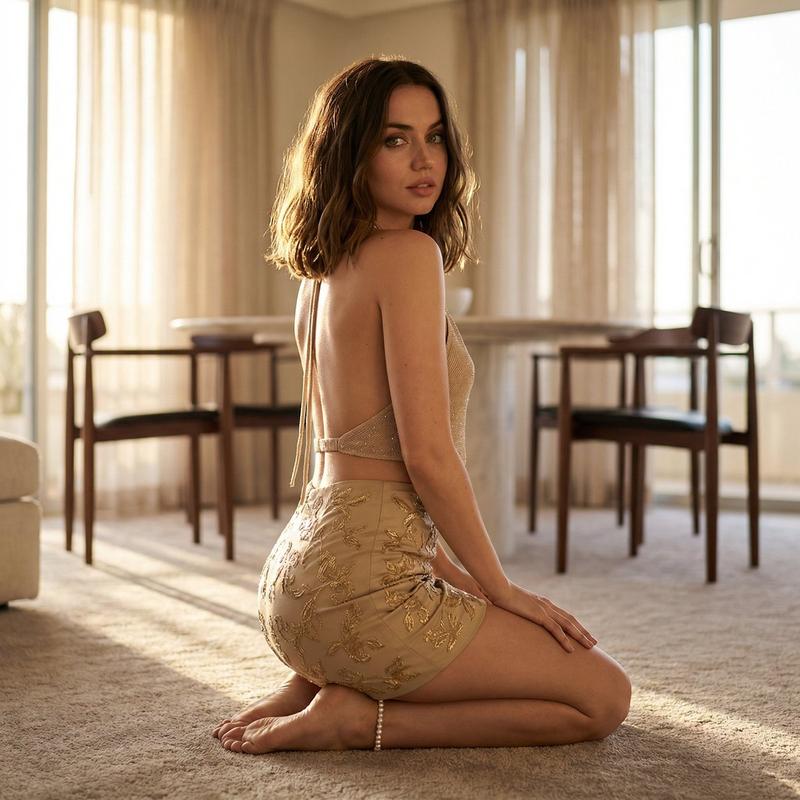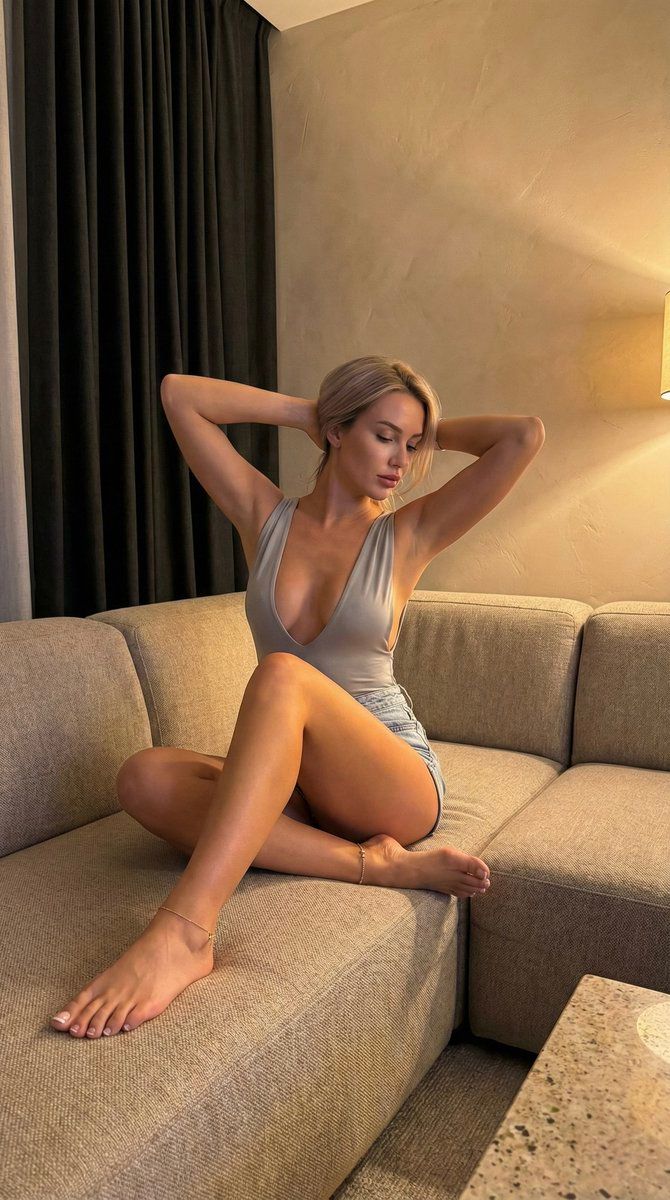
超逼真的 iPhone 竖版酒店套房人像摄影
Prompt
{
  "image_prompt": {
    "meta": {
      "aspect_ratio": "9:16 vertical",
      "camera": "iPhone 15 Pro Max (rear camera)",
      "lens_feel": "24mm wide, slight wide-angle realism without face distortion",
      "quality": "ultra-photorealistic, looks like a real iPhone camera roll photo",
      "texture_rules": [
        "natural skin texture (no plastic smoothing)",
        "subtle smartphone noise/grain in shadows",
        "tiny handheld imperfections (micro-tilt, not perfectly centered)"
      ]
    },
    "scene": {
      "location": "modern hotel-suite / upscale apartment living room",
      "key_background_elements": [
        "large floor-to-ceiling dark charcoal curtains on the left side",
        "warm textured plaster wall on the right side (brown/tan, slightly mottled)",
        "soft warm light gradient on the wall (like a hidden lamp or sconce spill)",
        "neutral-toned interior, quiet late-night vibe"
      ],
      "foreground": [
        "large beige fabric sectional sofa with visible woven texture",
        "seat cushions slightly creased from weight (real compression, not perfect)",
        "bottom-right corner hint of a speckled stone/marble tabletop edge (out of focus)"
      ],
      "extra_realism_details": [
        "a few personal items/bags faintly visible in the back-right area (messy-but-real, not staged)",
        "dim room depth, corners fall into shadow naturally"
      ]
    },
    "lighting": {
      "type": "warm indoor ambient lighting",
      "sources": [
        "soft warm lamp spill from camera-right creating a golden cast on skin and wall",
        "darker fill from the curtain side (camera-left) for contrast"
      ],
      "look": [
        "gentle highlights on shoulders, chest, thighs",
        "soft but noticeable shadows under legs and along couch seams",
        "overall warm tungsten color temperature"
      ]
    },
    "subject": {
      "person": "one adult woman",
      "ethnicity": "fair-skinned European look",
      "skin": {
        "tone": "light warm-fair beige with a golden indoor cast",
        "finish": "natural, slight sheen on shoulders and legs, visible pores/real texture"
      },
      "face": {
        "structure": "soft pretty features, small nose, full lips, delicate jawline",
        "expression": "calm, slightly dreamy/relaxed, eyes looking down to her right (not at camera)",
        "makeup": "minimal glam: even skin, subtle blush, natural brows, soft lip tint (not bold)"
      },
      "hair": {
        "color": "light blonde",
        "length": "shoulder-length to slightly longer",
        "style": "straight with a loose natural fall, center/soft-middle part, a few face-framing strands"
      },
      "body": {
        "type": "slim-curvy hourglass (fit waist, rounded hips, very full bust but still natural)",
        "waist": "tight and visibly cinched from seated twist and posture",
"le- Category
- 创意图片
- Model
- Nano Banana Pro
- Creator
- Nano banana pro🍌
- Source ID
- 4c65bf99-5101-4c02-bd9e-db4d1e670c0e
- Published
- Mar 8, 2026
Views0