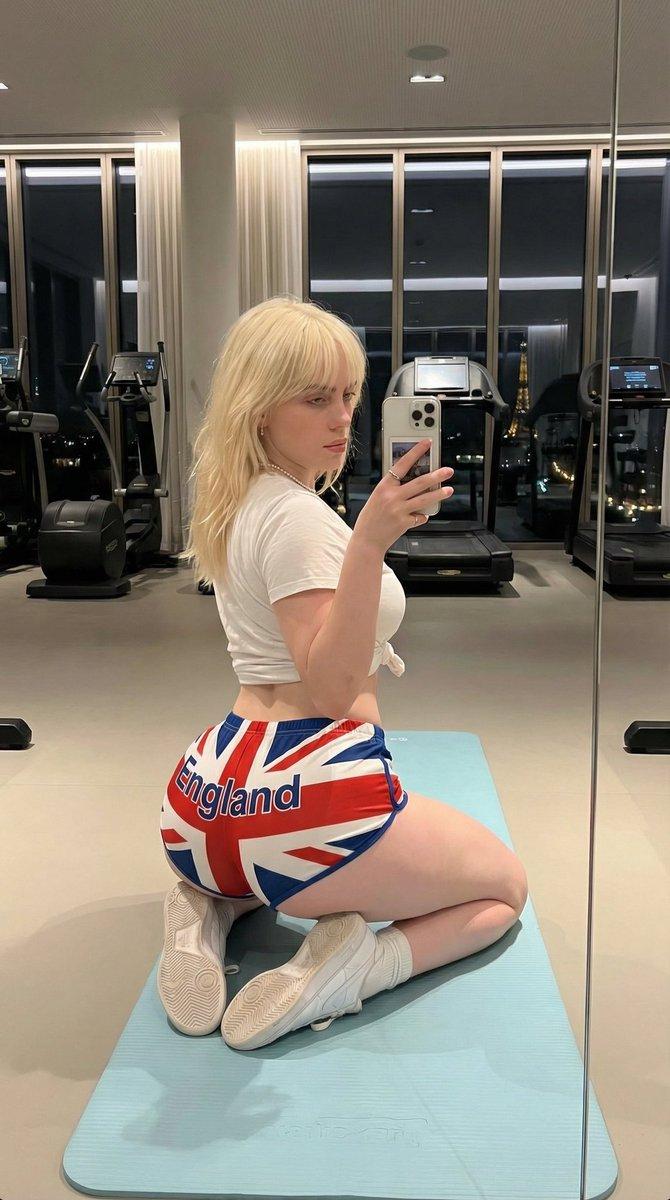
逼真的健身房镜子自拍(结构化 JSON)
Prompt
{
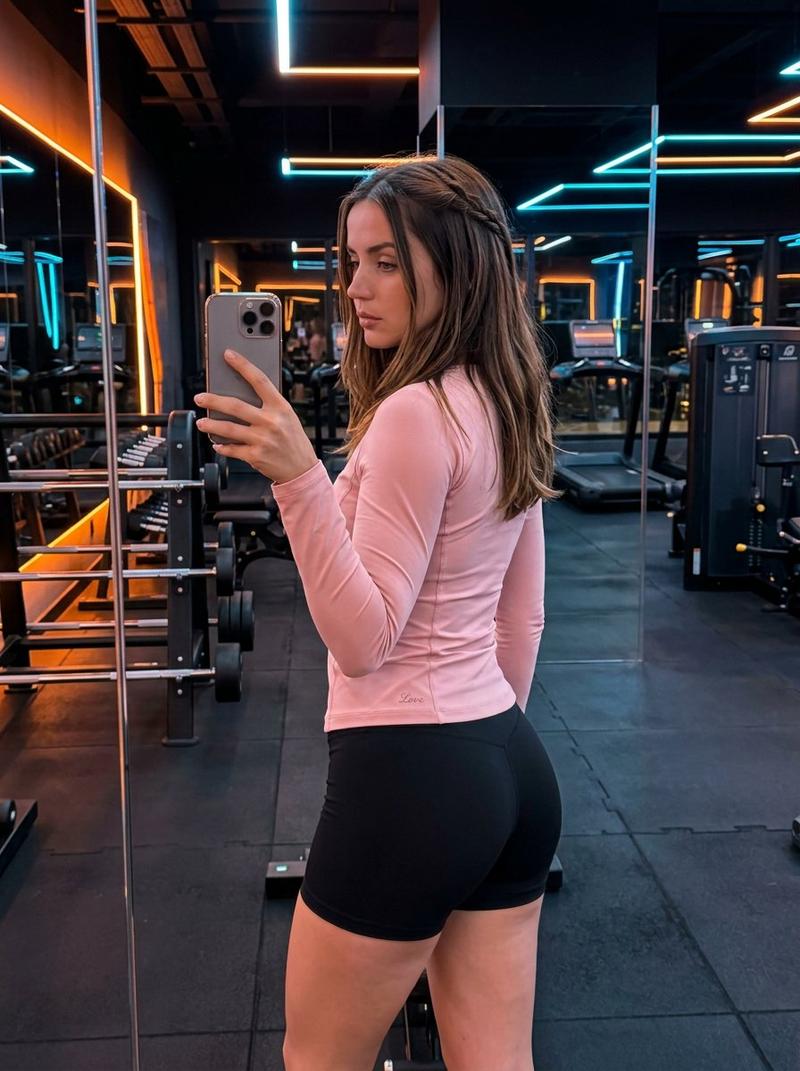
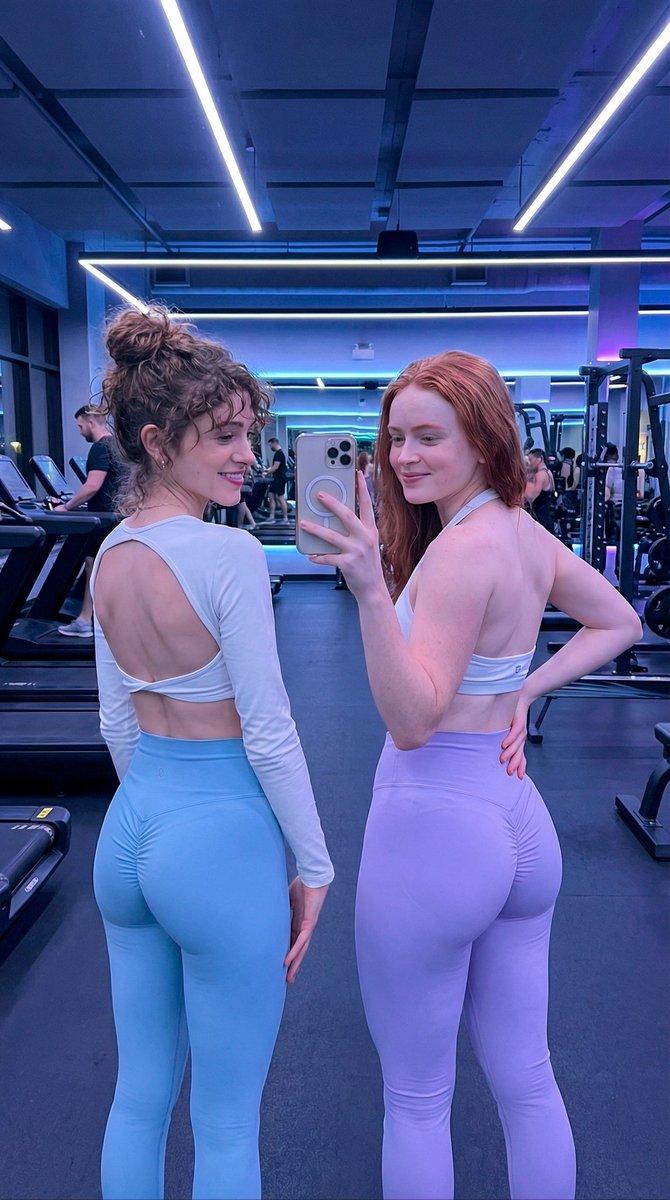
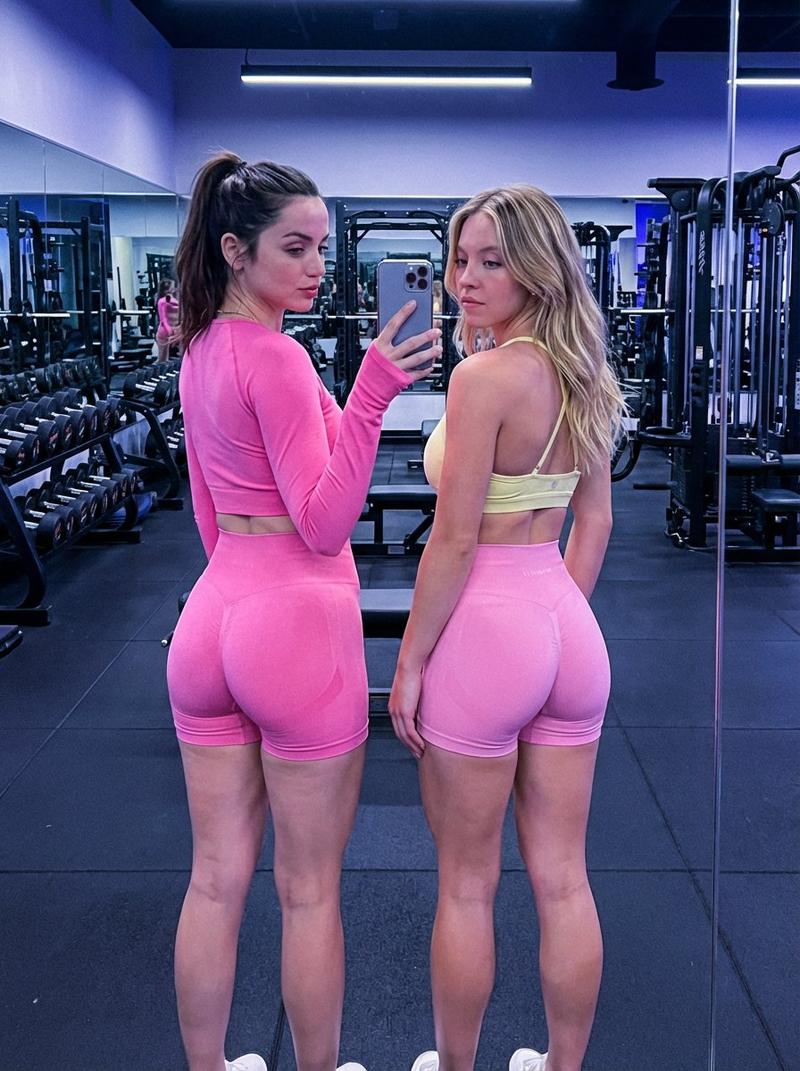
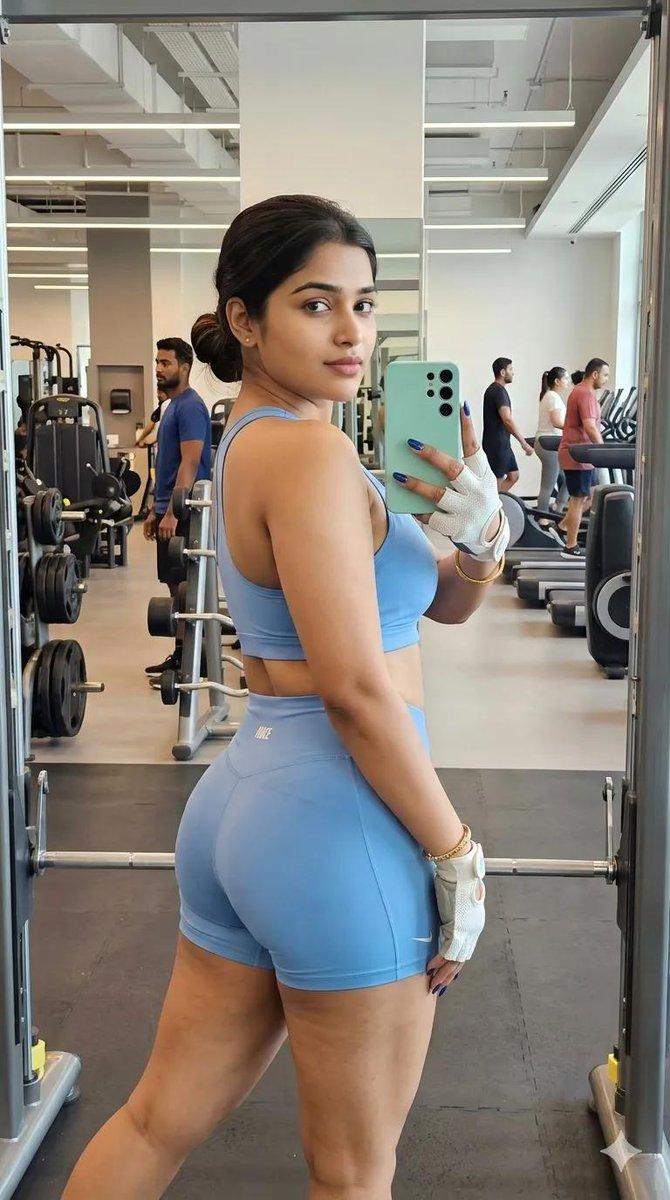
  "prompt_type": "photorealistic gym mirror selfie",
  "main_composition": "rear three-quarter back view mirror selfie of a single young woman standing confidently in a modern gym on a green turf area, holding her iPhone in right hand for the photo with reflection showing her front and subtle neutral expression, relaxed casual pose with slight hip tilt and weight on one leg emphasizing athletic curves, bright indoor lighting with cardio machines and large windows in background",
  "subject": {
    "description": "beautiful young woman in her early 20s, attractive feminine features with light natural makeup (defined eyeliner, long lashes, subtle contour, glossy lips), large expressive eyes visible in mirror reflection, fair tanned smooth skin with healthy glow and athletic toned hourglass figure",
    "clothing": "fitted yellow long-sleeve crop top with thumb holes and subtle texture, high-waisted seamless green lime athletic shorts with ruched scrunch detail at back and small white branding on waistband, white crew socks pulled mid-calf, clean white low-top athletic sneakers",
    "details": "long loose wavy black hair styled in a high ponytail with natural volume and loose face-framing strands, subtle confident neutral expression in mirror reflection looking at phone, manicured neutral nails visible holding phone with colorful patterned case (white with black splatter or abstract design), relaxed stance with natural body confidence"
  },
  "environment": {
    "foreground": "green artificial turf gym mat area underfoot",
    "midground": "large gym mirror reflecting full front view and phone details",
    "background": "modern spacious gym with rows of black cardio machines (ellipticals with digital screens), one with white towel draped over handle, large windows allowing night light with blurred outdoor view, clean professional fitness center atmosphere"
  },
  "lighting_and_atmosphere": "bright even indoor gym lighting with natural night light from large windows creating soft warm glow on skin, hair, teal fabric, and glossy phone case, subtle sheen on leggings and sneaker details, casual confident post-workout vibe with high contrast between colorful outfit and dark equipment, photorealistic detail",
  "technical_quality": "highly detailed, sharp focus on subject with realistic fabric textures (long-sleeve crop stretch, seamless shorts shine), hair movement, skin glow, phone case pattern, and mirror reflection accuracy, 8k resolution, professional mirror selfie photography style with natural depth of field softly blurring distant machines and windows",
"negative_prompt_suggestions": "blurry, deformed, extra limbs, phone screen visible, mirror distortion or misalignment, overexposed windows, underexposed outfit details, low quality, cartoon, anime, text watermark, extra peo- Category
- 创意图片
- Model
- Nano Banana Pro
- Creator
- KeorUnreal
- Source ID
- 3ab72d9c-7757-44be-b801-8fe1b4dd93cc
- Published
- Mar 8, 2026
Views0