16

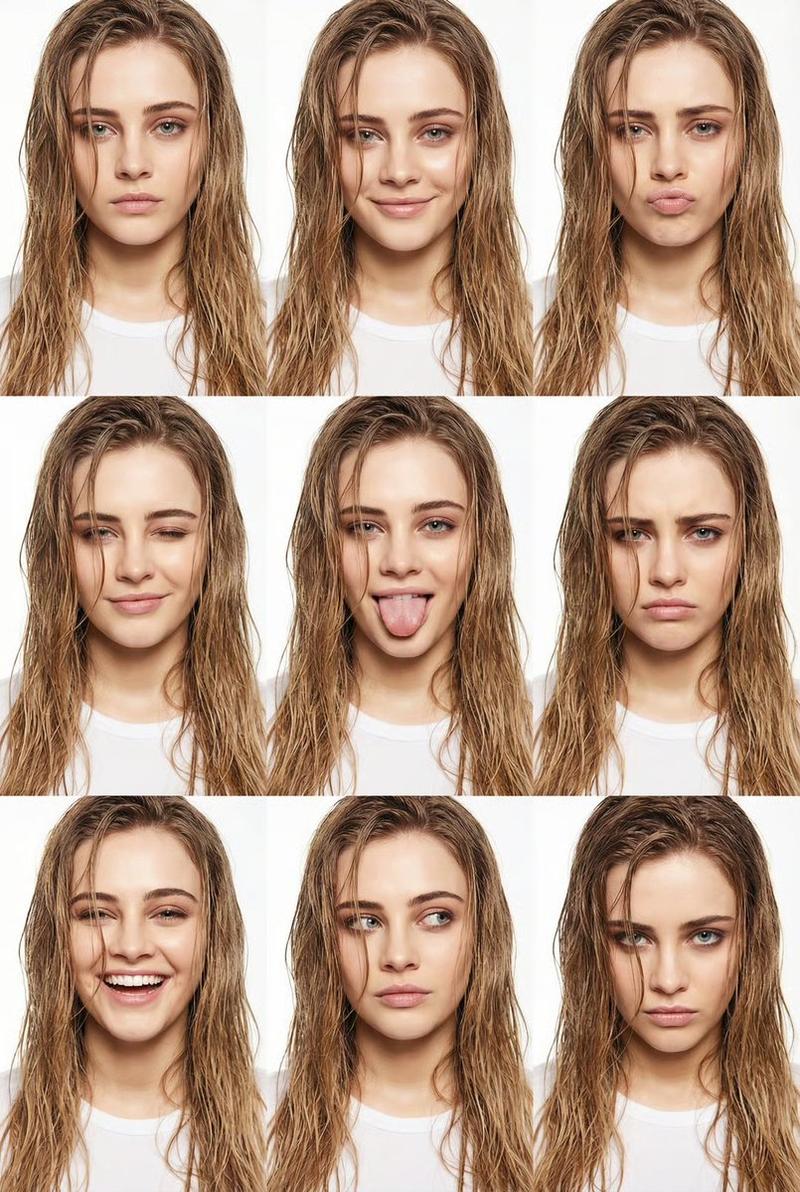
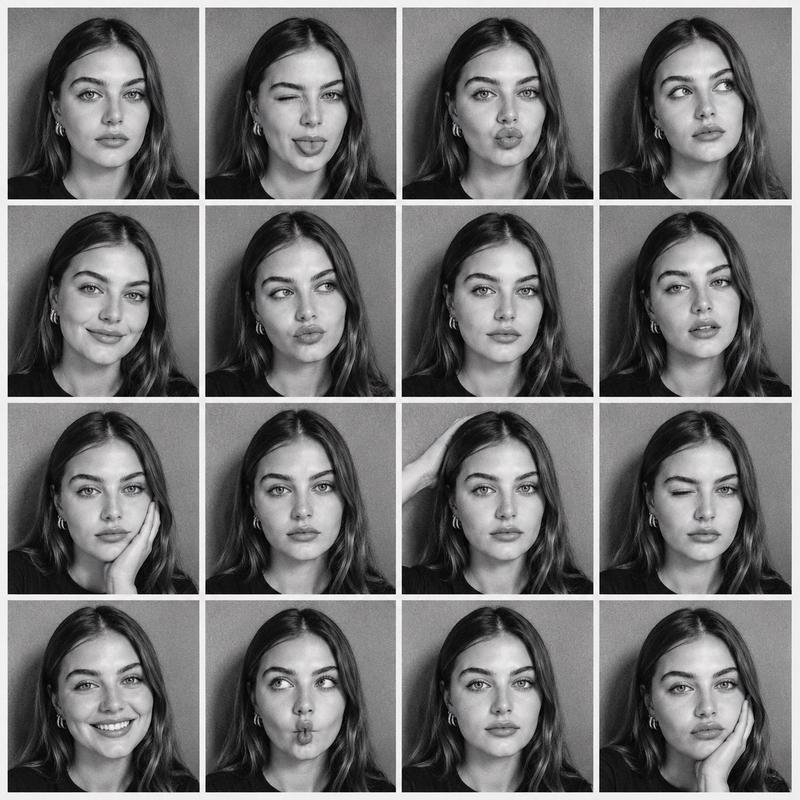
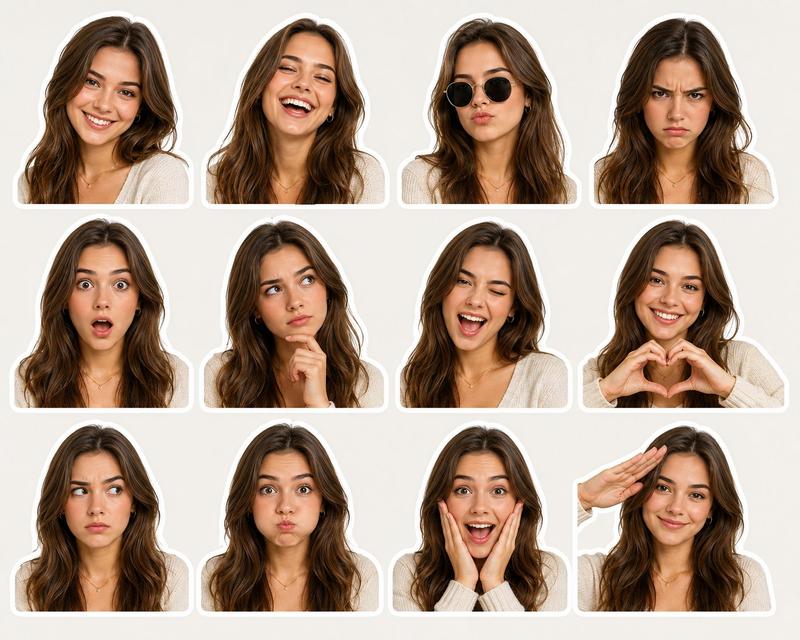
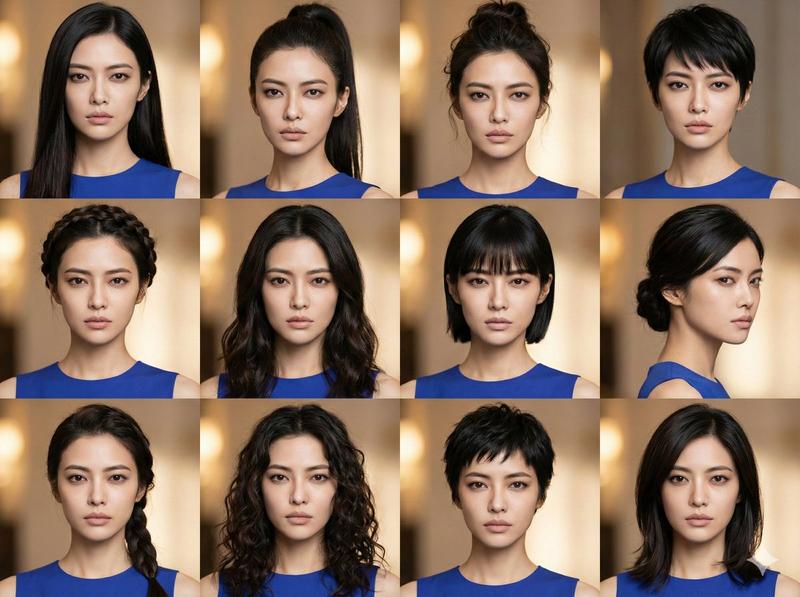
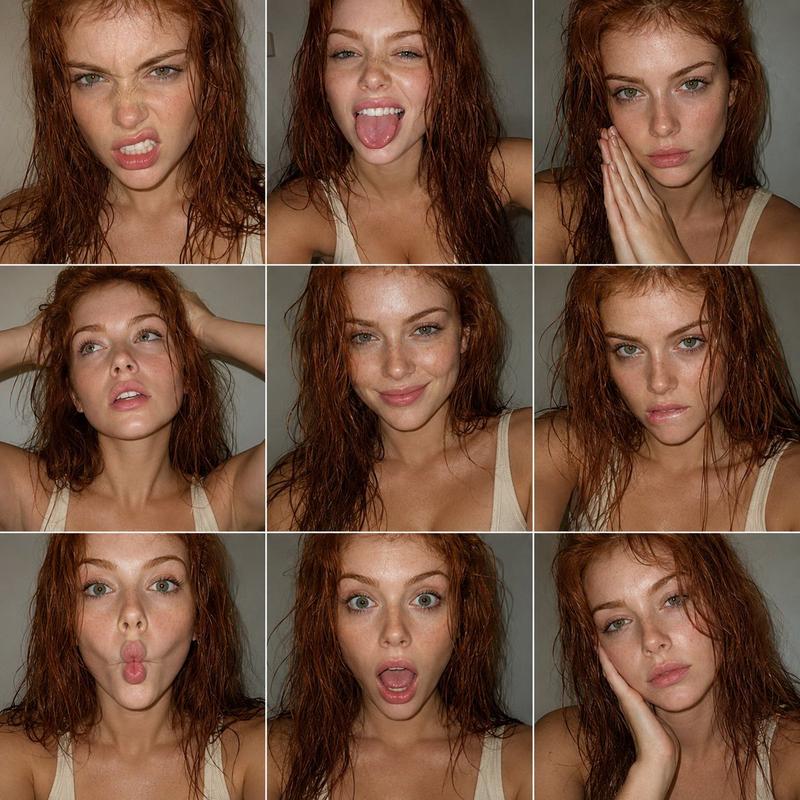
高定湿发造型编辑网格
Enlarge

高定湿发造型编辑网格

Prompt
{ "type": "image_to_image",  "prompt": "Keep the same face and identity. Vertical high-fashion beauty collage arranged in a 3x3 grid of close-up portraits against a clean, seamless pure white studio background. Bright, even front-facing studio lighting with soft fill, eliminating harsh shadows and creating a glossy editorial look. Subtle highlights on cheekbones, nose bridge, lips, and the neckline of a white T-shirt, while the background remains uniformly white. Young woman framed from mid-neck upward, shoulders square and facing the camera in every panel. Long, loose, wet hair falling naturally over the shoulders and partially across the face, with a few damp strands lightly clinging to cheeks and jawline and some falling toward the lips, adding movement and a raw, effortless aesthetic. The damp texture has a soft sheen that catches the light, contrasting gloss with natural imperfection. Across the grid, she changes facial expressions dramatically; one expression includes sticking out her tongue.", "aspect_ratio": "2:3", "style": "high-fashion editorial", "lighting": "bright even studio lighting, soft fill", "background": "pure white seamless studio", "output": { "grid": "3x3", "orientation": "vertical", "framing": "mid-neck upward" } }
Category
创意图片
Model
Nano Banana Pro
Creator
NGINAI
Views4
Source ID
5377dfed-967a-40da-a051-ad86fba729bc
Published
Mar 8, 2026

Guide

About "高定湿发造型编辑网格"

What is this prompt for?

"高定湿发造型编辑网格" AI image prompt for Nano Banana Pro (创意图片). 一个结构化的 JSON 提示词,用于生成 3x3 垂直照片网格的特写、高端时尚编辑肖像。其主要特点是“湿发”造型,湿漉漉的发丝垂落在脸上,光泽感与自然的瑕疵形成对比。该提示词要求纯白色影棚背景、明亮均匀的…

The full copyable prompt and example visuals above are ready for AI image generation or one-click recreate in Picva.

How to use this prompt

  1. Step 1

    Open the prompt detail

    Review the example visuals, category, and full prompt text for "高定湿发造型编辑网格".

  2. Step 2

    Copy the prompt

    Copy the prompt body from this page, or load it directly in Studio.

  3. Step 3

    Pick a model (Nano Banana Pro)

    Prefer Nano Banana Pro. If you switch models, keep subject and composition and tweak style terms.

  4. Step 4

    Generate and export

    Recreate the look in Picva, or export into your workflow for editing and publishing.

FAQ

What is the "高定湿发造型编辑网格" prompt?
It is an AI image-generation prompt for Nano Banana Pro in the 创意图片 category. This page includes the full prompt text, example visuals, and a one-click recreate path in Picva.
How do I use this prompt to generate an image?
Copy the prompt from this page, or use Generate / Studio. Paste it into a compatible image model, or recreate the look in Picva with optional reference images.
Which model is this prompt for?
This page lists Nano Banana Pro. Most descriptive prompts also transfer to nearby image models such as GPT Image, Flux, or Midjourney with light style tweaks.
Can I use the result commercially?
You can usually copy the prompt for creation, but commercial use of the final image depends on the model terms, reference-image rights, and the generated content. Follow the source author and platform rules.