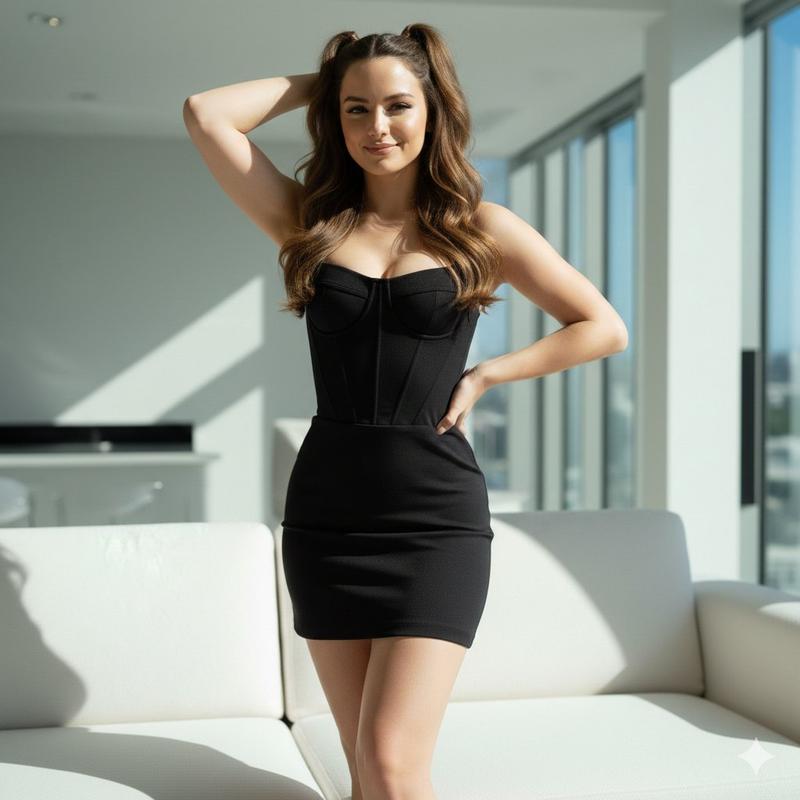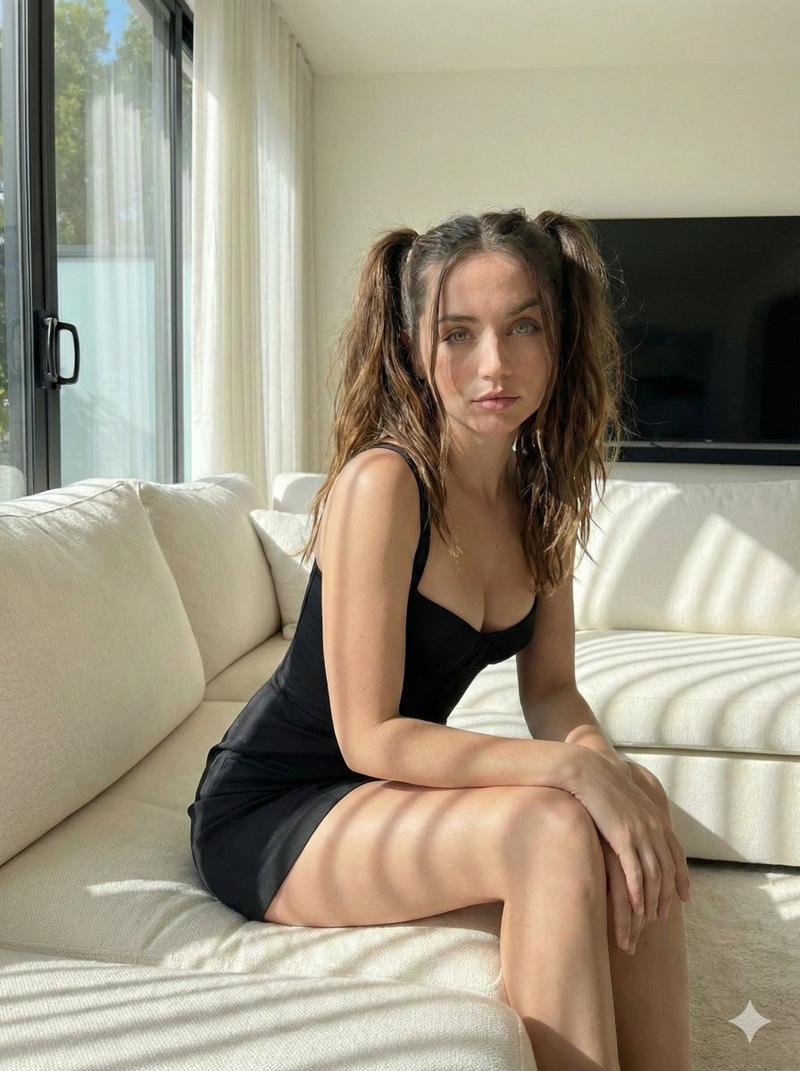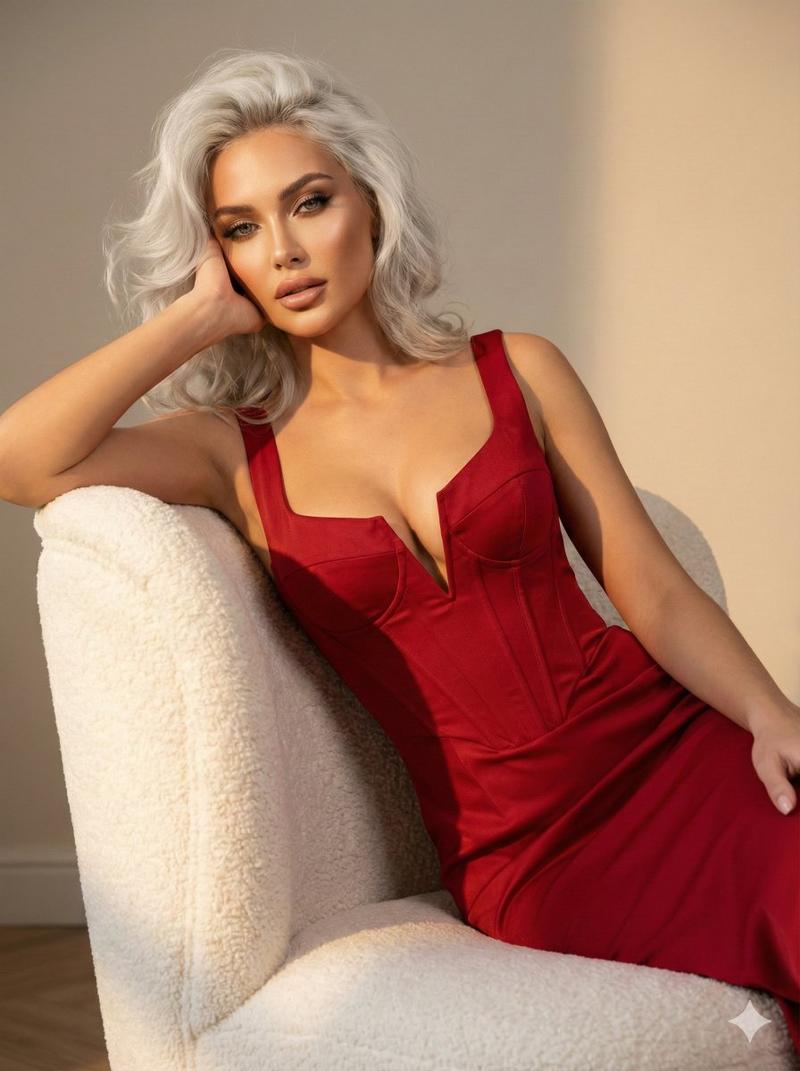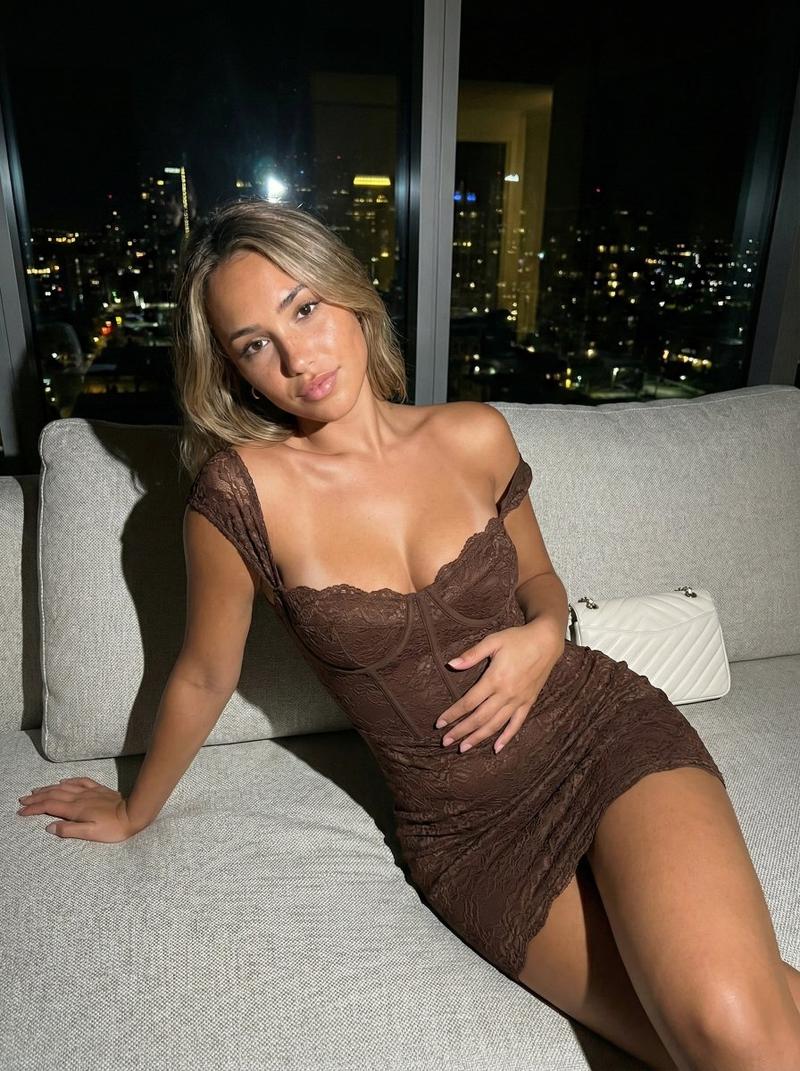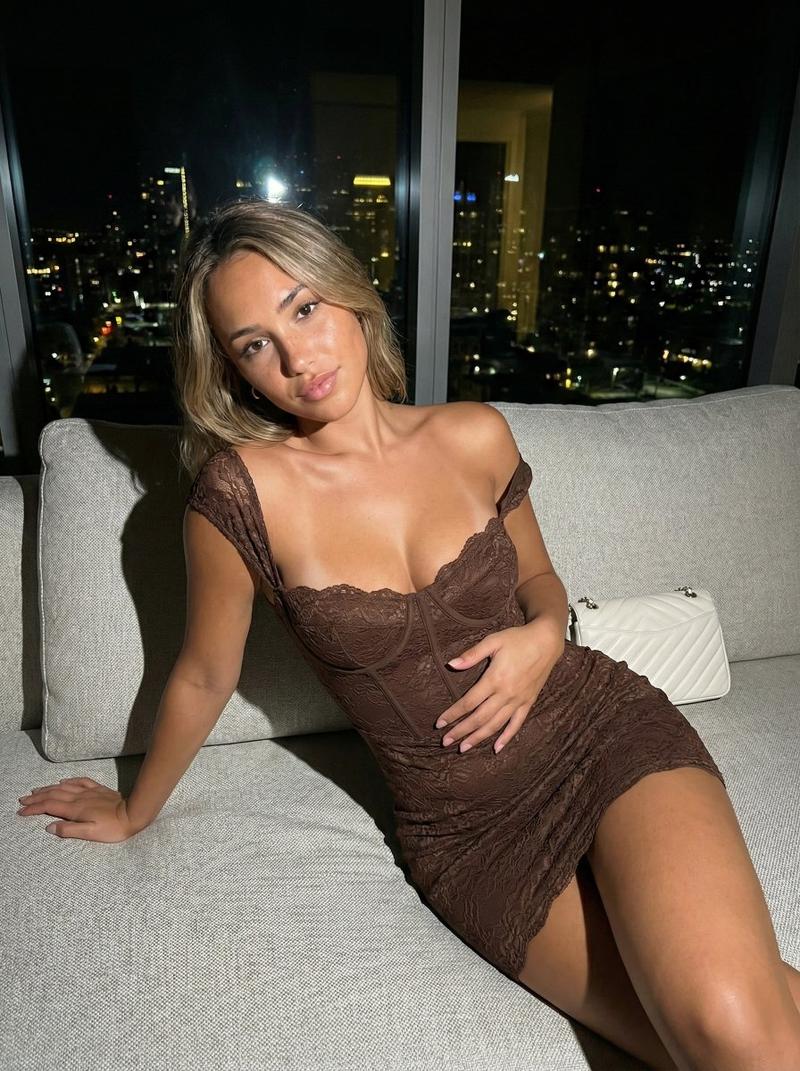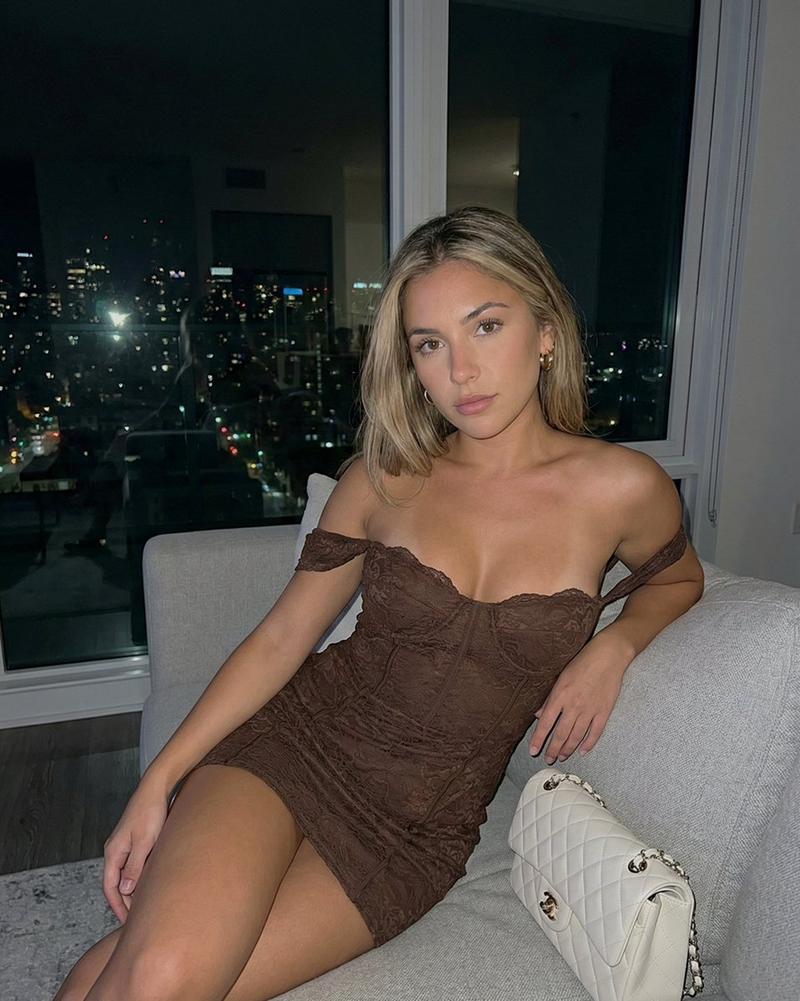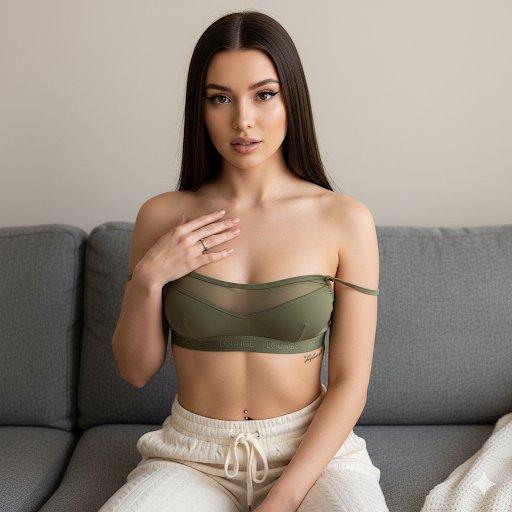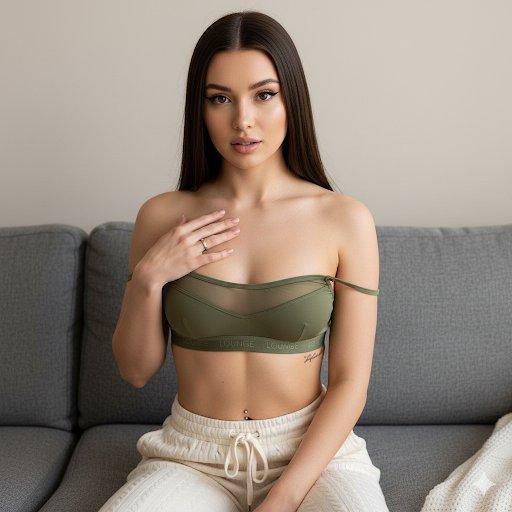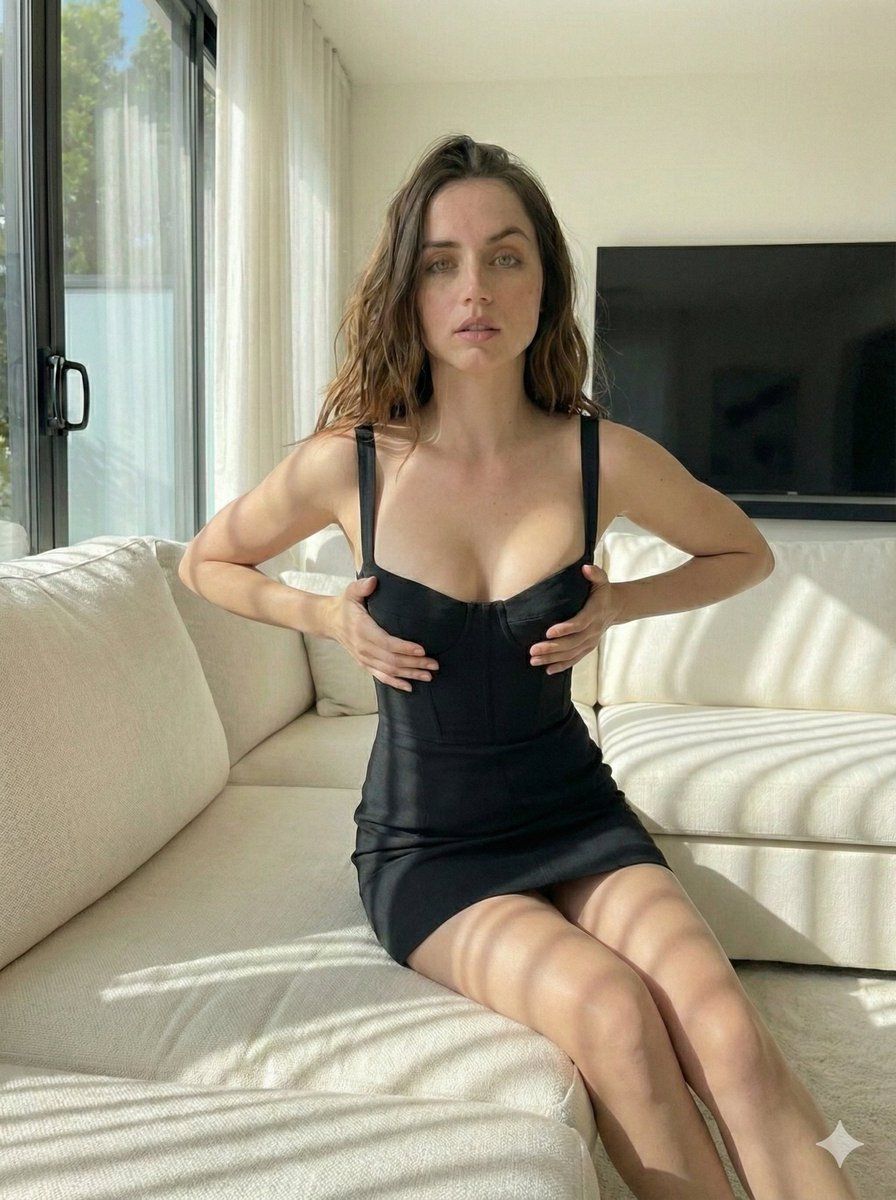
高对比度抓拍肖像,带眨眼提示
Prompt
{
  "image": {
    "general": {
      "style": "photorealistic",
      "mood": "candid, playful",
      "lighting": {
        "type": "natural",
        "intensity": "harsh",
        "effect": {
          "high_contrast": true,
          "highlights": {
            "intensity": "strong",
            "focus": "on the subject and couch"
          },
          "shadows": {
            "intensity": "deep",
            "focus": "on the subject, couch"
          }
        }
      },
      "image_ratio": "3:4"
    },
    "scene": {
      "location": {
        "type": "indoor",
        "style": "modern living room",
        "elements": {
          "sofa": {
            "type": "plush",
            "color": "white",
            "texture": "soft, luxurious"
          },
          "lighting_source": {
            "type": "sunlight",
            "direction": "streaming from a large window",
            "effect": "bright and direct"
          },
          "room_features": [
            "minimalistic decor",
            "large windows",
            "open space with natural light"
          ]
        }
      }
    },
    "subject": {
      "identity": {
        "name": "Ana de Armas",
        "age_range": "mid-20s to early 30s",
        "characteristics": [
          "Latin descent",
          "light skin",
          "youthful appearance"
        ]
      },
      "physical_appearance": {
        "hair": {
          "color": "brown",
          "texture": "wavy",
          "length": "long",
          "style": "high pigtails",
          "details": "loose strands around the face"
        },
        "eyes": {
          "expression": "playful",
          "focus": "winking at the camera"
        },
        "facial_expression": {
          "emotion": "playful",
          "details": "slight smile with a wink"
        },
        "body_type": {
          "build": "slender",
          "focus": "natural curves"
        }
      },
      "outfit": {
        "top": {
          "type": "corset-style",
          "color": "black",
          "details": "fitted design accentuating the figure"
        },
        "bottom": {
          "type": "mini dress",
          "fit": "tight",
          "material": "stretch fabric"
        },
        "style": "elegant yet casual"
      },
      "pose": {
        "body_position": "seated",
        "position_details": {
          "sitting": "on a white plush sofa",
          "legs": "crossed at the knees",
          "arm_position": "one arm resting on the sofa, the other holding a strand of hair"
        },
        "facial_focus": "winking and playful expression",
        "gesture": "subtle motion, holding hair with one hand, the other hand resting casually on the sofa"
      }
    },
    "visual_effects": {
      "lighting_effects": {
        "shadows": {
          "depth": "deep",
          "focus": "on the figure and sofa, creating a dramatic effect"
}- Category
- 创意图片
- Model
- Nano Banana Pro
- Creator
- Nano banana pro🍌
- Source ID
- 0c3b4457-7e11-4897-87e0-562888d31d0c
- Published
- Mar 8, 2026
Views0