17

超逼真电影感霓虹肖像提示词
Enlarge

超逼真电影感霓虹肖像提示词

Prompt
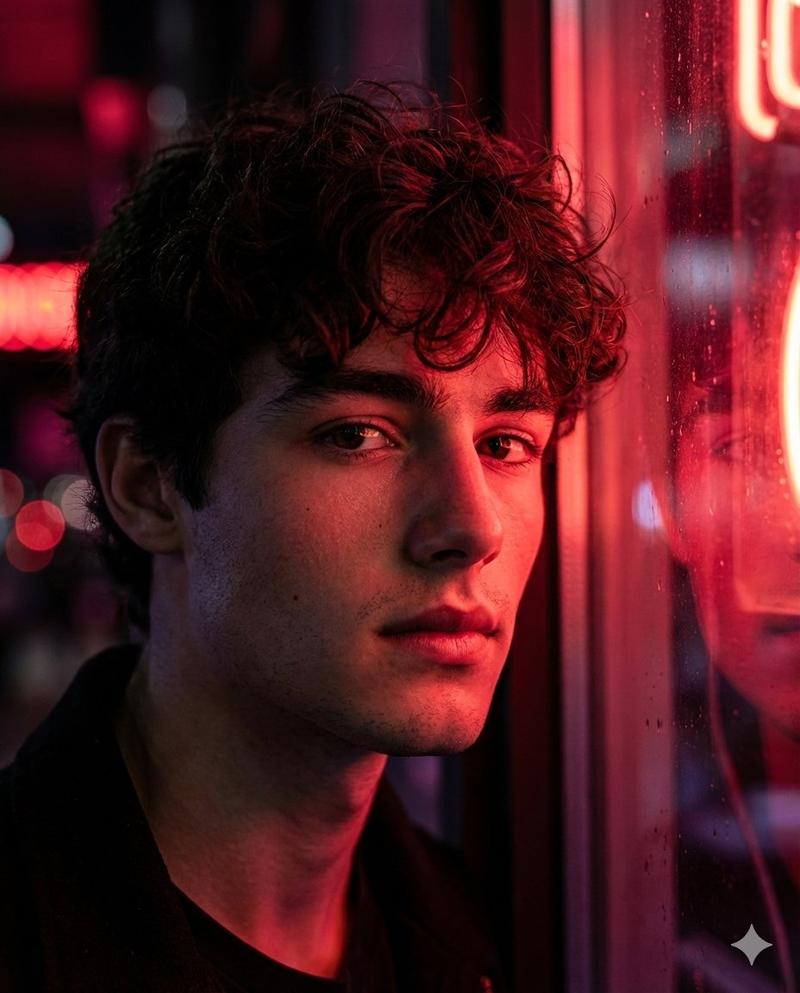
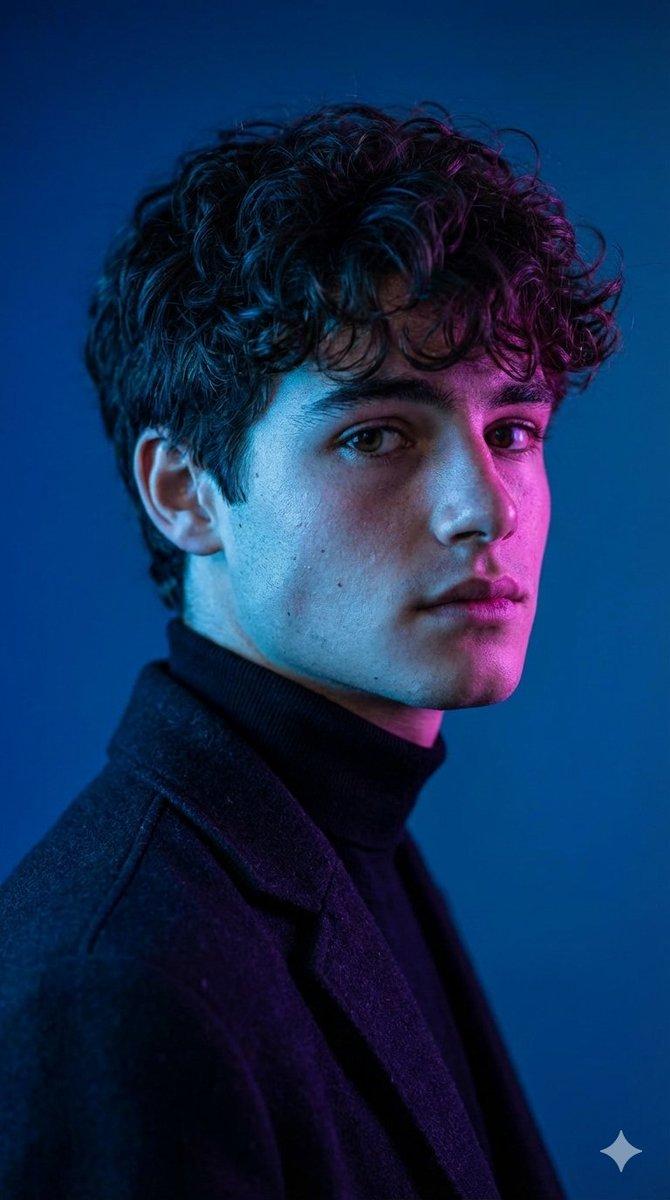
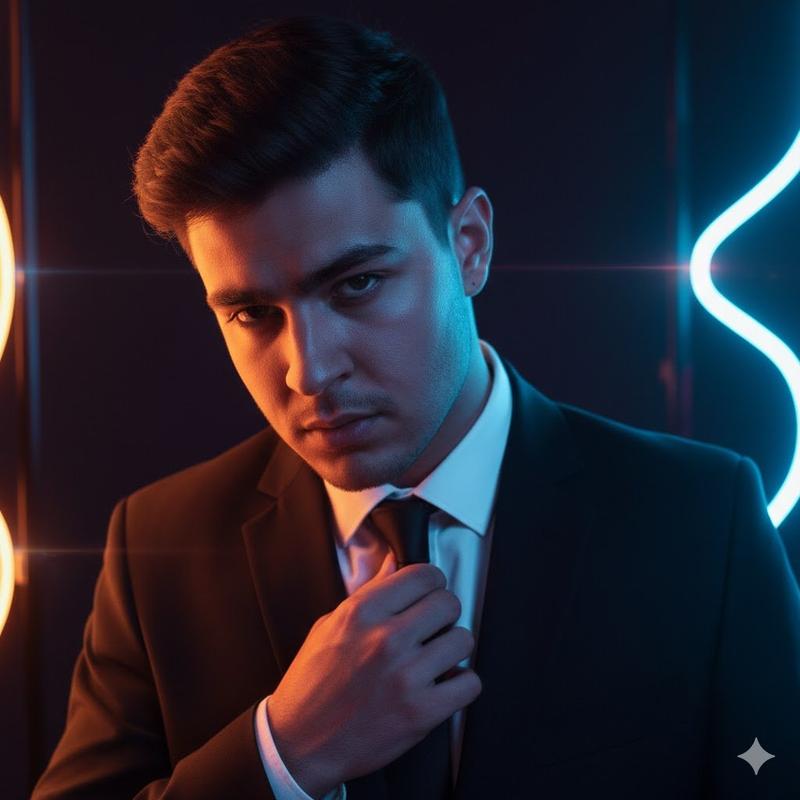
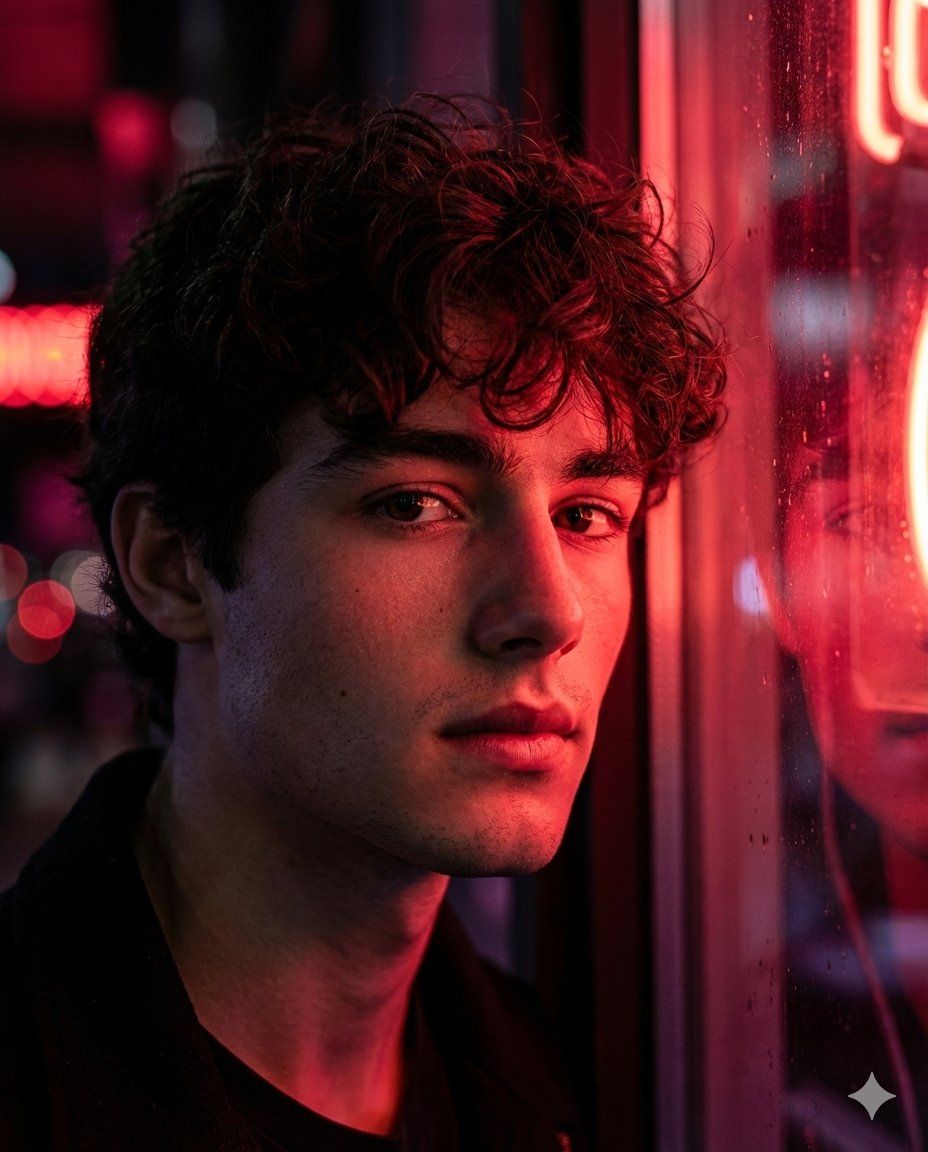
Hyper realistic cinematic portrait of a young man, natural soft skin with visible texture, subtle pores and fine facial detail. He has a calm but intense expression, a deep focused gaze looking slightly past the camera. Short dark hair, slightly tousled, with soft strands catching the light along the edges. Light stubble or clean shaved look, sharp jawline softly defined by shadow.
He is standing close to a window or glass surface at night, with {argument name="neon colors" default="cherry red and crimson"} neon lights reflecting across his face and surroundings. Strong side lighting creates dramatic contrast, with highlights on the cheekbones, nose, and brow, while deep shadows fall across one side of his face, forming abstract light patterns.
The background is softly blurred with red, wine red, and dark magenta tones, neon signage bokeh, urban night atmosphere. Subtle moisture or reflections on the glass add depth and realism.
Cinematic color grading, moody editorial feel, shallow depth of field, sharp focus on the eyes, glossy skin highlights, studio level detail, high dynamic range, realistic lighting, natural color transitions. High end cinema camera look, 85mm lens feel, f1.8 aperture, professional fashion editorial style, 4:5 image ratio.
--ar 2:3 --v 6.1 --style raw
Category
创意图片
Model
Nano Banana Pro
Creator
Harboriis
Views0
Source ID
eebdd6ee-f273-4657-86ea-b093ea64a574
Published
Mar 8, 2026

Guide

About "超逼真电影感霓虹肖像提示词"

What is this prompt for?

"超逼真电影感霓虹肖像提示词" AI image prompt for Nano Banana Pro (创意图片). 一个详细的提示,用于创作一张超写实电影风格的年轻男子肖像,强调自然的皮肤纹理,脸上映照着樱桃红和深红色霓虹灯的戏剧性光线,以及带有散景效果的都市夜晚忧郁氛围,整体风格为高端时尚杂志大片。 --- 一…

The full copyable prompt and example visuals above are ready for AI image generation or one-click recreate in Picva.

How to use this prompt

  1. Step 1

    Open the prompt detail

    Review the example visuals, category, and full prompt text for "超逼真电影感霓虹肖像提示词".

  2. Step 2

    Copy the prompt

    Copy the prompt body from this page, or load it directly in Studio.

  3. Step 3

    Pick a model (Nano Banana Pro)

    Prefer Nano Banana Pro. If you switch models, keep subject and composition and tweak style terms.

  4. Step 4

    Generate and export

    Recreate the look in Picva, or export into your workflow for editing and publishing.

FAQ

What is the "超逼真电影感霓虹肖像提示词" prompt?
It is an AI image-generation prompt for Nano Banana Pro in the 创意图片 category. This page includes the full prompt text, example visuals, and a one-click recreate path in Picva.
How do I use this prompt to generate an image?
Copy the prompt from this page, or use Generate / Studio. Paste it into a compatible image model, or recreate the look in Picva with optional reference images.
Which model is this prompt for?
This page lists Nano Banana Pro. Most descriptive prompts also transfer to nearby image models such as GPT Image, Flux, or Midjourney with light style tweaks.
Can I use the result commercially?
You can usually copy the prompt for creation, but commercial use of the final image depends on the model terms, reference-image rights, and the generated content. Follow the source author and platform rules.