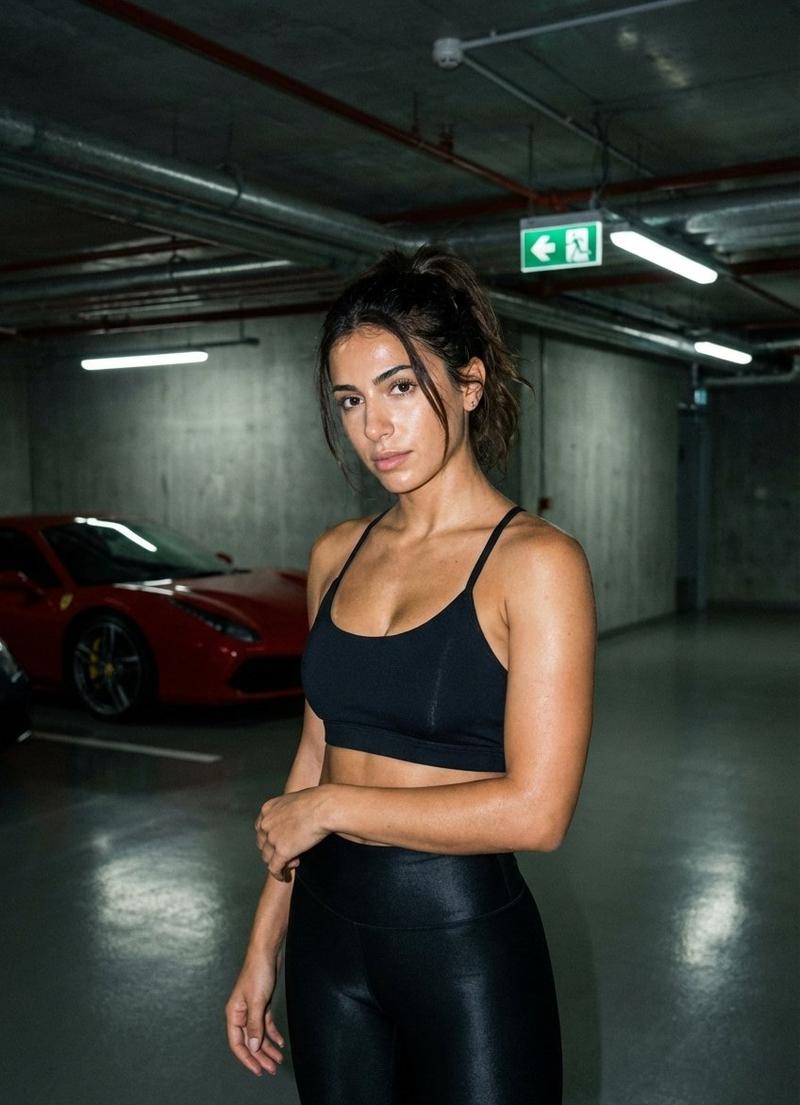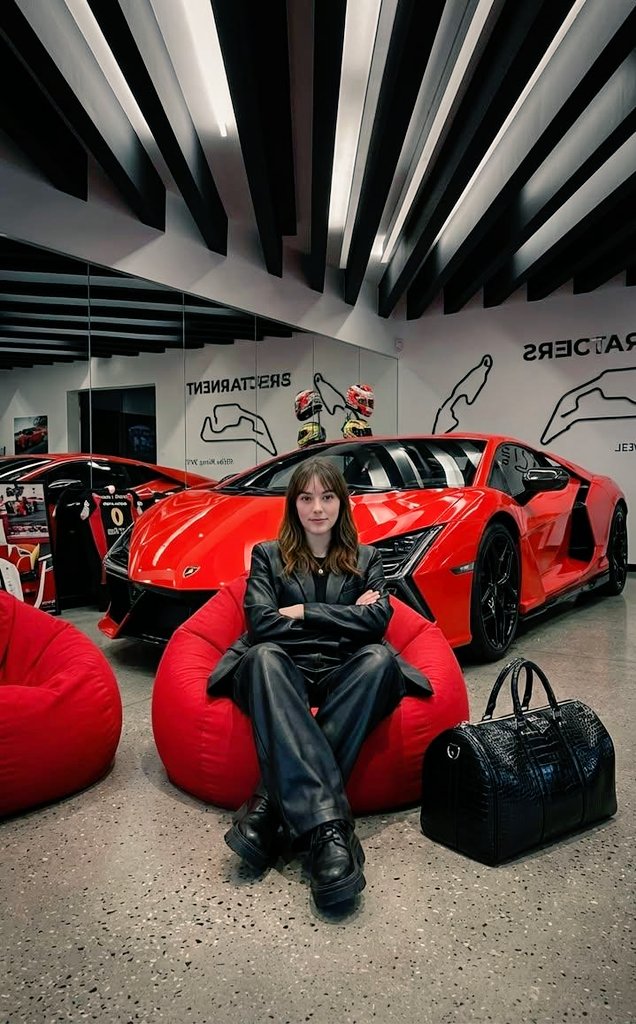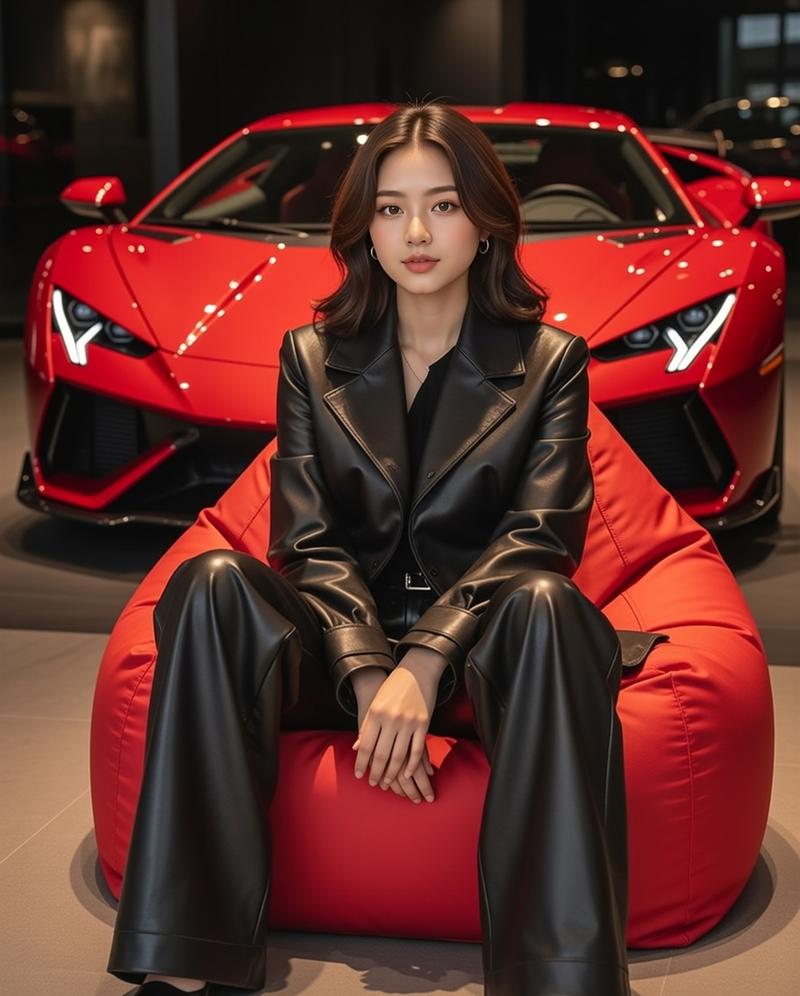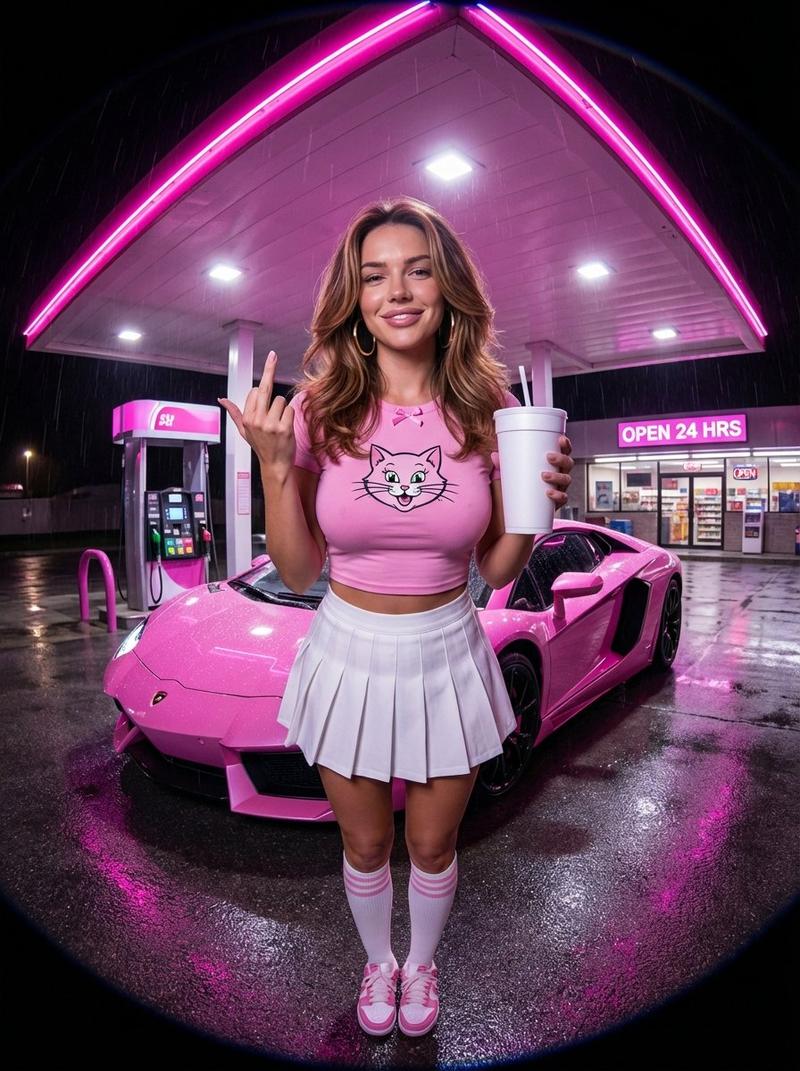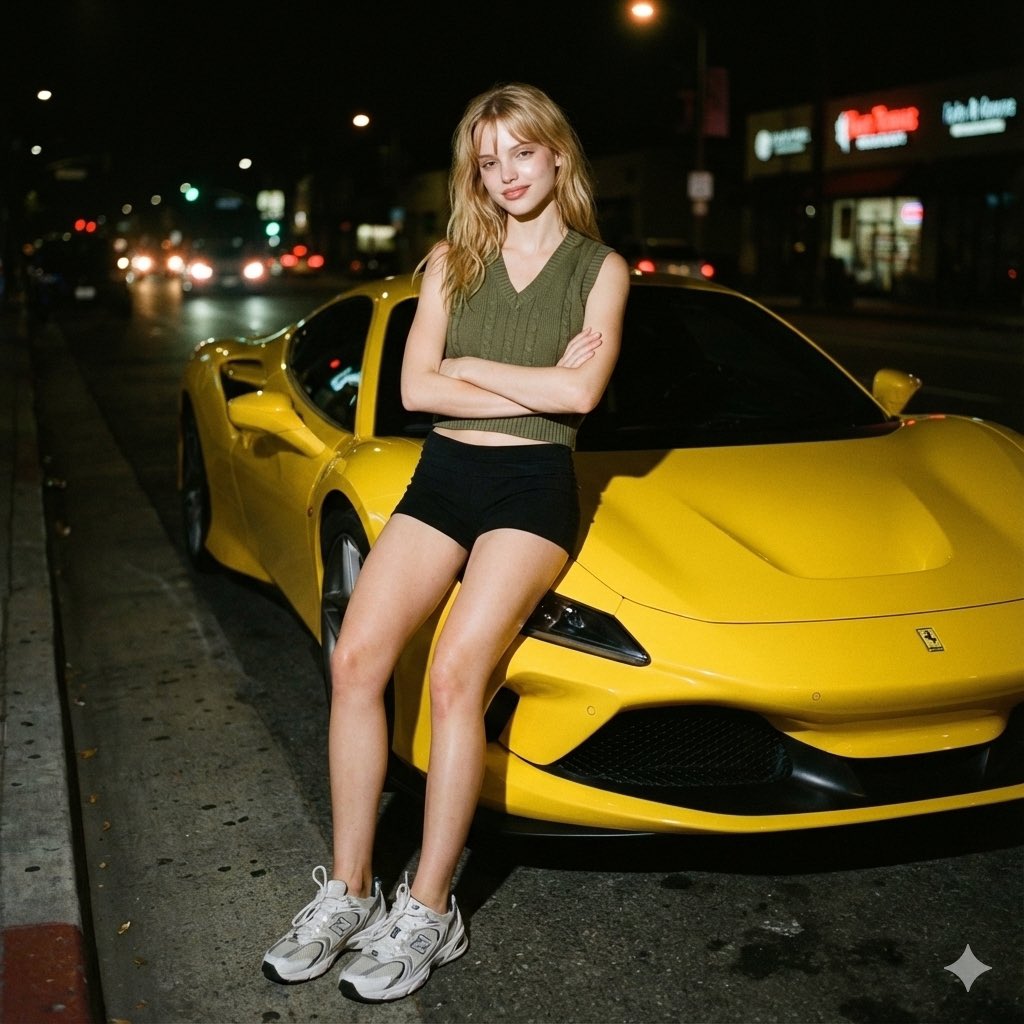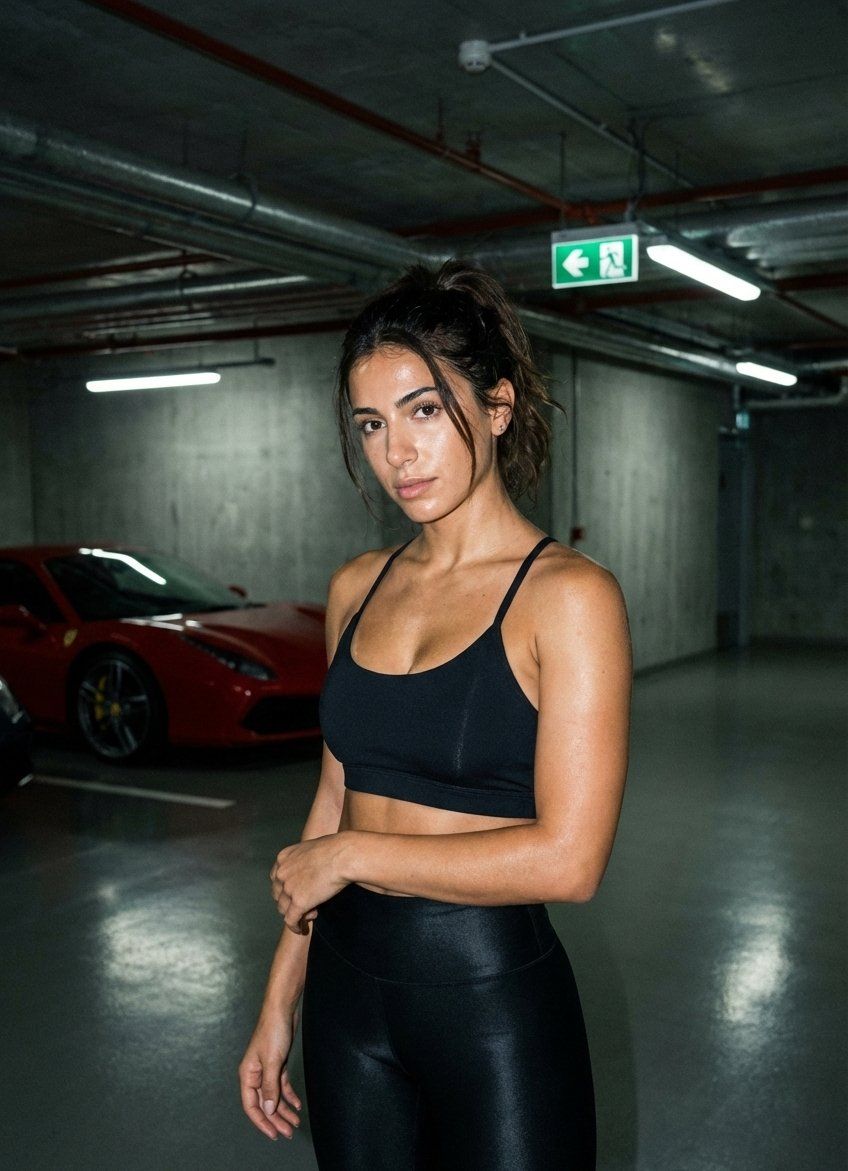
Flash Patch 写实肖像提示词 (JSON)
Prompt
"style": "sleek, straight, wet-look finish",
      "details": "tucked behind ears, falling over shoulders, highly reflective under flash"
    },

    "face": {
      "structure": "defined cheekbones, strong jawline",
      "expression": "unimpressed, slight arrogant squint looking down at camera",
      "eyes": "dark brown, intense gaze, slight red-eye reflection from flash",
      "mouth": "pouty, glossy nude lips",
      "makeup": "sharp contour, heavy highlights that pop under flash, defined brows"
    }
  },

  "pose": {
    "overall": "leaning casually back against the door of a dark grey Lamborghini",

    "lower_body": {
      "legs": "crossed at ankles",
      "stance": "weight resting on the car body"
    },

    "torso": {
      "angle": "turned slightly towards the camera",
      "posture": "relaxed but confident shoulders"
    },

    "arms": {
      "one_arm": "resting on the car roof",
      "other_arm": "hand near waist hook, holding a smartphone with a bright case"
    },

    "head": {
      "tilt": "chin tilted slightly up",
      "gaze": "looking directly down the lens"
    }
  },

  "outfit": {
    "clothing": {
      "top": {
        "type": "structured corset-style crop top",
        "color": "black satin",
        "fit": "tight, push-up",
        "details": "reflective fabric under flash, defined cups"
      },
      "layer": {
        "type": "oversized vintage racing leather jacket",
        "color": "black with white and red patches",
        "style": "slung open, falling off shoulders"
      },
      "bottom": {
        "type": "low-rise baggy parachute cargo pants",
        "color": "dark charcoal",
        "fit": "loose leg, sitting low on hips",
        "details": "drawstrings hanging, slight shimmer fabric"
      },
      "shoes": {
        "type": "chunky designer sneakers",
        "details": "reflective detailing catching the light"
      }
    },
    "accessories": {
      "items": ["thick silver chain necklace", "large hoop earrings"],
      "details": "metal jewellery glaring under the flash"
    }
  },

  "camera_perspective": {
    "pov": "friend taking a quick snapshot",
    "angle": "slightly low angle pointing up",
    "distance": "medium shot (knees up)",
    "framing": "subject centered, car details and concrete filling frame",
    "composition": "raw, unposed feel, slight motion blur on edges"
  },

  "vibe": {
    "mood": "illicit luxury, arrogant, late night",
    "energy": "unbothered cool, expensive secrecy",
    "aesthetic": "flash patch realism, underground rich kids"
  },

  "rules": [
    "must look shot on iPhone with harsh flash",
    "emphasize sweaty/oily skin sheen",
    "no explicit nudity",
    "maintain raw, grainy texture",
    "realistic shadows cast by flash"
  ]
}- Category
- 创意图片
- Model
- Nano Banana Pro
- Creator
- Duru💝
- Source ID
- d9bca7eb-739a-4cfe-802c-c066b9d33218
- Published
- Mar 8, 2026
Views0