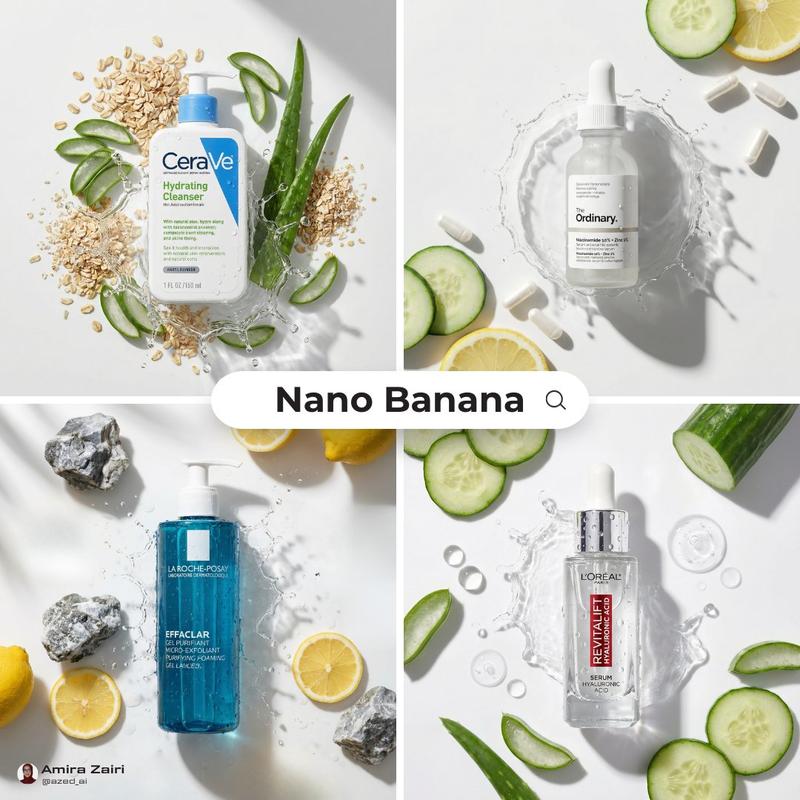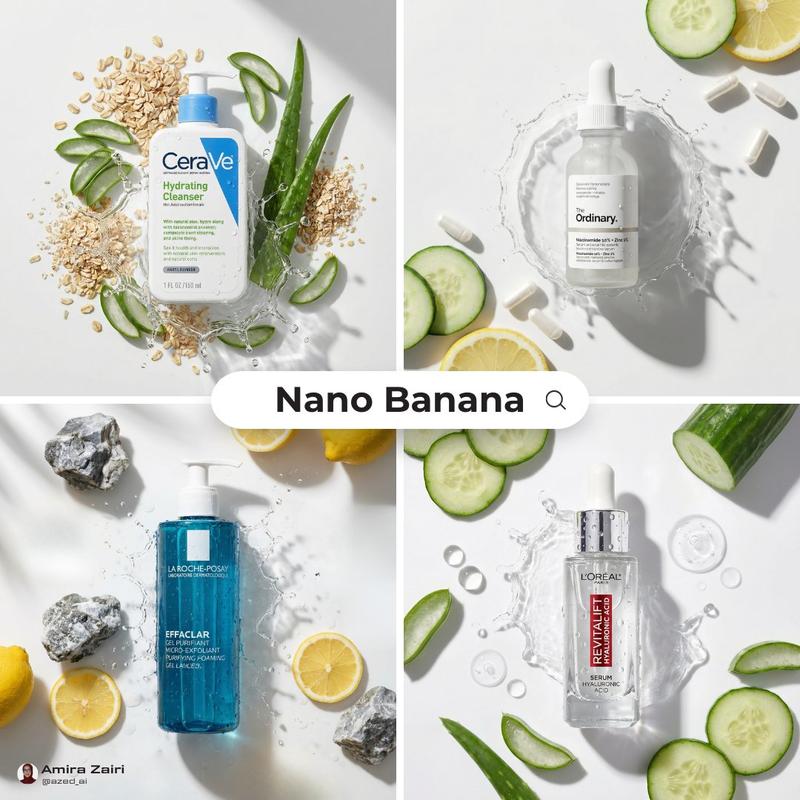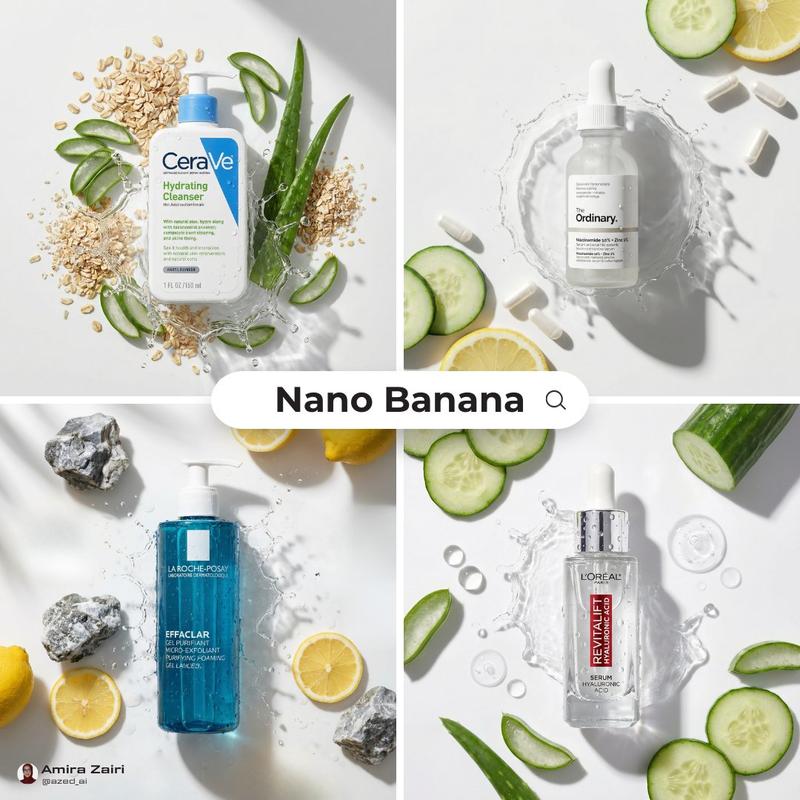
14

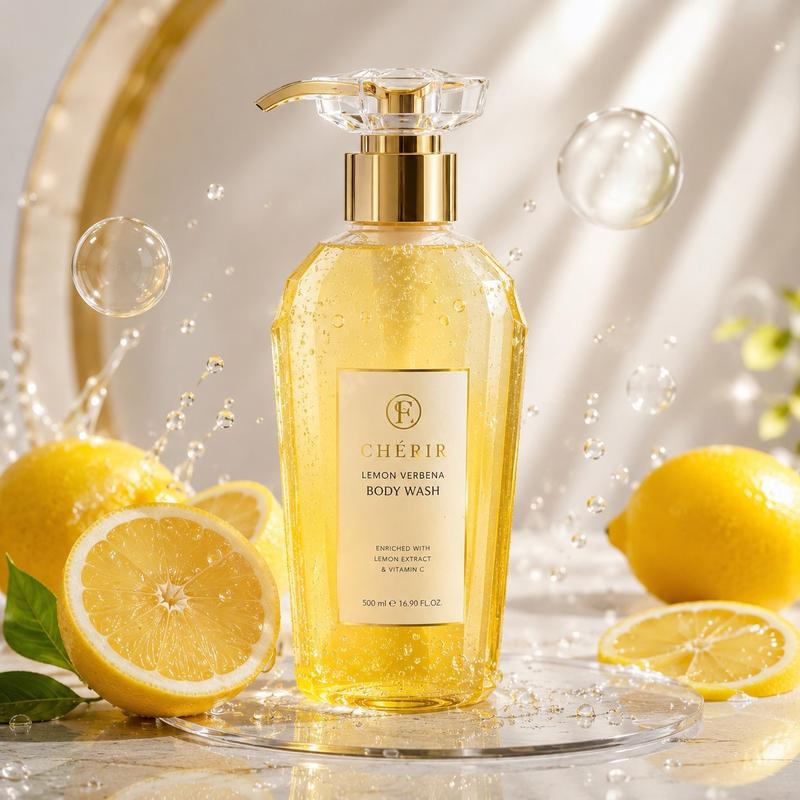
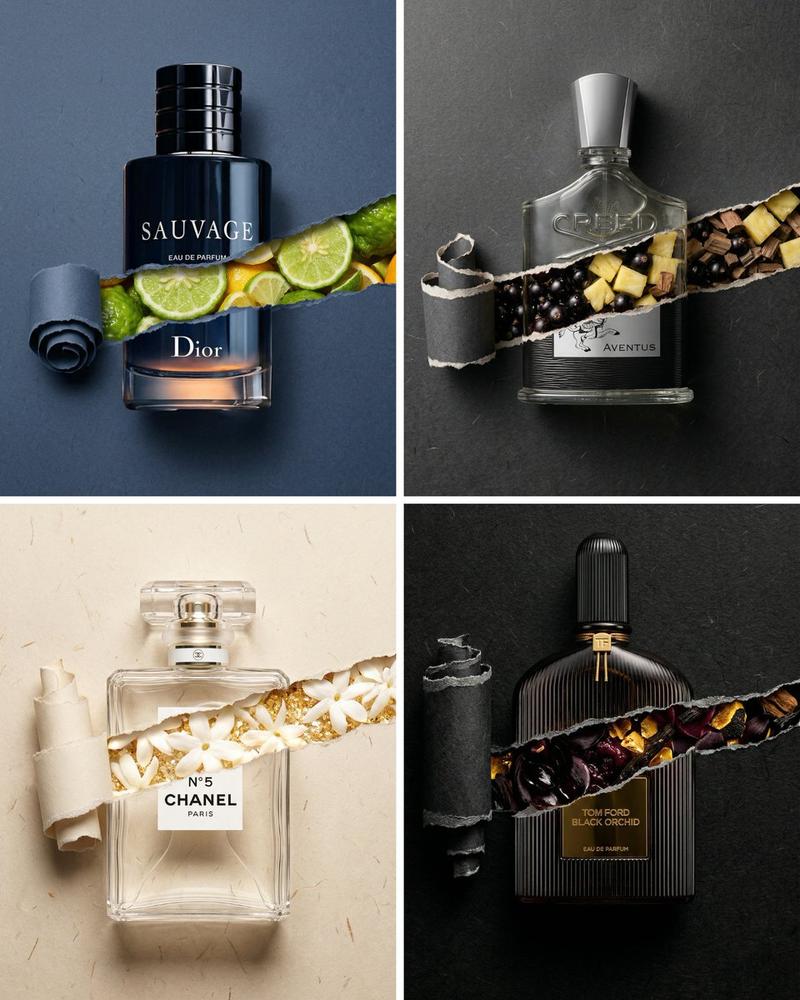
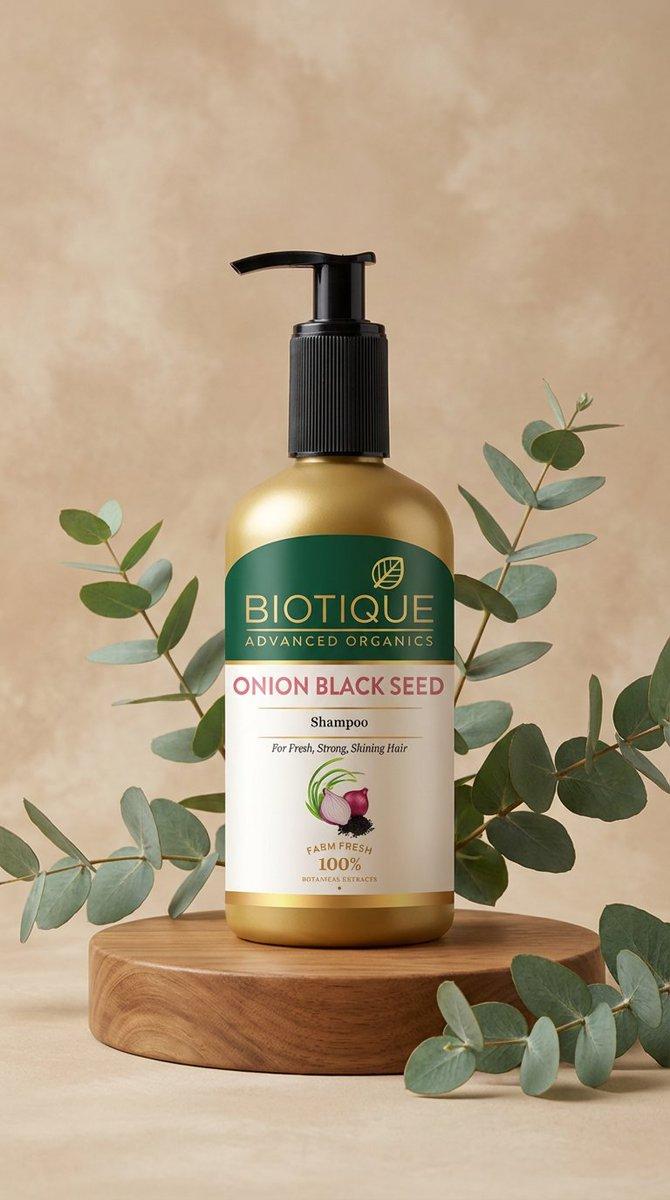
俯视平铺产品照片生成提示
Enlarge

俯视平铺产品照片生成提示

Prompt
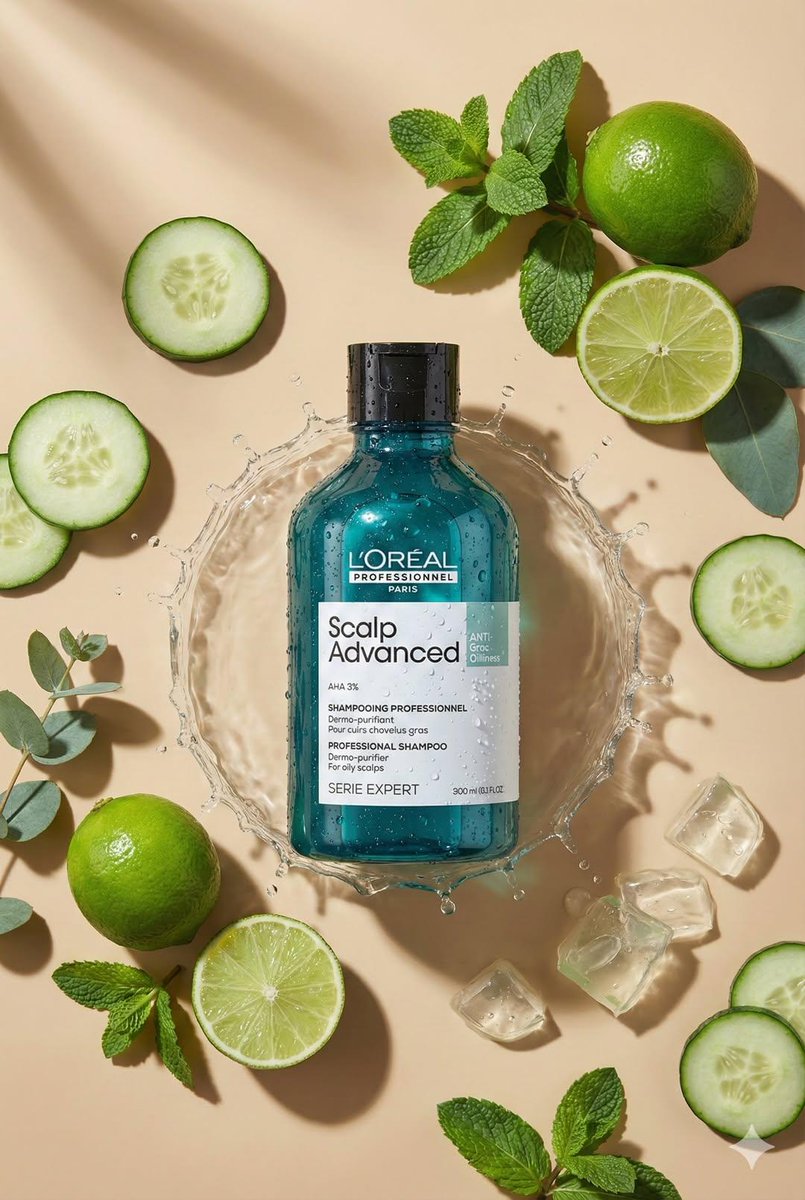
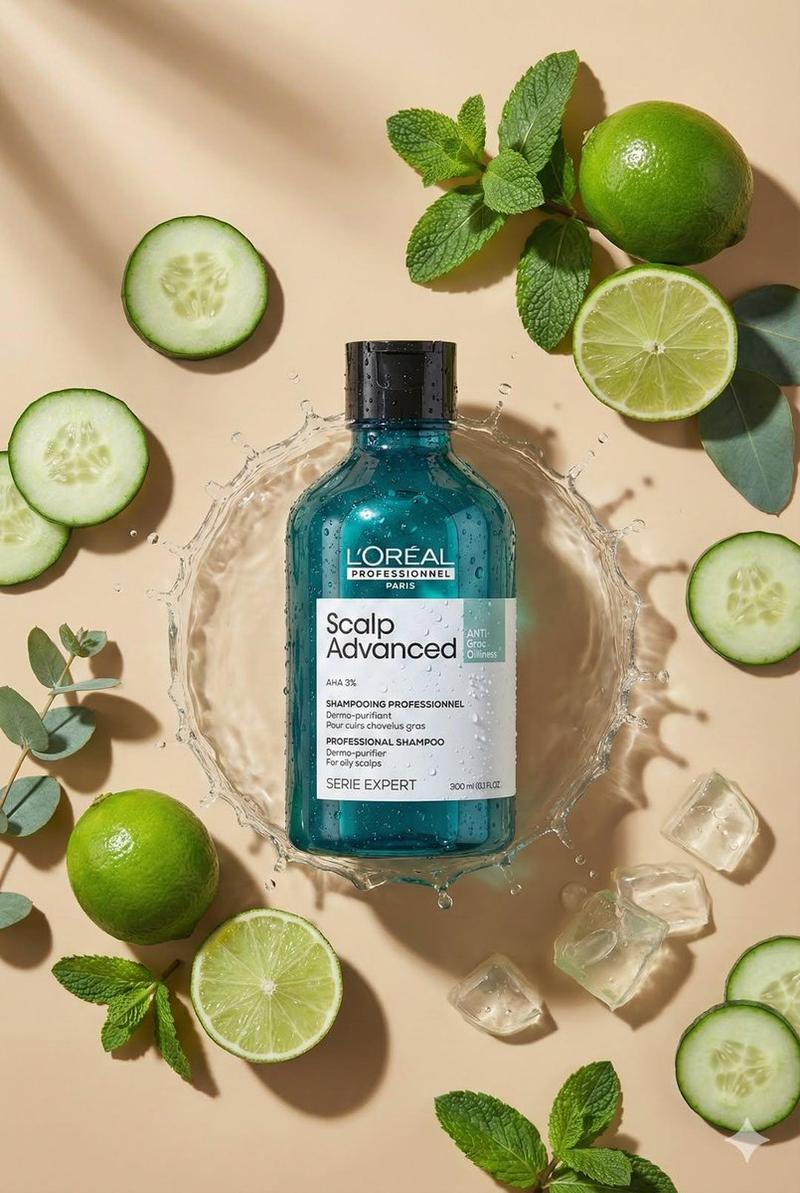
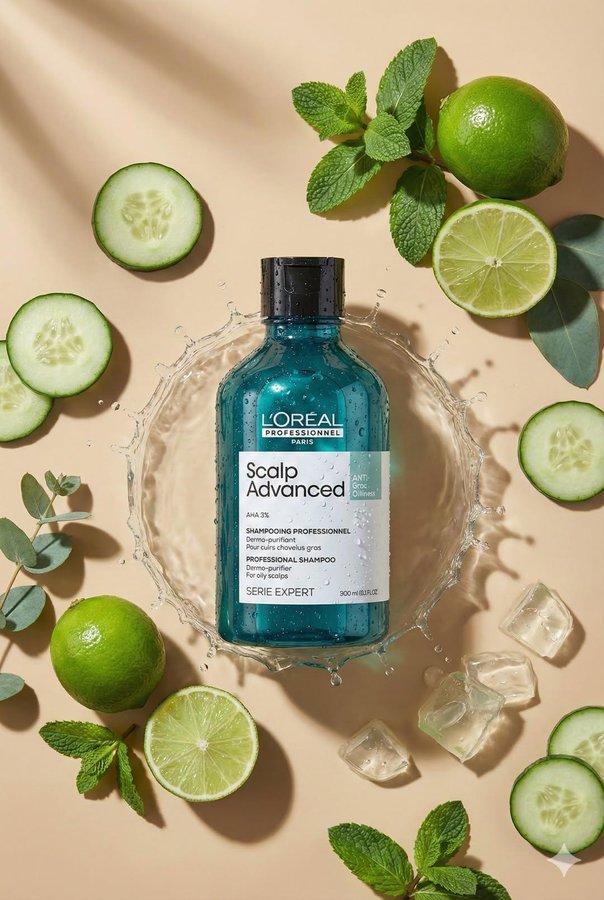
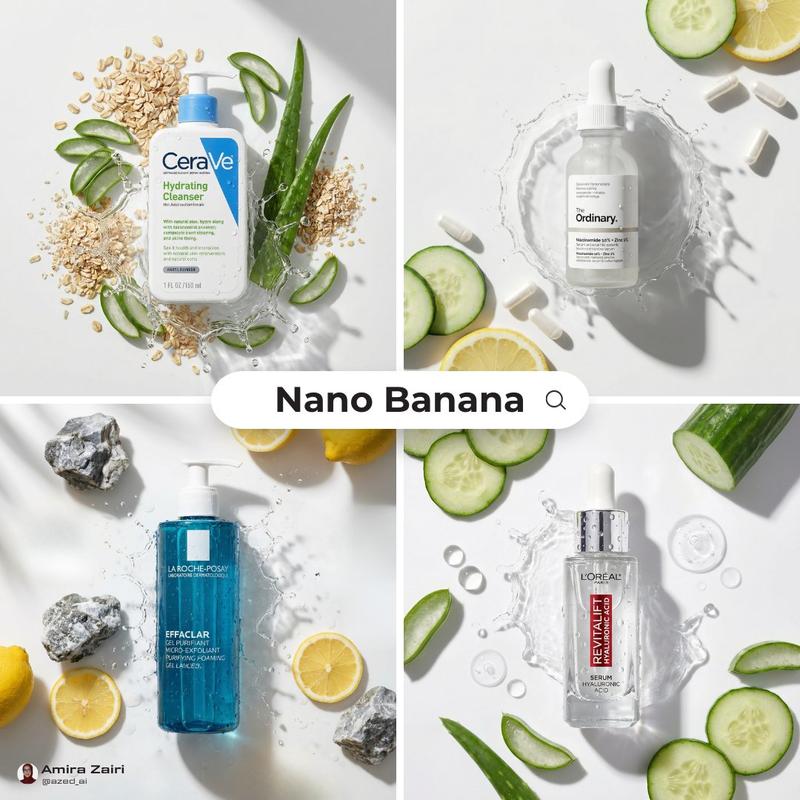
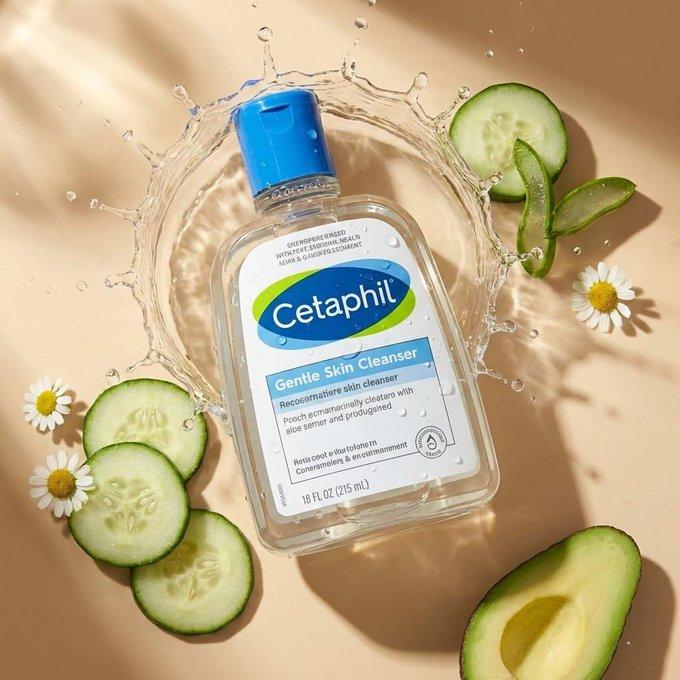
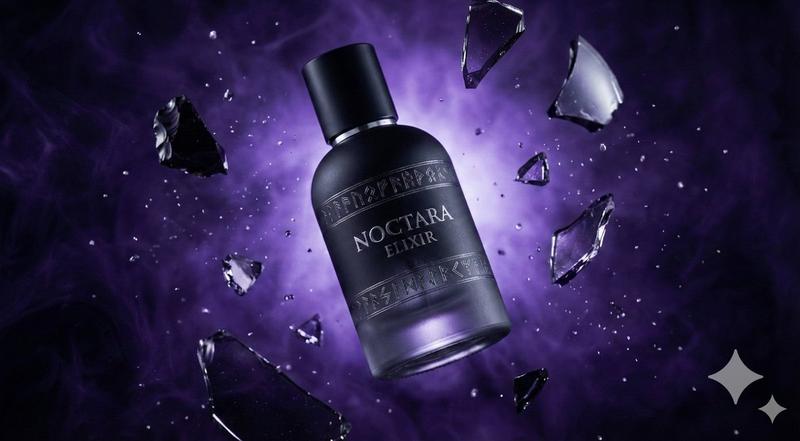
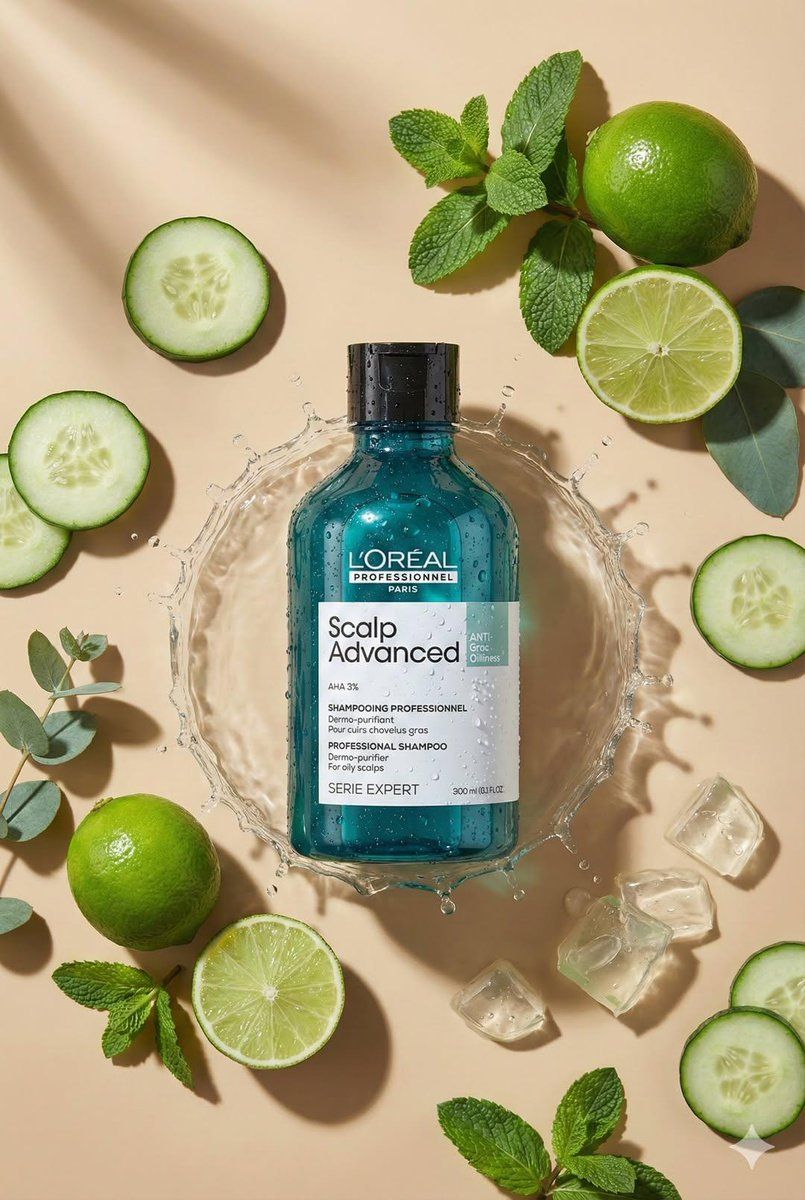
Create top-down flat lay product photo. Use the uploaded product as the main object, centered. Analyze the product type from the photo and automatically choose matching props/ingredients for an aesthetic flat lay around it (minimal, premium, on-brand). Preserve exact geometry, size, colors, label design, and all text on the product (no changes). Warm beige seamless background, soft directional sunlight, crisp realistic shadow.
Ultra-realistic macro product photography, 100mm lens look, f/8, sharp focus, clean composition, no extra text, 8k, format 2:3.
Category
创意图片
Model
Nano Banana Pro
Creator
Oogie
Views0
Source ID
4bcddbef-99b7-4ea2-9280-98acc3b578d8
Published
Mar 8, 2026

Guide

About "俯视平铺产品照片生成提示"

What is this prompt for?

"俯视平铺产品照片生成提示" AI image prompt for Nano Banana Pro (创意图片). 一个用于生成俯视平铺产品照片的提示。它指示 AI 使用上传的产品,自动选择搭配的道具以营造简约美感,并严格保留产品的原始细节,如几何形状、尺寸、颜色和文字。它还指定了暖米色背景、柔和的定向阳光和微距摄…

The full copyable prompt and example visuals above are ready for AI image generation or one-click recreate in Picva.

How to use this prompt

  1. Step 1

    Open the prompt detail

    Review the example visuals, category, and full prompt text for "俯视平铺产品照片生成提示".

  2. Step 2

    Copy the prompt

    Copy the prompt body from this page, or load it directly in Studio.

  3. Step 3

    Pick a model (Nano Banana Pro)

    Prefer Nano Banana Pro. If you switch models, keep subject and composition and tweak style terms.

  4. Step 4

    Generate and export

    Recreate the look in Picva, or export into your workflow for editing and publishing.

FAQ

What is the "俯视平铺产品照片生成提示" prompt?
It is an AI image-generation prompt for Nano Banana Pro in the 创意图片 category. This page includes the full prompt text, example visuals, and a one-click recreate path in Picva.
How do I use this prompt to generate an image?
Copy the prompt from this page, or use Generate / Studio. Paste it into a compatible image model, or recreate the look in Picva with optional reference images.
Which model is this prompt for?
This page lists Nano Banana Pro. Most descriptive prompts also transfer to nearby image models such as GPT Image, Flux, or Midjourney with light style tweaks.
Can I use the result commercially?
You can usually copy the prompt for creation, but commercial use of the final image depends on the model terms, reference-image rights, and the generated content. Follow the source author and platform rules.