17

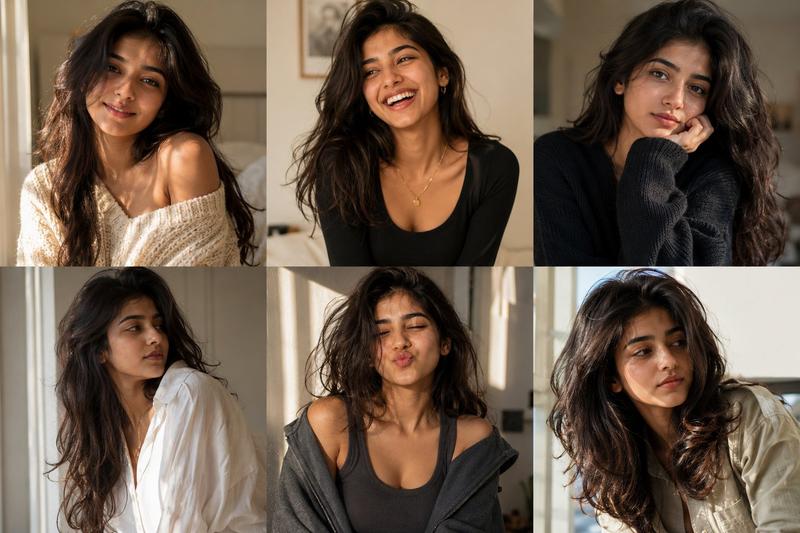
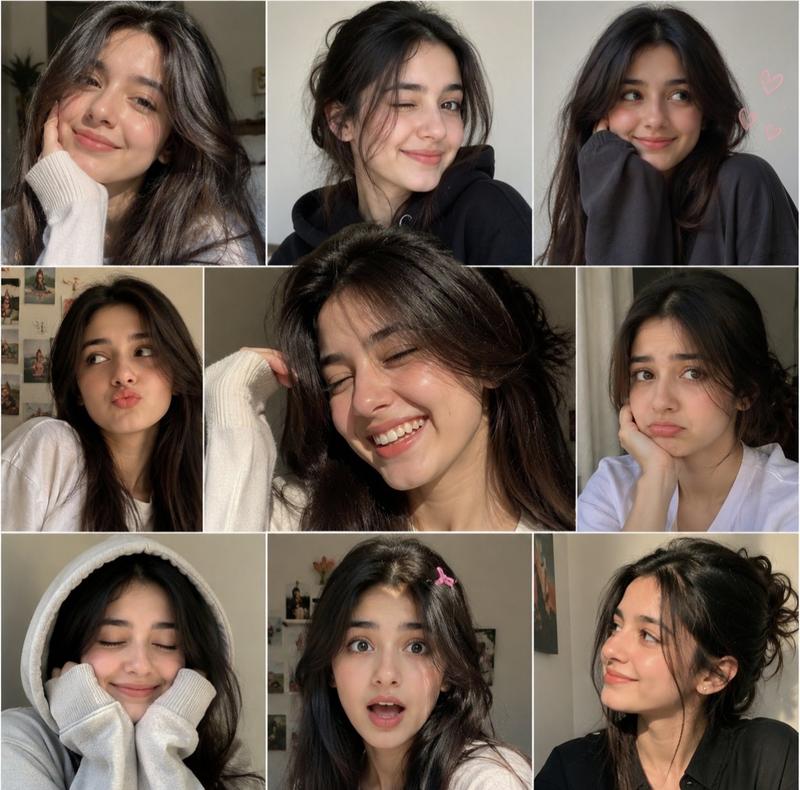
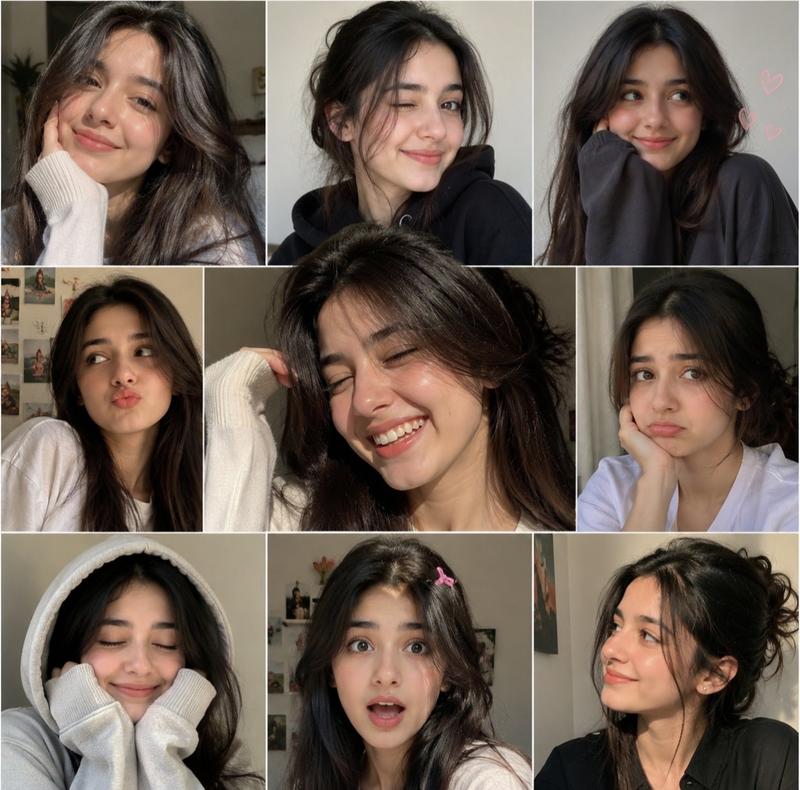
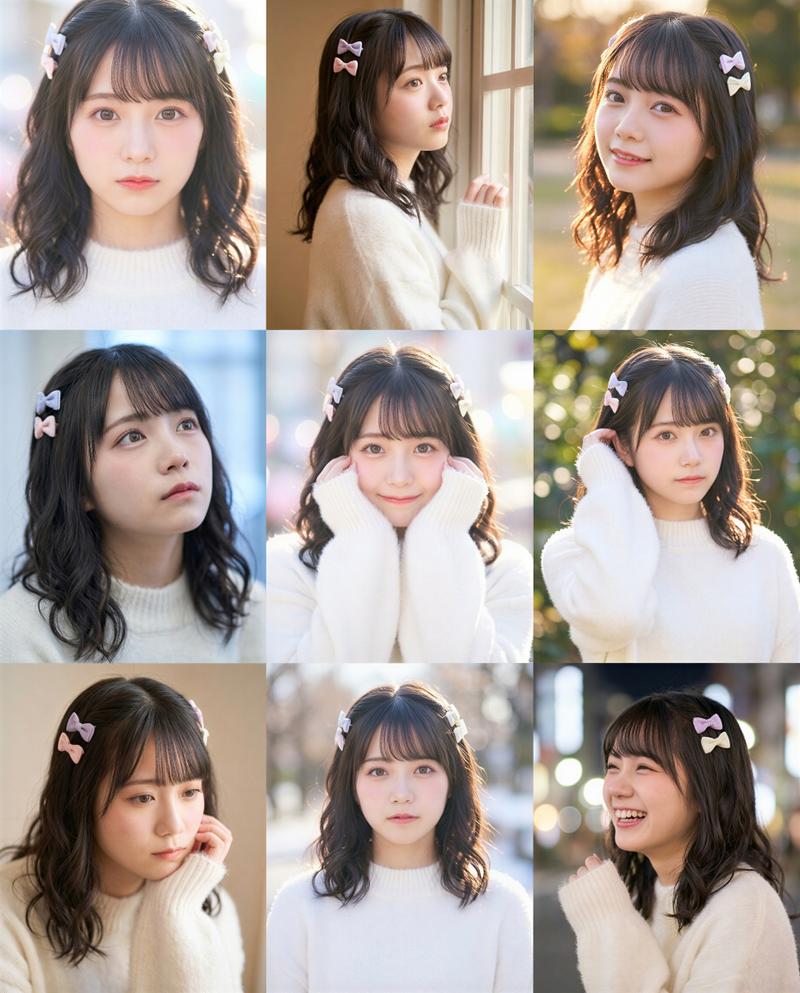
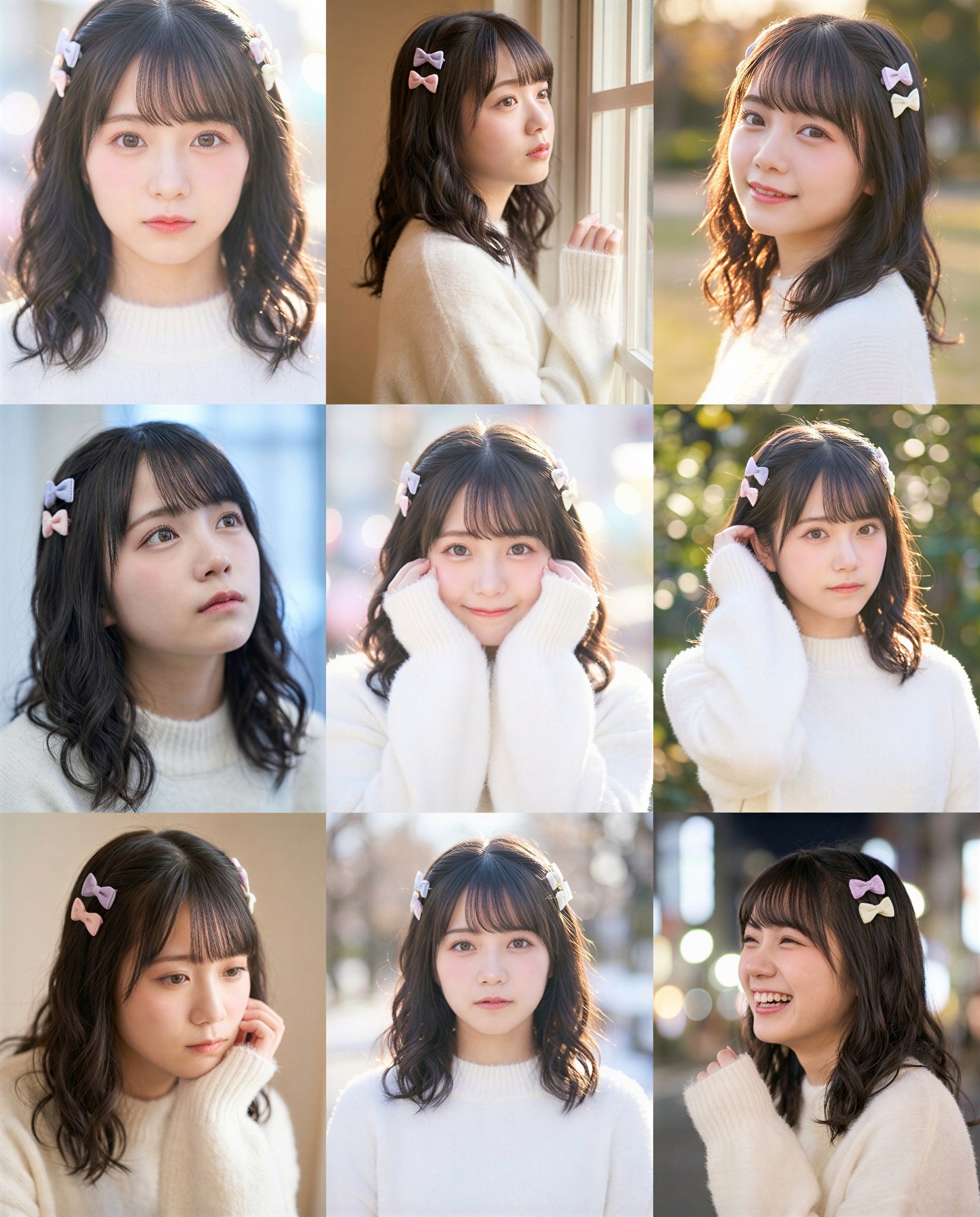
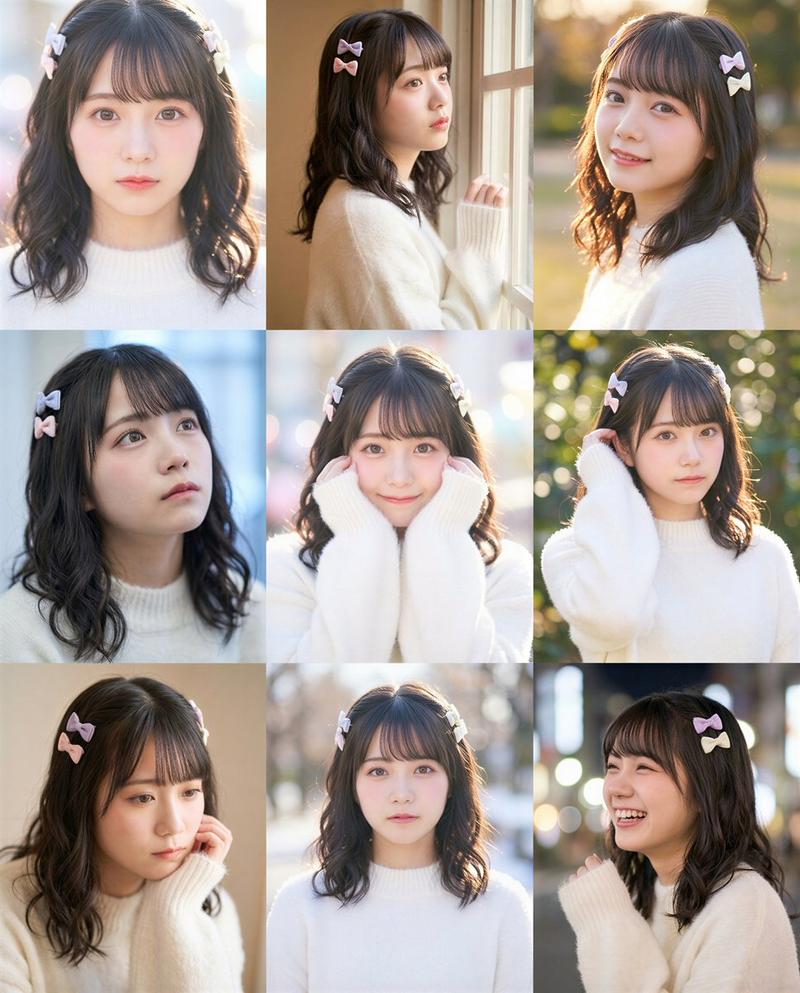
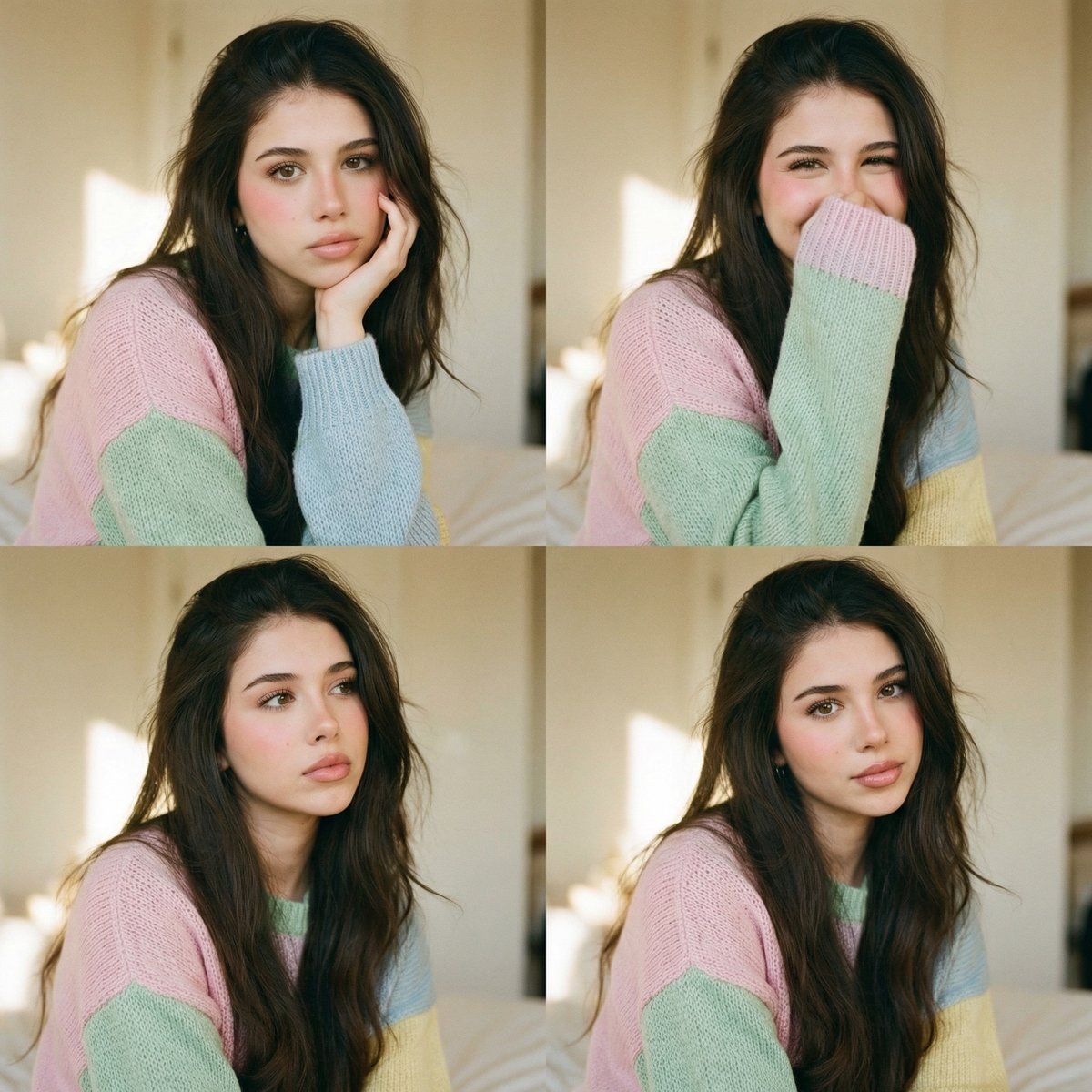
舒适卧室中的模拟编辑肖像网格
Enlarge

舒适卧室中的模拟编辑肖像网格

Prompt
{
  "image_request": {
    "style": "Analog lifestyle editorial photography",
    "layout": "2x2 grid (four variations)",
    "subject": {
      "fidelity": "Exact preservation of facial features, identity, skin tone, and natural texture",
      "expression_variants": [
        "Hand propping up the face",
        "Lightly covering mouth with sleeve",
        "Looking to the side, thoughtful expression"
      ],
      "attire": "Oversized pastel knit sweater ({argument name="sweater color" default="pink, green, blue, yellow"}), long sleeves",
      "hair": "Loose, slightly messy, voluminous",
      "makeup": "Minimalist, soft pink blush, natural lips, defined brows, discreet lashes"
    },
    "environment": {
      "setting": "Minimalist cozy bedroom",
      "furniture": "Bed with light linens, blurred simple background",
      "lighting": "Diffused natural side lighting, warm and soft"
    },
    "technical_specs": {
      "aesthetic": "Vintage film grain, pastel tones, shallow depth of field",
      "quality": "Ultra-realistic, no heavy filters",
      "mood": "Intimate, calm, romantic"
    }
  }
}
Category
创意图片
Model
Nano Banana Pro
Creator
Celeste
Views0
Source ID
48b60301-bffb-4811-9d6b-8d7e1002cac6
Published
Mar 8, 2026

Guide

About "舒适卧室中的模拟编辑肖像网格"

What is this prompt for?

"舒适卧室中的模拟编辑肖像网格" AI image prompt for Nano Banana Pro (创意图片). 一个结构化的 JSON 提示词,用于生成 2x2 网格的模拟生活方式编辑照片。它侧重于在极简舒适的卧室环境中,拍摄身穿超大号柔和色针织毛衣的主体的亲密、平静肖像,强调复古胶片颗粒感和柔和、温暖的灯…

The full copyable prompt and example visuals above are ready for AI image generation or one-click recreate in Picva.

How to use this prompt

  1. Step 1

    Open the prompt detail

    Review the example visuals, category, and full prompt text for "舒适卧室中的模拟编辑肖像网格".

  2. Step 2

    Copy the prompt

    Copy the prompt body from this page, or load it directly in Studio.

  3. Step 3

    Pick a model (Nano Banana Pro)

    Prefer Nano Banana Pro. If you switch models, keep subject and composition and tweak style terms.

  4. Step 4

    Generate and export

    Recreate the look in Picva, or export into your workflow for editing and publishing.

FAQ

What is the "舒适卧室中的模拟编辑肖像网格" prompt?
It is an AI image-generation prompt for Nano Banana Pro in the 创意图片 category. This page includes the full prompt text, example visuals, and a one-click recreate path in Picva.
How do I use this prompt to generate an image?
Copy the prompt from this page, or use Generate / Studio. Paste it into a compatible image model, or recreate the look in Picva with optional reference images.
Which model is this prompt for?
This page lists Nano Banana Pro. Most descriptive prompts also transfer to nearby image models such as GPT Image, Flux, or Midjourney with light style tweaks.
Can I use the result commercially?
You can usually copy the prompt for creation, but commercial use of the final image depends on the model terms, reference-image rights, and the generated content. Follow the source author and platform rules.