14

逼真的健身房自拍肖像提示
Enlarge

逼真的健身房自拍肖像提示

Prompt
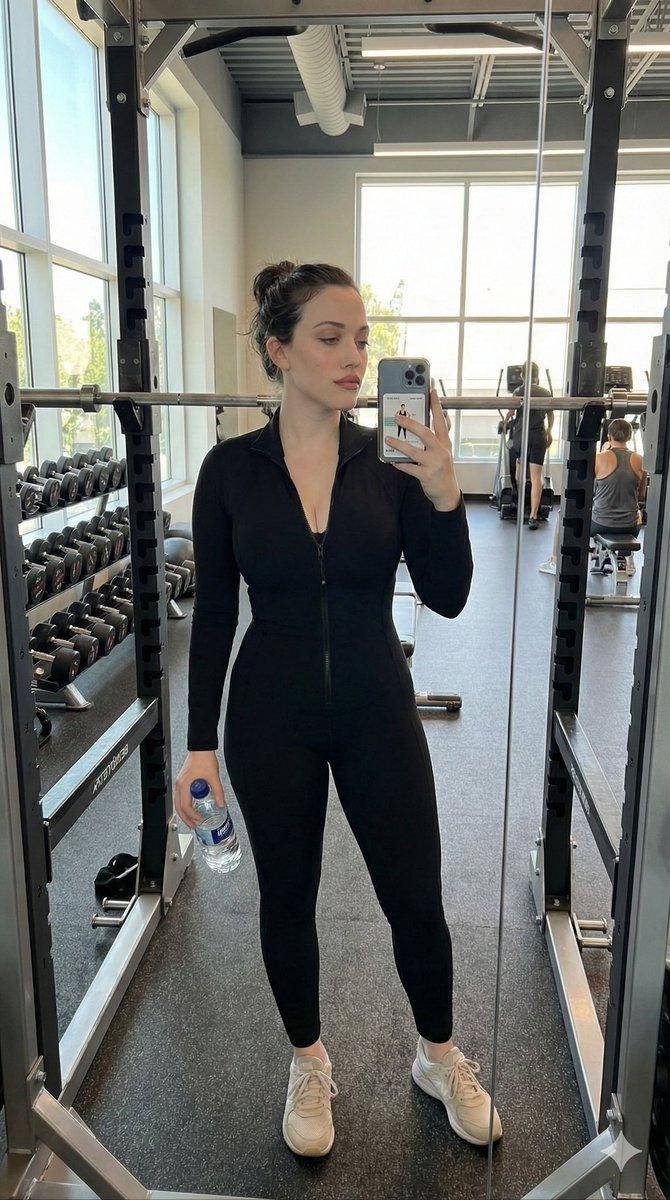
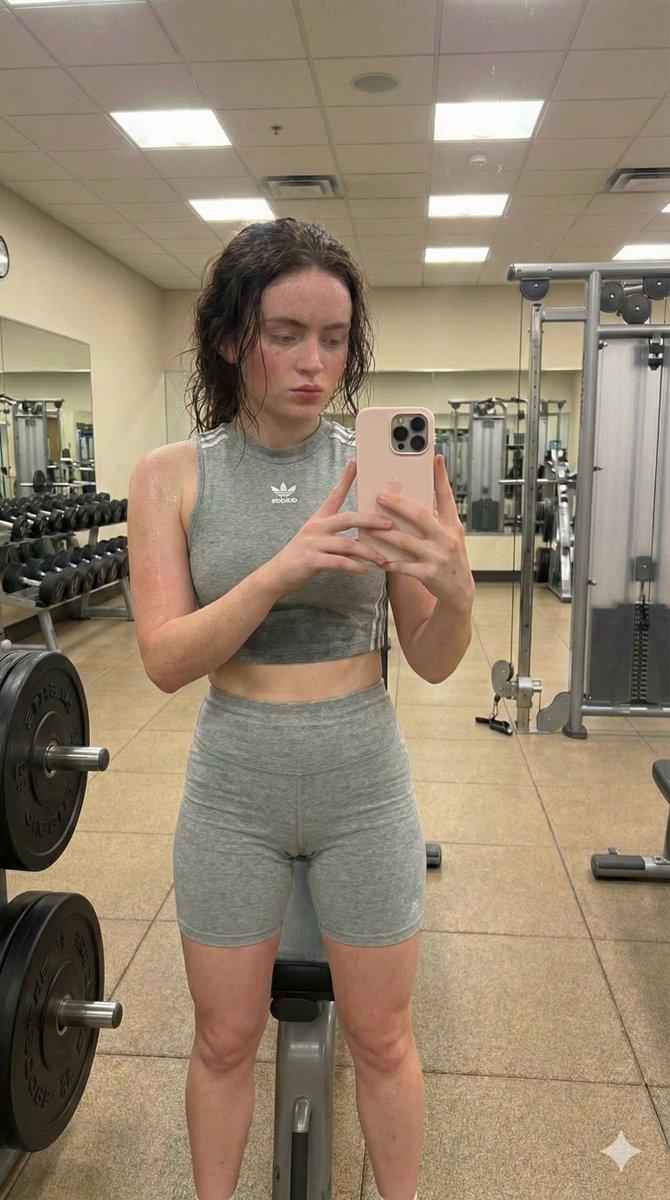
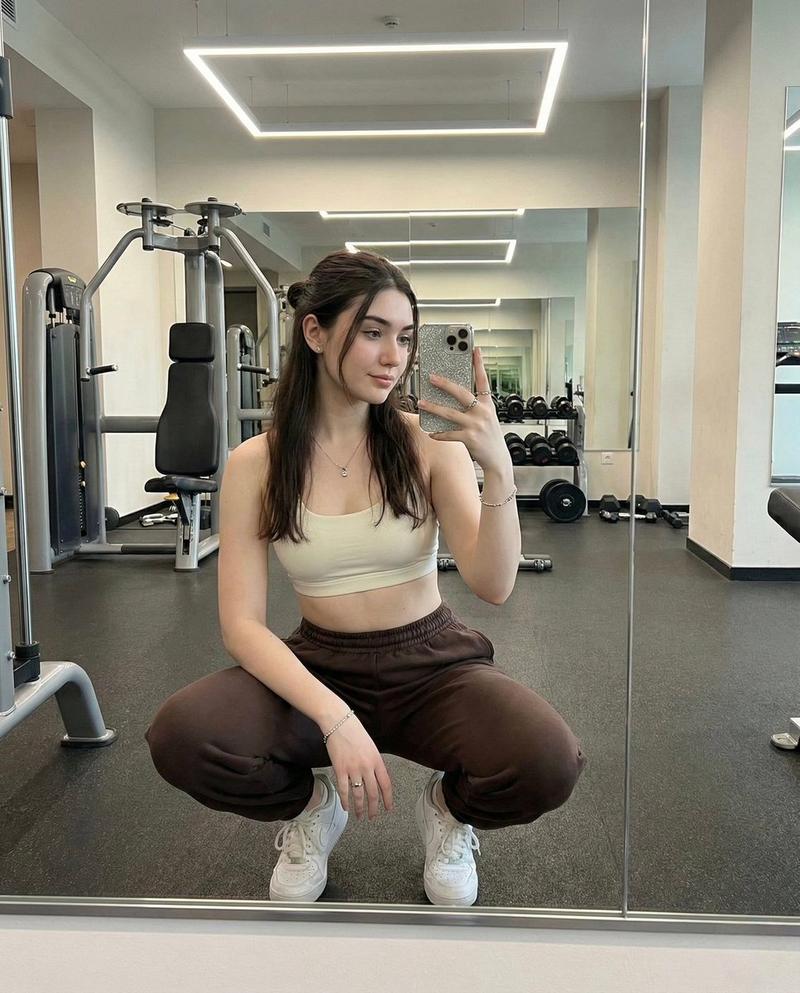
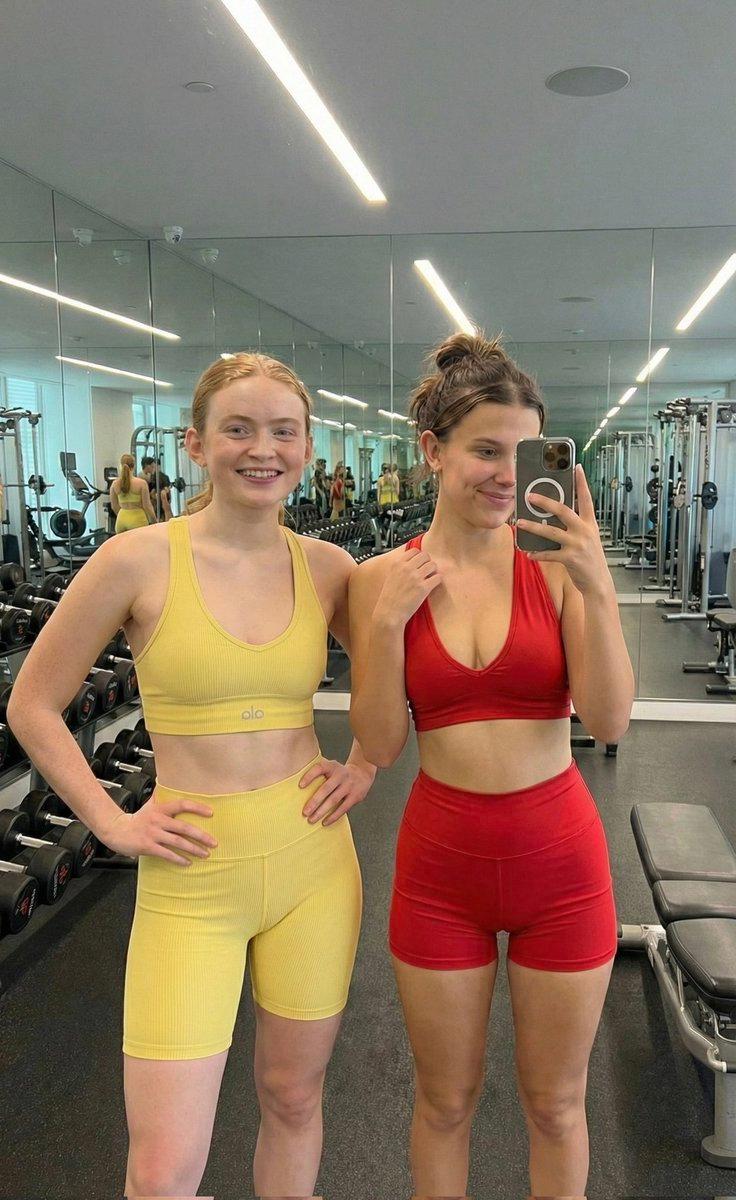
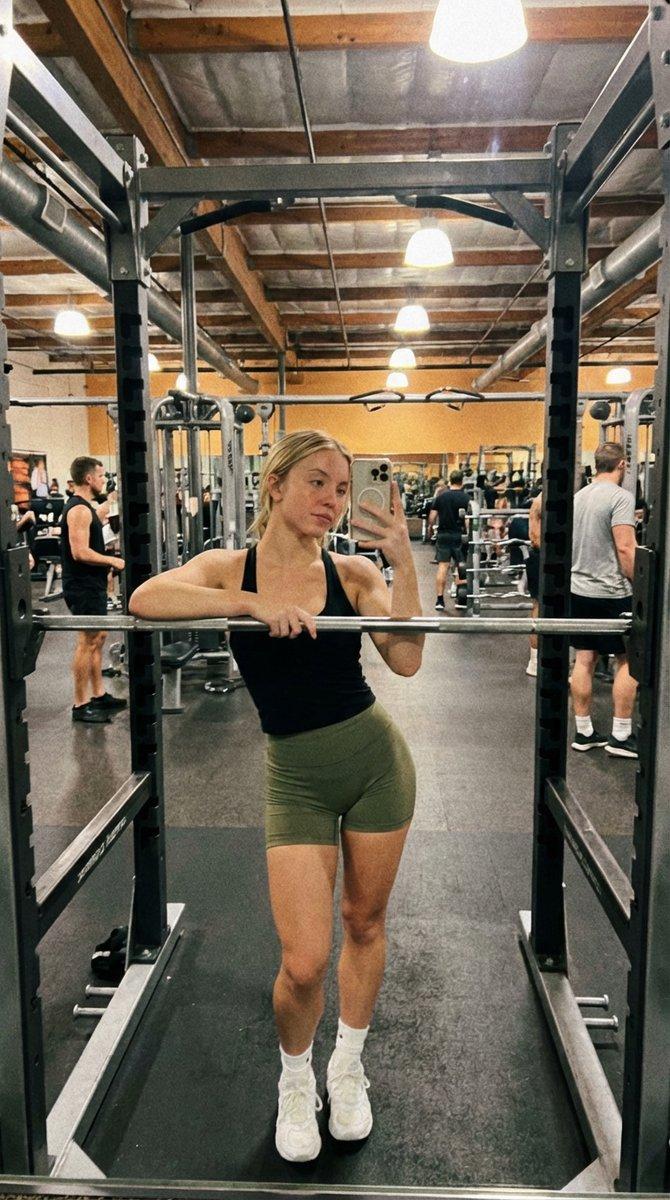
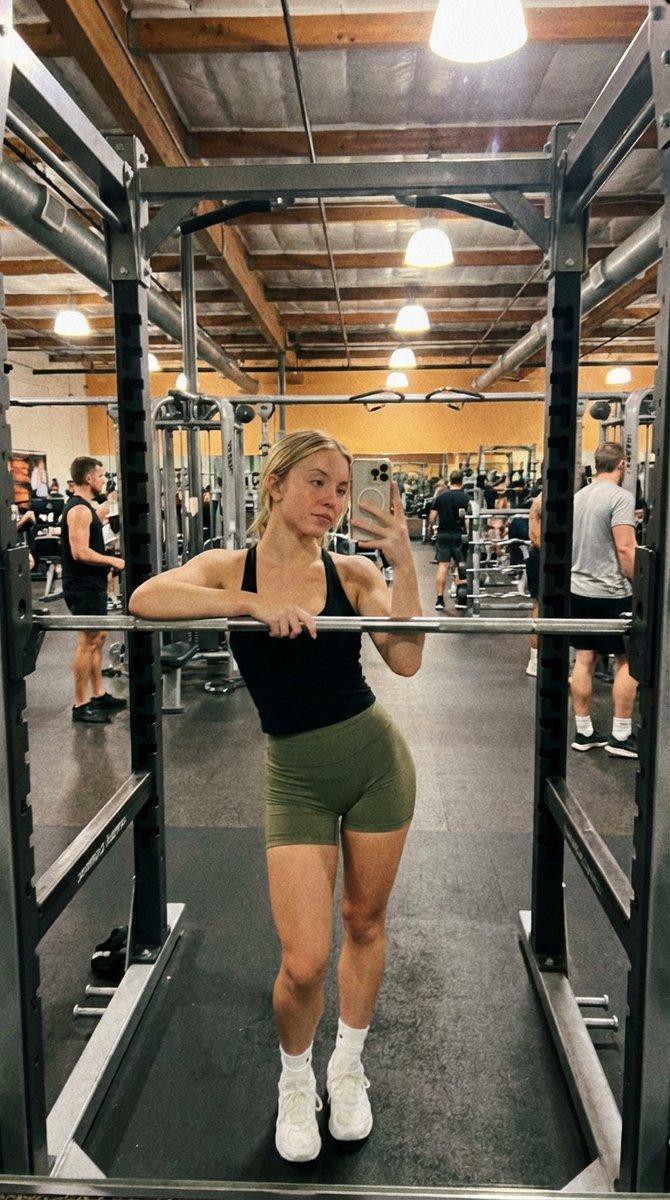
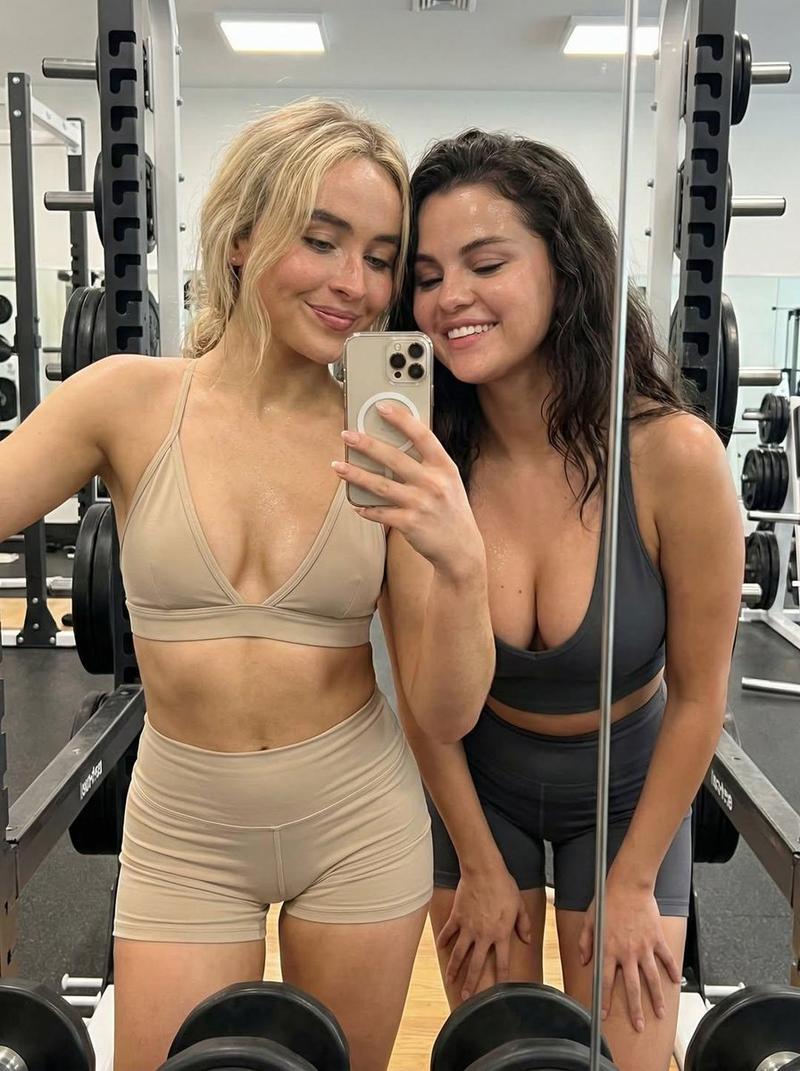
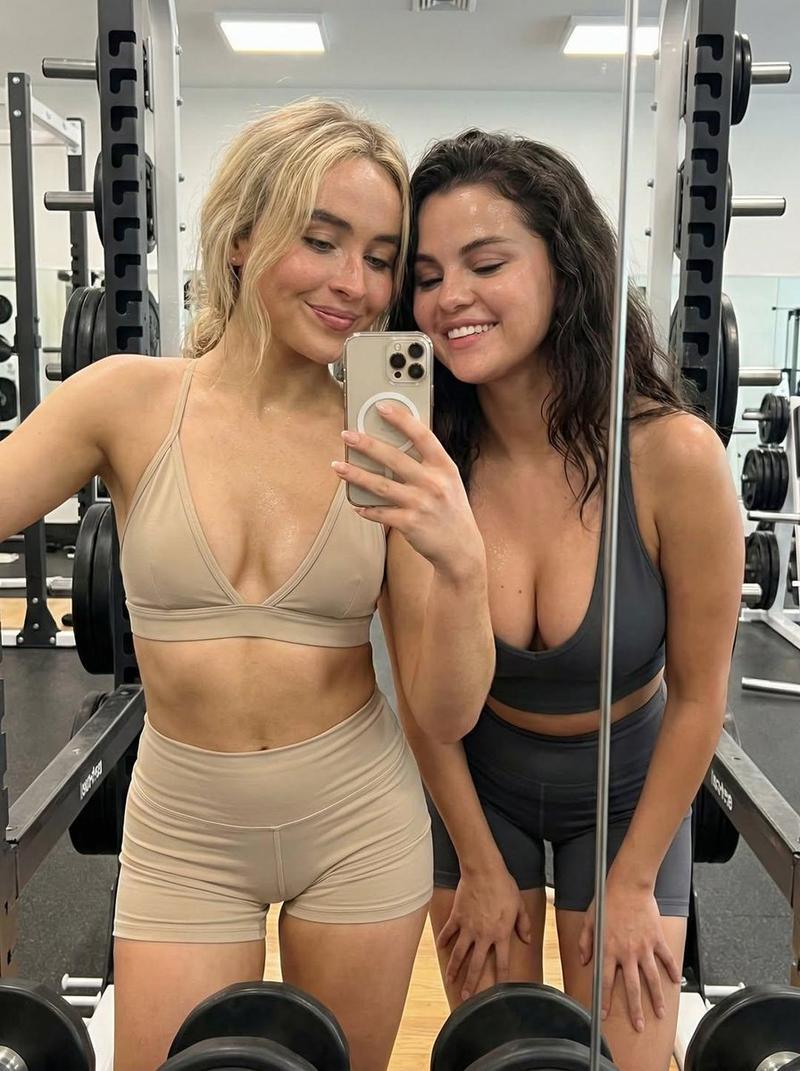
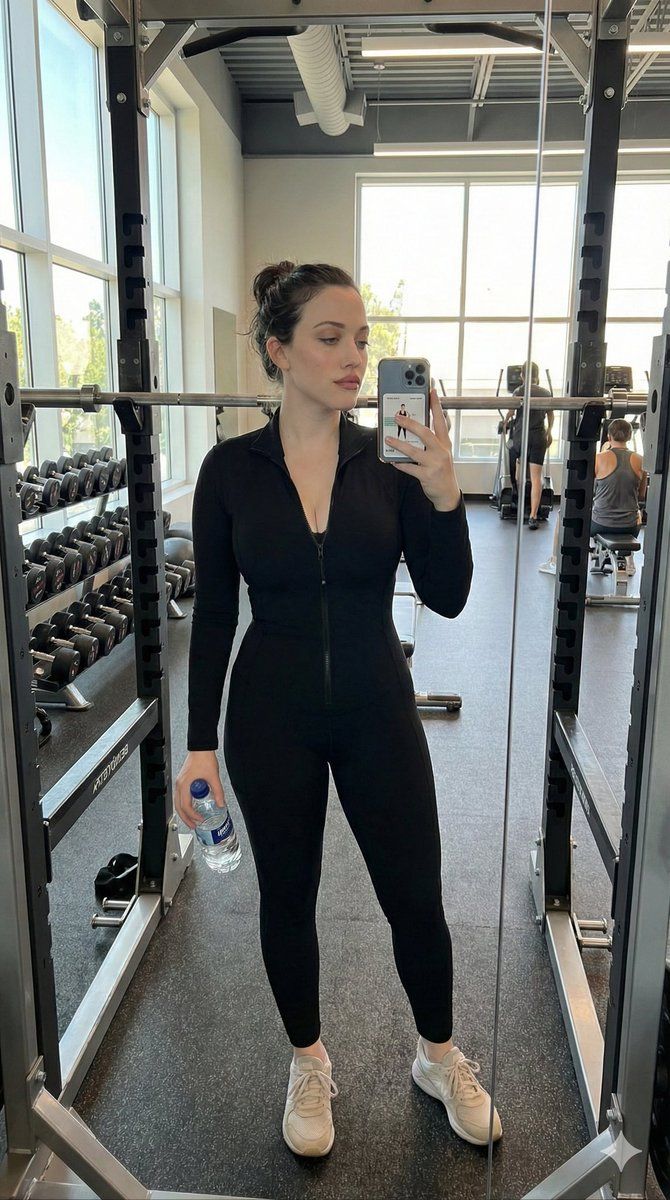
Create a realistic selfie-style photograph, preserving the woman’s facial features exactly with no changes. The scene shows a woman standing in front of a large mirror in the free-weights area of a gym. She wears a {argument name="clothing item" default="black long-sleeved zipped jumpsuit"} and light-colored sneakers. Her hair is pulled back into a loose bun, and her makeup is polished and flawless. She holds a water bottle in one hand and a smartphone in the other, with a workout app visible on the phone screen. The mirror reflection reveals gym details including a power rack and a rack of dumbbells. Natural daylight streams in from large gym windows, creating a clean, authentic look. Documentary, realistic, lifestyle photography style, candid and natural, vertical 9:16 aspect ratio.
Category
创意图片
Model
Nano Banana Pro
Views0
Source ID
60c1c9ed-18bf-416c-9592-2acb55bf1a2c
Published
Mar 8, 2026

Guide

About "逼真的健身房自拍肖像提示"

What is this prompt for?

"逼真的健身房自拍肖像提示" AI image prompt for Nano Banana Pro (创意图片). 生成一张逼真的纪录片风格自拍照的提示词,照片中一位女士在健身房里,重点是精确保留她的面部特征。场景中包含一面镜子,镜中反射出健身器材、自然日光,以及她智能手机屏幕上显示的健身 App 等细节。 ---…

The full copyable prompt and example visuals above are ready for AI image generation or one-click recreate in Picva.

How to use this prompt

  1. Step 1

    Open the prompt detail

    Review the example visuals, category, and full prompt text for "逼真的健身房自拍肖像提示".

  2. Step 2

    Copy the prompt

    Copy the prompt body from this page, or load it directly in Studio.

  3. Step 3

    Pick a model (Nano Banana Pro)

    Prefer Nano Banana Pro. If you switch models, keep subject and composition and tweak style terms.

  4. Step 4

    Generate and export

    Recreate the look in Picva, or export into your workflow for editing and publishing.

FAQ

What is the "逼真的健身房自拍肖像提示" prompt?
It is an AI image-generation prompt for Nano Banana Pro in the 创意图片 category. This page includes the full prompt text, example visuals, and a one-click recreate path in Picva.
How do I use this prompt to generate an image?
Copy the prompt from this page, or use Generate / Studio. Paste it into a compatible image model, or recreate the look in Picva with optional reference images.
Which model is this prompt for?
This page lists Nano Banana Pro. Most descriptive prompts also transfer to nearby image models such as GPT Image, Flux, or Midjourney with light style tweaks.
Can I use the result commercially?
You can usually copy the prompt for creation, but commercial use of the final image depends on the model terms, reference-image rights, and the generated content. Follow the source author and platform rules.