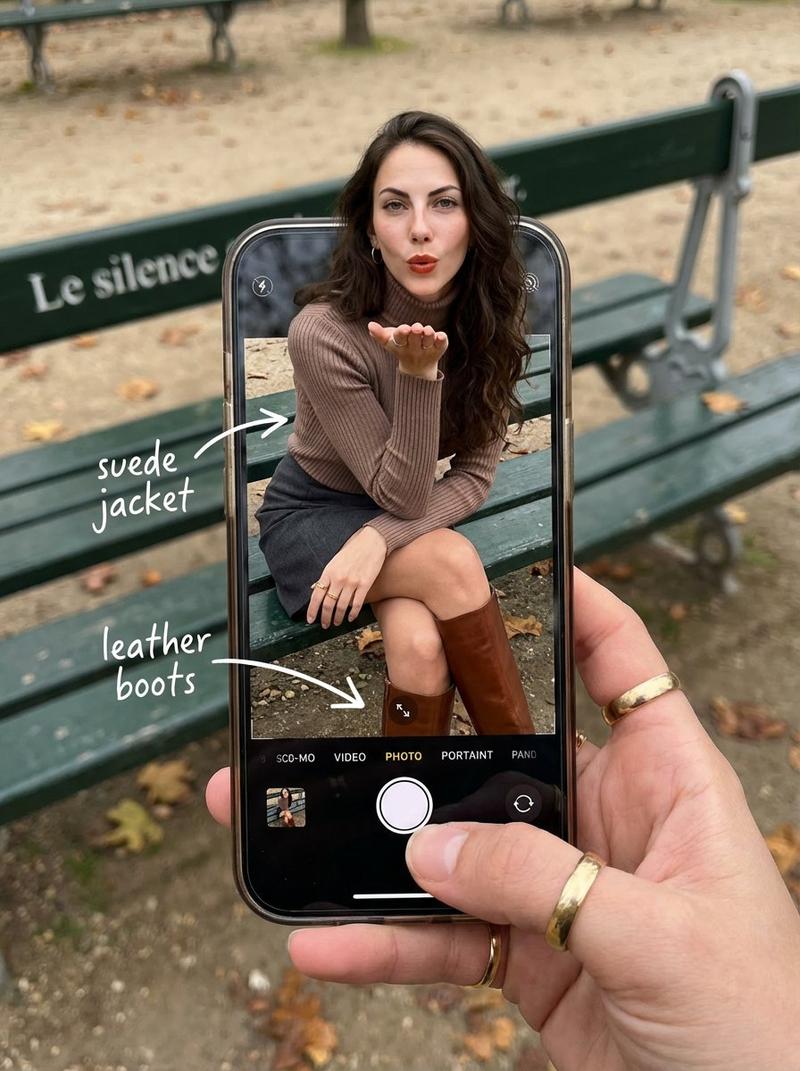
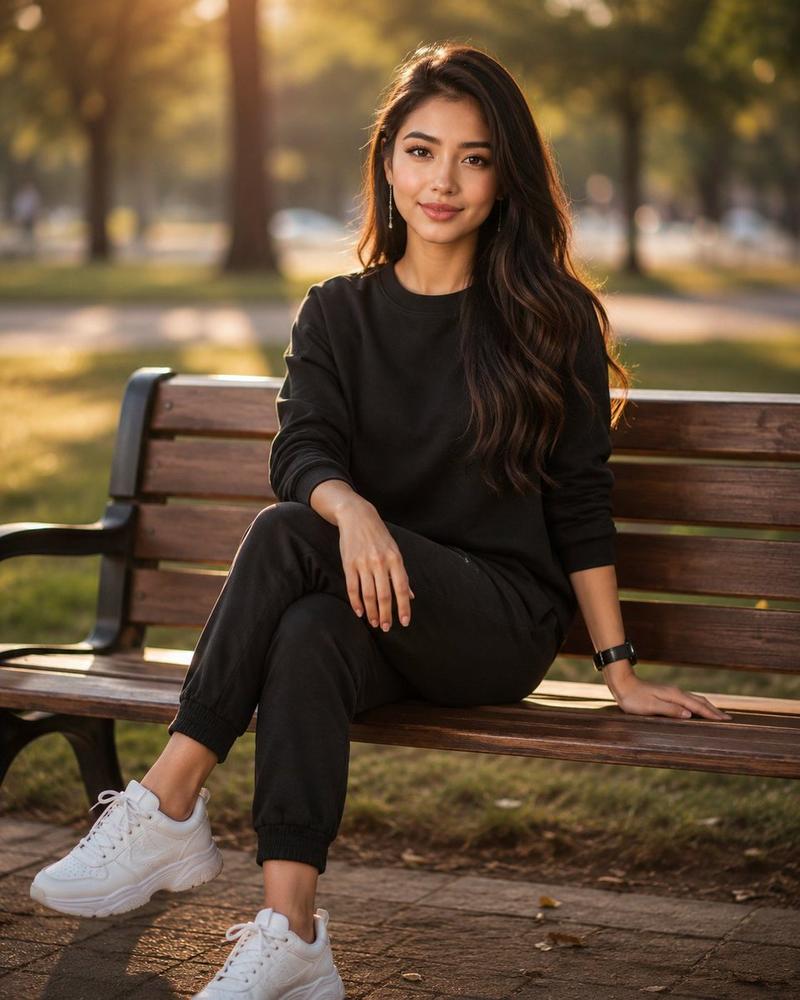
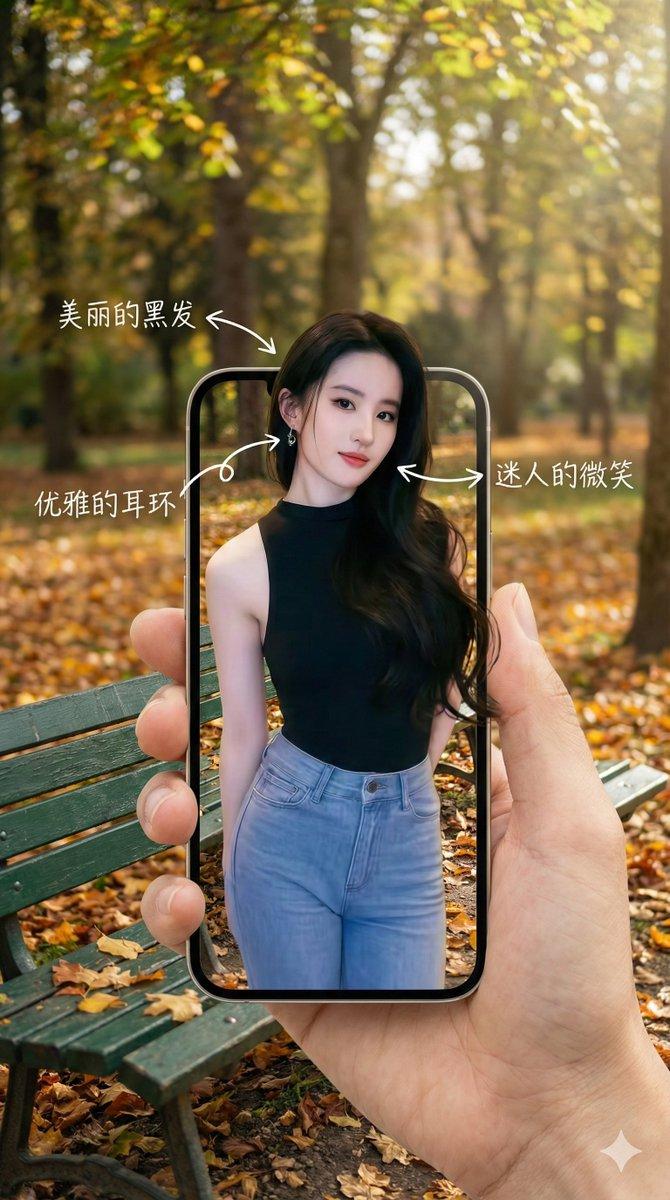
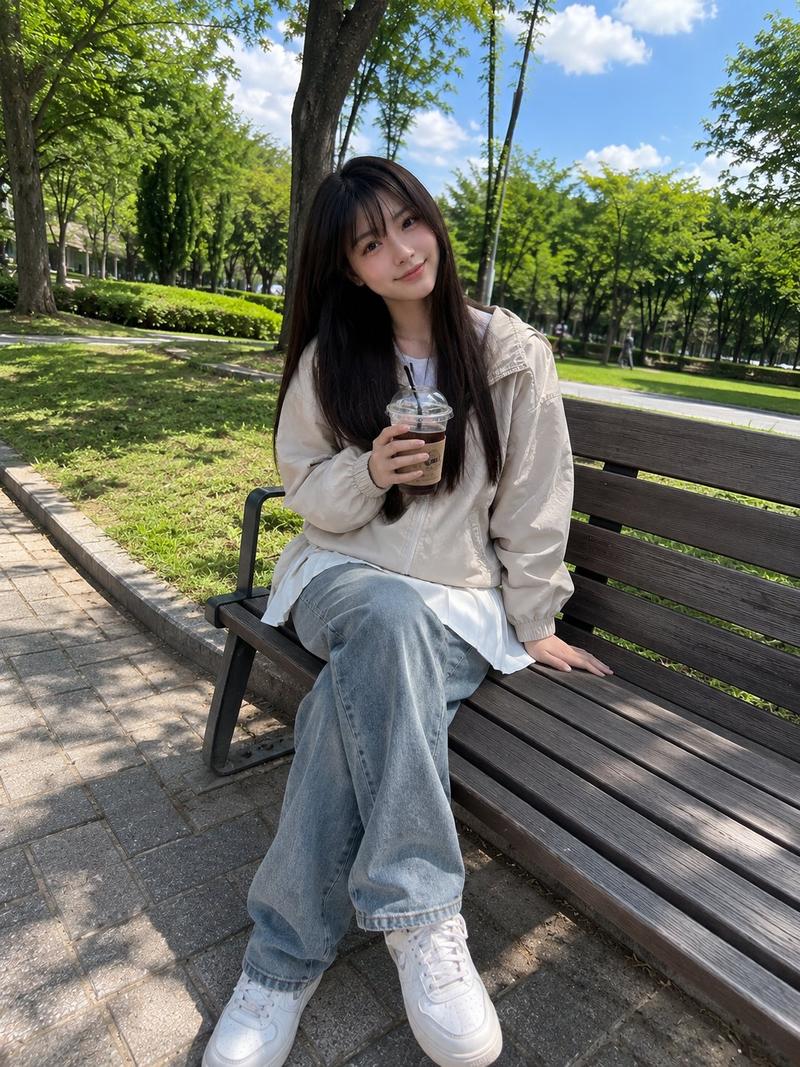
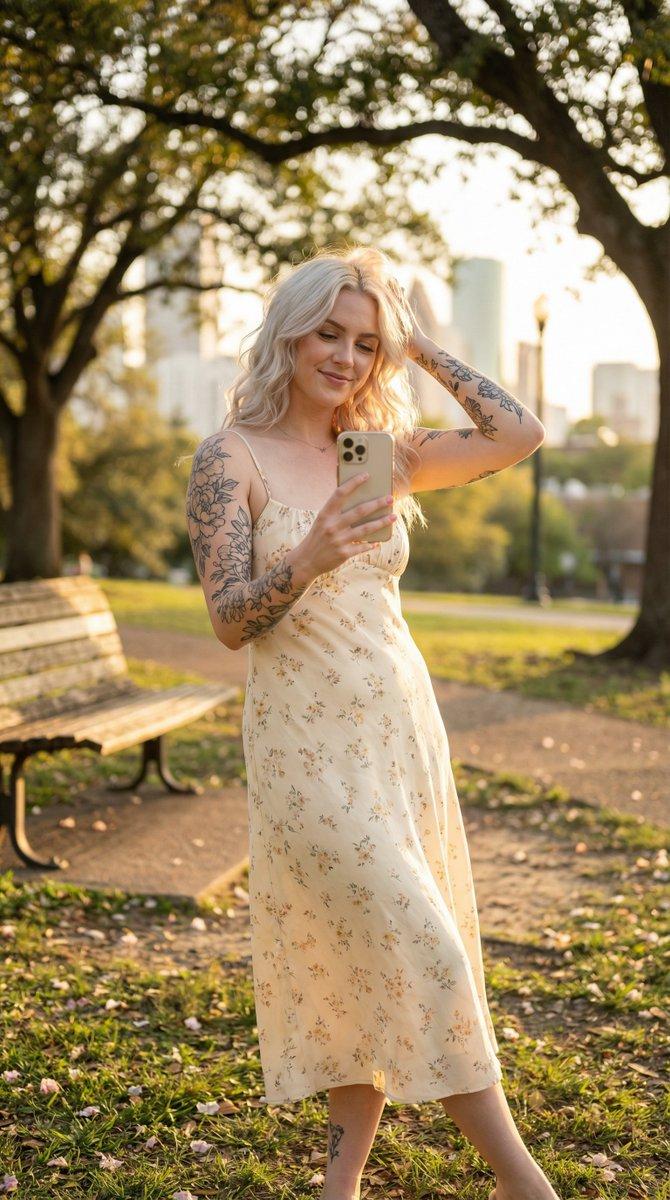
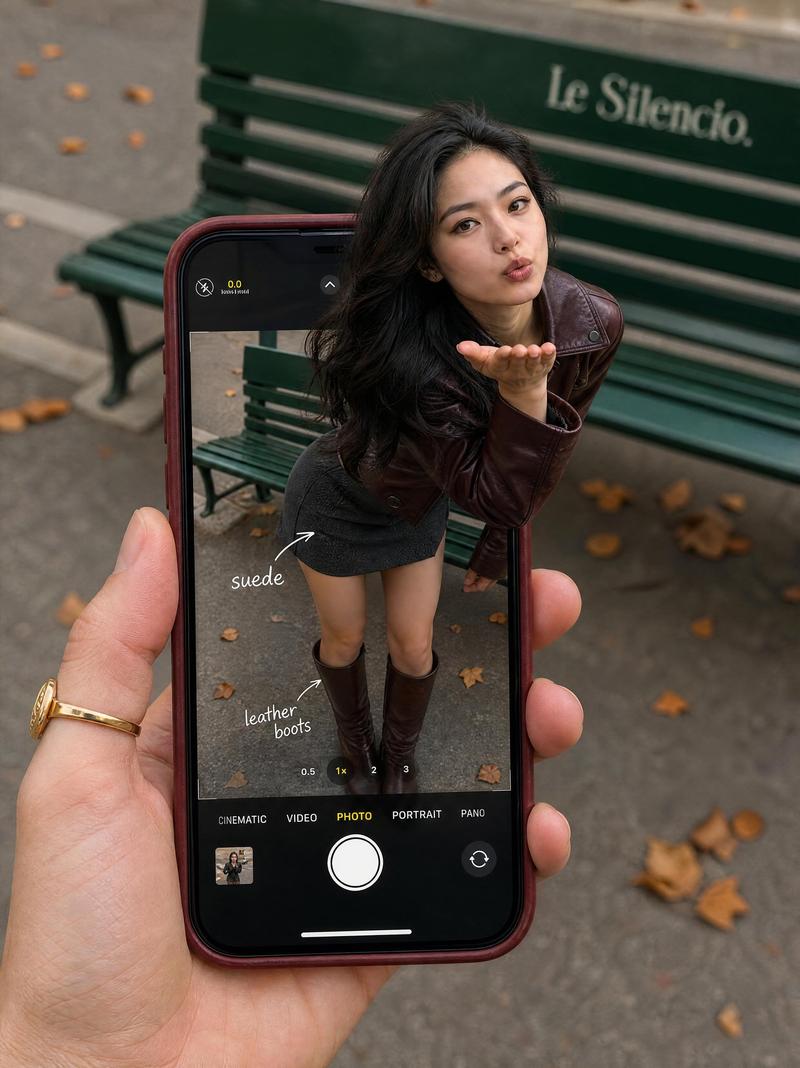
电影级真实感:双场景自画像概念
Prompt
{
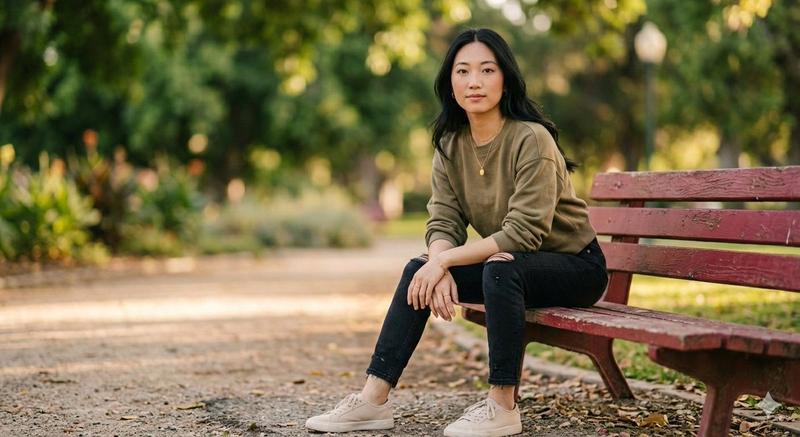
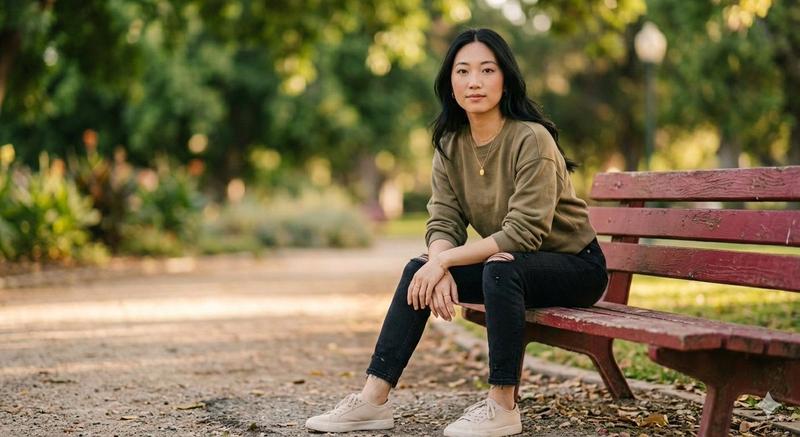
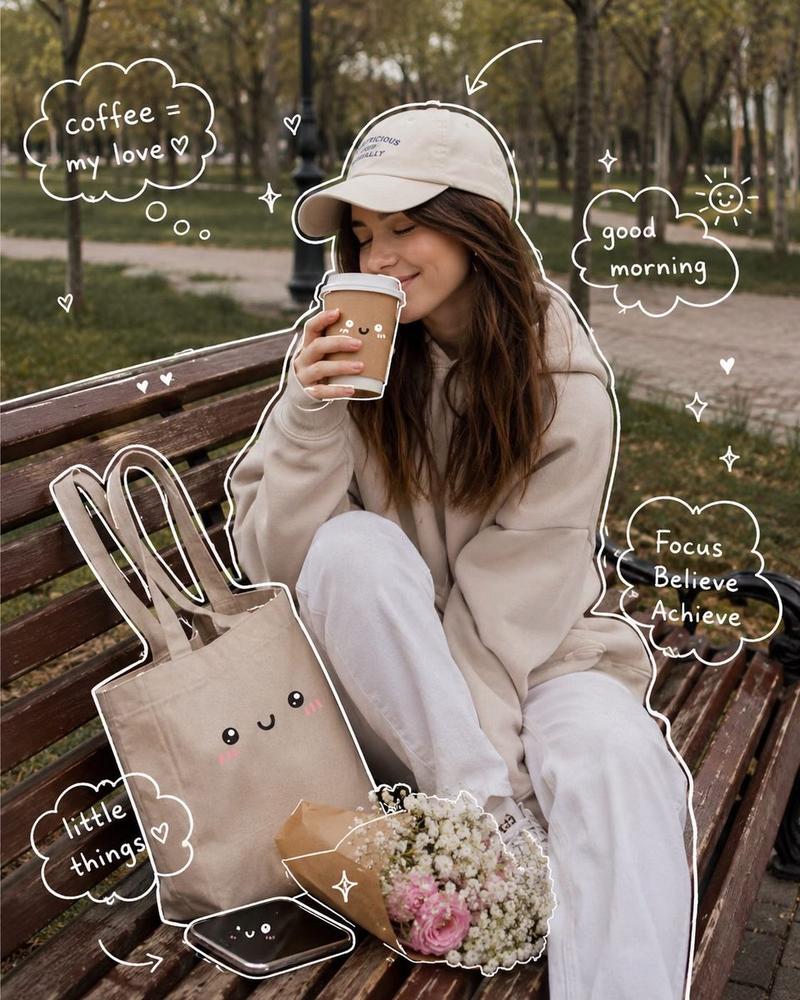
  "title": "Cinematic Realism — Artist Sketching Indoors & Golden Hour Phone Scene Outdoors",
  "resolution": "Ultra HD 8K",
  "aspect_ratios": ["16:9", "4:5"],
  "style": "cinematic editorial realism, natural color grading, documentary photography feel",
  "scenes": [
    {
      "scene_name": "Indoor Artist Sketching by Window",
      "environment": "bright art studio or home workspace with large window, soft daylight entering from the side, neutral walls, radiator under window, jars of paintbrushes and art tools in background",
      "subject": {
        "gender": "female",
        "age_range": "mid 20s",
        "expression": "calm, focused, introspective",
        "pose": "sitting cross-legged on chair, sketchbook resting on lap, slightly hunched forward while drawing",
        "hair": "light brown hair tied into messy low bun",
        "face_details": "natural skin texture, subtle marks of charcoal/paint smudges on cheek",
        "clothing": "white t-shirt under blue denim overalls with paint stains",
        "hands": "holding pencil, actively sketching in spiral sketchbook"
      },
      "props": [
        "large spiral sketchbook",
        "graphite pencil",
        "glass jars filled with brushes and pencils",
        "wooden desk surface",
        "radiator beneath window"
      ],
      "artwork_in_sketchbook": "pencil sketch of the same woman in the same pose, detailed line work and shading, meta self-portrait concept",
      "lighting": "soft natural daylight, window side-lighting, gentle shadows, realistic highlights",
      "camera": {
        "angle": "medium close side angle",
        "focus": "sharp focus on subject and sketchbook, slightly blurred background",
        "depth_of_field": "shallow depth of field"
      },
      "mood": "peaceful, creative, intimate artistic moment"
    },
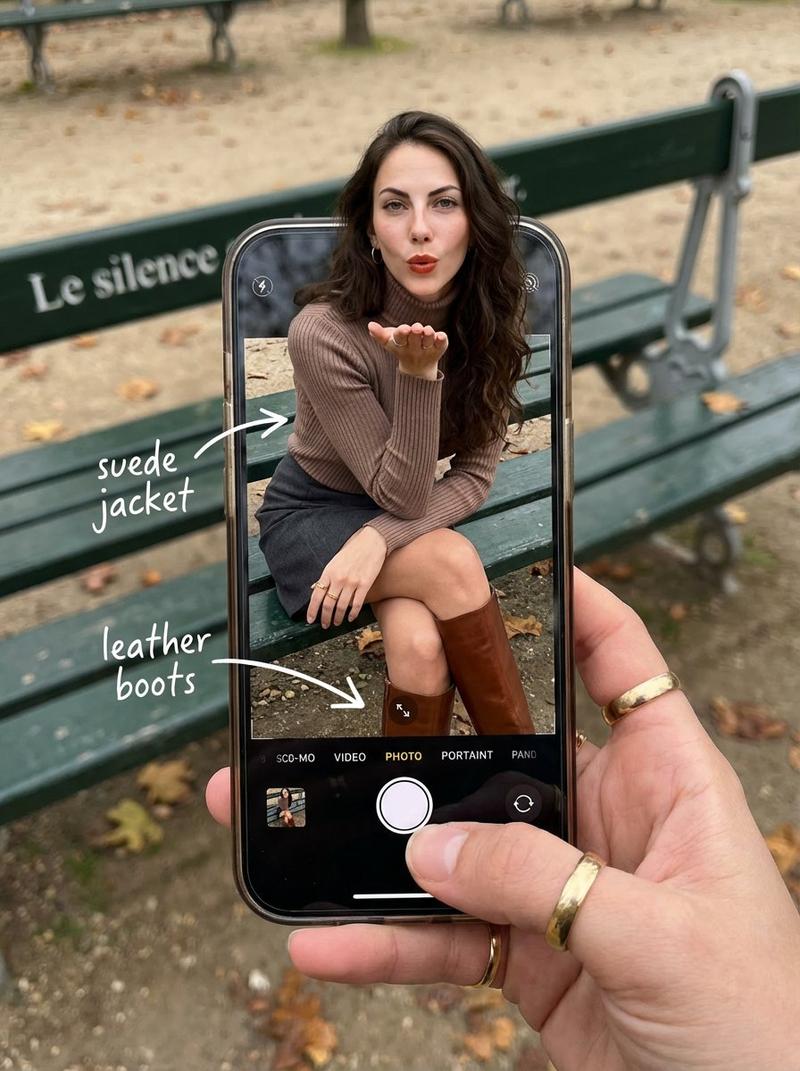
    {
      "scene_name": "Outdoor Golden Hour Phone Moment with Framing Device",
      "environment": "park setting with wooden bench, trees in background, warm golden hour sunlight filtering through leaves, soft bokeh highlights",
      "subject": {
        "gender": "female",
        "age_range": "mid 20s",
        "expression": "serious, absorbed in phone",
        "pose": "sitting casually on wooden bench with one leg folded up, leaning slightly forward",
        "hair": "curly light brown hair loose around shoulders",
        "clothing": "white sleeveless tank top, light blue high-waist jeans, white sneakers",
        "hands": "holding smartphone, thumbs engaged"
      },
      "framing_element": "another hand holding a large smartphone in foreground, screen showing the same woman in same pose, creating frame-within-frame composition",
      "lighting": "warm sunset backlight, golden rim light on hair, natural glow",
      "camera": {
        "angle": "over-the-shoulder perspective through phone screen",
        "focu"
    }
  }
}- Category
- 创意图片
- Model
- Nano Banana Pro
- Creator
- 𝘬𝘦𝘭𝘭𝘺
- Source ID
- cde86f49-61e2-4245-86ab-18b0295999a4
- Published
- Mar 8, 2026
Views0