17

电影感都市街头人像,锁定身份
Enlarge

电影感都市街头人像,锁定身份

Prompt
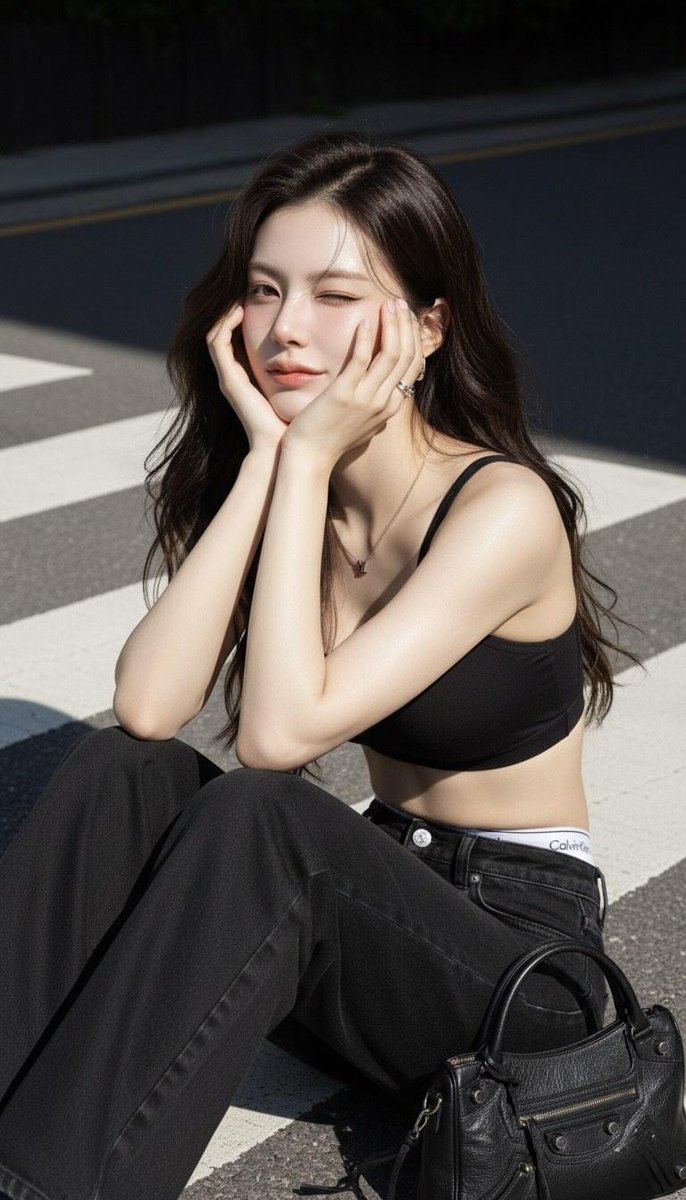
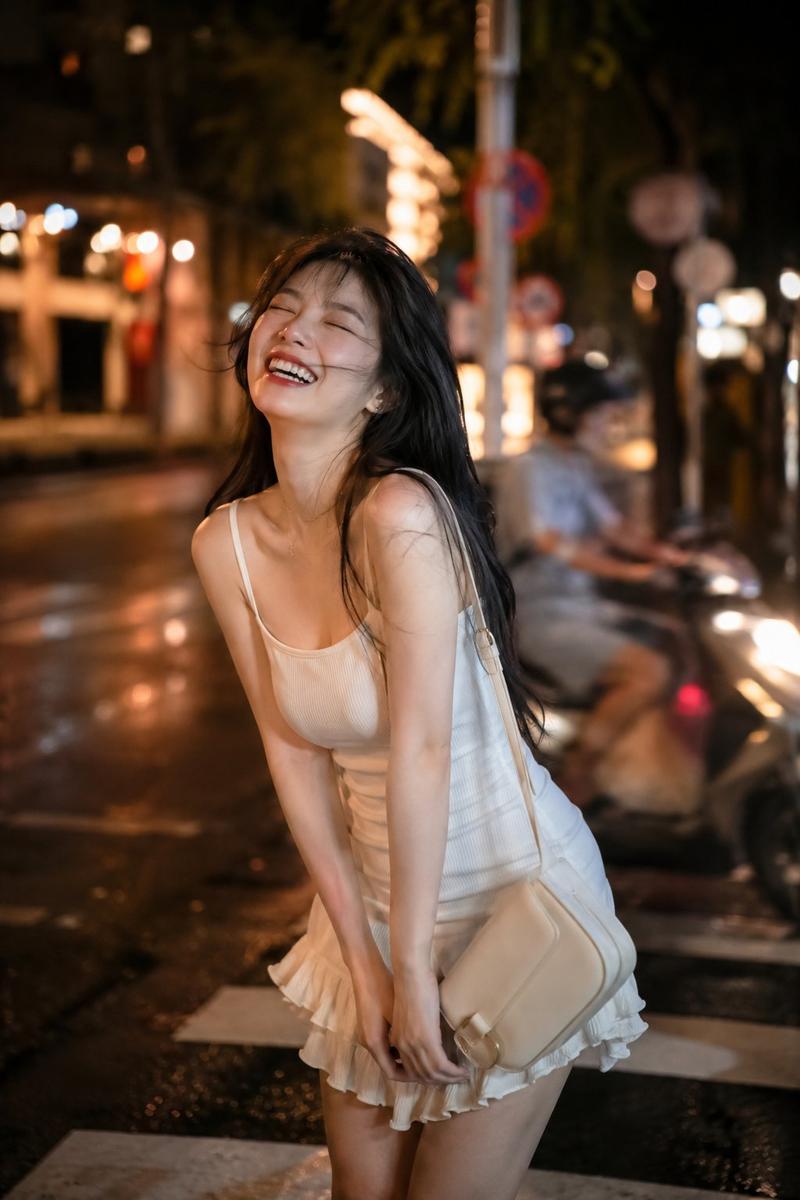
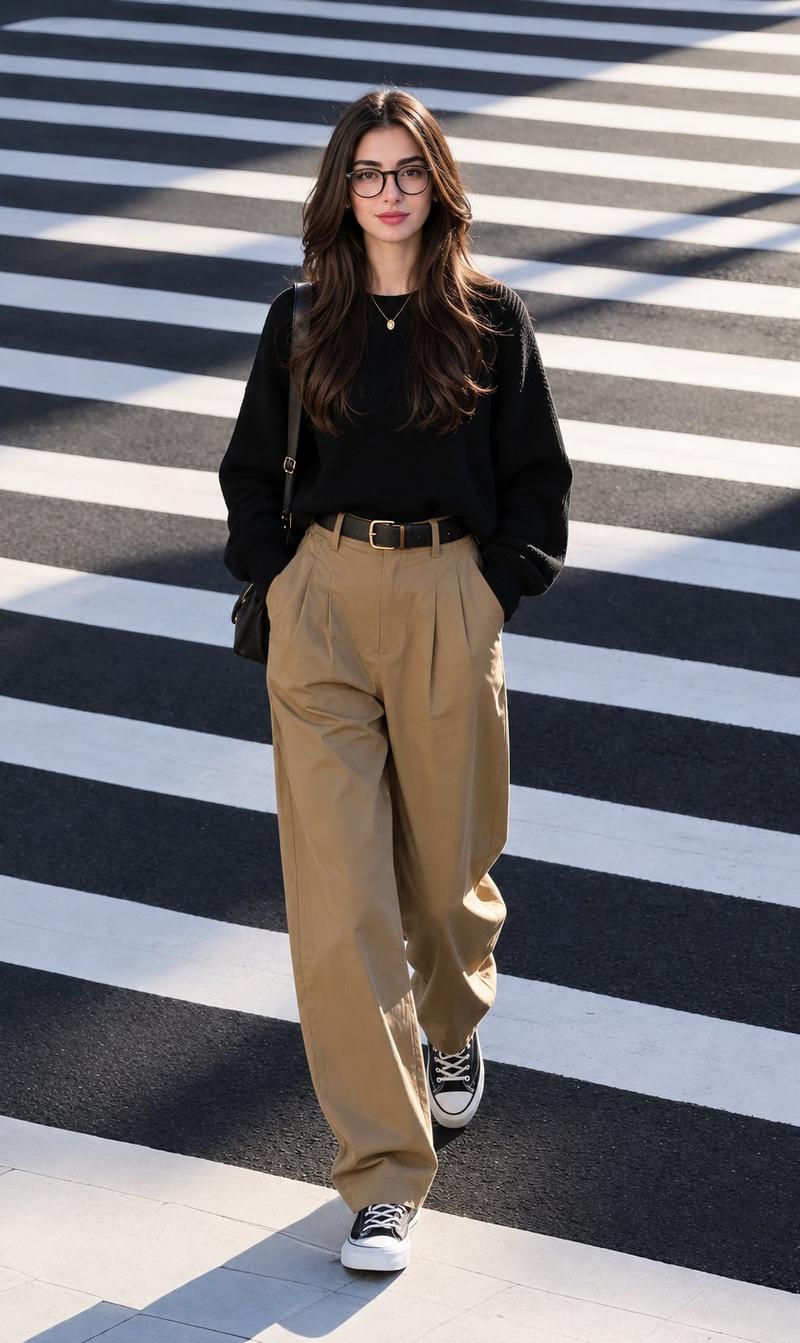
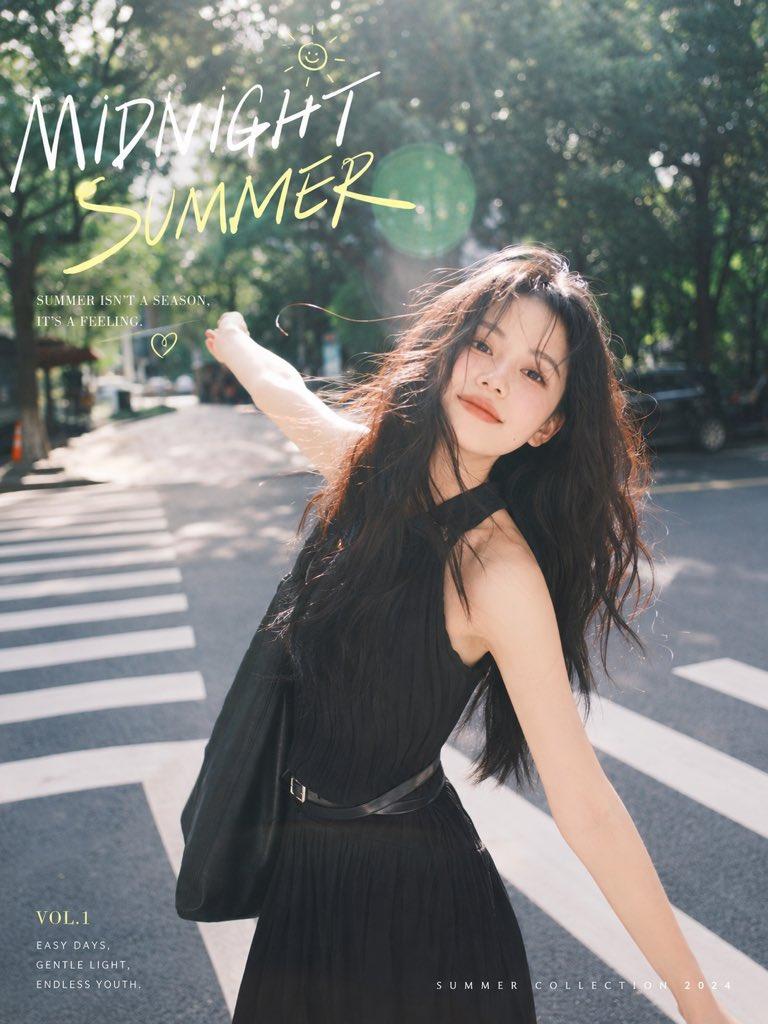
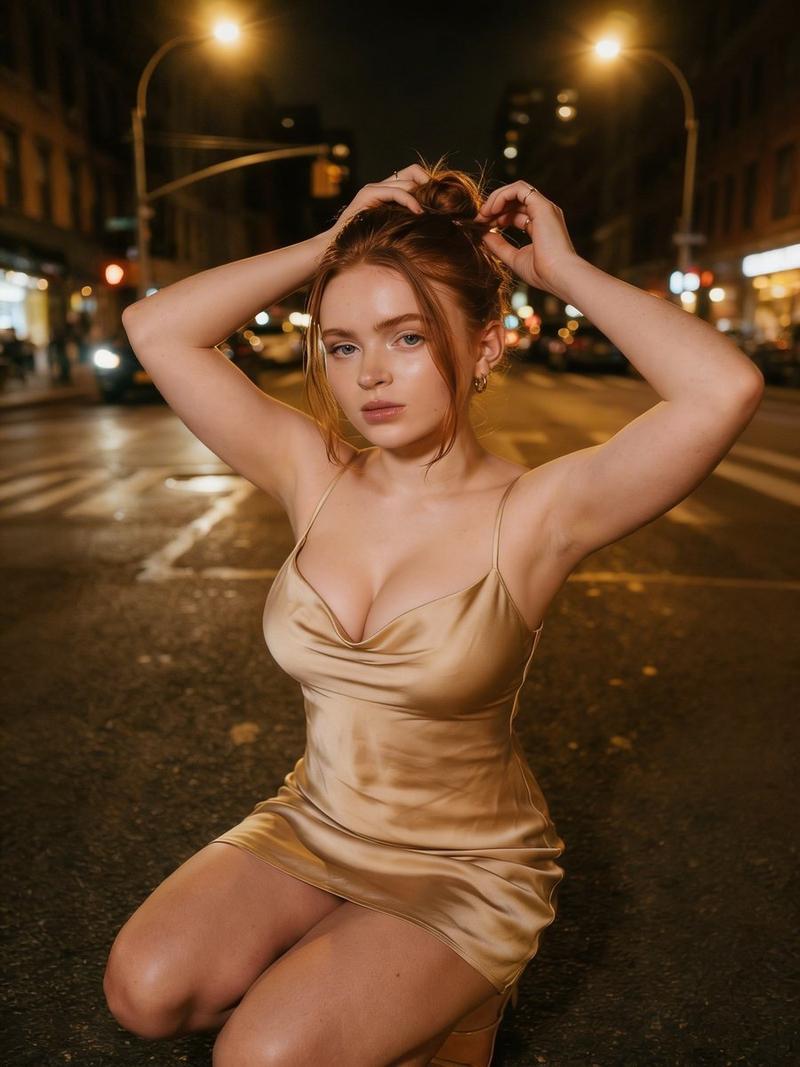
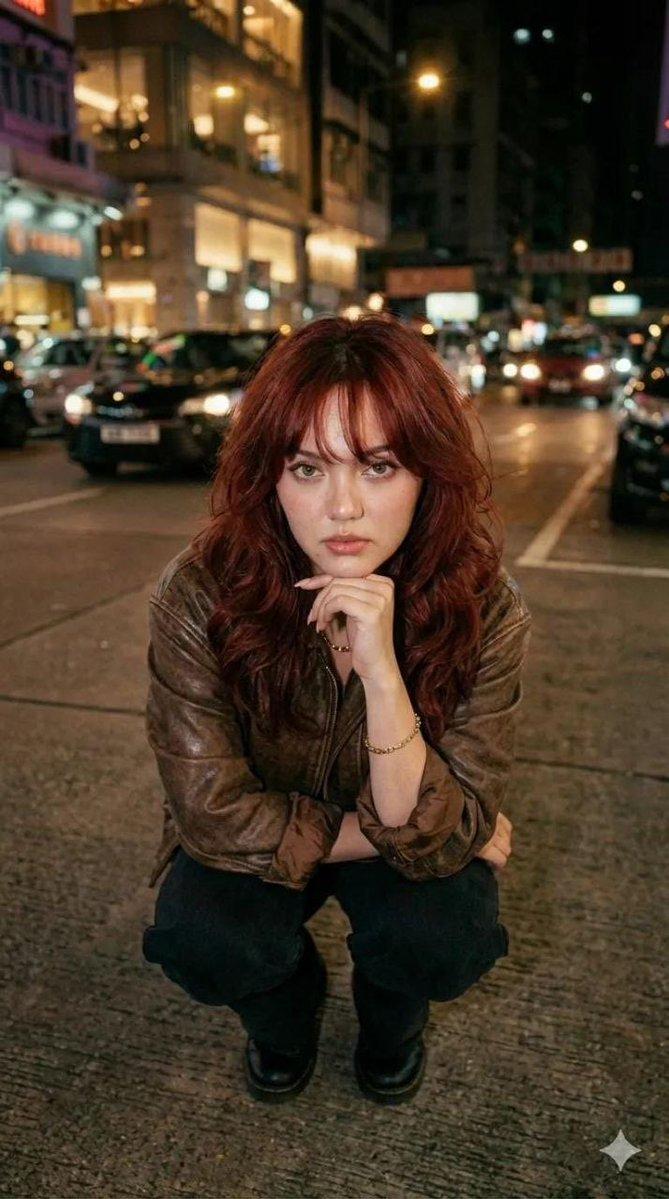
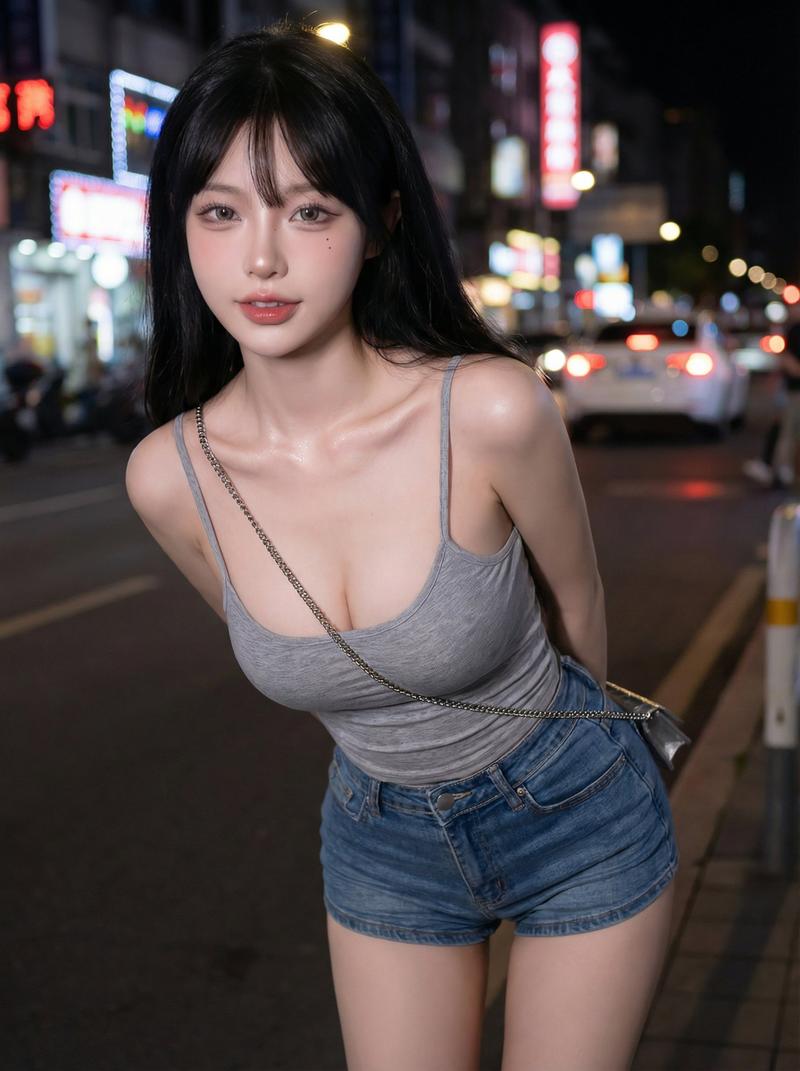
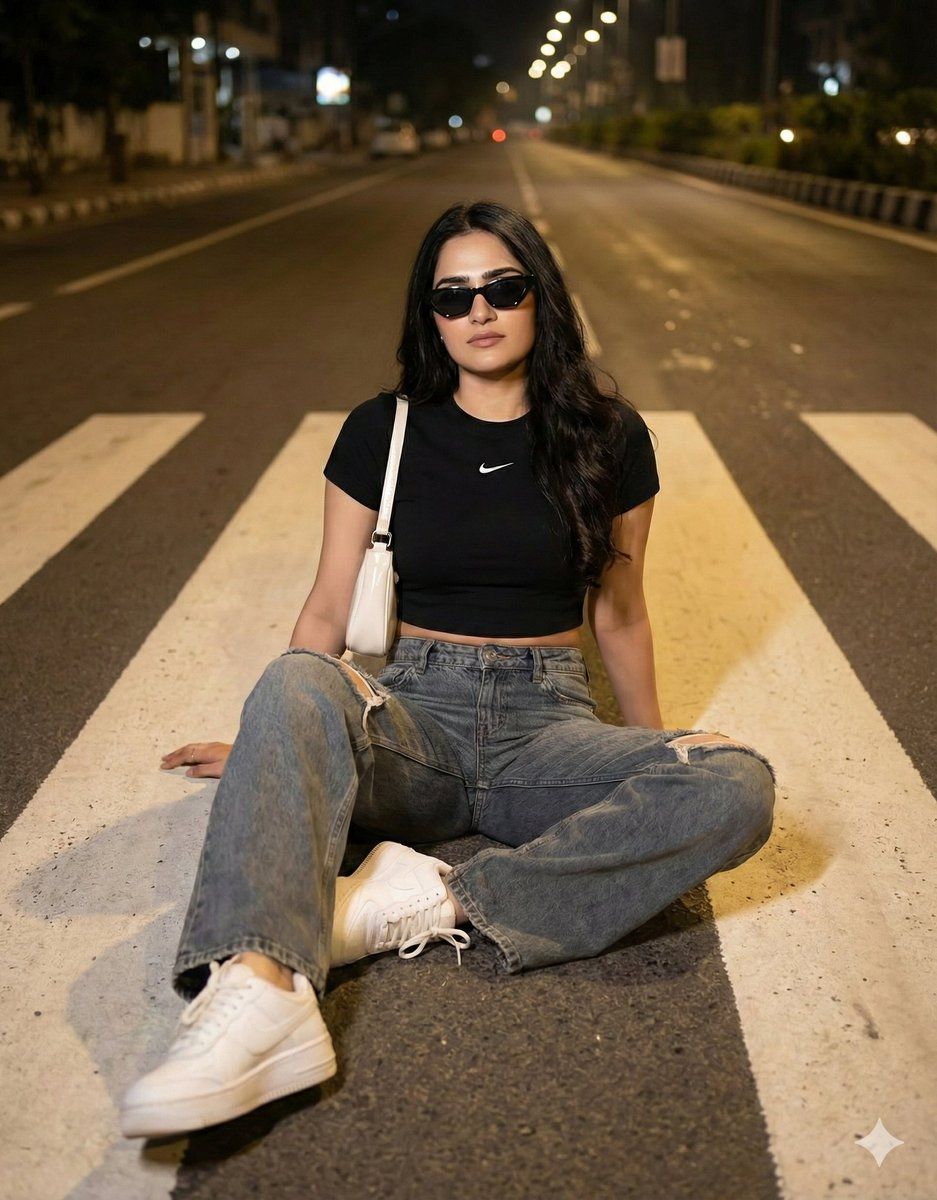
Create a cinematic urban street-style portrait using the uploaded image as the only identity reference, preserving the face 100% with no changes to facial features, proportions, skin texture, or expression. A young woman sits casually on a zebra crossing at night, relaxed posture, confident presence. Outfit: black fitted short-sleeve crop top with a small white Nike chest logo, high-waisted wide-leg blue-grey denim jeans with light rips, chunky white Nike Air Force sneakers, and a small glossy white GUCCI shoulder bag. Long dark wavy hair, center-parted. Black angular cat-eye sunglasses, minimal makeup, matte skin, nude lips. Scene: empty city road with bold white zebra lines, warm streetlights creating cinematic highlights and soft shadows. Camera: slightly elevated angle, street-level perspective, shallow depth of field, photorealistic cinematic lighting, clean composition, no beautification, no face alteration.
Category
创意图片
Model
Nano Banana Pro
Views0
Source ID
cb7a3113-ce90-4c17-ad54-28068c71da01
Published
Mar 8, 2026

Guide

About "电影感都市街头人像,锁定身份"

What is this prompt for?

"电影感都市街头人像,锁定身份" AI image prompt for Nano Banana Pro (创意图片). 一个生成电影级、超现实主义的都市街头肖像的提示,描绘了一位年轻女性夜晚坐在斑马线上,要求 100% 保留上传参考图片中的面部特征,并指定身穿 Nike/Gucci 街头风格服装,周围是温暖的街灯氛…

The full copyable prompt and example visuals above are ready for AI image generation or one-click recreate in Picva.

How to use this prompt

  1. Step 1

    Open the prompt detail

    Review the example visuals, category, and full prompt text for "电影感都市街头人像,锁定身份".

  2. Step 2

    Copy the prompt

    Copy the prompt body from this page, or load it directly in Studio.

  3. Step 3

    Pick a model (Nano Banana Pro)

    Prefer Nano Banana Pro. If you switch models, keep subject and composition and tweak style terms.

  4. Step 4

    Generate and export

    Recreate the look in Picva, or export into your workflow for editing and publishing.

FAQ

What is the "电影感都市街头人像,锁定身份" prompt?
It is an AI image-generation prompt for Nano Banana Pro in the 创意图片 category. This page includes the full prompt text, example visuals, and a one-click recreate path in Picva.
How do I use this prompt to generate an image?
Copy the prompt from this page, or use Generate / Studio. Paste it into a compatible image model, or recreate the look in Picva with optional reference images.
Which model is this prompt for?
This page lists Nano Banana Pro. Most descriptive prompts also transfer to nearby image models such as GPT Image, Flux, or Midjourney with light style tweaks.
Can I use the result commercially?
You can usually copy the prompt for creation, but commercial use of the final image depends on the model terms, reference-image rights, and the generated content. Follow the source author and platform rules.