19

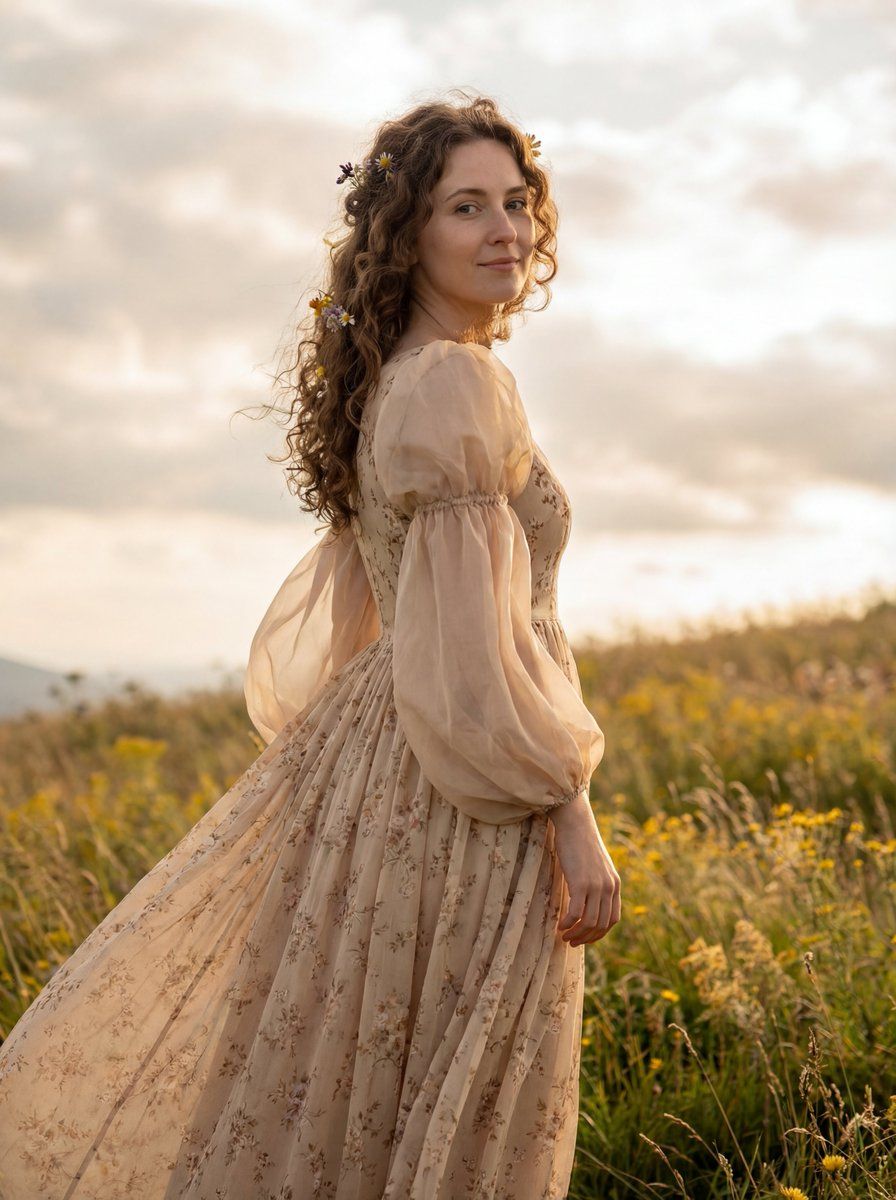
梦幻电影感高地肖像提示词
Enlarge

梦幻电影感高地肖像提示词

Prompt
{
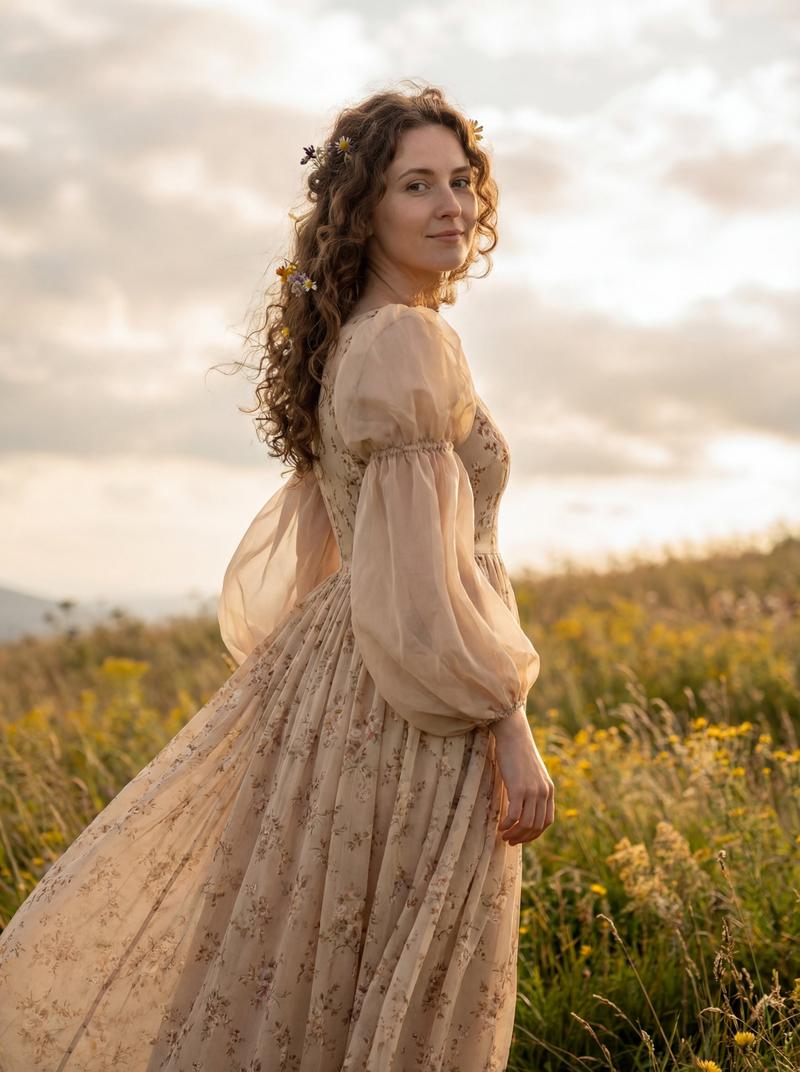
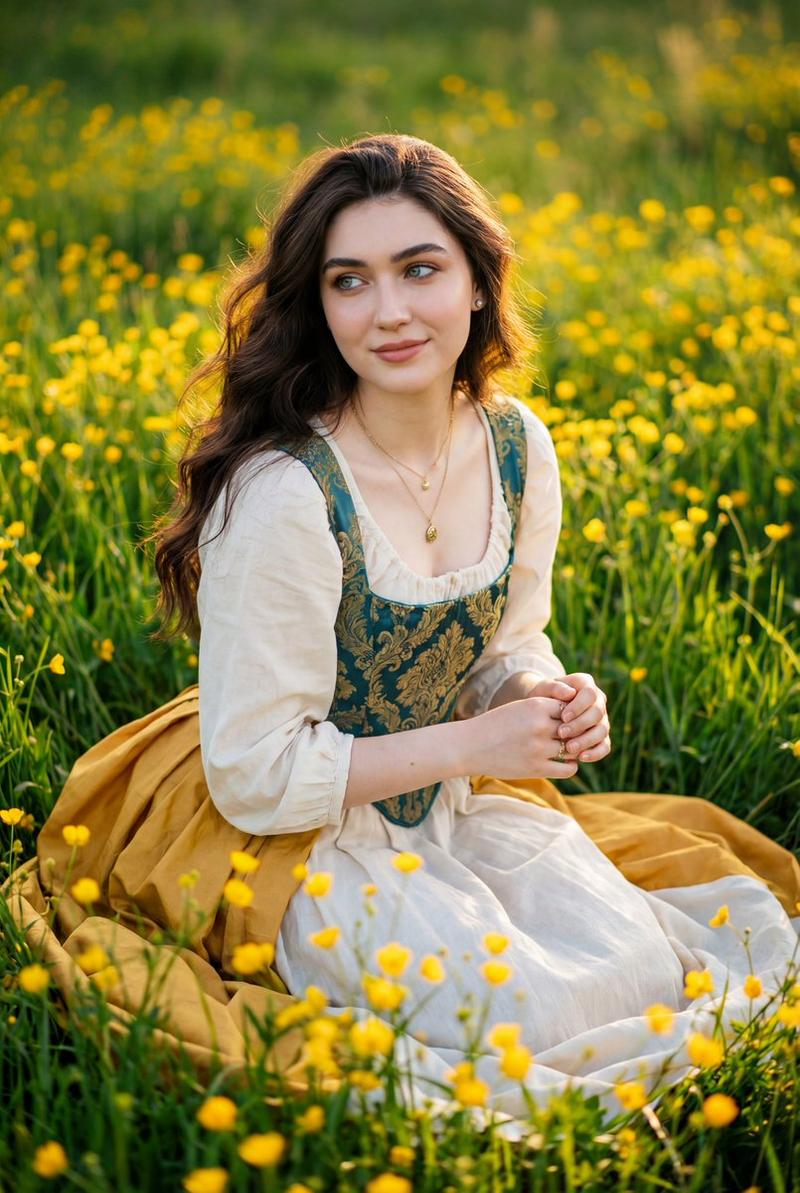
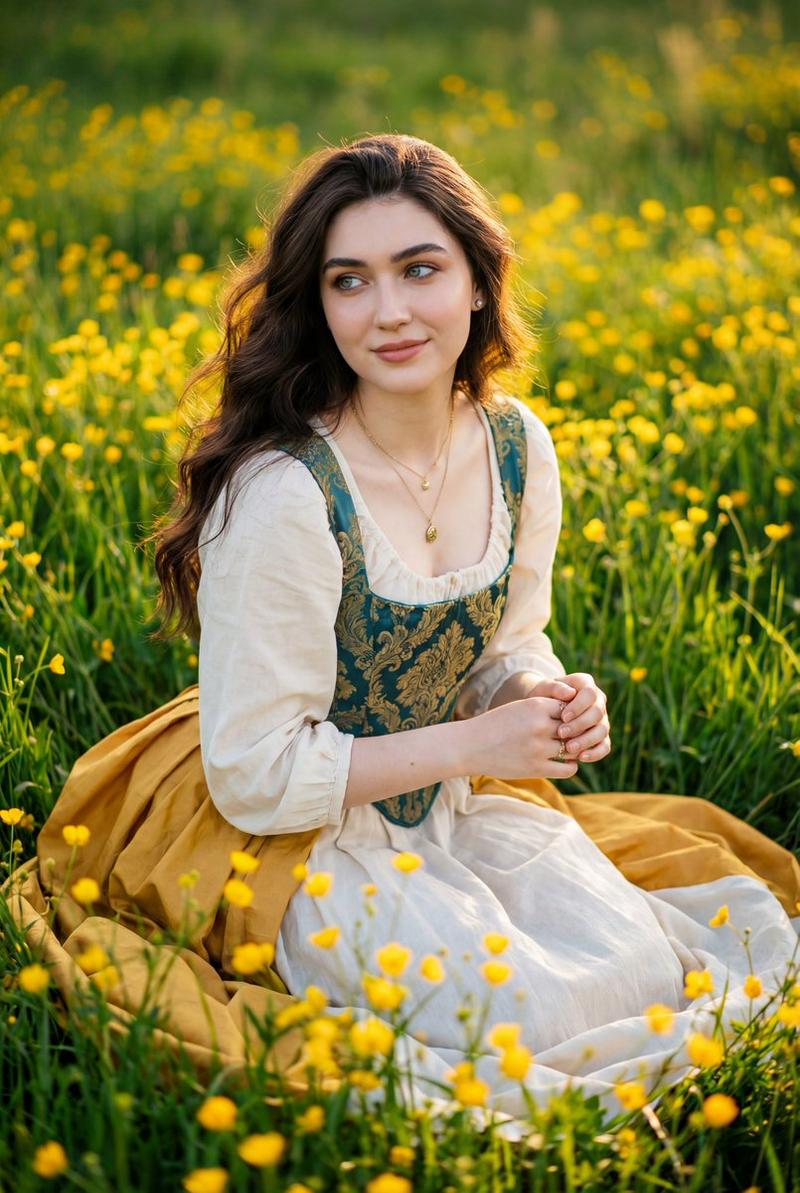
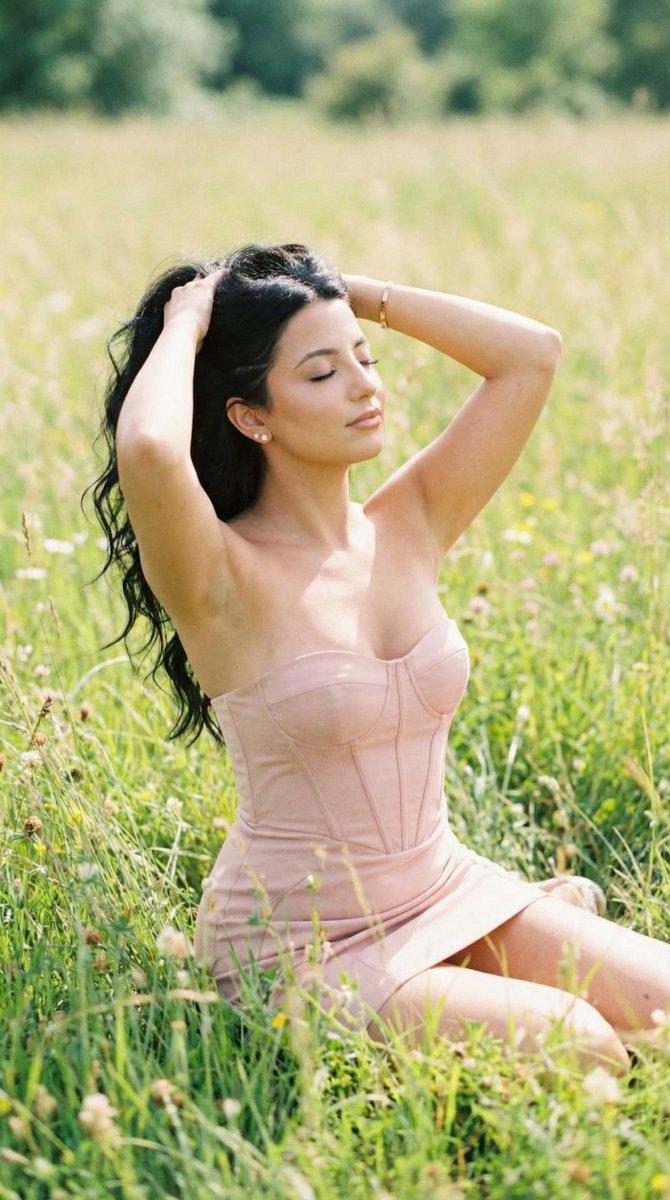
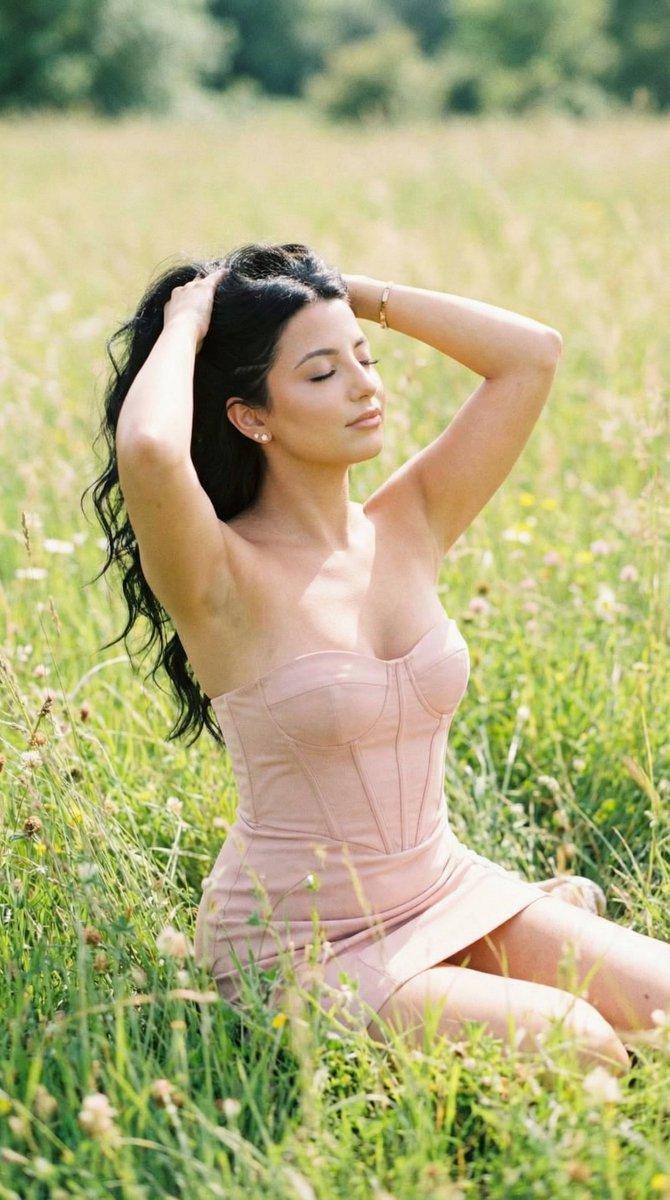
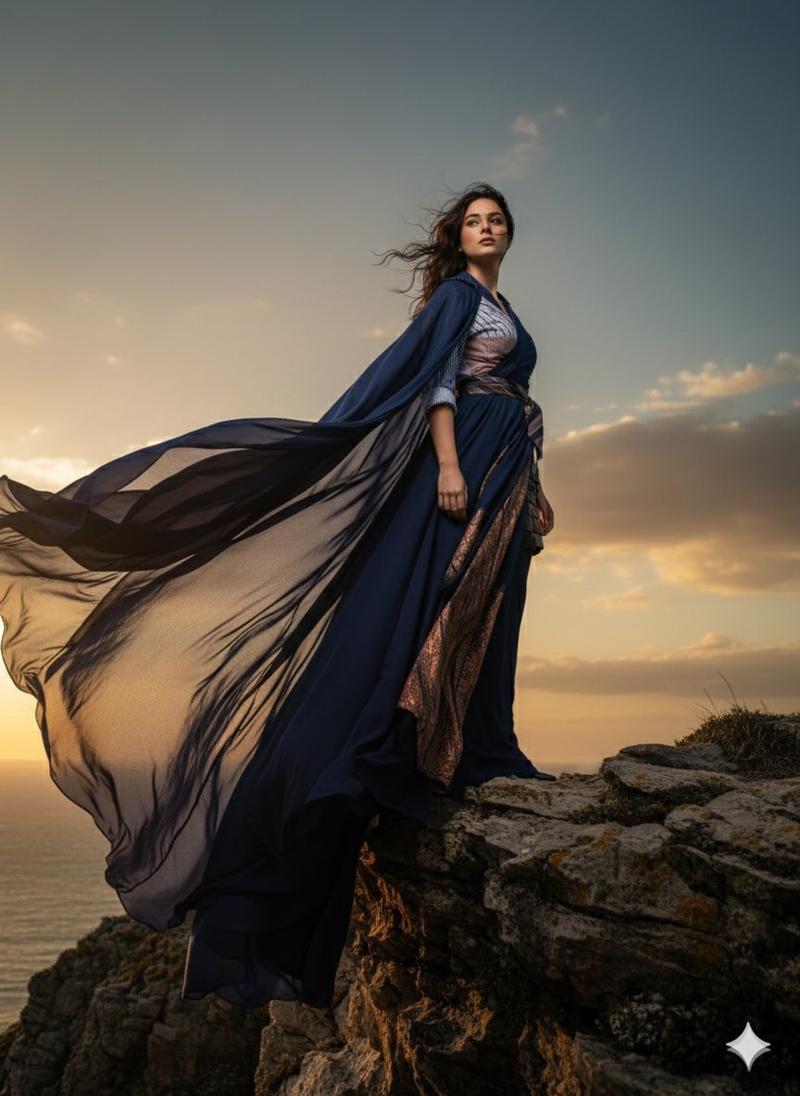
  "prompt": "A three-quarter portrait of a brunette woman with flowing brown curls and wildflowers woven into her hair, standing sideways in a highland meadow. She wears a vintage-inspired beige floral gown with buffed sheer sleeves, her dress catching the wind. Her head is turned slightly toward the camera with a serene, contemplative expression. Golden wildflowers sway around her as clouds drift in the background. Soft, golden-hour lighting enhances the ethereal, magical atmosphere, capturing a fleeting moment in a breezy highland landscape.",
  "style": "dreamy cinematic highland portrait",
  "lighting": "soft golden-hour glow",
  "background": "clouds and wind-swept golden wildflowers",
  "focus": "hair texture, wildflowers, flowing dress, serene expression",
  "shot_type": "three-quarter portrait",
  "mood": "magical, calm, ethereal",
  "aspect_ratio": "3:4"
}
Category
创意图片
Model
Nano Banana Pro
Views0
Source ID
9bd06683-e59c-4608-8901-cde78c80966c
Published
Mar 8, 2026

Guide

About "梦幻电影感高地肖像提示词"

What is this prompt for?

"梦幻电影感高地肖像提示词" AI image prompt for Nano Banana Pro (创意图片). 一个详细的 JSON 提示,用于生成一张梦幻、飘逸的棕发女性四分之三肖像,背景是高地草甸,强调柔和的黄金时段光线、飘逸的复古服装,以及野花和云朵等特定元素。 --- ```json { "prompt…

The full copyable prompt and example visuals above are ready for AI image generation or one-click recreate in Picva.

How to use this prompt

  1. Step 1

    Open the prompt detail

    Review the example visuals, category, and full prompt text for "梦幻电影感高地肖像提示词".

  2. Step 2

    Copy the prompt

    Copy the prompt body from this page, or load it directly in Studio.

  3. Step 3

    Pick a model (Nano Banana Pro)

    Prefer Nano Banana Pro. If you switch models, keep subject and composition and tweak style terms.

  4. Step 4

    Generate and export

    Recreate the look in Picva, or export into your workflow for editing and publishing.

FAQ

What is the "梦幻电影感高地肖像提示词" prompt?
It is an AI image-generation prompt for Nano Banana Pro in the 创意图片 category. This page includes the full prompt text, example visuals, and a one-click recreate path in Picva.
How do I use this prompt to generate an image?
Copy the prompt from this page, or use Generate / Studio. Paste it into a compatible image model, or recreate the look in Picva with optional reference images.
Which model is this prompt for?
This page lists Nano Banana Pro. Most descriptive prompts also transfer to nearby image models such as GPT Image, Flux, or Midjourney with light style tweaks.
Can I use the result commercially?
You can usually copy the prompt for creation, but commercial use of the final image depends on the model terms, reference-image rights, and the generated content. Follow the source author and platform rules.