15

16 位复古游戏角色转换提示
Enlarge

16 位复古游戏角色转换提示

Prompt
プロンプト(横スクロールアクション風):
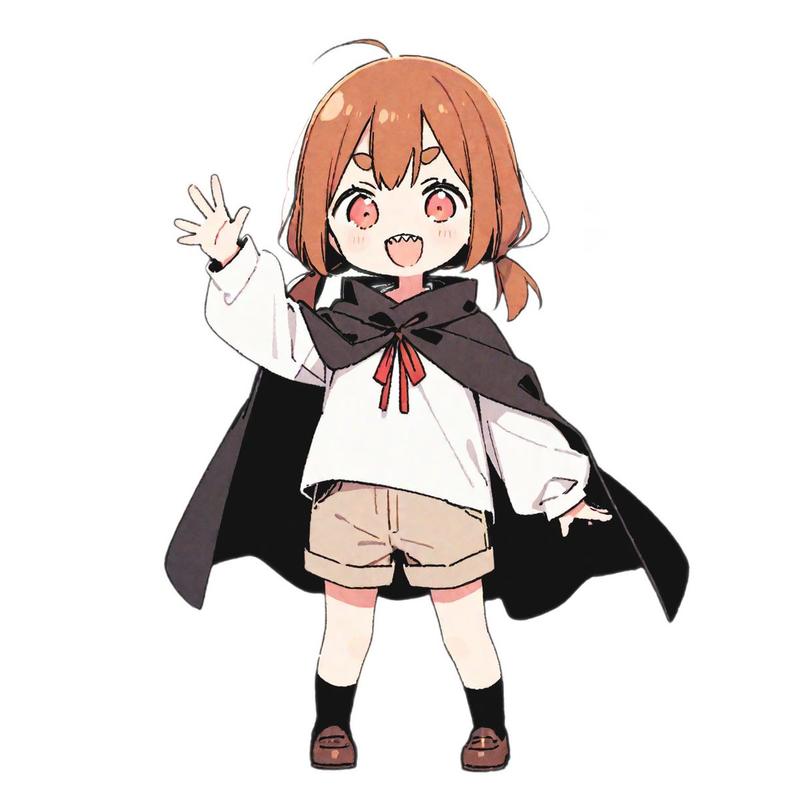
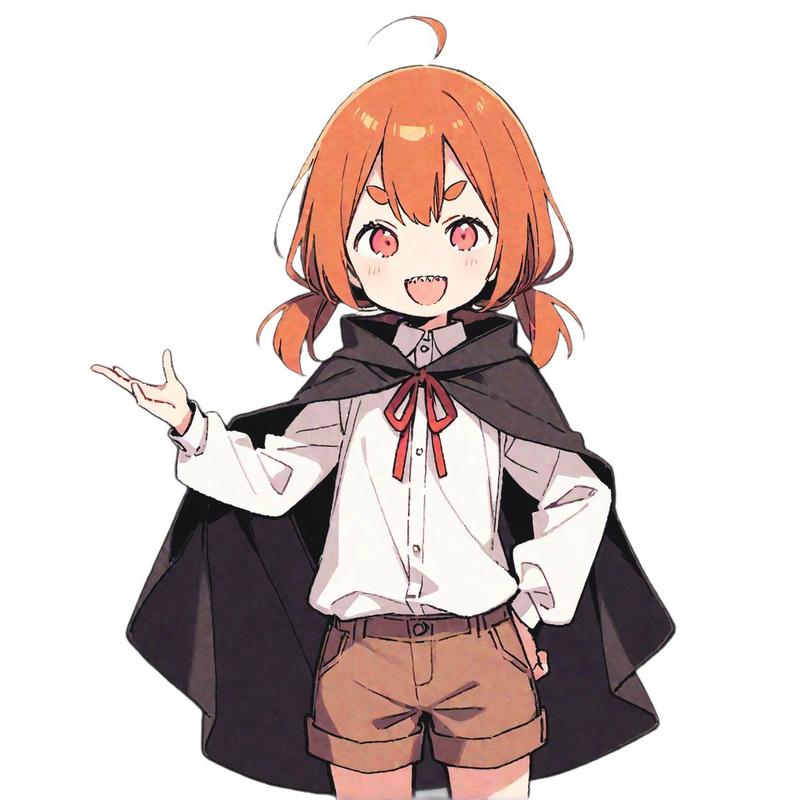
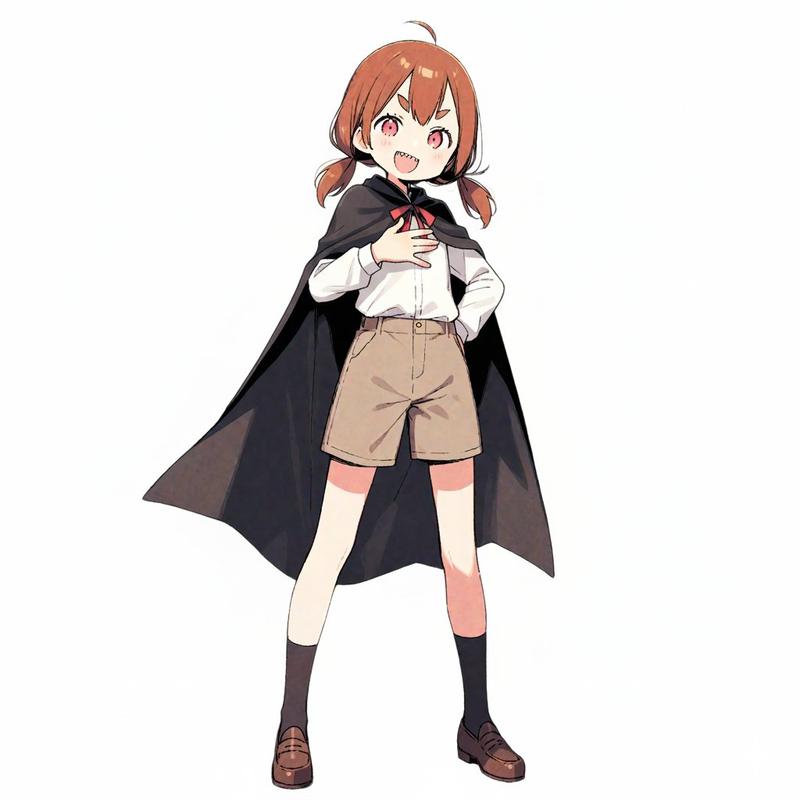
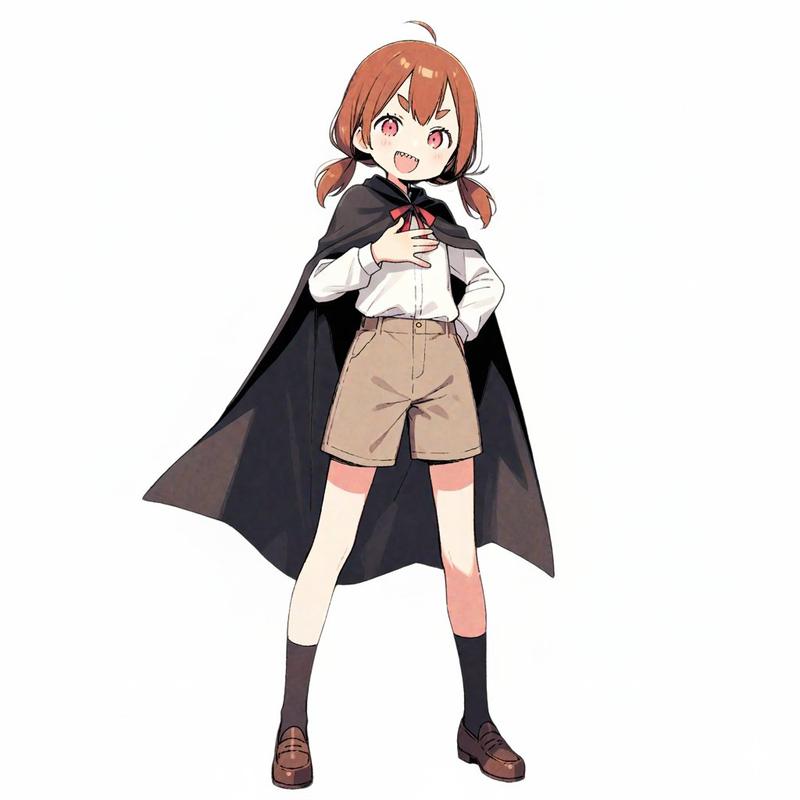
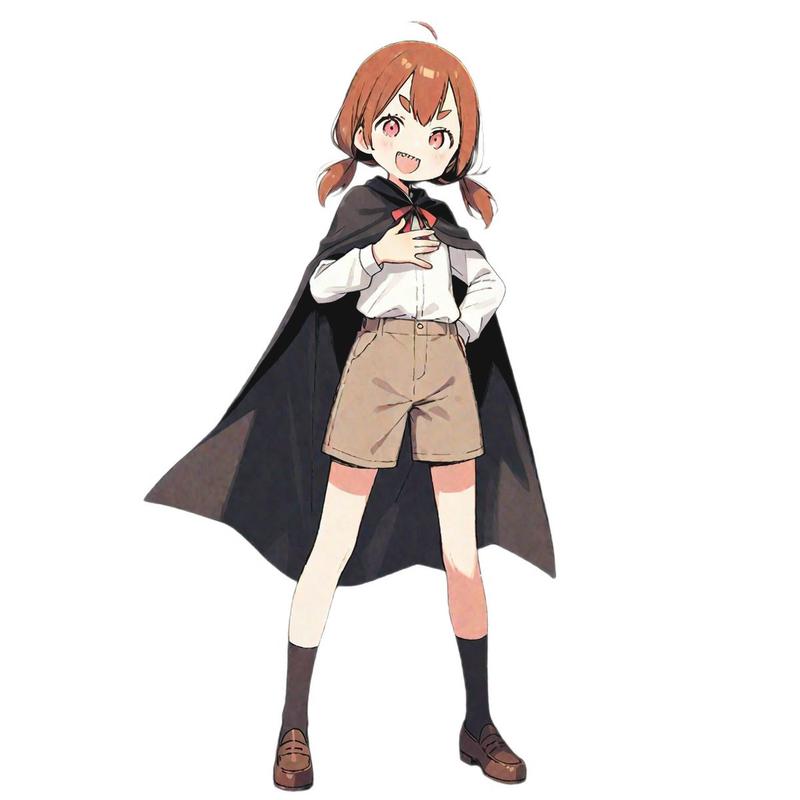
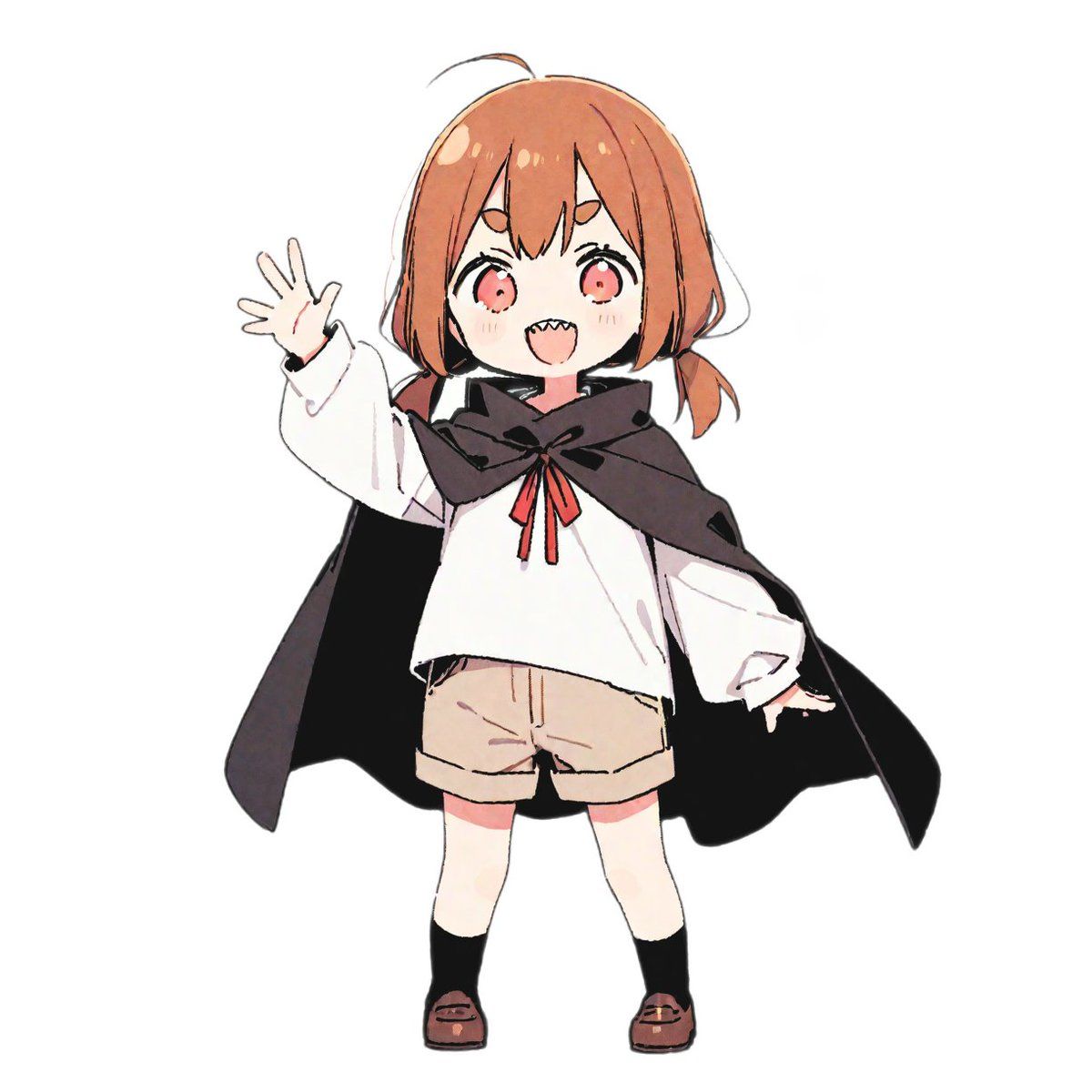
この[{argument name="character description" default="マントを羽織った少女"}]を16ビットビデオゲームキャラクターとして再現し、2D 16ビットプラットフォームビデオゲームにキャラクターを配置してください。
ゲーム画面構成:横スクロールアクション、ドーナツを集めながら進む、ドーナツをとると100スコア、ステージは暗いお城の中

プロンプト(横方向RPGの戦闘風):
この[{argument name="character description" default="マントを羽織った少女"}]を16ビットビデオゲームキャラクターとして再現し、2D 16ビットプラットフォームビデオゲームにキャラクターを配置してください。
ゲーム画面構成:
横方向RPGの戦闘画面
ドーナツの怪物と対決、剣を振って攻撃中、背景は湖のほとり、キャラクター名は「{argument name="character name" default="ツノちゃん"}」、画面した部分にキャラクター名とHP、コマンドメニュー、ダメージ、HPはそれらしい数字を表示してください。

プロンプト(アドベンチャーゲーム風):
この[{argument name="character description" default="マントを羽織った少女"}]を16ビットビデオゲームキャラクターとして再現し、2D 16ビットプラットフォームビデオゲームにキャラクターを配置してください。
ゲーム画面構成:アドベンチャーゲームの会話画面、中心にキャラクターのバストアップ、右上に日付と天気、左上に場所名、画面下部にコマンドメニューとセリフウインドウ、セリフ"{argument name="character name" default="ツノちゃん"}「{argument name="dialogue" default="おやつの時間はまだか?"}」"、背景はリビング
Category
创意图片
Model
Nano Banana Pro
Views0
Source ID
04451ef0-5a39-41ad-85a6-ef04c9117731
Published
Mar 8, 2026

Guide

About "16 位复古游戏角色转换提示"

What is this prompt for?

"16 位复古游戏角色转换提示" AI image prompt for Nano Banana Pro (创意图片). 这是一组图像生成提示,旨在利用 Nano Banana Pro 将上传的原创角色转换为各种 16 位复古电子游戏风格。这些风格包括横向卷轴动作游戏、横向 RPG 战斗画面和冒险游戏对话场景,用户可…

The full copyable prompt and example visuals above are ready for AI image generation or one-click recreate in Picva.

How to use this prompt

  1. Step 1

    Open the prompt detail

    Review the example visuals, category, and full prompt text for "16 位复古游戏角色转换提示".

  2. Step 2

    Copy the prompt

    Copy the prompt body from this page, or load it directly in Studio.

  3. Step 3

    Pick a model (Nano Banana Pro)

    Prefer Nano Banana Pro. If you switch models, keep subject and composition and tweak style terms.

  4. Step 4

    Generate and export

    Recreate the look in Picva, or export into your workflow for editing and publishing.

FAQ

What is the "16 位复古游戏角色转换提示" prompt?
It is an AI image-generation prompt for Nano Banana Pro in the 创意图片 category. This page includes the full prompt text, example visuals, and a one-click recreate path in Picva.
How do I use this prompt to generate an image?
Copy the prompt from this page, or use Generate / Studio. Paste it into a compatible image model, or recreate the look in Picva with optional reference images.
Which model is this prompt for?
This page lists Nano Banana Pro. Most descriptive prompts also transfer to nearby image models such as GPT Image, Flux, or Midjourney with light style tweaks.
Can I use the result commercially?
You can usually copy the prompt for creation, but commercial use of the final image depends on the model terms, reference-image rights, and the generated content. Follow the source author and platform rules.