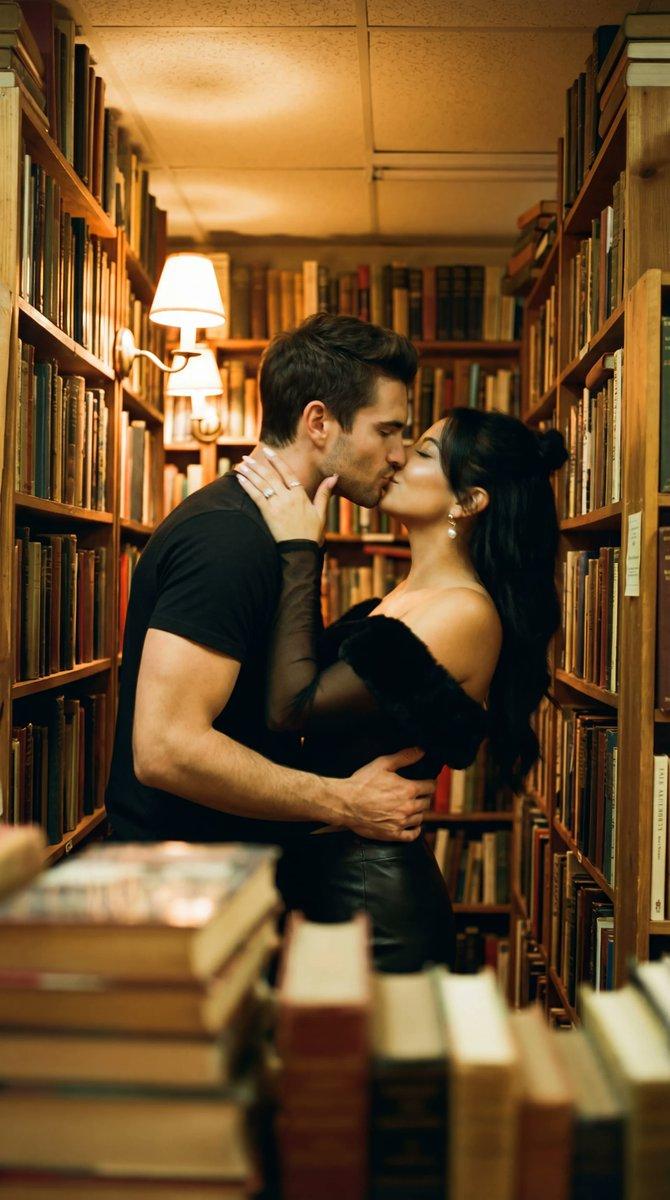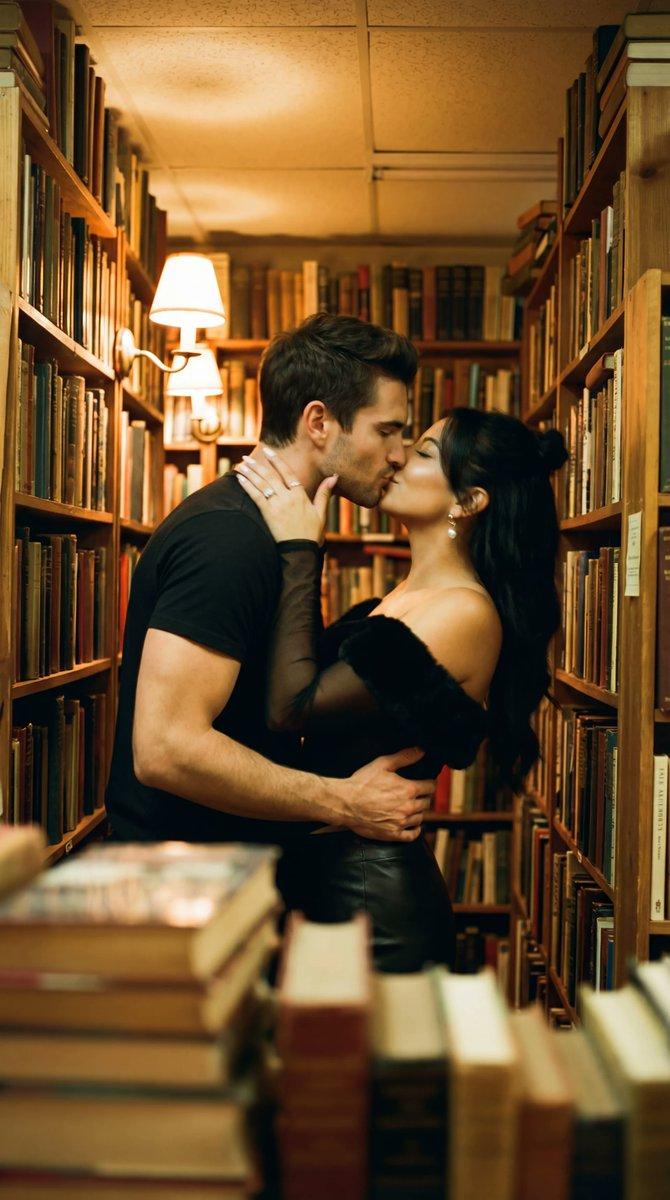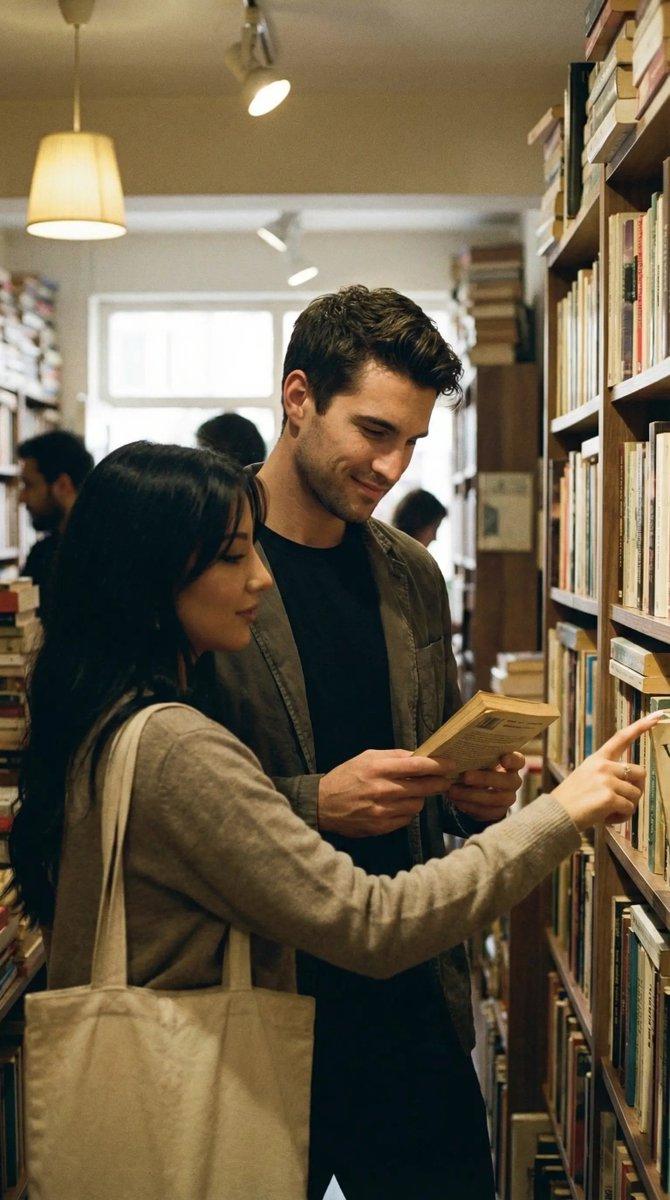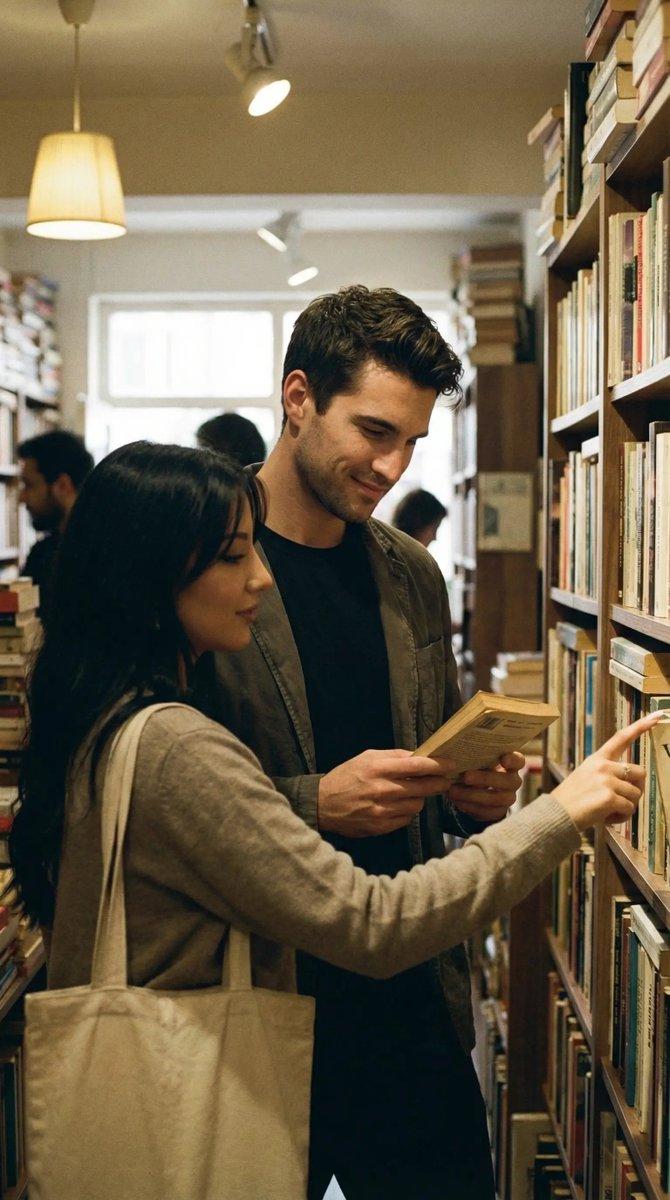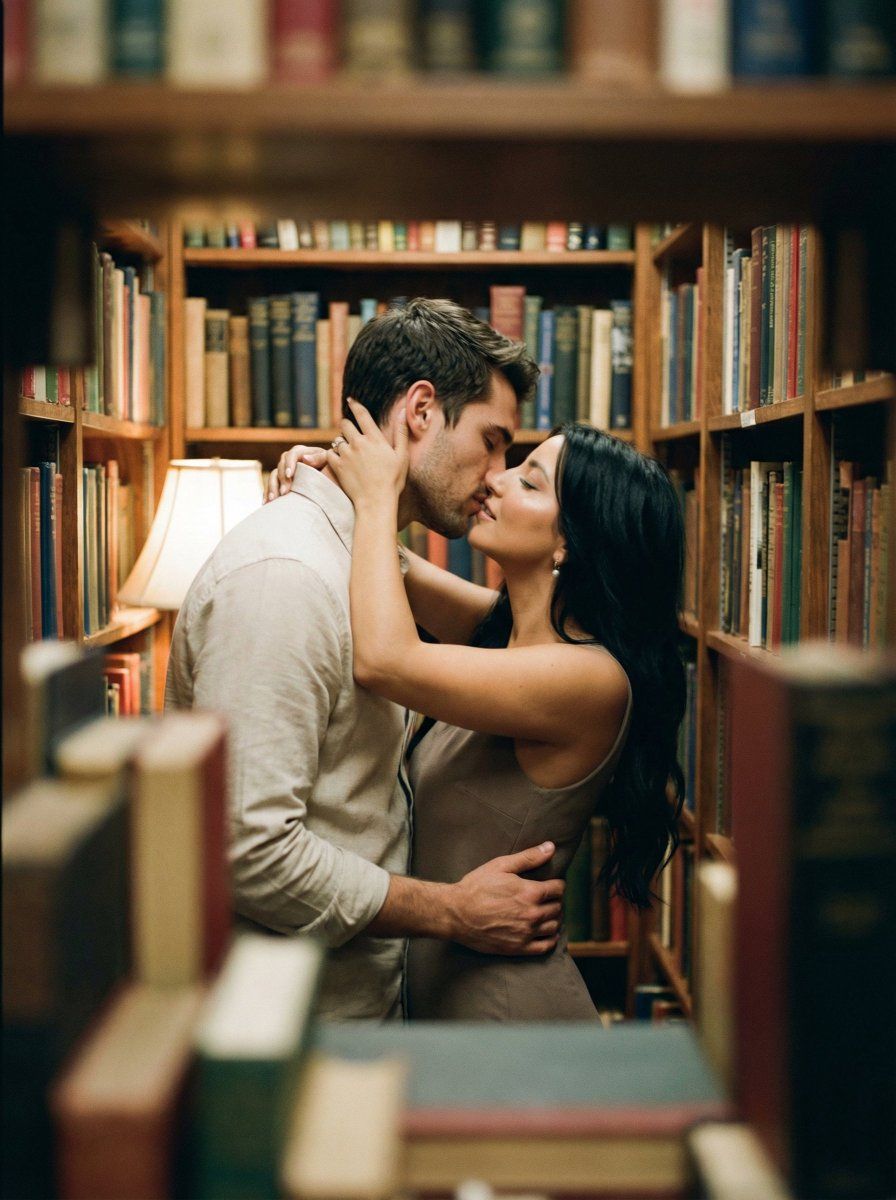
书店过道里的胶片之吻
Prompt
{
  "meta": {
    "project": "analog_library_kiss",
    "style": "analog_film_intimate_candid",
    "aspect_ratio": "{argument name="aspect ratio" default="3:4"}",
    "output_type": "single_image",
    "priority": "highest"
  },
  "scene": {
    "location": "narrow used-book bookstore / small library aisle",
    "time": "evening",
    "lighting": "warm tungsten practicals, dim cozy ambience, soft falloff into shadows",
    "composition": "shot through a foreground gap between stacked books (foreground heavily blurred), couple centered mid-frame, bookshelves filling the background, claustrophobic intimate framing"
  },
  "subjects": {
    "male": {
      "age": "mid 20s",
      "outfit": "light beige button-up shirt with sleeves down, casual",
      "pose": "left arm around her waist pulling her close, head tilted toward her",
      "expression": "eyes closed, kissing"
    },
    "female": {
      "age": "mid 20s",
      "outfit": "light beige/taupe sleeveless dress",
      "hair": "long dark wavy hair, loose, slightly messy",
      "pose": "both arms up around his neck, fingers in his hair/neckline, leaning in",
      "expression": "eyes closed, kissing"
    }
  },
  "motion_language": {
    "feel": "candid handheld moment",
    "blur": "intentional slight motion blur on faces/arms from movement during the kiss, not smeared or warped"
  },
  "camera": {
    "lens": "35mm vintage prime",
    "distance": "close-medium",
    "angle": "eye-level, slightly off-center",
    "focus": "focus on their heads/upper bodies, shallow depth of field; foreground books very soft bokeh",
    "exposure": "low light, natural grain, highlights protected (no blown lamps)"
  },
  "analog_look": {
    "film_stock": "{argument name="film stock" default="Kodak Portra 400 pushed +1 moody"}",
    "grain": "visible organic grain, film-like",
    "contrast": "low-mid, lifted blacks",
    "color": "warm amber highlights, muted greens/browns in shadows",
    "halation": "subtle around specular highlights on book edges",
    "softness": "gentle lens softness + slight corner falloff, not digital blur",
    "imperfections": "very light vignette, tiny dust specks, mild gate weave feel"
  },
  "texture_fidelity": {
    "skin": "natural pores and sheen, no plastic smoothing",
    "fabric": "visible weave and folds, realistic shadowing",
    "books": "paper edges, worn spines, readable texture but no readable text emphasis"
  },
  "constraints": {
    "perfect_anatomy": true,
    "correct_fingers": true,
    "no_extra_limbs": true,
    "no_face_morphing": true,
    "no_face_swapping": true,
    "no_weird_teeth": true,
    "no_background_warp": true,
    "no_text_overlay": true,
    "no_logos": true,
    "no_cgi_look": true,
    "no_beauty_filter": true
  },
  "negative": "HDR, over-sharpened, glossy skin, AI-symmetry face, duplicated faces, melted hands, extra fingers, warped shelves, floating books, neon colors, strong vignette, heavy light leaks, digital bokeh circles, poster text, watermark"
}- Category
- 创意图片
- Model
- Nano Banana Pro
- Creator
- Özge Döner
- Source ID
- f293468f-9159-4b5f-b7d0-0346943400ff
- Published
- Mar 8, 2026
Views0