18

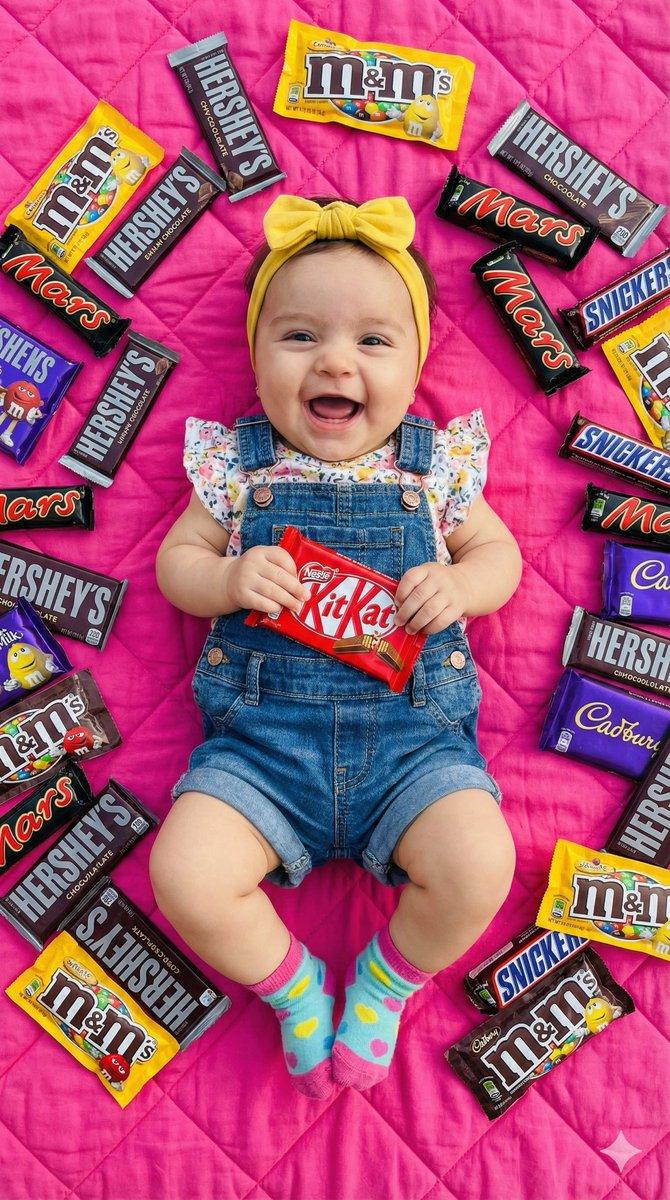
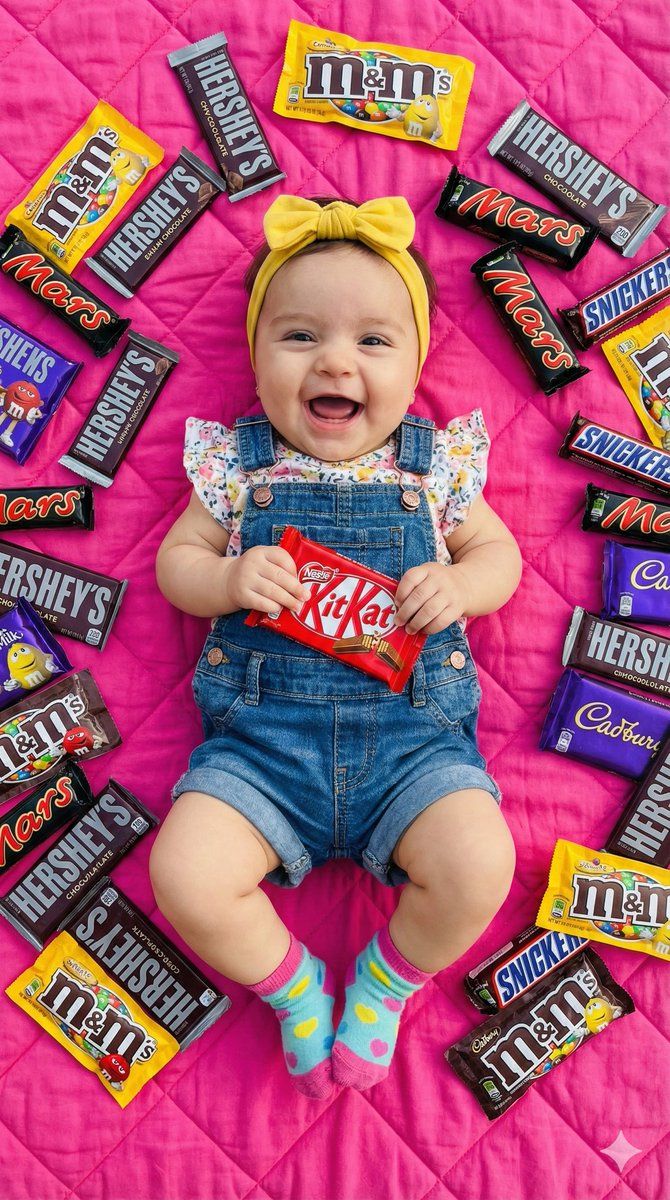
超逼真巧克力品牌婴儿平铺照
Enlarge

超逼真巧克力品牌婴儿平铺照

Prompt
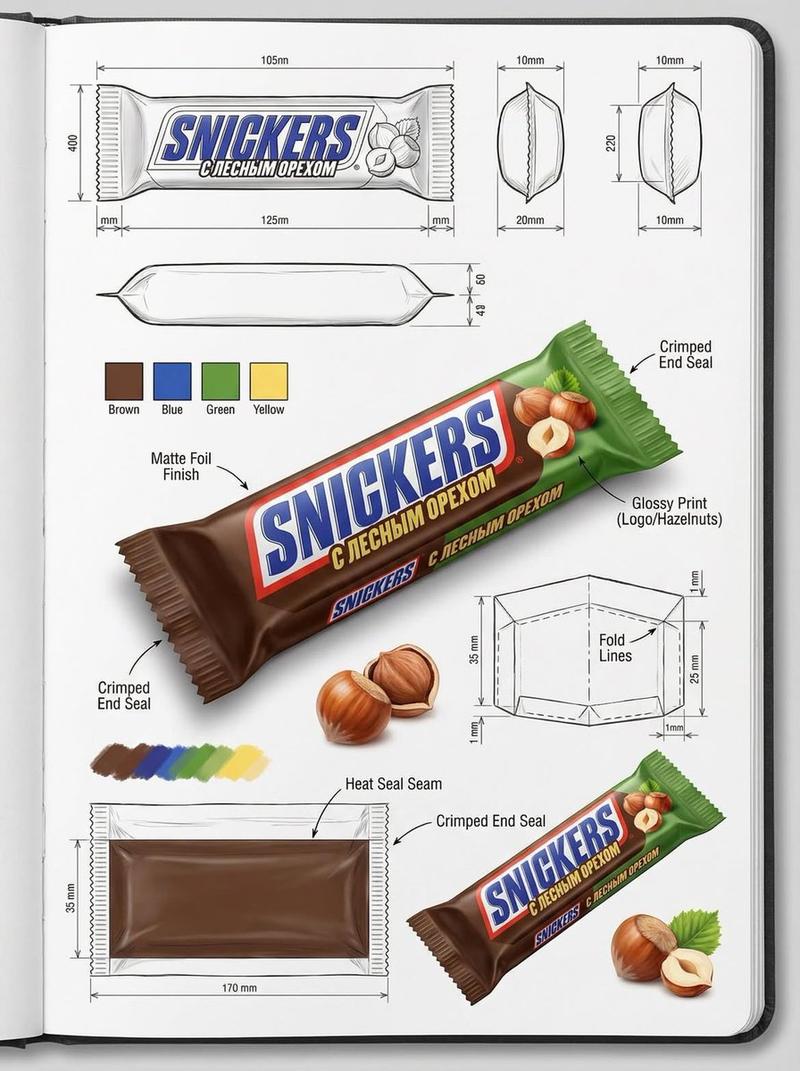
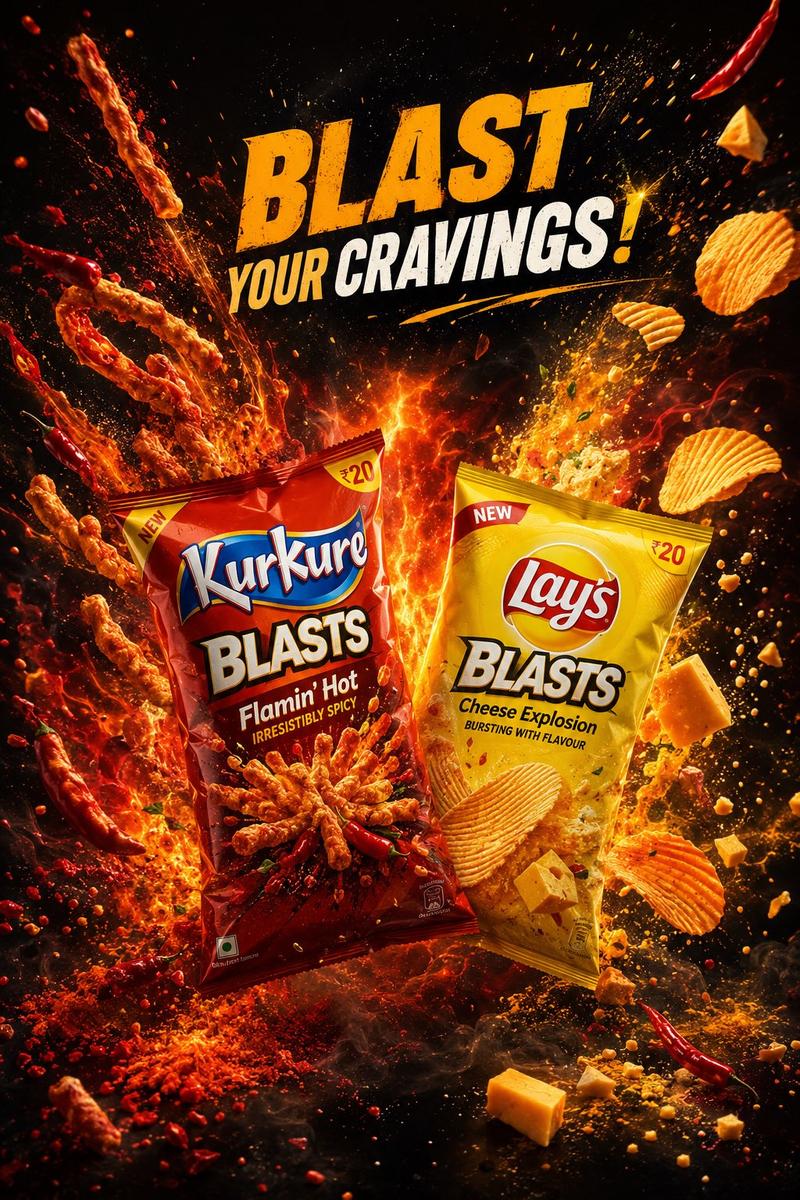
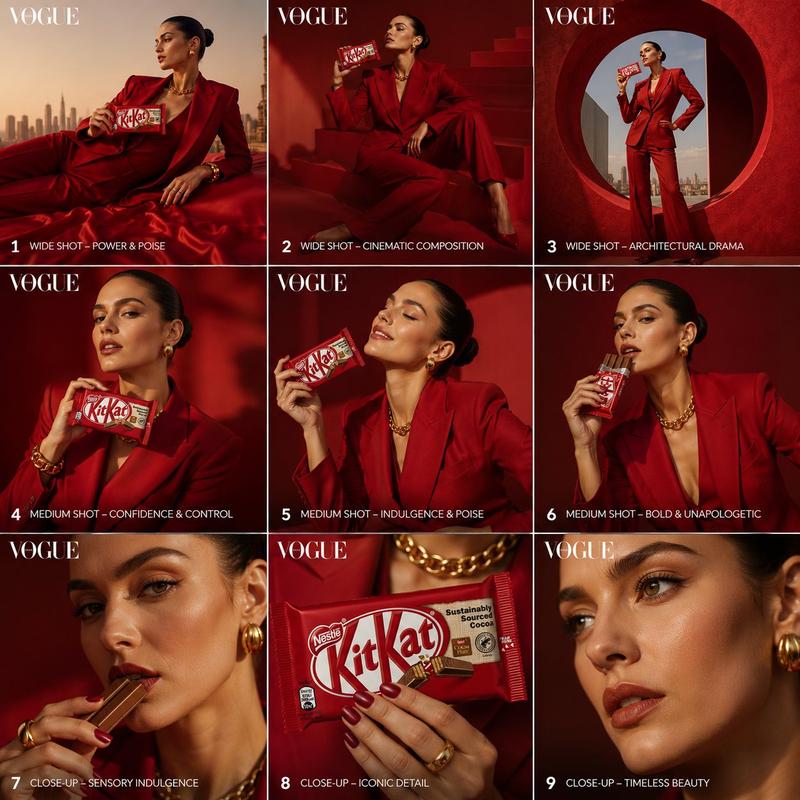
Create a 8k hd ultra realistic picture of reference uploaded picture face 100 dont change face of, Looking straight to the cameraThe uploaded photo is a vibrant, professional-style flat lay capturing a joyful milestone. A laughing baby is the central focus, lying on her back on a bright {argument name="blanket color" default="pink"} quilted blanket while holding a {argument name="chocolate brand" default="KitKat bar"} across her face. She is dressed in {argument name="clothing" default="denim overalls, a floral-patterned top, a yellow bow headband, and colorful socks"}. Surrounding her is a dense, playful "pit" of popular chocolate brands, including M&M’s, Hershey’s, Mars, Snickers, and Cadbury, creating a high-energy and whimsical celebratory mood.
Category
创意图片
Model
Nano Banana Pro
Views0
Source ID
d7611dde-c2b2-4f76-90bc-ea98a98e0b98
Published
Mar 8, 2026

Guide

About "超逼真巧克力品牌婴儿平铺照"

What is this prompt for?

"超逼真巧克力品牌婴儿平铺照" AI image prompt for Nano Banana Pro (创意图片). 一张超现实的图像生成提示,用于制作一张充满活力、专业风格的平面摆拍照片。照片的中心是一个正在大笑的婴儿,手里拿着一块 KitKat 巧克力棒,周围环绕着由 M&M’s、Hershey’s、Mars、…

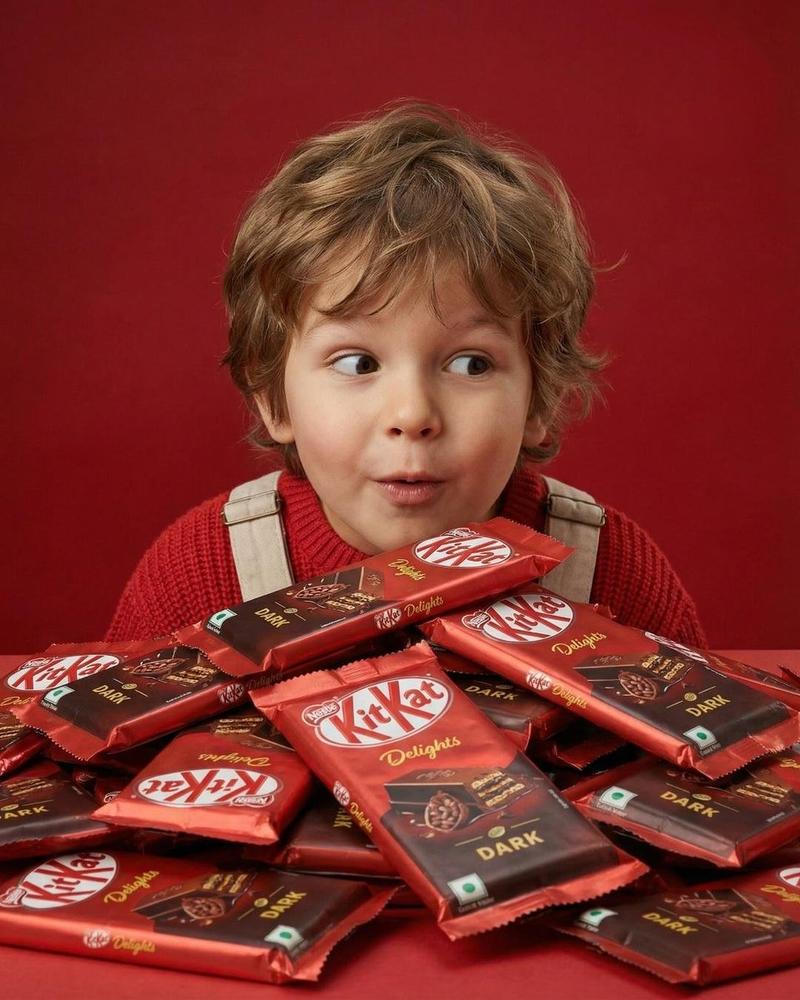
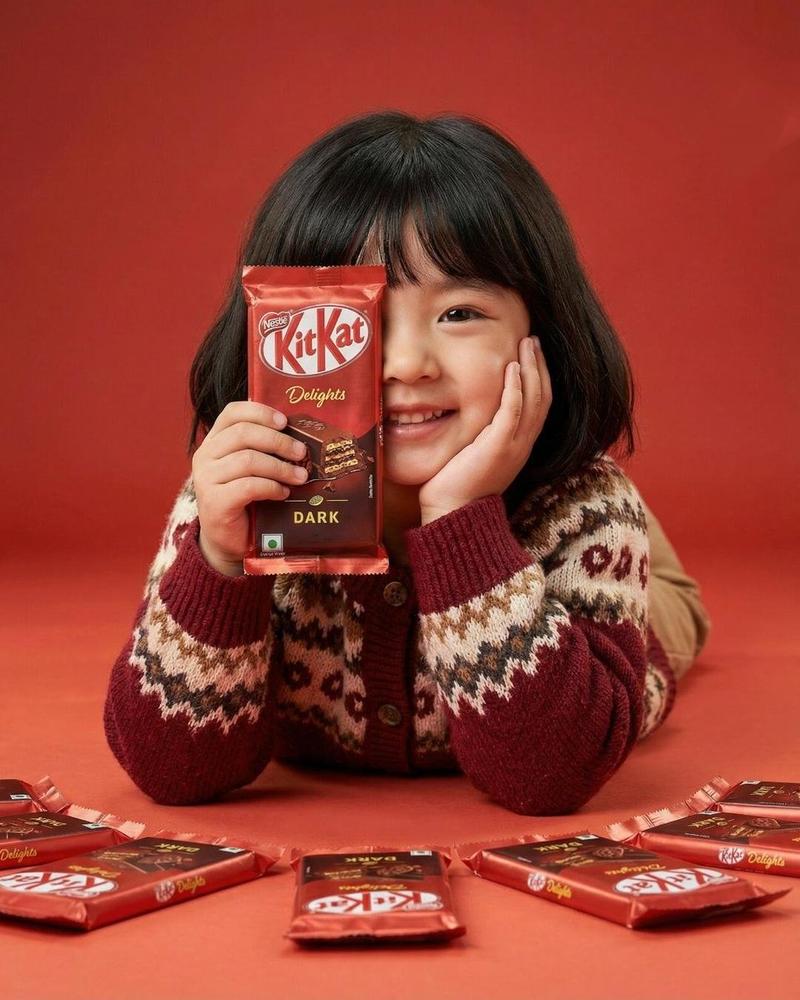
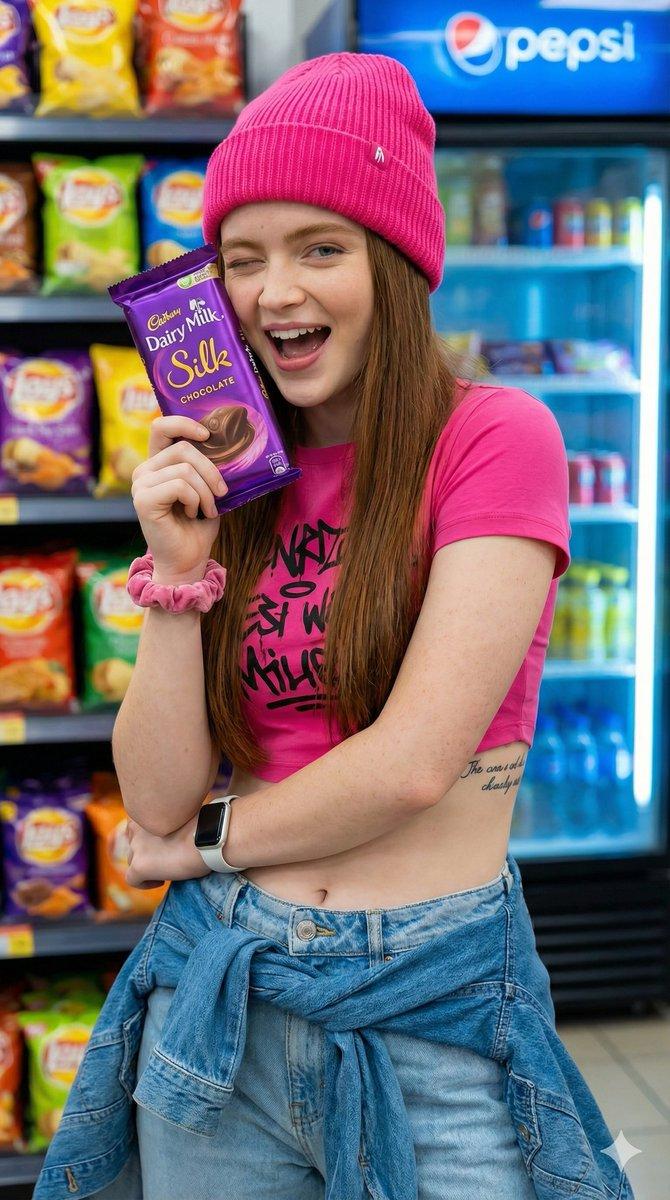
The full copyable prompt and example visuals above are ready for AI image generation or one-click recreate in Picva.

How to use this prompt

  1. Step 1

    Open the prompt detail

    Review the example visuals, category, and full prompt text for "超逼真巧克力品牌婴儿平铺照".

  2. Step 2

    Copy the prompt

    Copy the prompt body from this page, or load it directly in Studio.

  3. Step 3

    Pick a model (Nano Banana Pro)

    Prefer Nano Banana Pro. If you switch models, keep subject and composition and tweak style terms.

  4. Step 4

    Generate and export

    Recreate the look in Picva, or export into your workflow for editing and publishing.

FAQ

What is the "超逼真巧克力品牌婴儿平铺照" prompt?
It is an AI image-generation prompt for Nano Banana Pro in the 创意图片 category. This page includes the full prompt text, example visuals, and a one-click recreate path in Picva.
How do I use this prompt to generate an image?
Copy the prompt from this page, or use Generate / Studio. Paste it into a compatible image model, or recreate the look in Picva with optional reference images.
Which model is this prompt for?
This page lists Nano Banana Pro. Most descriptive prompts also transfer to nearby image models such as GPT Image, Flux, or Midjourney with light style tweaks.
Can I use the result commercially?
You can usually copy the prompt for creation, but commercial use of the final image depends on the model terms, reference-image rights, and the generated content. Follow the source author and platform rules.