10

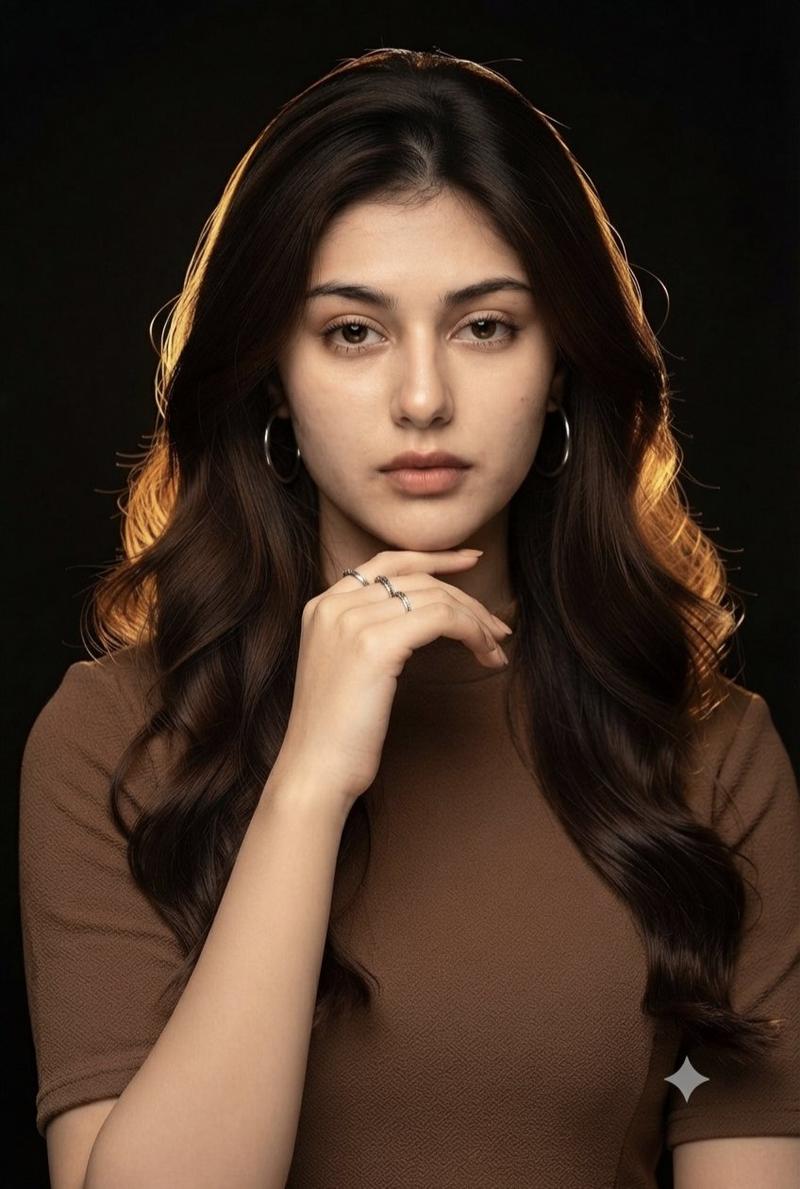
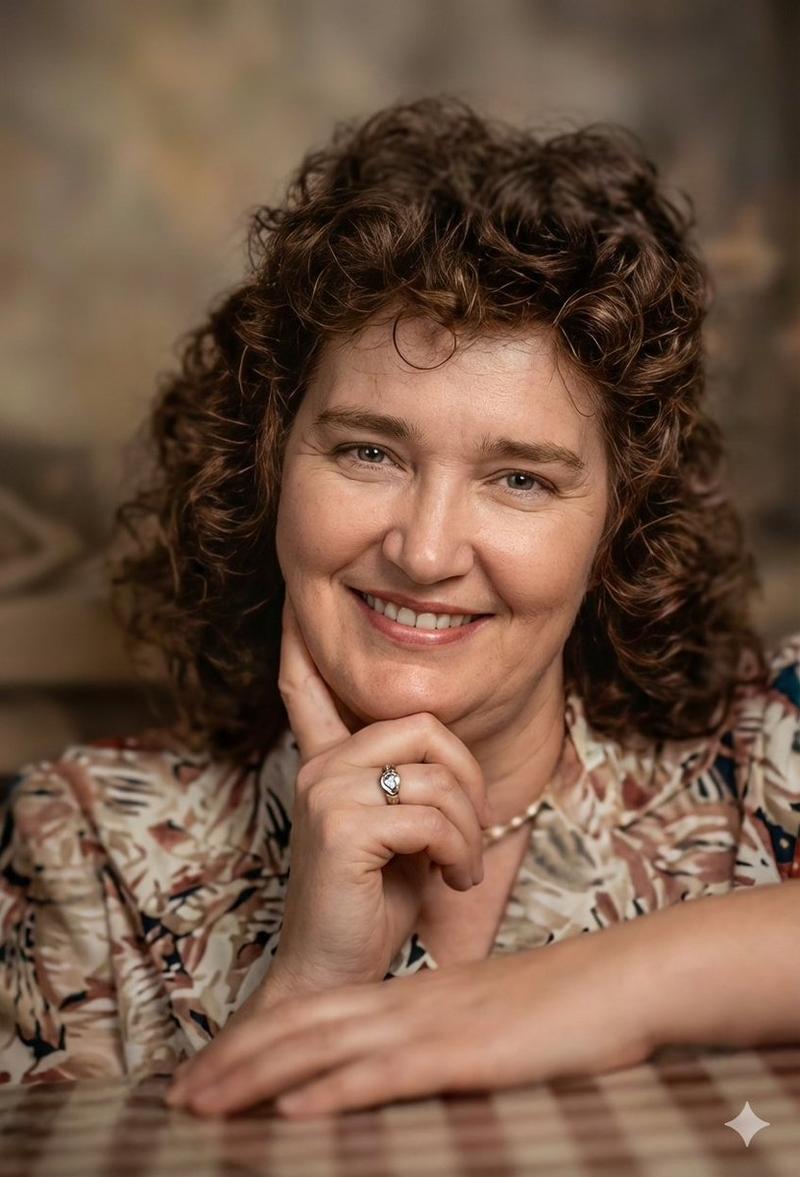
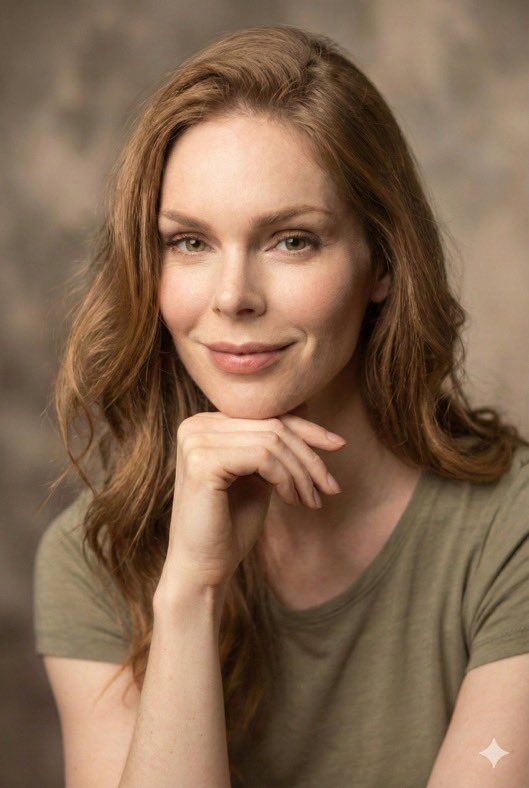
老照片的图像到图像修复
Enlarge

老照片的图像到图像修复

Prompt
{
  "task": "image-to-image restoration",
  "input_image": "output_from_prompt_1",
  "reference_image": {
    "type": "face_reference",
    "description": "損傷した写真と同じ顔、アイデンティティは変更せずそのまま"
  },
  "restoration_settings": {
    "restore_face": true,
    "restore_skin_texture": true,
    "remove_damage": true,
    "preserve_expression": true,
    "preserve_pose": true
  },
  "image_settings": {
    "aspect_ratio": "2:3 portrait",
    "resolution": "8K ultra-HD",
    "color_mode": "natural warm color",
    "clarity": "high-end modern portrait"
  },
  "subject": {
    "pose": "損傷した写真から変更なし",
    "expression": "同じ穏やかな笑顔",
    "details": "自然な肌の質感、現実的な目、クリーンな髪のディテール"
  },
  "lighting": {
    "type": "soft cinematic studio lighting",
    "quality": "均一で魅力的な、モダンなもの"
  },
  "background": {
    "style": "クリーンなニュートラルスタジオ背景",
    "look": "ソフトボケ、テクスチャ損傷なし"
  },
  "quality_targets": [
    "傷なし",
    "折れ目なし",
    "汚れなし",
    "ぼかしなし",
    "経年劣化の痕跡なし"
  ],
  "realism": "フォトリアリスティックなモダンポートレート写真",
  "negative_prompt": [
    "顔の変更",
    "アイデンティティの変更",
    "過度なスムージング",
    "プラスチックのような肌",
    "芸術的なイラスト風"
  ]
}
Category
创意图片
Model
Nano Banana Pro
Views0
Source ID
eb9816eb-904d-4f7d-9da8-aa3040fc1631
Published
Mar 8, 2026

Guide

About "老照片的图像到图像修复"

What is this prompt for?

"老照片的图像到图像修复" AI image prompt for Nano Banana Pro (创意图片). 一个为 Gemini 应用的 Nano Banana Pro 设计的详细 JSON 格式提示,用于对受损老照片进行图像到图像的修复,重点是在实现逼真的现代肖像质量的同时,保留人物的身份和表情。 ---…

The full copyable prompt and example visuals above are ready for AI image generation or one-click recreate in Picva.

How to use this prompt

  1. Step 1

    Open the prompt detail

    Review the example visuals, category, and full prompt text for "老照片的图像到图像修复".

  2. Step 2

    Copy the prompt

    Copy the prompt body from this page, or load it directly in Studio.

  3. Step 3

    Pick a model (Nano Banana Pro)

    Prefer Nano Banana Pro. If you switch models, keep subject and composition and tweak style terms.

  4. Step 4

    Generate and export

    Recreate the look in Picva, or export into your workflow for editing and publishing.

FAQ

What is the "老照片的图像到图像修复" prompt?
It is an AI image-generation prompt for Nano Banana Pro in the 创意图片 category. This page includes the full prompt text, example visuals, and a one-click recreate path in Picva.
How do I use this prompt to generate an image?
Copy the prompt from this page, or use Generate / Studio. Paste it into a compatible image model, or recreate the look in Picva with optional reference images.
Which model is this prompt for?
This page lists Nano Banana Pro. Most descriptive prompts also transfer to nearby image models such as GPT Image, Flux, or Midjourney with light style tweaks.
Can I use the result commercially?
You can usually copy the prompt for creation, but commercial use of the final image depends on the model terms, reference-image rights, and the generated content. Follow the source author and platform rules.