18

微型黏土世界立体模型生成器
Enlarge

微型黏土世界立体模型生成器

Prompt
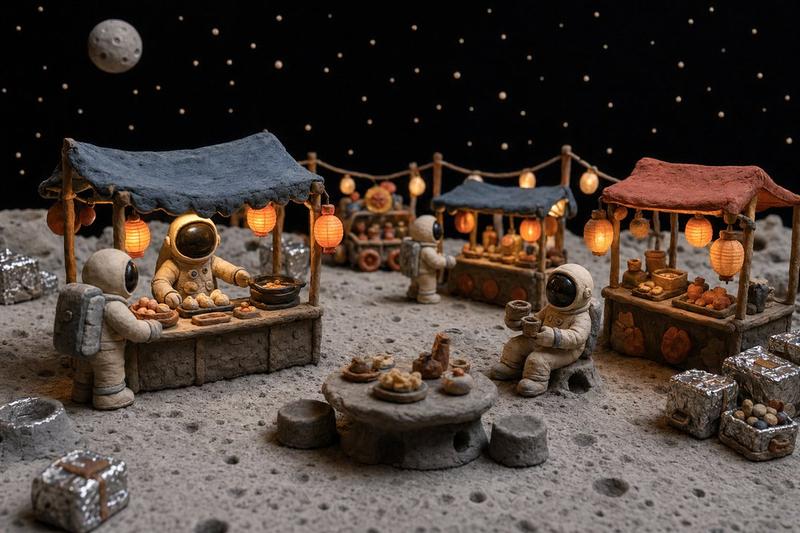
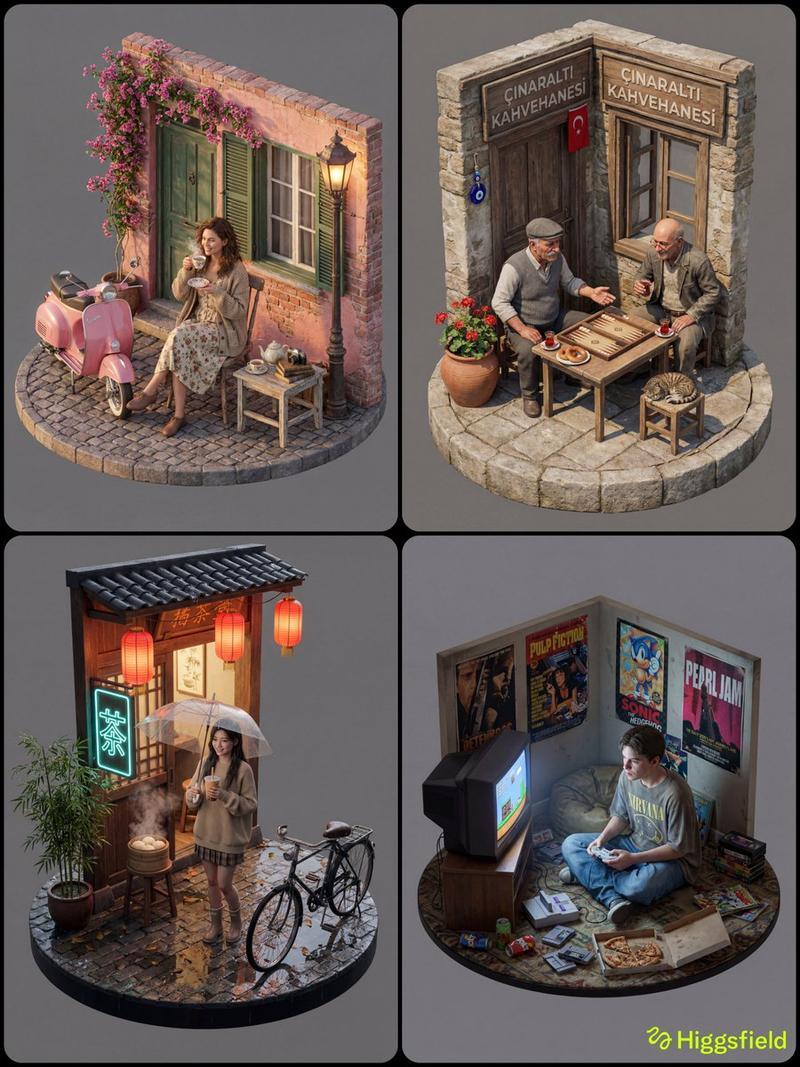
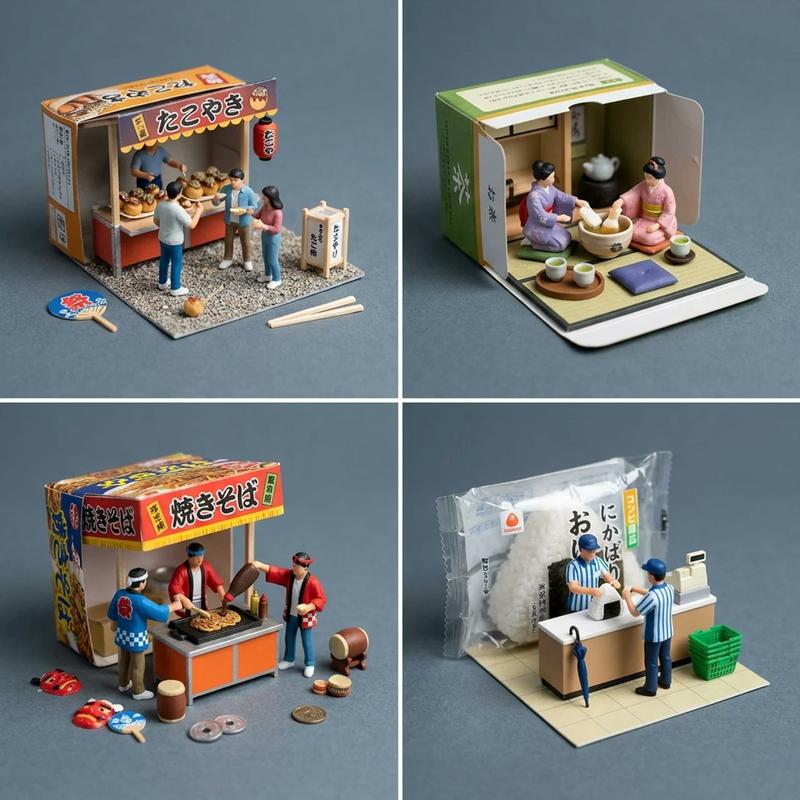
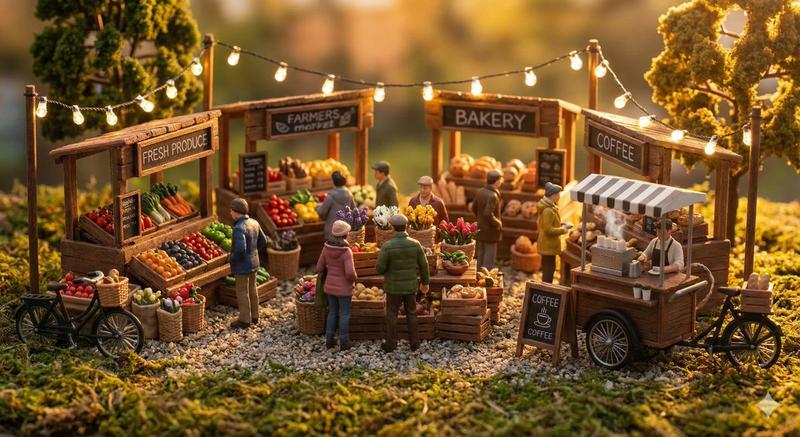
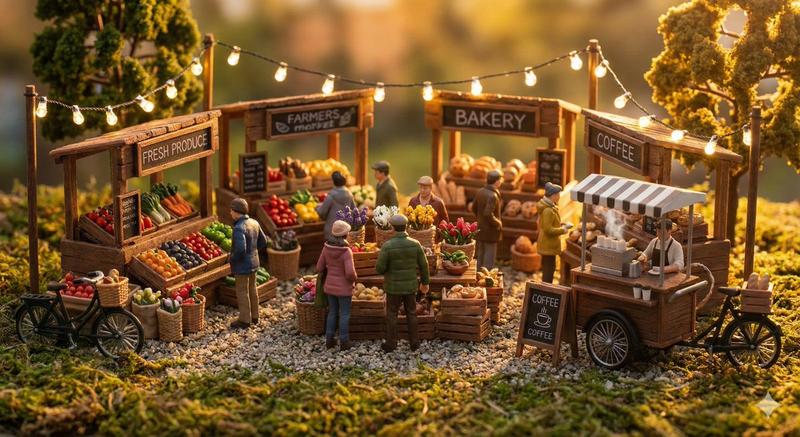
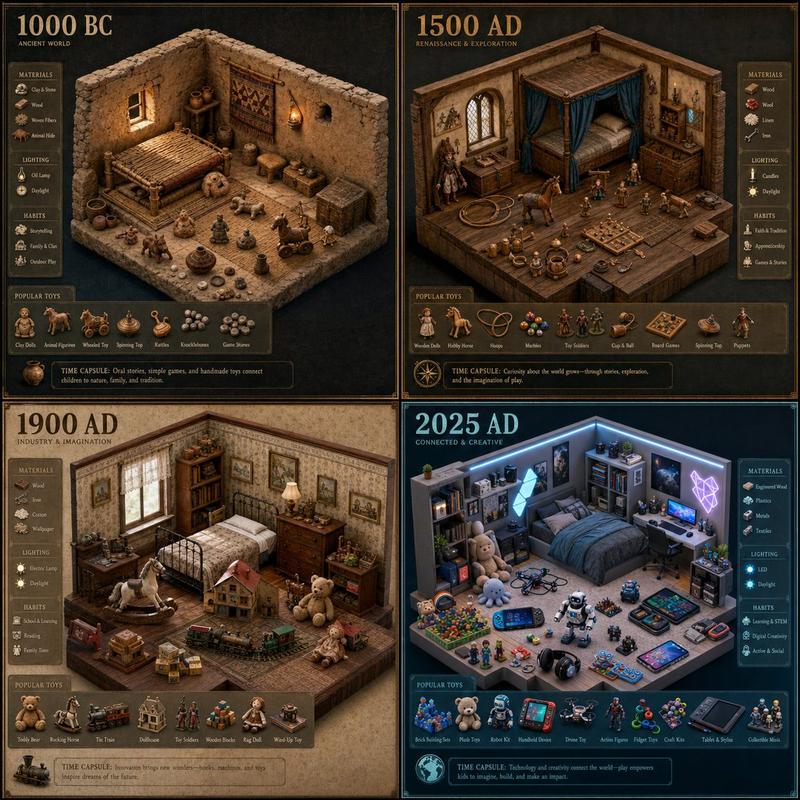
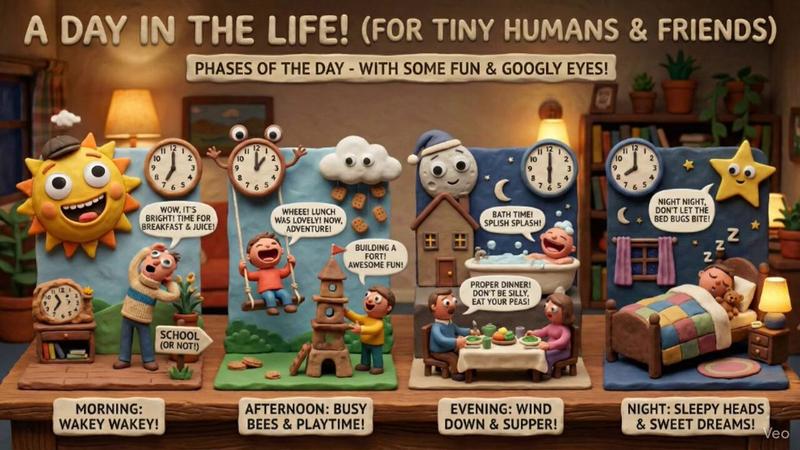
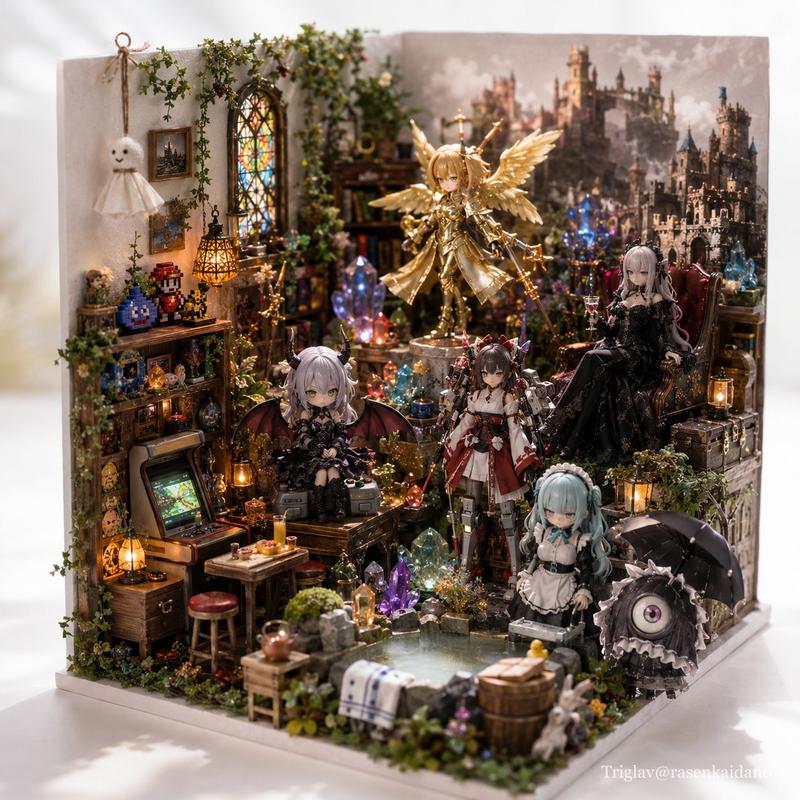
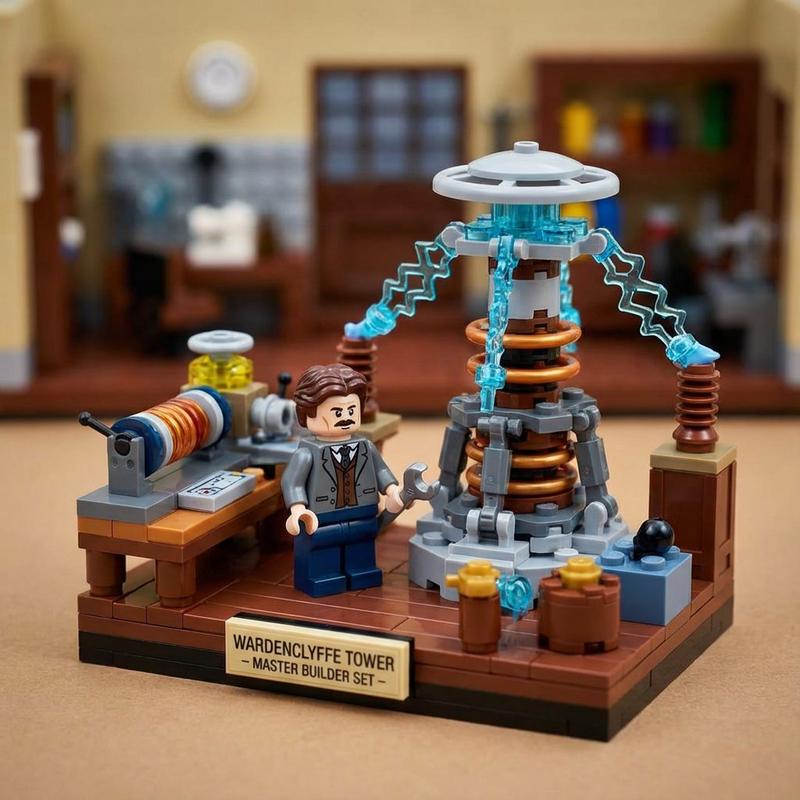
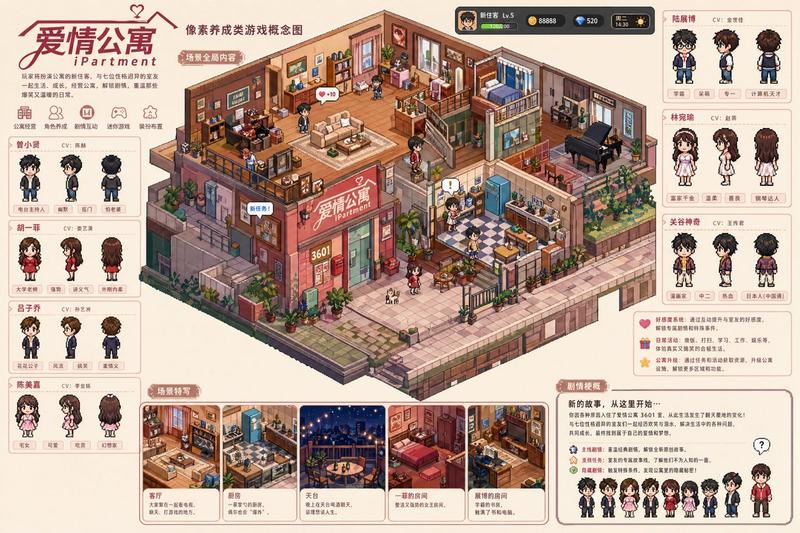
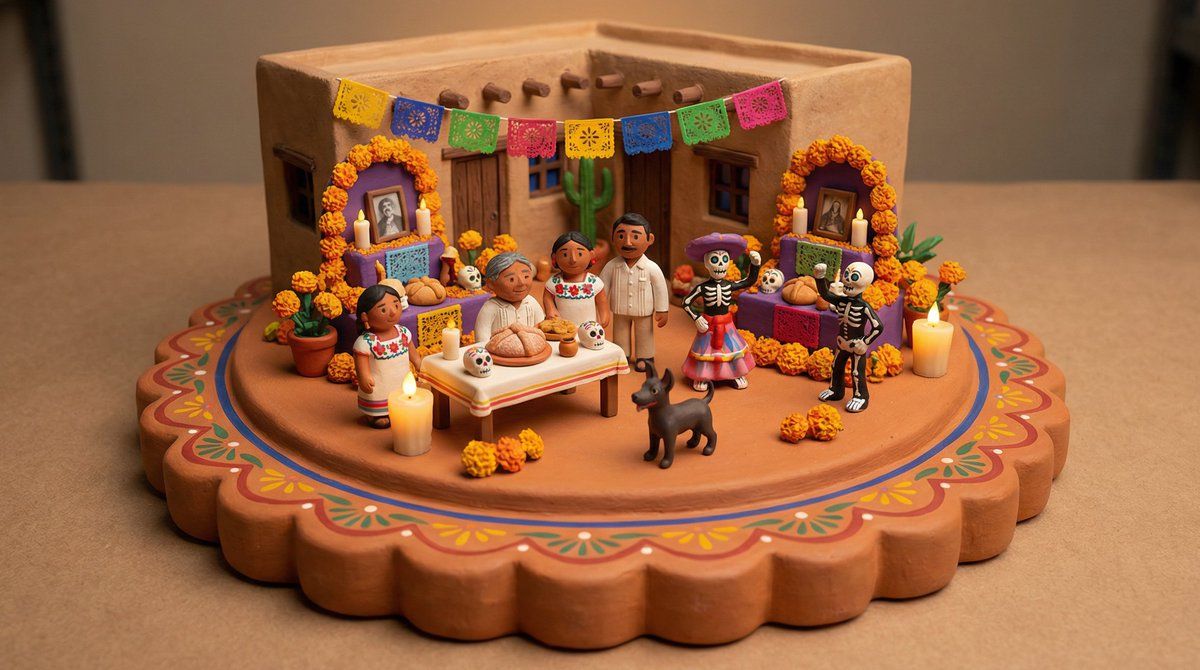
Tiny clay world depicting {argument name="seasonal event or daily life scene" default="DAILY LIFE SCENE"} in {argument name="culture or location" default="LOCATION"}. Features {argument name="building type" default="BUILDING TYPE"} with [ARCHITECTURAL DETAIL], [FIGURES IN TRADITIONAL DRESS], [FOOD/MARKET ELEMENT], [DECORATIVE CULTURAL ITEM], and [FLORA/FAUNA]. Diorama sits on a [THICKNESS] [MATERIAL] platform with [EDGE TREATMENT]. [VIEW ANGLE], Pixar-style clay render, cozy miniature scale, [LIGHTING DESCRIPTION], neutral background.
Category
创意图片
Model
Nano Banana Pro
Views0
Source ID
53cd93dc-3749-436b-8893-3dcb87f5e98b
Published
Mar 8, 2026

Guide

About "微型黏土世界立体模型生成器"

What is this prompt for?

"微型黏土世界立体模型生成器" AI image prompt for Nano Banana Pro (创意图片). 一个灵活的 Adobe Firefly 提示模板,使用 Nano Banana Pro 生成皮克斯风格的粘土渲染立体模型。该提示允许自定义场景、人物、位置和文化元素,重点在于营造一个温馨的微缩世界美…

The full copyable prompt and example visuals above are ready for AI image generation or one-click recreate in Picva.

How to use this prompt

  1. Step 1

    Open the prompt detail

    Review the example visuals, category, and full prompt text for "微型黏土世界立体模型生成器".

  2. Step 2

    Copy the prompt

    Copy the prompt body from this page, or load it directly in Studio.

  3. Step 3

    Pick a model (Nano Banana Pro)

    Prefer Nano Banana Pro. If you switch models, keep subject and composition and tweak style terms.

  4. Step 4

    Generate and export

    Recreate the look in Picva, or export into your workflow for editing and publishing.

FAQ

What is the "微型黏土世界立体模型生成器" prompt?
It is an AI image-generation prompt for Nano Banana Pro in the 创意图片 category. This page includes the full prompt text, example visuals, and a one-click recreate path in Picva.
How do I use this prompt to generate an image?
Copy the prompt from this page, or use Generate / Studio. Paste it into a compatible image model, or recreate the look in Picva with optional reference images.
Which model is this prompt for?
This page lists Nano Banana Pro. Most descriptive prompts also transfer to nearby image models such as GPT Image, Flux, or Midjourney with light style tweaks.
Can I use the result commercially?
You can usually copy the prompt for creation, but commercial use of the final image depends on the model terms, reference-image rights, and the generated content. Follow the source author and platform rules.