18

超逼真的克里斯蒂亚诺·罗纳尔多肖像提示
Enlarge

超逼真的克里斯蒂亚诺·罗纳尔多肖像提示

Prompt
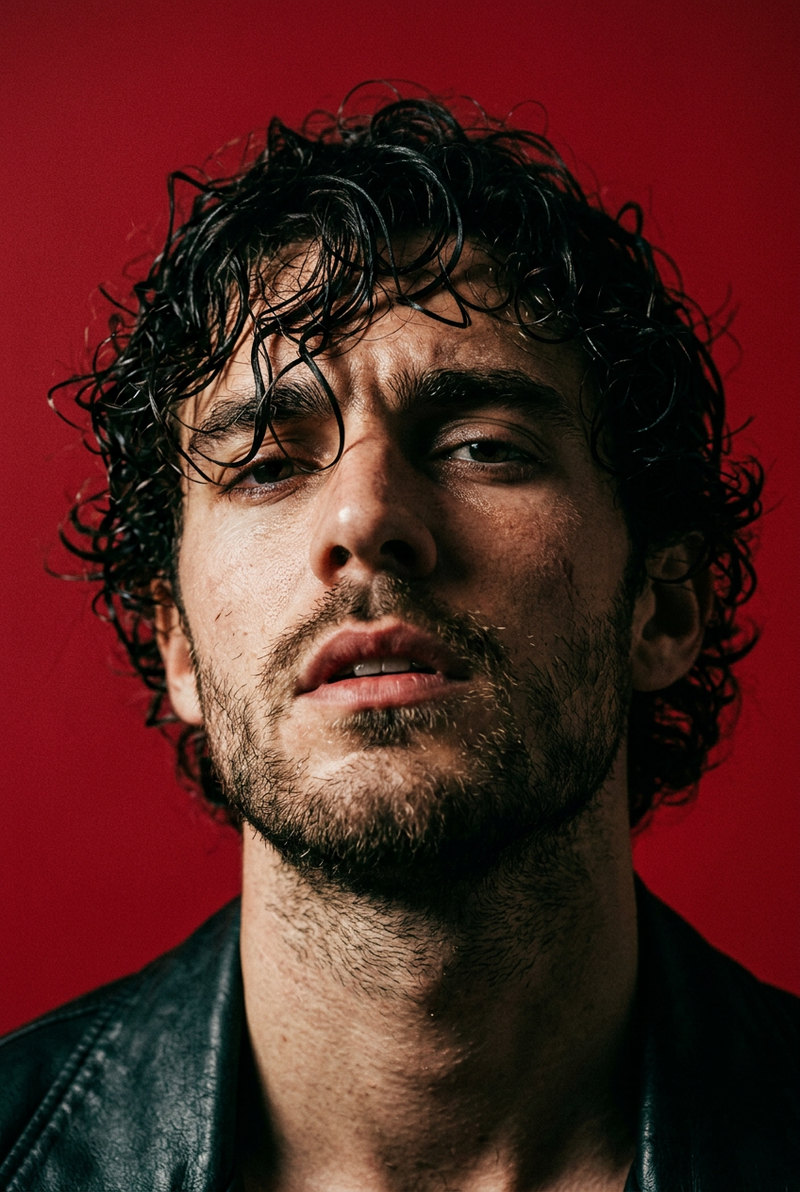
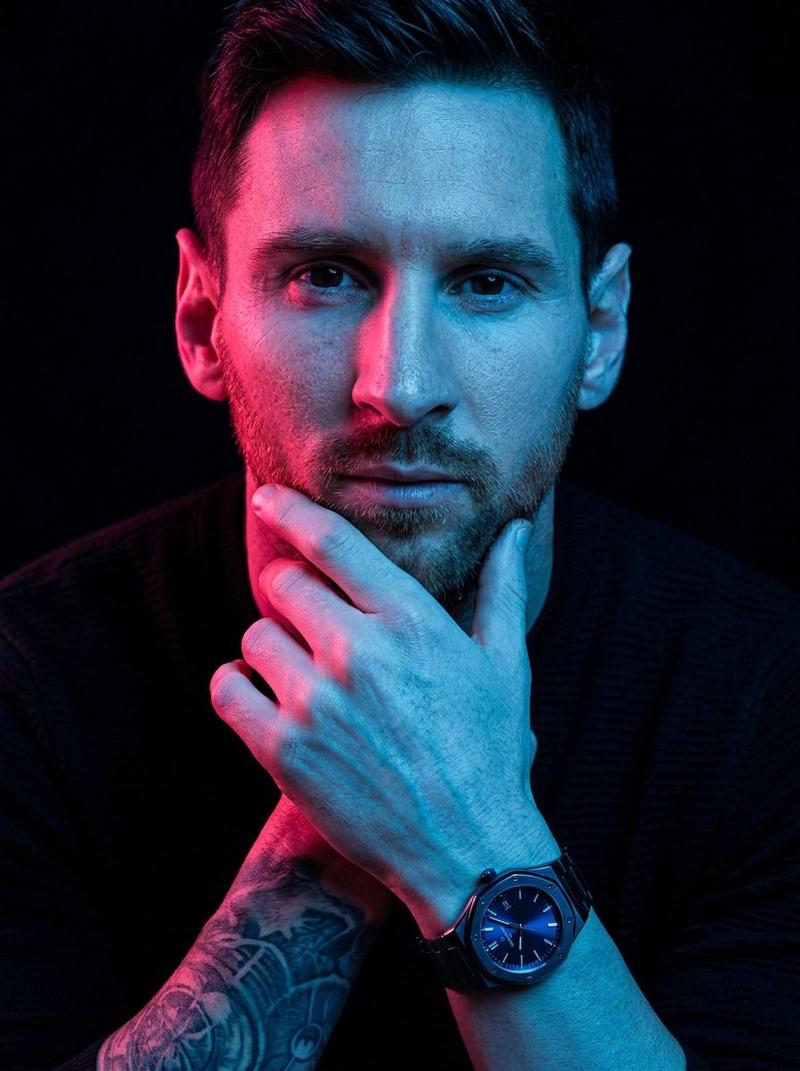
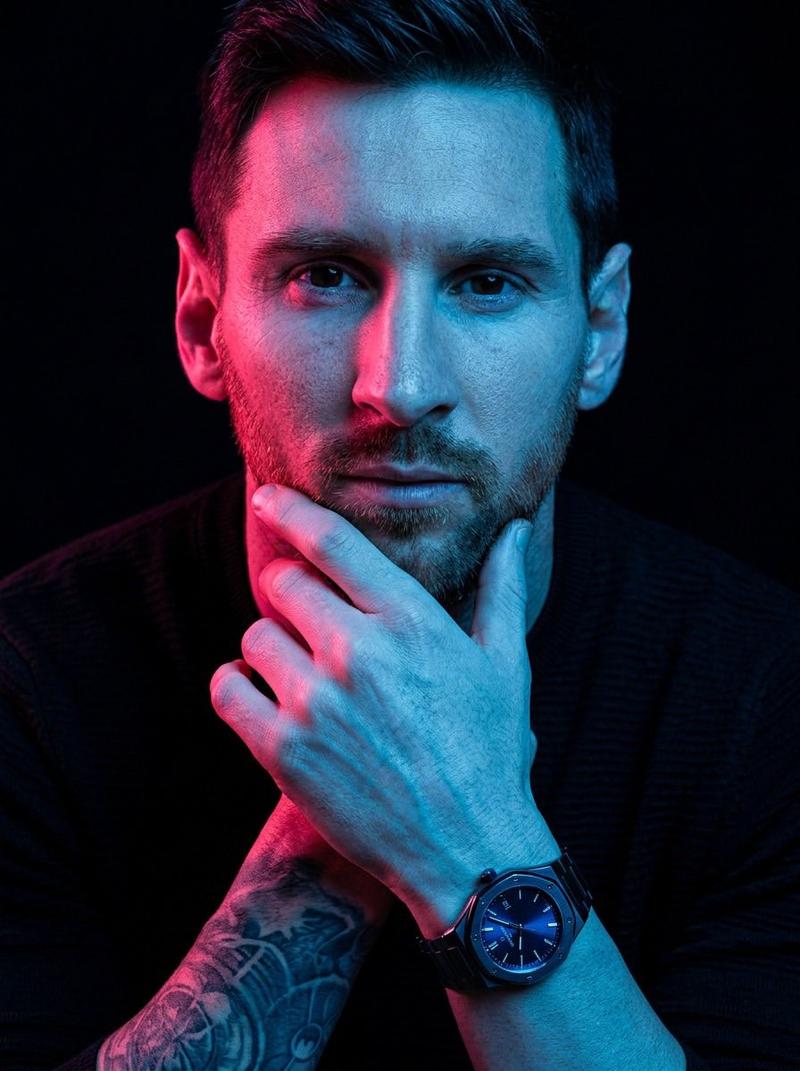
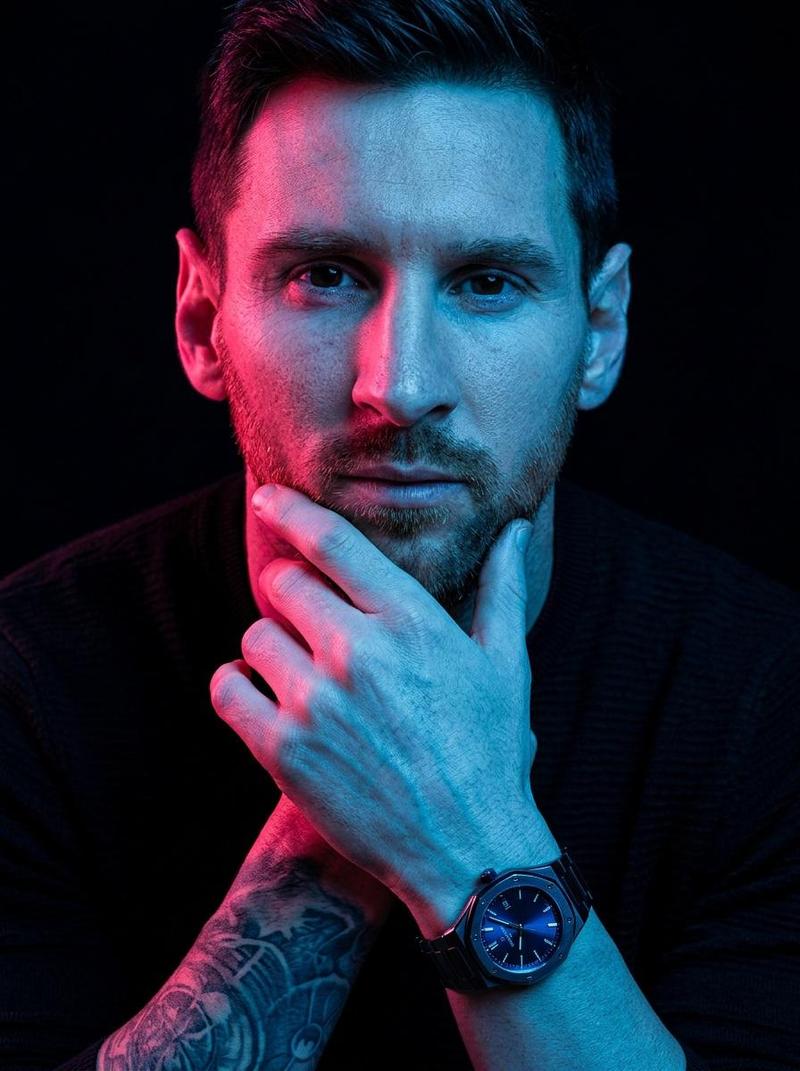
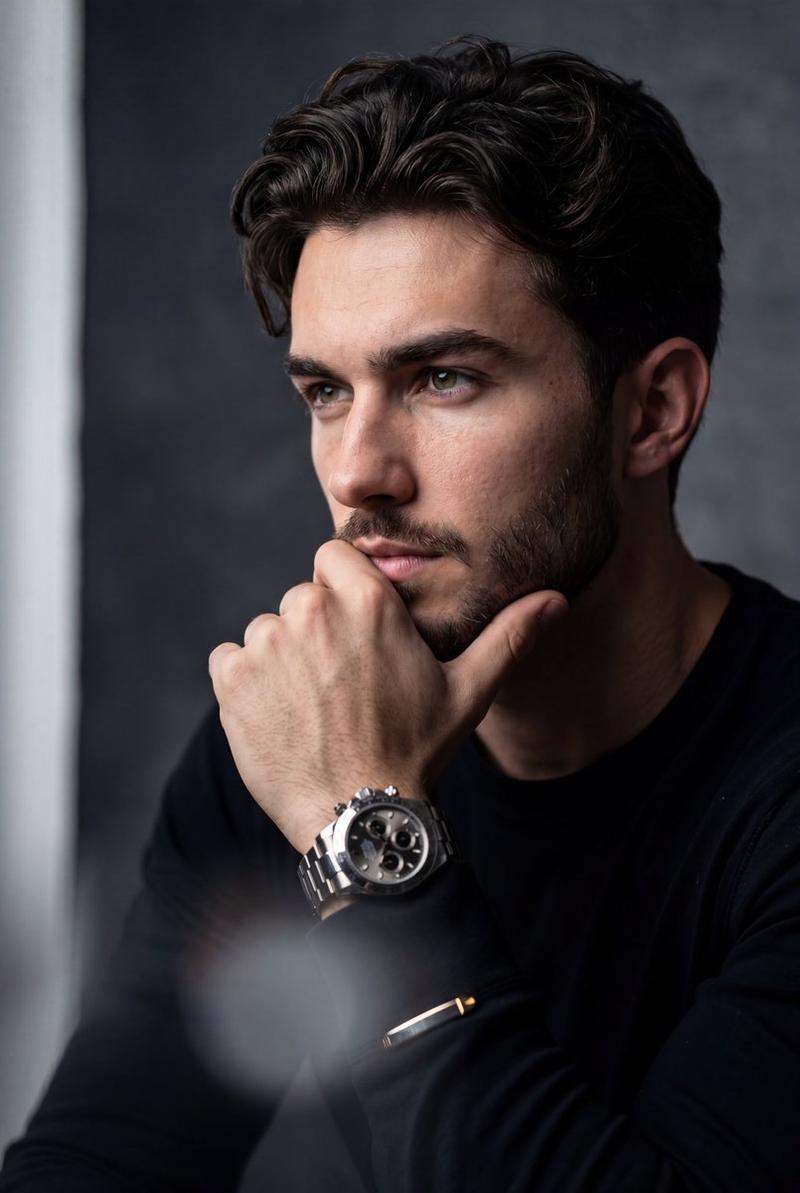
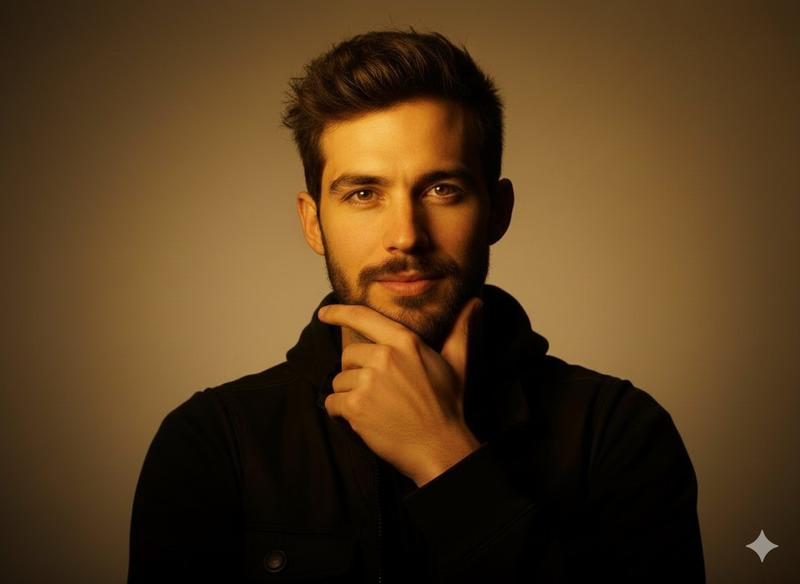
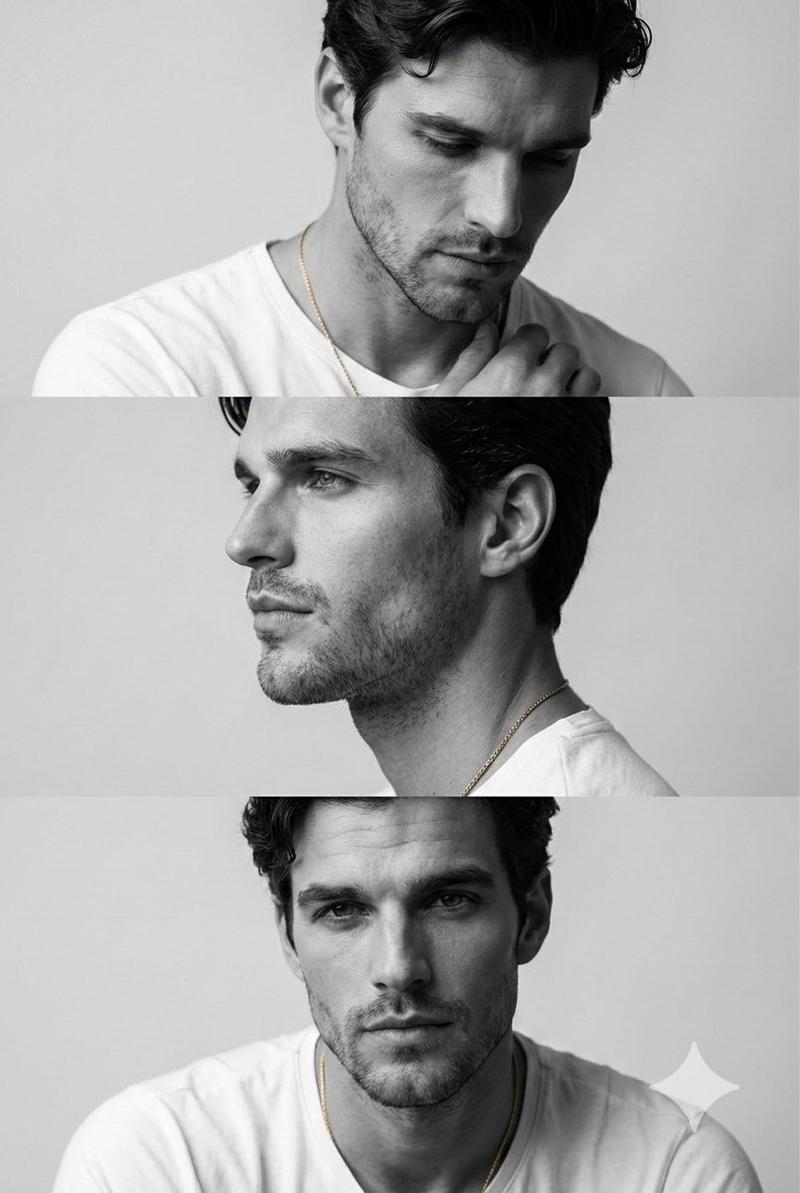
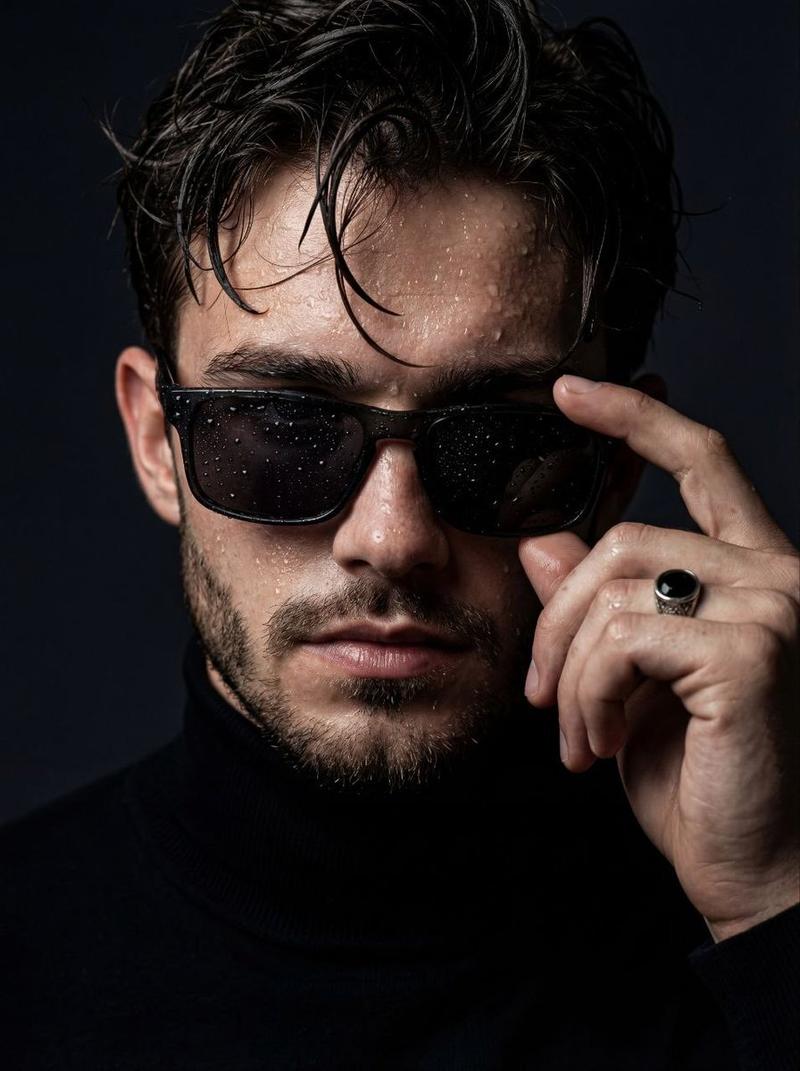
Hyper-realistic close-up portrait of Cristiano Ronaldo with dark, tousled, wet-look hair, strands falling messily over forehead, striking hazel eyes looking directly at viewer, chiseled jawline, visible skin texture and pores, light tan skin, black t-shirt, hand gently touching temple with long fingers, moody and soft cinematic lighting, neutral grey background, shot on 85mm lens f/1.8, incredibly detailed, 16k resolution, photorealistic, vogue editorial style
Category
创意图片
Model
Nano Banana Pro
Views0
Source ID
c7b9c5e1-61b1-42ec-9410-c79307d9d955
Published
Mar 8, 2026

Guide

About "超逼真的克里斯蒂亚诺·罗纳尔多肖像提示"

What is this prompt for?

"超逼真的克里斯蒂亚诺·罗纳尔多肖像提示" AI image prompt for Nano Banana Pro (创意图片). 一个详细的提示,用于生成一张超逼真的克里斯蒂亚诺·罗纳尔多特写肖像,强调湿发造型、棱角分明的五官、清晰可见的皮肤纹理,以及《Vogue》杂志编辑风格的忧郁电影感灯光。 --- 克里斯蒂亚…

The full copyable prompt and example visuals above are ready for AI image generation or one-click recreate in Picva.

How to use this prompt

  1. Step 1

    Open the prompt detail

    Review the example visuals, category, and full prompt text for "超逼真的克里斯蒂亚诺·罗纳尔多肖像提示".

  2. Step 2

    Copy the prompt

    Copy the prompt body from this page, or load it directly in Studio.

  3. Step 3

    Pick a model (Nano Banana Pro)

    Prefer Nano Banana Pro. If you switch models, keep subject and composition and tweak style terms.

  4. Step 4

    Generate and export

    Recreate the look in Picva, or export into your workflow for editing and publishing.

FAQ

What is the "超逼真的克里斯蒂亚诺·罗纳尔多肖像提示" prompt?
It is an AI image-generation prompt for Nano Banana Pro in the 创意图片 category. This page includes the full prompt text, example visuals, and a one-click recreate path in Picva.
How do I use this prompt to generate an image?
Copy the prompt from this page, or use Generate / Studio. Paste it into a compatible image model, or recreate the look in Picva with optional reference images.
Which model is this prompt for?
This page lists Nano Banana Pro. Most descriptive prompts also transfer to nearby image models such as GPT Image, Flux, or Midjourney with light style tweaks.
Can I use the result commercially?
You can usually copy the prompt for creation, but commercial use of the final image depends on the model terms, reference-image rights, and the generated content. Follow the source author and platform rules.