情人节巧克力与玫瑰编辑肖像
Prompt
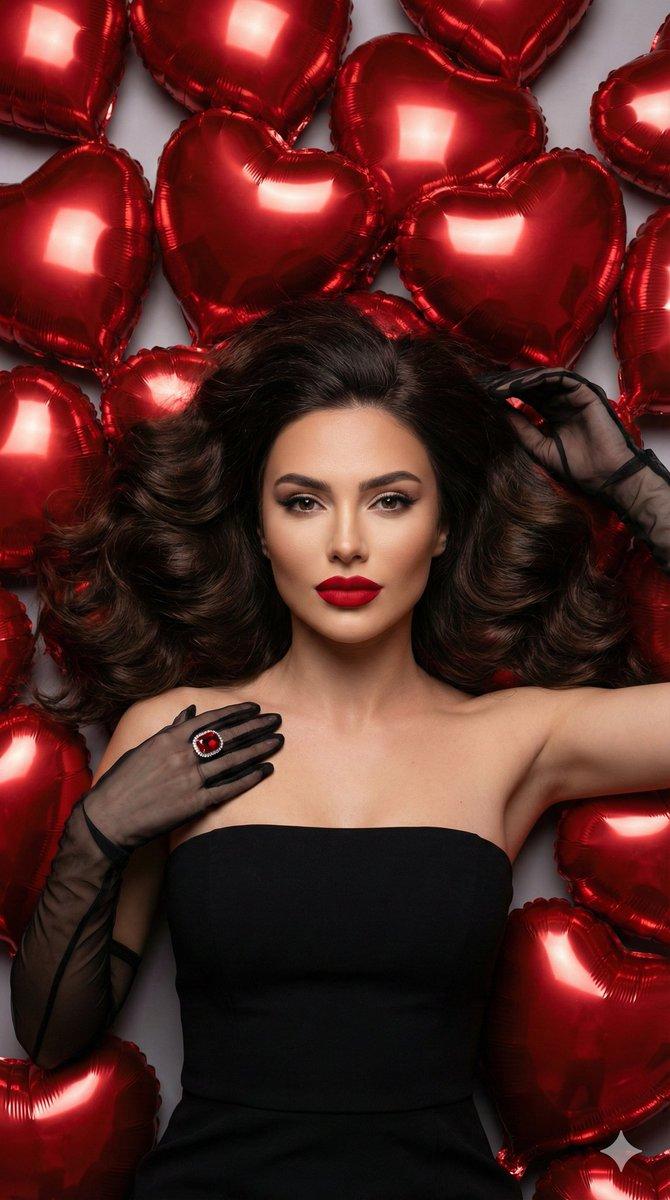
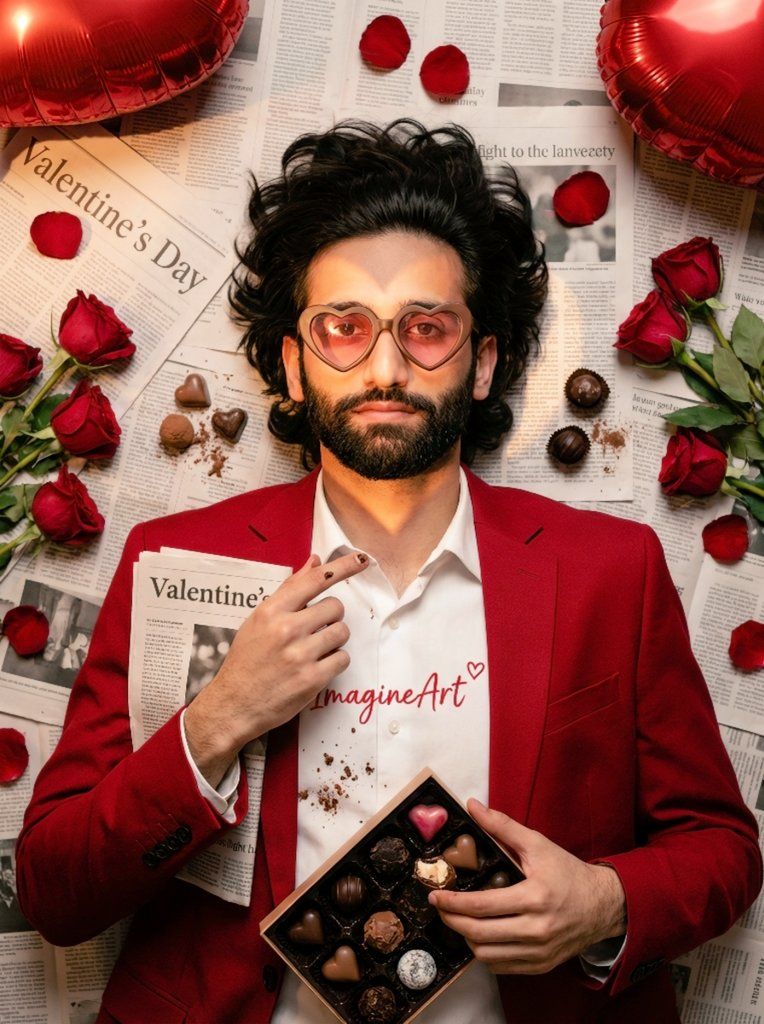
Use uploaded image (face+shoulders) — preserve likeness exactly; top-down 4:5 close-up of subject lying on densely layered, readable newspapers (folded paper in hands headline "Valentine's Day"); hair fanned; tailored red blazer over white shirt with tiny red "ImagineArt" + heart; scattered deep-red roses, loose petals, open artisanal chocolate box near hands with assorted chocolates (one truffle bitten revealing creamy filling), loose chocolates, crumbs, cocoa dusting and faint cocoa speck on fingertips; two red heart foil balloons at top corners; heart-shaped gobo/flash across face & half body; subject wears heart-shaped chocolate-frame glasses with pink translucent lenses (eyes visible); pin-sharp face, hands, main chocolates/rose cluster with creamy bokeh (85mm/100mm, f/1.8–2.8), ISO100–200, ~1/125s, full-frame, 4K+; warm top-left softbox + subtle warm rim from right; Kodak-Portra warm toning, rich saturated reds, slight film grain; microdetail: hair strands, fabric weave, skin pores, petal veins, chocolate gloss/speculars, tiny melted gloss bead, cocoa powder texture, crumbs, faint foil fingerprint; subtle imperfections: one slightly crushed petal, small cocoa smudge on newspaper edge; ultra-realistic magazine-editorial — no added text or watermark.
- Category
- 创意图片
- Model
- Nano Banana Pro
- Creator
- WasifAI
- Source ID
- 7acd6d1c-6f2d-4a84-af2b-63bf9c83b263
- Published
- Mar 8, 2026
Views0

![PROMPT TO MARKETING [PRODUCT] suspended in mid-splash of metallic liquid, frozen](https://cdn.pixshop.app/prompt-library/tweet-2008229403914899923/preview-0-1767799708565-gvm1l4ay.jpeg)