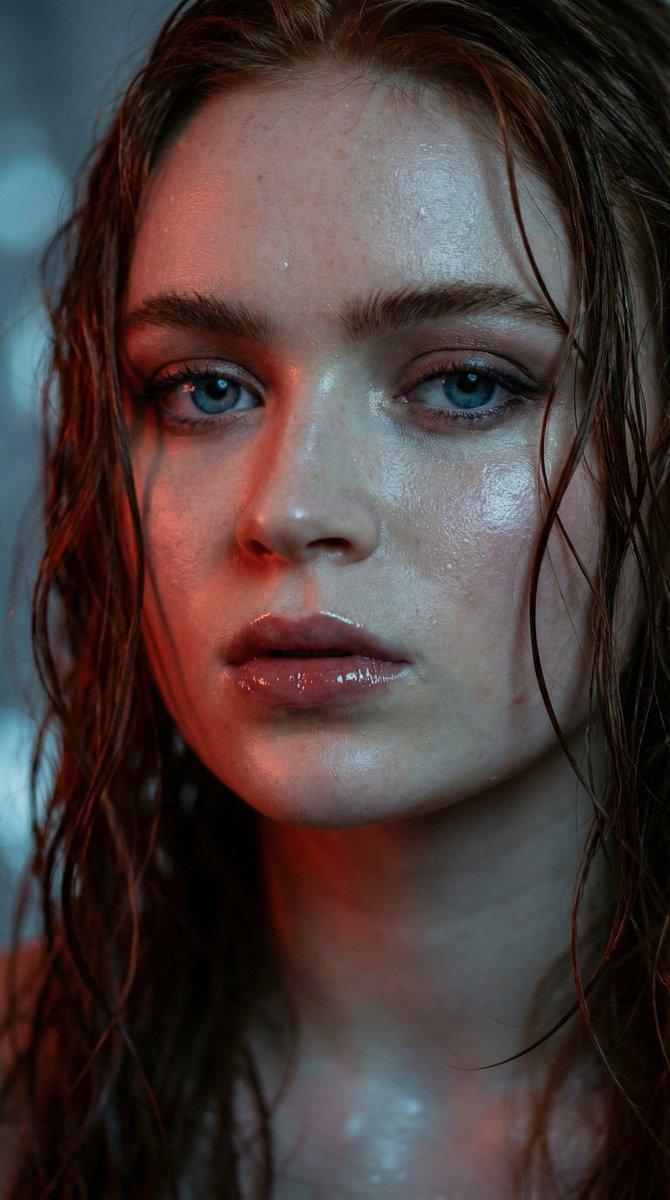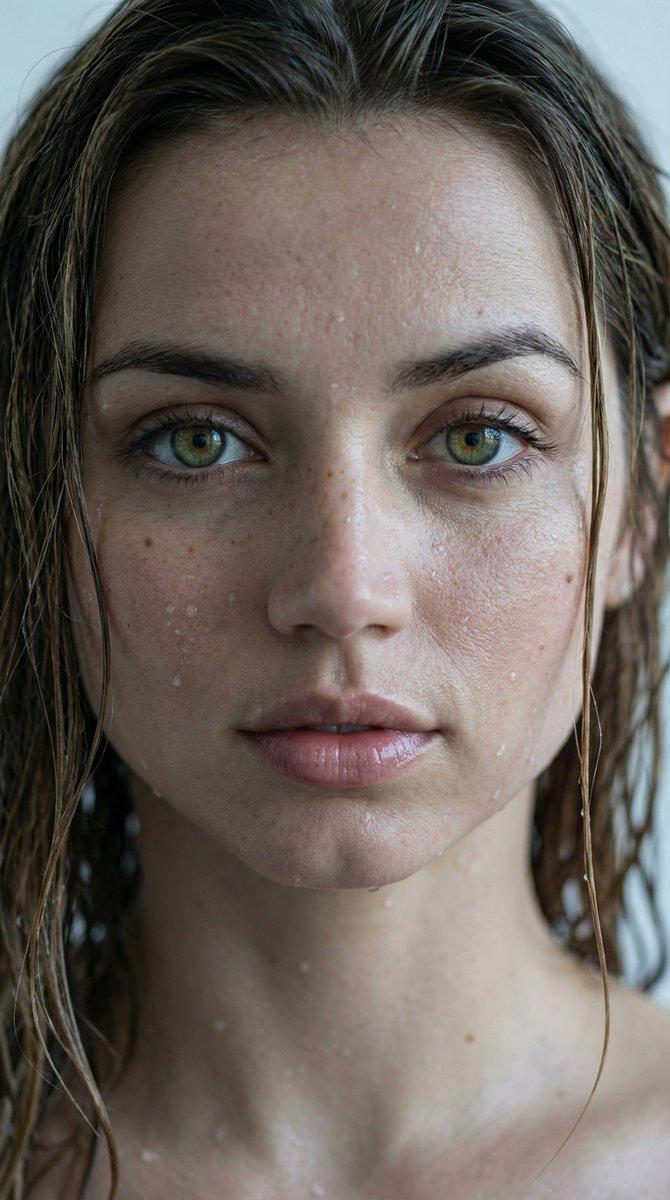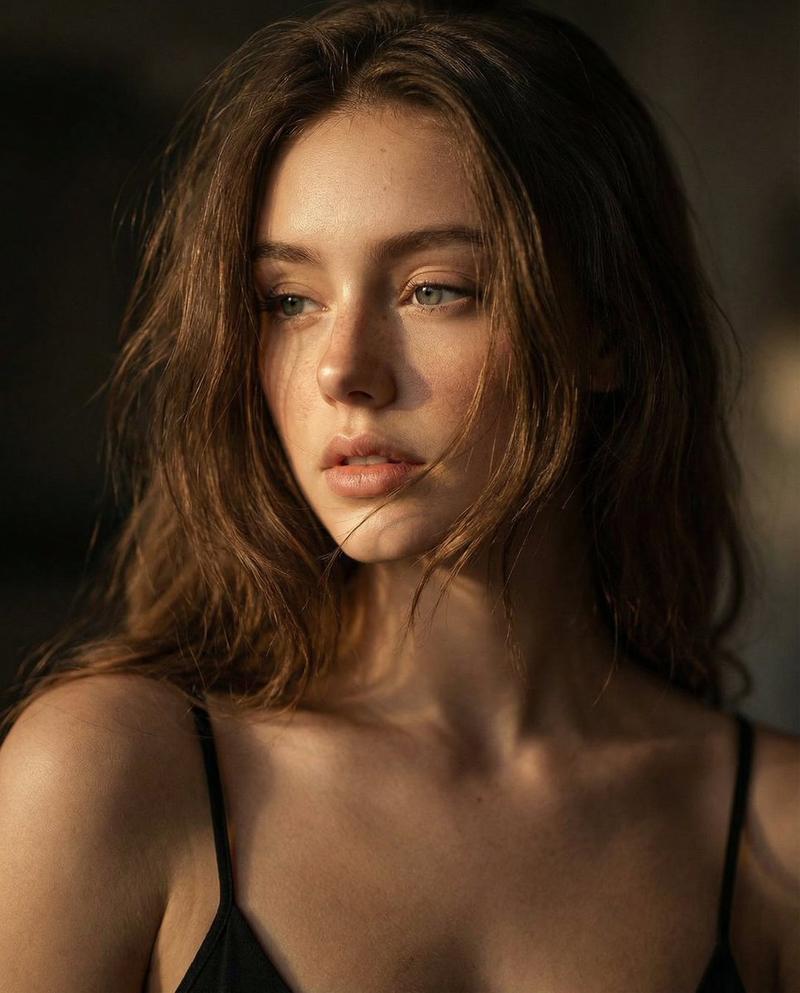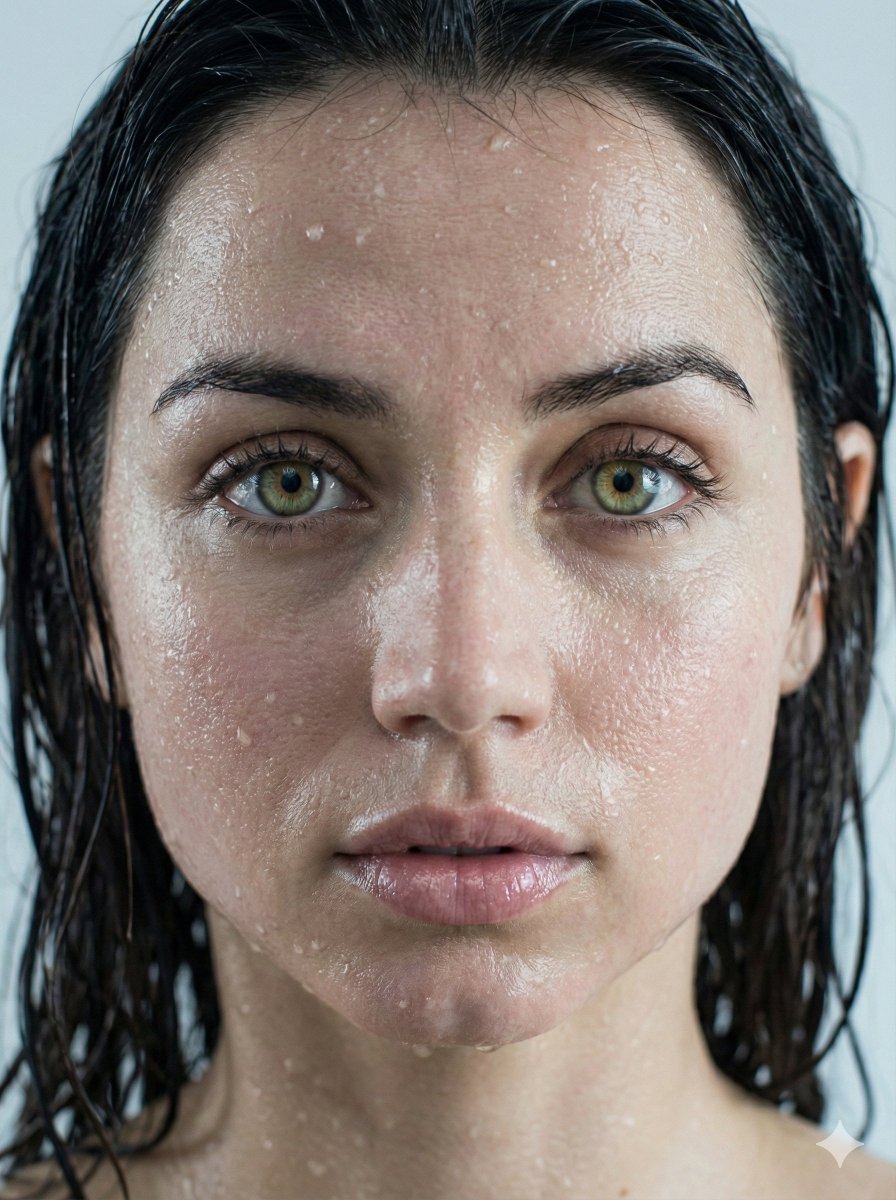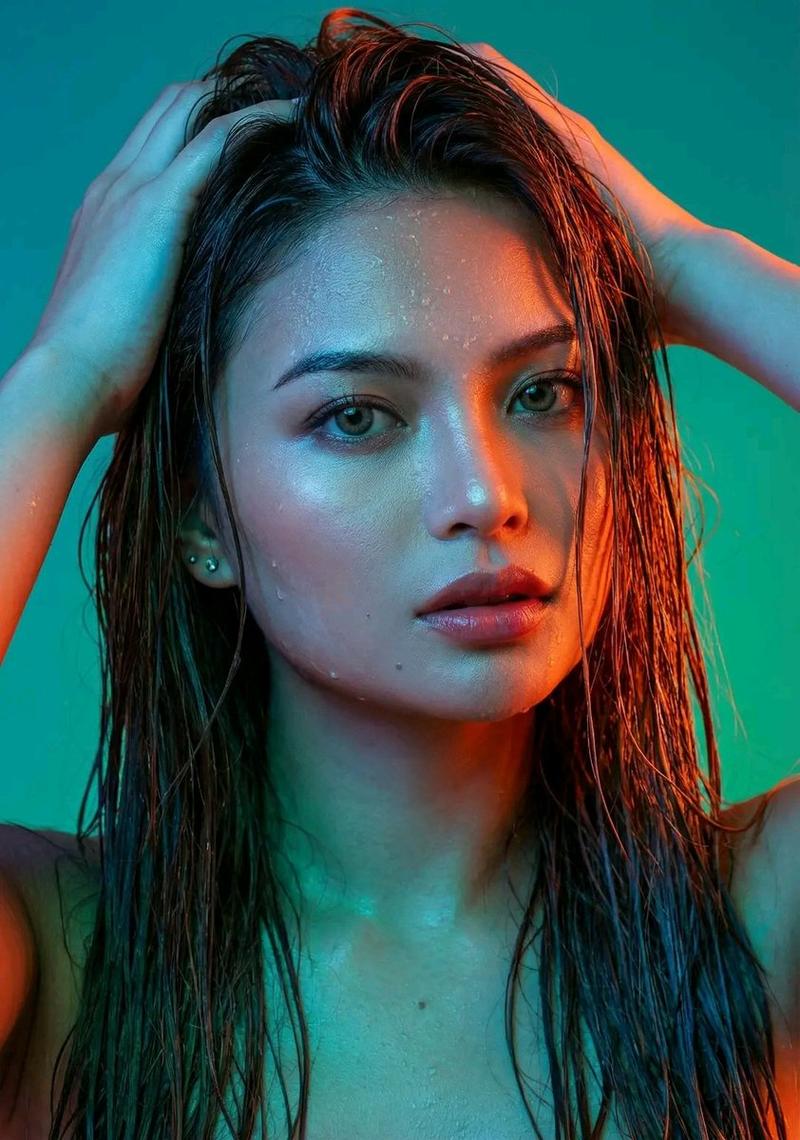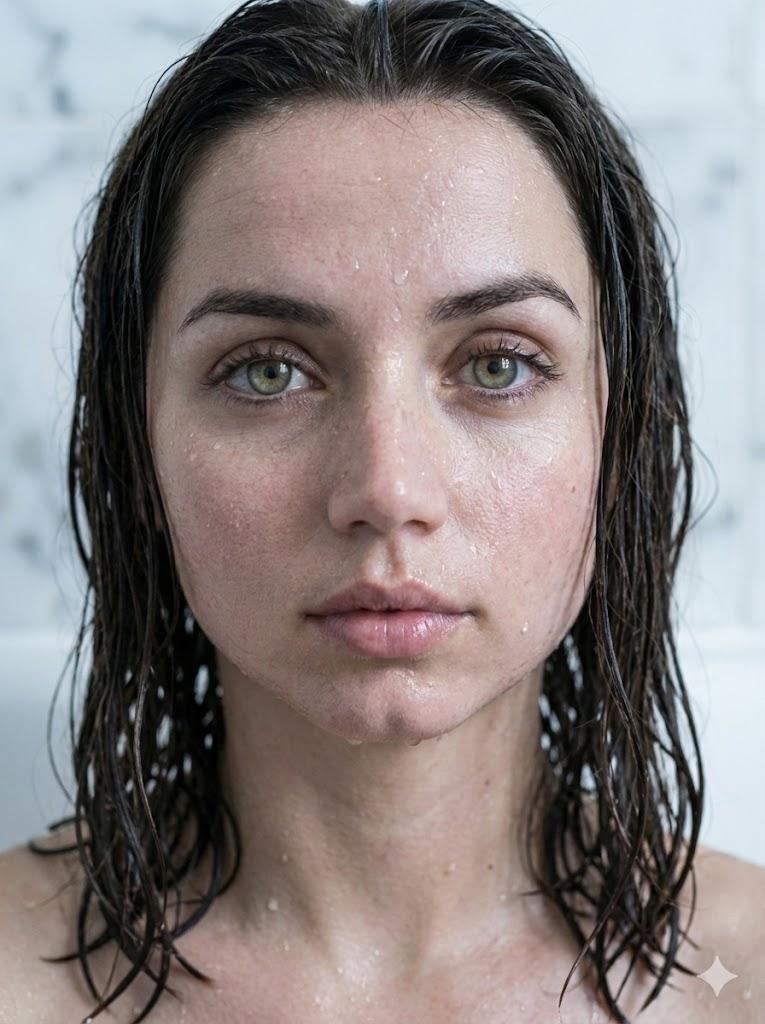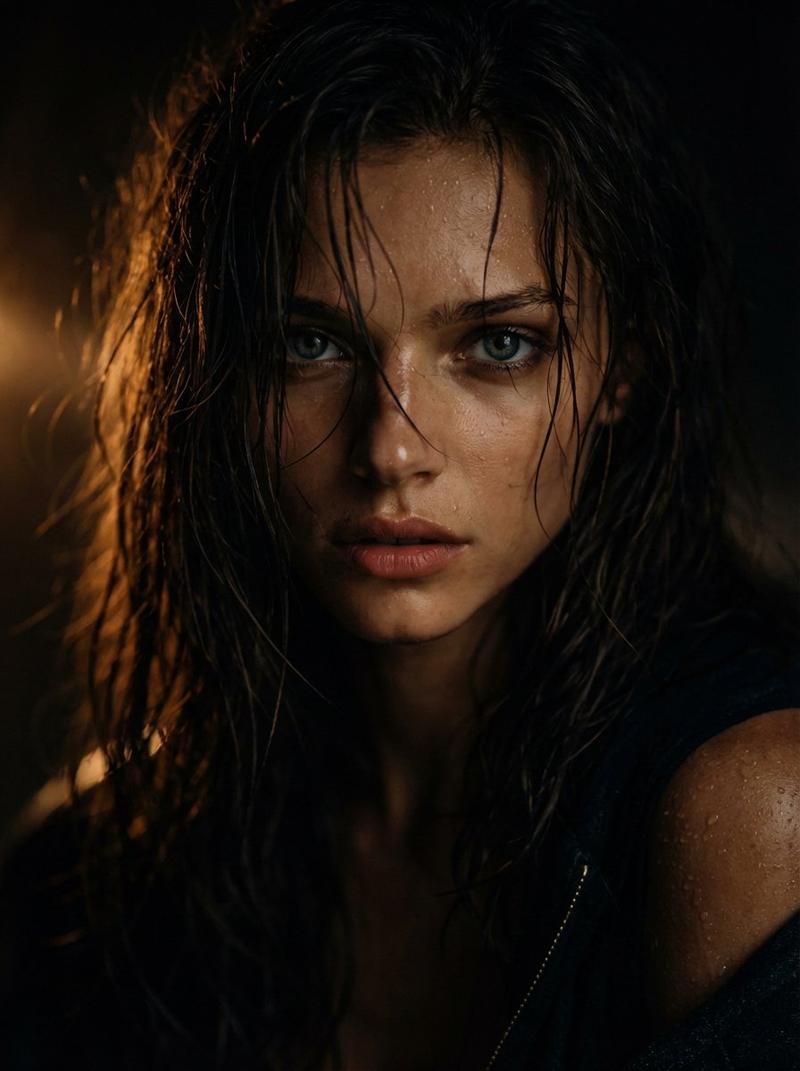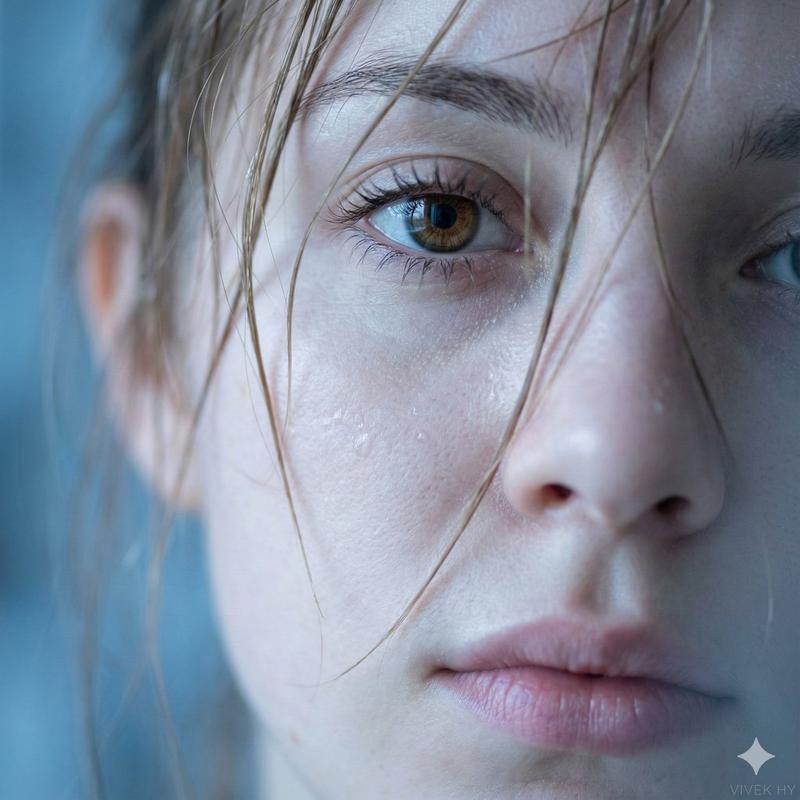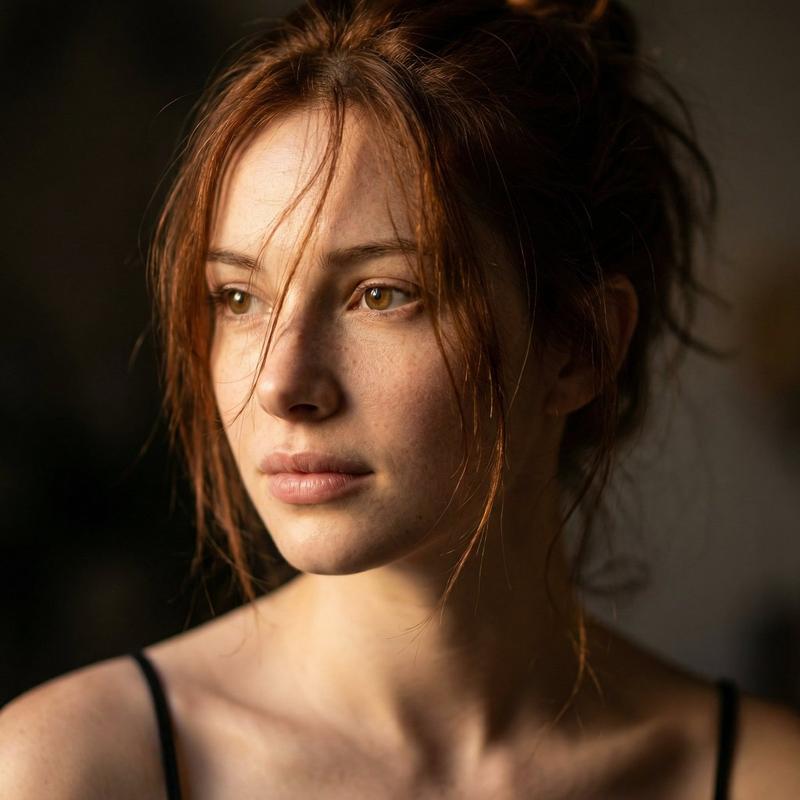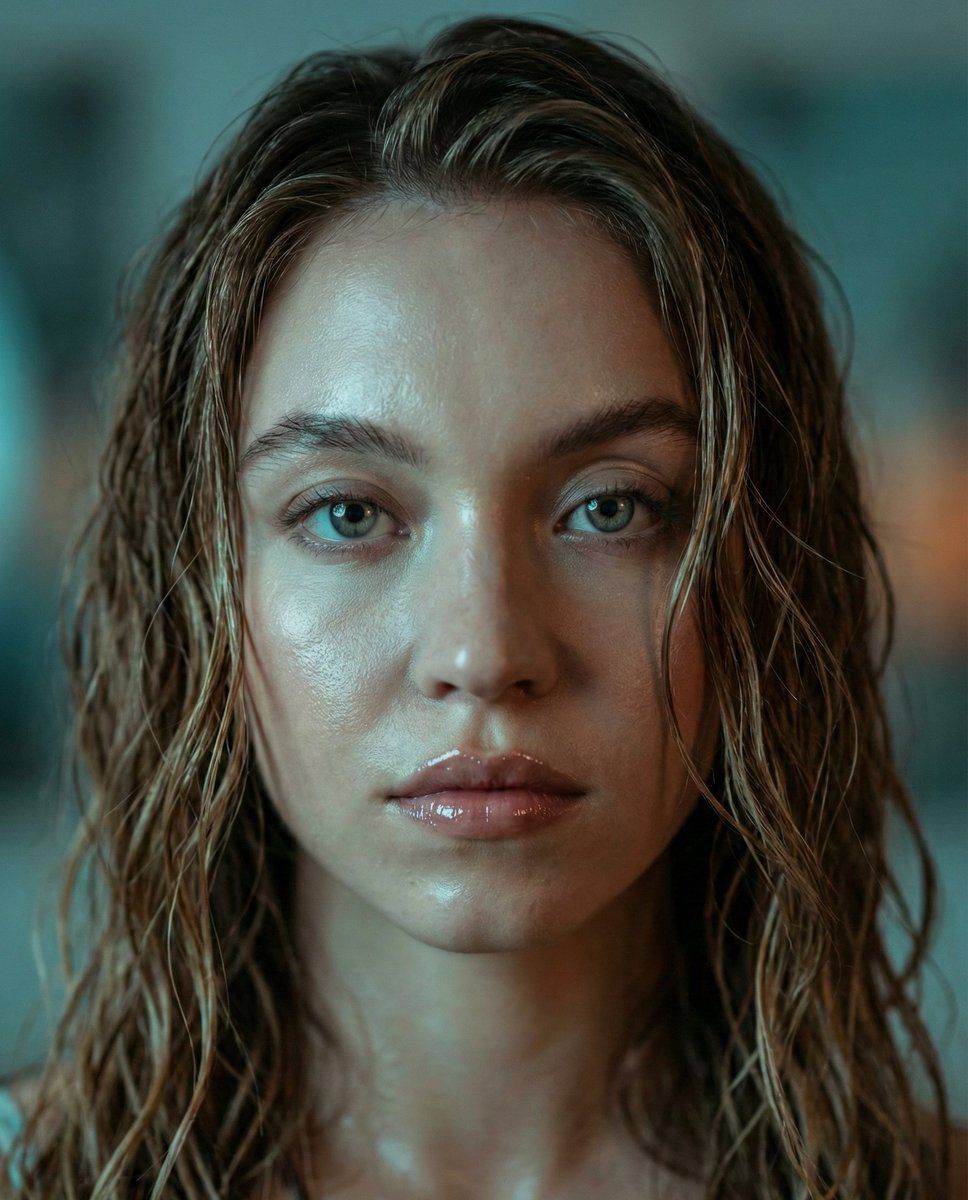
Sydney Sweeney 的超逼真电影肖像
Prompt
{
  "prompt_configuration": {
    "version": "v4.0",
    "target_aspect_ratio": "3:4",
    "mode": "Photorealistic_Cinematic"
  },
  "scene_graph": {
    "main_subject": {
      "identity": {
        "name": "{argument name="subject name" default="Sydney Sweeney"}",
        "archetype": "Celebrity Portrait",
        "age_appearance": "20s"
      },
      "hair_simulation": {
        "color": "Light Brown",
        "texture": "Wet, high-gloss",
        "style": "Loose wavy strands",
        "framing": "Face-framing locks",
        "physics": "Damp, heavy drape"
      },
      "facial_details": {
        "eyes": {
          "color": "Blue",
          "gaze": "Direct, striking, expressive",
          "makeup": "Natural, clear, no dark eyeliner, clean look",
          "eyebrows": "Well-defined, brushed up"
        },
        "skin": {
          "texture_map": "Hyper-realistic, pore-level detail",
          "finish": "Dewy, luminous, wet sheen",
          "complexion": "Fair, natural redness"
        },
        "mouth": {
          "texture": "Glossy",
          "finish": "High-shine lip gloss",
          "expression": "Neutral, slightly parted"
        }
      },
      "clothing_and_accessories": {
        "visible_apparel": "Minimalist/None visible in close-up",
        "jewelry": "None"
      }
    },
    "environment_lighting": {
      "global_illumination": "Cool ambient",
      "key_light": {
        "type": "Softbox",
        "position": "Front-left",
        "gel": "Cyan/Blue tint",
        "intensity": "Medium-High"
      },
      "mood": {
        "atmosphere": "Dramatic, moody, melancholic",
        "color_grading": "Teal and Orange (muted), cool bluish cast"
      }
    },
    "virtual_camera": {
      "lens_focal_length": "105mm (Macro Portrait)",
      "aperture": "f/1.4",
      "shutter_speed": "1/125",
      "iso": "100",
      "focus_point": "Eyes",
      "depth_of_field": "Shallow, bokeh background"
    },
    "render_engine_keywords": [
      "Octane Render",
      "Unreal Engine 5",
      "Ray Tracing",
      "Subsurface Scattering (SSS)",
      "Global Illumination",
      "8k Resolution"
    ]
  },
  "final_compiled_prompt": "Hyper-realistic close-up portrait of {argument name="subject name" default="Sydney Sweeney"}, wet light brown hair styled in loose wavy strands framing face. Striking expressive eyes, natural look without dark eyeliner, well-defined eyebrows. Skin texture is smooth with a dewy luminous finish, glossy lips. Lighting is dramatic and moody with a cool bluish tint. Shot on 105mm macro lens, f/1.4, shallow depth of field, 8k resolution, cinematic lighting, raw photograph."
}- Category
- 创意图片
- Model
- Nano Banana Pro
- Creator
- Selena 🔥
- Source ID
- f1bcc031-5709-465c-8126-78bab78d6b55
- Published
- Mar 8, 2026
Views0