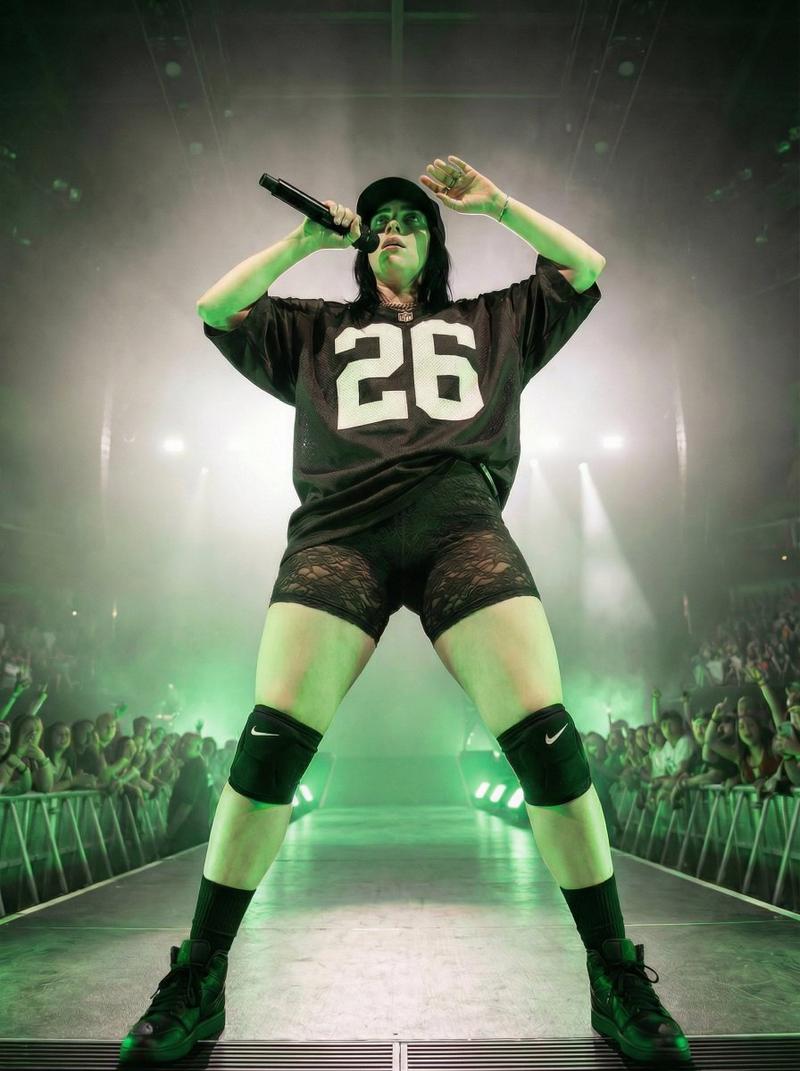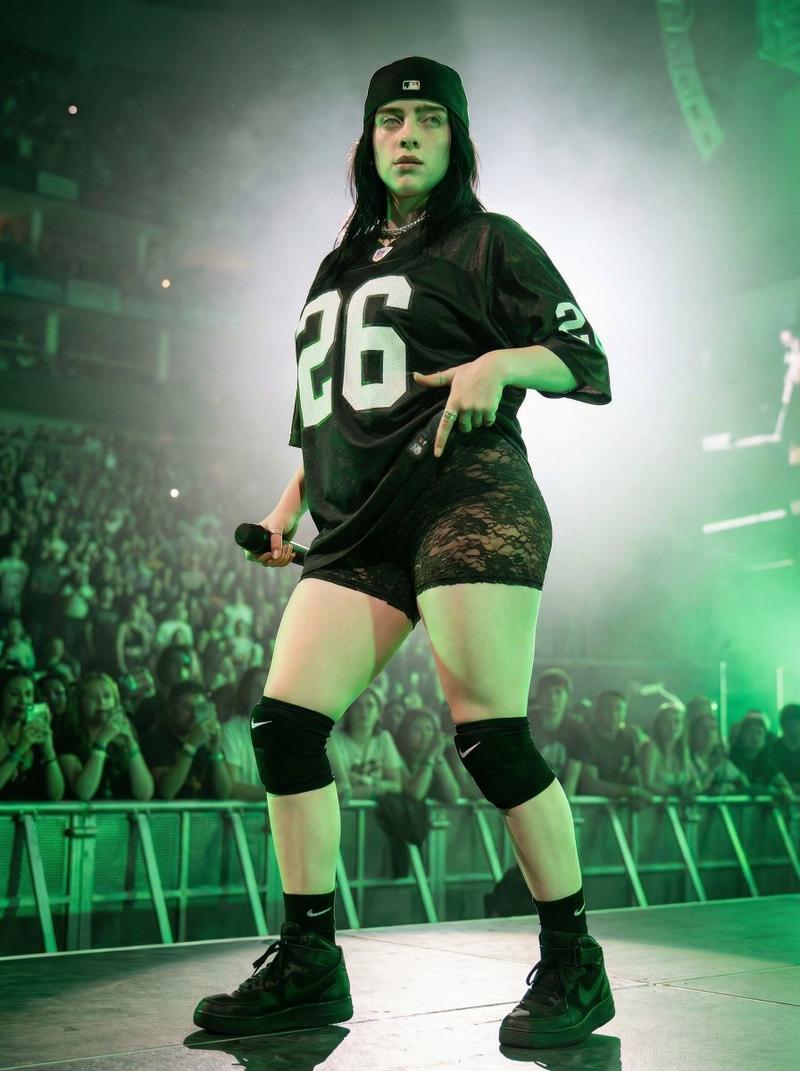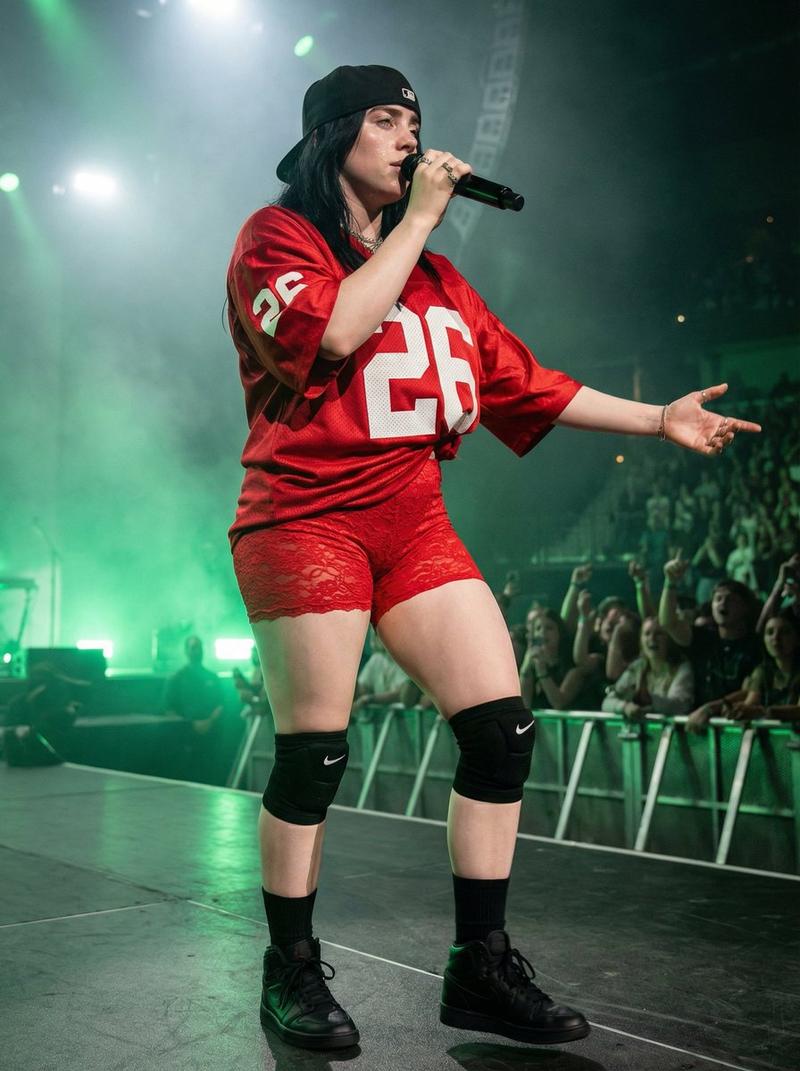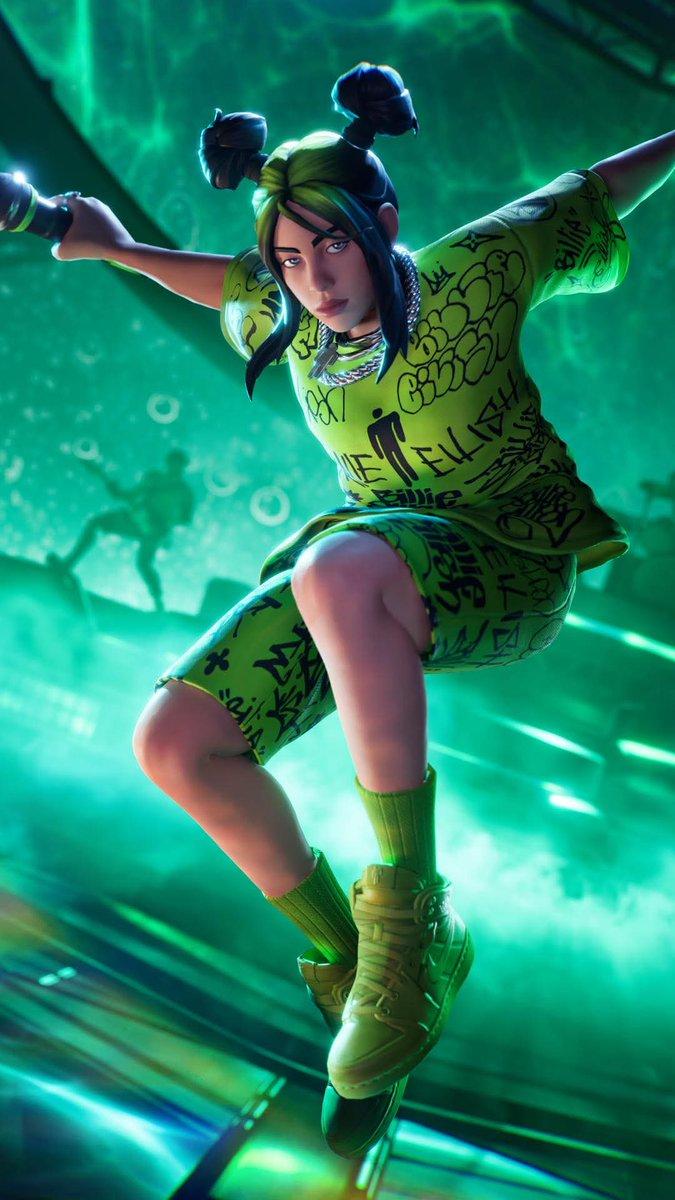
碧梨 (Billie Eilish) 的超逼真演唱会摄影
Prompt
{
  "model_style": {
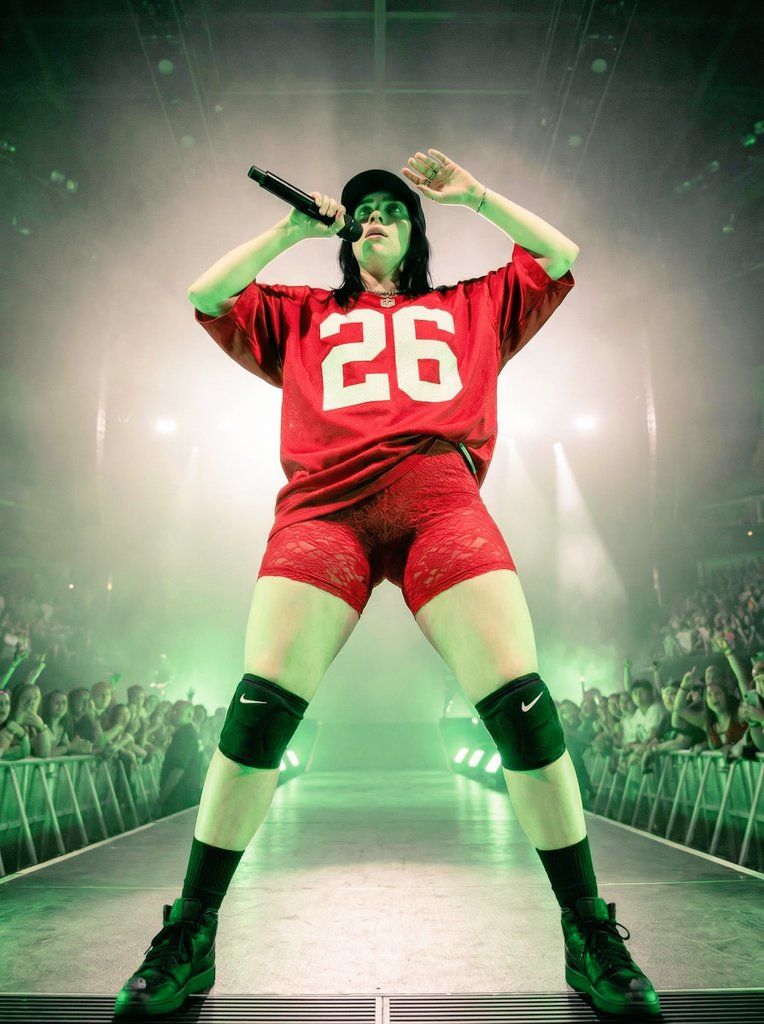
    "type": "ultra realistic concert photography",
    "quality": "8k, highly detailed, sharp focus",
    "aesthetic": "live performance, energetic, dramatic, bold",
    "color_grading": "green dominant stage lighting, high contrast, cinematic shadows"
  },

  "character": {
    "identity": "{argument name="character identity" default="YOUR_CHARACTER_HERE"}",
    "gender_presentation": "female stage performer",
    "body_type": "curvy, strong legs, athletic presence",
    "facial_expression": "focused, intense performance expression",
    "gaze_direction": "looking slightly upward",
    "hair": "dark, shoulder-length, slightly messy under cap",
    "makeup": "stage makeup, subtle but performance-ready"
  },

  "pose_and_posture": {
    "stance": "power stance, legs shoulder-width apart",
    "camera_relative_position": "standing directly above camera viewpoint",
    "upper_body": "torso slightly leaning back",
    "left_hand": "holding microphone near mouth",
    "right_hand": "raised near forehead as if adjusting cap or shading eyes from lights",
    "legs": "firmly planted, dominant stage presence"
  },

  "clothing": {
    "top": "oversized red American football jersey",
    "jersey_details": "large white number '26' on front",
    "bottom": "red lace tight shorts, semi-sheer texture",
    "legwear": "black Nike knee pads",
    "socks": "black mid-calf socks",
    "shoes": "black high-top sneakers, thick sole",
    "headwear": "black baseball cap"
  },

  "accessories": {
    "microphone": "black wireless handheld microphone",
    "knee_pads": "visible Nike logo",
    "no_extra_jewelry": true
  },

  "environment": {
    "location": "indoor concert arena",
    "stage": "large stage platform",
    "audience": "crowd visible in background, blurred but noticeable",
    "barriers": "metal crowd control barriers visible",
    "atmosphere": "concert haze, energetic audience"
  },

  "lighting": {
    "main_light": "strong green stage lighting from below",
    "backlight": "bright white stage lights behind subject",
    "rim_light": "subtle edge lighting around body",
    "shadow_style": "dramatic upward shadows due to low camera angle"
  },

  "camera": {
    "angle": "extreme low angle shot (worm’s-eye view)",
    "lens": "wide angle lens (24mm equivalent)",
    "perspective": "distorted perspective emphasizing legs and dominance",
    "focus": "sharp focus on subject, slight blur in audience",
    "framing": "full body vertical composition"
  },

  "mood": {
    "energy": "empowered, commanding, intense",
    "vibe": "live stadium performance",
    "emotion": "confidence and stage dominance"
  },

  "technical_details": {
    "resolution": "8k",
    "texture_detail": "visible fabric texture, lace detail, skin texture",
    "dynamic_range": "high dynamic range",
    "depth_of_field": "moderate, subject sharp, background slightly blurred"
  }
}- Category
- 创意图片
- Model
- Nano Banana Pro
- Creator
- Khanzy
- Source ID
- 8a5d5cc8-ce85-4224-823b-a6f6a004e944
- Published
- Mar 8, 2026
Views0