20

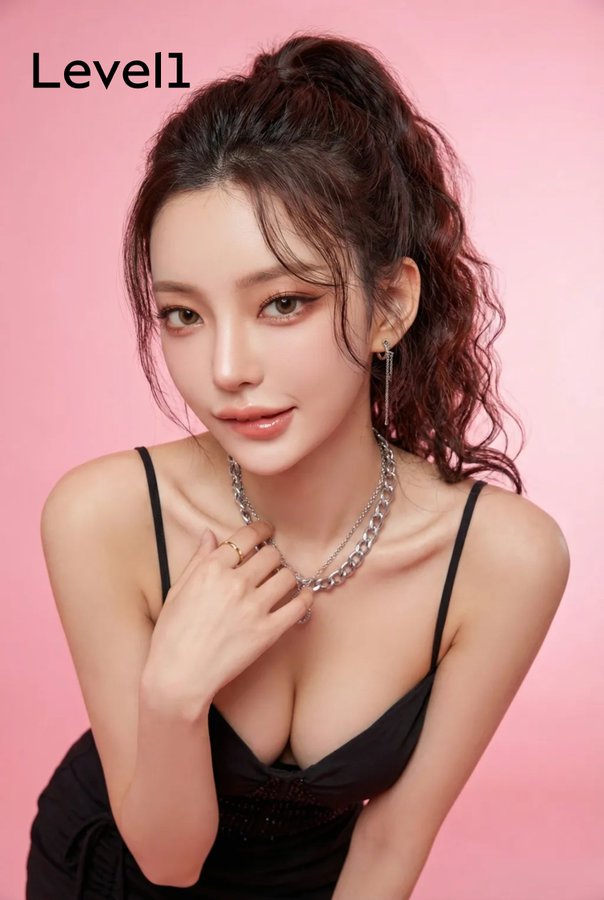
奶凶奶凶的女生
Enlarge

奶凶奶凶的女生

Prompt
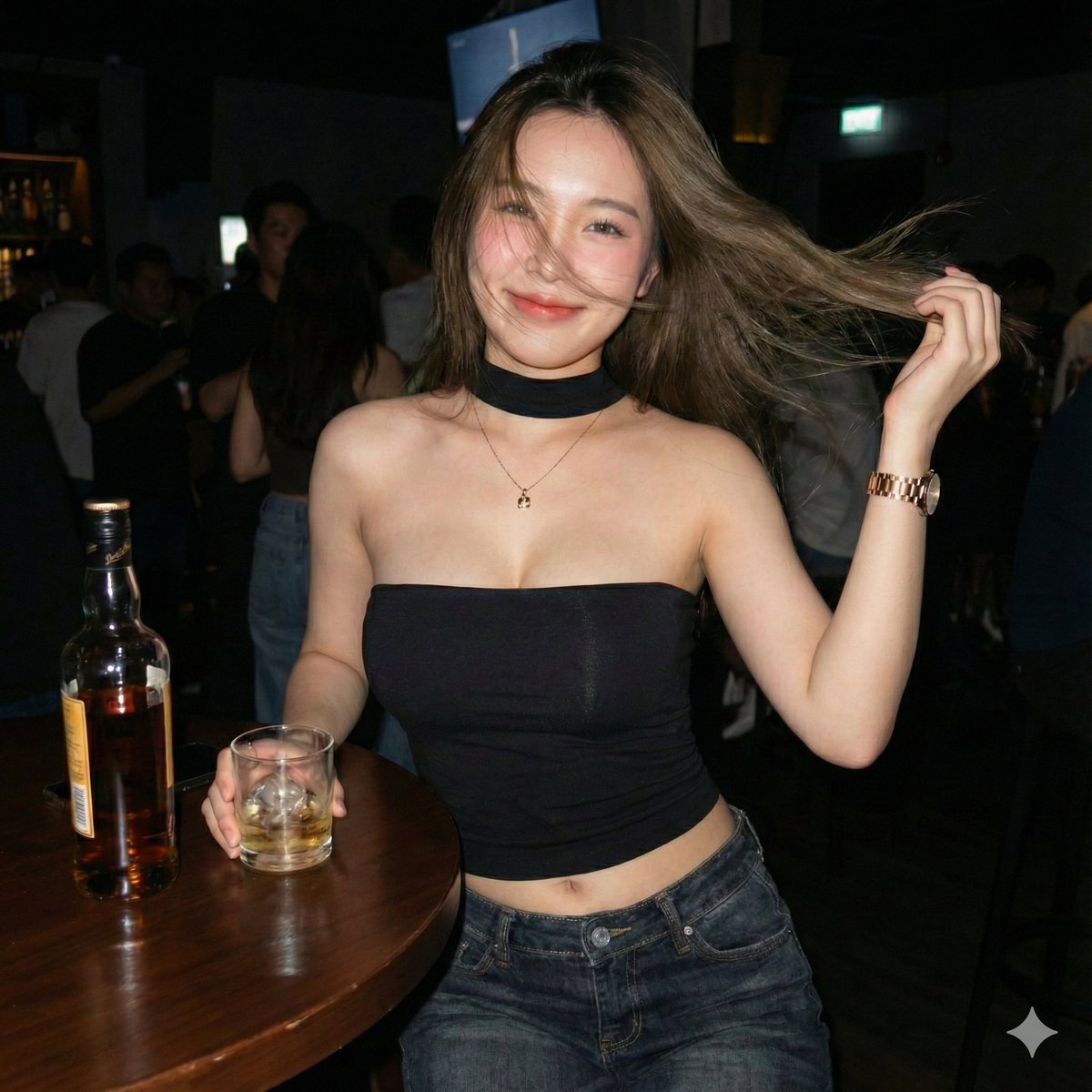
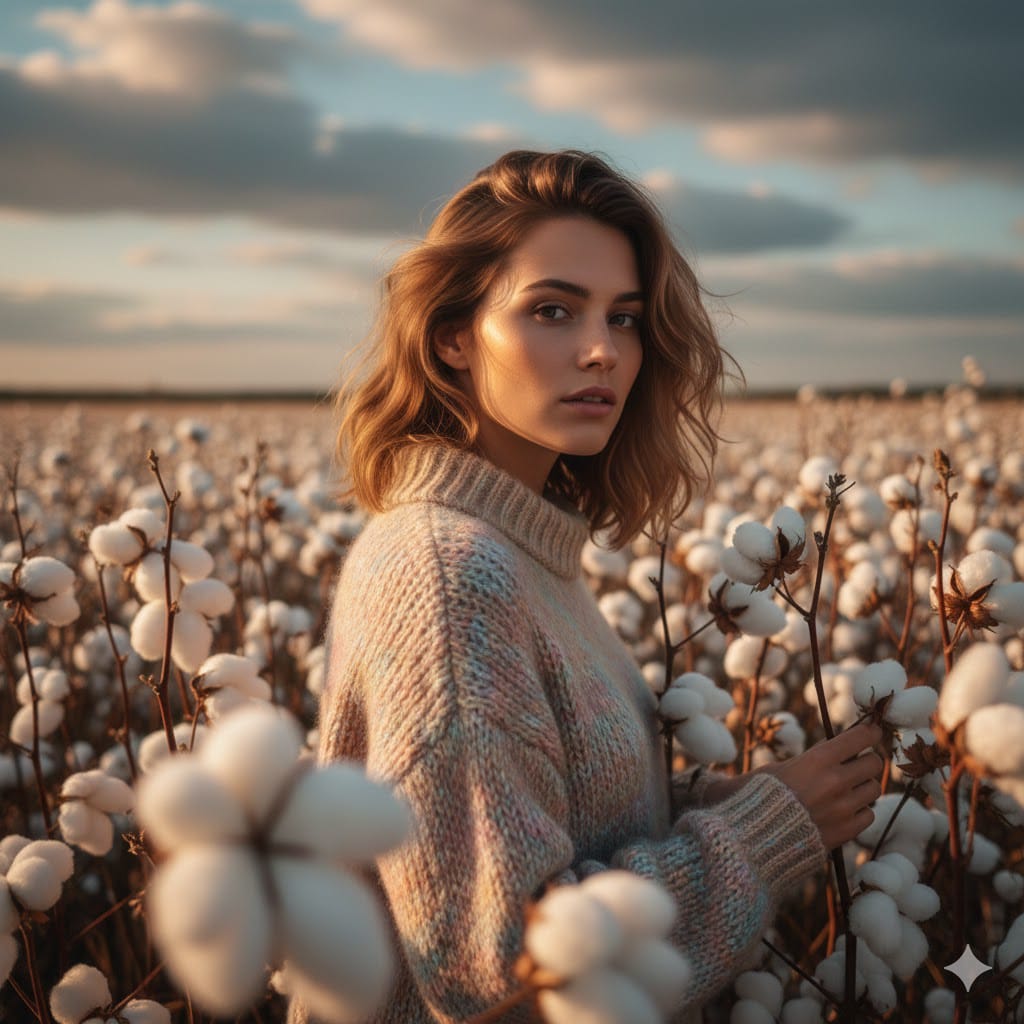
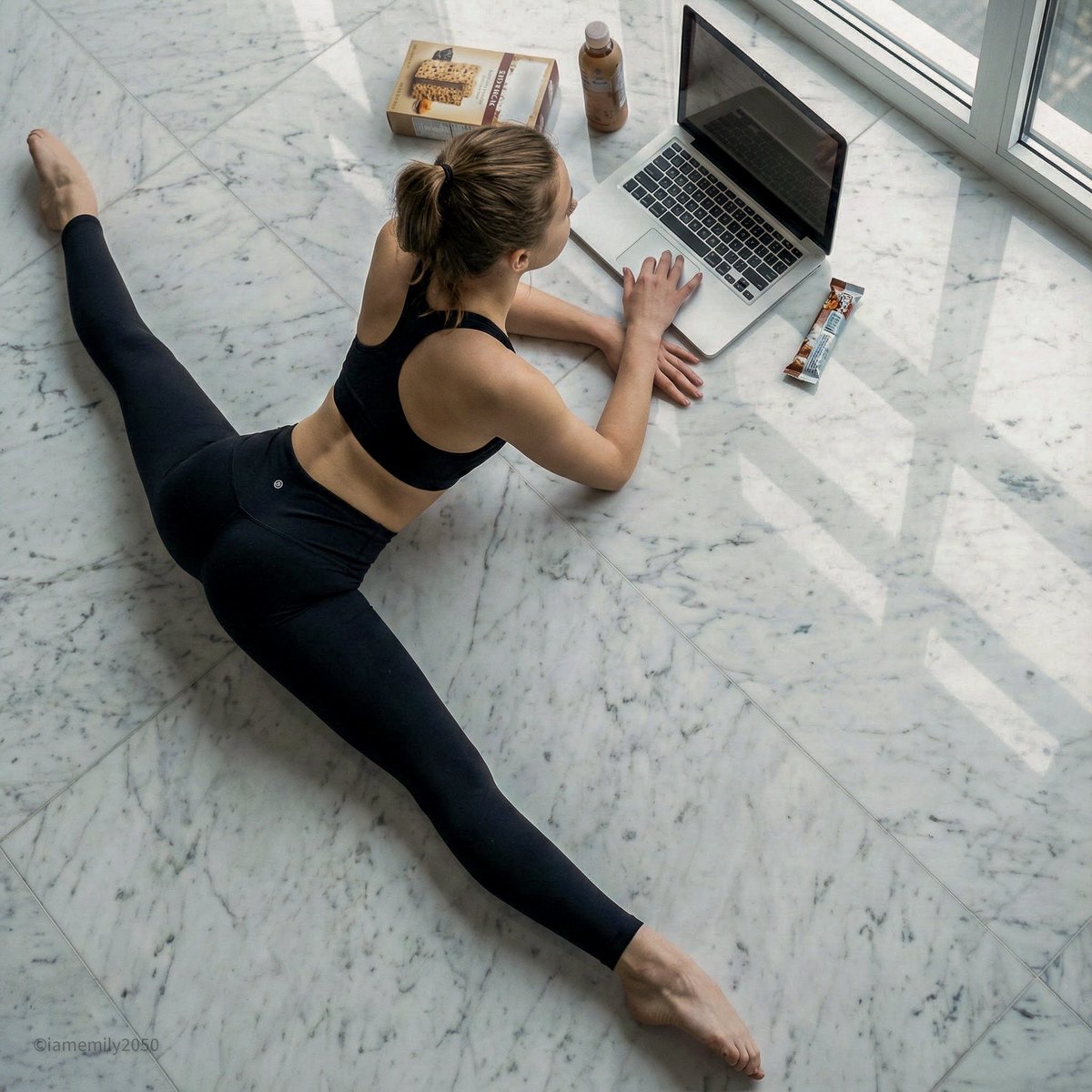
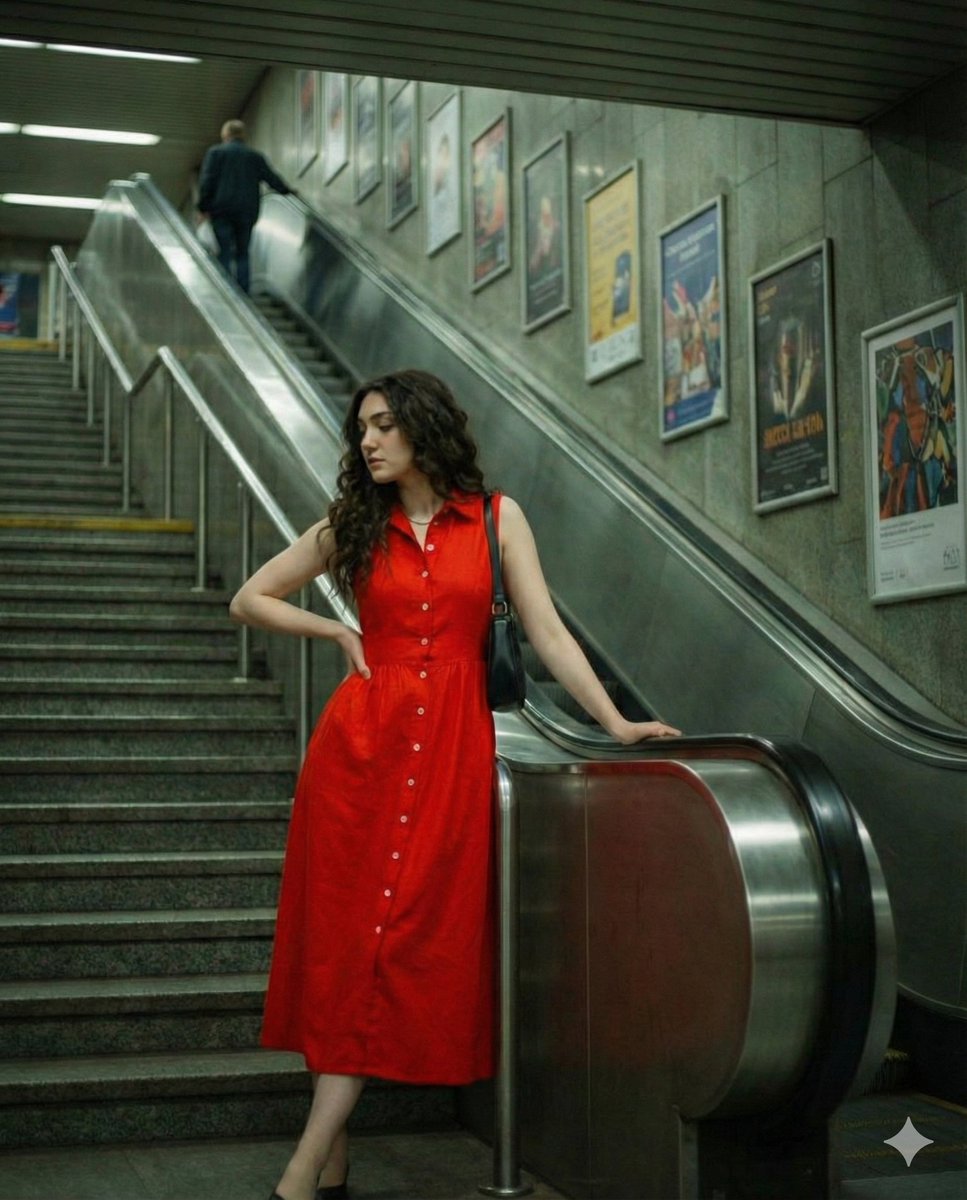
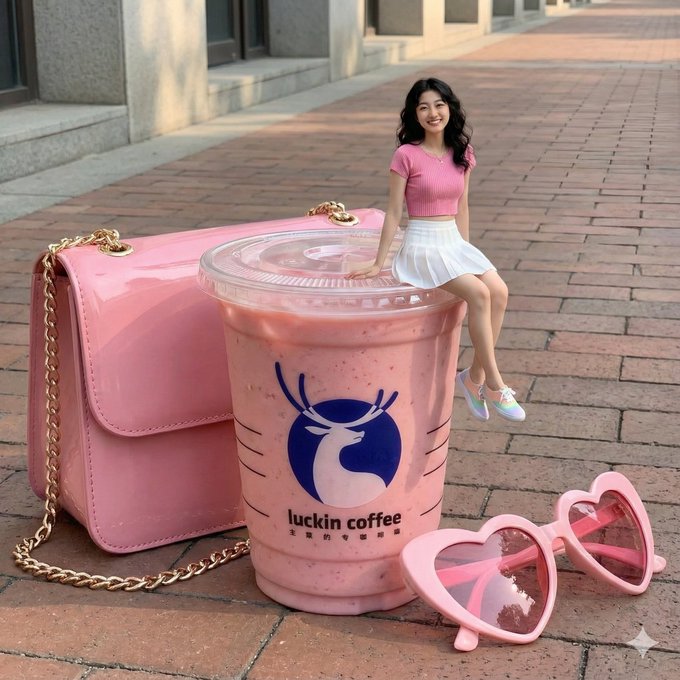
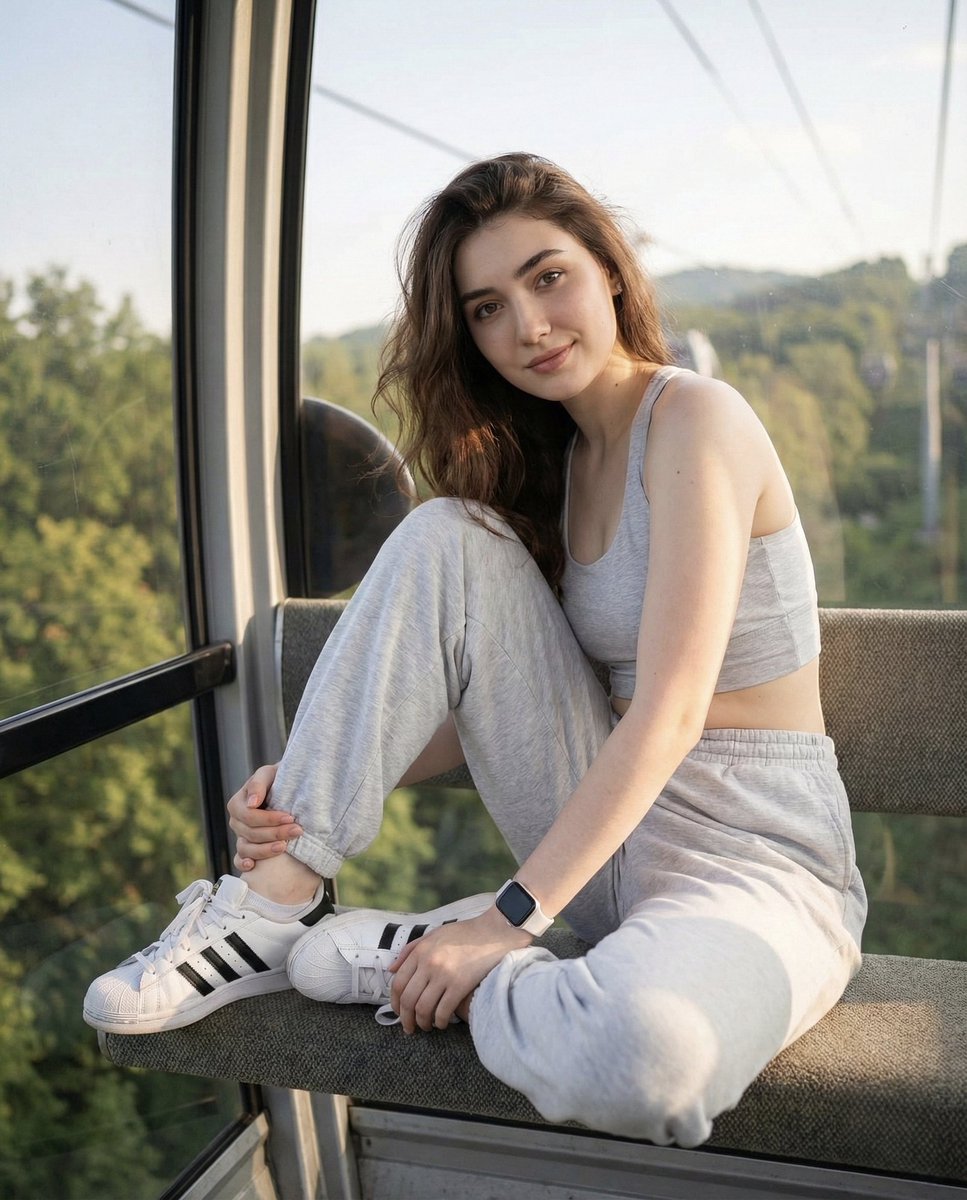
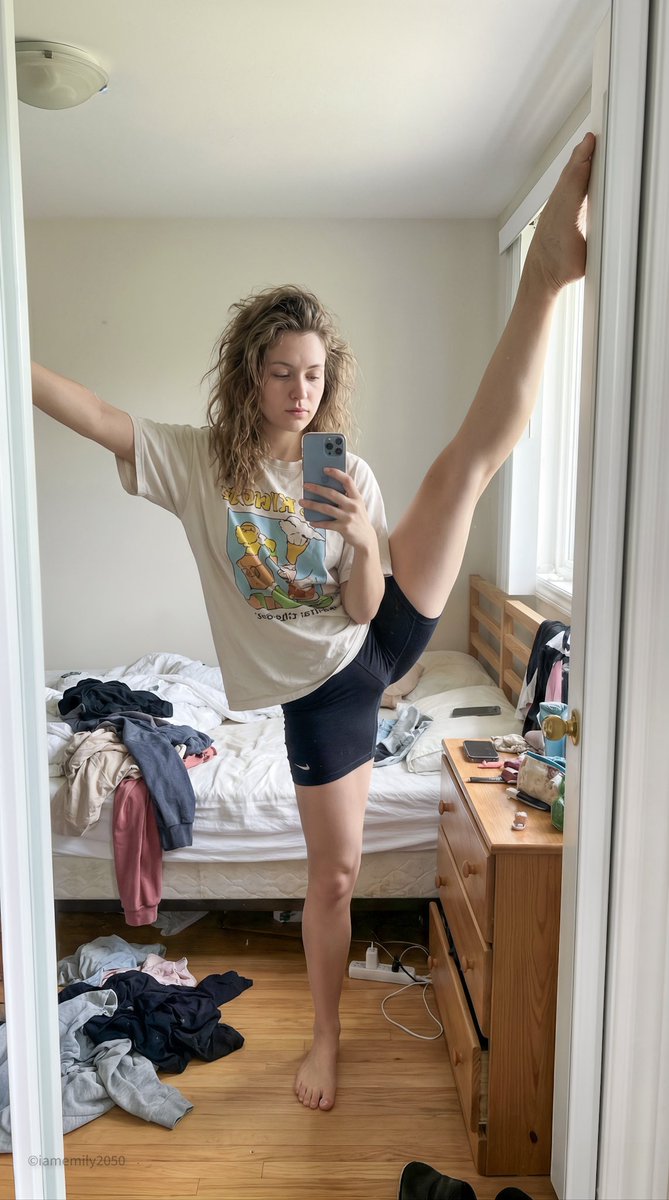
Photorealistic edit using the input person photo as strict identity reference: keep the same face, facial features, skin tone, hairstyle (color/bangs/length/volume), outfit and accessories unchanged (no face swap, no new person, no hair/outfit change). Change only expression/pose/background: pouty lips and furrowed brows, slightly angry/annoyed, like she’s playfully mad at her boyfriend and saying “stop filming me”. Close wide-angle perspective (18–28mm), body slightly leaning forward, one hand reaching toward the lens as if grabbing the boyfriend’s phone / blocking the camera; huge foreground hand occupying 30–50% of the frame, palm facing camera, five natural fingers, realistic anatomy; face in the back in sharp focus. Replace background with a clean solid pink studio backdrop (seamless, no texture). No text, no watermark, no frame, no extra fingers, no deformed hands, no heavy blur, no style change.
Category
creative_scene
Model
Nano Banana Pro
Creator
Pixshop
Views0
Source ID
c2b288e2-a54d-40cb-af8d-248afa66c5b6
Published
Jan 7, 2026

Guide

About "奶凶奶凶的女生"

What is this prompt for?

"奶凶奶凶的女生" AI image prompt for Nano Banana Pro (creative_scene). creative_scene Copy it on Picva and recreate the look in one click.

The full copyable prompt and example visuals above are ready for AI image generation or one-click recreate in Picva.

How to use this prompt

  1. Step 1

    Open the prompt detail

    Review the example visuals, category, and full prompt text for "奶凶奶凶的女生".

  2. Step 2

    Copy the prompt

    Copy the prompt body from this page, or load it directly in Studio.

  3. Step 3

    Pick a model (Nano Banana Pro)

    Prefer Nano Banana Pro. If you switch models, keep subject and composition and tweak style terms.

  4. Step 4

    Generate and export

    Recreate the look in Picva, or export into your workflow for editing and publishing.

FAQ

What is the "奶凶奶凶的女生" prompt?
It is an AI image-generation prompt for Nano Banana Pro in the creative_scene category. This page includes the full prompt text, example visuals, and a one-click recreate path in Picva.
How do I use this prompt to generate an image?
Copy the prompt from this page, or use Generate / Studio. Paste it into a compatible image model, or recreate the look in Picva with optional reference images.
Which model is this prompt for?
This page lists Nano Banana Pro. Most descriptive prompts also transfer to nearby image models such as GPT Image, Flux, or Midjourney with light style tweaks.
Can I use the result commercially?
You can usually copy the prompt for creation, but commercial use of the final image depends on the model terms, reference-image rights, and the generated content. Follow the source author and platform rules.