11

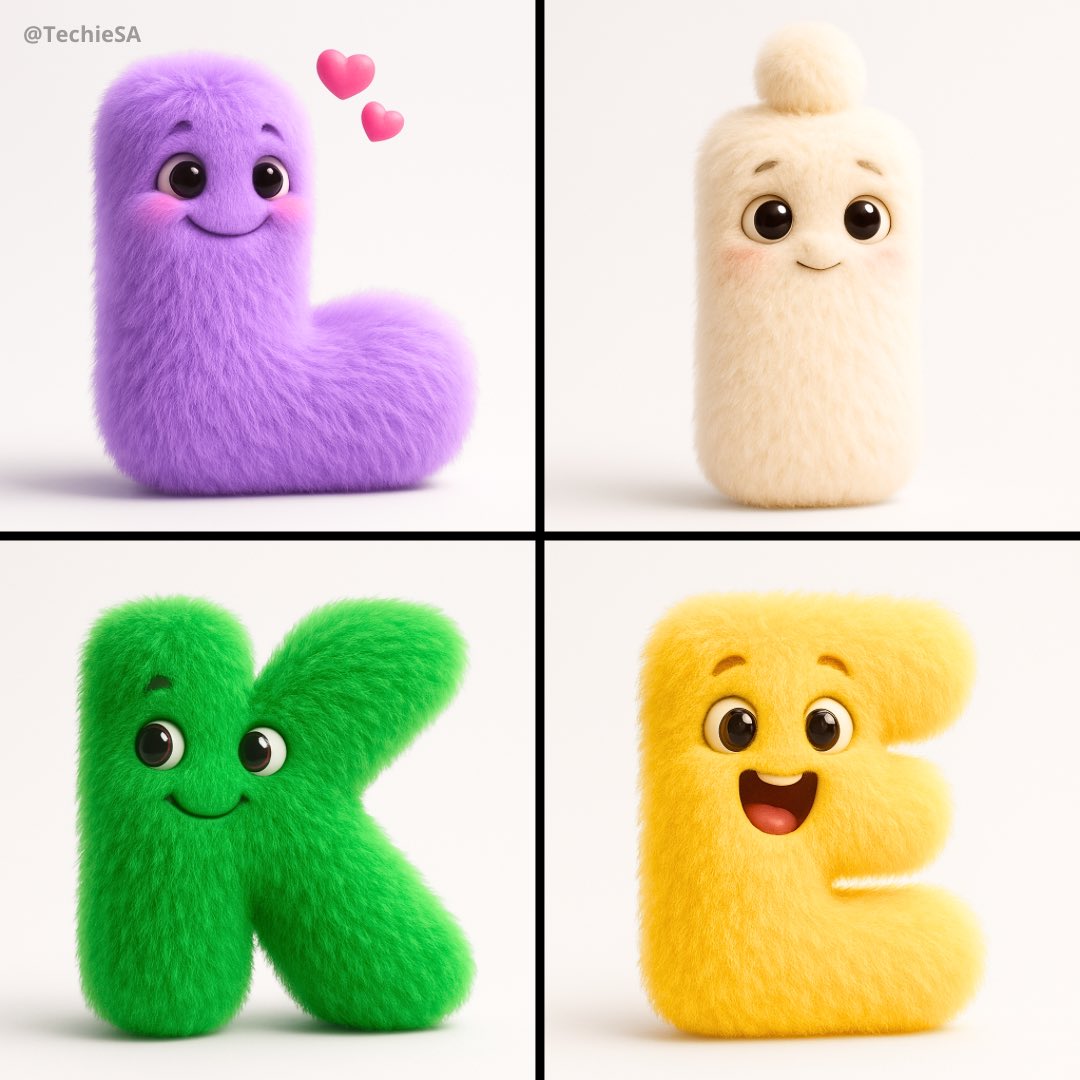
字母毛茸茸形象
Enlarge

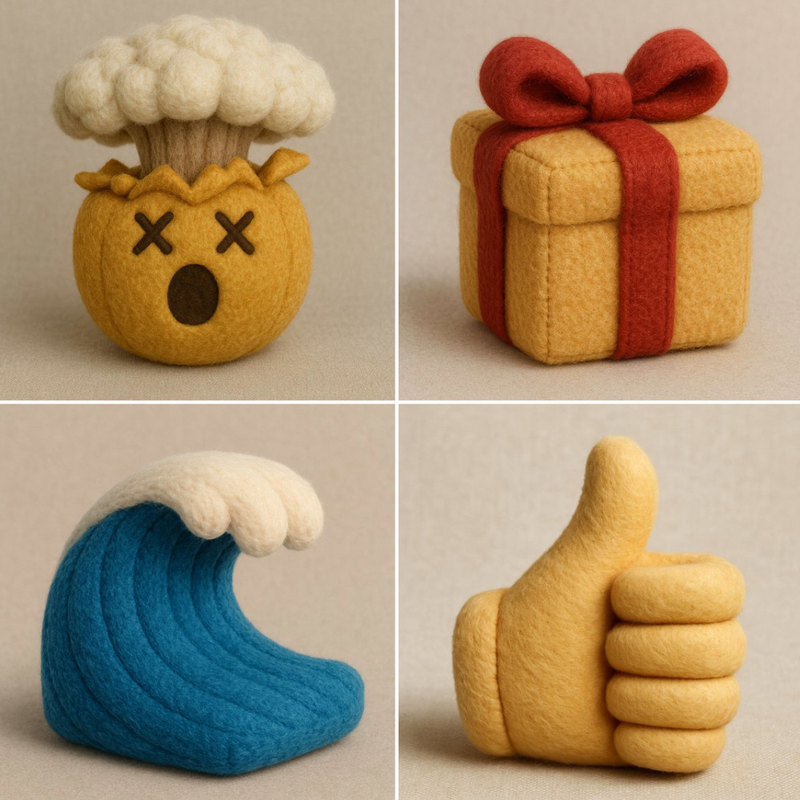
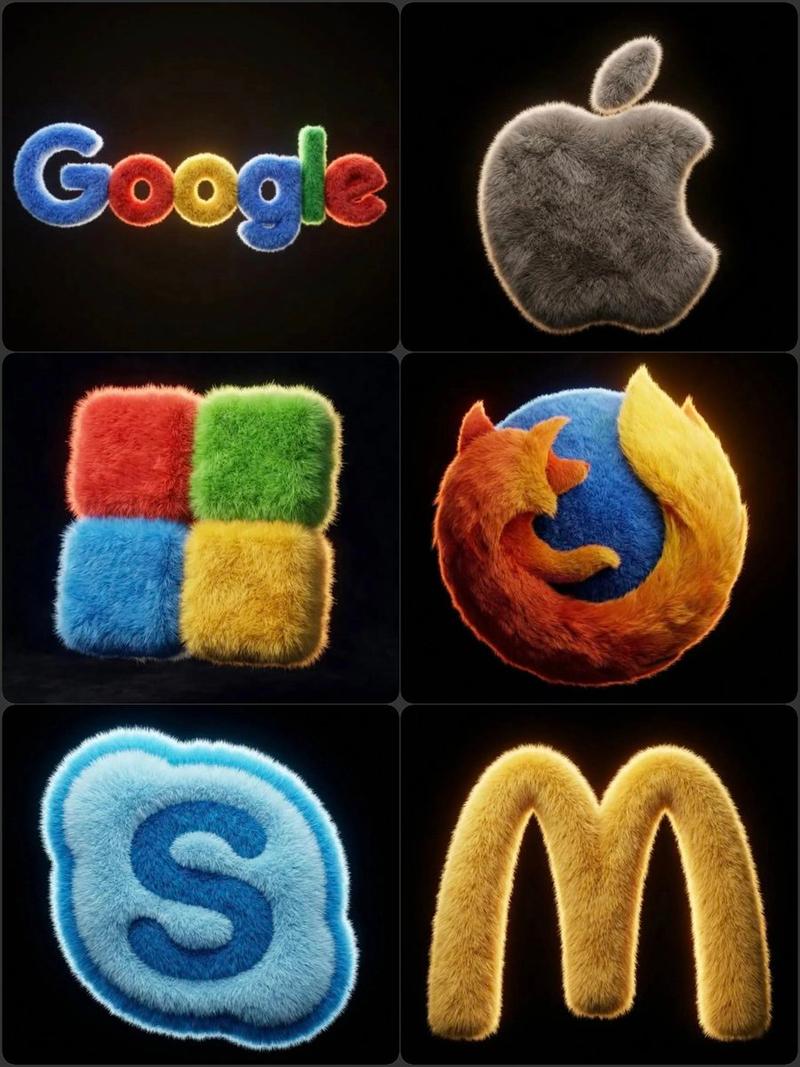
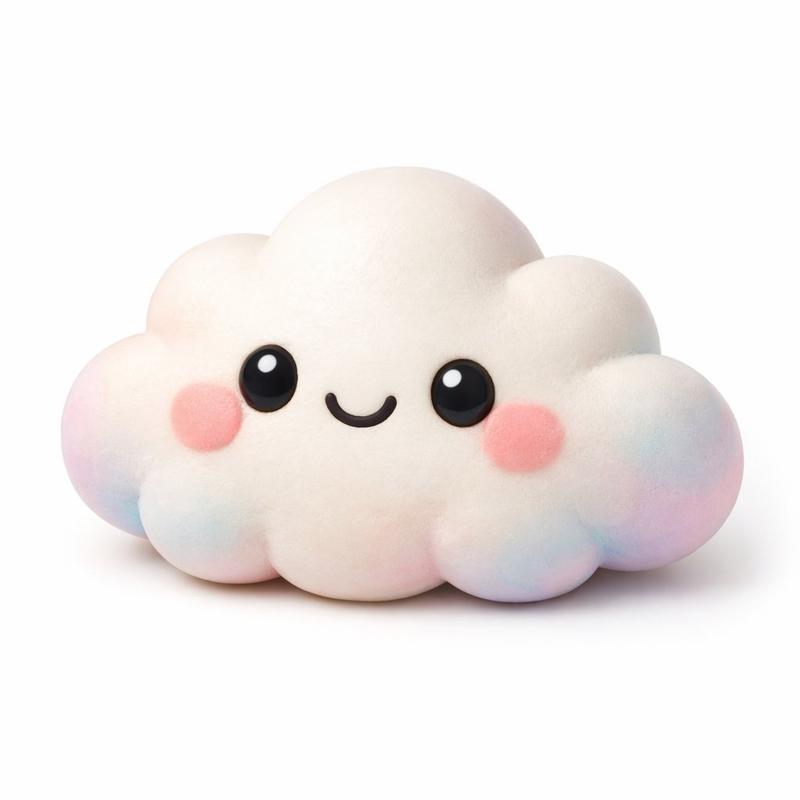
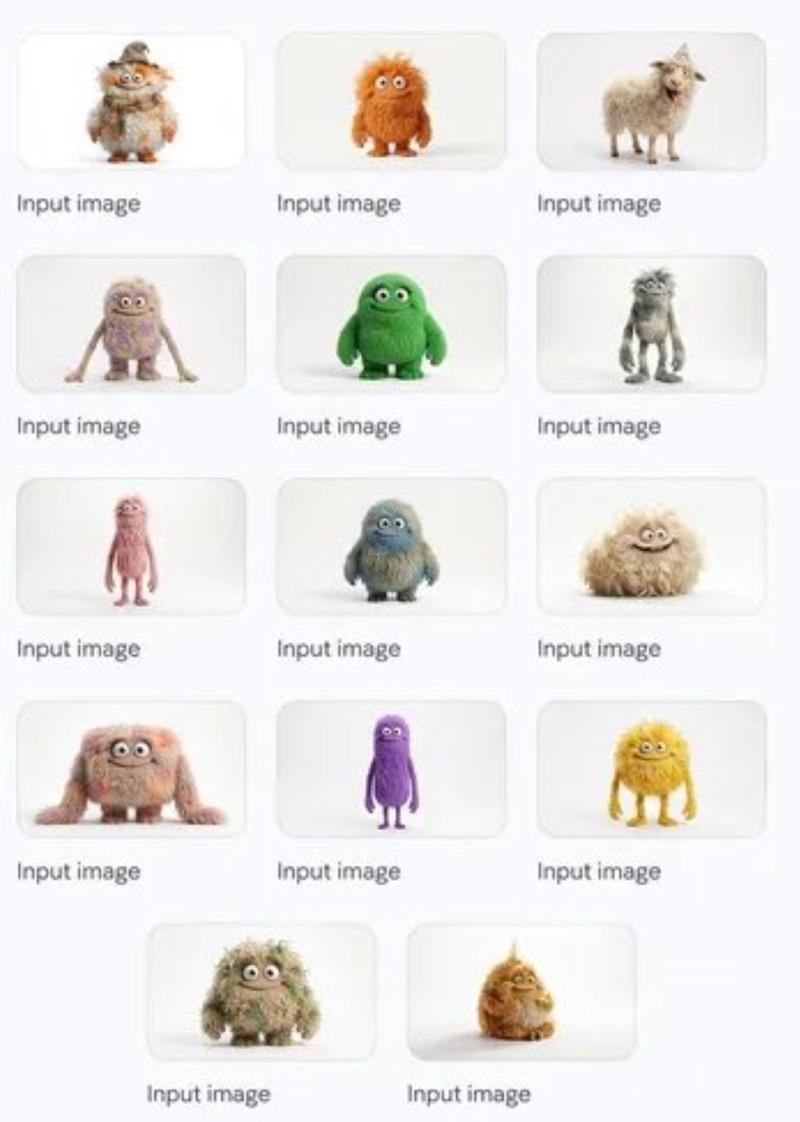
Example images

字母毛茸茸形象

Prompt
Render a delightful alphabet character ‘[LETTER]’ as a lovable fuzzy being in square 1080x1080 dimensions. Transform the typography into a living creature where the letterform itself becomes the main structure. Position expressive googly eyes and a cheerful mouth as integrated features of the alphabetic design. Texture the surface with luxurious [COLOR] fuzz that mimics high-quality stuffed animal material with photorealistic fiber details.
Frame against a stark white void to maximize contrast and draw attention to the subject. Infuse the creation with [EMOTION] through strategic facial positioning and expression. Maintain elegant simplicity - avoid anatomical complications or additional appendages. Illuminate using cinematic techniques: primary key lighting to accentuate surface textures, secondary edge illumination for three-dimensional form, plus ambient fill to soften shadow contrasts. Target premium animation studio aesthetics.
Category
creative_scene
Model
Nano Banana Pro
Views9
Source ID
b8915334-da89-4785-8bf8-5dc1e5496102
Published
Dec 27, 2025

Guide

About "字母毛茸茸形象"

What is this prompt for?

"字母毛茸茸形象" AI image prompt for Nano Banana Pro (creative_scene). creative_scene Copy it on Picva and recreate the look in one click.

The full copyable prompt and example visuals above are ready for AI image generation or one-click recreate in Picva.

How to use this prompt

  1. Step 1

    Open the prompt detail

    Review the example visuals, category, and full prompt text for "字母毛茸茸形象".

  2. Step 2

    Copy the prompt

    Copy the prompt body from this page, or load it directly in Studio.

  3. Step 3

    Pick a model (Nano Banana Pro)

    Prefer Nano Banana Pro. If you switch models, keep subject and composition and tweak style terms.

  4. Step 4

    Generate and export

    Recreate the look in Picva, or export into your workflow for editing and publishing.

FAQ

What is the "字母毛茸茸形象" prompt?
It is an AI image-generation prompt for Nano Banana Pro in the creative_scene category. This page includes the full prompt text, example visuals, and a one-click recreate path in Picva.
How do I use this prompt to generate an image?
Copy the prompt from this page, or use Generate / Studio. Paste it into a compatible image model, or recreate the look in Picva with optional reference images.
Which model is this prompt for?
This page lists Nano Banana Pro. Most descriptive prompts also transfer to nearby image models such as GPT Image, Flux, or Midjourney with light style tweaks.
Can I use the result commercially?
You can usually copy the prompt for creation, but commercial use of the final image depends on the model terms, reference-image rights, and the generated content. Follow the source author and platform rules.