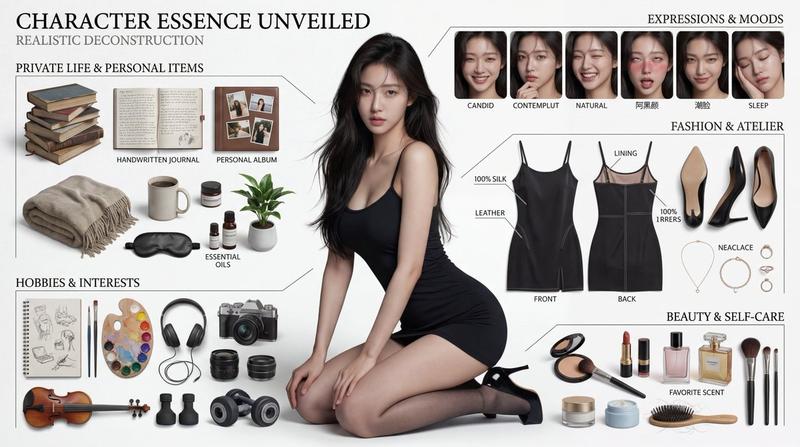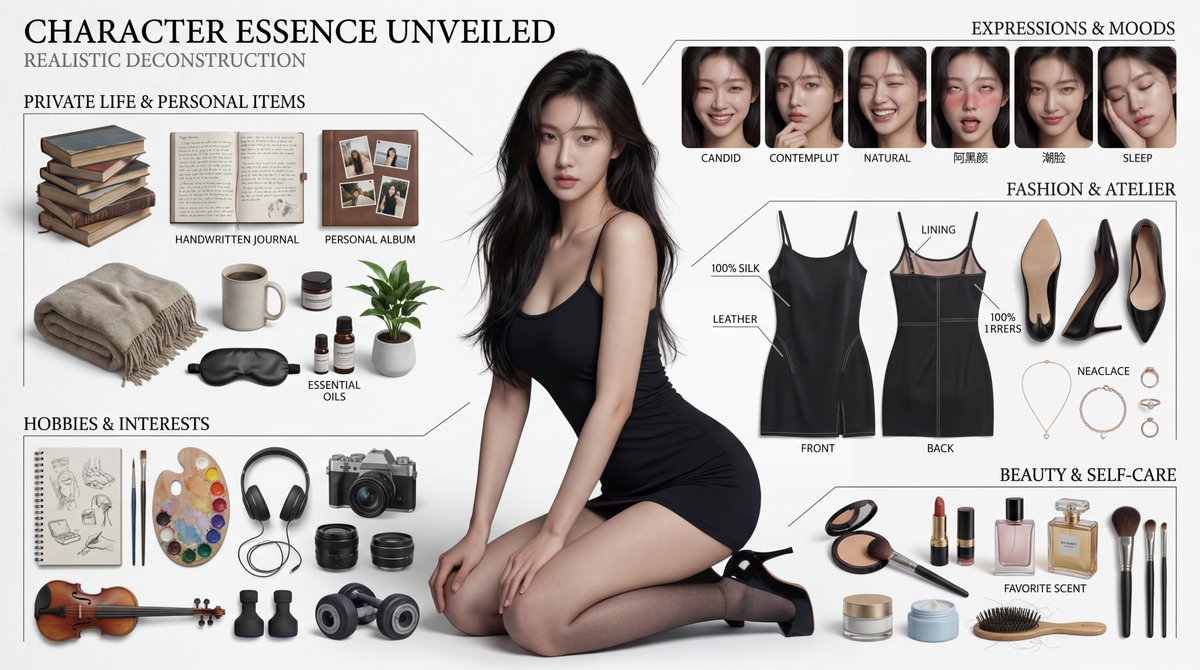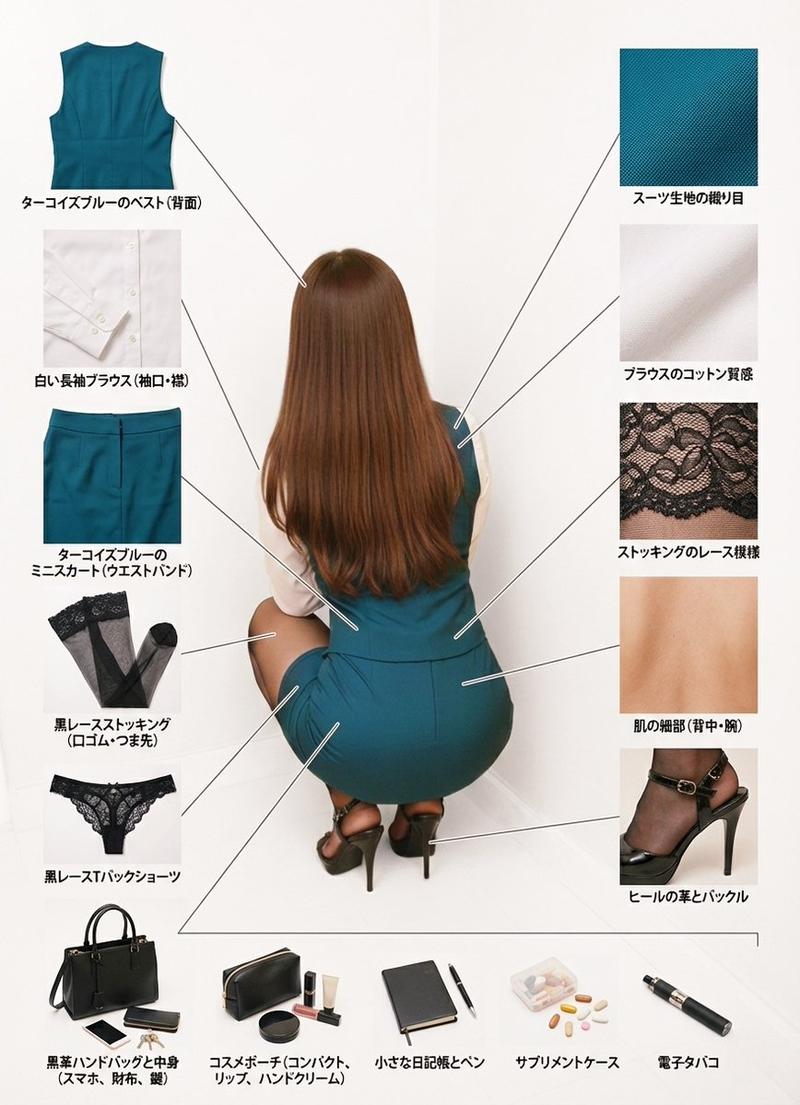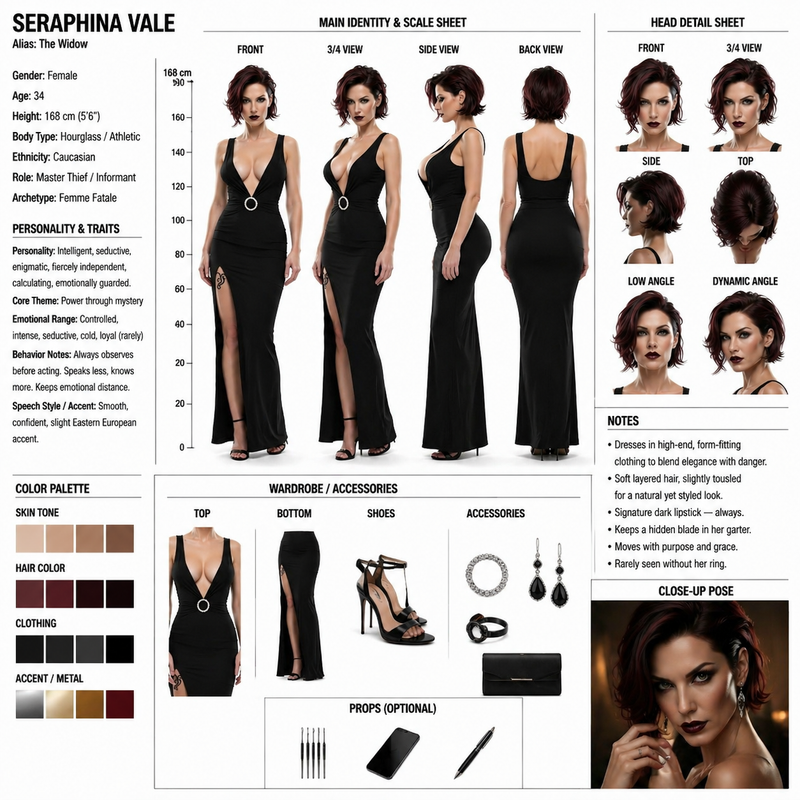
衣橱拆解与风格分析
Prompt
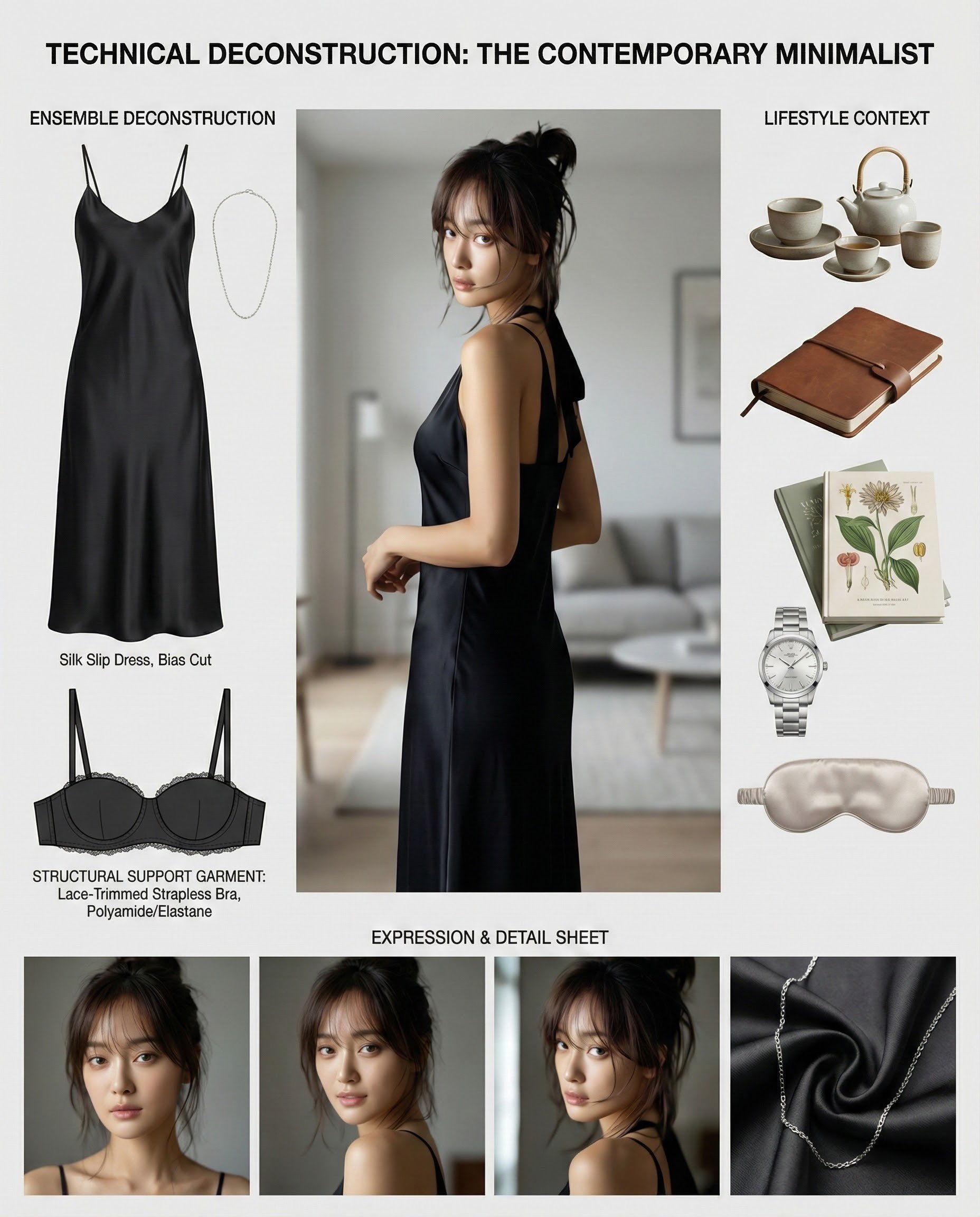
**Task: Create a comprehensive "Wardrobe Deconstruction and Style Profile" collage based on an uploaded image.**

**Objective:**
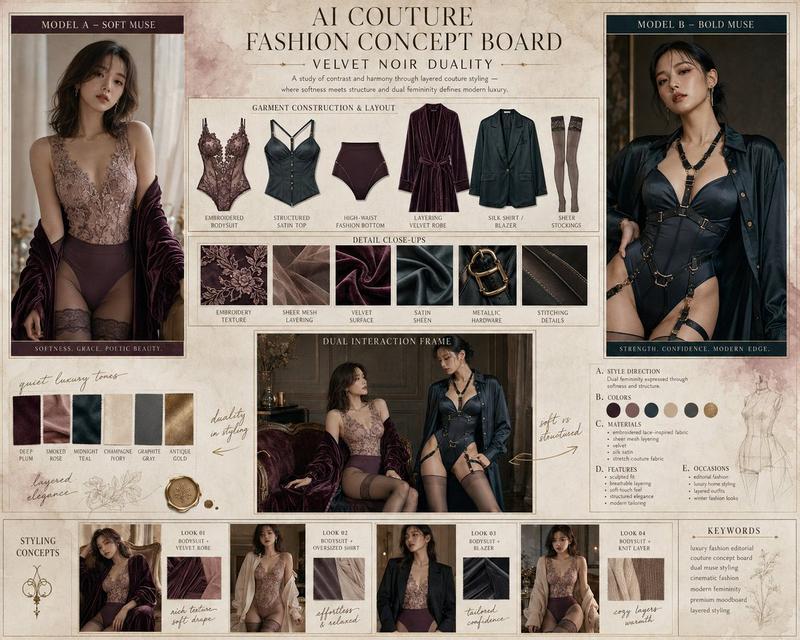
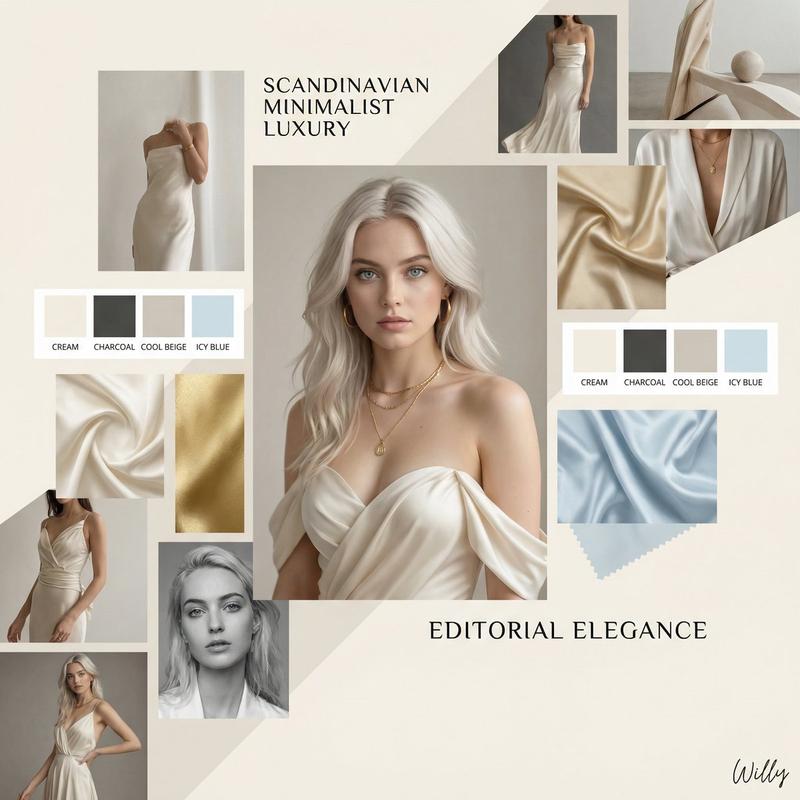
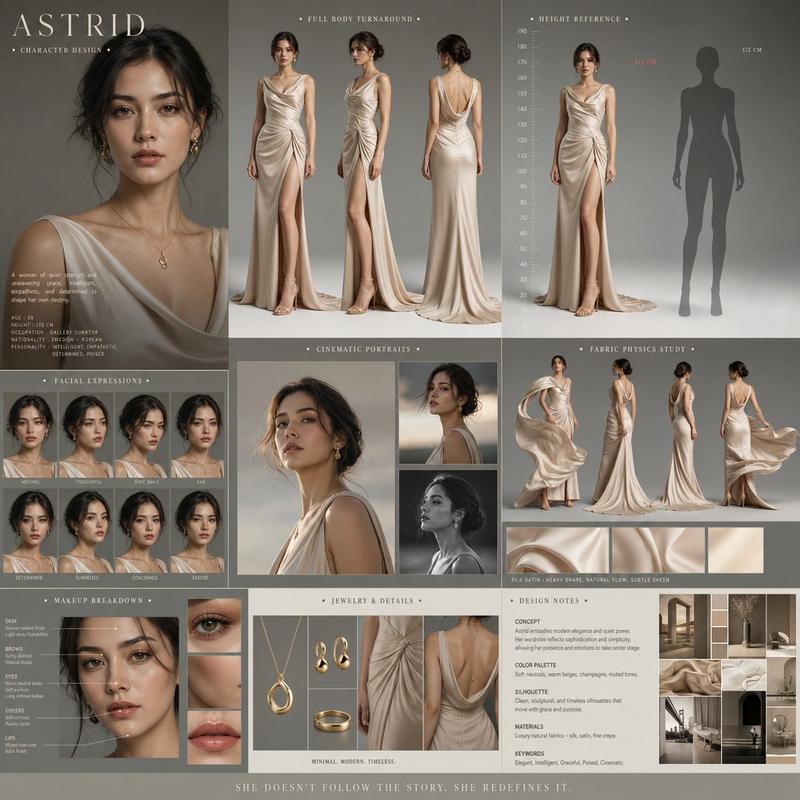
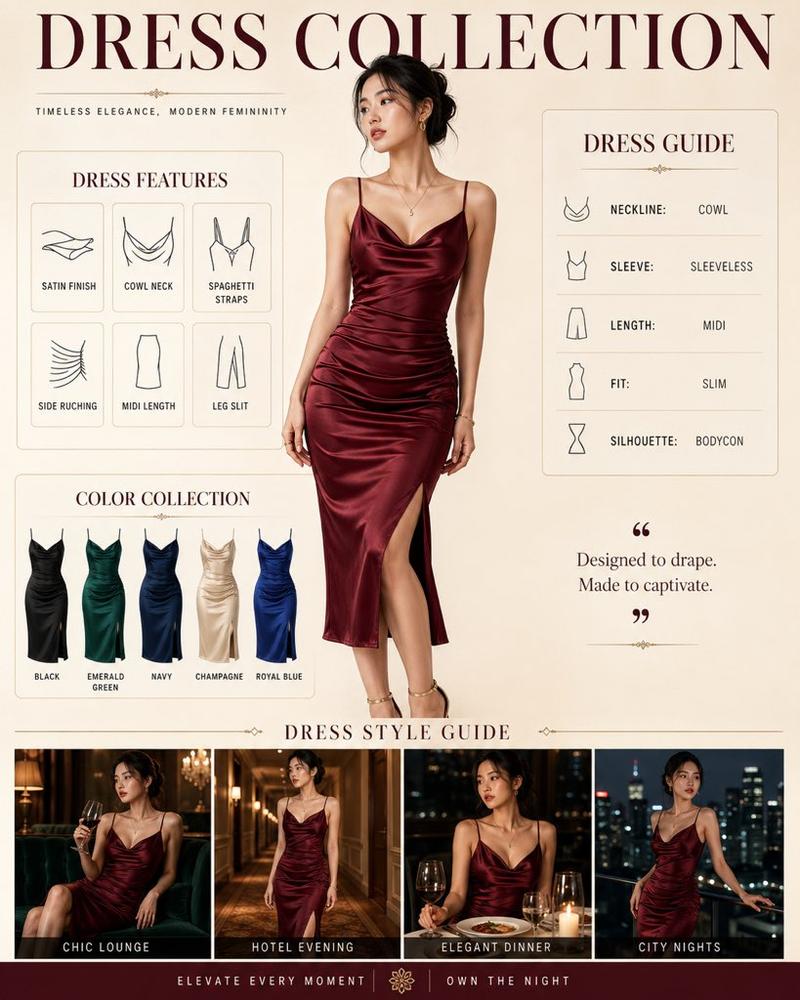
Act as a professional fashion archivist and technical designer. Given an uploaded image of a person, generate a visually compelling, high-resolution "Style Profile" collage that meticulously deconstructs their entire ensemble, from the outermost layer to the foundational structure. The final output must be a single, cohesive, photorealistic image.

**Core Elements:**

1.  **Central Subject Image:**
    *   Place the subject from the uploaded image in a full-body pose as the central focus.
    *   Maintain the subject's likeness (face, hair, clothing) while enhancing the image to a professional, high-fashion photographic standard.

2.  **Complete Ensemble Deconstruction (Photorealistic Product Shots):**
    *   Generate a visual breakdown of the subject's attire, presenting each item as a separate, high-quality product photograph. This breakdown must include:
        *   **Outer and Mid-Layers:** All visible garments and accessories.
        *   **Foundational Elements:** A technical illustration of the essential structural garments that provide shape and support to the silhouette (e.g., a bra, slip, or specific underlayer). These elements must be rendered as **objective, flat-lay design schematics** with a focus on material and construction, not on the human form.
    *   Include detailed close-ups of key materials (e.g., fabric weave, leather texture, metal finish) to emphasize quality and design.

3.  **Lifestyle & Contextual Items:**
    *   Based on the subject's style, infer and generate a collection of 4-6 photorealistic items that suggest their likely environment, interests, or daily routine.

4.  **Expression & Detail Sheet:**
    *   Generate a series of 3-4 close-up portraits showing a range of natural, context-appropriate expressions.

**Aesthetic and Layout Guidelines:**

*   **Overall Style:** Strictly **Hyper-realistic, photographic style**. Absolutely no illustration, anime, or hand-drawn elements.
*   **Layout:** Arrange all elements in a **clean, balanced, and modular collage** on a neutral background (white or light gray). The layout must be visually logical and professional, resembling a high-end fashion technical document.
*   **Annotations:** Use a clean, minimalist font for all text.
    *   **Title:** Generate a professional, gender-neutral title (e.g., "Technical Deconstruction: The Urban Minimalist").
    *   **Labels:** Add brief, descriptive labels for all deconstructed items, including the "Foundational Elements," using technical terms (e.g., "Structural Support Garment," "Base Layer").

**Crucial Instruction:** The rendering of all "Foundational Elements" must be purely technical and objective, presented as a **design schematic or flat-lay product shot** to emphasize construction and material, completely detached from the central subject's body.- Category
- creative_scene
- Model
- Nano Banana Pro
- Creator
- @IamEmily2050
- Source ID
- 34629e07-6ae1-4681-aaff-b5996ac84879
- Published
- Dec 27, 2025
Views11