17

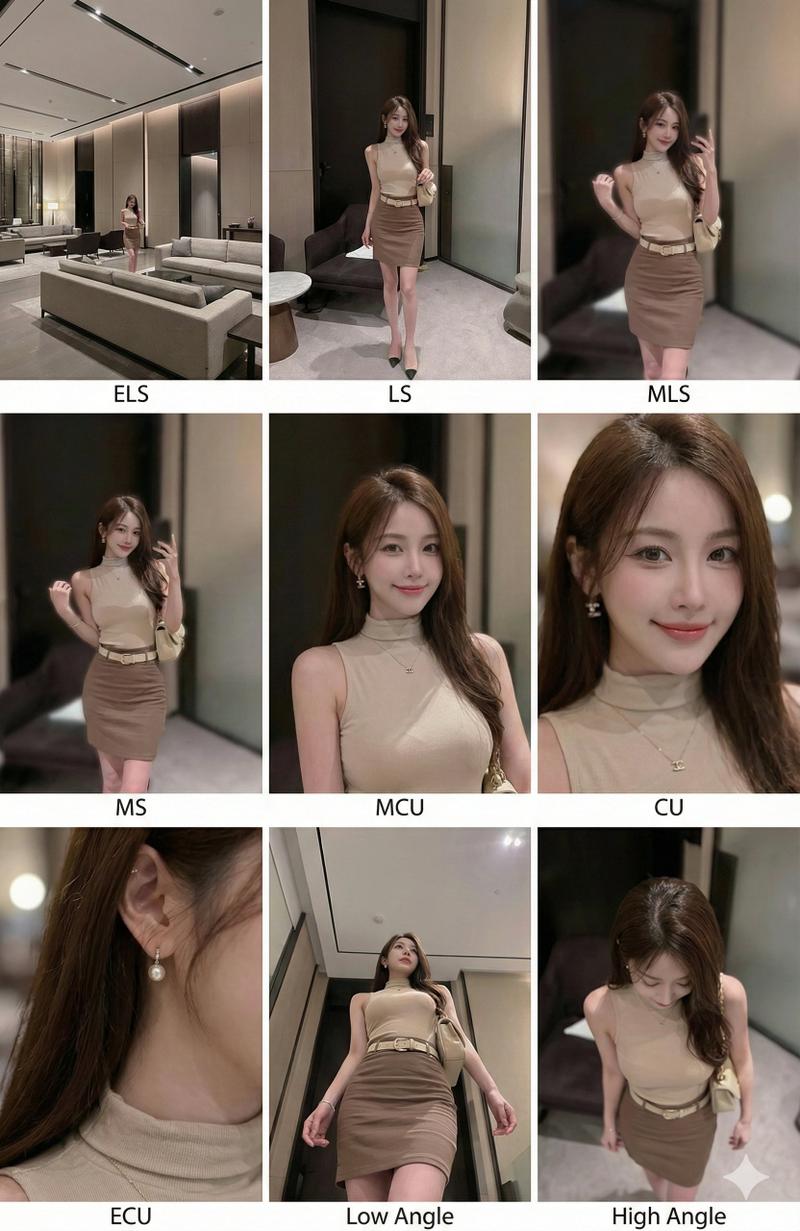
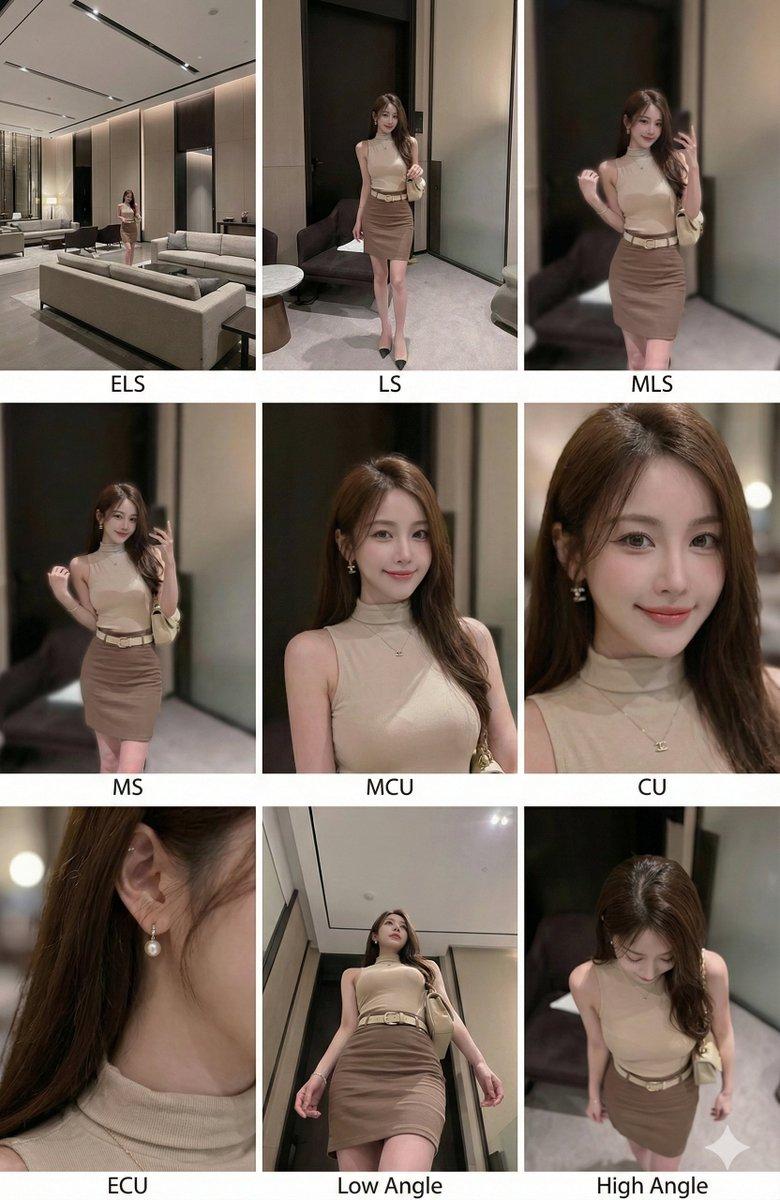
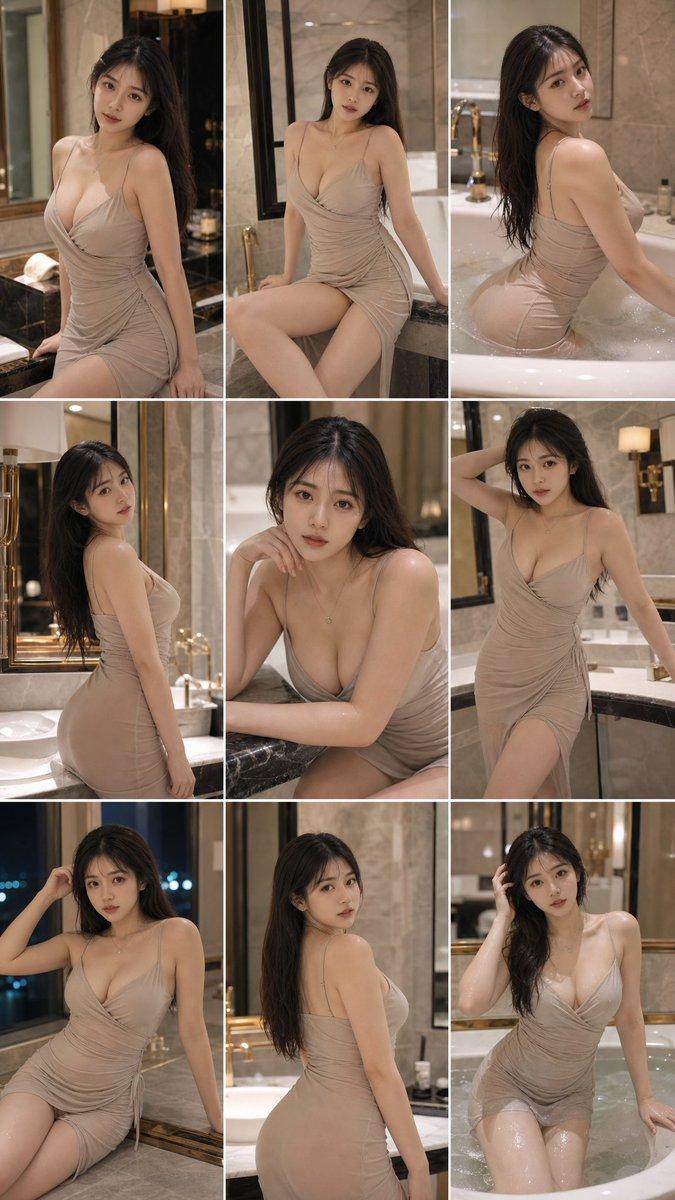
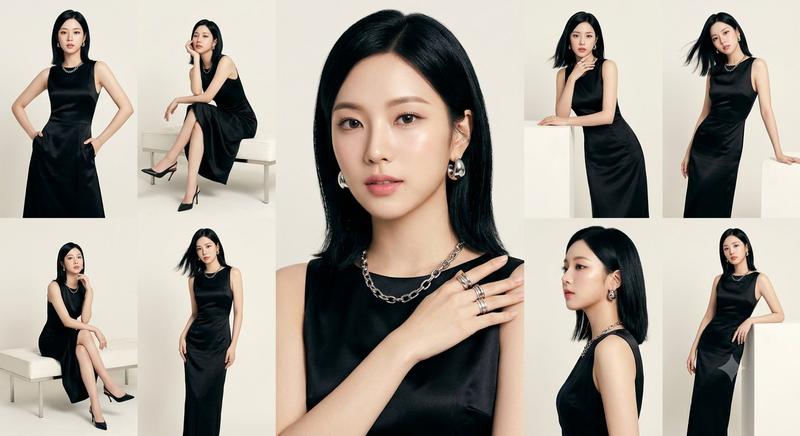
一张图片生成9个不同景别的镜头
Enlarge

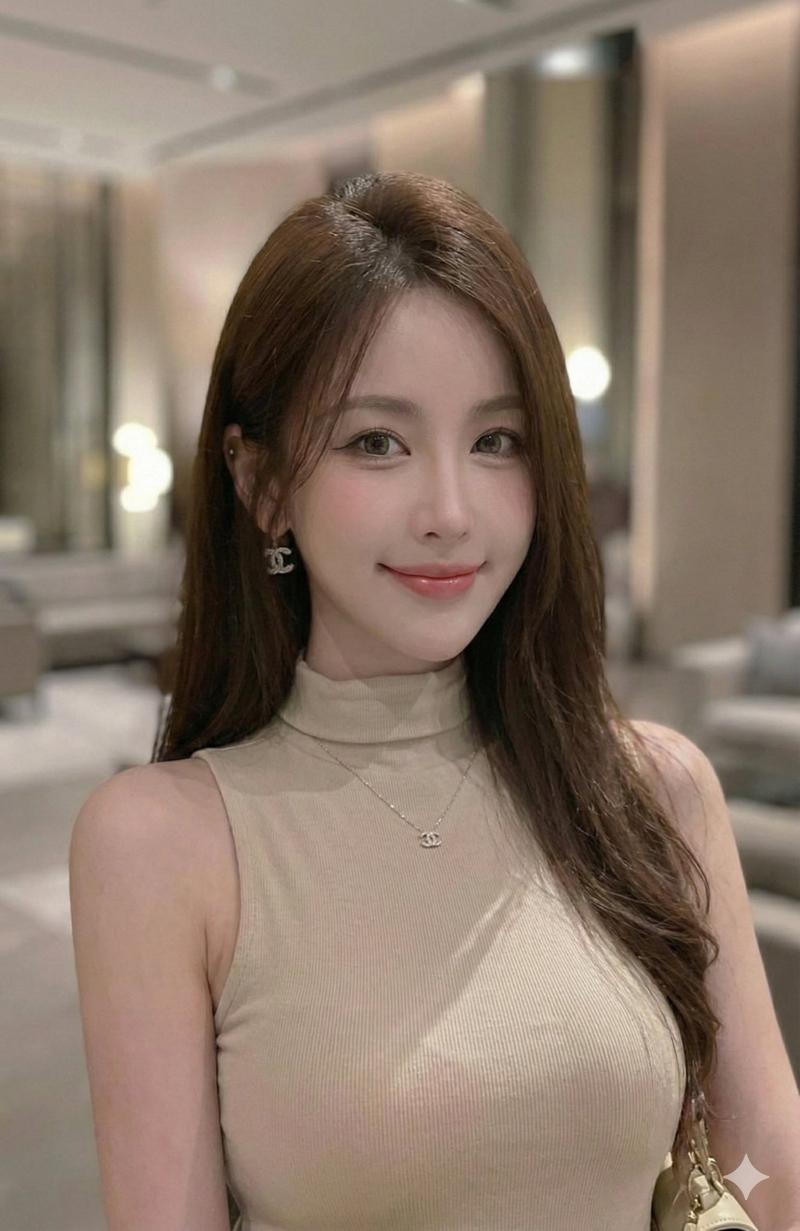
Example images

一张图片生成9个不同景别的镜头

Prompt
<instruction> (指令)
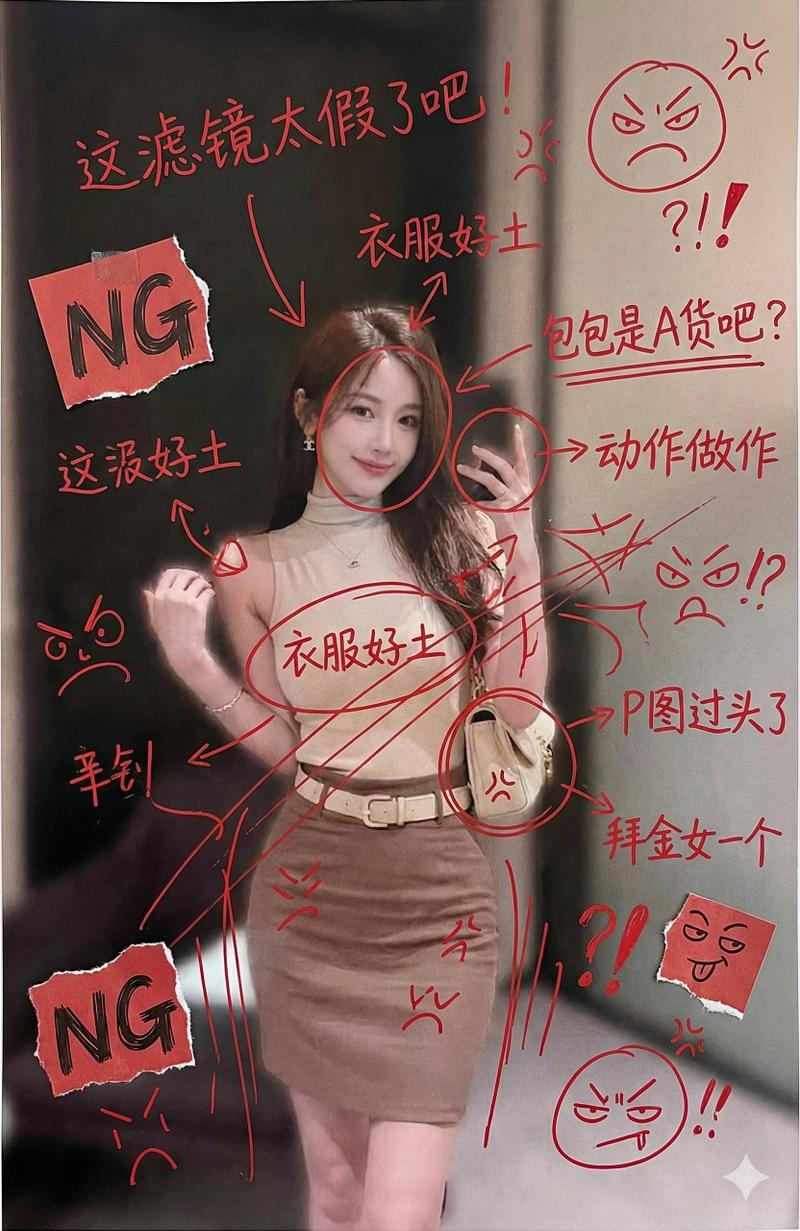
分析输入图像的整个构图。识别所有存在的关键主体(无论是单人、群体/情侣、车辆还是特定物体)及其空间关系/互动。
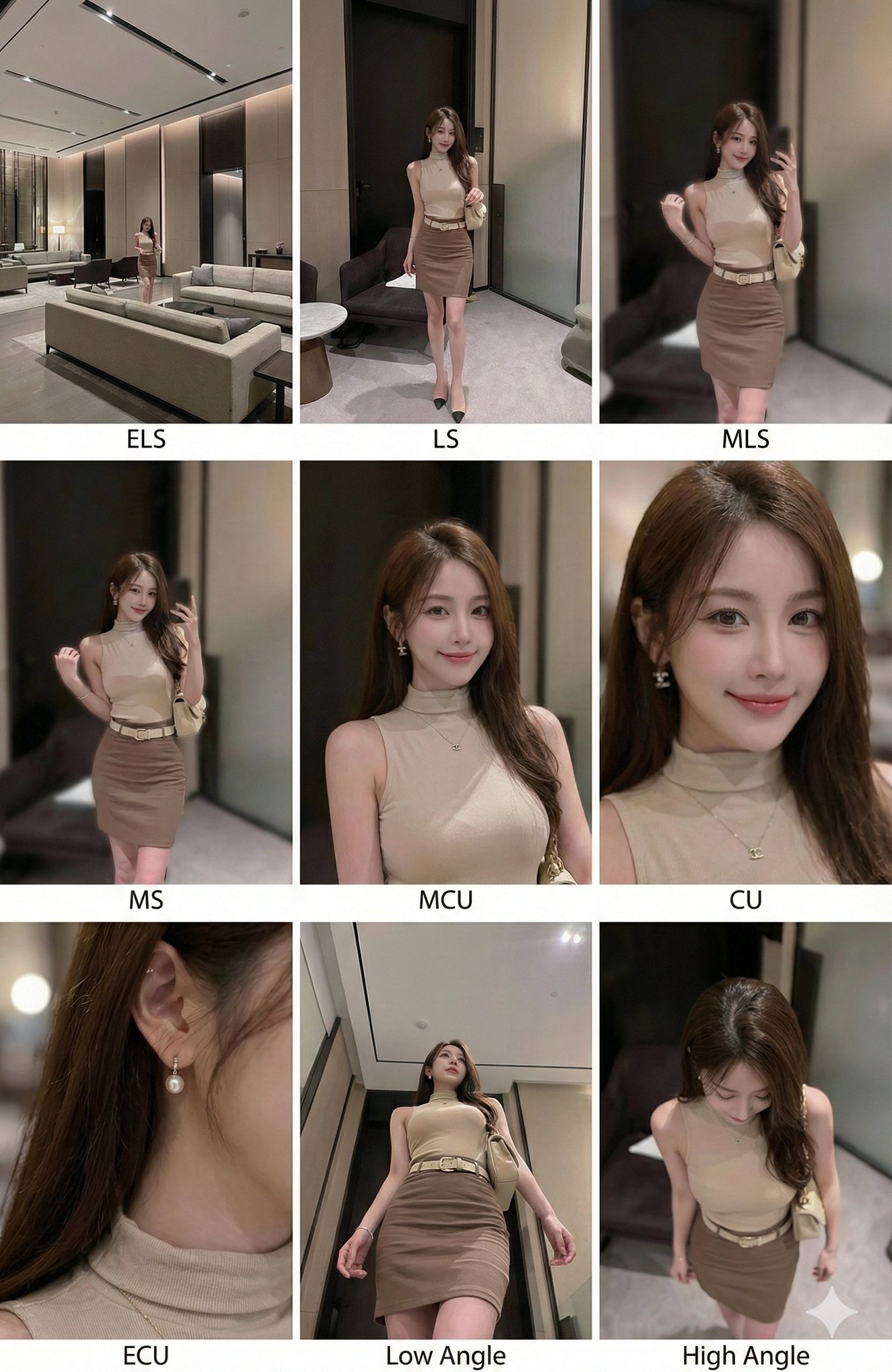
生成一个连贯的 3x3 网格“电影印样(Contact Sheet)”,展示在同一环境中完全是这些主体的 9 个不同镜头。
你必须调整标准的电影镜头类型以适应内容(例如,如果是群体,保持群体在一起;如果是物体,构图包含整个物体):
第 1 行(建立背景):
大远景 (ELS): 主体在广阔的环境中显得很小。
全景 (LS): 完整的主体或群体从上到下可见(从头到脚 / 从车轮到车顶)。
中远景 (美式镜头/四分之三): 构图从膝盖以上(针对人物)或 3/4 视角(针对物体)。
第 2 行(核心覆盖):
4. 中景 (MS): 构图从腰部以上(或物体的中心核心)。聚焦于互动/动作。
5. 中特写 (MCU): 构图从胸部以上。主要主体的亲密构图。
6. 特写 (CU): 紧凑构图于脸部或物体的“正面”。
第 3 行(细节与角度):
7. 大特写 (ECU): 强烈聚焦于关键特征(眼睛、手、标志、纹理)的微距细节。
8. 低角度镜头 (仰视/虫眼): 从地面仰望主体(壮观/英雄感)。
9. 高角度镜头 (俯视/鸟瞰): 从上方俯瞰主体。
确保严格的一致性:所有 9 个面板中是相同的人物/物体、相同的衣服和相同的光照。景深应逼真地变化(特写镜头中的背景虚化)。
</instruction>
一个包含 9 个面板的专业 3x3 电影故事板网格。
该网格以全面的焦距范围展示输入图像中的特定主体/场景。
顶行: 宽广环境镜头,全视图,3/4 剪辑(膝上景)。
中间行: 腰部以上视图,胸部以上视图,脸部/正面特写。
底行: 微距细节,低角度,高角度。
所有帧均具有照片般逼真的纹理,一致的电影级调色,以及针对所分析的主体或物体特定数量的正确构图。
Category
创意图片
Model
Nano Banana Pro
Views13
Source ID
4d9d68ba-c9f6-4ec0-a5c3-66e3a35c0975
Published
Dec 27, 2025

Guide

About "一张图片生成9个不同景别的镜头"

What is this prompt for?

"一张图片生成9个不同景别的镜头" AI image prompt for Nano Banana Pro (创意图片). 创意图片 Copy it on Picva and recreate the look in one click.

The full copyable prompt and example visuals above are ready for AI image generation or one-click recreate in Picva.

How to use this prompt

  1. Step 1

    Open the prompt detail

    Review the example visuals, category, and full prompt text for "一张图片生成9个不同景别的镜头".

  2. Step 2

    Copy the prompt

    Copy the prompt body from this page, or load it directly in Studio.

  3. Step 3

    Pick a model (Nano Banana Pro)

    Prefer Nano Banana Pro. If you switch models, keep subject and composition and tweak style terms.

  4. Step 4

    Generate and export

    Recreate the look in Picva, or export into your workflow for editing and publishing.

FAQ

What is the "一张图片生成9个不同景别的镜头" prompt?
It is an AI image-generation prompt for Nano Banana Pro in the 创意图片 category. This page includes the full prompt text, example visuals, and a one-click recreate path in Picva.
How do I use this prompt to generate an image?
Copy the prompt from this page, or use Generate / Studio. Paste it into a compatible image model, or recreate the look in Picva with optional reference images.
Which model is this prompt for?
This page lists Nano Banana Pro. Most descriptive prompts also transfer to nearby image models such as GPT Image, Flux, or Midjourney with light style tweaks.
Can I use the result commercially?
You can usually copy the prompt for creation, but commercial use of the final image depends on the model terms, reference-image rights, and the generated content. Follow the source author and platform rules.