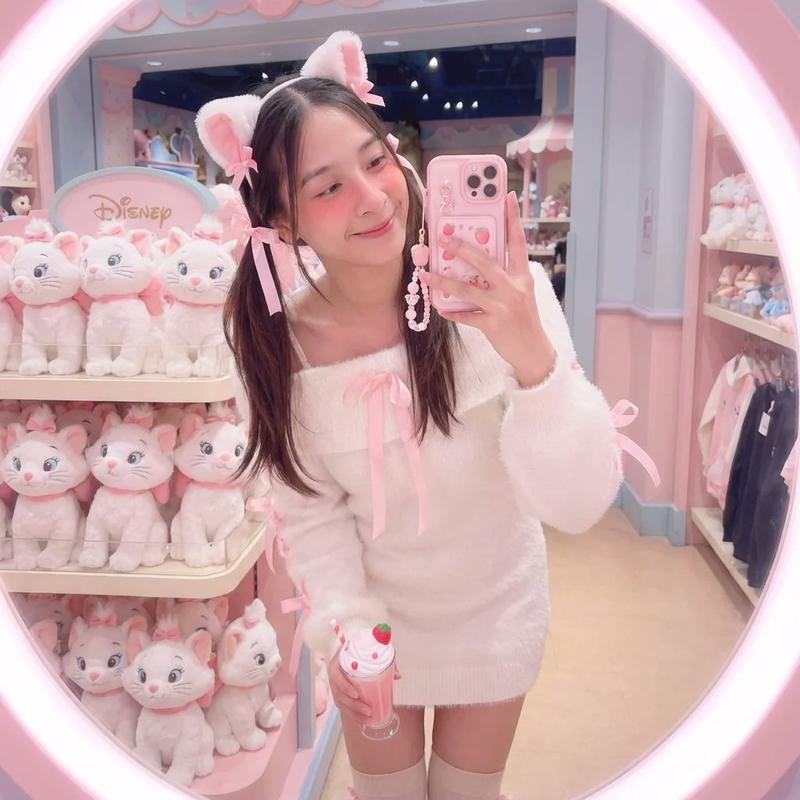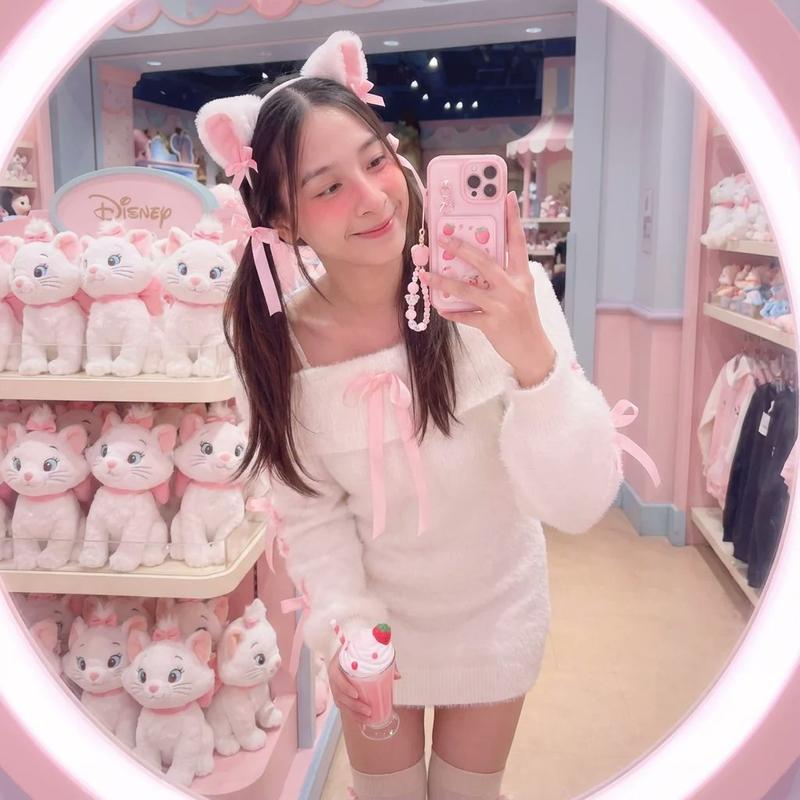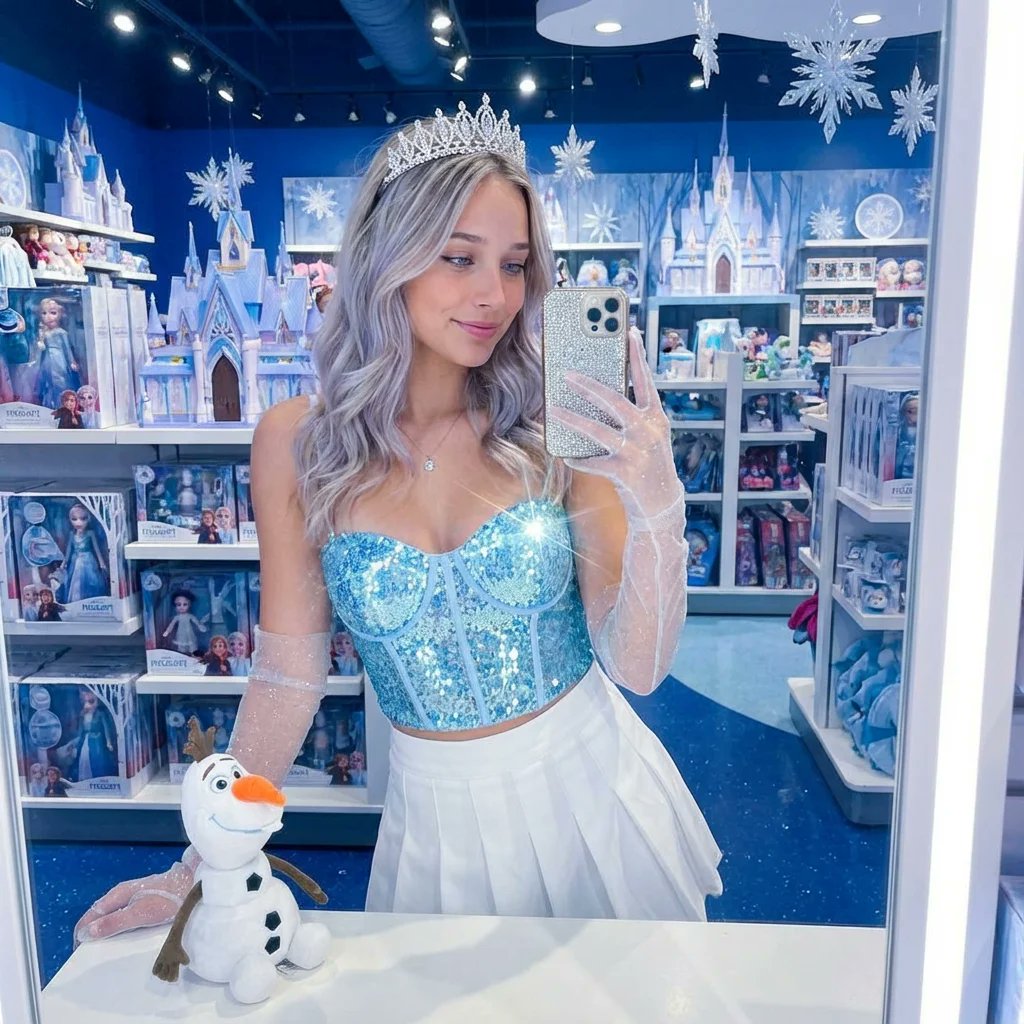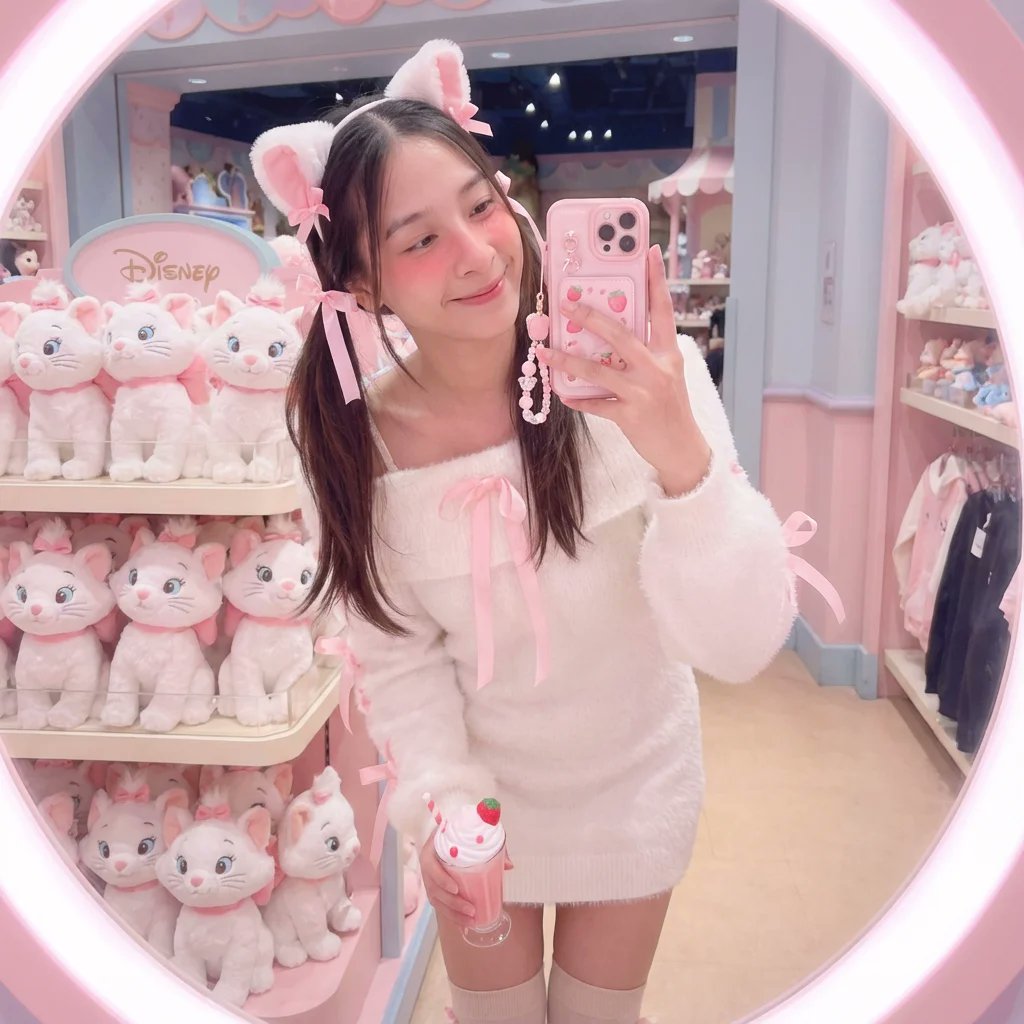
女子在迪士尼商店里对着镜子自拍
Prompt
{
  "scene_description": "A soft, kawaii aesthetic mirror selfie of a cute young woman in a Disney store, embracing a fluffy pink Aristocats theme.",
  "image_reference": {
    "path": "[UPLOADED_IMAGE]",
    "weight": "high",
    "influence": "face_and_body_structure"
  },
  "subject": {
    "type": "The woman from the uploaded image",
    "age": "match input image",
    "features": {
      "hair": "soft curls or twin tails with ribbons",
      "expression": "sweet smile, head tilted, eyes wide and innocent",
      "makeup": "heavy blush (igari style), pink glossy lips, soft lashes"
    },
    "attire": "a fluffy white off-shoulder sweater dress (angora texture) with pink satin ribbons tied on the sleeves, white knee-high knitted socks",
    "accessories": "white cat ears headband with pink bows (Marie style), holding a pink strawberry milkshake prop, pearl bracelet",
    "position": "standing with knees slightly bent together (cute pose), holding phone with both hands."
  },
  "action": {
    "primary": "taking a cute selfie",
    "secondary": "holding a drink",
    "effect": "radiating softness and charm"
  },
  "environment": {
    "setting": "Pastel plushie section of Disney store",
    "foreground_elements": [
      "pink phone case with charms",
      "fluffy texture of dress close to lens"
    ],
    "background_elements": [
      "stacks of pink and white plushies",
      "pastel floral decor",
      "soft retail lighting"
    ]
  },
  "lighting": {
    "style": "Soft diffused beauty light",
    "key_light": {
      "type": "Ring light effect",
      "color": "Soft pink/peach undertone",
      "illuminates": "rosy cheeks and fluffy textures."
    },
    "background_light": {
      "color": "Pastel pink glow"
    },
    "shadows": "very soft, almost non-existent shadows"
  },
  "style": {
    "medium": "Smartphone photography",
    "aesthetic": "Coquette, Kawaii, Soft Girl, Pastel Goth light",
    "quality": "Dreamy, soft focus edges",
    "details": "visible fluff on sweater"
  },
  "visual_description": {
    "core_subject": "An embodiment of cuteness and comfort.",
    "attire_physics": "The sweater looks incredibly soft and touchable; ribbons drape naturally.",
    "skin_rendering": "Soft-focus, airbrushed look (beauty filter simulation)."
  },
  "lighting_and_atmosphere": {
    "type": "Dreamy Interior",
    "specifics": "Bloom effect on highlights.",
    "color_grade": "Pastel palette, low contrast, rosy tint"
  },
  "attire_customization": {
    "current_clothing": "Fluffy white sweater dress, pink ribbons, knee socks",
    "customizable_clothing": "Can swap for a pink gingham sundress."
  },
  "camera_and_lens": {
    "focal_length_feel": "35mm",
    "aperture_effect": "f/2.0",
    "camera_angle": "Slightly high angle (selfie standard)",
    "lens_type": "Smartphone front camera simulation",
    "bokeh_style": "Creamy pastel bokeh"
  }
}- Category
- group_interaction
- Model
- Nano Banana Pro
- Creator
- @_MehdiSharifi_
- Source ID
- c945d09d-35ec-4f0f-a086-9fcbc34a8640
- Published
- Dec 27, 2025
Views4