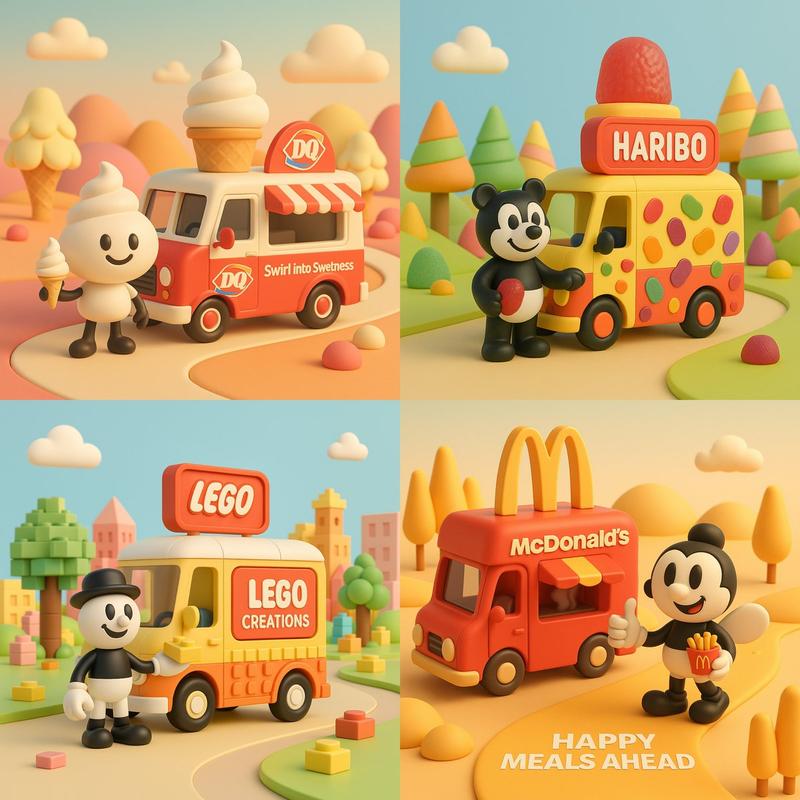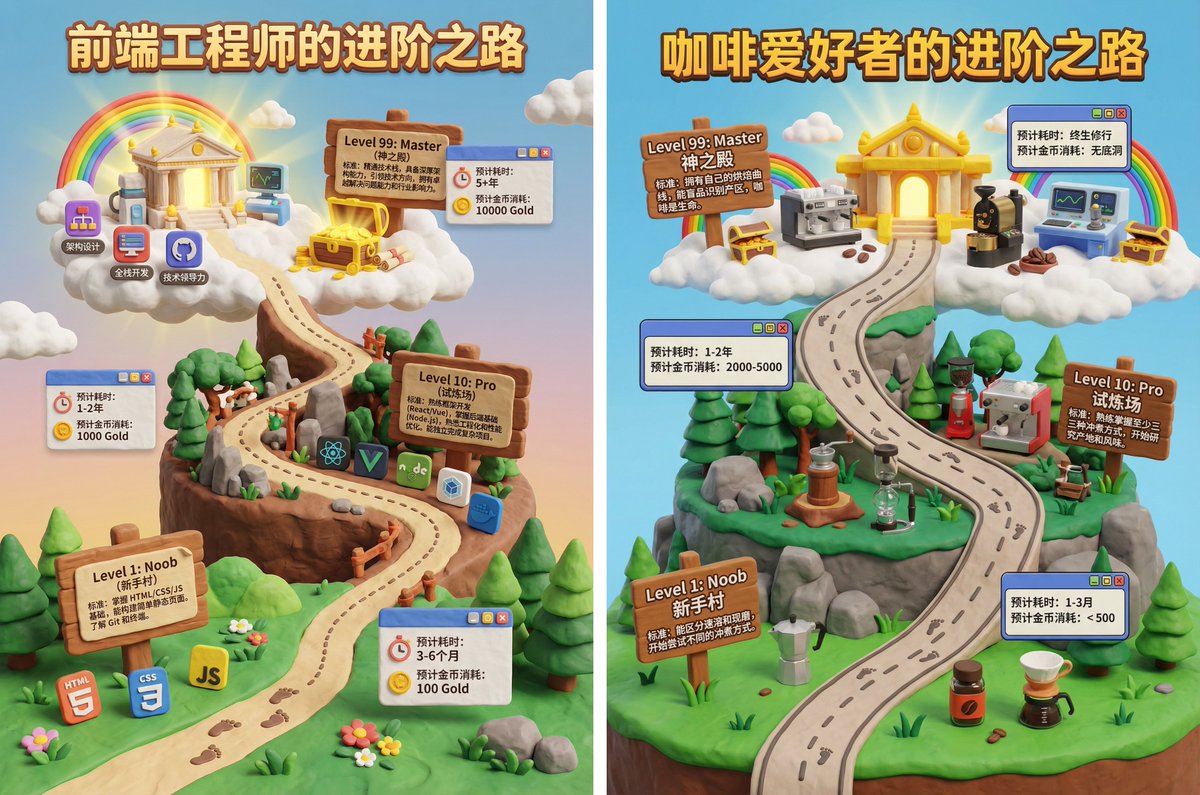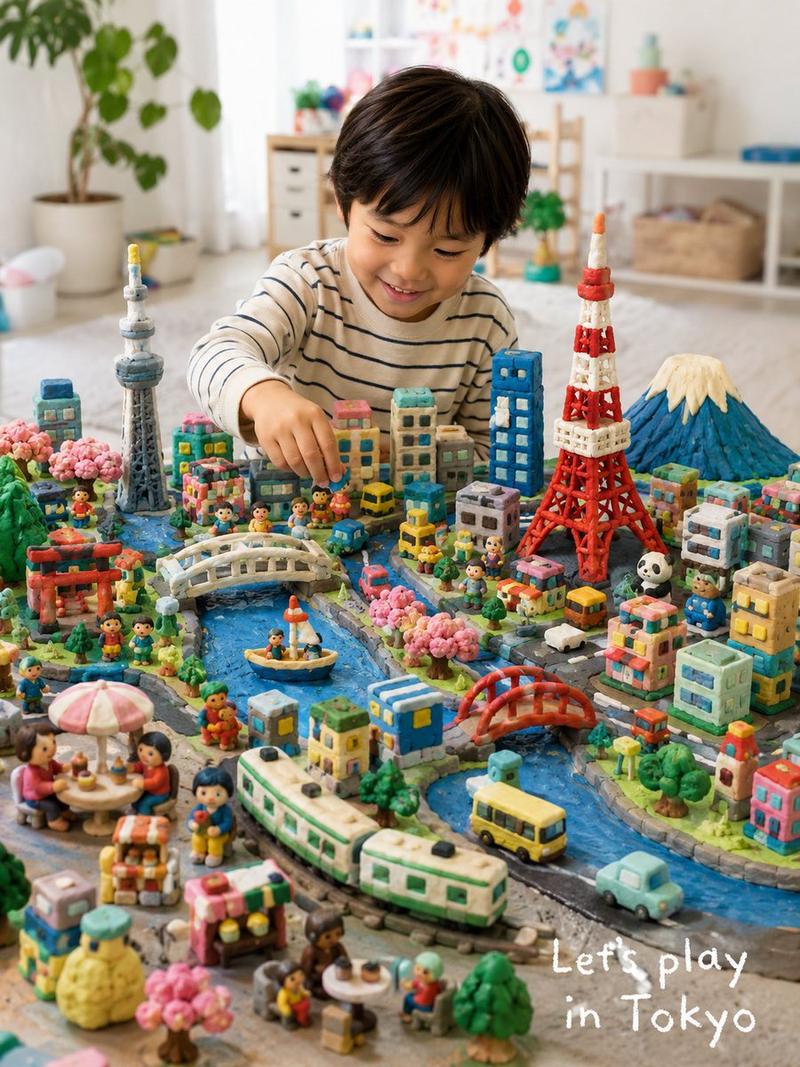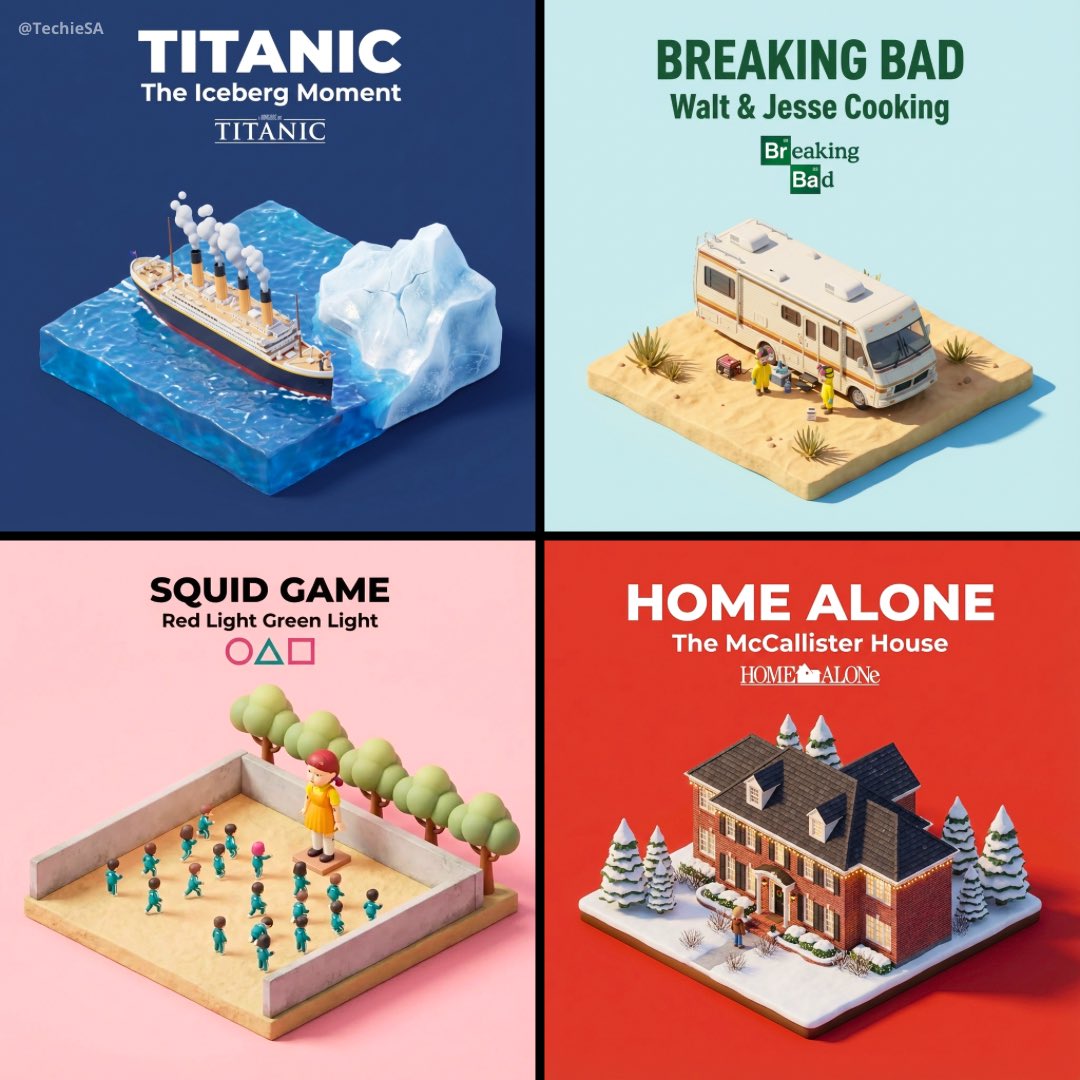
14

双语认知大发现-交通工具
Enlarge

Example images

双语认知大发现-交通工具

Prompt
[SCENE_THEME] = 交通工具
[TARGET_AGE] = 2–5 岁

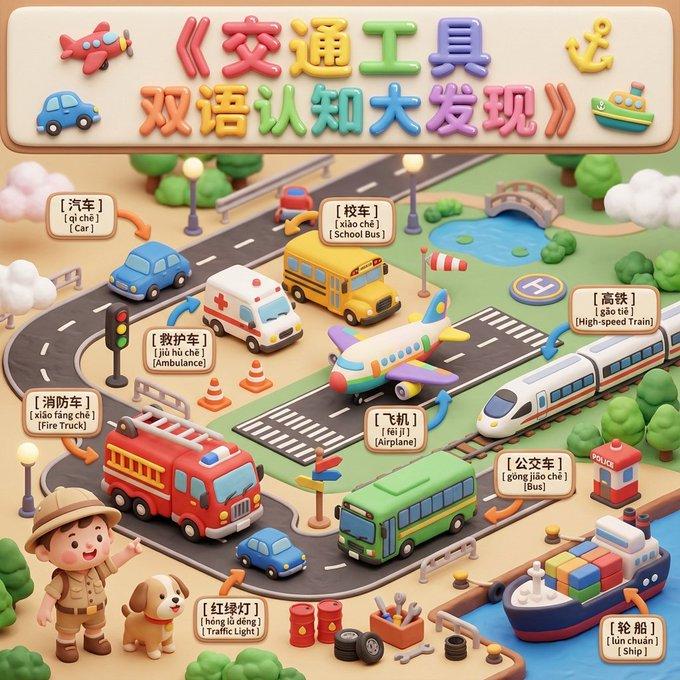
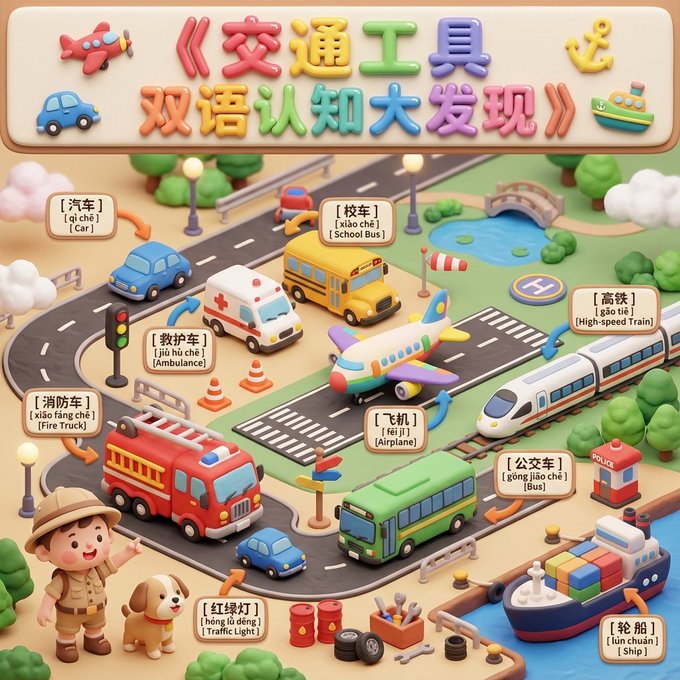
生成一张可出版级的儿童认知「黏土沙盘全景长图」(Vertical A4 Panoramic Claymation Diorama)。画面风格:软萌黏土 3D、圆润、安全、马卡龙+莫兰迪色、大量柔光与体积光、统一材质、8K Ultra HD、Cinema 4D 可爱渲染。

# 一、标题区(Top Banner)
在最顶部加入大标题:《交通工具 双语认知大发现》。
使用超大号圆滚滚黏土气球字(彩色+高光)。两侧放置可爱的小型交通工具黏土浮雕(迷你飞机、迷你汽车、迷你船锚等)。

# 二、主体场景(Main Diorama)
构图:Wide-angle 微缩沙盘视角。前景与中景保持全焦清晰;背景轻度虚化;按“分组布局 + 留白呼吸感”摆放。

场景风格:像一个大型“交通工具乐园玩具沙盘”,地面有道路、滑轨、机场跑道、小型港口等。

加入 1–2 位引导角色(探险宝宝 / 黏土小狗 / 迷你机器人),做出指路和兴奋的动作,引导孩子探索车辆。

# 三、认知物体清单(Core Objects)
所有物体必须圆润、无尖角、黏土质感。

【核心大件(5–8 个)】
请放在主要区域:
小汽车
救护车
校车
消防车
飞机
高铁
公交车
轮船

【中小件物体(8–12 个)】
散点式围绕大件摆放:
红绿灯
交通锥
方向牌
道路栏杆
油桶
小轮胎
小螺丝工具
交通岗亭
风向标
小停机坪标志

【环境元素(不限量)】
柔软黏土道路
圆滚滚路灯柱
棉花糖云朵
黏土树丛
小湖泊
小桥
迷你机场跑道条纹

# 四、双语标签系统(Bilingual Labeling System)
为所有需要认知的交通工具加入三行软胶标签牌(圆角、厚边、轻浮雕),背景奶白或浅黄。

格式固定:
第一行:中文(超粗圆体)
第二行:带声调拼音
第三行:英文(圆润无衬线)

示例:
[ 汽 车 ]
[ qì chē ]
[ Car ]

# 五、精准箭头(3D Clay Arrow)
使用粗壮圆润的 3D 黏土箭头(橙黄或粉蓝)。一端贴标签牌,一端精准指向对应车辆。禁止箭头交叉。标签牌放在物体最近的空白区,确保画面清晰有序。

# 六、风格收束(统一模型输出)
Wide Panoramic Claymation Diorama;
Soft Pastel Colors;
Round & Child-safe Edges;
Rich but Organized Composition;
Precise Clay Arrows + Bilingual Labels;
8K Ultra HD;
Soft Volumetric Lighting;
Cinema 4D cute render style
Category
创意图片
Model
Nano Banana Pro
Views6
Source ID
f6c18e8d-82e8-4dc9-88ed-9c2775c6adce
Published
Dec 27, 2025

Guide

About "双语认知大发现-交通工具"

What is this prompt for?

"双语认知大发现-交通工具" AI image prompt for Nano Banana Pro (创意图片). 创意图片 Copy it on Picva and recreate the look in one click.

The full copyable prompt and example visuals above are ready for AI image generation or one-click recreate in Picva.

How to use this prompt

  1. Step 1

    Open the prompt detail

    Review the example visuals, category, and full prompt text for "双语认知大发现-交通工具".

  2. Step 2

    Copy the prompt

    Copy the prompt body from this page, or load it directly in Studio.

  3. Step 3

    Pick a model (Nano Banana Pro)

    Prefer Nano Banana Pro. If you switch models, keep subject and composition and tweak style terms.

  4. Step 4

    Generate and export

    Recreate the look in Picva, or export into your workflow for editing and publishing.

FAQ

What is the "双语认知大发现-交通工具" prompt?
It is an AI image-generation prompt for Nano Banana Pro in the 创意图片 category. This page includes the full prompt text, example visuals, and a one-click recreate path in Picva.
How do I use this prompt to generate an image?
Copy the prompt from this page, or use Generate / Studio. Paste it into a compatible image model, or recreate the look in Picva with optional reference images.
Which model is this prompt for?
This page lists Nano Banana Pro. Most descriptive prompts also transfer to nearby image models such as GPT Image, Flux, or Midjourney with light style tweaks.
Can I use the result commercially?
You can usually copy the prompt for creation, but commercial use of the final image depends on the model terms, reference-image rights, and the generated content. Follow the source author and platform rules.