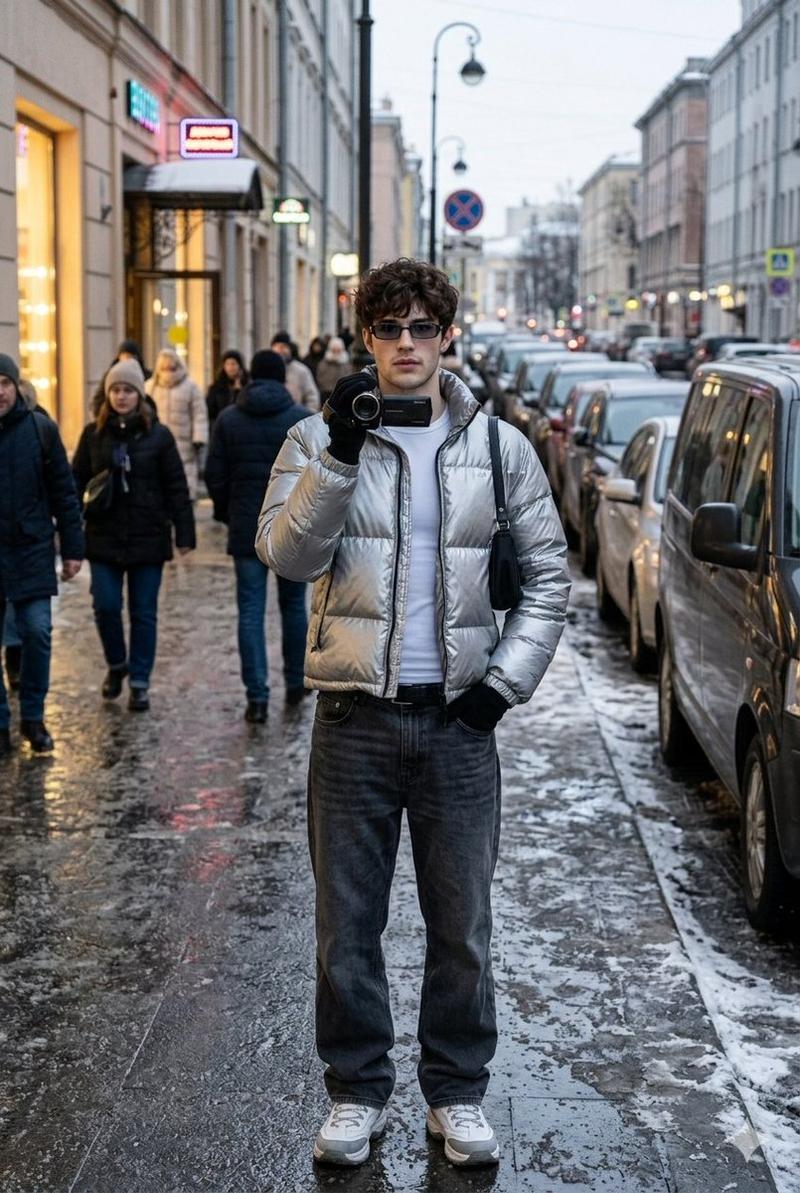
3x3网格皮克斯风格故事板 (变体 2)
Prompt
{
"project_name": "Auto_Creative_Music_Video_Storyboard_Generator",
“版本”:“4.0(视频剪辑焦点 - 多输入)”
“ai_role”: “您是一位富有远见的创意总监兼摄影师,负责一部高端音乐视频的拍摄。您的目标是根据提供的视觉参考资料,创作一个连贯且视觉效果惊艳的9个场景的故事板。”
"input_configuration": {
"source_material": "多张上传的图片。人工智能必须综合所有提供的图片,以确定最终的主题、调色板、光照方案和整体美感。"
"video_clip_style_selector": {
“描述”:“选择音乐视频片段行为的总体类型/氛围。”
“选项”:[“创意”、“超现实”、“荒诞”、“梦幻”、“高级时装”、“赛博朋克”、“哥特”、“抽象”]
"selected_style": "皮克斯")
}
},
"processing_rules": {
“一致性至关重要”:在所有9个场景中严格保持输入图像所建立的视觉识别。主体特征、特定光照氛围(例如,霓虹条纹、虹彩)和环境风格绝不能偏离。
“apply_selected_style”:将“selected_style”的情绪和行为注入到场景的动作、构图和事件中。(例如,如果是“超现实”,重力可能会表现得很奇怪;如果是“荒诞”,动作可能会不合逻辑。)”
"imply_motion": "这些不是静态照片。每个画面都必须看起来像是从动态视频片段中截取的静帧,暗示着动作、镜头运动或氛围变化。"
"no_text_overlays": true,
"output_aspect_ratio": "所有面板均为 16:9。"
},
"scene_progression_structure": {
“备注”:“设计9个不同的视觉节拍,以展现音乐视频的流程。”
"row_1_introduction": {
“panel_1”: “开场场景:营造氛围和环境。巧妙地引入主题。”
“panel_2”:“聚焦细节:特写镜头,强调素材中的关键纹理元素(例如,妆容、服装材质、光线反射)。”
“panel_3”:“营造氛围:主体以所选风格定义的方式与环境互动。”
},
"row_2_escalation": {
“panel_4”:“动态动作:能量增强。动作更剧烈或光照强度发生变化。”
"panel_5": "超现实转折:突出所选视频风格的瞬间(例如,不可能的角度、抽象背景的变换、不寻常的姿势)。"
“panel_6”:“强烈的情感:一张充满力量、饱含情感的镜头,聚焦于人物与(隐含的)歌曲之间的联系。”
},
"row_3_climax_and_resolution": {
“panel_7”:“视觉高潮:视觉效果最震撼、最复杂的镜头。视频能量的巅峰。”
“panel_8”:“拉远镜头:展现高潮过后或状态转变的更广阔视角。”
“panel_9”: “结尾场景:一个结束视觉旅程的镜头,逐渐淡出或结束,留下深刻的印象。”
}
},
"final_prompt_instruction": "将所有上传的输入图像合成为一个统一的视觉形象。作为创意总监,生成一个由9张高质量视频静帧组成的3x3网格故事板。您必须严格按照“scene_progression_structure”中定义的叙事流程应用指定的“selected_style”。确保每个分镜都像同一部高预算音乐视频中的一帧,并在主题和光线上保持完全一致。请勿在最终图像上添加任何文字叠加层。"
}- Category
- creative_scene
- Model
- Nano Banana Pro
- Creator
- @firatbilal
- Source ID
- a278d538-8442-49fc-93ab-b9fd013c4036
- Published
- Dec 27, 2025
Views3